How to Create AI Versions of Famous Styles in Minutes
From Rembrandt's dramatic shadows to Monet's sun-drenched gardens, this article shows you exactly how to create AI versions of famous art styles. You'll see which AI models deliver the most convincing results, how to write precise prompts that capture lighting, color, and atmosphere, and how to iterate efficiently until every detail is right.
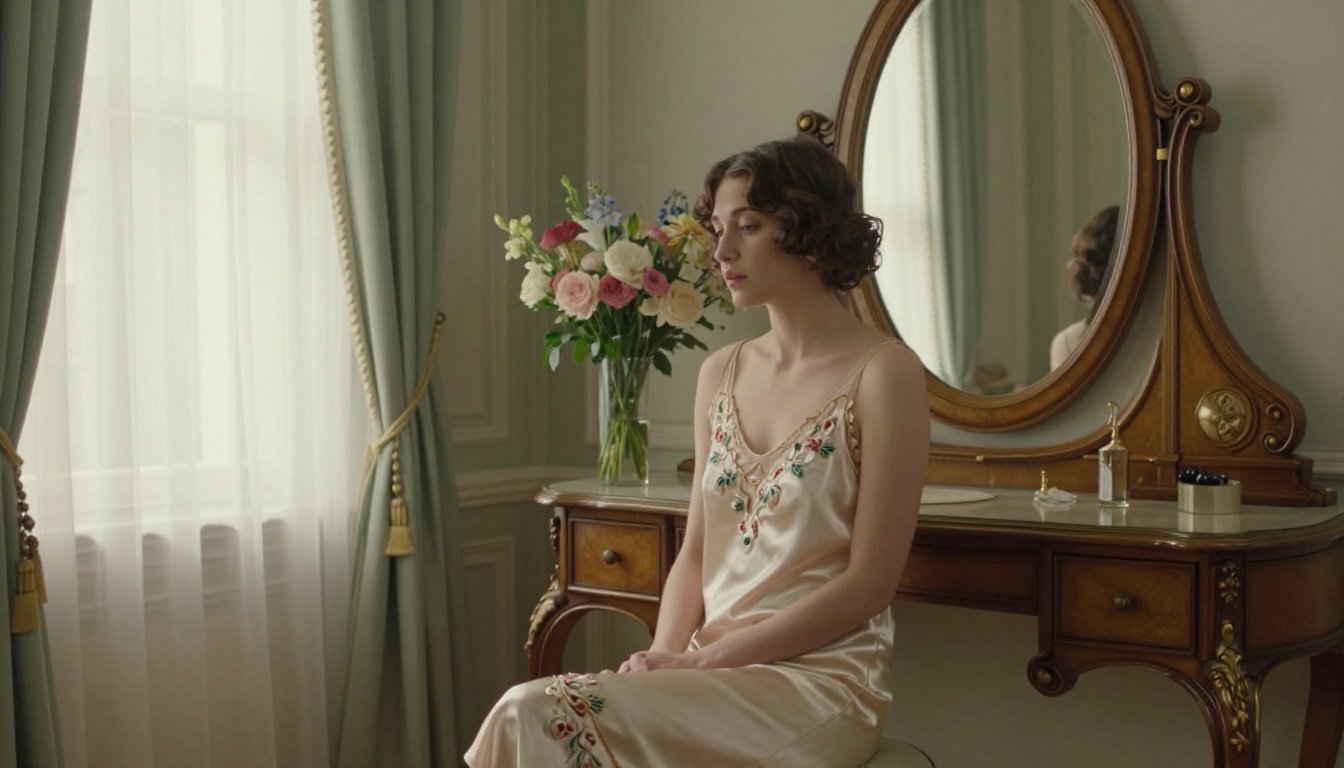
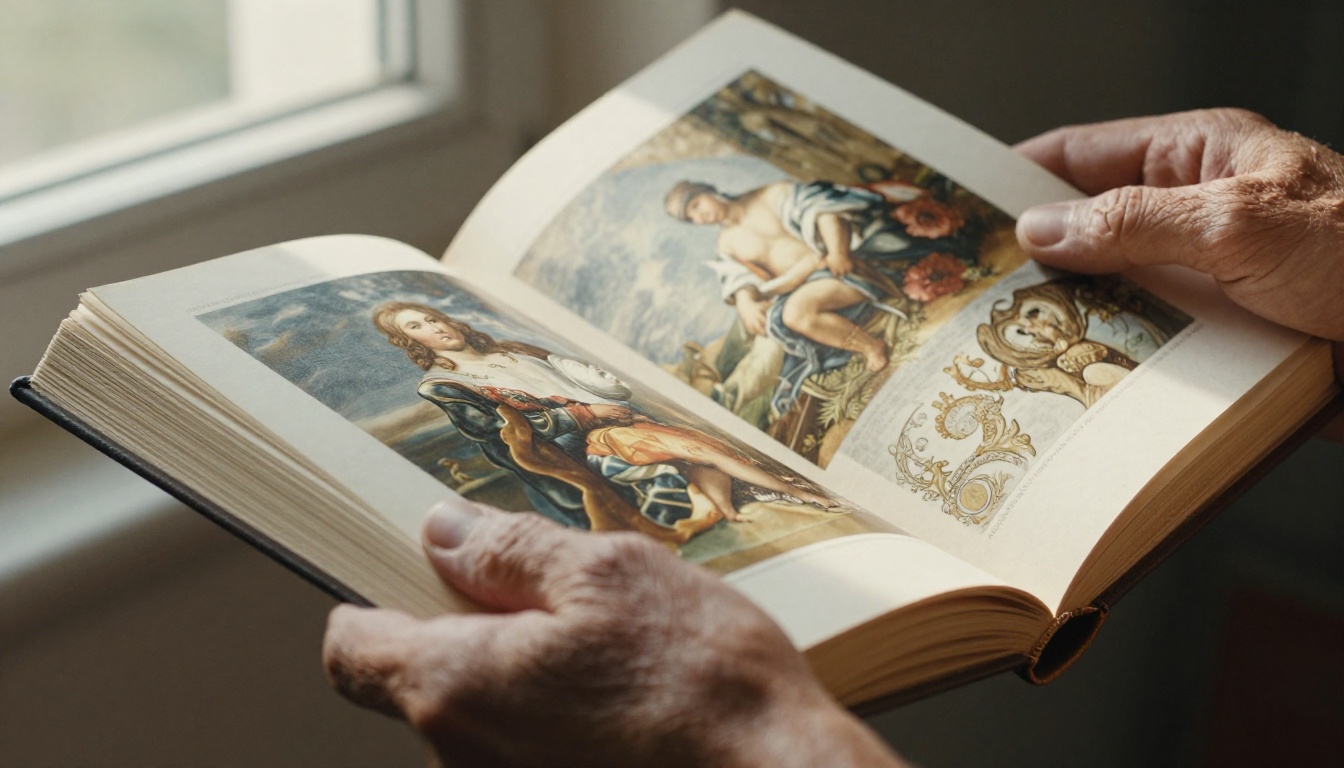
Art history took centuries to produce the visual languages of Rembrandt, Monet, Vermeer, and Caravaggio. With AI image generation, you can recreate those exact visual signatures in seconds, not by copying artworks, but by prompting for the elements that define them: lighting direction, color temperature, brushstroke quality, and atmospheric mood.
This isn't about generating fake paintings. It's about using a structured approach to extract what makes each style visually distinctive, then translating that into prompt language that any modern AI model understands.
What "Famous Style" Actually Means in AI
Before writing a single prompt, you need to stop thinking about art styles the way art historians do. "Impressionism" is not a useful instruction for an AI model. It's too abstract. What the model actually responds to are specific visual parameters.
The 5 Elements That Define Any Style
Every recognizable art movement in history can be broken into five concrete dimensions:
Element
What It Means
Example (Rembrandt)
Lighting
Direction, source, intensity
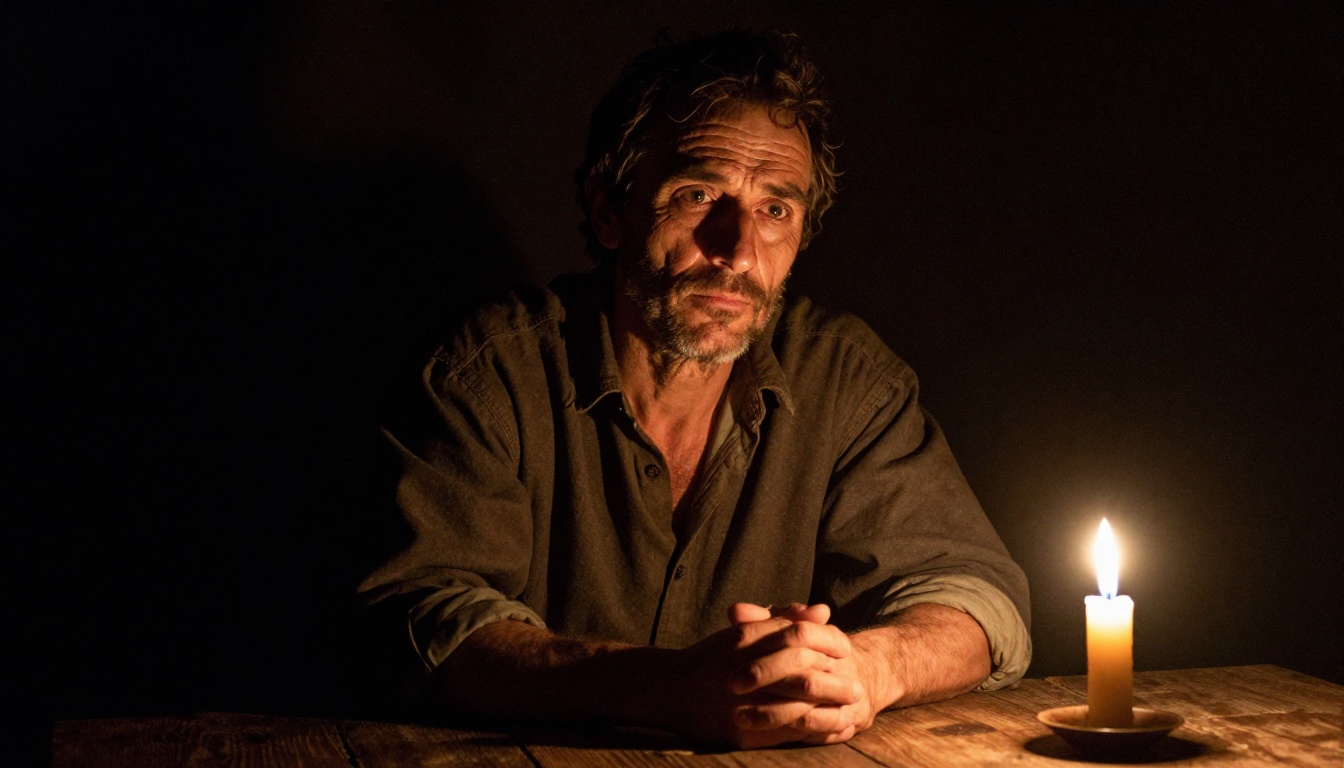
Single candle from the right, deep shadow everywhere else
Color Palette
Dominant hues, temperature
Amber, umber, black, warm gold
Texture
Surface quality, medium evidence
Thick impasto, visible brushwork
Composition
Framing, subject placement
Subject close-cropped, background near-black
Atmosphere
Emotional register
Solemn, intimate, dramatic weight
Once you map any famous style to these five dimensions, you have everything you need to write an effective prompt. The AI doesn't know "Rembrandt" as a concept, but it absolutely knows "single candle light from the right, deep chiaroscuro shadow, amber glow on the subject's face, black background."
Why Vague Style Names Fail
If you prompt "paint this in the style of Van Gogh," you get inconsistent results. The model has to guess which aspect of Van Gogh you mean: his palette, his brushstroke, his compositional choices, his use of complementary colors. Specify instead: "thick impasto brushstrokes visible, swirling sky texture, high-contrast complementary colors in cobalt blue and burnt yellow, expressive rhythmic mark-making." That's the same instruction, broken into parameters the model can follow precisely.
7 Iconic Art Styles Worth Recreating
These are the styles that produce the most visually striking results and have clear, describable characteristics.
1. Rembrandt (Dutch Baroque, 1600s)
The signature is chiaroscuro: extreme contrast between one small area of warm light and surrounding darkness. The light typically comes from a single source (candle, window), hits the face at an angle, and lets three-quarters of the frame fall into near-black shadow.
Prompt keywords: single candle light from the right, deep shadow chiaroscuro, amber glow, near-black background, intimate portrait, visible aged canvas texture
2. Monet (French Impressionism, 1870s-1890s)
Monet's visual language is about broken color and light diffusion. He painted outdoors, so there are no hard edges. Everything dissolves at its boundary. His palette leans cool, with blues, mauves, and greens, and warm accents in direct sunlight.
Prompt keywords: open-air scene, soft diffused light, no hard edges, broken color patches, cool shadow tones with warm highlights, atmospheric haze
3. Vermeer (Dutch Golden Age, 1660s)
Vermeer's interiors are quiet, intimate, and saturated with controlled light from a single window to the left. He painted small scenes with extraordinary surface detail: fabric textures, reflections on glass, pearl and metal surfaces.
Prompt keywords: window light from the left, quiet interior, intimate scale, soft warm light on subject, muted background, detailed textile and fabric textures
4. Caravaggio (Italian Baroque, 1590s-1610s)
Caravaggio pushed chiaroscuro further than anyone. His light is almost violent, emerging from somewhere outside the frame, hitting subjects with knife-sharp intensity, leaving everything else in absolute black. He painted common people, not idealized figures.
Prompt keywords: extreme dramatic lighting from above-left, sharp light-shadow boundary, completely black background, realistic non-idealized figures, intense emotional expression
Outdoor Impressionism is all about dappled light: how sunlight filters through leaves, bounces off water, breaks up on moving fabric. The palette is high-key, with lavender, rose, and cerulean dominating the shadows.
Art Nouveau is defined by sinuous organic line, stylized floral patterns, and subjects, often women, who blend into decorative backgrounds. The palette is pastel: ivory, sage, gold, muted rose.
Renaissance portraits have near-perfect clarity. Sfumato softens edges around faces and hands. The background is typically a distant landscape or plain dark surface. Subjects are lit with even, diffused light.
The gap between a mediocre style recreation and a convincing one almost always comes down to how you write the lighting and texture.
Writing Lighting First
Lighting is the single most powerful determinant of perceived artistic style. Two images with identical subjects look completely different depending on:
Source direction: Left window, candle at right, overhead sun, diffuse overcast
Quality: Hard (sharp shadows), soft (diffuse edges), direct vs. bounced
Always write your lighting description before you describe the subject. The model reads left-to-right, and lighting context set early shapes how everything after it is interpreted.
Writing Texture and Medium
Every artistic tradition has a distinct relationship with surface. Specify it explicitly:
Oil paint on aged canvas with visible impasto texture
Watercolor-washed with bleeding edges on paper
Chalk pastel with soft smearing at edges
Photographic film grain on Kodak Portra 400
💡 If you want photorealistic results that feel like a famous style rather than literally being a painting, use film photography descriptors (lens, film stock, grain) alongside the style's lighting and color vocabulary.
Mistakes That Kill Style Fidelity
Mixing incompatible styles: Don't ask for "Monet outdoors with Caravaggio lighting." Each style's lighting comes from a specific historical context. Mixing contradicts itself and confuses the model.
Being too general: "Dark and moody" could mean anything. "Single candle from the right, 90% of frame in shadow, amber glow on left cheekbone only" is precise.
Forgetting the background: Backgrounds are part of style identity. Vermeer's backgrounds are specific: a pale plastered wall with subtle color variation. Not just "blurred background."
Which AI Models Work Best
Not all AI models handle style recreation equally. Different architectures respond better to different aspects of style prompting.
Flux Schnell for Speed
Flux Schnell runs at extraordinary speed, under 5 seconds per image at full resolution. For style recreation, this means you can run 20 to 30 prompt variations in a single session and compare lighting setups without waiting.
Use Flux Schnell when you're in the early phase, testing which style keywords work, and you need rapid results to narrow down your approach.
Flux Dev for Fine Detail
Flux Dev is the 12-billion parameter version, significantly more detailed than Schnell. The difference shows in complex lighting scenes: chiaroscuro shadow gradients, skin texture, fabric quality. For Baroque and Renaissance styles, this model produces substantially richer results.
Use Flux Dev when you've found your prompt approach with Schnell and now want maximum quality on your final images.
Flux Pro for Prompt Precision
Flux Pro is tuned for accurate prompt following. When you've written a very specific, detailed style description, this model is most likely to capture all the elements simultaneously rather than averaging or ignoring parts of your prompt.
Use Flux Pro when you're working with complex style descriptions where precision matters, particularly for Art Nouveau's detailed decorative elements or Vermeer's controlled interior lighting setups.
Stable Diffusion for Experimentation
Stable Diffusion gives you direct control over inference steps, scheduler, and prompt adherence. For style recreation experiments, lowering the adherence value allows more interpretive freedom, which can produce unexpected stylistic variations.
Use Stable Diffusion when you want to run systematic experiments varying one parameter at a time, or when you want the AI to take more creative liberties with your style prompt.
How to Use Flux Dev on PicassoIA
Flux Dev is the best starting point for serious style recreation work. Here's the exact workflow.
For portrait-style recreations (Rembrandt, Vermeer, Caravaggio), use 3:4 or 2:3. For landscape scenes (Monet's gardens, Cezanne's countryside), use 16:9 or 3:2. The aspect ratio shapes composition before the model starts.
Step 3: Write your prompt, lighting first
Start with the lighting setup, then describe the subject, then the background, then the texture and atmosphere. For Rembrandt:
Single candle positioned to the right of frame, casting warm amber light on the right side of
a woman's face, left side falling into near-total shadow, background completely dark, rough linen
collar at neck, aged oil paint texture visible on canvas surface, 85mm portrait lens
Step 4: Set inference steps to 40-50
More steps produce more refined shadow gradients and detail resolution. For style recreation, the difference between 28 and 50 steps is significant in how well lighting holds across the image.
Step 5: Fix the seed for iteration
Once you get an image that's 70% right, note the seed number and lock it in. Then adjust one element of your prompt at a time. This lets you isolate what's working without losing your best result.
Step 6: Download and compare
Export as JPG or PNG and compare against a reference image of the original style. Look specifically at whether: (1) the light source reads as correct, (2) the shadow-to-highlight ratio matches, (3) the color temperature feels period-accurate.
Style Prompt Templates That Work
Use these as starting points, then modify the subject to fit your needs.
Style
Core Prompt Template
Rembrandt
single candle from right, chiaroscuro, amber glow on [subject], near-black background, warm umber shadows, Dutch Baroque, aged canvas texture
Vermeer
diffused window light from left, quiet interior, [subject] in simple room, pale wall background, soft warm light, Dutch Golden Age intimacy, fabric texture detail
Monet Outdoors
open-air garden scene, dappled light through leaves, [subject] in sunlight, soft color edges, high-key palette, cool shadows with warm light patches
Caravaggio
extreme overhead-left light, sharp shadow edge, [subject] emerging from black, non-idealized realistic face, dramatic tension, Italian Baroque intensity
Art Nouveau
sinuous floral background, [female subject] integrated with decorative elements, pastel ivory and sage, stylized symmetrical composition, Mucha-inspired
Renaissance
sfumato edge softening, three-quarter portrait angle, [subject] with composed expression, distant blue-green landscape background, even cool modeled light
💡 Always add your technical descriptor at the end: photorealistic, 85mm f/1.8, Kodak Portra 400, film grain, RAW photography, 8K detail. This keeps the output in the photorealistic register even when applying strong stylistic lighting.
Common Problems and How to Fix Them
AI Ignoring Style Elements
The problem: You ask for Caravaggio lighting but get something evenly lit.
The fix: Move your lighting description to the very first position in your prompt and be more specific about the shadow ratio. Instead of "dramatic lighting," try: "90% of the frame in near-black shadow, only the left cheek and brow ridge catching hard direct light from above-left."
Faces Looking Wrong
The problem: Portraits in historic styles often produce slightly distorted faces.
The fix: Add "anatomically correct facial proportions, realistic skin texture, natural eye asymmetry" to your prompt. Increasing inference steps also helps significantly. Faces resolve better at 45 to 50 steps.
Color Palette Drifting
The problem: You ask for Vermeer's cool interior palette but get warm yellows.
The fix: Name specific colors explicitly. Don't say "warm" or "cool." Say "muted pale cream wall, soft grey-blue window light, ivory linen fabric, no warm orange tones."
Style Reading as Generic
The problem: The image looks old-timey without hitting a specific style.
The fix: Add the negative space of the style. Rembrandt is not just "dramatic lighting." It's also: no decorative backgrounds, no bright colors, no fill light from a second source. Specify what should be absent as well as what should be present.
Recreating Landscapes in Famous Styles
Portrait styles get the most attention, but landscape styles are equally striking and often easier to produce consistently.
For Cezanne's Post-Impressionist landscapes, the signature is geometric simplification of natural forms: mountains that look like stacked planes, trees with structural mass, warm ochre light on stone. The prompt approach: geometric planes in natural landscape, structured stone and foliage masses, warm ochre and terracotta tones, high horizon line, clear directional midday light, visible color structure in shadows.
For Constable's English Romantic landscapes, the signature is dramatic cloud formations over green pastoral scenes: dramatic cumulus clouds, deep green English countryside, dappled light-shadow patterns across fields, atmospheric moisture in the air, warm-cool contrast in sky, photorealistic outdoor light.
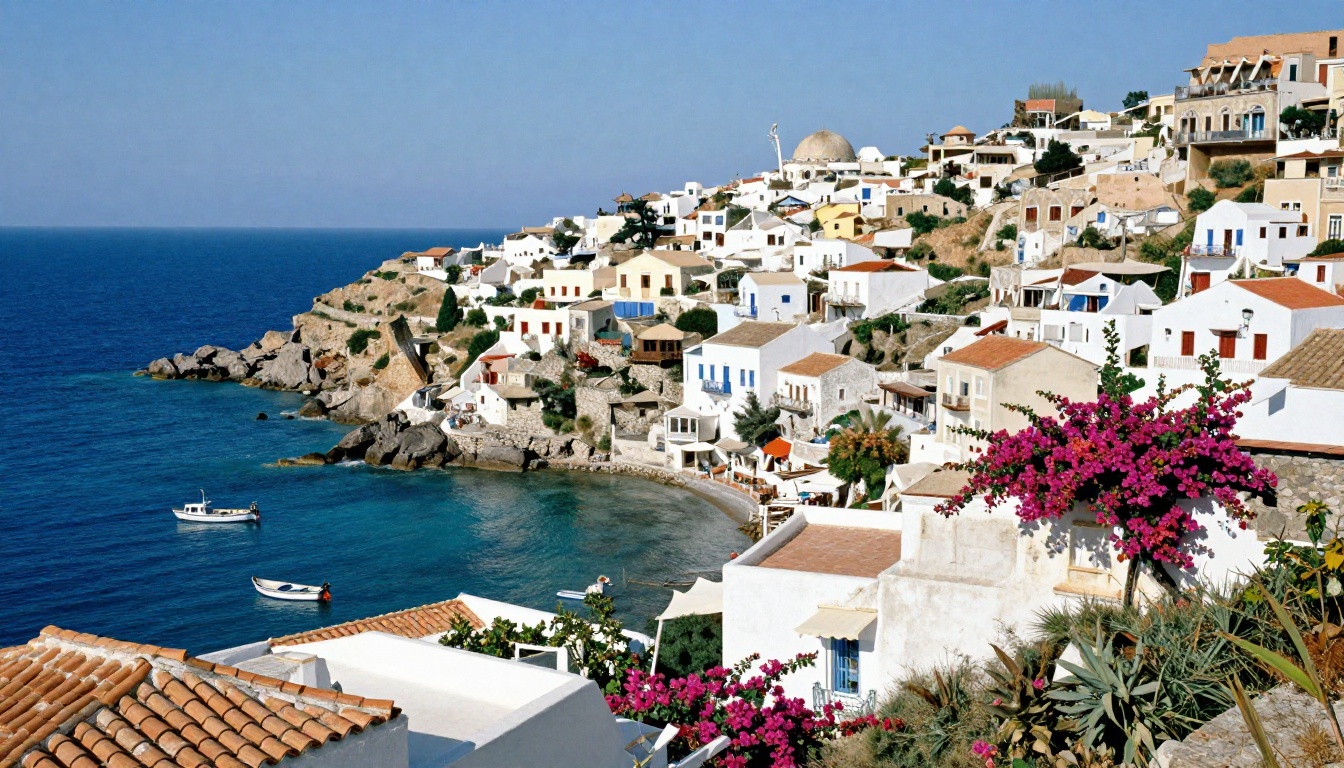
Mediterranean scenes of Post-Impressionism, Cezanne's Provence and Van Gogh's Arles, have a specific quality of hard overhead light that saturates color and creates sharp shadow edges on white stone. It's unlike the soft atmospheric light of northern European painting. Describe it as: sharp overhead midday Mediterranean light, white stone saturated with warm sun, deep shadow edges, vivid terracotta and cobalt, completely clear sky, no atmospheric haze.
Try It Yourself on PicassoIA
Everything in this article is immediately actionable. Pick one style from the table above, write the core prompt for it, add your subject, and run it through Flux Dev or Flux Schnell on PicassoIA.
Start with Rembrandt or Caravaggio. The extreme chiaroscuro is the most forgiving to iterate on because you can clearly see whether the shadow-to-light ratio is correct. Once you nail the lighting, the style follows naturally.
For faster iteration, run 10 to 15 variations with Flux Schnell, identify the prompt elements that produce the right effect, then rerun your best version through Flux Dev for full-resolution quality. PicassoIA has no credit caps, so you can run as many iterations as you need until the result is exactly right. The constraint isn't budget. It's prompt precision, and that's something you build one run at a time.