Runway charges $95 a month on their Unlimited plan. That's $1,140 a year just to access video generation that also lives on platforms with no monthly commitment at all. If you are a solo creator, a small brand, or someone whose video output varies month to month, that subscription model punishes inconsistency. Picasso AI runs on a credit-based, pay-per-use system, and with over 106 text-to-video models available including Gen4 Turbo, the exact model powering Runway's own platform, the argument for a subscription gets harder to justify.
The Real Cost of Runway

Runway's Pricing Tiers Broken Down
Runway offers three main paid plans. The Standard plan at $15/month gives you 625 credits per month. A single 10-second 1080p generation costs between 100 and 200 credits depending on quality settings. That translates to roughly 3 to 6 videos per month on Standard, which is barely enough for one decent social media week.
The Pro plan at $35/month expands your credit pool, but creators doing real volume hit the ceiling fast and get steered toward the $95/month Unlimited tier. Even there, "unlimited" carries conditions: queue priority, concurrent generation limits, and outputs that still count against fair-use policies during peak hours.
What You Pay Per Video on Runway
| Plan | Monthly Cost | Approx. Credits | Videos Per Month (10s) |
|---|
| Free | $0 | 125 | 1-2 (watermarked) |
| Standard | $15 | 625 | 3-6 |
| Pro | $35 | 2,250 | 11-22 |
| Unlimited | $95 | Unlimited* | Unlimited* |
*With speed and queue restrictions during peak usage.
The core problem is not the price per video at high volume. It's the fixed monthly cost regardless of how much you produce. A quiet month still costs $35 or $95. A month where you need nothing still costs the same.
The Subscription Trap in Practice
Runway's pricing logic assumes you are a consistent, high-volume producer. For agencies running continuous campaigns, that assumption holds. For freelancers, indie creators, and small brands with variable workflows, you are paying for capacity you may never fully use.
The subscription model also locks your output to Runway's model library. If a competitor releases a better model for your use case, you are still paying Runway to not use it.
Why Pay-Per-Use Wins

The Math on Monthly Subscriptions
Pay-per-use reverses the cost structure. You buy credits when you need them and spend them only on what you produce. No overhead. No quiet-month tax.
💡 Real scenario: A freelance social media manager needs 8 videos in January for a product launch, then nothing until March. On Runway Pro at $35/month, that's $70 spent across two months. On Picasso AI, you pay only for those 8 videos, typically well under $20 depending on the models selected.
At low to medium volume, the savings are immediate. At zero volume, the savings are absolute.
Credits That Carry Over

Picasso AI credits do not reset monthly. They accumulate in your account until you use them. This is a small detail with a large psychological effect: you stop rushing to "burn through" your allocation before month-end and start creating deliberately when your projects actually call for it.
It also means you can buy a larger credit pack at a lower per-unit rate when you have a big project coming, without worrying about waste.
Top Video Models on Picasso AI

With 106 text-to-video models in the library, knowing which ones to reach for first saves both time and credits. Here are the standouts.
Seedance 2.0: Video with Built-In Audio
Seedance 2.0 from ByteDance generates video with native synchronized audio. No separate audio layer, no manual syncing workflow, no third-party tools required. For creators posting directly to social platforms, this cuts post-production time to near zero.
Its sibling Seedance 1 Pro produces clean 1080p output with strong prompt adherence, well-suited to structured commercial content. Seedance 1.5 Pro adds audio sync on top of the 1080p output, bridging both worlds. For fast iteration, Seedance 2.0 Fast runs the same architecture at accelerated generation speed.
Kling v3: Cinematic Output on Demand
Kling v3 Video from Kwaivgi is the model to reach for when you want something that looks shot, not generated. Rich motion, consistent lighting across frames, and precise subject tracking make it reliable for lifestyle and product content.
Kling v3 Motion Control adds explicit camera movement control: define a pull-back, a push-in, or a lateral drift, and the model executes it. For social media content where the opening camera move is part of the hook, this is a direct upgrade.
Kling v2.6 delivers strong cinematic output at a lower credit cost for projects where the top-tier quality is not required. Kling v2.5 Turbo Pro sits between speed and fidelity, a solid choice for batch content production.
LTX 2.3 Pro: 4K Without the Enterprise Price
LTX 2.3 Pro from Lightricks generates 4K video from text. That resolution was previously gated behind premium tiers or enterprise pricing on most platforms. Here it's just another model in the library, priced per generation.
LTX 2 Pro is the previous generation but still delivers 4K with strong temporal consistency, meaning motion between frames holds without jitter or warping. For clients with strict delivery specs, both options handle it.
LTX 2.3 Fast uses the same 4K architecture but optimized for rapid generation, useful when you need volume without sacrificing resolution.
Wan 2.7: Speed and Prompt Fidelity Combined
Wan 2.7 T2V from Wan Video converts text prompts into 1080p video with reliable prompt accuracy. Describe a specific action, lighting condition, or camera angle and the model follows the instruction closely rather than interpreting loosely.
For image-to-video workflows, Wan 2.7 I2V takes a still image and animates it with physically plausible motion. Upload a product photo and watch it gain natural movement. Upload a portrait and add subtle life without distorting the original composition.
How to Make AI Videos on Picasso AI

Step 1: Choose the Right Model
The model determines resolution, speed, credit cost, and output style. Match the model to the use case before writing a single word of prompt.
Head to the Text to Video section on Picasso AI. Each model card shows the owner, resolution spec, and output type. Click through to the generation page for any model to access its parameter controls directly.
Step 2: Write a Precise Prompt
Vague prompts produce vague video. The most effective prompts follow a specific structure:
- Subject: who or what is in the frame
- Action: what they are doing in specific terms
- Environment: where the scene takes place, what surrounds them
- Lighting: natural, studio, golden hour, overcast, backlit
- Camera: angle, lens feel, movement direction
- Mood: the emotional tone of the clip
Example: "A woman in a white dress walks barefoot along a sunlit beach at golden hour, waves visible in background, camera follows at low angle with a slow push-in, warm afternoon light, cinematic grain"
Specificity is the difference between a generic clip and something usable.
Step 3: Set Duration and Resolution
Most models support duration between 5 and 10 seconds. For social media hooks, 5-second clips with strong motion tend to outperform longer ones in the first few frames. For product demos, 10 seconds gives you enough time to show the subject clearly.
Resolution directly affects credit cost. 720p handles most social platforms. 1080p adds detail for YouTube and portfolio work. 4K is for clients with specific delivery requirements.
Step 4: Download and Iterate
Generation time ranges from 15 seconds on fast models to 3 or 4 minutes on high-fidelity 4K. Download the result, check the motion quality on the full clip, and adjust your prompt for the next pass if needed. Iteration costs the same as the original generation. There is no premium for trying again.
Runway vs Picasso AI: Side by Side
Feature Comparison
| Feature | Runway | Picasso AI |
|---|
| Pricing Model | Monthly subscription | Pay-per-use credits |
| Available Video Models | ~5-8 (Gen series) | 106+ models |
| Includes Runway Gen4 | Yes | Yes (Gen4 Turbo, Gen 4.5) |
| Max Resolution | 1080p (standard plans) | 4K (select models) |
| Audio-Native Video | Limited | Yes (Seedance 2.0, Veo 3.1) |
| Credit Rollover | No, monthly reset | Yes, credits accumulate |
| Text-to-Image Models | Limited | 91+ models |
| Background Removal | Yes | Yes |
| Monthly Commitment | Required | None |
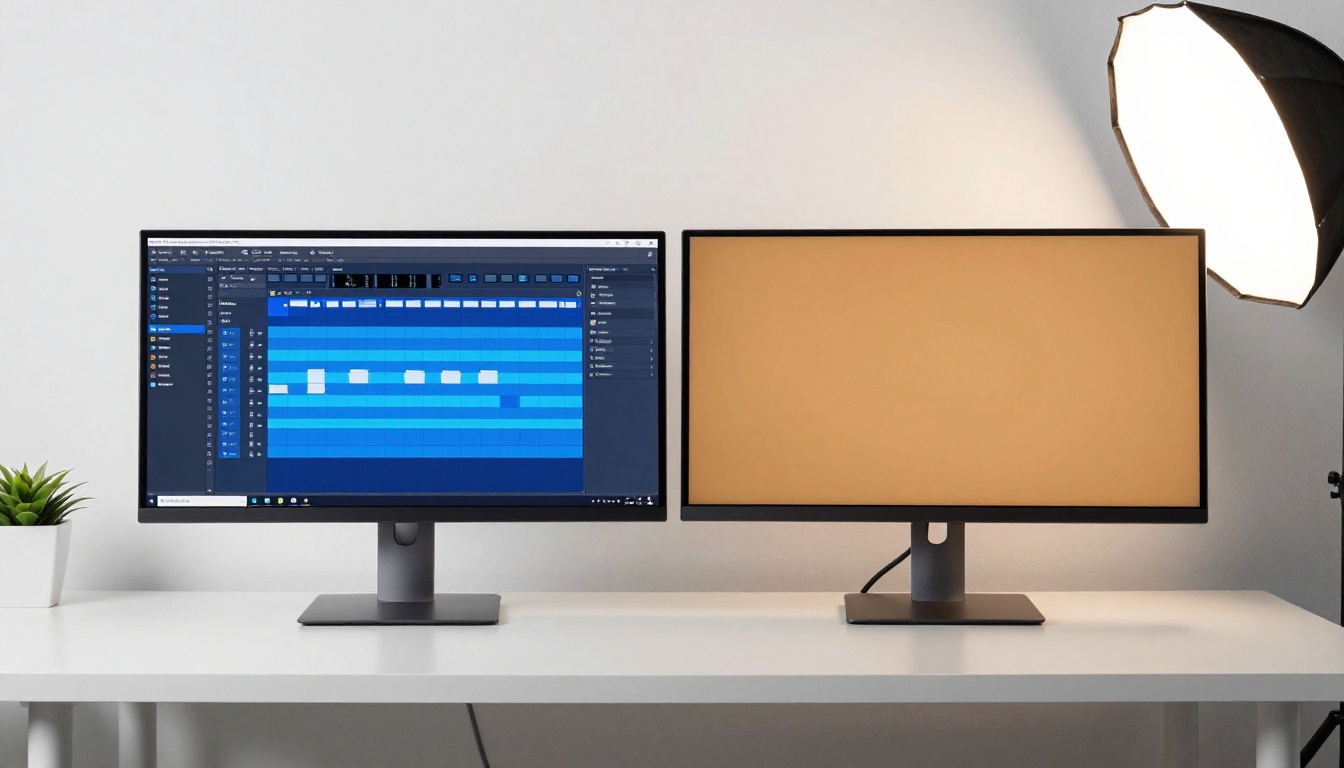
One detail worth sitting with: Runway's Gen4 Turbo and Gen 4.5 are both available on Picasso AI. You are not trading away Runway's output quality by changing platforms. You are adding access to 100+ additional models on top of it.
Cost Per Video at Different Volumes
| Monthly Volume | Runway Pro ($35/mo) | Picasso AI (Credits) |
|---|
| 5 videos | $7.00 per video | ~$2-4 per video |
| 20 videos | $1.75 per video | ~$2-4 per video |
| 50 videos | Requires upgrade | ~$1.50-3 per video |
| 0 videos | $35 spent | $0 spent |
At low volume, Picasso AI is significantly cheaper. At high volume, it's competitive. At zero volume, the difference is the entire subscription cost.
Image to Video on a Budget
Why Animate Photos Instead of Starting from Text
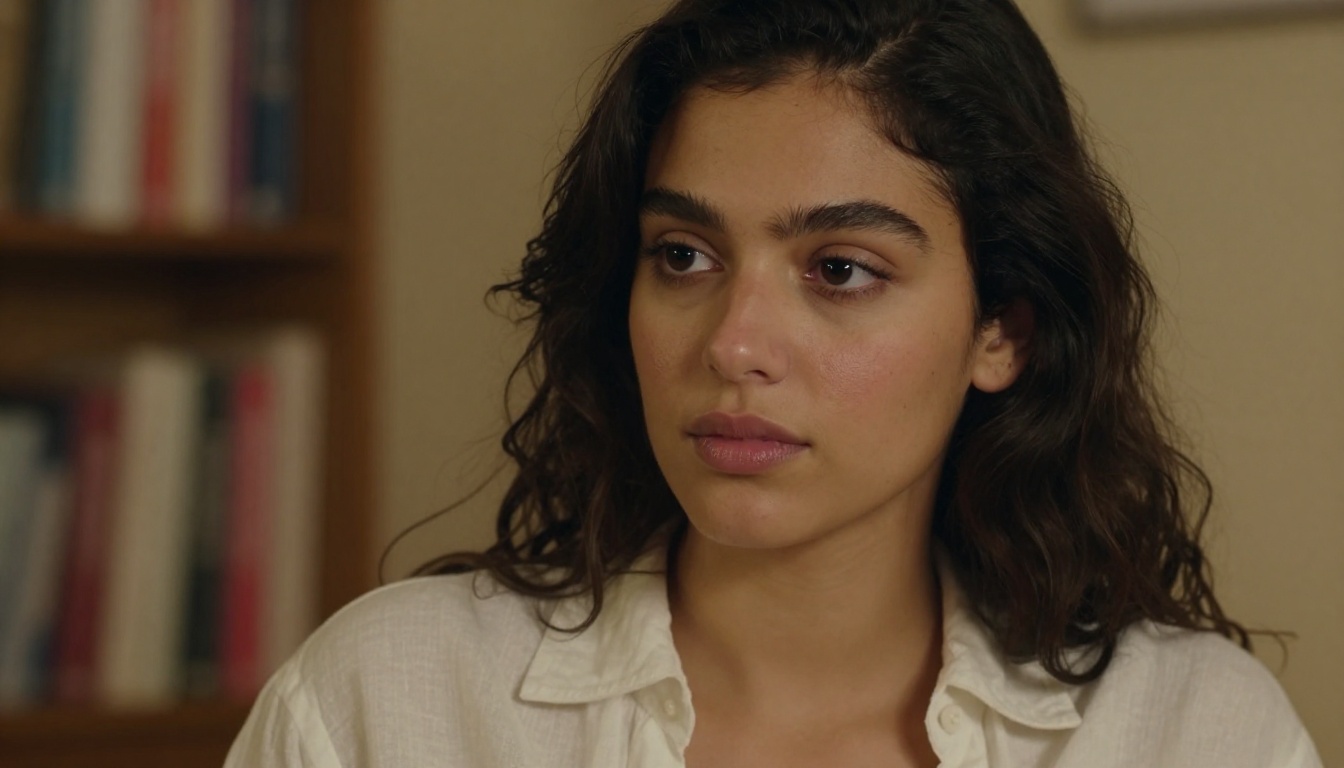
Text-to-video gives you creative latitude but requires prompt skill to get consistent results. Image-to-video starts from a known, approved visual and adds motion to it. For brands with existing photography assets, this is often more practical: you already control what the frame looks like, and the AI only needs to bring it to life.
The animation preserves the original image's composition, lighting, and color palette. The model reads the scene and adds motion that feels physically consistent with what is already there.
Best Models for Image-to-Video
Wan 2.7 I2V handles natural, flowing motion particularly well. Hair movement, fabric movement, water reflections — it reads the physics of the scene. Wan 2.6 I2V is the previous version, still strong for standard product and portrait animation.
Kling v2.6 Motion Control adds defined camera movement when animating a still image. Want the camera to drift left while the subject is animated? Set it as a parameter rather than hoping the prompt lands correctly.
For face and character animation, Kling Avatar v2 is purpose-built for single-photo input, producing expressive face animation with strong facial consistency across the clip.
💡 Tip: The output quality of image-to-video is directly tied to input image quality. Well-lit, high-resolution source images produce noticeably better animated results regardless of which model you choose.
More Than Just Video
The Full Toolkit Behind the Video Section
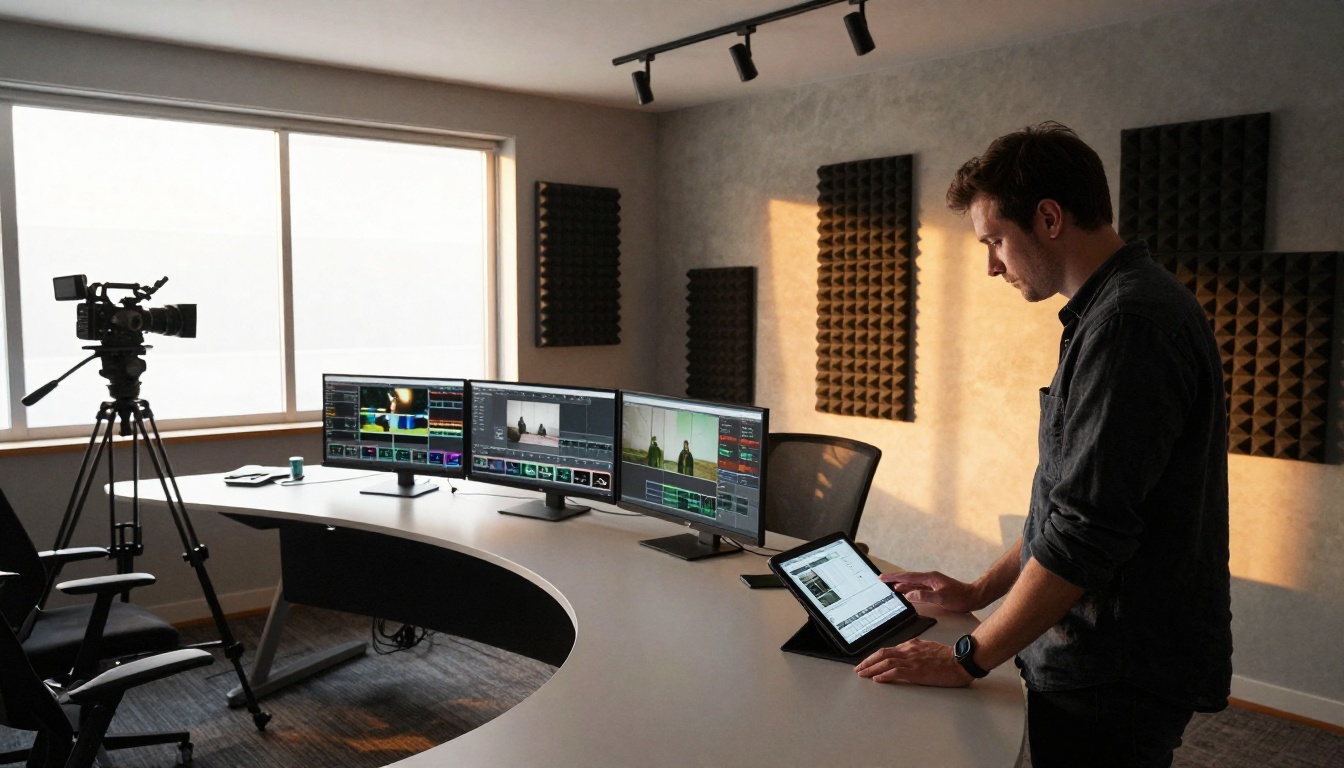
Picasso AI is not a single-purpose tool. The video section is one part of a platform that also includes 91+ text-to-image models, background removal, super resolution upscaling, face swap, lipsync, AI music generation, and text-to-speech.
For content creators, this matters because a video workflow rarely lives in isolation. A typical production sequence might involve:
- Generating a base image with a text-to-image model, then animating it with Wan 2.7 I2V
- Removing the background from a product photo before passing it to an image-to-video model
- Upscaling the final video with super resolution tools for delivery
- Adding a voiceover via text-to-speech, then syncing it to the clip with a lipsync model
Each step has a dedicated set of models on the platform. Creators who previously needed four separate subscriptions for image generation, video generation, audio tools, and post-production can consolidate into one credit account.
Audio That Ships with the Video
Seedance 2.0 and Veo 3.1 Fast from Google both output video with native synchronized audio. The audio layer generates alongside the visual, matching the action and environment described in the prompt. This eliminated the separate audio workflow that was standard practice even a year ago.
For dedicated audio needs beyond what's built into video models, the platform includes standalone AI music generation and text-to-speech models that slot naturally into a production pipeline.
Pixverse v5.6 and Hailuo 02 round out the library with strong 1080p options that sit at different price and speed points, giving you choices at every production tier.
Your First Video Costs Less Than a Coffee

The math on Runway's pricing is not complicated: if you are not generating dozens of videos every single month, you are subsidizing their platform with money that should stay in your budget.
Picasso AI's pay-per-use model does not ask for a leap of faith. Generate one test video, check the output, and decide whether the platform fits your workflow before spending anything significant. The credit-based system means your first session costs what your first session actually produces, nothing more.
The models are the ones shaping AI video right now. Seedance 2.0 ships video with audio built in. Kling v3 Video produces cinematic output with precise motion. LTX 2.3 Pro hits 4K resolution. And Wan 2.7 T2V turns structured text prompts into 1080p clips with consistent prompt accuracy. All of it without paying $95 a month whether you use it or not.
💡 Start here: Pick one model from the list above, write a structured prompt using the subject, action, environment, lighting, and camera format from Step 2, and generate your first clip. The entire process takes under five minutes. The credit cost for a single test video is well under a dollar on most models. What you do with the output is entirely up to you.
Stop paying monthly for access. Start paying per result.


