If you have spent any time searching for a reliable way to produce cover art that actually sells, you already know the gap between a forgettable design and a striking one is enormous. Readers judge books by their covers every single time, and a cheap-looking design is the fastest way to kill a launch before it even begins.
That is exactly why designers and indie authors are turning to Nano Banana Pro, an AI image generation approach built for high-fidelity, artistically rich visuals that meet professional print standards. When paired with the right platform, it outputs artwork that looks hand-crafted rather than machine-made.
This article walks you through how to use Nano Banana Pro to create book covers that compete with traditionally commissioned artwork, covers that sit comfortably in any bookstore window.
Why Most AI Covers Look Wrong
The texture problem
Most AI-generated covers suffer from the same flaw: they look digitally clean in a way that reads as cheap. Skin is too smooth, paper lacks grain, botanical elements look like clip-art.
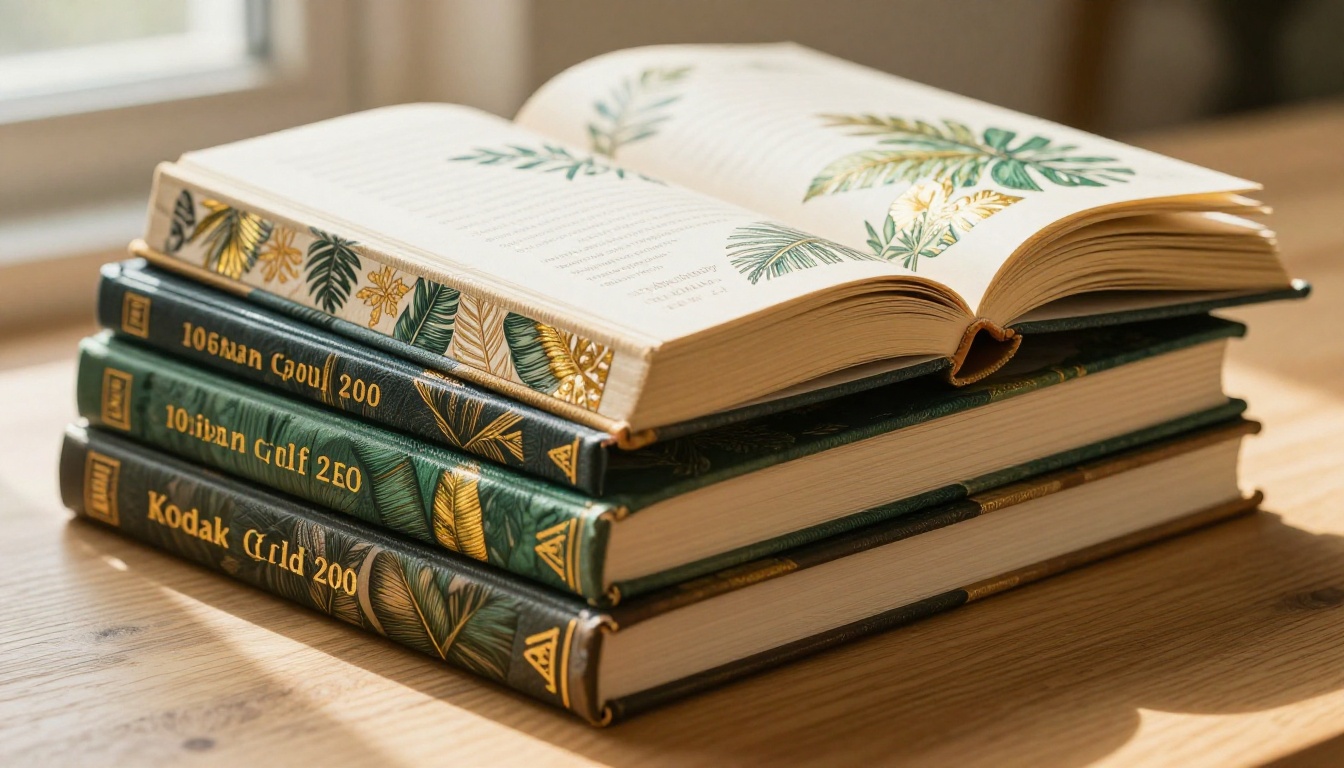
Nano Banana Pro addresses this at the model level. Its training emphasises micro-textural realism, the kind of detail that separates a Leica photograph from a stock image. Linen binding threads, ink bleed at paper edges, the slight imperfections in gold foil embossing. These are the signals that communicate quality to a reader's eye.
The composition problem
A cover needs visual hierarchy: title dominates, subtitle supports, imagery anchors. Generic AI models produce compositions that compete with themselves. Text fights the illustration for attention, and the result is visual noise.
Nano Banana Pro is prompt-responsive when it comes to compositional intent. If you specify "lower third botanical illustration with strong upper negative space for title placement," it delivers that structure rather than filling the canvas arbitrarily.
Why this matters for publishing
| Cover Quality Signal | Reader Perception |
|---|
| Rich texture and depth | Professional, premium |
| Flat, over-smooth surfaces | Self-published, low effort |
| Cinematic lighting | Curated, editorial |
| Even, flat lighting | Generic, template-based |
| Visible botanical detail | Crafted, intentional |
| Smooth gradient backgrounds | Stock art, rushed |
What Nano Banana Pro Actually Does
The core architecture
Nano Banana Pro is a fine-tuned diffusion model with particular strength in botanical realism and editorial photography aesthetics. It was optimised on a dataset heavy with botanical illustration, publishing design references, and RAW photography, which makes it unusually capable for cover work.
Its "Pro" designation reflects training with improved texture conditioning, meaning prompts that specify surface materials produce noticeably richer results than you would get from a base model.
Where it fits in the workflow
Nano Banana Pro is best understood as a cover artwork generator, not a full design tool. It produces the raw visual asset: the photograph, the illustration, the botanical spread. Typography and layout are added downstream in design software or within an AI platform that supports text overlay.
What genres it serves best
Nano Banana Pro's natural aesthetic plays well across several genres:
- Literary fiction: Artistic botanical scenes, moody indoor photography
- Romance and women's fiction: Warm, tactile, sensory compositions
- Self-help and wellness: Clean, natural, grounded imagery
- Travel and memoir: Architectural light, texture-heavy environments
- Children's chapter books: Illustrated floral and leaf motifs without cartoon qualities
Building a Strong Cover Prompt
The five-part structure
Every high-quality Nano Banana Pro prompt follows the same architecture:
- Subject: What is the central image? (a woman reading, botanical spread, architectural interior)
- Environment: Where is the scene set? (sunlit studio, tropical garden, rustic bookshelf)
- Lighting: Direction, quality, and colour temperature
- Camera: Lens length, aperture, angle, film stock
- Texture notes: Specific surface details you want rendered
💡 The texture note is the differentiator. Most prompts skip it. Adding "fine linen binding texture, visible paper grain at edges, matte coating on cover surface" doubles the perceived quality of the output.
A worked example
Here is a prompt that produces publish-quality results with Nano Banana Pro:
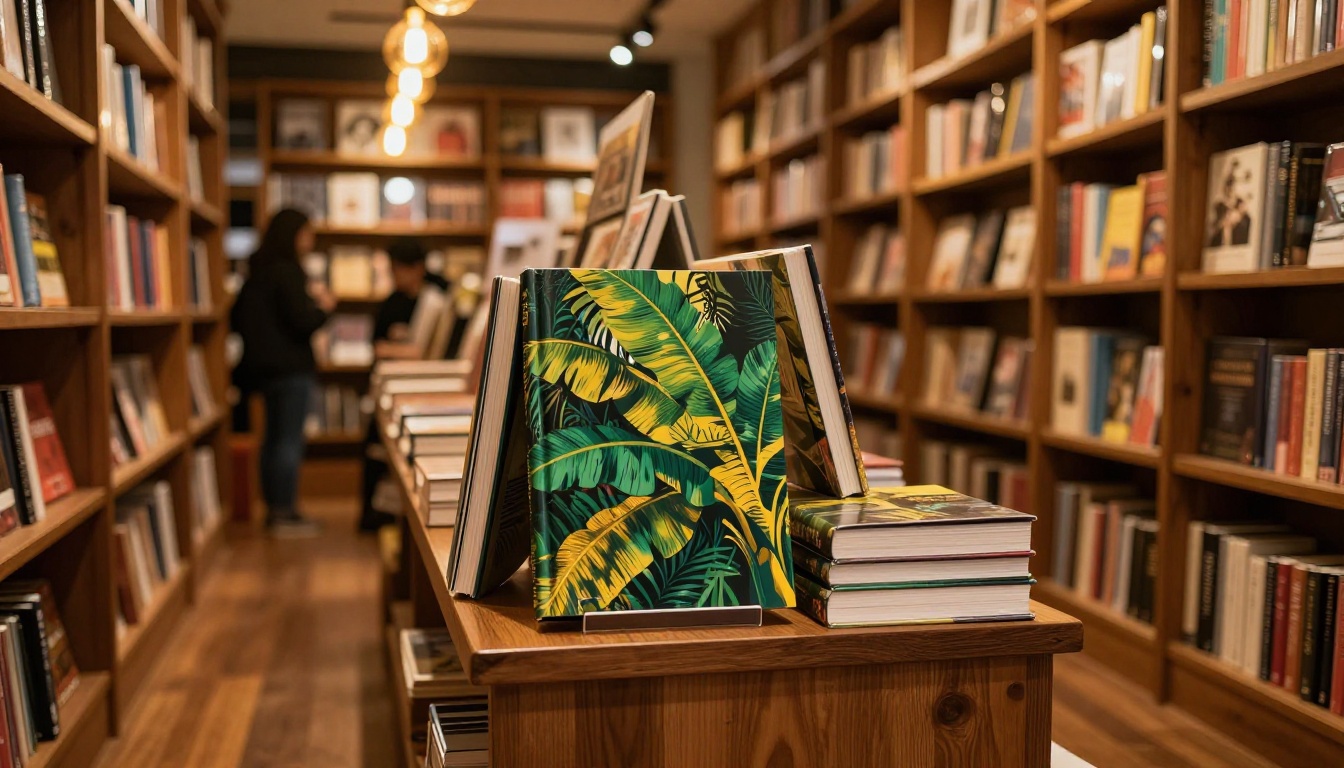
"A close-up of a hardcover book resting on a worn oak desk, the cover shows lush watercolour banana leaves in deep viridian and warm ochre on cream stock, gold foil embossed title letters catch a shaft of warm morning light from the left, background is softly blurred studio shelving, shot at eye level, Canon 85mm f/1.4, Kodak Portra 400 film grain, fine cloth binding texture, paper edge grain visible, photorealistic 8K"
Each element of the five-part structure is present. The result is an image with commercial print viability.
Aspect ratio considerations
Book covers are tall: standard print dimensions sit at a 6:9 ratio (portrait). For digital platforms like Amazon KDP, a 1600x2560px output is the target. Nano Banana Pro prompts should specify portrait orientation explicitly.
💡 Add "portrait composition, strong vertical axis, upper third clear for title text" to your prompt to ensure the output is usable as a cover rather than a landscape illustration that needs cropping.
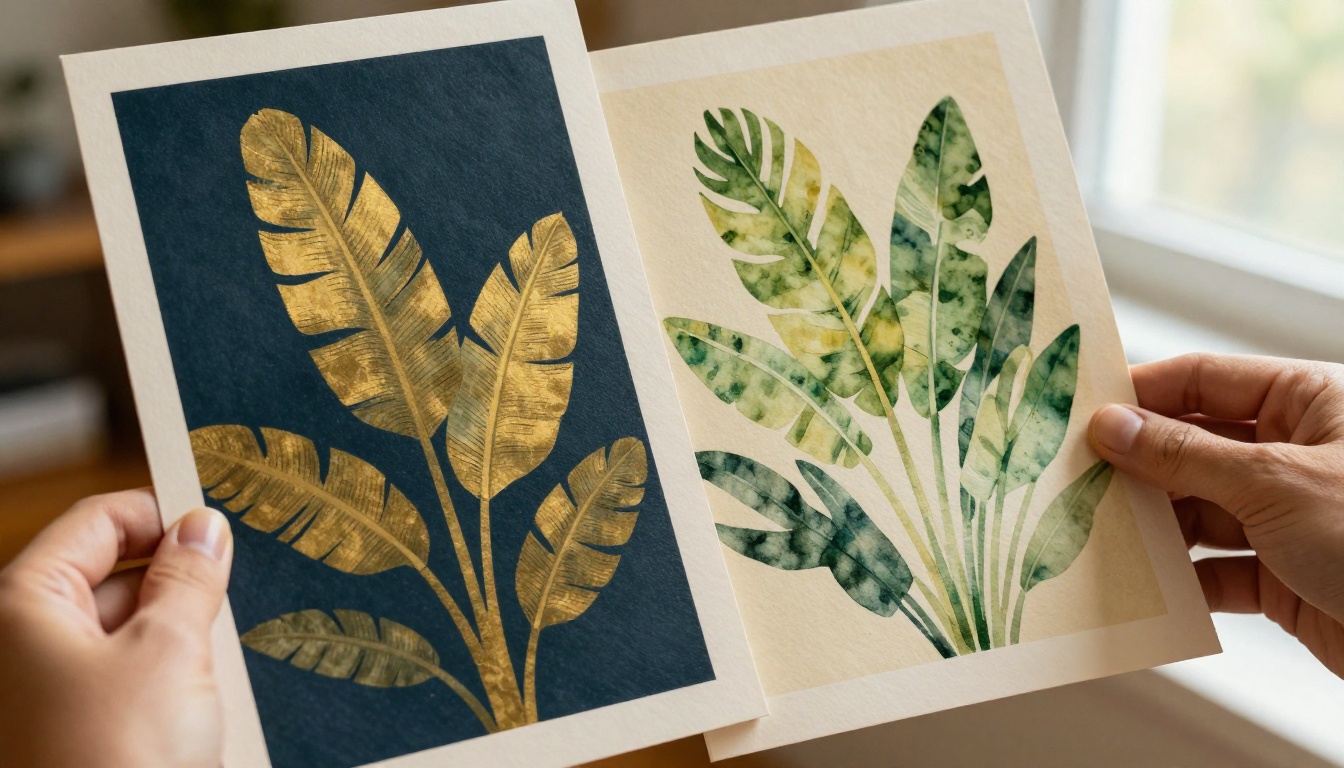
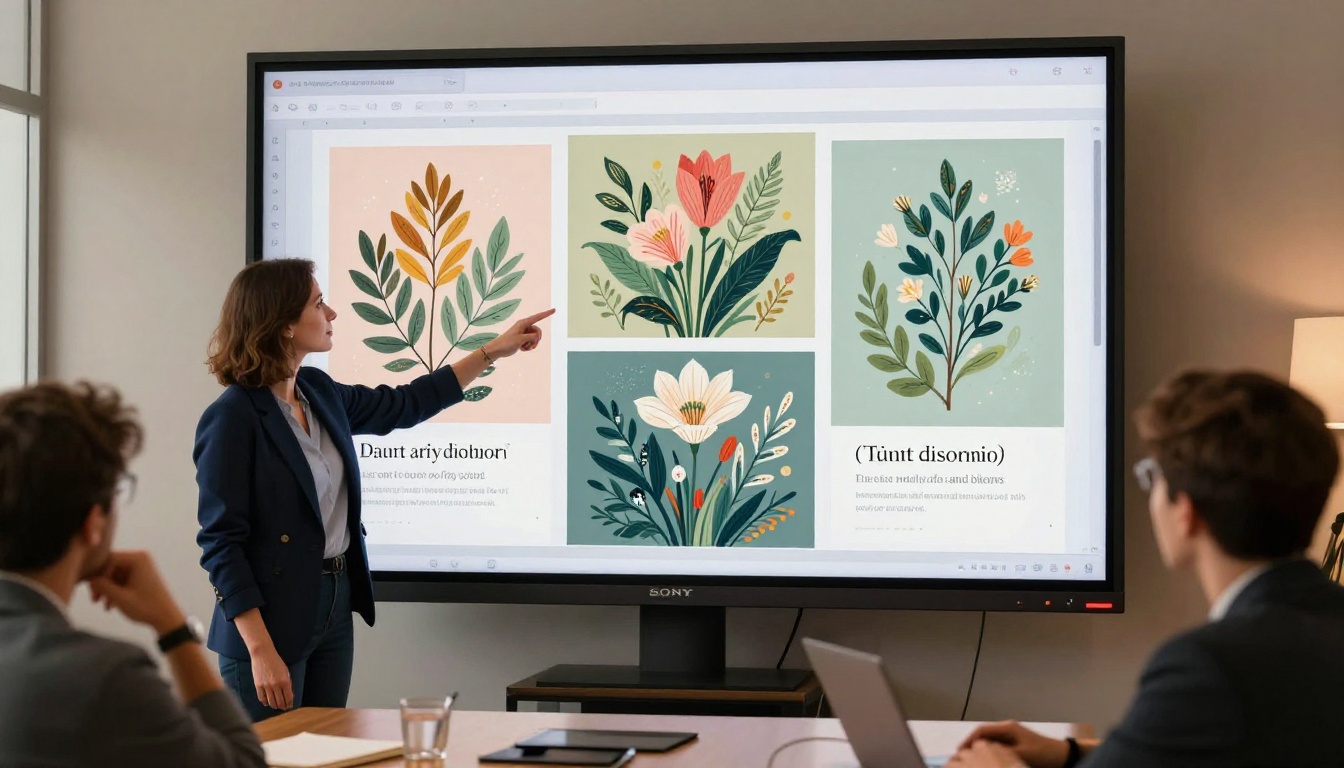
Comparing two cover concepts side by side
Before committing to a final design direction, print mockups of your two strongest contenders and compare them physically. What works on screen sometimes falls flat on paper, and the reverse is equally true.
Choosing the Right Visual Style
Botanical realism
This is Nano Banana Pro's signature strength. Banana leaf motifs, tropical plant spreads, and hand-painted botanical imagery are rendered with extraordinary fidelity. Overlapping leaf structures with realistic light transmission, chlorophyll-green colouring with natural yellowing at edges, shadow depth that follows real leaf morphology.
For authors in the wellness, travel, or literary fiction spaces, this style is immediately compelling and commercially recognisable.

Editorial photography mode
Nano Banana Pro also performs well in a straight editorial photography mode: a person holding a book, a lifestyle scene, a product-style composition. These covers work particularly well for self-help, memoir, and personal development titles where the author's world rather than an illustration carries the story.
Prompt tip: Specify a real film stock (Kodak Portra 400, Fuji Pro 400H, Kodak Ektar 100) to get colour grading that reads as analogue rather than digital.
Minimalist typography-forward covers
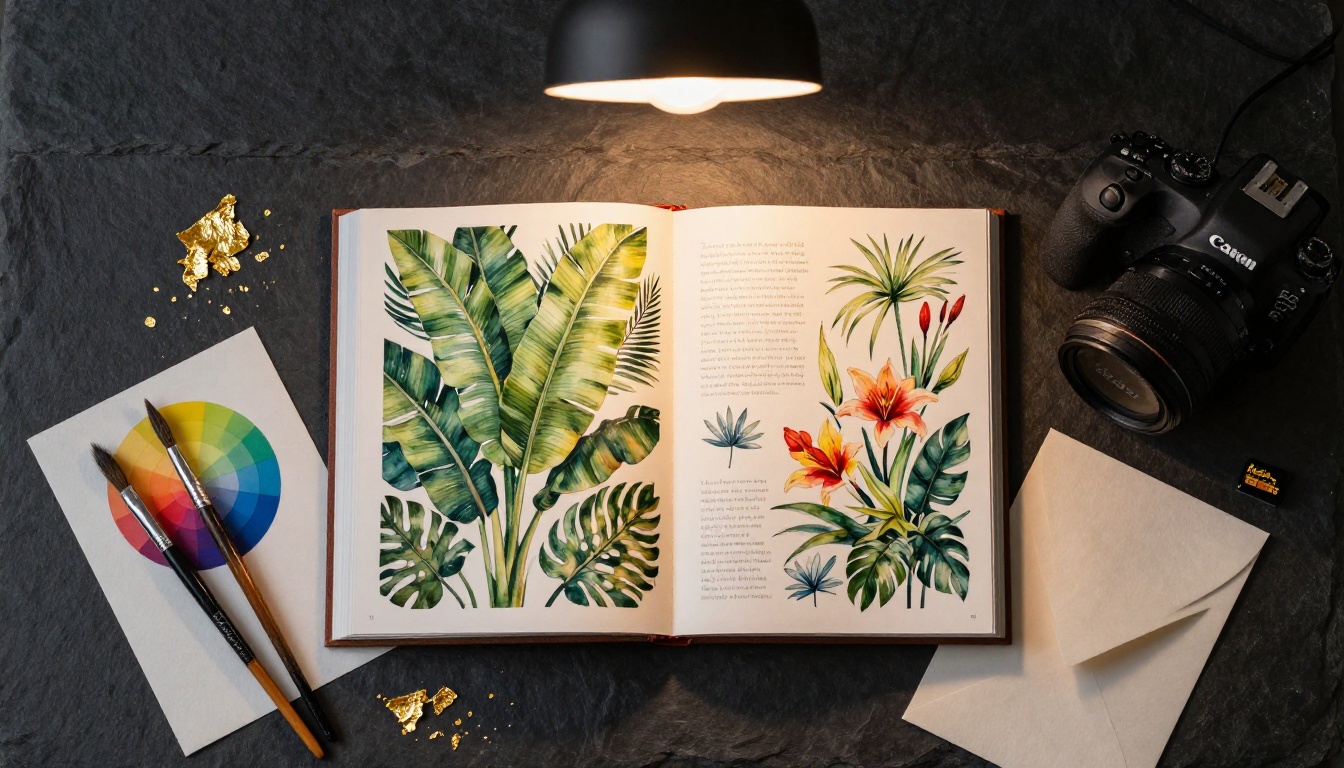
Some of the most effective literary covers use nearly no illustration: a texture, a material, a colour field. Nano Banana Pro can produce material-rich backgrounds (aged linen, matte paper stock, raw wood grain, stone surfaces) that serve as a typographic canvas.
For these, the prompt focuses almost entirely on surface: "Close macro shot of aged cream linen cloth, visible woven texture with subtle variations, warm diffused light from above, no subject, negative space for typography, Hasselblad medium format, photorealistic 8K"
Typography and Layout After Generation
Why you still need a layout step
Nano Banana Pro produces the illustration. The title, author name, and spine typography still need to be applied. This is non-negotiable for print-ready files.
The most efficient workflow:
- Generate the background illustration with Nano Banana Pro
- Upscale to 300dpi print resolution using a super-resolution tool
- Import into layout software
- Add typography with deliberate font pairing
Upscaling for print
AI-generated images default to screen resolution. For a print-ready cover at 300dpi, you need significant upscaling without quality loss. This is where super-resolution AI tools become essential.
On PicassoIA, several models handle this directly:
💡 For botanical covers, Recraft Creative Upscale is particularly effective as it adds micro-detail to leaf structures and surface textures during the upscale process.
Font pairing principles for illustrated covers
The illustration style drives font choice:
| Illustration Style | Font Direction |
|---|
| Lush botanical watercolour | Serif with calligraphic weight variation |
| Editorial photography | Modern geometric sans-serif |
| Minimalist material texture | Display serif or clean condensed |
| Hand-painted illustrative | Script or slab serif with texture |
Avoid fonts that compete with a complex background. If the illustration is dense, the type needs to be bold and contrasting. If the background is minimal, lighter type can breathe.
Common Mistakes That Kill Cover Quality
Over-prompting the composition
The most common error is writing a 50-word prompt and expecting the model to execute a complex scene with multiple subjects, depth layers, and specific text placement. Nano Banana Pro handles single-subject compositions with defined backgrounds far better than crowded multi-element scenes.
Simplify the subject. Complicate the texture and lighting.
Ignoring bleed and safe zones
Print covers require a 3mm bleed on all edges and a safe zone of at least 5mm inside for all important elements. If your Nano Banana Pro output places critical visual elements at the very edges of the frame, those elements will be trimmed in production.
Request "strong visual anchor in centre frame, minimal detail at frame edges" in your prompt to give yourself working room.
Using the wrong orientation
A landscape output cannot be effectively cropped to portrait without losing the composition. Always specify portrait orientation, or generate the image at a close ratio and extend the canvas using an outpainting tool before applying typography.
Ignoring the spine
For print books over 100 pages, the spine is a visible design surface that most authors forget about until it is too late. A strong design system includes a separate spine element: typically a fragment of the cover illustration that wraps, or a clean colour drawn from the cover palette.
Generating Multiple Cover Variants
Why A/B testing covers works
Traditional publishing houses routinely test cover designs before committing to a print run. Indie authors now have the same ability. With AI, generating five distinct variants from the same concept costs nothing beyond time.
A/B test these variables:
- Colour temperature: Warm vs. cool overall tone
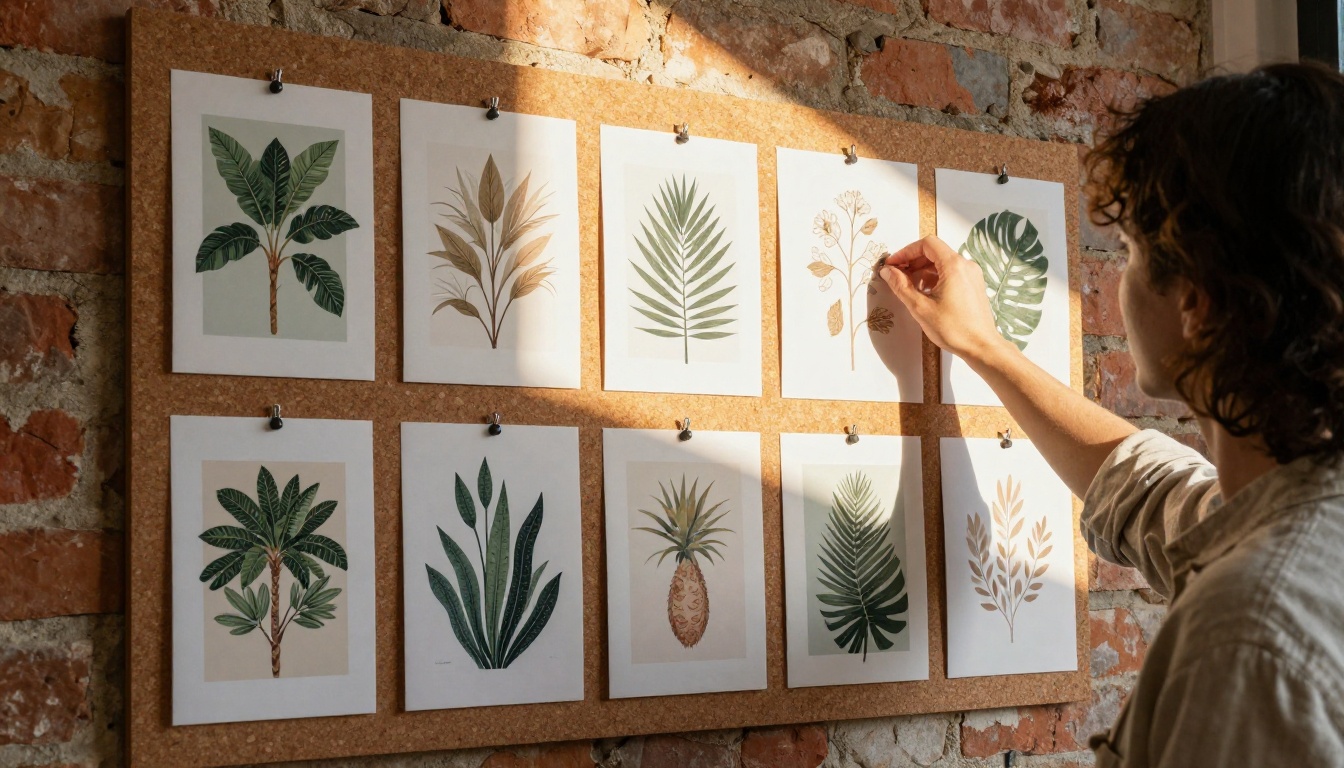
- Botanical density: Dense tropical vs. sparse minimalist
- Subject presence: Person-forward vs. object/nature-forward
- Background depth: Deep focus vs. strong bokeh blur
The 3-variant rule
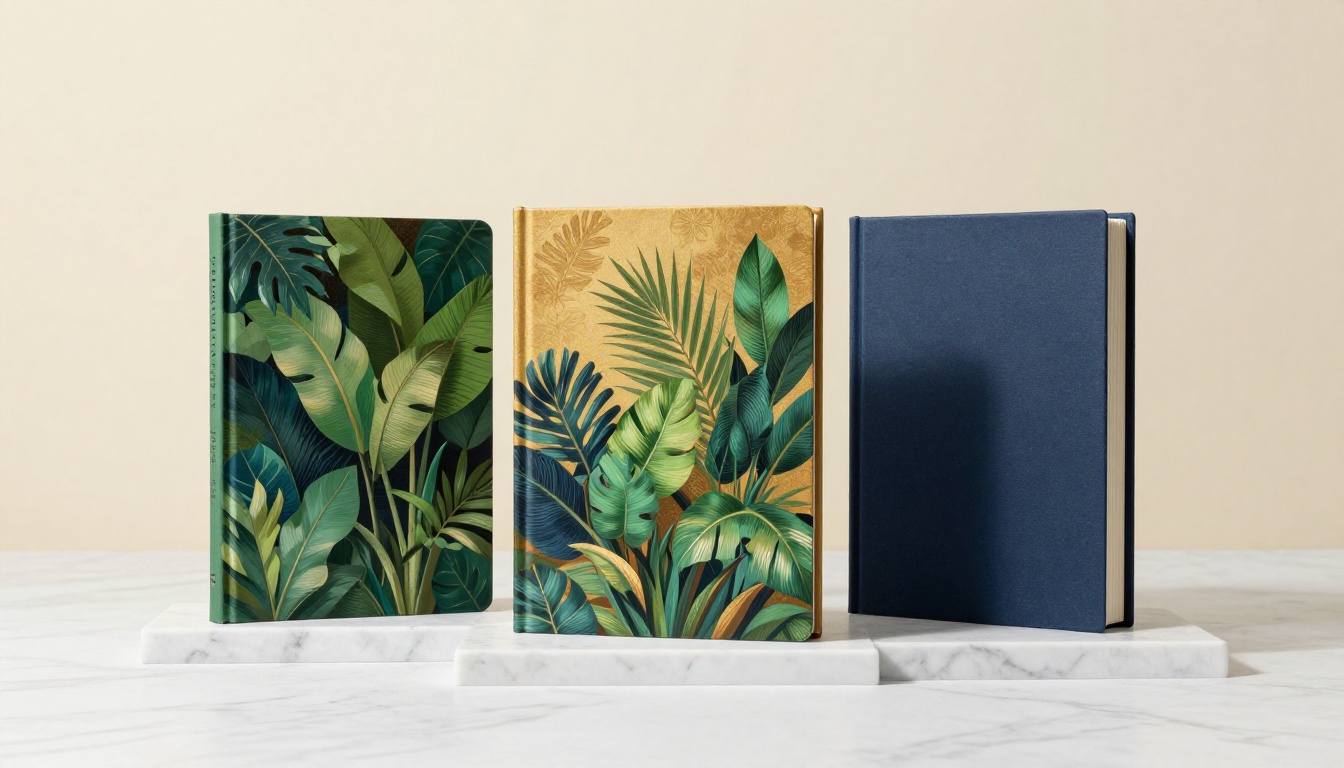
Before locking a design, produce a minimum of three distinct interpretations of the concept. One that is safe and familiar to the genre, one that is bold and unexpected, one that is clean and minimalist. The right design is often not the first one that looks good.
Using text-to-image models on PicassoIA for variant generation
Once your primary cover is established with Nano Banana Pro, PicassoIA's text-to-image models offer additional generation modes for producing variants. GPT Image 2 is particularly strong for interpretive variants with different compositional approaches, while Wan 2.7 Image Pro handles high-resolution botanical and nature scenes with exceptional detail. Seedream 4.5 is another strong option for 4K cover artwork with rich colour fidelity.
💡 Generate your primary cover with Nano Banana Pro for its characteristic botanical realism, then use PicassoIA's text-to-image models to produce quick compositional variants before making your final selection.
What Professional Results Actually Require
Print vs. digital requirements
| Platform | Resolution | File Format | Colour Mode |
|---|
| Amazon KDP | 300dpi minimum | TIFF or PDF | RGB (CMYK for print) |
| IngramSpark | 300dpi minimum | PDF | CMYK |
| Smashwords | 72-96dpi | JPG | RGB |
| ACX (audiobook) | 2400x2400px | JPG | RGB |
Nano Banana Pro outputs are typically sufficient for digital platforms without upscaling. Print distribution requires the 4-6x upscale pass described above.
The genre signalling checklist
Before finalising any cover, check it against the genre expectations:
- Does the colour palette match what is selling in the genre right now?
- Is the typography weight appropriate for this genre?
- Does the imagery signal the emotional tone accurately?
- Would a reader familiar with the genre categorise this title correctly?
A cover that fails genre signalling will not sell, regardless of artistic quality.
Start Creating Your Own Book Covers on PicassoIA
The gap between a design that sells and one that does not is smaller than most authors think, and AI has compressed it further. Nano Banana Pro gives you the photorealistic, texture-rich imagery that the market responds to. The workflow is repeatable and fast once you have the prompt structure down.
PicassoIA brings together the full set of tools you need in a single platform: text-to-image generation for the core artwork, super-resolution upscaling to prepare files for print, and a library of 180+ image models to produce variants across styles and genres.
Your next book cover is a prompt away. Head to PicassoIA and start generating.


