Seedance 2.0 does something that most AI video models still struggle with: it holds a shot. Not just technically, but cinematically. Motion is smooth, characters stay consistent across frames, and the overall output feels like something shot with intention rather than generated at random. For solo creators and filmmakers on tight budgets, that matters.
This is a breakdown of how to use Seedance 2.0 to produce short films that carry real cinematic weight, from prompt engineering to platform workflow to final output.
What Seedance 2.0 Brings to AI Video
A Model Trained on Real Cinema
ByteDance built Seedance with a specific goal: video that doesn't look like AI video. The training dataset pulls heavily from real cinematic footage, which means the model has internalized things like natural camera shake, proper motion blur at different shutter speeds, and how light behaves when it moves through a scene.
The result is output that respects filmmaking conventions without you having to explain them. A slow dolly push reads like a slow dolly push. A handheld tracking shot carries natural micro-movements. These aren't just aesthetic bonuses: they're what separates a clip that feels alive from one that feels computer-generated.

How It Differs from Seedance 1.x
The jump from the earlier Seedance versions to 2.0 is significant in two areas: temporal consistency and prompt adherence.
Temporal consistency is the ability to maintain visual logic across the duration of a clip. Earlier versions sometimes drifted: a character's face would subtly shift, or a background element would appear and disappear. Seedance 2.0 corrects this substantially.
Prompt adherence means the model actually interprets what you write. Earlier versions would often simplify complex scene descriptions into generic outputs. With 2.0, descriptors like "raking side light from a 20-degree angle" or "slow zoom revealing a figure in the background" tend to produce visible, intentional results.
On PicassoIA, the closest current variant to this generation is Seedance 1.5 Pro, which carries these same core improvements from the ByteDance architecture.
The Anatomy of a Cinematic Short
Shot Types That Hold Up
Not every shot type works equally well with AI video generation. Some produce far more consistent results than others. Here's what actually works:
| Shot Type | Performance | Best For |
|---|
| Static wide shot | Excellent | Establishing scenes, landscapes |
| Slow dolly push | Excellent | Dramatic reveals, emotional beats |
| Handheld medium | Very Good | Conversation scenes, character focus |
| Overhead crane | Good | Geography establishing, transitions |
| Fast handheld chase | Moderate | Action, though consistency drops |
| Extreme close-up | Good | Texture, emotion, detail emphasis |
Static and slow movement shots are where Seedance 2.0 consistently produces professional results. Fast, chaotic camera movement degrades temporal consistency, so if you need that energy, break it into shorter clips and cut between them.

Pacing and Motion That Works
Cinematic short films live or die by pacing. In AI video, pacing is controlled through prompt structure and clip duration.
Slow scenes: 6-10 second clips with minimal motion cues. Let the environment carry the frame. Describe ambient elements: "leaves move gently," "steam rising from coffee cup," "window curtains drift slightly."
Medium scenes: 4-6 seconds with purposeful movement. One directional camera move or one subject action per clip. Do not stack multiple simultaneous motion events.
Action beats: 2-4 second clips with single, clear actions. "Figure runs left to right across frame" is workable. "Figure runs, turns, jumps, and throws object" produces chaos.
💡 Tip: Match your clip duration to the emotional weight of the scene. A melancholic moment needs space. An action beat needs compression.
Writing Prompts That Actually Hit
Scene Composition in Text
The most common reason prompts fail is that they describe what something is rather than what it looks like on screen. A camera doesn't know what a "sad moment" looks like. It knows light direction, focal length, and motion.
Think in cinematographer terms:
- Bad: "A woman feels lonely in her apartment"
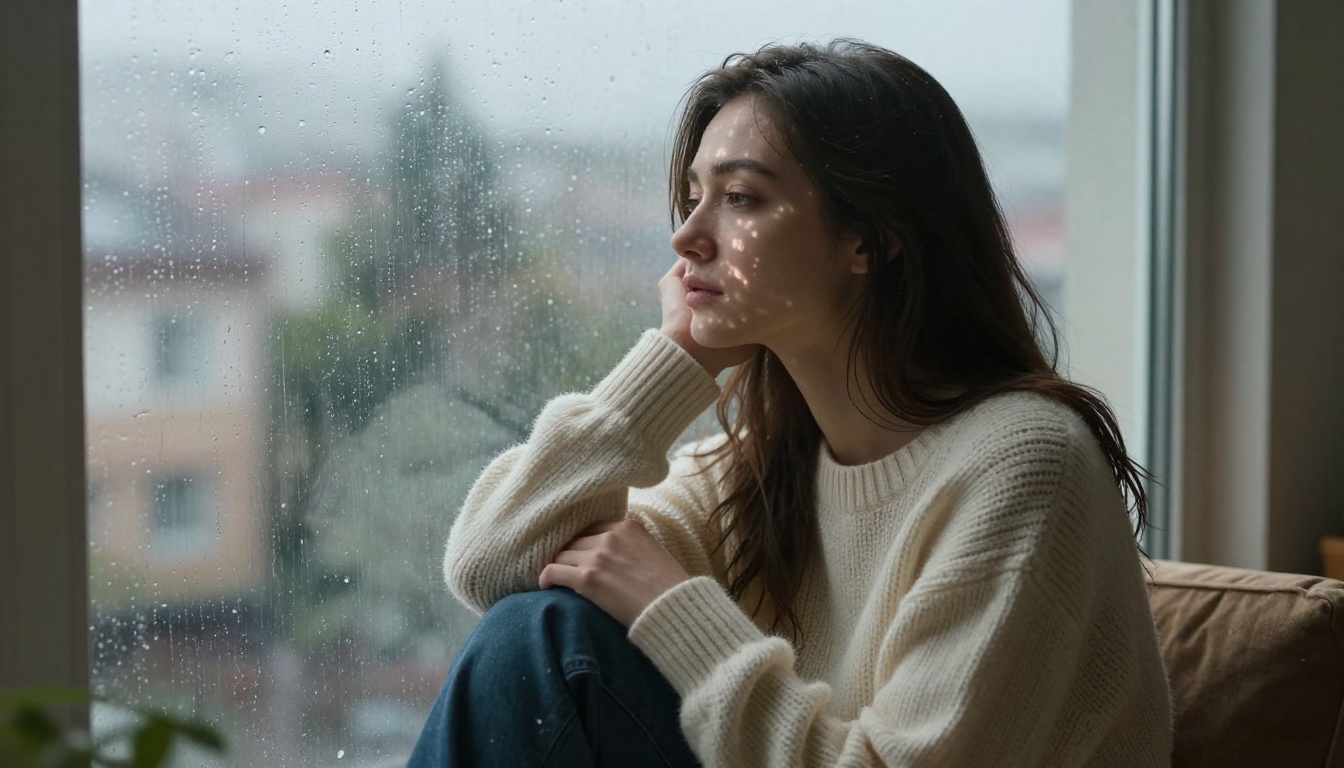
- Good: "A woman sits motionless by a rain-streaked window, diffused grey light casting soft shadows across her face, medium shot from slightly to the right, 85mm depth of field, no movement"
The second version gives the model a composition to execute. The first asks it to interpret emotion, which produces inconsistent results.

Lighting Descriptors That Work
Lighting is the single most powerful element in cinematic image-making. These specific descriptors produce reliable results in Seedance 2.0:
golden hour backlight, long shadows raking across surfacecold blue practical light overhead, high contrast shadows belowvolumetric morning fog with diffused soft top lightsingle practical lamp, warm 2700K, hard shadows to leftovercast diffused daylight, flat even illumination, desaturatedneon sign reflections on wet pavement, low ambient fill
Avoid generic terms like "good lighting" or "dramatic lighting" without specifics. The model needs direction and quality, not emotional adjectives.
5 Prompt Templates You Can Steal
These are tested structures that produce consistent cinematic results:
1. Emotional Interior Scene
[Subject] [static position] [specific interior location], [light source] casting [shadow quality] from [direction], [camera position and lens], [minimal ambient motion detail], Kodak film grain, photorealistic
2. Urban Night Exterior
[Subject action] on [wet/empty street description], [practical light sources], cold desaturated ambient fill, [low angle or eye-level] shot, shallow depth of field, rain-soaked surface reflections, Arri color science
3. Landscape Establishing Shot
Wide establishing aerial shot of [environment], [time of day] light raking from [direction], [atmospheric conditions], no subjects in frame, slow drift [direction], deep focus, natural film grain, Kodak Vision3
4. Character Movement Shot
[Character description] [single specific action] through [described environment], [camera movement direction], motion blur on [specific element], [light quality], 35mm lens, handheld with natural micro-shake
5. Close Detail Shot
Extreme close-up of [texture/object], [specific light direction] revealing [material texture], [minimal or no motion], macro lens depth of field, film grain, photorealistic 8K
How to Use Seedance on PicassoIA
PicassoIA gives you access to the full ByteDance Seedance model family. Here's how to get the best cinematic results from the platform.

Step-by-Step Setup
Step 1: Choose Your Model
Go to the Text-to-Video section and select Seedance 1.5 Pro for maximum quality, or Seedance 1 Pro Fast if you need faster iteration during the drafting phase.
Step 2: Set Your Duration
Start with 5-6 seconds for most cinematic shots. This duration gives the model enough frames to establish motion and atmosphere without running into consistency degradation.
Step 3: Write Your Prompt
Use the prompt structures above. Lead with subject and action, follow with environment, then light, then camera specs, then film texture.
Step 4: Set Negative Prompts
Block out common AI video artifacts: cartoon, CGI render, unrealistic, overexposed, blurry faces, distorted limbs, watermark, text overlay, flickering
Step 5: Generate and Evaluate
On first generation, check for temporal consistency across the clip, light direction adherence, and motion quality. If the clip drifts visually or ignores key prompt elements, regenerate with more specific language in the failing area.
Parameters Worth Tweaking
| Parameter | Recommendation | Why |
|---|
| Duration | 4-7 seconds | Sweet spot for consistency |
| Aspect Ratio | 16:9 | Standard cinematic framing |
| Guidance Scale | Higher values | Better prompt adherence |
| Seed | Lock after a good result | Reproduce similar outputs |
💡 Tip: If you find a generation you like but want a slight variation, lock the seed and modify only one element of the prompt. This preserves the core aesthetic while changing the specific detail you want to adjust.
Mistakes That Kill Cinematic Quality
Vague Prompts Kill Atmosphere
This is the most common issue. Seedance 2.0 is a capable model, but it doesn't invent cinematic decisions for you. If your prompt lacks specificity, the model falls back on generic interpretations.
Too vague: "A dark alley at night, moody and atmospheric"
Specific: "Empty rain-wet alley at 2am, single overhead sodium vapor streetlight casting orange-yellow cone of light on wet cobblestones, deep shadow filling both sides of frame, no movement, wide shot from mid-alley level looking toward a distant lit exit, anamorphic 2.39:1 framing, film grain"
The difference in output quality is enormous. The second prompt gives the model a specific light source, quality, color temperature, shadow characteristics, depth composition, and camera position.

Ignoring Motion Guidance
Every element in a Seedance prompt competes for the model's attention. If you don't specify camera motion, the model picks one. If you don't specify subject motion, same thing. These choices are often generic.
Take control explicitly:
- Add
static camera if you want no camera movement
- Add
slow push forward for a subtle dolly
- Add
subject stationary if your character shouldn't move
- Add
handheld natural micro-movement if you want organic stability
Without these flags, the model makes assumptions. Sometimes those assumptions are fine. Often, they're not cinematic.
💡 Tip: Treat motion as a creative decision, not an afterthought. The best cinematographers plan every camera movement before they shoot. Apply the same discipline to your prompts.
Real Scene Examples That Work
Drama Short: The Night Rain Scene
This is one of the most reliable cinematic setups for AI video. Here's a full working example:
Prompt: A woman in her late 30s sits alone at a small table in a dimly lit diner, window to her left showing rain streaking down the glass, warm amber practical light from above catching the right side of her face leaving left in soft shadow, medium close-up shot from across the table, static camera, she slowly traces her finger on the tabletop, steam rising from coffee cup in foreground, film grain, Kodak Portra 800, photorealistic
Why it works: Specific subject, specific location, specific light source with quality and direction, static camera declared, one simple action, atmospheric foreground element, film stock named.
Action Short: The Rooftop Chase
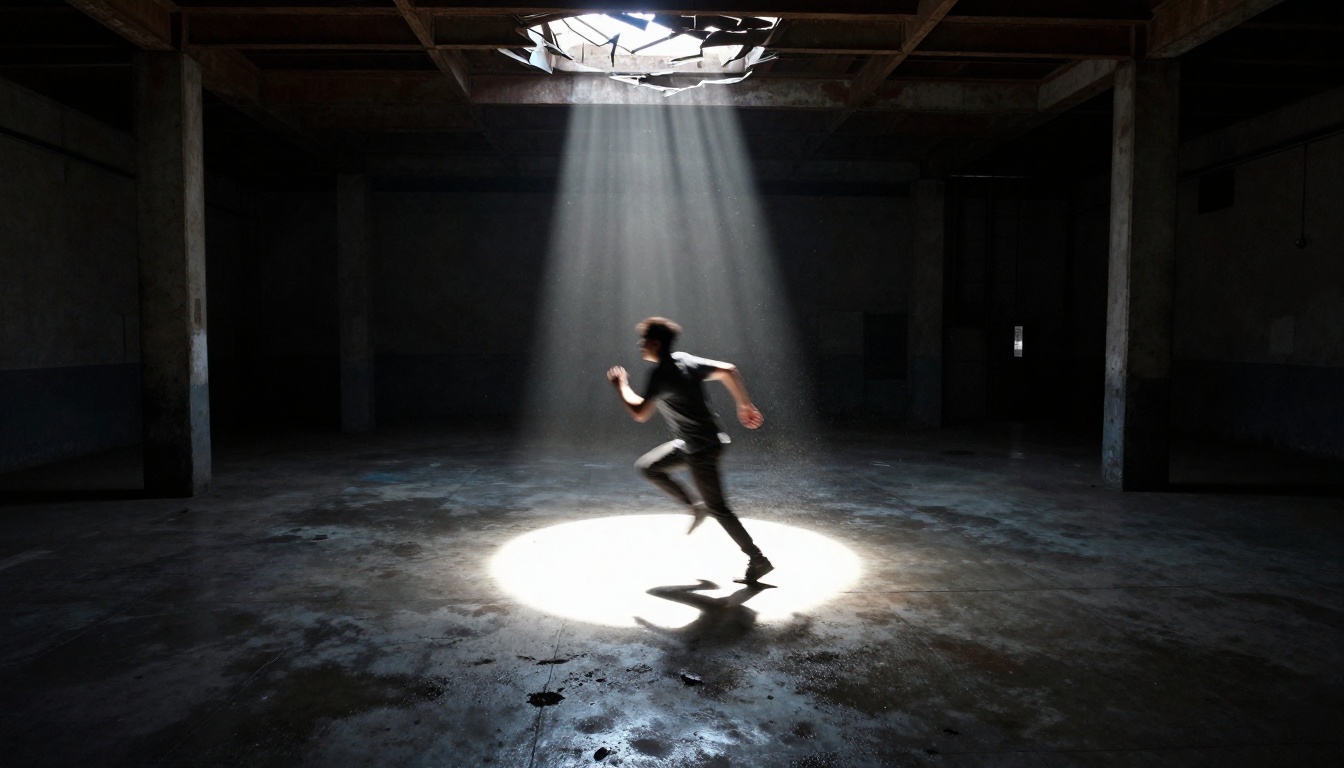
Action is harder, but structured prompts still get results:
Prompt: A man in a dark jacket sprints across a rooftop at night, camera tracking from the side at eye level, city lights blurred in background, motion blur on running legs, concrete surface texture detail, single distant streetlight providing low backlit rim on figure, 5-second clip, 35mm lens, handheld tracking shot with natural shake, photorealistic, no CGI
Key decisions: Tracking shot from a fixed angle (side), not a chaotic follow. Motion blur specified on one element. 5-second clip duration kept intentionally short. Single light source maintains compositional clarity.
Pair It with Other AI Models
Music and Audio Sync
A cinematic short without audio is a rough cut. PicassoIA's AI Music Generation tools let you create custom soundtrack tracks that match the tone of your visual content. Generate an ambient score, a tense underscore, or a minimal acoustic piece to sit beneath your Seedance clips.
For narration, Text to Speech models on the platform produce natural-sounding voices that hold up in a cinematic context.
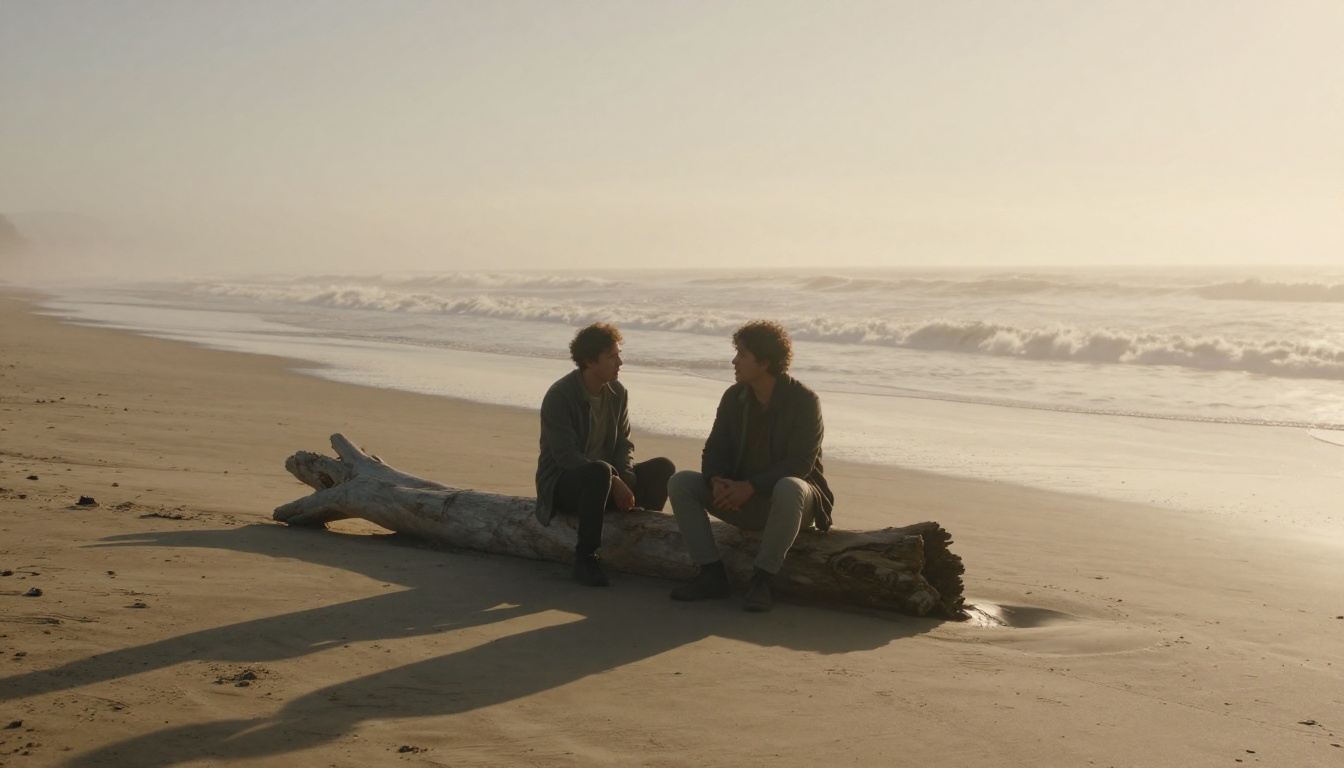
The LTX-2.3-Pro model handles audio-to-video generation, meaning you can feed an audio track and get synchronized visual motion. For music-driven shorts, that's a powerful combination with Seedance's output.
Upscale the Final Output
Seedance generates at solid quality, but if your short is going to be shown on large screens or high-quality formats, running your clips through a super resolution model adds significant detail. PicassoIA's super-resolution tools upscale output 2x to 4x while preserving the natural grain and texture you worked into the original generation.
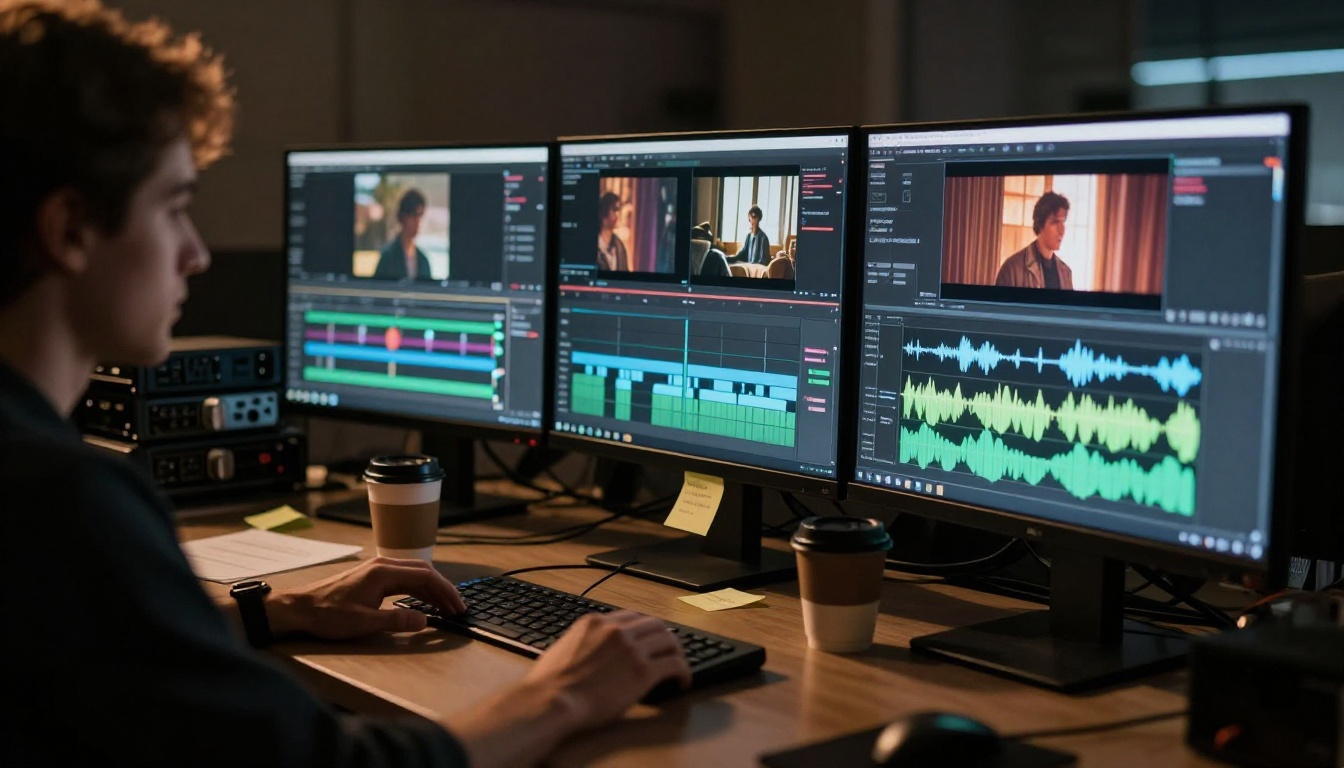
For color work post-generation, the AI Enhance Videos category includes tools for stabilization, sharpness, and color restoration that bring your assembled short to a finished state.
💡 Tip: Build your short at native Seedance resolution first, then upscale the final assembled export. Upscaling individual clips before editing can introduce subtle inconsistencies at the cut points.
Start Shooting Your First AI Short
The barrier to making a cinematic short film has dropped to almost nothing. With Seedance 1.5 Pro and Seedance 1 Pro available on PicassoIA, you can produce a complete short in an afternoon: draft your scene list, write structured prompts for each shot, generate clips, assemble with music from the platform's AI audio tools, and export a finished product.
The craft is in the prompting. Write with the specificity of a real cinematographer, control your motion decisions deliberately, and iterate quickly using Seedance 1 Lite for fast drafts before committing to the full quality run on Pro.
PicassoIA gives you the full toolkit: Kling v3 for alternative motion styles, Veo 3 for photorealistic output, and the complete audio pipeline for professional post-production. The only thing missing is the idea.
Go build it.


