This guide shows you exactly how to produce visually striking AI-generated images at no cost. We cover the most effective free platforms, essential prompt engineering strategies, quality optimization methods, and practical workflows that deliver professional-grade results. Whether you need images for social media, content creation, or personal projects, these techniques work immediately without hidden fees or subscriptions.
The assumption that professional AI image generation requires expensive subscriptions or premium tools is outdated. Right now, completely free platforms deliver results that rival paid services, but most people don't know how to access their full potential. This isn't about settling for mediocre quality—it's about understanding which free tools work best and how to use them effectively.
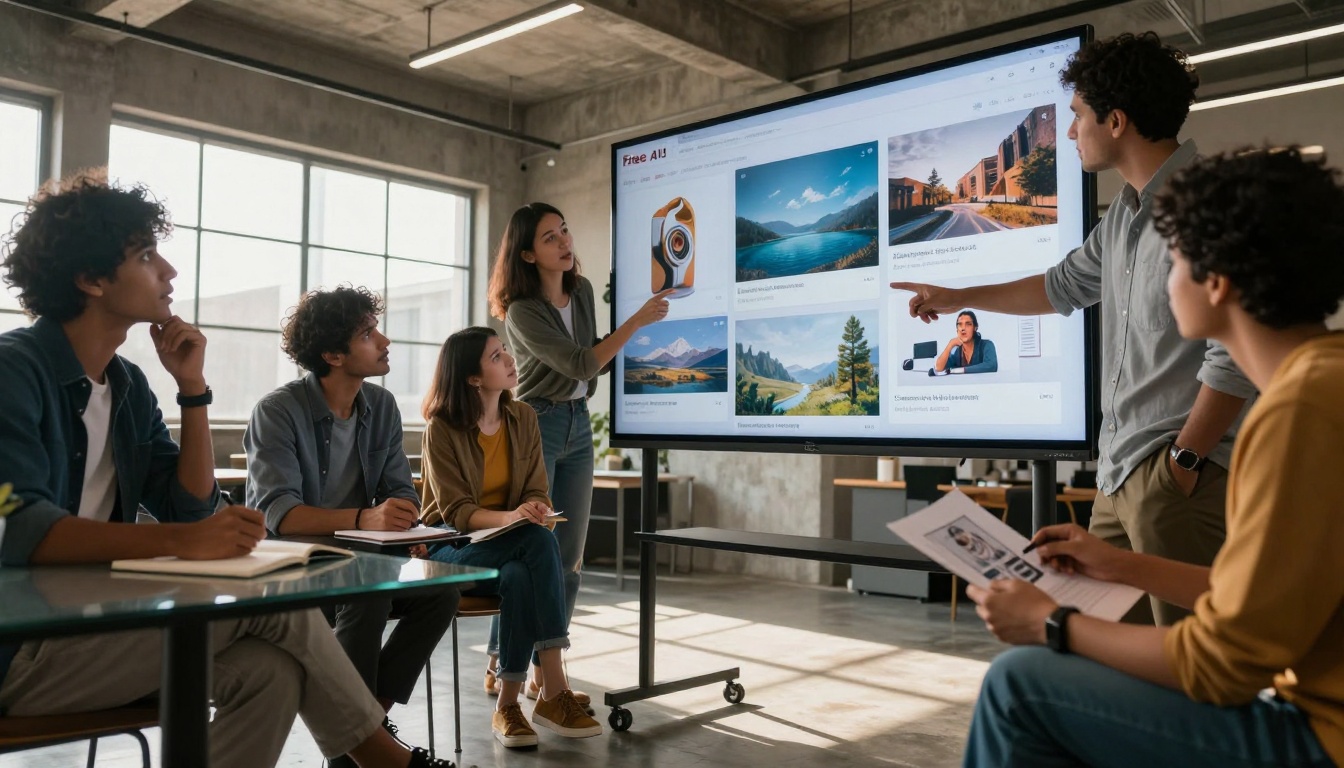
Creative professionals collaborating around free AI tools
Why Free AI Image Generation Matters
The financial barrier to quality visual content has disappeared. Small businesses, independent creators, and content teams operating on tight budgets now have access to the same image generation capabilities that previously required thousands in software subscriptions. The shift matters because visual content drives engagement—social media posts with images get 150% more engagement, articles with images are read 80% more frequently, and product pages with quality visuals convert 67% better.
Free tools have evolved beyond basic generators. Platforms like PicassoIA's p-image, flux-2-klein-4b, and qwen-image-2512 offer professional-grade output without cost barriers. The difference between paid and free has narrowed to specific advanced features rather than core quality.
💡 The reality check: Most paid AI image services use the same underlying models available for free. What you're often paying for is convenience features, higher generation limits, and user interface polish—not fundamentally better image quality.
Top Free Platforms That Actually Work
Not all free platforms deliver equal results. After testing dozens of options, these consistently produce professional-quality images:
1. PicassoIA Platform
This isn't a single tool but an ecosystem of free AI models. The key advantage: you can switch between different specialized models for different needs.
For speed: z-image-turbo generates images in seconds
For quality: flux-2-pro delivers exceptional detail
For editing: p-image-edit allows image modification
Extreme close-up of prompt engineering in action
2. Community-Powered Platforms
Several platforms offer free tiers with surprisingly generous limits:
Platform
Free Credits/Day
Best For
Quality Level
Replicate Community
5-10 generations
Experimentation
Professional
Hugging Face Spaces
Unlimited*
Technical users
Variable
Google Colab
GPU time limited
Custom workflows
Highest
* Some models have usage limits based on popularity
3. Specialized Free Tools
Certain tasks have dedicated free solutions:
Background removal: Multiple free tools produce clean results
Image upscaling: Free options like real-esrgan work exceptionally well
Style transfer: Several free models apply artistic styles
Crafting Prompts That Get Results
The single most important factor in free AI image generation isn't the tool—it's your prompt. Most users waste their free credits on vague descriptions that produce generic results.
Bad example: "A beautiful sunset"
Good example: "Photorealistic sunset over mountainous coastline, golden hour lighting with volumetric atmospheric haze, shot with 85mm f/1.8 lens, shallow depth of field focusing on foreground rock textures, Kodak Portra 400 film simulation, 8K resolution, natural color grading"
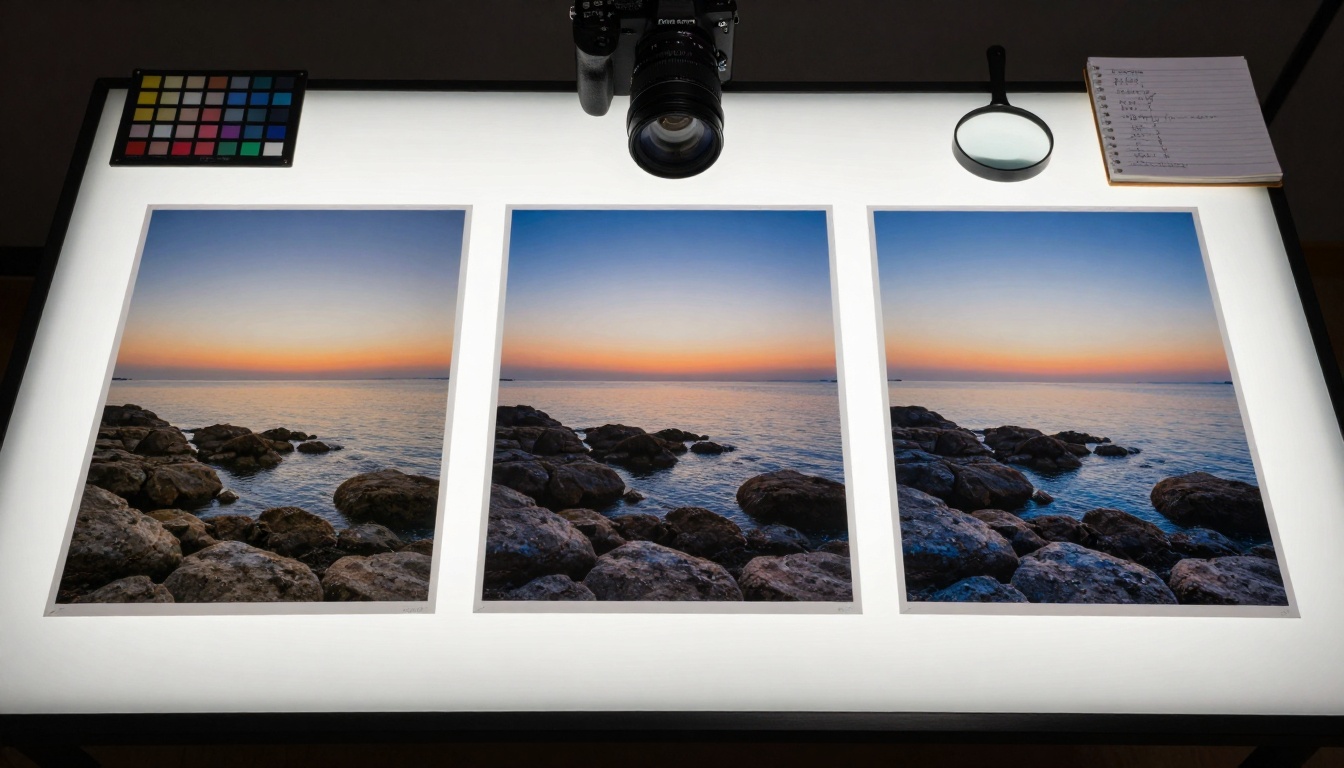
Side-by-side comparison showing quality differences between free tools
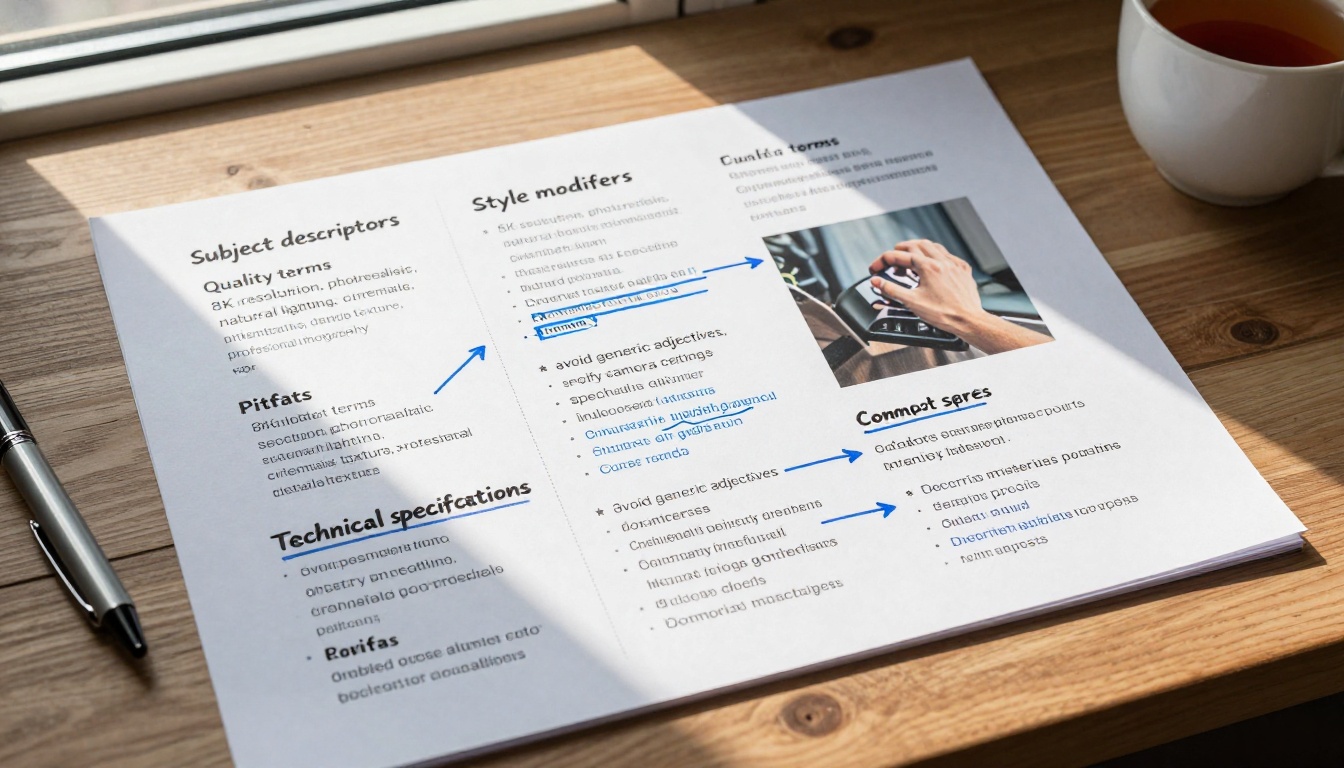
Essential Prompt Elements
Camera specifications: Mention focal length, aperture, and camera type
Lighting direction: "Morning light from left side", "soft window illumination"
Material textures: "rough stone", "woven fabric", "polished metal"
Atmospheric conditions: "volumetric fog", "light rain", "dust particles in air"
Color treatment: "natural saturation", "desaturated mood", "warm tones"
Words That Trigger Quality
Certain terms consistently produce better results:
Photorealistic (not "realistic")
Cinematic lighting
Professional photography
Detailed texture
Natural expression
Authentic materials
Quality Settings That Make a Difference
Free platforms often hide their best settings. These adjustments dramatically improve output:
Resolution and Aspect Ratio
Most free tools default to low resolutions. Always specify:
Minimum: 1024x1024 pixels
Optimal: 1536x1536 or higher
Aspect ratio: Match your intended use (16:9 for web, 4:5 for Instagram, etc.)
Sampling Methods
Different sampling algorithms produce different results:
DPM++ 2M Karras: Balanced quality/speed
Euler a: Faster, slightly less detailed
DDIM: Slower, highest quality
Guidance Scale
This controls how closely the AI follows your prompt:
7-10: Creative interpretation
10-15: Balanced adherence
15-20: Strict prompt following
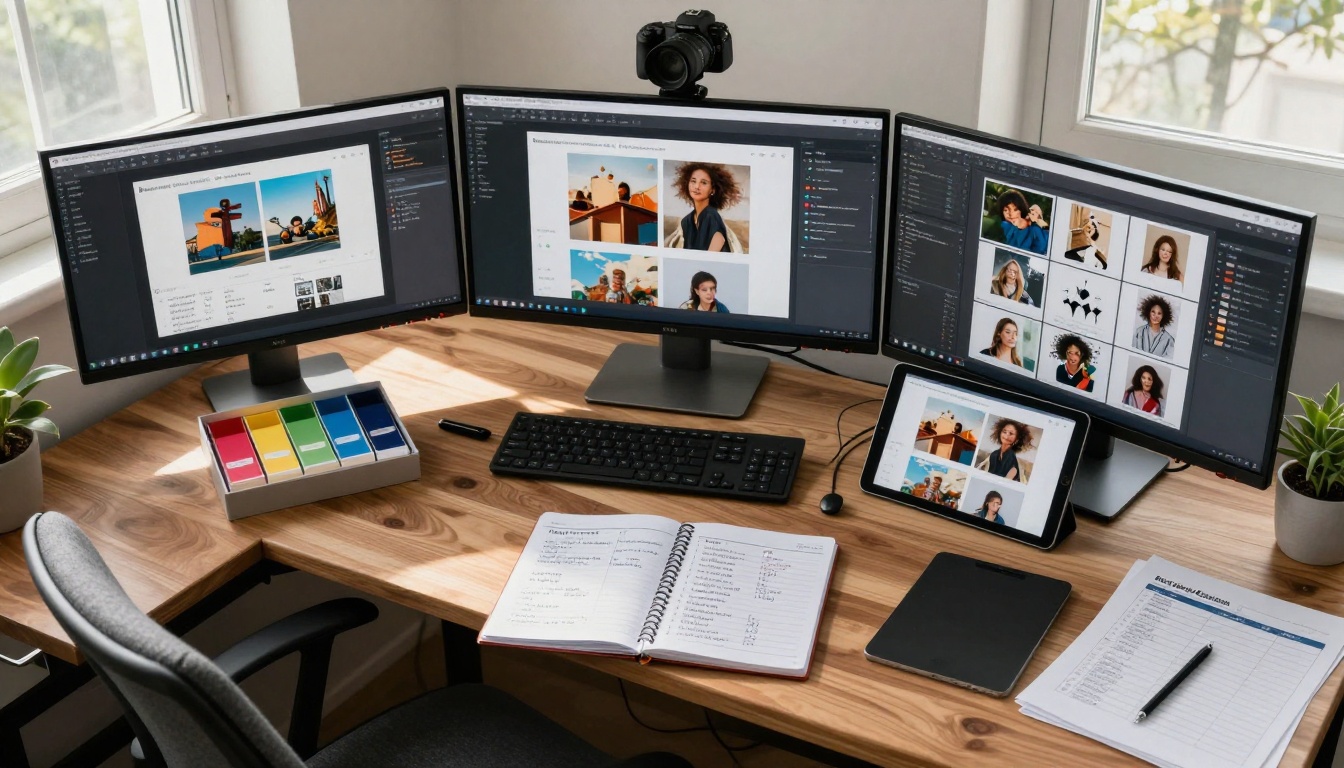
Aerial view of organized AI image generation workspace
Common Mistakes and How to Avoid Them
Watching users waste free credits on avoidable errors reveals patterns. These mistakes account for 80% of disappointing results:
Mistake 1: Overly Simple Prompts
Problem: "cat on couch" produces generic results
Solution: "British Shorthair cat lounging on mid-century modern velvet couch, afternoon sunbeam through window illuminating dust particles, shallow depth of field, intimate portrait composition"
Mistake 2: Ignoring Negative Prompts
Problem: Getting unwanted elements in images
Solution: Always include negative prompts like "blurry, deformed, cartoon, 3D render, digital art, illustration"
Mistake 3: Wrong Model for the Task
Problem: Using a portrait-optimized model for landscapes
Solution: Match model to task:
Problematic: Political content, controversial topics
Banned: Explicit content, hate symbols
Quality Limitations
Free tools may have:
Watermarks: Some add subtle branding
Resolution caps: Maximum sizes limited
Generation queues: Wait times during peak usage
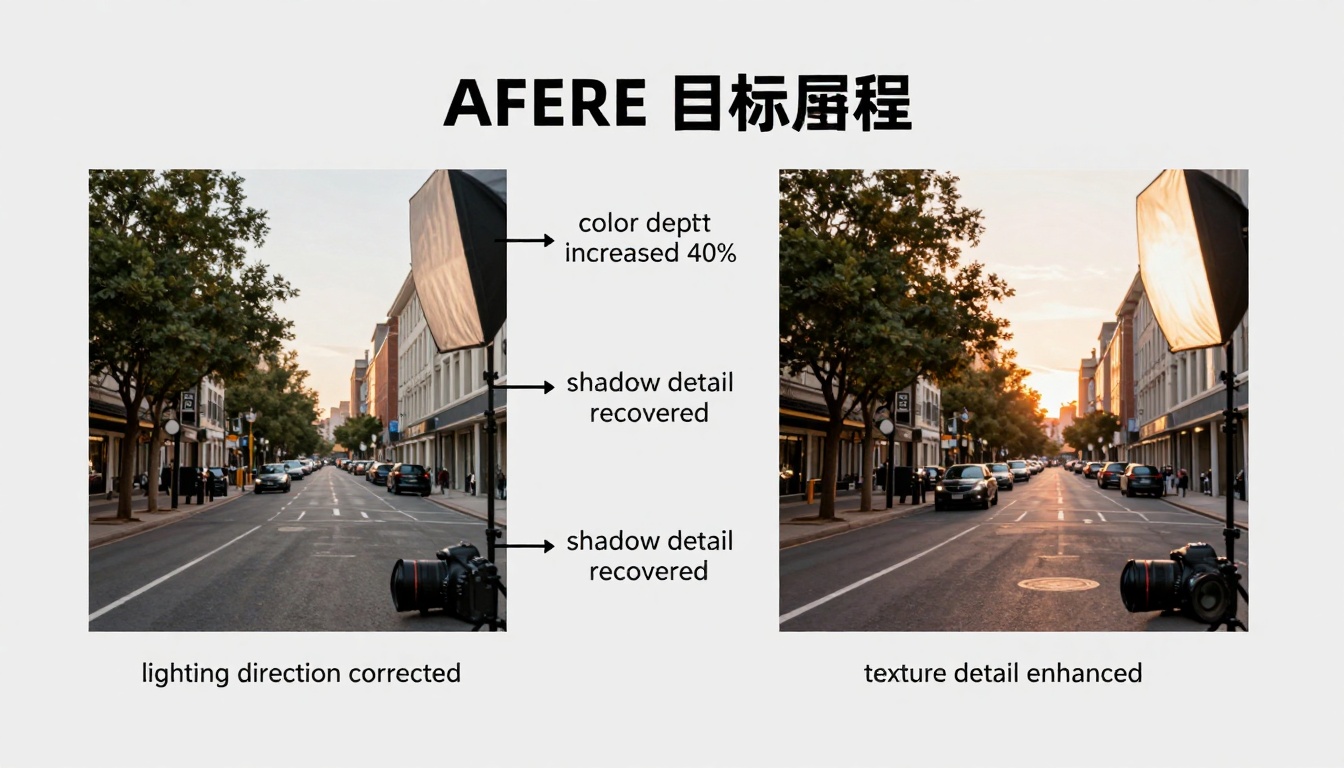
Split-screen comparison showing quality improvement through optimization
Getting Started Today
The barrier isn't cost or access—it's knowing where to begin. This immediate action plan delivers results within an hour:
Step 1: Platform Selection
Choose one free platform to start. PicassoIA's p-image offers the best balance of speed and quality for beginners.
Step 2: First Test Prompt
Use this exact prompt for your first generation:
"Photorealistic cup of coffee on wooden desk, morning light through window creating soft shadows, shallow depth of field focusing on coffee surface, steam rising, detailed texture of wood grain, professional product photography style, 8K resolution"
Step 3: Analysis and Refinement
Examine the result. What works? What doesn't? Adjust one element and regenerate.
Step 4: Build Your Reference Library
Create a simple document tracking:
Prompts that worked
Seeds that produced good results
Settings combinations
Model performance notes
Step 5: Expand Gradually
Add one new technique each session:
Week 1: Master basic prompt structure
Week 2: Learn negative prompts
Week 3: Experiment with different models
Week 4: Implement batch generation
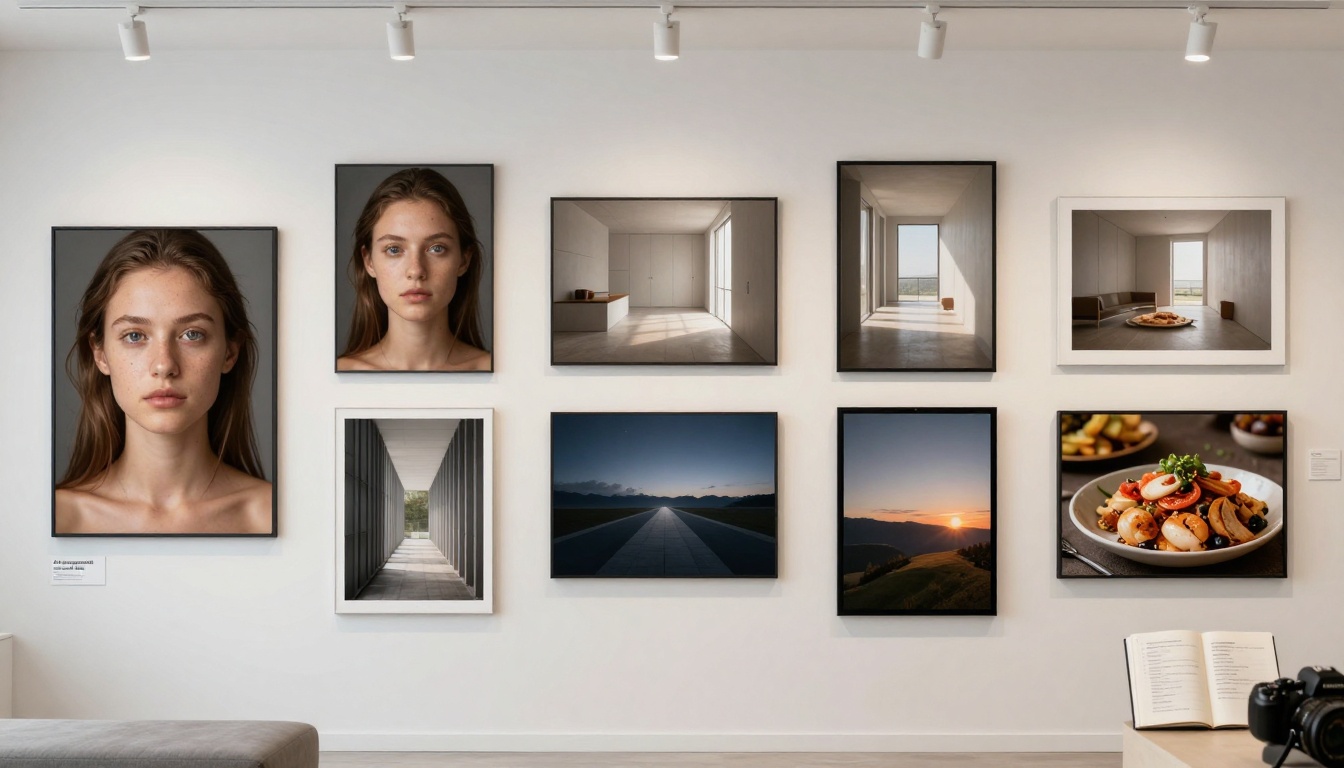
Professional portfolio display of AI-generated images from free tools
What Comes Next
The tools exist. The quality is achievable. The cost is zero. What separates successful users isn't budget—it's methodology. Free AI image generation has reached the point where skill matters more than subscription status.
The most immediate next step isn't spending money. It's spending thirty minutes with PicassoIA's free models, applying the prompt structure outlined here, and generating your first professional-quality image. The difference between vague "beautiful sunset" and specific "golden hour coastal scene with 85mm lens" represents the entire gap between amateur and professional results.
That gap closes today. Not with payment, but with precision.