The ability to create free NSFW art with Flux 2 Pro has fundamentally changed what people expect from AI image generators. For years, realistic, suggestive AI art required paid credits, powerful local hardware, or obscure open-source setup. That barrier no longer exists. With Flux 2 Pro now accessible online, generating photorealistic glamour, boudoir, and artistic NSFW imagery costs nothing but a well-crafted prompt.
This article walks through exactly how the model works, why it outperforms its predecessors, and the specific techniques that separate mediocre results from jaw-dropping realism.
What Is Flux 2 Pro
Flux 2 Pro is the latest flagship model from Black Forest Labs, the team behind one of the most influential families of open-weight text-to-image models in AI history. Released as the successor to the widely praised Flux 1.1 Pro lineup, Flux 2 Pro pushes photorealism to a new ceiling with improved anatomical accuracy, lighting fidelity, and prompt adherence.
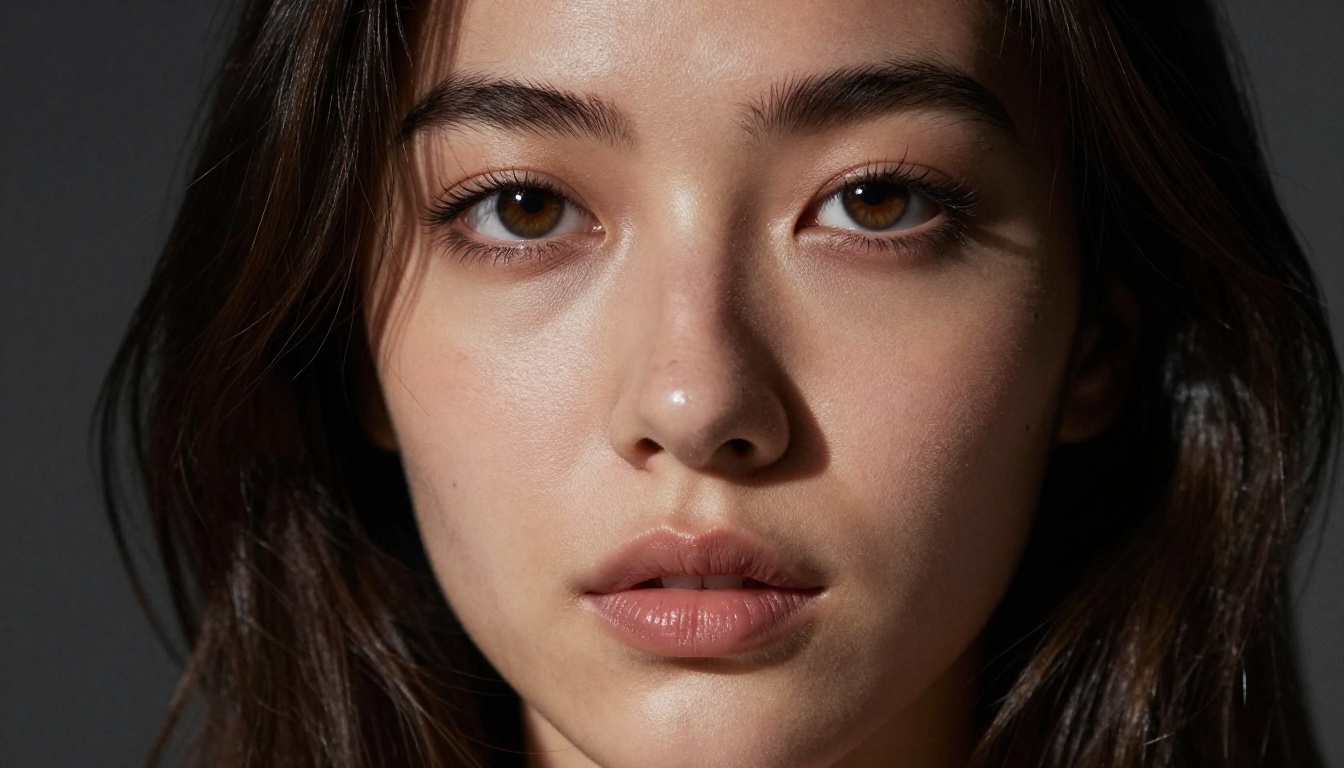
- Anatomical accuracy: Hands, fingers, facial features, and skin folds are rendered with a level of correctness that earlier diffusion models struggled with.
- Lighting fidelity: Volumetric light, subsurface skin scattering, and shadow detail now match what you would expect from a professional studio photographer.
- Prompt adherence: The model follows complex, multi-clause prompts far more reliably than previous versions.
The Technology Behind It
Flux 2 Pro operates on a flow matching architecture, a significant departure from the denoising diffusion process used in models like Stable Diffusion 3.5 Large or SDXL. Flow matching allows the model to move from noise to image along a straighter trajectory, which translates to sharper fine details on the first pass, more consistent color grading across an image, and better handling of complex scenes with multiple subjects.
The practical result is that a single generation from Flux 2 Pro often needs no post-processing. What you get is what you want.
Where It Sits in the Flux Family
Black Forest Labs has released multiple variants. Here is how they compare:
For most NSFW art use cases, Flux 2 Pro hits the sweet spot. It is fast enough for iteration and sharp enough to not leave you wanting more.
Free NSFW Art Is Real
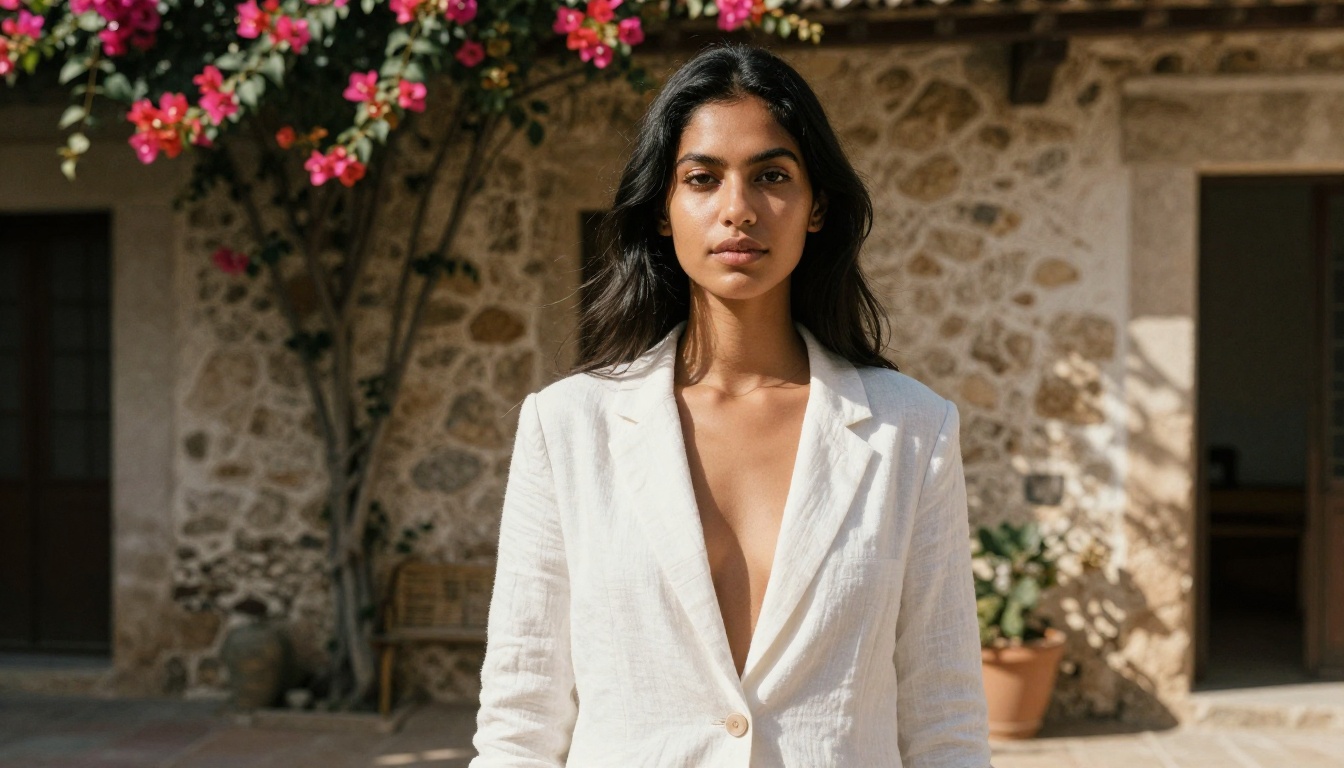
The phrase "free NSFW AI art" used to be a stretch. Free tools meant low resolution, watermarks, or restrictive content filters that blocked anything remotely suggestive. Flux 2 Pro on platforms like PicassoIA breaks that mold. You can generate artistic, suggestive, and glamour-focused images without paying per generation or subscribing to a tier.
💡 Important: The free access tier on PicassoIA gives you real credits to generate with Flux 2 Pro. No hidden charges, no premium walls blocking the good output.
What "Free" Actually Covers
Free access does not mean a degraded version of the model. You are running the same Flux 2 Pro that paid users access. The practical differences are:
- Daily generation limits: Free users get a set number of generations per day, which refreshes every 24 hours.
- Queue priority: Paid users may skip ahead in the queue during high traffic. In practice, free generations complete quickly.
- Resolution options: For ultra-high-resolution needs, Flux 2 Max offers extended output dimensions on premium tiers.
For anyone experimenting with NSFW AI art, the free tier is more than enough to produce gallery-worthy results.
How to Use Flux 2 Pro on PicassoIA
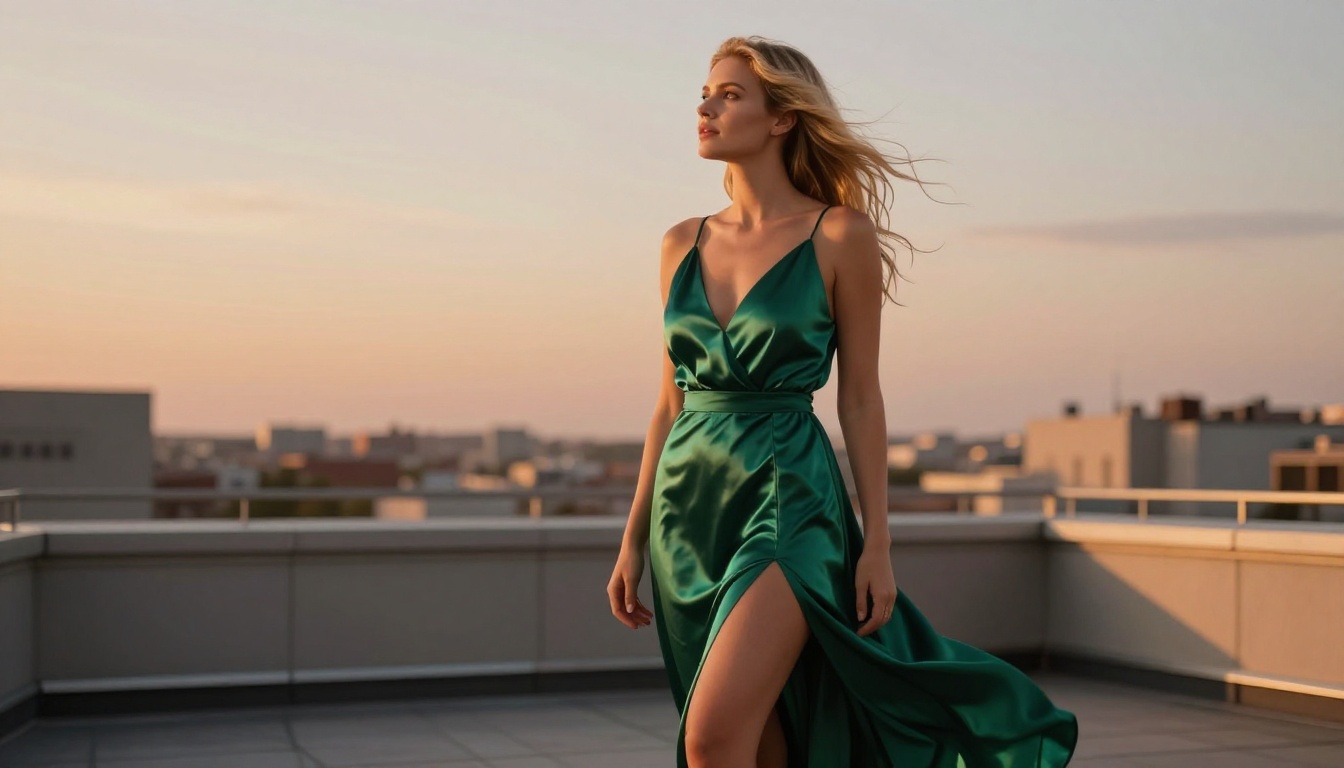
Using Flux 2 Pro is straightforward. Here is the exact process from first visit to downloaded image.
Step 1: Open the Model
Navigate to Flux 2 Pro on PicassoIA. You will see the text input field, a set of generation parameters, and example outputs. No account is required to start, though creating a free account gives you more daily credits.
Step 2: Write a Detailed Prompt
This is the most critical step. Flux 2 Pro is a prompt-following model, meaning the more specific you are, the better the output. A weak prompt produces average results. A strong prompt produces something you will actually want to share.
Weak prompt:
"Beautiful woman in lingerie"
Strong prompt:
"Young woman seated on the edge of a white linen bed, wearing delicate ivory lace bralette and matching high-waist briefs, morning diffused backlight from sheer curtains creating a soft silhouette halo, freckles across bare shoulders, 105mm f/2.0 lens, very shallow depth of field, Kodak Portra 400 film grain, photorealistic 8K RAW"
The strong version specifies: subject, wardrobe detail, lighting source and direction, camera optics, film emulation, and quality standard. Every additional detail removes ambiguity and forces the model toward your exact vision.
Step 3: Set Parameters
| Parameter | Recommended Setting | Why |
|---|
| Aspect Ratio | 16:9 | Cinematic, best for full-body and environmental shots |
| Steps | 28-35 | Sweet spot between speed and detail |
| CFG Scale | 3.5 - 5.0 | Higher values mean stricter prompt adherence |
| Seed | Fixed (your choice) | Reproducible results for iterations |
Step 4: Generate and Review
Click generate. Flux 2 Pro typically returns a result within 15-30 seconds. If the composition is close but not perfect, adjust one variable at a time: lighting description, camera angle, or clothing detail. Never change everything at once.
💡 Pro tip: Isolate what you want to adjust so you know exactly which prompt word caused the improvement.
Prompts That Actually Work
The difference between NSFW AI art that looks like a photograph and art that looks like an AI hallucination comes down to prompt engineering. Here are the building blocks that consistently work with Flux 2 Pro.
The Anatomy of a Strong NSFW Prompt
A high-quality NSFW prompt has six layers:
- Subject: Who they are, what they are doing, their physical characteristics
- Wardrobe or State: Specific fabric, cut, color, or state of undress
- Environment: Indoor or outdoor, backdrop, props, surfaces
- Lighting: Direction, type (natural or studio), intensity, color temperature
- Camera Details: Lens focal length, aperture, distance from subject
- Film or Finish: Film stock (Kodak Portra, Fuji 400H), grain level, color grade
5 Prompt Templates to Start With
1. Studio Glamour
"[Subject description], wearing [outfit], seated on [surface], white seamless backdrop, large softbox from camera left creating short Rembrandt lighting, 85mm f/1.8, Kodak Portra 400, photorealistic 8K RAW"
2. Outdoor Golden Hour
"[Subject description], wearing [minimal outfit], standing in [outdoor location], warm golden hour light from the left rim-lighting her shoulder and neck, 50mm f/2.0, Fuji 400H, photorealistic 8K"
3. Morning Bedroom
"[Subject description], wearing [intimate wear], [pose on bed], morning light through sheer curtains creating soft diffused backlight with silhouette halo effect, 105mm f/2.0, shallow depth of field, Kodak Portra 400, photorealistic"
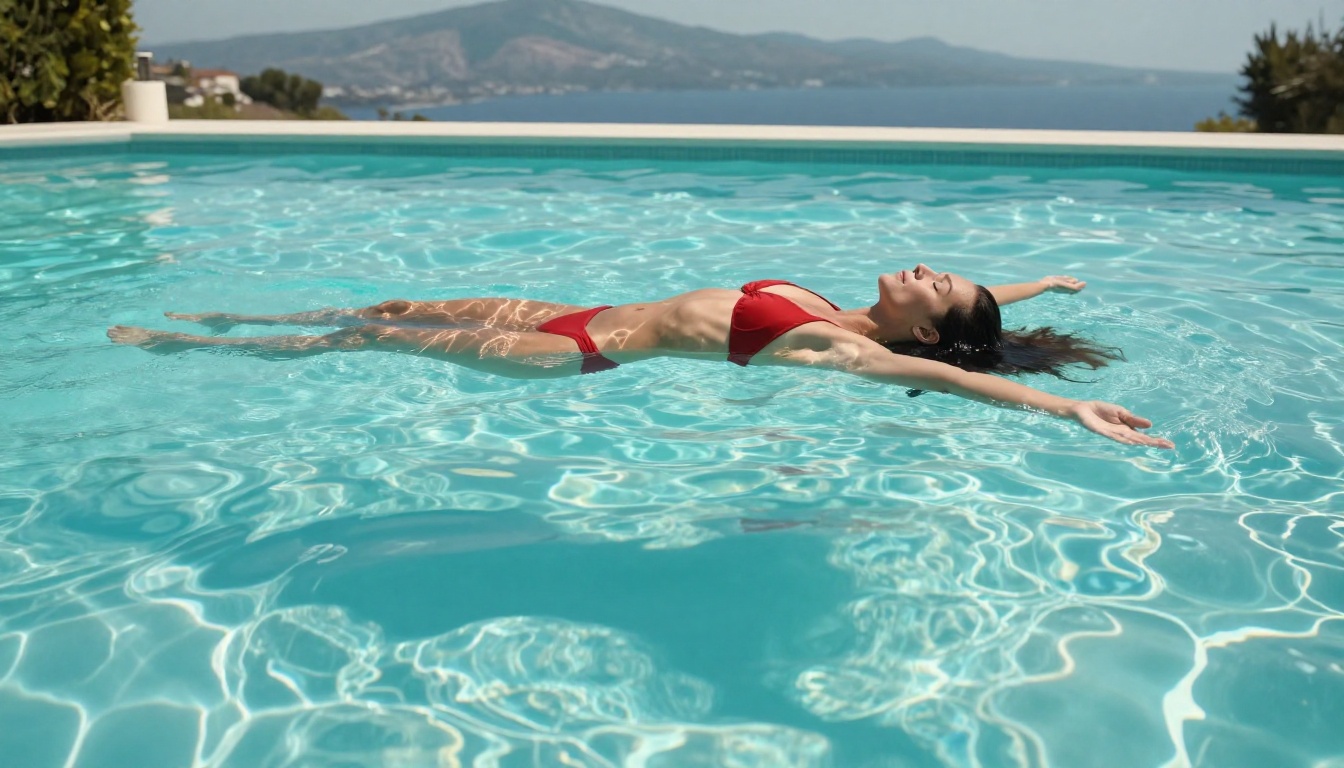
4. Pool or Beach
"[Subject description], wearing [swimwear], [position in or near water], midday sun from directly above, water caustic light patterns on skin, Sony A7R IV 24mm f/4, Fuji Velvia 50, photorealistic 8K RAW"
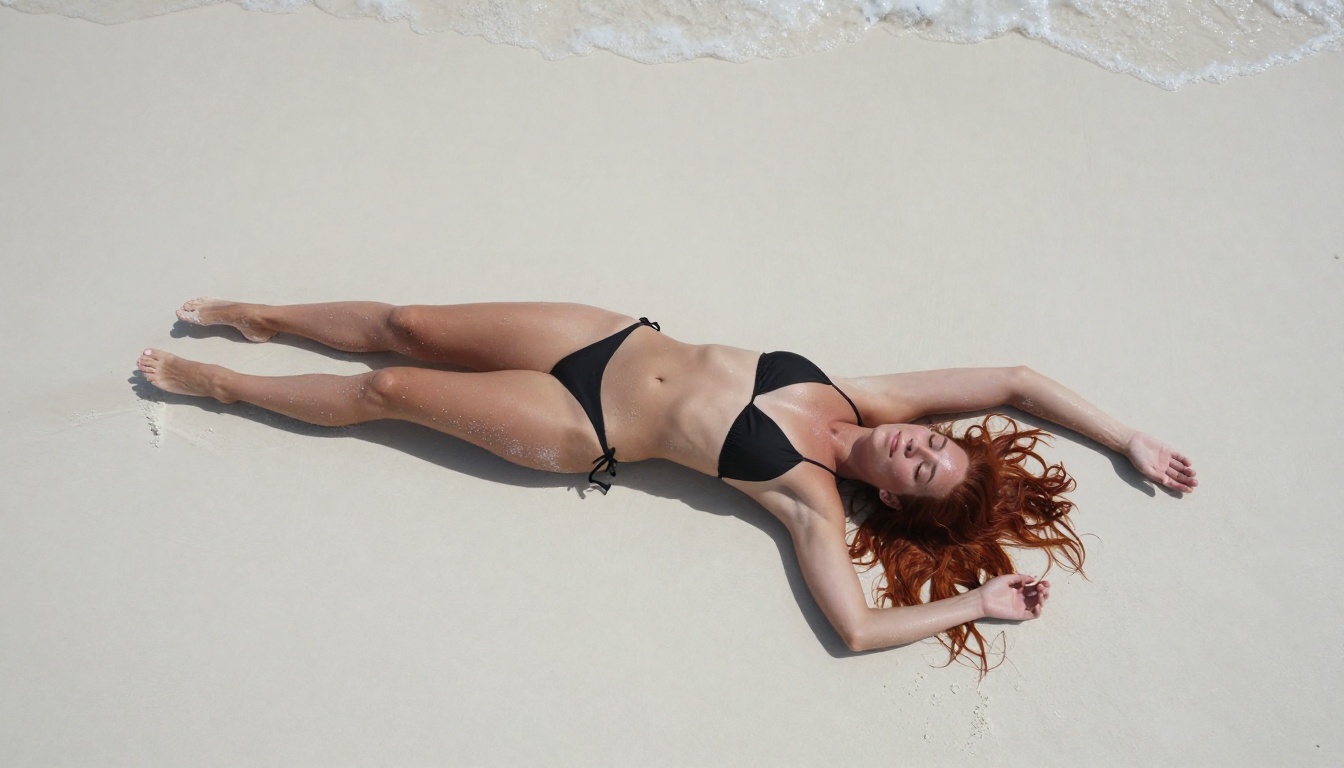
5. Aerial Overhead
"Top-down aerial view of [subject description] lying on [surface], arms extended, [hair color] hair spread around head, drone camera at 90 degrees from 15 feet above, extremely sharp focus throughout full frame, 24mm lens, photorealistic 8K"
Flux 2 Pro vs. The Competition
When it comes to free NSFW AI image generators, not all models are equal. Here is a direct comparison of what is currently available:
Flux 2 Pro wins on three key dimensions: photorealism, prompt adherence, and free-tier availability. For users who want the best NSFW AI art without paying, there is no stronger option currently available.
Why Older Models Fall Short
Models like SDXL and early Flux Dev variants have well-documented weaknesses in NSFW generation:
- Hand anatomy: Fingers merge, bend in unnatural directions, or multiply beyond five
- Skin texture: Often waxy or overly smoothed, lacking the pore-level detail that makes images look real
- Fabric realism: Lace, silk, and sheer fabrics frequently flatten into solid colors rather than rendering their transparency and micro-wrinkles
Flux 2 Pro addresses all three. Fabric renders with visible sheen. Skin shows subsurface scattering. Hands follow correct anatomy.
Realism Is the Real Differentiator
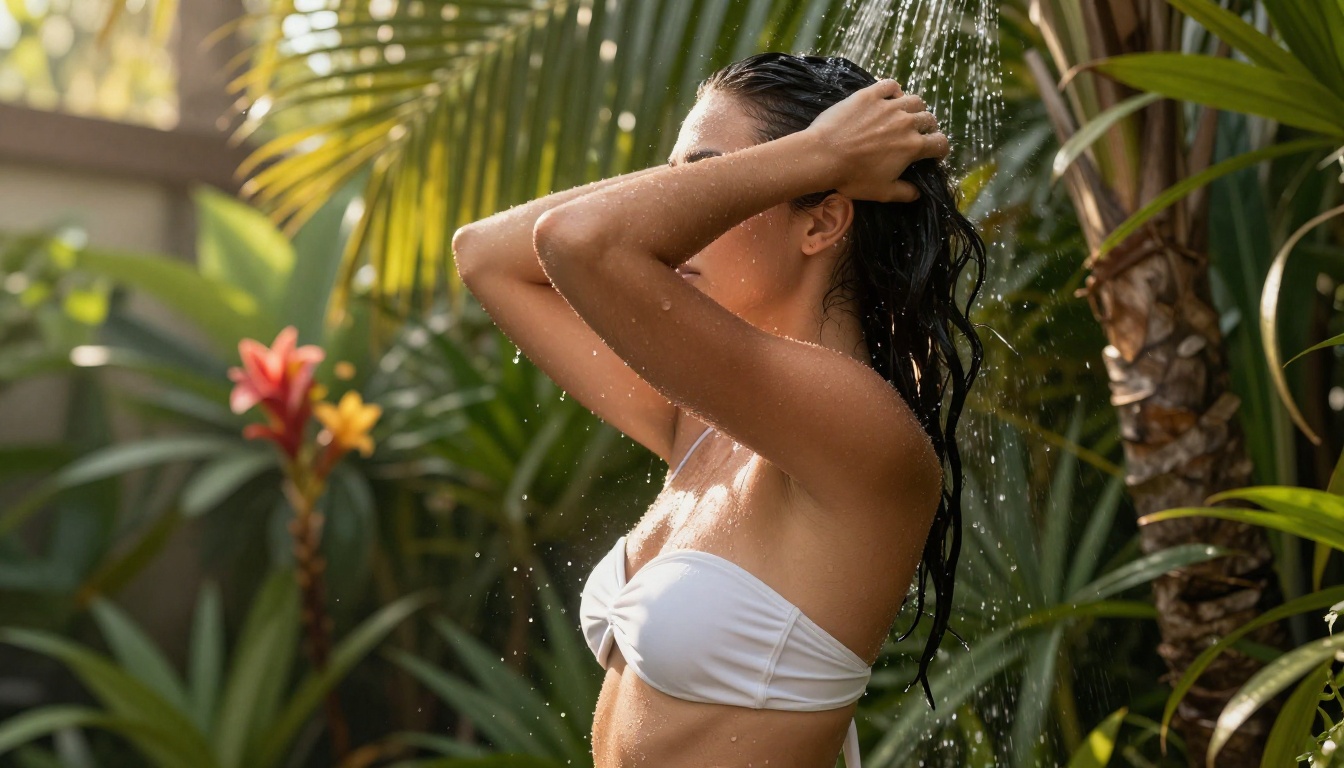
The best NSFW AI art does not look like AI art. It looks like photography. Achieving that requires understanding what makes photorealistic images work, not just what makes them technically generated.
Skin and Texture Details
Skin is the hardest surface for AI models to render correctly. The visual cues that register as "real" include:
- Pores: Individually visible at the skin surface, consistent in size
- Subsurface scattering: The slight warmth and redness visible when light passes through skin from behind
- Fine surface hair: Short translucent hairs on arms and shoulders that catch backlighting
- Natural variation: Slight asymmetry, freckles, beauty marks, and subtle skin tone changes
In your prompts, use phrases like: "pore-level detail", "subsurface scattering", "natural skin texture", "fine hair catching backlight". These words specifically activate Flux 2 Pro's highest-detail rendering pathways.
Lighting Direction Changes Everything
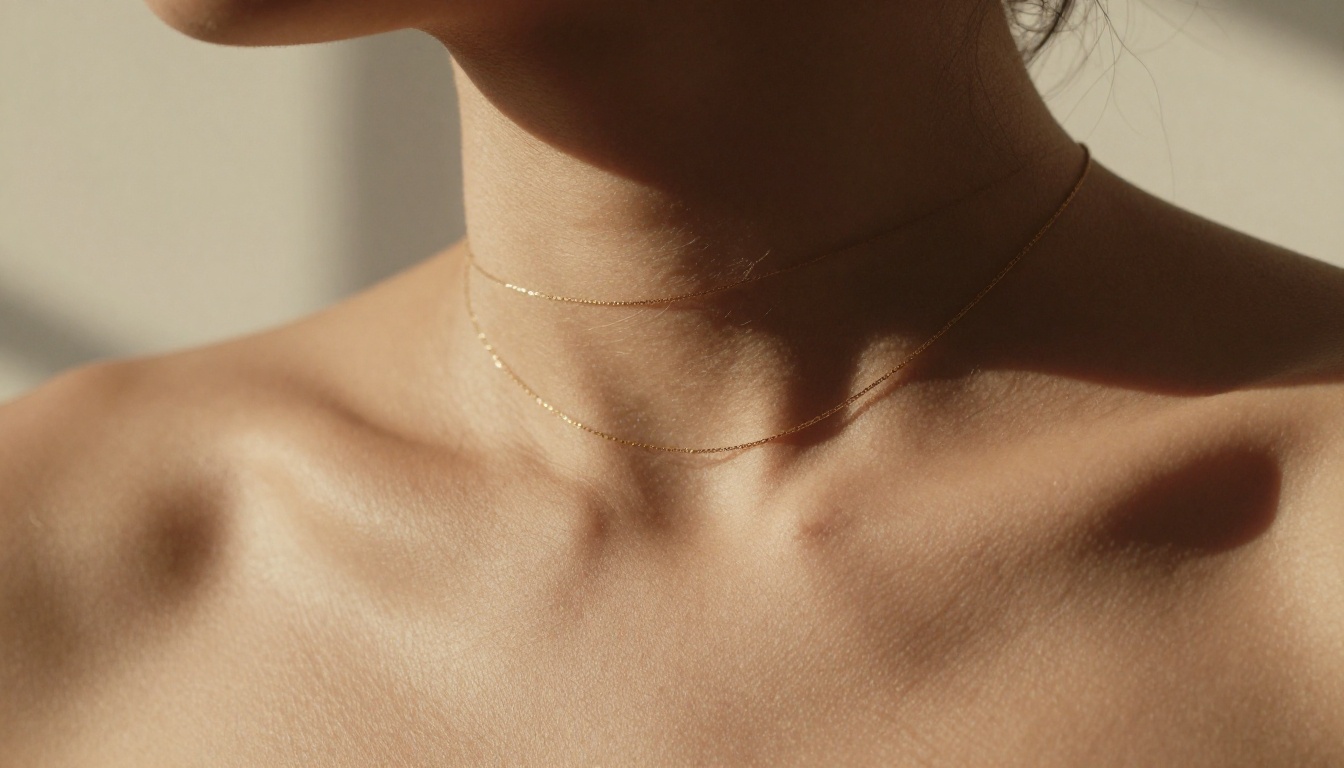
Amateur prompts say "good lighting." Professional prompts say:
- "Rembrandt lighting from upper left, triangular highlight on right cheek"
- "Volumetric morning backlight through sheer curtains creating a silhouette halo"
- "Hard midday sun from directly above with deep collarbone shadow"
- "Golden hour rim-light along left shoulder, warm 5500K color temperature"
The more specific the lighting instruction, the more dramatic and photorealistic the result. Lighting is what separates a snapshot from an editorial image.
Camera Angle as Narrative Tool
Different angles create radically different emotional tones:
| Angle | Emotional Effect | Best For |
|---|
| Eye level | Intimacy, directness | Portraits, close-ups |
| Low-angle (below subject) | Power, presence | Full-body fashion |
| High-angle (above subject) | Softness, vulnerability | Boudoir, reclined poses |
| Aerial (90 degrees down) | Abstract, artistic | Beach, bed layouts |
| Side profile | Shape, silhouette | Fashion, movement |
Every image you generate with Flux 2 Pro should specify an angle. "Camera at eye level" is a complete instruction. "Shot from below at knee height with 35mm wide-angle" is better still.
Getting More From Your Workflow
Once you have a strong base image from Flux 2 Pro, there are multiple ways to extend and refine your results within the same platform.
Upscaling for Print Quality
Generated images are already high resolution, but for print or large-format display you can push further. PicassoIA offers Super Resolution tools that upscale images 2x or 4x without degradation. This is particularly valuable for NSFW art where skin and fabric texture details need to hold up at larger sizes.
Fixing Small Imperfections
Sometimes a perfect composition has one small flaw: an off hand position, an unintended background element, or a color that feels wrong. Rather than regenerating from scratch:
- Use Inpainting to select and regenerate only the problematic region while keeping the rest intact
- Use Outpainting to expand the canvas and add context (a wider room, more beach, extended background)
- Use Object Replacement to swap specific elements while preserving the rest of the image
These editing tools pair naturally with Flux 2 Pro outputs because the base image quality is high enough that targeted edits blend cleanly.
Using Flux Kontext Pro for Refinements
For users who want to modify an existing image with a text instruction, Flux Kontext Pro is the natural complement. You can take a generated image and issue instructions like "change the dress color to red" or "add a reflection in the background" without regenerating the entire composition.
💡 Workflow suggestion: Generate your base image with Flux 2 Pro for maximum quality, then use Flux Kontext Pro for variations and refinements. This two-step process gives you both quality and control.
For even more power, Flux Kontext Max handles complex multi-element editing with exceptional consistency across multiple passes.
Building a Consistent Visual Series
If you want multiple images with the same subject, lighting style, and aesthetic, the seed parameter is your best tool. Fix the seed after finding a composition you love, then vary only the prompt details (pose, wardrobe, location) while keeping the seed constant. This is how professional AI art creators build coherent visual series with recognizable style.
The Best Results Come From Iteration
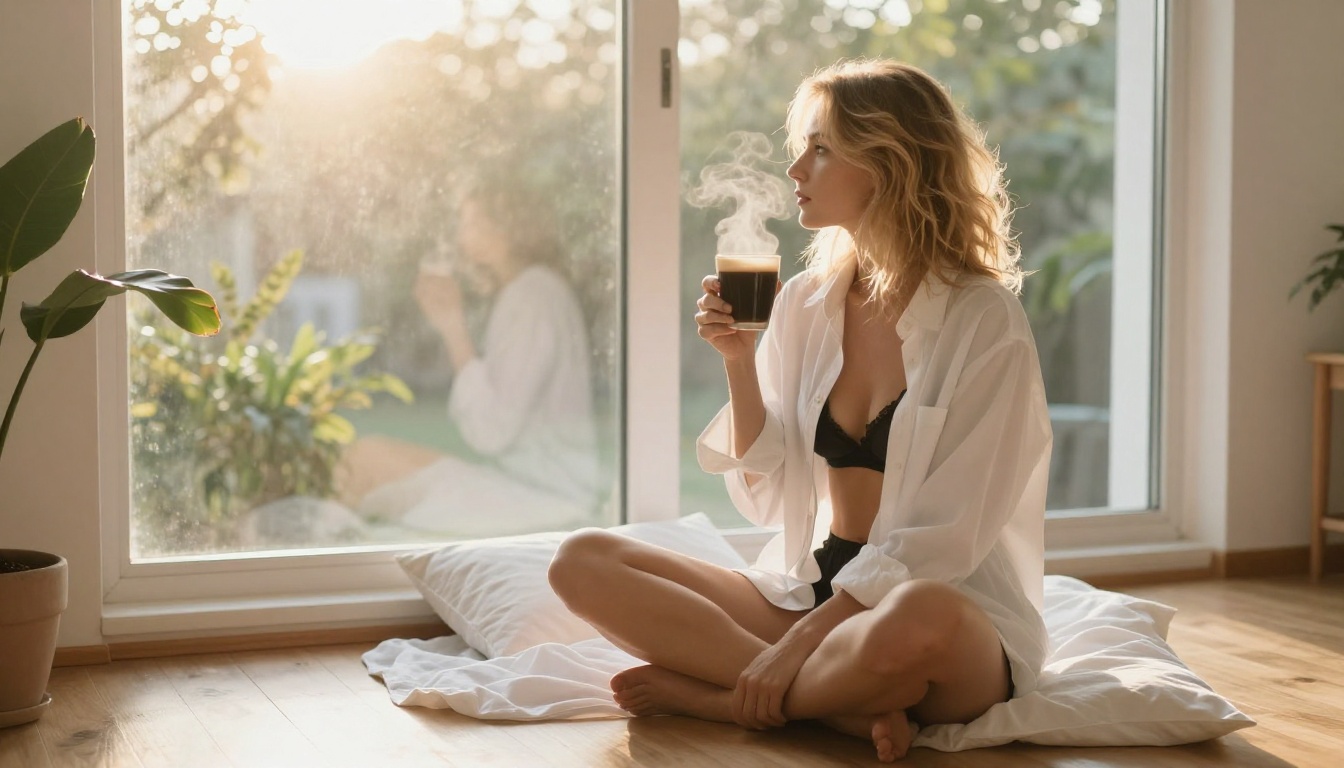
The users generating the most striking free NSFW art with Flux 2 Pro are not writing perfect prompts on the first try. They are iterating. They generate, identify what is off, adjust one specific variable, and generate again. This process, repeated five to ten times, produces results that are impossible to achieve in a single attempt.
The iteration loop:
- Write a detailed starting prompt using the six-layer structure
- Generate with Flux 2 Pro
- Identify the single biggest gap between the result and your vision
- Modify only that element in the prompt
- Regenerate and compare
- Repeat until satisfied
This disciplined approach prevents the common mistake of changing everything at once and losing track of what actually improved the output.
Mood Language That Works
Beyond technical details, NSFW AI art benefits from intentional mood language:
- "vulnerable and soft" shifts toward intimate, quiet compositions
- "confident and direct gaze" produces assertive subjects making eye contact with the camera
- "editorial high fashion" pushes toward structured, intentional poses with clear artistic intent
- "candid, caught mid-movement" creates natural, unposed energy that feels spontaneous
- "quiet intimacy, morning light" generates relaxed, textured domestic scenes full of warmth
Mood language operates alongside technical language. Both are necessary for images that feel complete rather than merely technically correct.
What Not to Do
A few habits reliably produce bad results:
- Overdescribing the same element: Writing "realistic skin, photorealistic skin, natural skin, detailed skin" four times does not add more detail. It adds repetition noise.
- Conflicting instructions: "Bright high-key studio lighting" combined with "dramatic dark shadows" will confuse the model.
- Generic quality boosters alone: Phrases like "ultra detailed, best quality, masterpiece" without specific supporting context rarely improve output from a model as capable as Flux 2 Pro. Specificity beats vagueness every time.
Start Creating Right Now
Creating free NSFW art with Flux 2 Pro is one of those things best understood through direct experience. The difference between reading about photorealistic AI art and actually generating it is enormous. The speed, the detail level, and the creative control are all things you have to see to fully appreciate.
PicassoIA gives you free credits to start immediately. No credit card. No lengthy sign-up. You write a prompt, the model generates in under 30 seconds, and you have an image you can download, iterate on, or share.
If you want to push further after Flux 2 Pro, the platform has Flux 2 Max for ultra-high-resolution output, Flux Kontext Max for advanced text-based image editing, and over 90 text-to-image models spanning every style and use case. Every workflow you can imagine for NSFW AI art is covered in one place.
The barrier to creating professional-quality free NSFW art has dropped to zero. The only thing between you and your first great image is the prompt you write next.


