The waiting is over. What used to take hours of manual labor now happens in seconds. The transition from traditional creative workflows to AI-powered generation represents one of the most significant productivity shifts in digital content creation. This transformation isn't about replacing human creativity—it's about accelerating the execution phase so creators can focus on ideation and refinement.
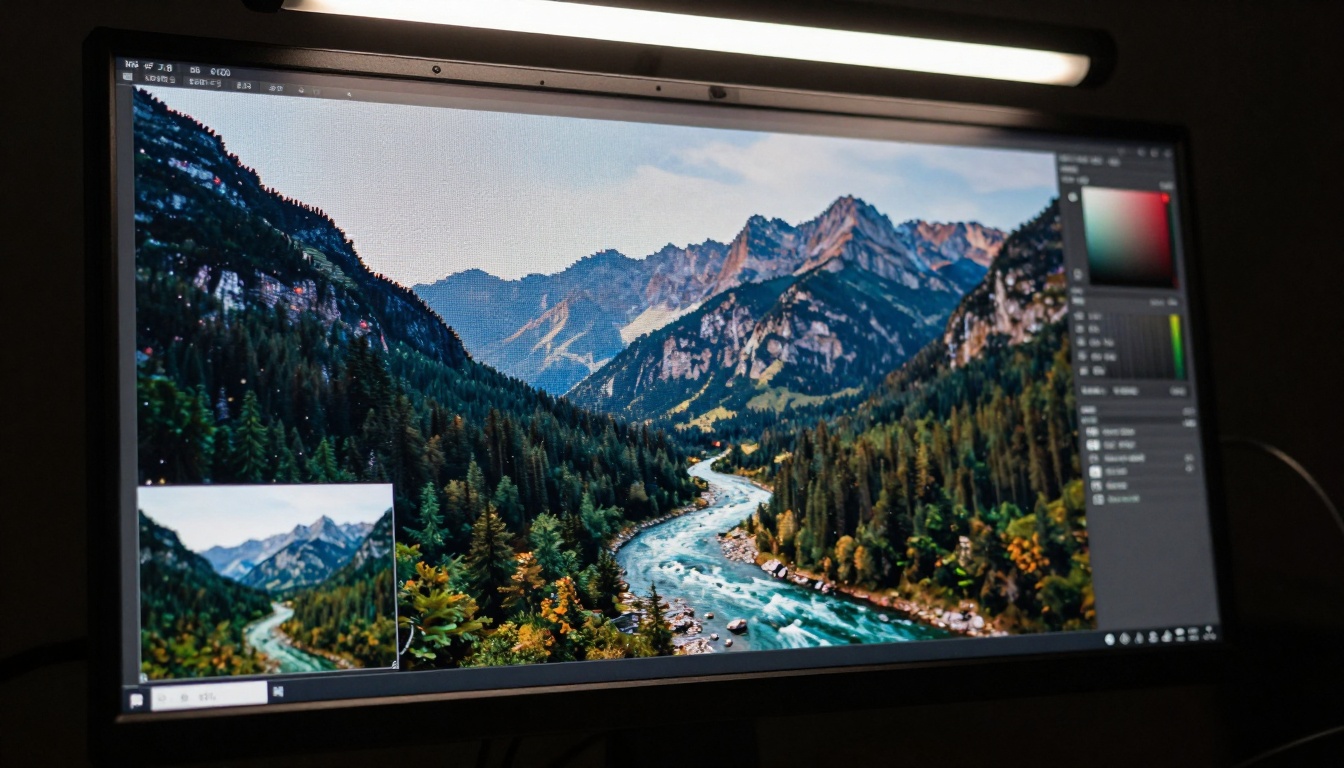
Extreme close-up of AI images rendering in real-time—watch pixels transform from abstract patterns to photorealistic imagery within seconds.
What Changed in AI Speed
Three years ago, generating a single high-quality image might take minutes. Today, that same process completes in under 10 seconds with models like Flux 2 Klein 4B and PrunaAI's P-Image. The acceleration comes from architectural improvements, hardware optimization, and specialized inference techniques.
Architectural optimizations include:
- Model distillation: Smaller, faster models that retain quality
- Quantization: Reduced precision calculations with minimal quality loss
- Parallel processing: Multi-GPU inference splitting workloads
- Cache optimization: Reusing computation for similar prompts
💡 Speed Insight: The Z-Image Turbo model specifically optimizes for generation speed while maintaining photorealistic output quality—perfect for rapid iteration workflows.
Real-Time Video Creation Revolution
Video production timelines have collapsed. Where traditional animation might require weeks, AI video generators now produce comparable results in minutes. The Kling V2.6 and WAN 2.6 T2V models demonstrate this acceleration, generating coherent video sequences from text prompts in under two minutes.
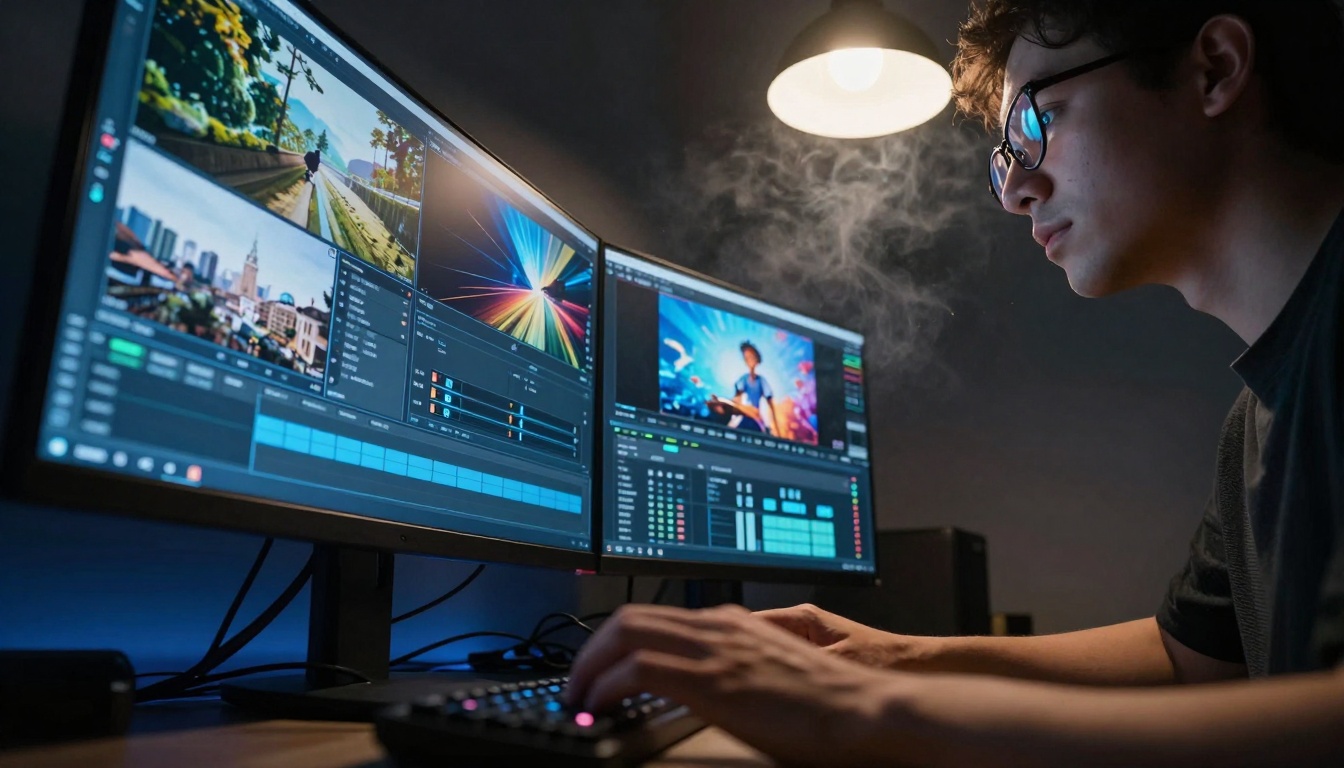
Low-angle perspective of video editor working with multiple AI-generated sequences simultaneously—four different videos rendering in parallel.
Video acceleration factors:
- Frame coherence algorithms: Maintaining consistency across sequences
- Motion prediction: Reducing computation for predictable movements
- Temporal compression: Optimizing between-frame processing
- Resolution scaling: Intelligent detail allocation based on motion
| Traditional Video Workflow | AI-Powered Workflow | Time Reduction |
|---|
| Storyboarding: 2-3 days | Prompt refinement: 30 minutes | 94% faster |
| Asset creation: 1-2 weeks | AI generation: 2-3 hours | 90% faster |
| Animation: 3-4 weeks | Motion synthesis: 4-6 hours | 95% faster |
| Editing: 1 week | Automated assembly: 1-2 hours | 85% faster |
| Total: 6-8 weeks | Total: 8-12 hours | 99% faster |
Batch Processing Efficiency
The true power of modern AI emerges when processing multiple requests simultaneously. Batch processing allows creators to generate dozens of variations, test different styles, and explore creative directions in the time previously needed for a single output.
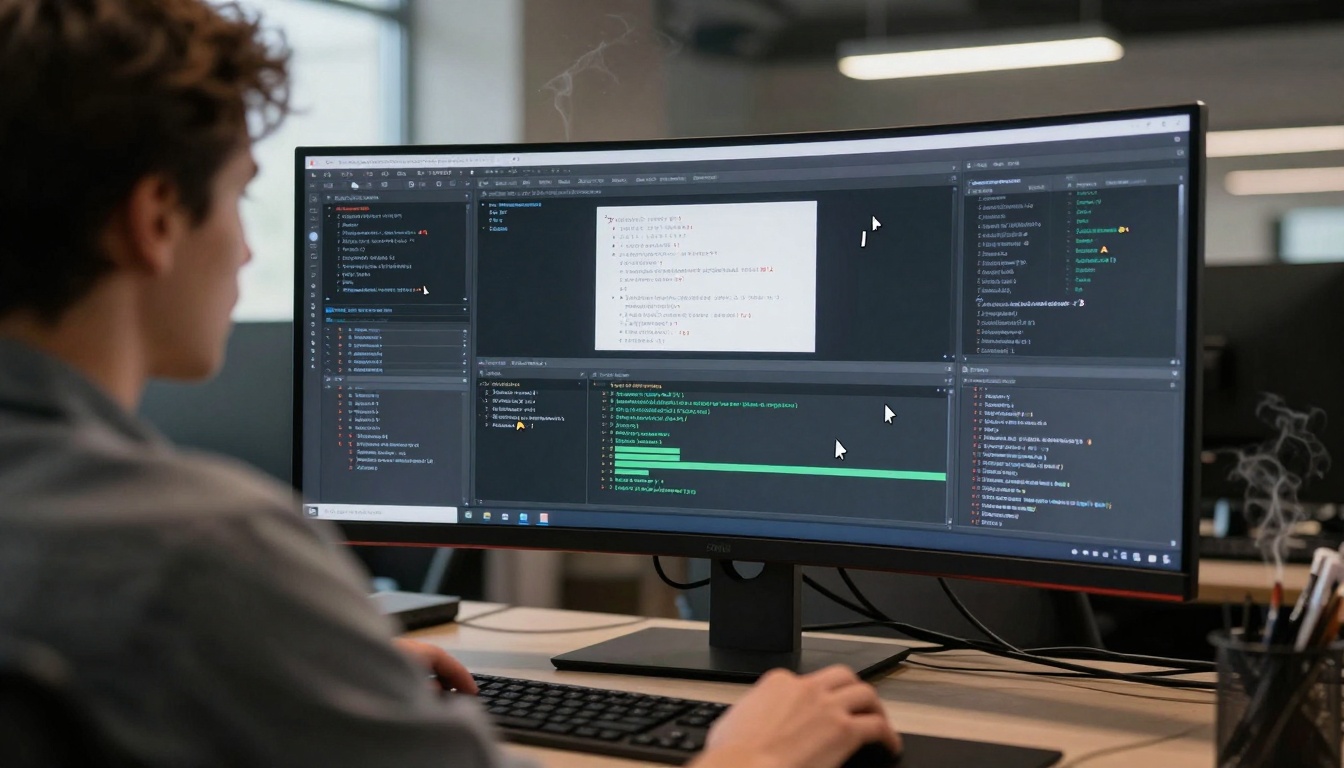
Over-the-shoulder view of batch AI processing—dozens of generation windows working in parallel across a curved ultra-wide display.
Batch optimization techniques:
- Parallel prompt processing: Running multiple generations simultaneously
- Style consistency groups: Maintaining coherence across variations
- Progressive refinement: Iterating on the best outputs from each batch
- Automated filtering: AI-assisted selection of strongest results
Practical batch workflow:
- Generate 20-30 initial variations with Qwen Image 2512
- Use AI ranking to identify top 5 candidates
- Refine those 5 with detailed parameter adjustments
- Final selection and upscaling with Crystal Upscaler
- Total time: 15-20 minutes for what previously took days
GPU Acceleration Behind the Speed
The hardware foundation for this acceleration resides in specialized GPU architectures optimized for AI inference. Modern GPUs process thousands of operations in parallel, dramatically reducing generation time.
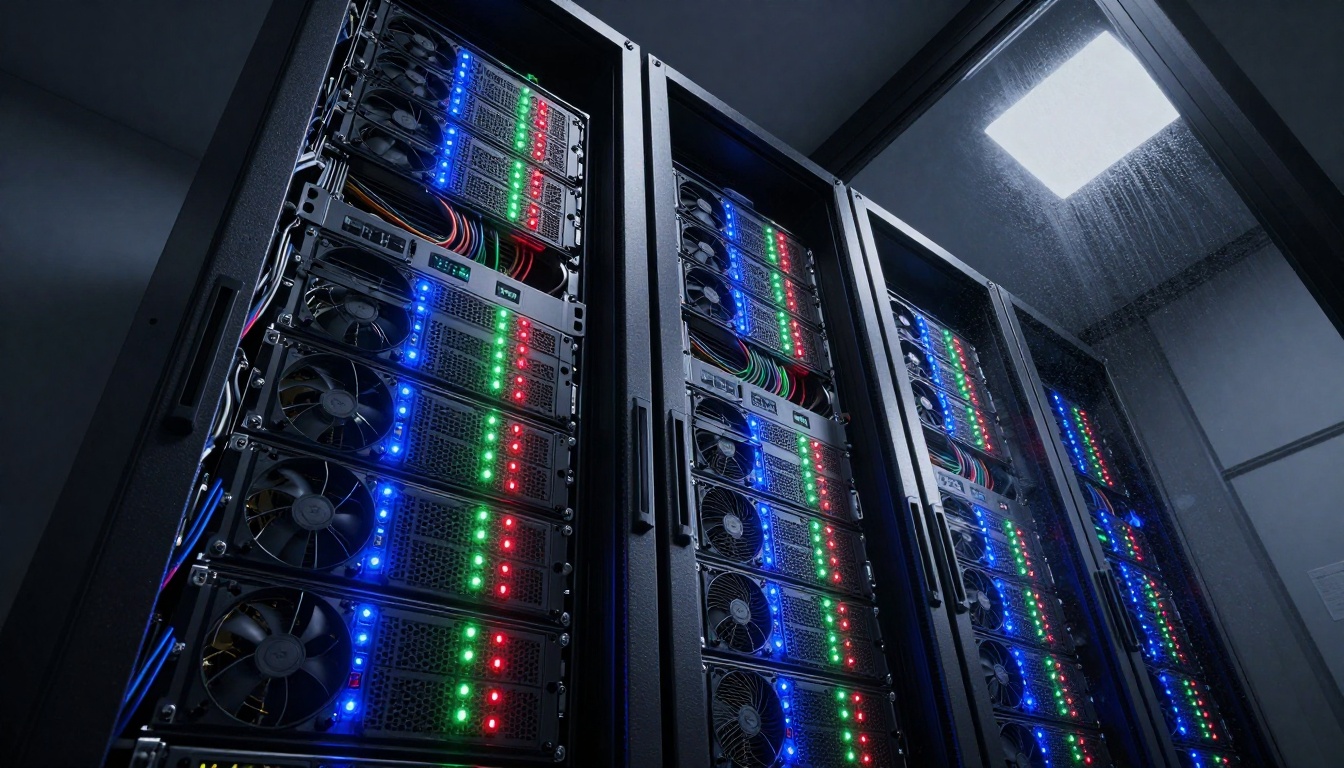
Server rack with intense computational activity—glowing status indicators show parallel processing across multiple GPUs.
GPU optimization factors:
- Tensor cores: Specialized units for matrix operations
- Memory bandwidth: Faster data transfer between processing units
- Parallel architecture: Thousands of cores working simultaneously
- Cooling efficiency: Sustained high-performance without thermal throttling
Hardware recommendations for speed:
- Entry level: RTX 4070 (12GB) - 5-8 second image generation
- Professional: RTX 4090 (24GB) - 2-4 second image generation
- Server grade: A100/H100 clusters - sub-second batch processing
- Cloud solutions: PicassoIA platform - instant generation without hardware investment
The shift from traditional to AI-powered workflows represents more than just time savings—it's a fundamental change in creative process structure.
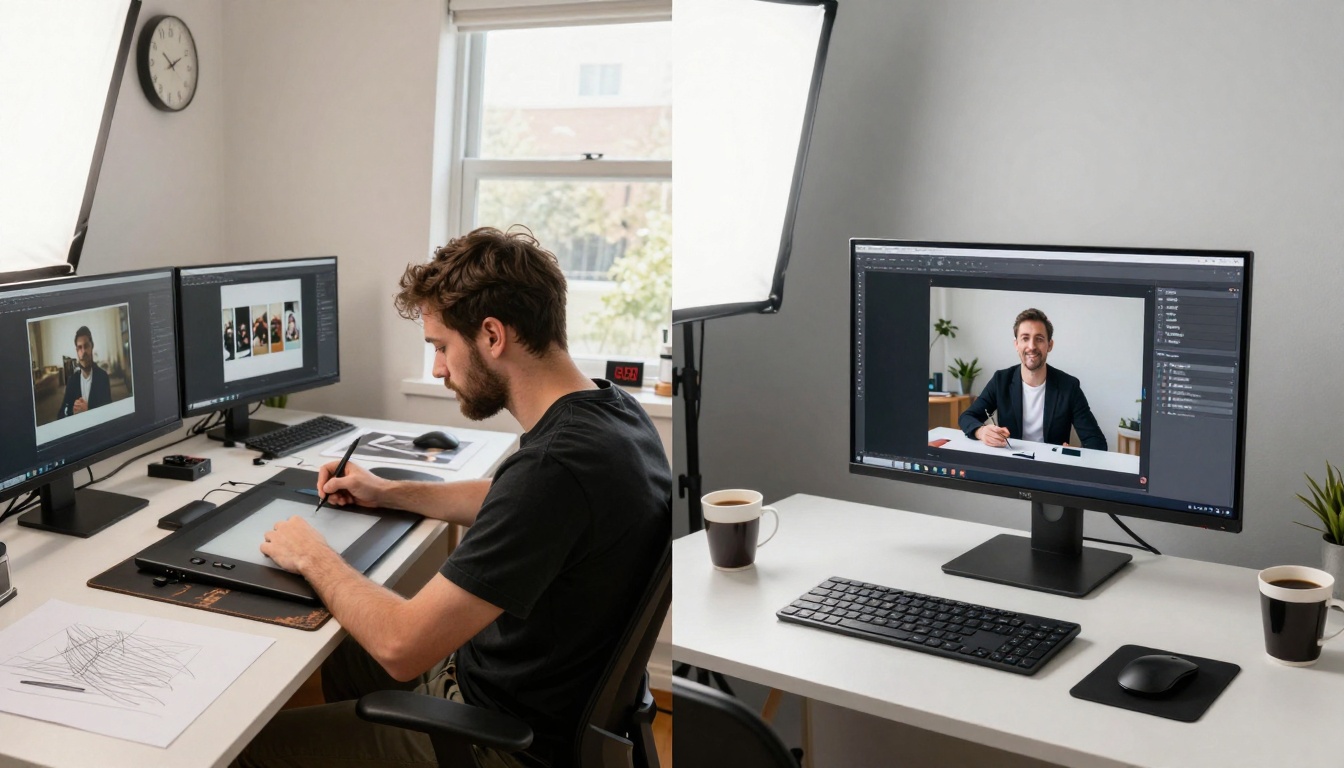
Split-screen visualization—traditional cluttered workspace versus clean AI-powered setup showing dramatic time difference.
Traditional workflow bottlenecks:
- Manual asset creation (sketching, modeling, texturing)
- Sequential process dependencies
- Hardware rendering limitations
- Revision cycle delays
- Specialized software learning curves
AI workflow advantages:
- Parallel concept exploration
- Instant visualization of ideas
- Rapid iteration and refinement
- Reduced technical barriers
- Scalable production capacity
💡 Process Insight: The most effective creators use AI not as replacement but as acceleration—spending saved time on higher-level creative decisions rather than execution tasks.
Mobile AI Creation Accessibility
Speed isn't limited to desktop workstations. Mobile AI tools bring rapid generation capabilities to smartphones and tablets, enabling creation anywhere, anytime.

Smartphone showing multiple AI apps generating simultaneously—professional-quality creation from any location.
Mobile acceleration techniques:
- Edge computing: On-device processing avoids network latency
- Model compression: Smaller versions of desktop models
- Cloud hybrid: Critical processing in cloud, refinement on device
- Cached results: Reusing similar generations for faster response
Popular mobile workflows:
- Social content: Generate images for posts in 10-15 seconds
- Presentation visuals: Create slides graphics during meetings
- Product mockups: Visualize concepts during client discussions
- Inspiration capture: Turn notes into visuals immediately
Iterative Refinement Process
Speed enables a different approach to refinement. Instead of committing hours to a single direction, creators can explore multiple paths simultaneously and converge on the strongest result.
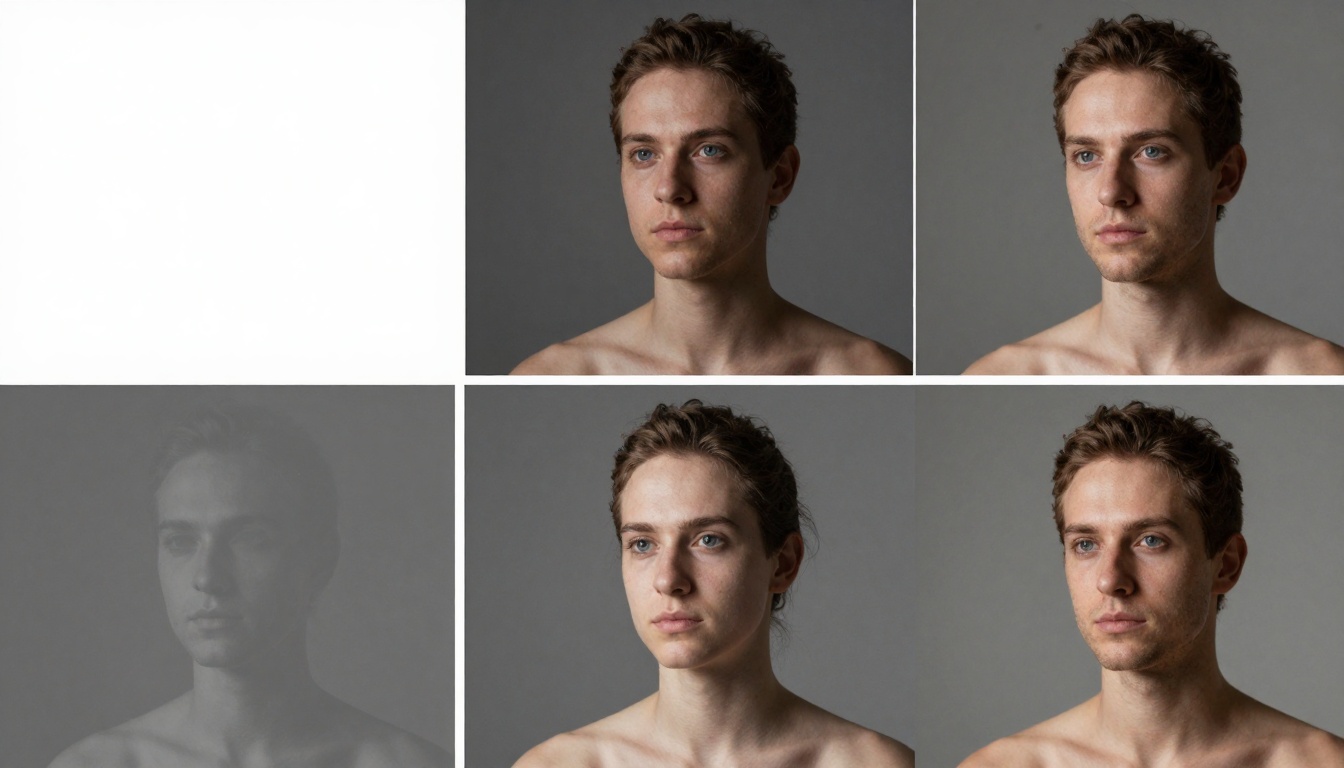
Four-stage refinement visualization—watch quality progress from basic shapes to photorealistic detail through rapid iteration cycles.
Iterative refinement strategy:
- Phase 1: Generate 10-15 rough concepts (30 seconds each)
- Phase 2: Select top 3 for detailed development (60 seconds each)
- Phase 3: Refine composition and lighting (90 seconds each)
- Phase 4: Final polish and upscaling (120 seconds each)
- Total: 7-8 minutes for what required hours of manual work
Refinement parameters to adjust:
- Prompt specificity: From general to detailed descriptions
- Style consistency: Maintaining coherence across iterations
- Parameter tuning: Adjusting sampling, guidance, and quality settings
- Feedback integration: Incorporating visual preferences automatically
Live Stream Creation Dynamics
The speed of modern AI enables new forms of interactive and collaborative creation. Live streaming AI generation sessions demonstrates the real-time capabilities while engaging audiences.
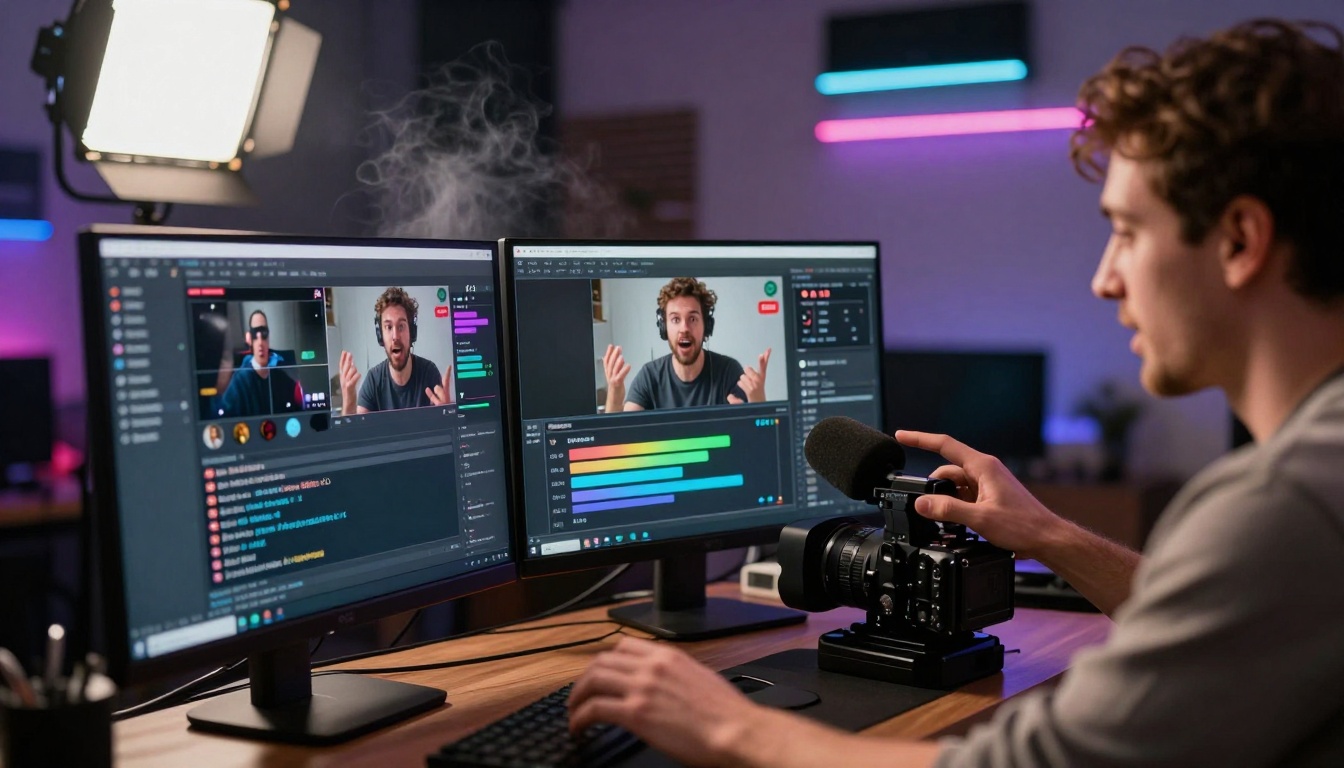
Content creator streaming AI workflow—multiple screens showing generation interface, audience chat, and output preview simultaneously.
Live creation advantages:
- Immediate feedback: Audience suggestions incorporated in real-time
- Transparent process: Viewers see the complete generation workflow
- Educational value: Demonstrating techniques and best practices
- Community building: Collaborative ideation and refinement
Streaming tools integration:
- OBS plugins: Direct AI generation within streaming software
- Chat integration: Audience prompts automatically processed
- Multi-output display: Showing variations and progress simultaneously
- Performance optimization: Maintaining stream quality while generating
Technical Infrastructure for Speed
Behind the user interface lies sophisticated technical architecture designed for maximum throughput and minimal latency.
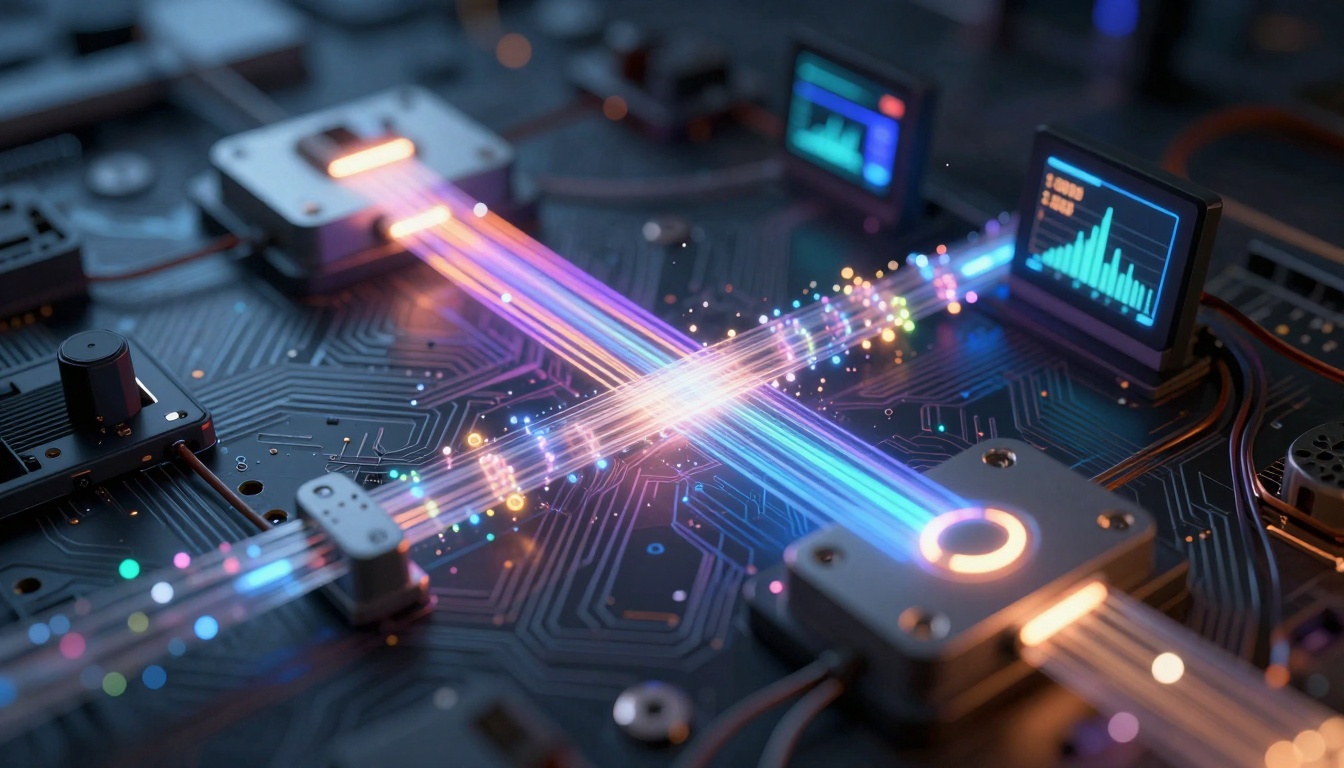
Conceptual visualization of AI data flow—glowing particles representing information moving through optimized processing pipelines.
Speed optimization layers:
1. Model Architecture
- Efficient transformer designs
- Optimized attention mechanisms
- Reduced parameter counts
- Specialized task heads
2. Inference Engine
- Just-in-time compilation
- Memory optimization
- Batch size adaptation
- Cache utilization
3. Hardware Layer
- GPU memory management
- Parallel processing allocation
- Thermal performance balancing
- Power efficiency optimization
4. Network Infrastructure
- Content delivery networks
- Edge computing nodes
- Load balancing algorithms
- Latency reduction techniques
Practical Implementation Guide
Accelerating your workflow requires more than just faster tools—it needs process adaptation and strategic implementation.
Step 1: Tool selection based on speed needs
Step 2: Workflow restructuring
- Replace sequential with parallel processes
- Implement batch generation for variations
- Use AI for rough drafts, human for final polish
- Establish quality thresholds for automated approval
Step 3: Quality control adaptation
- Develop rapid review protocols
- Implement AI-assisted quality scoring
- Create style consistency checks
- Establish approval workflows for different content types
Step 4: Performance monitoring
- Track generation time per asset type
- Measure iteration count to final approval
- Monitor quality consistency across speed settings
- Calculate time saved versus traditional methods
Speed Versus Quality Balance
The acceleration doesn't mean sacrificing quality. Modern AI models maintain high standards while dramatically reducing generation time.
Quality preservation techniques:
- Progressive refinement: Starting fast, adding detail iteratively
- Multi-pass generation: Quick draft followed by quality pass
- Hybrid approaches: AI generation with human touch-up
- Style transfer: Applying quality characteristics from reference images
Speed settings by use case:
- Concept exploration: Maximum speed, acceptable quality loss
- Presentation drafts: Balanced speed and quality
- Final deliverables: Slightly slower, maximum quality
- Batch variations: Optimized for consistency across outputs
Future Acceleration Trends
The current speed improvements represent just the beginning. Several emerging technologies promise further acceleration.
Near-term developments (6-12 months):
- Specialized inference chips: Hardware designed specifically for AI generation
- Model compression advances: Smaller models with equivalent quality
- Parallel architecture optimization: Better utilization of multi-GPU systems
- Edge computing integration: Faster mobile and local generation
Medium-term developments (1-3 years):
- Quantum-inspired algorithms: New mathematical approaches to generation
- Neuromorphic computing: Brain-inspired processing architectures
- Photonic computing: Light-based processing for extreme speed
- Distributed generation networks: Peer-to-peer AI processing
Getting Started with Faster Creation
The transition to accelerated AI workflows requires both tool adoption and process change. Start with these practical steps:
- Experiment with speed-focused models like GPT Image 1.5 for rapid visualization
- Implement batch workflows for concept exploration and variation testing
- Measure your current timeline and set specific acceleration goals
- Develop quality check protocols that work with faster generation cycles
- Iterate and refine your process based on actual speed gains
The tools exist. The infrastructure supports it. The only remaining question is how quickly you'll adapt your creative process to leverage these acceleration capabilities. Test different models, experiment with batch sizes, and track your time savings—you'll likely discover that what took days now completes in hours, and what required hours finishes in minutes.
Try generating your first batch of images with the P-Image model and experience the speed difference firsthand. The acceleration isn't theoretical—it's measurable, practical, and available right now.


