Imagine describing a sunset over mountains, a modern product design, or an interior space you've visualized - and seeing it appear on screen in perfect detail within seconds. That reality is here, and it requires zero technical skills, design experience, or artistic training.
The revolution in AI image generation means visual creation has become democratized. Where once professional photographers, 3D artists, and graphic designers held exclusive access to high-quality visual production, now anyone with an internet connection and the ability to type sentences can generate professional-grade images.

The simple act of typing transforms into visual creation
What Actually Happens When You Generate AI Images
When you type a description and press enter, sophisticated neural networks analyze your text, understand the concepts and relationships, and generate completely new images that match your description. The technology doesn't search existing images - it creates original compositions based on patterns learned from millions of examples.
💡 Key Insight: Modern AI image generators like Flux, GPT Image 1.5, and Qwen Image understand complex relationships between objects, lighting conditions, artistic styles, and compositional principles. They've been trained on diverse visual datasets, enabling them to generate photorealistic results from simple language descriptions.
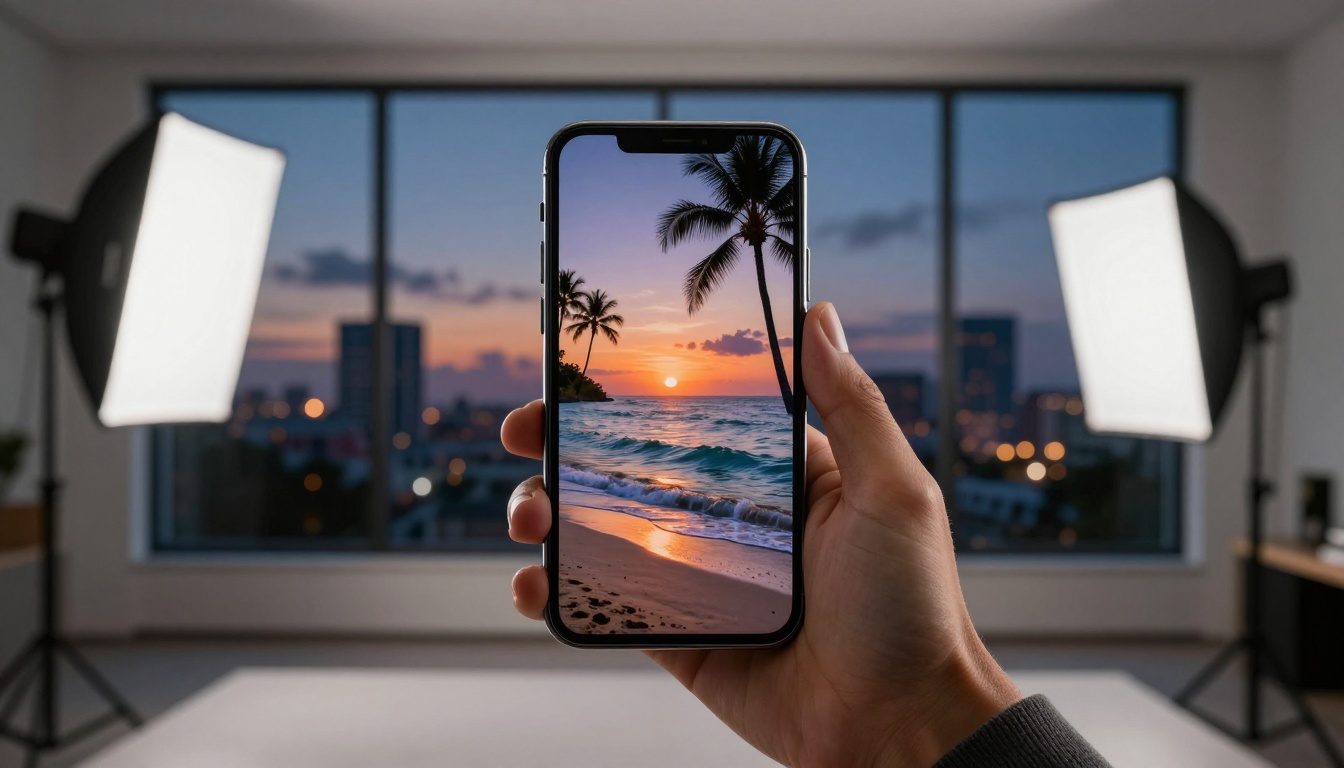
Professional results appear instantly on any device
The Three Types of People Who Benefit Most
Social Media Content Creators: Stop struggling with stock photo subscriptions or expensive custom photography. Generate unique visuals for Instagram posts, YouTube thumbnails, or TikTok backgrounds that match your brand aesthetic perfectly.
Small Business Owners: Create product mockups, marketing materials, and presentation visuals without hiring designers. Visualize new products before manufacturing, design packaging concepts, or create website imagery tailored to your messaging.
Creative Explorers: Bring your imagination to life without learning complex software. Whether you're writing a story and need character visuals, planning a home renovation and want to see design options, or simply exploring artistic concepts, AI image generation provides immediate visual feedback.
Shared creativity becomes social experience
How Different AI Models Compare
Not all image generators produce the same results. Understanding the strengths of different models helps you choose the right tool for your specific needs.
| Model | Best For | Speed | Realism Level |
|---|
| Flux Pro | Photorealistic scenes, architectural visualization | 8-15 seconds | Extremely High |
| GPT Image 1.5 | Creative concepts, artistic interpretations | 5-10 seconds | High with artistic flair |
| P-Image | General purpose, balanced results | 3-7 seconds | Very High |
| Z-Image Turbo | Ultra-fast generation, iterative exploration | 1-3 seconds | Good to High |
| Qwen Image | Detailed descriptions, complex scenes | 10-20 seconds | Exceptional detail |
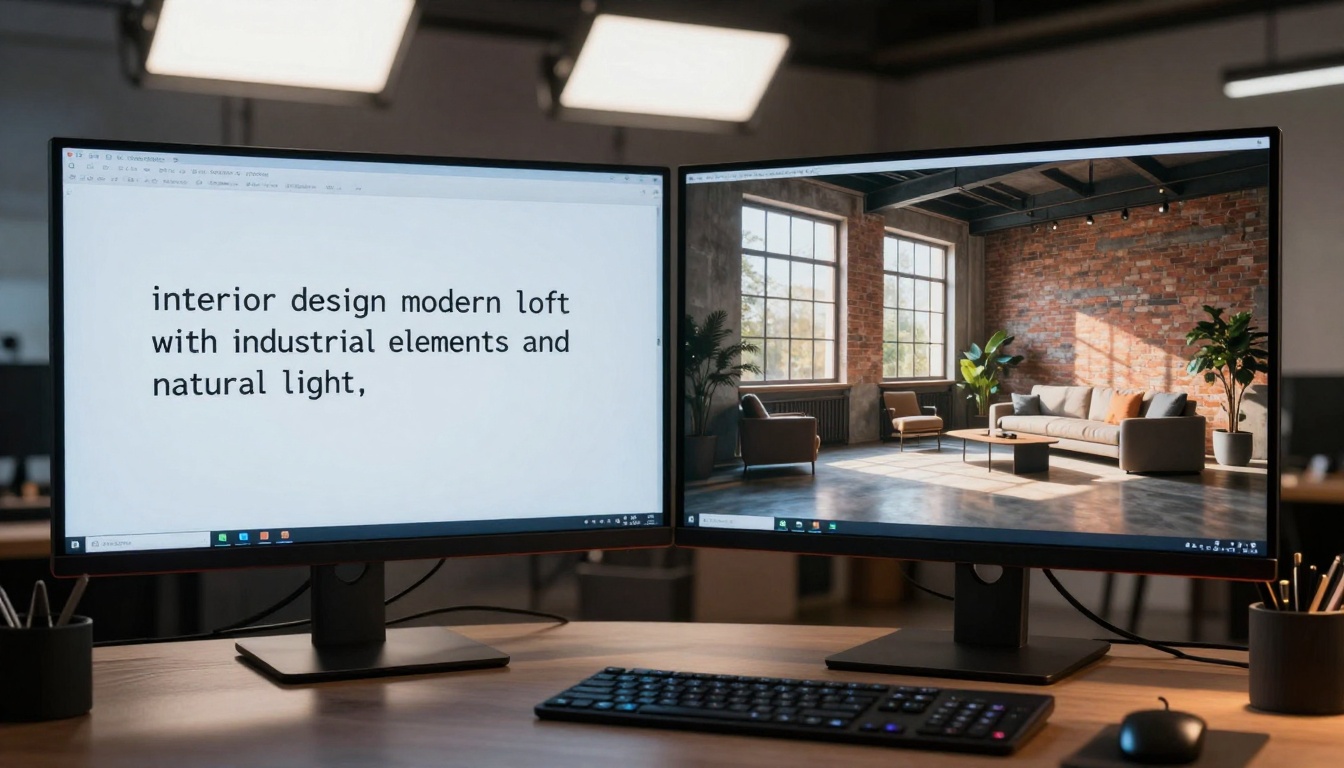
Simple descriptions transform into complex visualizations
Practical Applications That Deliver Real Value
Business Presentations: Instead of generic stock photos, generate custom visuals that exactly illustrate your points. Create competitor comparison charts, market trend visualizations, or product feature highlights that resonate with your specific audience.
Content Marketing: Blog posts with unique featured images perform better in search results. Social media posts with custom visuals receive higher engagement. Email newsletters with tailored imagery improve click-through rates.
Personal Projects: Visualize home decor before purchasing furniture. Create custom greeting cards with personal touches. Design unique t-shirt concepts without graphic design skills. Plan travel itineraries with destination visuals.
Educational Materials: Teachers create custom illustrations for lesson plans. Students visualize complex scientific concepts. Training programs include scenario-specific imagery that enhances learning retention.
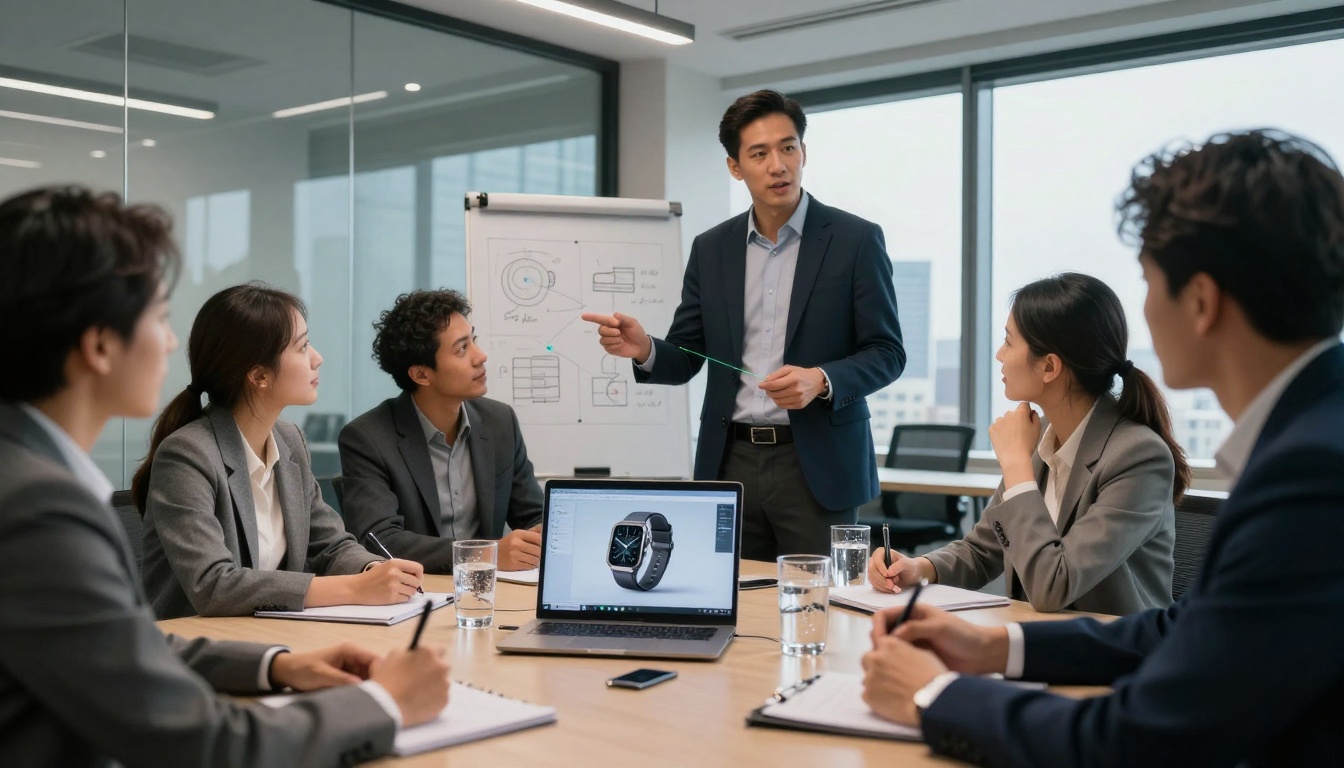
Professional business applications require no design team
Effective image generation relies on clear communication. Follow this structure for consistent results:
- Subject: What's the main focus? (person, object, scene)
- Action/State: What's happening? (sitting, running, glowing)
- Environment: Where is it? (indoor, outdoor, specific location)
- Lighting: How is it lit? (sunset, studio lights, moonlight)
- Style/Quality: What should it look like? (photorealistic, cinematic, professional photography)
Example Transformations:
- Basic: "a dog"
- Improved: "golden retriever puppy playing in sunny backyard, afternoon light, photorealistic"
- Professional: "photorealistic golden retriever puppy catching frisbee in golden hour backyard, detailed fur texture, motion blur on frisbee, shallow depth of field"
💡 Pro Tip: Include specific camera terms for better results. Phrases like "shot on 85mm lens," "shallow depth of field," "cinematic lighting," or "professional product photography" guide the AI toward more polished outcomes.
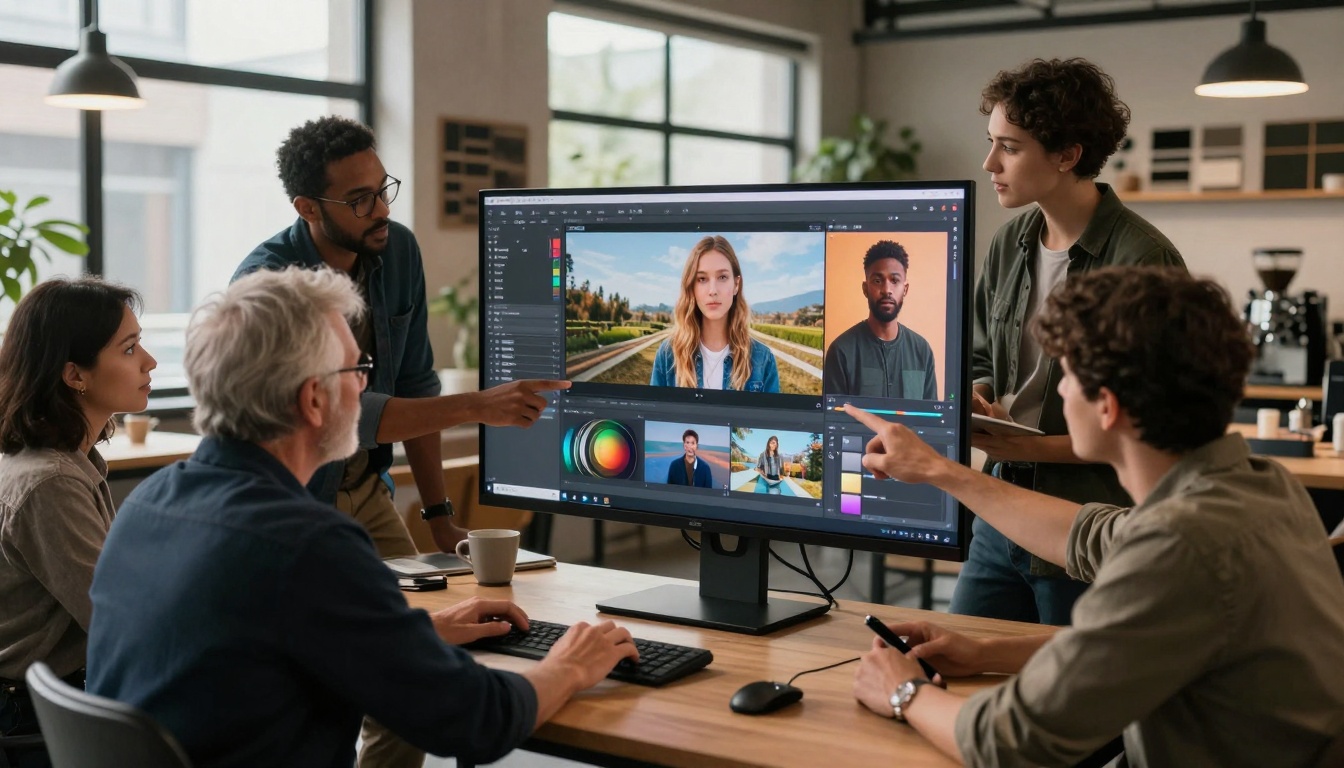
Group collaboration enhances creative outcomes
Common Misconceptions About AI Image Creation
Myth 1: "You need technical expertise"
Reality: The interface resembles a simple search bar. Type what you want, get what you described.
Myth 2: "Results look artificial or low-quality"
Reality: Modern models like Flux Max produce images indistinguishable from professional photography.
Myth 3: "It's expensive or requires subscriptions"
Reality: Many platforms offer free tiers or pay-per-generation models costing pennies per image.
Myth 4: "You can only create certain types of images"
Reality: The same technology generates product photos, architectural visualizations, portrait photography, abstract art, technical diagrams, and everything between.
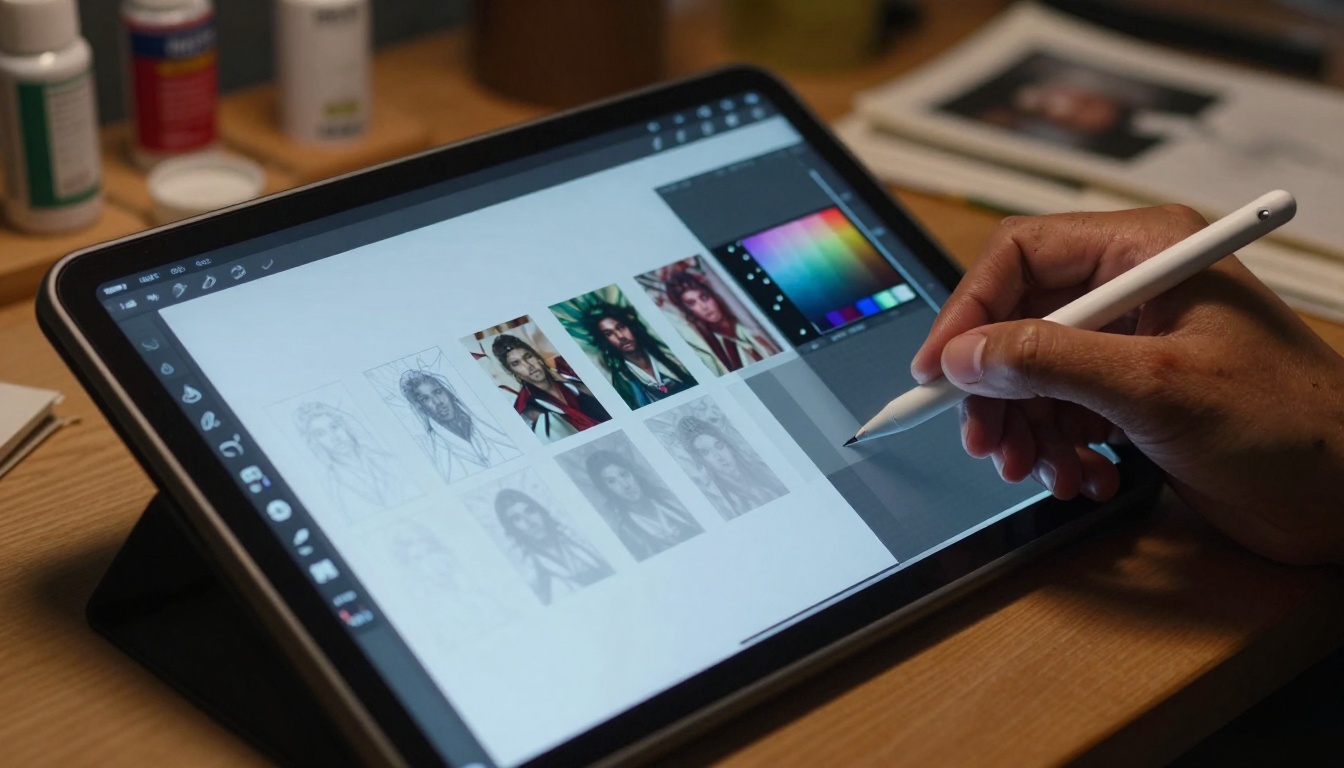
The creative journey from concept to completion
Step-by-Step: Your First Professional Image in 60 Seconds
- Choose your platform: Start with PicassoIA's text-to-image collection for easy access to multiple models
- Select a model: Try P-Image for balanced speed and quality
- Type your description: Use the formula above - be specific but concise
- Adjust settings: Start with default options; explore advanced controls later
- Generate: Click create and watch your image appear
- Refine: If needed, adjust your description and generate variations
Beginner-Friendly Starting Prompts:
- "Modern minimalist living room with large windows, afternoon sun, photorealistic interior design"
- "Professional product photo of ceramic coffee mug on wooden table, studio lighting"
- "Tropical beach sunset with palm trees, orange and purple sky, cinematic wide shot"
Advanced Techniques for Better Results
Once comfortable with basic generation, these techniques elevate your outcomes:
Negative Prompting: Specify what you don't want. Add "no text, no watermark, no distortion" to avoid common issues.
Style References: Mention specific photographic styles. "Kodak Portra 400 film stock, 35mm photography, natural film grain" produces distinct aesthetic results.
Composition Guidance: Use photography terms. "Rule of thirds composition, leading lines, negative space" creates more intentional framing.
Material Specificity: Describe textures precisely. "Polished marble with subtle veining, brushed aluminum with machining marks, woven linen with thread detail" improves material realism.
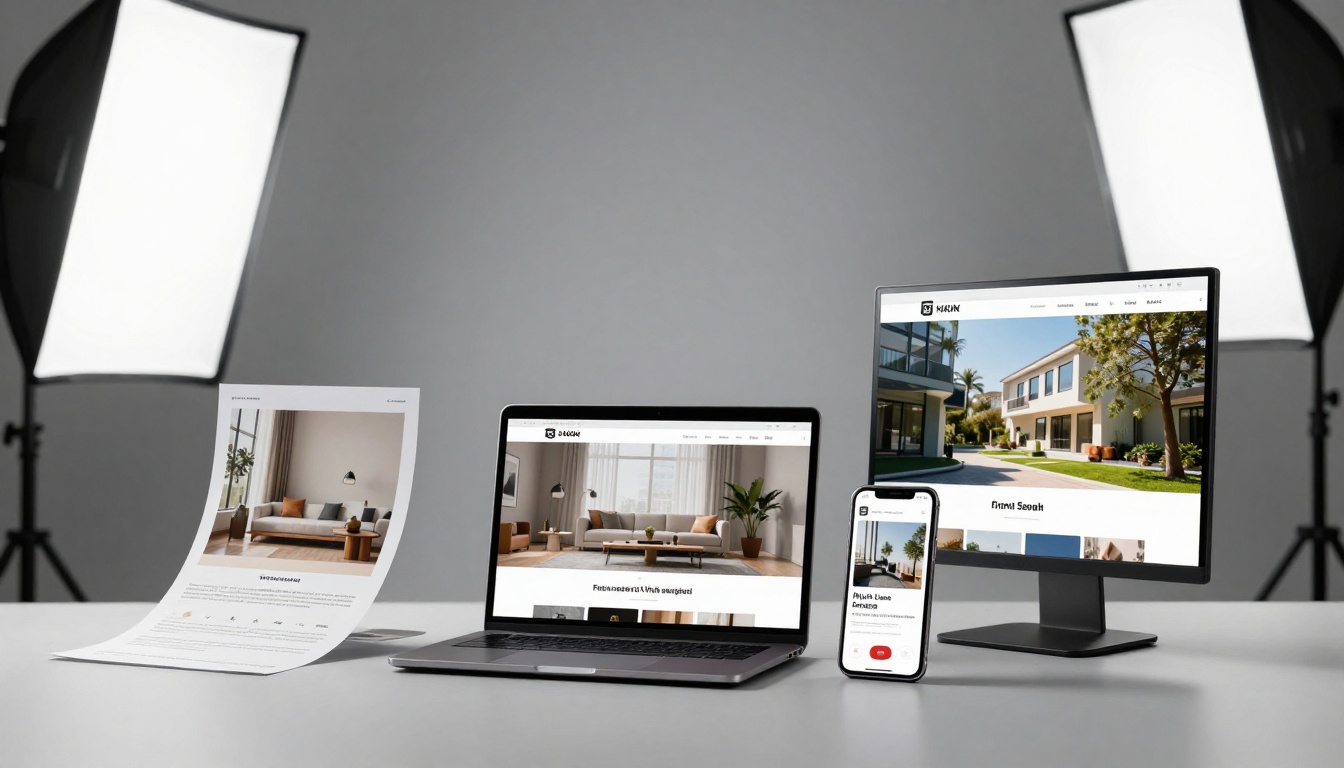
Generated images work across all media formats
Real-World Success Stories
Small Restaurant Owner: Generated menu item photos without expensive food photography sessions. Created consistent social media visuals that increased engagement by 40%.
Online Course Creator: Produced custom course thumbnails and lesson illustrations that improved student completion rates. Saved $3,000 on graphic design fees.
Real Estate Agent: Created property visualizations for proposed renovations. Helped clients visualize potential improvements, leading to faster sales decisions.
Blog Writer: Generated unique featured images for every article. Improved SEO performance through completely original visual content.
Non-Profit Organization: Created campaign imagery that resonated with specific donor demographics. Increased donation conversions without marketing budget increases.
Ethical Considerations and Best Practices
Transparency: When using AI-generated images commercially, consider disclosing their origin if relevant to your audience.
Originality: While AI creates new compositions, be mindful of generating content that could be mistaken for specific individuals or copyrighted styles.
Responsible Use: Apply the same ethical standards as with any creative tool. Consider impact, representation, and potential misunderstandings.
Continuous Learning: The technology evolves rapidly. What works today may improve tomorrow. Stay curious and experiment regularly.
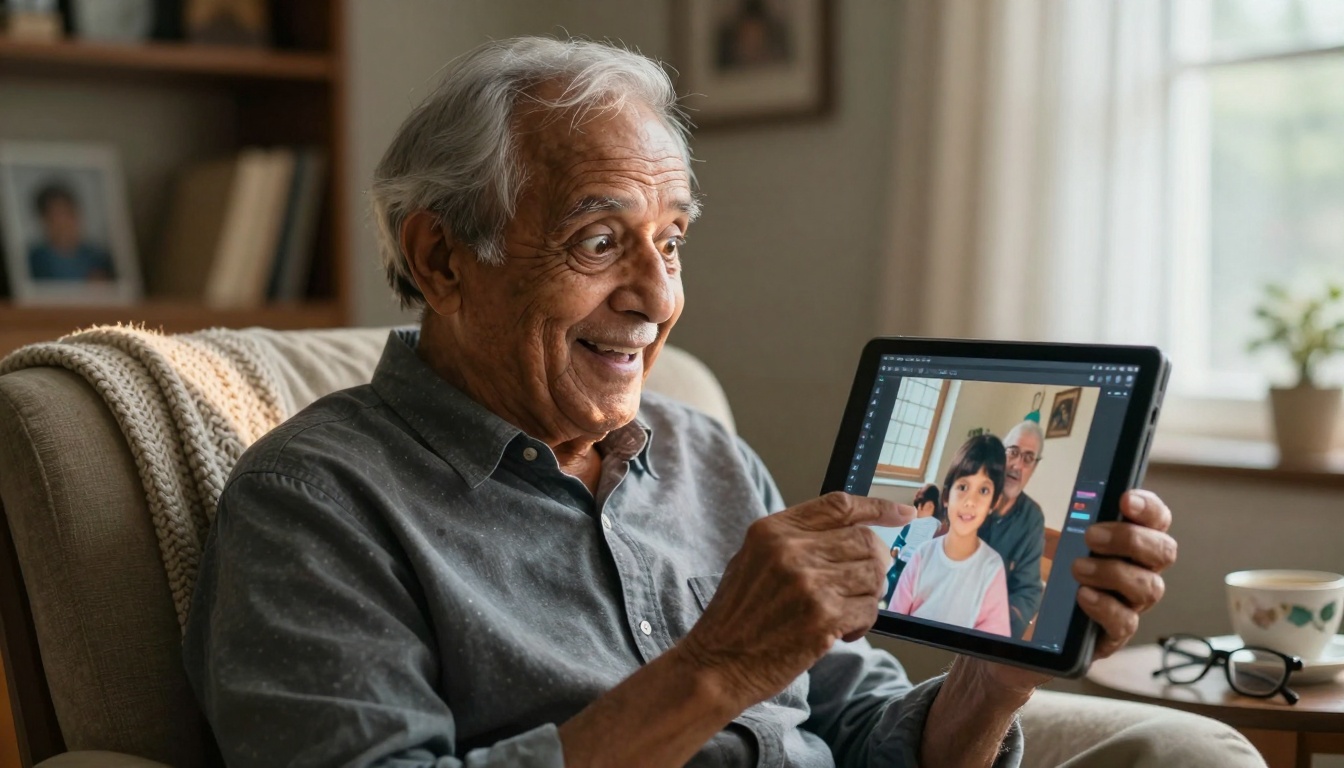
Accessibility spans all age groups and experience levels
Getting Started Today With Zero Investment
The barrier to entry has never been lower. You don't need:
- Design software licenses
- Photography equipment
- Technical training courses
- Artistic talent development
- Professional team collaboration
You only need:
- Internet access
- Ability to describe what you imagine
- Willingness to experiment
Immediate Action Steps:
- Visit PicassoIA's text-to-image models
- Select any model with "fast" or "turbo" in the name
- Type one of the example prompts above
- Experience instant visual creation
- Refine based on results
What This Means for Creative Expression
Visual communication has fundamentally shifted from skill-dependent production to imagination-driven creation. The tools have moved from complex software requiring years of mastery to simple interfaces responding to natural language.
This doesn't diminish traditional artistic skills but rather expands who can participate in visual creation. Professional designers now collaborate with clients who can visually articulate concepts. Business professionals communicate ideas more effectively. Individuals express personal visions without technical barriers.
The most significant change isn't the technology itself, but who gets to use it. When image creation becomes as accessible as describing your thoughts, visual expression transforms from specialized profession to universal capability.
Your Turn to Create
The technology exists. The platforms are available. The results are immediate. What will you create first?
Start with something simple - a visualization of your ideal workspace, a concept for a product you've imagined, or a scene from a story you want to tell. Type the description, press generate, and watch your idea become visible.
Then explore further. Try different models like Flux for photorealism or GPT Image for creative interpretations. Experiment with lighting descriptions, compositional terms, and style references.
Share your creations. Discuss what worked and what surprised you. The community of people creating images with AI grows daily, and each experiment contributes to collective understanding of this transformative technology.
Visual creation no longer requires skills you don't have - it only requires imagination you do.


