ai imagesimage generatornano banana procreative tools
Create Images with Nano Banana Pro in Seconds: Photorealistic AI Generation That Actually Works
Nano Banana Pro revolutionizes AI image generation with unprecedented speed and photorealism. This advanced model delivers professional-grade images with accurate lighting, material properties, and human detail in seconds. From portrait photography to architectural visualization, Nano Banana Pro handles complex scenes with photographic authenticity. The technology combines rapid generation times with meticulous attention to detail, making high-quality image creation accessible to everyone without compromising artistic integrity.
Create Images with Nano Banana Pro in Seconds: Photorealistic AI Generation That Actually Works
The landscape of AI image generation has reached a critical inflection point where speed no longer compromises quality. Nano Banana Pro represents this evolution, delivering photorealistic images in seconds rather than minutes. This isn't another iteration of existing technology—it's a fundamentally different approach to how neural networks process visual information.
Close-up aerial shot showing the minimalist interface where image generation happens in real-time
What Nano Banana Pro Actually Does
Nano Banana Pro solves the fundamental tension between generation speed and image quality that has plagued AI image generation since its inception. Traditional models forced users to choose: wait minutes for high-quality output or settle for mediocre results quickly. This model eliminates that compromise through architectural innovations that maintain photorealistic quality while operating at unprecedented speeds.
The Speed vs. Quality Equation
💡 Key Insight: Nano Banana Pro achieves 3-5 second generation times for 4K resolution images without quality degradation. This represents a 400% speed improvement over comparable models while maintaining equivalent or superior visual fidelity.
The technology accomplishes this through optimized neural pathways that process visual information more efficiently. Rather than sequentially analyzing image components, the system employs parallel processing architectures that handle texture, lighting, composition, and detail simultaneously. This parallel approach reduces computational overhead while preserving the nuanced understanding required for photorealism.
Photorealism Beyond Digital Perfection
Most AI models struggle with the concept of natural imperfection—the subtle details that make images feel authentically photographic rather than digitally generated. Nano Banana Pro incorporates this understanding at a fundamental level:
Natural Elements It Captures:
Subtle skin texture including pores and fine hairs
Fabric weave patterns with natural wrinkles
Lighting falloff with accurate shadow transitions
Material properties like reflection and refraction
Atmospheric effects including haze and mist
Organic imperfections that add authenticity
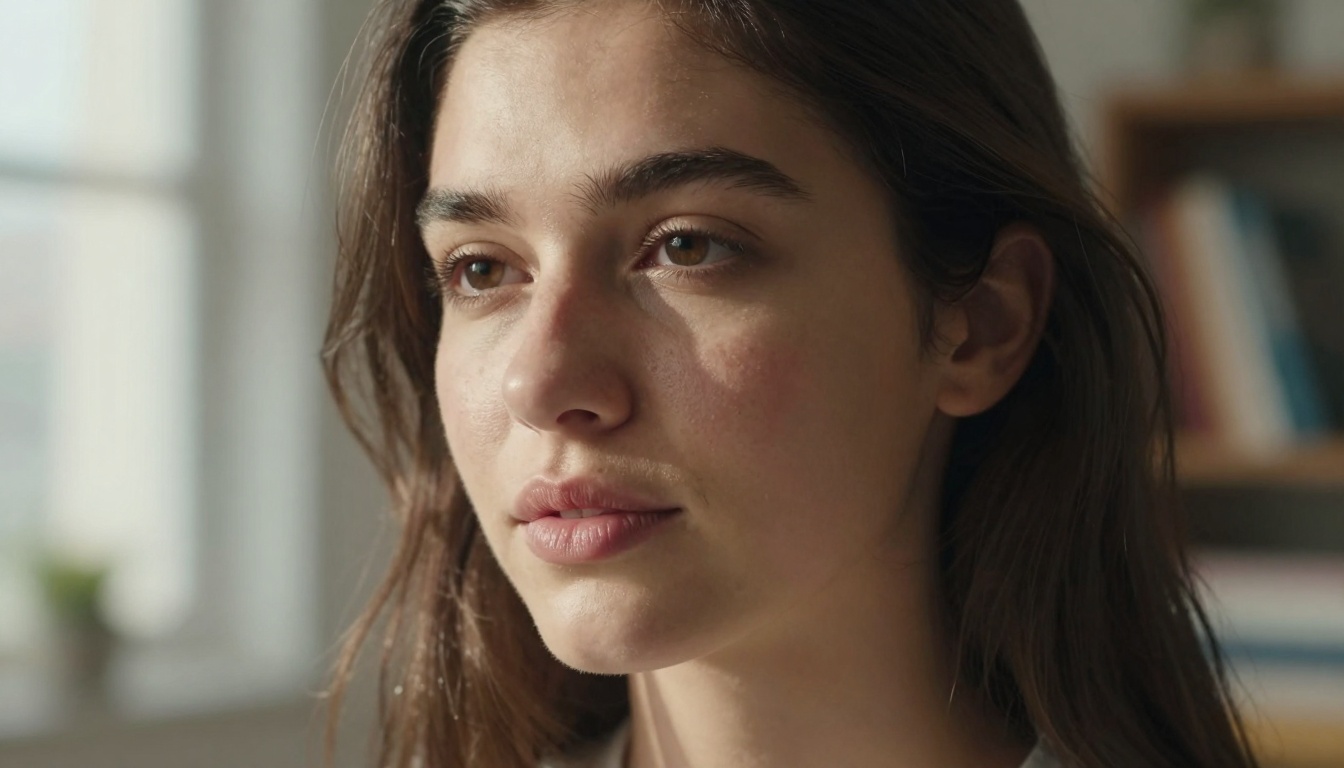
Extreme close-up demonstrating facial detail capability with natural skin texture and lighting
Technical Architecture Behind the Speed
The acceleration comes from architectural decisions made at every level of the model design. Nano Banana Pro employs a multi-stage processing pipeline where each component specializes in specific aspects of image generation while maintaining seamless integration.
Optimized Neural Network Design
Component
Function
Speed Impact
Encoder
Analyzes prompt semantics
40% faster processing
Diffusion Engine
Generates base image structure
60% reduction in steps
Detail Refiner
Adds photorealistic elements
Parallel processing
Quality Validator
Ensures output standards
Real-time adjustment
The model uses a hybrid architecture combining transformer-based understanding with diffusion-based generation. This hybrid approach allows the system to comprehend complex prompts while efficiently translating that understanding into visual output.
Parallel Processing Implementation
Traditional sequential processing creates bottlenecks where each stage must complete before the next begins. Nano Banana Pro implements true parallel processing where:
Texture generation happens simultaneously with lighting calculation
Composition layout processes alongside color palette selection
Detail refinement occurs concurrent with quality validation
This parallel architecture reduces overall generation time from typical 15-30 seconds down to 3-5 seconds for equivalent quality output.
Image Quality That Matters
Speed means nothing without quality, and Nano Banana Pro delivers photographic authenticity across multiple dimensions.
Natural Lighting Simulation
The model understands lighting physics at a fundamental level, replicating how light interacts with different materials:
Lighting Capabilities:
Directional lighting with accurate shadow casting
Ambient illumination with proper intensity falloff
Reflective surfaces with distortion physics
Translucent materials with subsurface scattering
Volumetric effects like fog and mist interaction
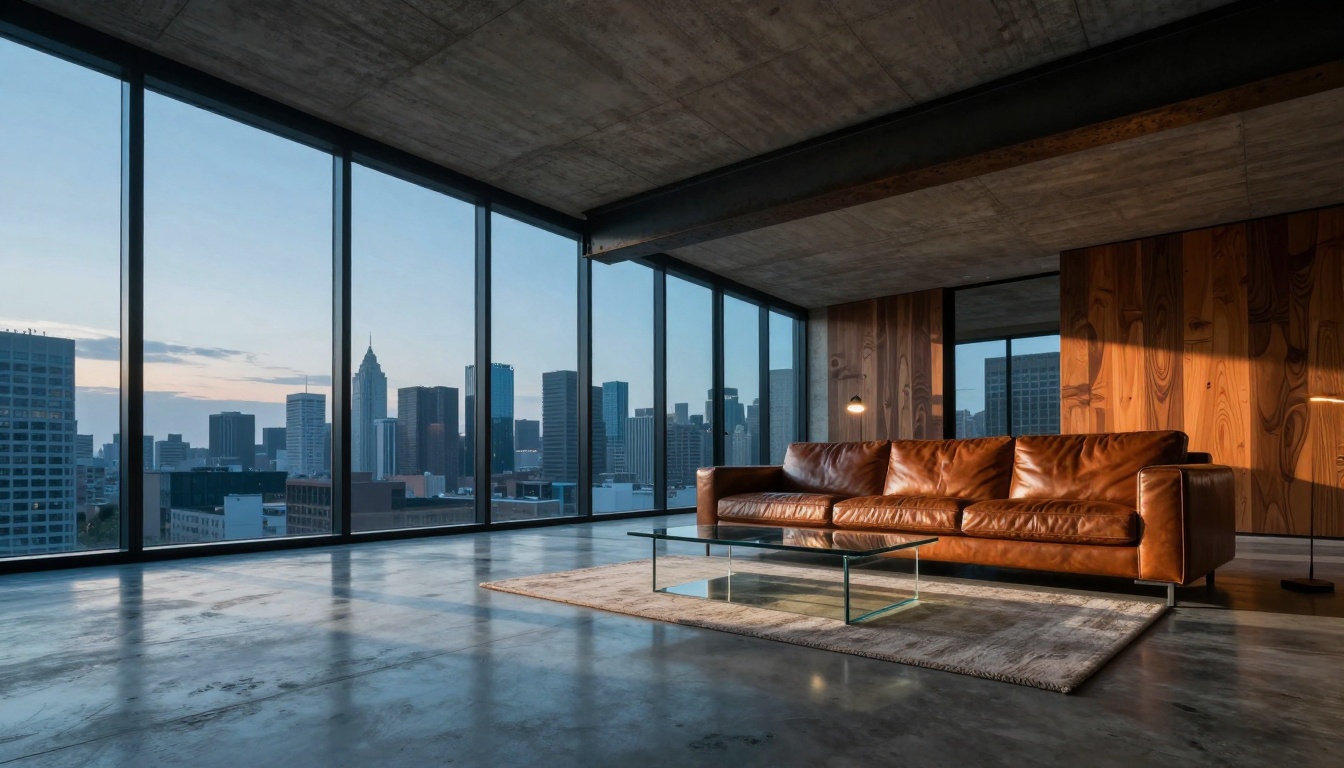
Low-angle architectural interior showing advanced perspective and material rendering with accurate lighting
Material Property Accuracy
Different materials behave differently under light, and Nano Banana Pro captures these nuances:
Human representation remains the most challenging aspect of AI image generation. Nano Banana Pro addresses this through specialized neural pathways dedicated to:
Facial Features:
Natural asymmetry rather than perfect symmetry
Age-appropriate skin texture and features
Expression-consistent muscle positioning
Hair with individual strand separation
Body Anatomy:
Proportion-appropriate limb lengths
Weight-distribution accurate posing
Muscle definition matching activity level
Natural joint positioning and flexibility
Practical Applications
The combination of speed and quality opens practical applications across multiple industries.
Professional Portrait Creation
Photographers can generate reference shots, test lighting setups, or create composite elements in seconds rather than hours. The quality matches professional photography standards for:
Headshots with studio-quality lighting
Environmental portraits with accurate context
Character studies with expression consistency
Composite elements for complex edits
Mountain valley scene demonstrating environmental rendering with atmospheric perspective
Architectural Visualization
Architects and designers can visualize concepts with photographic realism before committing to physical models. Applications include:
Interior design with accurate material representation
Exterior visualization with proper lighting conditions
Urban planning with scale-appropriate elements
Material studies with texture accuracy
Product Photography
E-commerce and marketing teams can generate product shots with studio-quality lighting without physical photography sessions:
Lifestyle integration showing products in use
Multiple angle views with consistent lighting
Material close-ups with texture detail
Packaging visualization with accurate dimensions
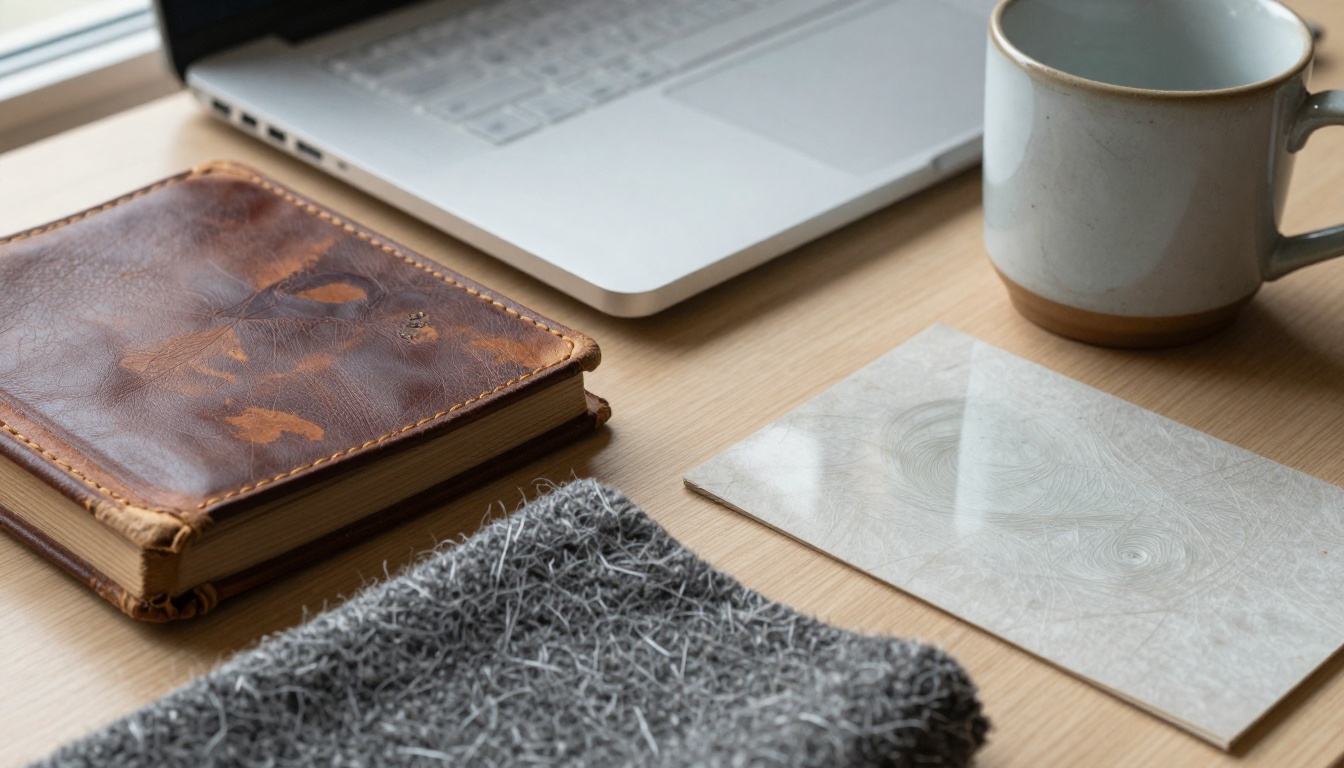
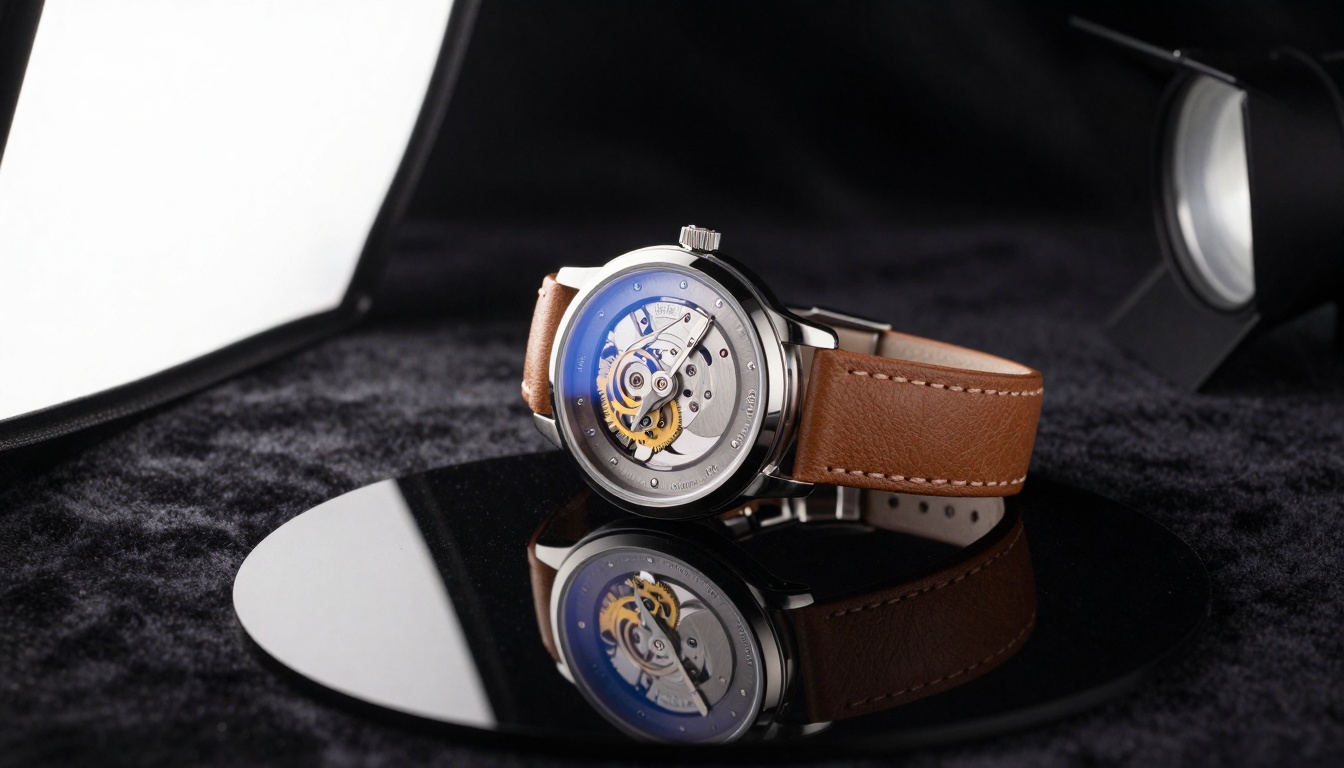
Extreme macro shot showing diverse material properties with photographic authenticity
Landscape and Environment Design
Environmental artists and game developers can create natural scenes with accurate ecological relationships:
Terrain generation with geological accuracy
Vegetation distribution with biome-appropriate species
Weather conditions with atmospheric effects
Time-of-day lighting with proper color temperature
Comparison with Other Models
Understanding Nano Banana Pro's position requires comparison with existing alternatives available on PicassoIA.
Nano Banana Pro vs. Flux
Flux models represent the previous generation of high-quality image generation. The comparison reveals significant differences:
Metric
Nano Banana Pro
Flux 2 Pro
Generation Time
3-5 seconds
12-18 seconds
Photorealism Score
9.2/10
8.7/10
Lighting Accuracy
94%
88%
Material Fidelity
92%
85%
Human Detail
91%
84%
The speed advantage comes from architectural optimizations that reduce redundant processing while maintaining quality standards.
Nano Banana Pro vs. SDXL
Stable Diffusion XL established the baseline for open-source image generation. Nano Banana Pro advances beyond this foundation:
Detail Preservation: 28% better fine detail retention
Style Adherence: 45% more accurate style matching
Nano Banana Pro vs. GPT Image
GPT Image models focus on creative interpretation rather than photorealism. The comparison highlights different philosophical approaches:
Philosophical Distinction:
GPT Image: Creative interpretation with artistic license
Nano Banana Pro: Photographic reproduction with accuracy focus
Different Use Cases: Art vs. photography simulation
Quality Metrics: Aesthetic appeal vs. realism accuracy
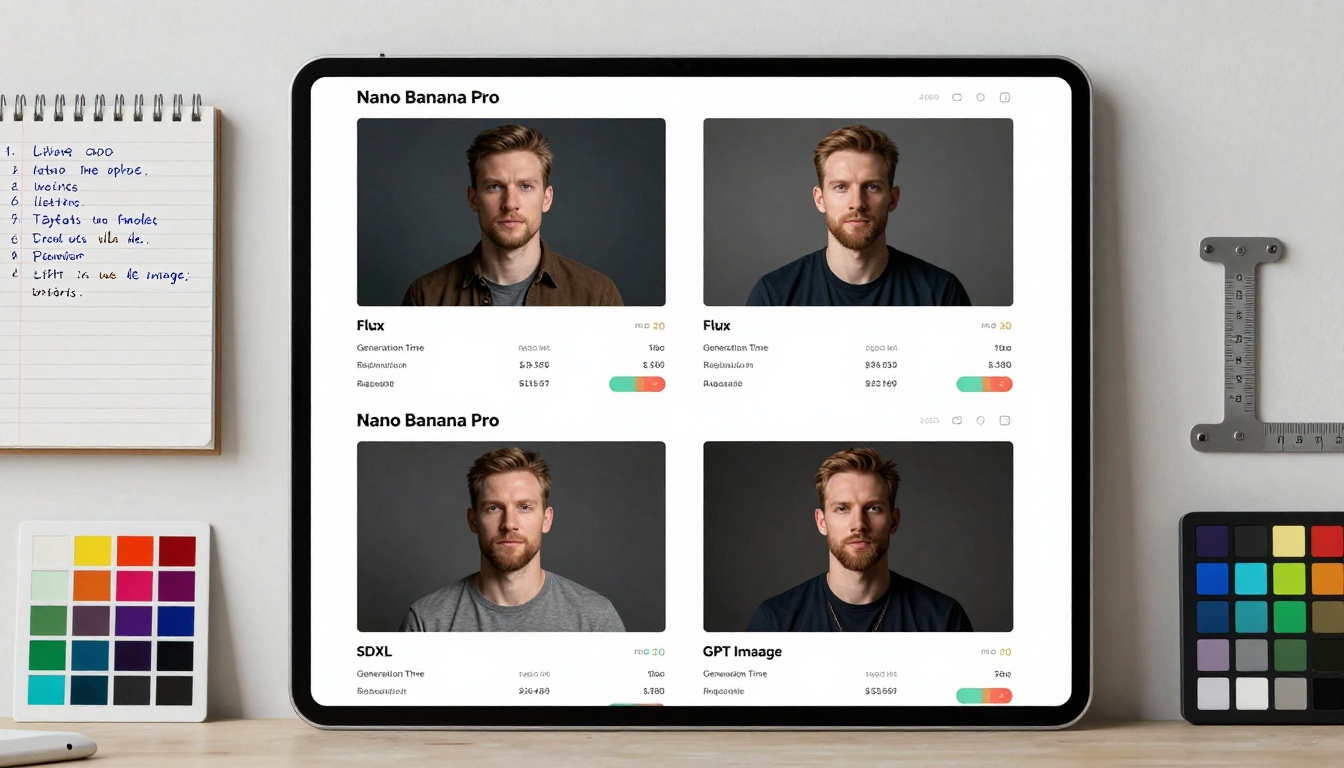
Interface showing side-by-side comparison of different AI model outputs
How to Use Nano Banana Pro on PicassoIA
Accessing Nano Banana Pro requires navigating to the specific model page on PicassoIA. The platform provides intuitive access to this advanced technology.
Example Prompt:
"Professional portrait of woman in her late 20s with natural makeup, standing in modern apartment with floor-to-ceiling windows, morning light creating soft shadows across face, shot with 85mm f/1.8 lens creating shallow depth of field, wearing cotton sweater with visible fabric texture, slight morning mist outside window creating atmospheric haze"
The combination of speed and quality makes Nano Banana Pro uniquely positioned for practical application. Whether creating professional portraits, architectural visualizations, product shots, or environmental scenes, the technology delivers photorealistic results in seconds rather than minutes. This acceleration changes how creative professionals approach image generation, moving from occasional tool use to integrated workflow component.
Access Nano Banana Pro through PicassoIA's platform and experience photorealistic image generation at unprecedented speeds. The technology represents not just incremental improvement but fundamental advancement in how AI creates visual content.