The internet is full of AI video tools that promise "cinematic quality" and deliver blurry, stuttering clips that look nothing like what you imagined. Seedance 2.0 from ByteDance is different. It is one of the few models right now that generates genuinely photorealistic, fluid motion video with native audio sync, and you can use it for free. If your goal is creating suggestive, artistic, or outright NSFW-adjacent AI videos without spending a dollar, this is the model you need to know.
What Makes Seedance 2.0 Different
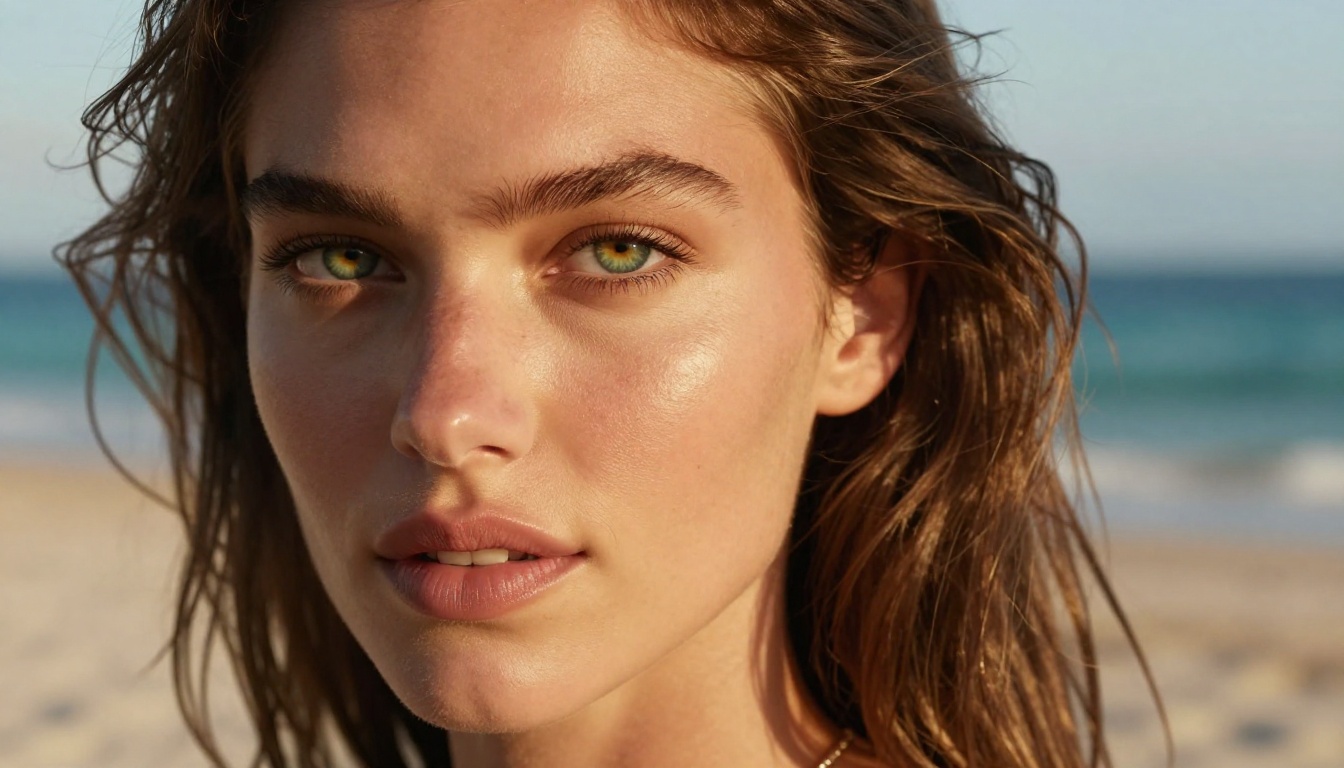
Most text-to-video models struggle with two things: realistic human motion and audio synchronization. Seedance 2.0 solves both in a single generation pass. Released by ByteDance in 2025, this model was trained on a massive dataset of cinematic footage, which shows in every output. Characters move like real people. Fabric flows naturally. Skin and hair behave with physical accuracy that previous models could never achieve.
This matters enormously for NSFW content creation. Uncanny valley movement is the fastest way to kill immersion. When a character moves with stuttering, robotic frames, the entire experience falls apart. Seedance 2.0 eliminates that problem through its advanced temporal consistency architecture, keeping motion smooth across the entire clip duration.
Native Audio in Every Clip
One feature that separates Seedance 2.0 from competitors is native audio generation. The model can produce ambient sounds, music, and even synchronized dialogue without any post-processing. For suggestive content, this means you can generate the full sensory experience: the sound of waves if your scene is on a beach, soft background music for an indoor scene, or natural environmental audio that grounds the video in reality.
This feature alone puts Seedance 2.0 ahead of tools like Kling v3 and PixVerse v5.6, both of which require separate audio workflows.
The Resolution That Changes Everything
Seedance 2.0 outputs at up to 1080p resolution, with smooth 24fps playback. The model also supports variable aspect ratios, so you are not locked into a single format. For NSFW-adjacent content specifically, higher resolution matters because it captures the micro-details that make the difference between "AI generated" and "is this real?"
NSFW AI Video - What's Actually Possible
Before diving into techniques, it helps to be clear about what "NSFW AI video" actually means in practice. There is a wide spectrum between family-friendly content and explicit material, and the most sophisticated creators work in the middle zone: suggestive, artistic, and sensually charged without being pornographic.
This is not just about staying within platform limits. It is also about quality. The most compelling NSFW-adjacent AI videos are the ones that leave something to the imagination. They suggest rather than expose. They use lighting, framing, and motion to create tension rather than relying on explicit display.
Non-Explicit vs. Explicit - Know the Line
| Content Type | Examples | AI Platform Status |
|---|
| Suggestive | Bikini, lingerie, implied nudity | Generally allowed |
| Artistic | Classical nude poses, fine art aesthetic | Platform dependent |
| Explicit | Pornographic, graphic sexual content | Restricted or banned |
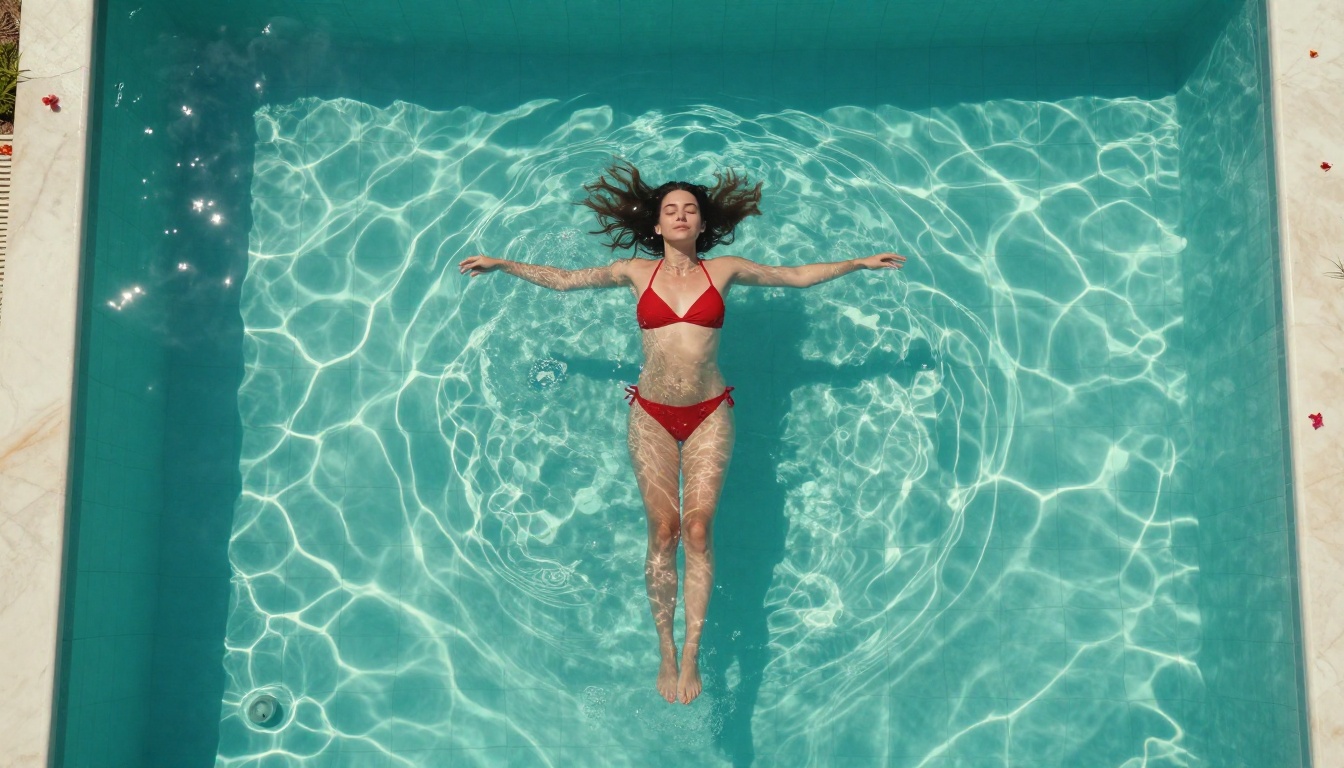
The sweet spot for most AI platforms, including PicassoIA, is the suggestive and artistic tier. This is where Seedance 2.0 genuinely excels. Its photorealistic output means that a scene of a woman in a bikini on a beach looks authentically beautiful rather than plasticky and artificial. The model respects the aesthetics of the content in a way that cheaper models do not.
The Best Prompts for Suggestive Content
Your prompt structure determines everything. Here is how the most effective NSFW-adjacent prompts are built:
Subject clarity first: Describe your character with specific physical details before anything else. Age-appropriate descriptors, hair color, body type, and expression all shape the output significantly.
Environment second: Where is this scene taking place? Lighting conditions follow directly from location choice. A beach scene has different light than a luxury apartment.
Motion direction third: What is actually happening? This is where you control the mood and intensity of the entire clip.
Style anchor last: Cinematic language locks in the photorealistic look and prevents the model from drifting into stylized or animated aesthetics.
💡 Prompt tip: Always include a camera specification like "shot with Canon 85mm f/1.4" in your prompt. This single addition dramatically shifts the model toward photorealistic output rather than AI-generated aesthetics.

How to Use Seedance 2.0 on PicassoIA
PicassoIA has Seedance 2.0 available directly in its text-to-video collection. You do not need an API key, a local GPU, or a paid subscription to get started. The free tier gives you enough credits to generate and iterate on multiple clips per day.
Setting Up Your First NSFW Clip
Step 1: Access the model. Go directly to the Seedance 2.0 page on PicassoIA. A quick registration is all that is required to activate your free credits.
Step 2: Choose your input mode. Seedance 2.0 supports both text-to-video and image-to-video. If you already have a reference image of the character or scene you want to animate, use image-to-video for maximum character consistency across multiple clips.
Step 3: Write your prompt. Use the structure outlined above. Be specific. Vague prompts produce generic results. A 50-word focused prompt will outperform a 200-word scattered one every time.
Step 4: Set your duration. Start with 5 seconds for testing. Once you confirm the scene direction is right, extend to 10 seconds for the full cinematic effect.
Step 5: Enable audio. Seedance 2.0's native audio toggle adds ambient sound automatically based on your scene description. Always turn this on for immersive NSFW-adjacent content.
Step 6: Generate and iterate. Your first output will not be perfect. Use the seed number from a good result to maintain consistency while adjusting specific elements in subsequent generations.
Parameters That Control the Mood
| Parameter | Low Setting | High Setting | NSFW Recommendation |
|---|
| Motion intensity | Subtle, gentle movement | Dynamic, active motion | Medium (3-5) for sensual content |
| Creativity | Literal prompt interpretation | Creative liberties | Low-medium for consistency |
| Duration | 3-5 seconds | 10+ seconds | 8-10 seconds for full effect |
| Resolution | 480p | 1080p | Always maximum |
From Still Image to Moving Scene
The image-to-video capability in Seedance 2.0 is where the real creative power lives for NSFW content. Start with a high-quality still image, generated with any image model or from a real photograph, and let the model breathe life into it.
The workflow:
- Generate your ideal character image with precise physical details using any image generator
- Upload to Seedance 2.0's image-to-video input on PicassoIA
- Add a short motion prompt: "gentle breathing, hair moving softly in breeze, eyes blinking naturally"
- The model preserves your character's appearance while adding realistic, physics-accurate motion
For a faster variation during the iteration phase, try Seedance 2.0 Fast, which sacrifices minimal quality for significantly reduced generation time. Ideal for rapid testing before committing to full-length clips.
These are battle-tested structures for generating high-quality suggestive AI video content with Seedance 2.0:
Formula 1: The Pool Scene
"[Character description], floating in a crystal-clear infinity pool, golden hour light, wearing a white bikini, gentle water ripples, aerial camera slowly descending, photorealistic, 8K, Kodak Portra 400 aesthetic, natural sound of water"
Formula 2: The Morning After
"[Character description], wrapped in white linen sheet, sitting at window with morning light streaming in, waking up slowly, stretching arms above head, intimate bedroom setting, Canon 85mm shallow depth of field, film grain, ambient morning sounds"
Formula 3: The Beach Walk
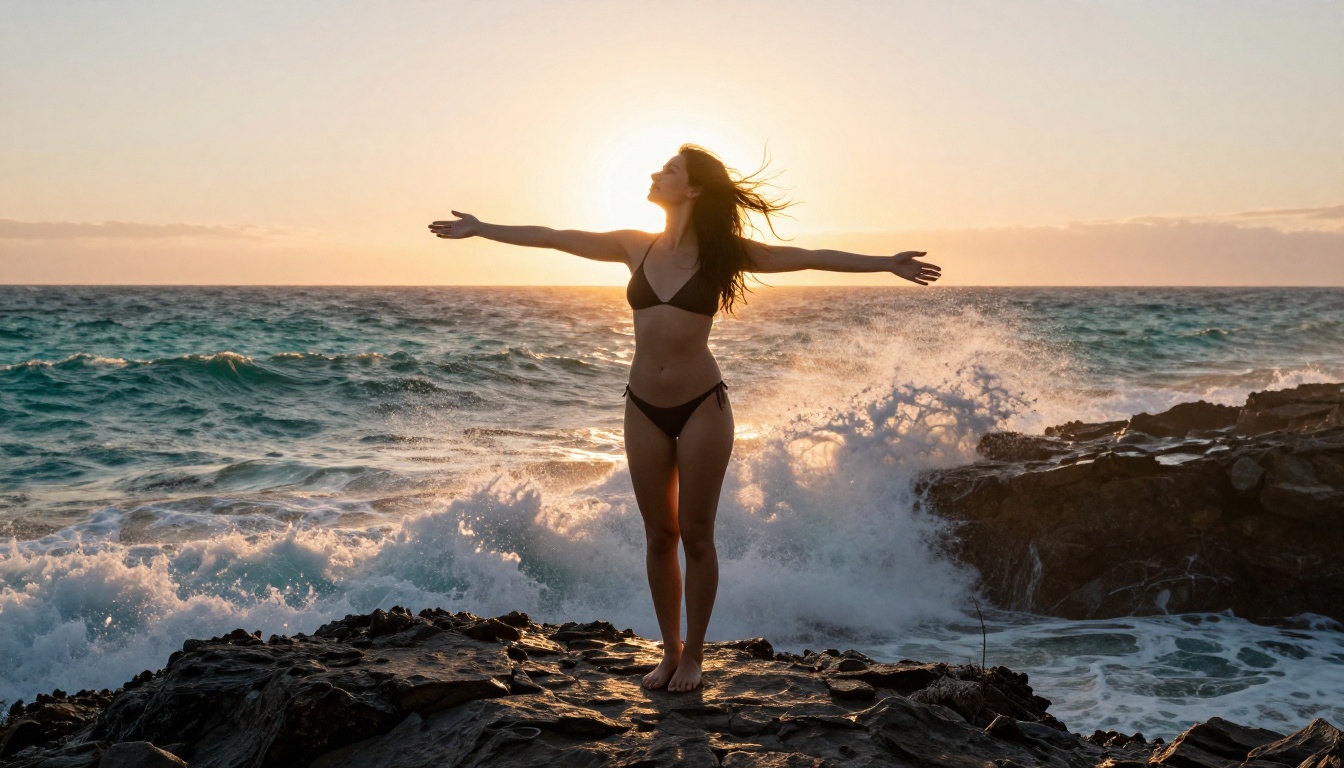
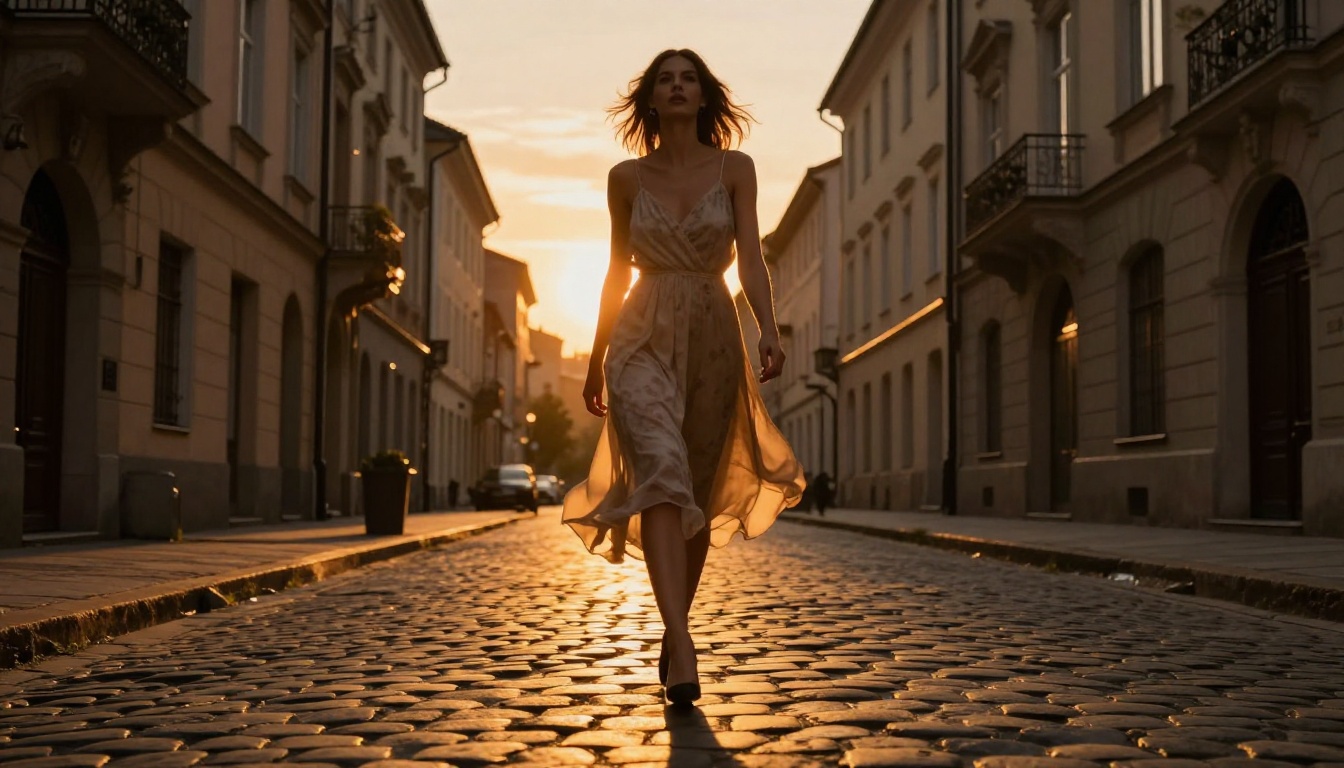
"[Character description], walking along empty beach at sunset, waves crashing nearby, sundress flowing in wind, slow motion tracking shot at low angle, warm golden backlight, photorealistic, ultra-detailed skin and hair, ocean ambient audio"
Formula 4: The Lounge
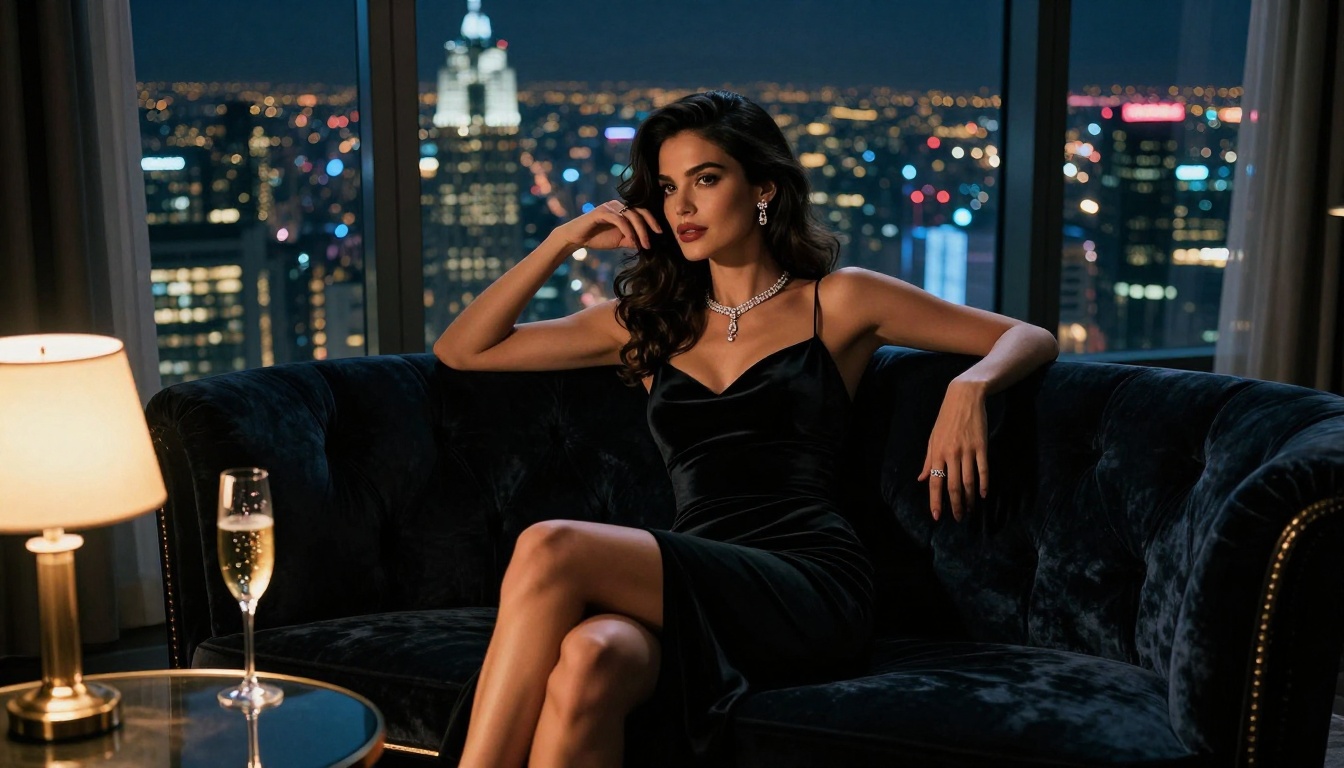
"[Character description], reclining on velvet chaise in luxury apartment, city lights at night through floor-to-ceiling windows, wearing minimal elegant clothing, champagne glass, sultry expression, cinematic split lighting warm and cool, soft jazz ambient"
Formula 5: The Dance
"[Character description], dancing slowly alone in a dimly lit room, candles flickering, wearing silk slip dress, camera circles slowly, motion blur on dress edges, intimate atmosphere, 24fps cinematic, soft music ambient"
💡 Pro tip: Add "no text, no watermarks, seamless loop" to any prompt to get cleaner output suitable for sharing or compositing into longer content.
Seedance 2.0 vs. The Competition
How does Seedance 2.0 stack up against other top AI video models for NSFW-adjacent content creation?
Seedance 2.0 wins the overall package for NSFW-adjacent content. The combination of native audio, high motion quality, and the ability to handle suggestive subject matter without constant refusals makes it the practical choice for creators in this space.
For users who need maximum speed with similar quality, Seedance 2.0 Fast is worth benchmarking. It generates clips in roughly half the time with minimal visible quality difference on most prompts. If you want to push into the older but still powerful tier, Seedance 1.5 Pro remains available for comparison.
Free Access - What You Actually Get
"Free" in AI generation almost always comes with catches. Here is an honest breakdown of what free access to Seedance 2.0 via PicassoIA actually means for your workflow.
Daily Credits Explained
PicassoIA's free tier replenishes credits daily. Each Seedance 2.0 generation costs a fixed number of credits based on duration and resolution. At the free tier:
- 5-second 1080p clip: 1-2 credits typically
- 10-second 1080p clip: 2-4 credits typically
- Daily replenishment: Enough for 3-6 full generations per day
This is enough to iterate meaningfully. Most creators find a working prompt formula within 3-4 generations, which means you can hit your target output within a single day's free allocation.
When to Upgrade
Free tier makes sense for casual creation and experimentation. Upgrading to a paid plan becomes worthwhile when:
- You need more than 5-6 clips per day consistently
- You want priority queue access (free users wait longer during peak hours)
- You need commercial licensing for your content
- You want to run Seedance 1.5 Pro and Seedance 2.0 side-by-side for quality comparisons

3 Mistakes That Ruin Your Output
Even with the best model, creators consistently make these errors that tank their results:
1. Overcrowding the prompt. More is not more with Seedance 2.0. A focused 50-word prompt outperforms a sprawling 200-word prompt almost every time. Pick your three most important visual elements and describe them with precision. Cut everything else.
2. Ignoring motion direction. A prompt that perfectly describes a character but says nothing about what they are doing produces static or random motion. Always include a specific action: "slowly turning her head toward camera," "walking forward through shallow water," "reaching up to adjust her hair." Motion specificity is the difference between a living scene and a posed mannequin.
3. Starting with 10-second clips. Longer clips cost more credits and take longer to generate. Always validate your prompt works with a 5-second test first. Confirm the character looks right, the lighting is correct, and the motion feels natural. Then extend to full length.
💡 Seed locking: When you find a generation you like, note the seed number. Using the same seed with slight prompt modifications lets you iterate on a winning formula without losing the good elements you already have.
Your First Clip Is One Prompt Away
Seedance 2.0 has fundamentally changed what is possible for NSFW-adjacent AI video creation. The combination of photorealistic human motion, native audio generation, and 1080p output puts it in a category that would have cost thousands of dollars in professional video production just a few years ago. Now it costs nothing to try.
The prompt formulas above work. The parameter guidelines are based on real testing. You do not need to figure this out from scratch.
Head to Seedance 2.0 on PicassoIA, pick one of the five formulas above, customize it to your vision, and generate your first clip. The free credits are there, the model is ready, and the quality ceiling is higher than anything else available for free right now.
If you want to move faster, Seedance 2.0 Fast is available in the same collection for rapid iteration. And if you want to push further into creative possibilities, the full text-to-video library on PicassoIA has 89 models waiting, from Kling v3 to PixVerse v5.6 and beyond.
The tools are here. The only thing missing is your prompt.


