How to Create NSFW Art with AI in Less Than a Minute
A practical walkthrough for creating stunning, suggestive AI art in under 60 seconds. From picking the right model to writing prompts that produce photorealistic glamour, boudoir, and artistic NSFW content, this article covers everything you need to create beautiful, non-explicit results fast. With tutorials, prompt templates, and model comparisons included.
Sixty seconds. That's all the time you need to go from a blank screen to a stunning, photorealistic piece of NSFW AI art. If you've been spending hours fumbling with complicated software or waiting for images that never quite match your vision, that era is over. The right model, the right prompt structure, and a platform built for speed will get you there in the time it takes to make coffee.
What "NSFW AI Art" Actually Means
Not everything labeled NSFW is the same. Before choosing a model or writing a single word in your prompt, it helps to know exactly where you're working.
The spectrum runs wide
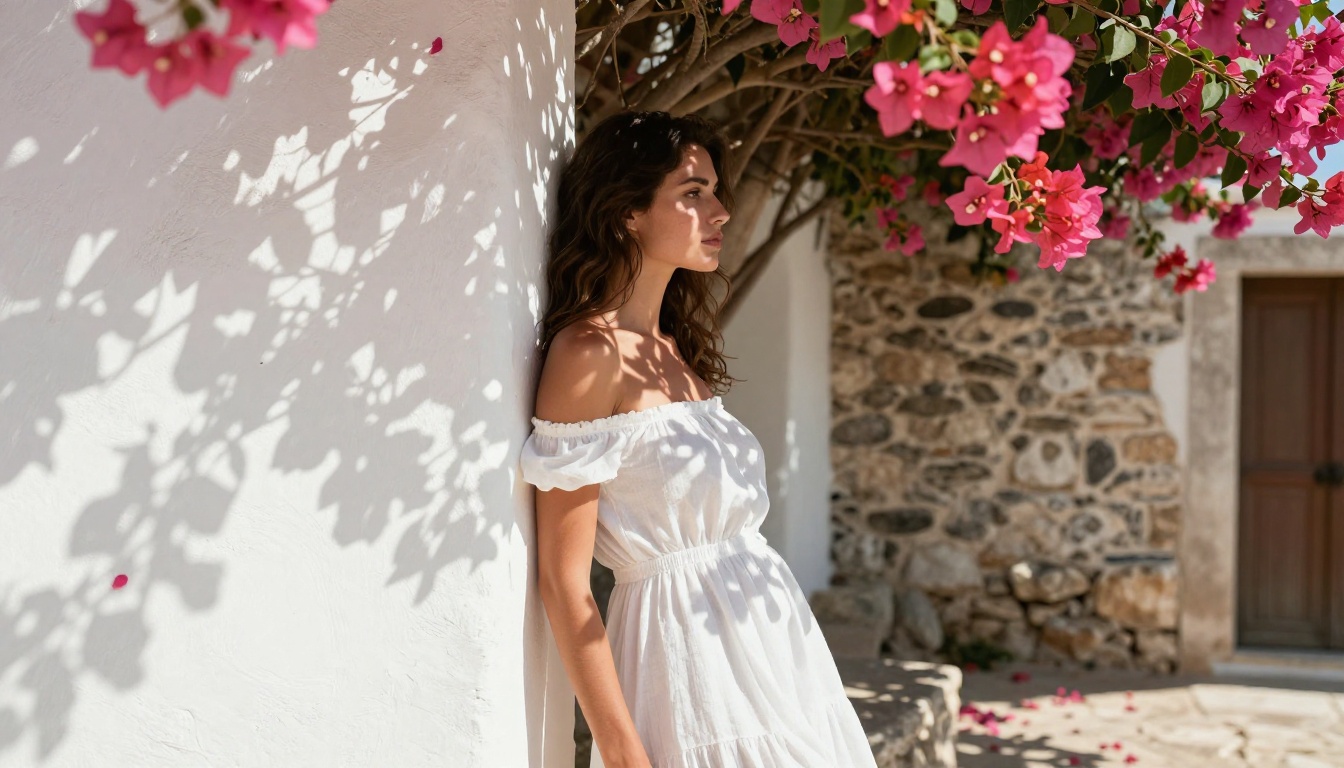
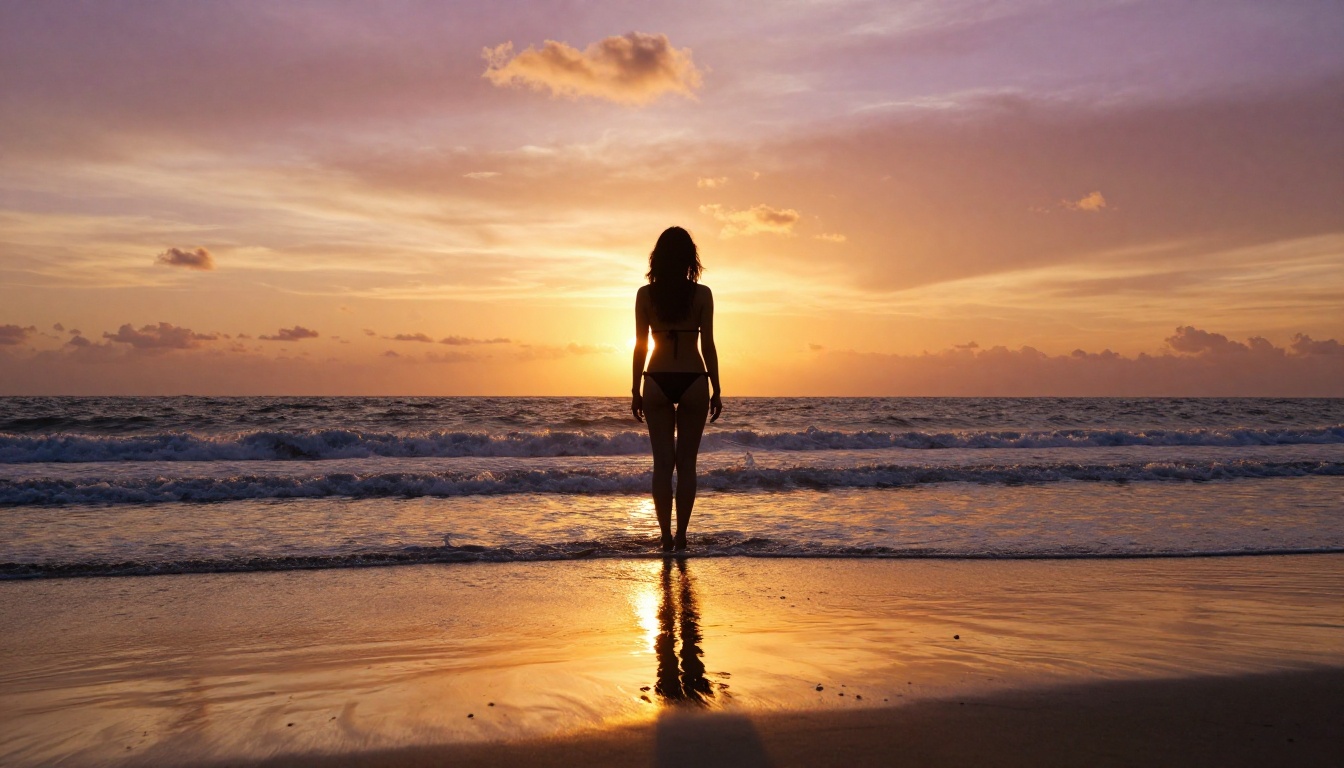
NSFW AI art spans a massive range: from tasteful glamour photography and artistic boudoir to implied nudity, suggestive scenes, and fully explicit content. Most of the best-performing models available today sit comfortably in the tasteful-to-suggestive range: bikini shots, luxury lingerie photography, artistic silhouettes, editorial glamour.
This is the sweet spot for most creators. It's powerful enough to produce genuinely stunning results, and the models handle it with the quality of a professional photo shoot. The output is alluring rather than clinical, and it respects the line between art and pornography.
Why speed actually matters
Speed isn't just a convenience feature. When you can generate an image in under a minute, you can iterate rapidly, test multiple prompt variations, and arrive at a final result that's far stronger than anything a slower workflow produces. Volume creates quality because you can afford to throw away the three out of ten that don't land and keep only the best.
The models that power this speed, particularly Flux 1.1 Pro Ultra and SDXL Lightning 4Step, have compressed what once took minutes into seconds without sacrificing the photorealistic detail that makes NSFW art genuinely compelling.
The Models That Do It Best
The difference between a mediocre NSFW AI image and a breathtaking one comes down almost entirely to model selection. These are the ones worth knowing.
Flux 1.1 Pro Ultra
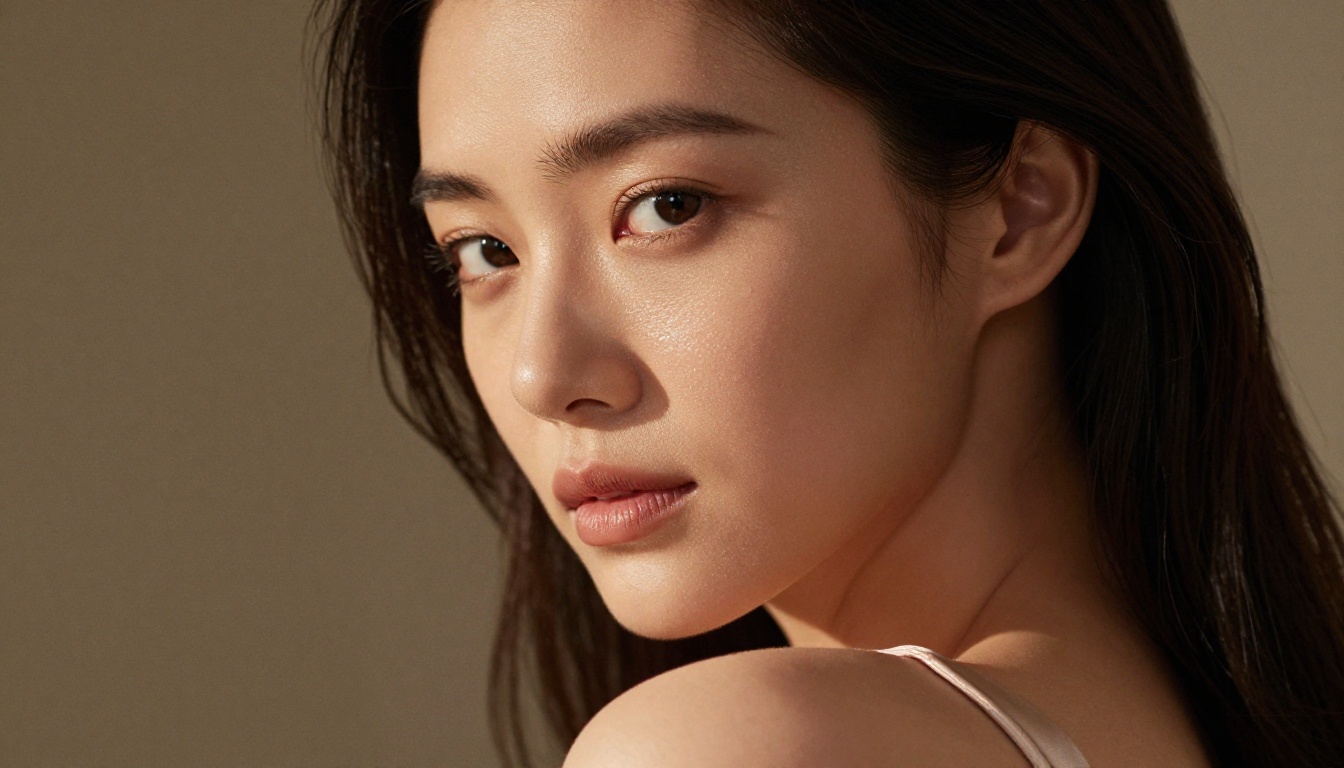
Flux 1.1 Pro Ultra is the gold standard for photorealistic human portraiture. Its understanding of skin texture, lighting conditions, and fabric behavior is genuinely remarkable. When you need a result that looks like it came from a professional camera rather than an algorithm, this is the first model to reach for.
It handles suggestive prompts with a natural elegance, producing images that feel styled and intentional rather than randomly assembled. The realism of skin pores, hair strands, and fabric weave at 8K equivalency gives results that hold up even at large print sizes.
Flux 2 Pro and Flux 2 Max
Flux 2 Pro and Flux 2 Max represent the next generation of the Flux architecture. Both offer improved prompt adherence, meaning what you type is far more likely to appear in the image. For NSFW work where specific poses, environments, and lighting matter, this precision is invaluable.
💡 Pro Tip: Flux 2 Max excels at complex multi-element scenes. If your prompt includes a specific location, lighting direction, and subject pose simultaneously, Flux 2 Max handles that complexity better than most alternatives.
Realistic Vision v5.1
Realistic Vision v5.1 remains one of the most reliable workhorses for photorealistic human subjects. It has been specifically tuned for natural, organic skin rendering and handles a wide variety of body types and ethnicities with genuine fidelity.
Its consistency across multiple generations makes it particularly useful when you're producing a series of images and need them to feel cohesive in style and quality.
SDXL and RealVisXL v3.0 Turbo
SDXL from Stability AI offers a massive ecosystem of LoRA fine-tunes and style adaptations. For creators who want to move beyond default outputs and apply specific artistic styles to suggestive content, the LoRA support in SDXL Multi ControlNet LoRA opens doors that simpler models simply can't.
RealVisXL v3.0 Turbo pairs SDXL's architecture with a turbo inference pipeline, cutting generation time dramatically while keeping quality high. It's the right choice when speed is the primary concern but you don't want to sacrifice photorealism.
Prompt engineering for NSFW art is where most people fail. Not because the topic is sensitive, but because the same mistakes that ruin any AI image ruin these too: vagueness, contradictions, and missing context.
The anatomy of a strong prompt
Every high-performing NSFW prompt follows a consistent structure:
Subject description — Who is in the image, what are they wearing or doing
Environment — Where the scene takes place, what the background contains
Lighting conditions — Direction, quality, and color temperature of light
Camera and lens info — Focal length, aperture, and resulting depth of field
Texture and atmosphere — Skin quality, fabric detail, and overall mood
A prompt that includes all six elements consistently outperforms one that includes only two or three. The model uses every piece of information you provide to constrain the generation space.
Words that hurt your results
These terms push outputs away from photorealism:
digital art, illustration, 3D render, cartoon, CGI
glowing, neon, cyberpunk, fantasy lighting
painting style, watercolor, anime
Avoid them entirely in photorealistic NSFW work.
Words that help every time
Add these to any prompt targeting high realism:
photorealistic, RAW photography, 8K, film grain
Kodak Portra 400, natural lighting, depth of field
cinematic lighting, 85mm lens, bokeh
pore texture, skin detail, volumetric light
💡 Quick win: Adding --style raw at the end of your prompt in Flux models consistently pushes results toward photography rather than illustration. It's the single highest-value suffix to remember.
How to Use Flux 1.1 Pro Ultra on PicassoIA
Flux 1.1 Pro Ultra is available directly on PicassoIA, ready to use without any complicated setup. Here's the fastest path from zero to finished image.
Step 1 — Open the model page
Navigate to Flux 1.1 Pro Ultra in the Text-to-Image collection. The interface loads the model's generation panel directly, no extra configuration required.
Step 2 — Write your prompt
Use the six-element structure above. A practical starting point for glamour and boudoir work:
Beautiful woman sitting in luxury hotel suite, wearing elegant silk lingerie,
soft diffused morning light from window on left, 85mm f/1.4,
visible skin texture on arms and collarbone, cream and ivory tones,
genuine quiet intimacy, photorealistic, RAW 8K, film grain, Kodak Portra 400 --style raw
Keep it specific. Vague prompts produce vague images.
Step 3 — Set your parameters
Aspect ratio: 16:9 for editorial and landscape, 9:16 for portrait and social
Output format: JPEG for sharing, PNG for editing and compositing
Steps: Default is fine for Flux. Adding steps rarely improves photorealism significantly
Seed: Leave random for variety, lock a seed to reproduce a specific result with variations
Step 4 — Generate and iterate
Click generate. The first result rarely needs to be the final one. If the lighting isn't right, specify it more precisely. If the pose is off, describe it in more detail. Three targeted iterations usually produce something genuinely strong.
3 Common Mistakes That Ruin Results
Even experienced users consistently trip over the same issues when creating NSFW AI art.
Being too vague
"Beautiful woman in lingerie" will generate something. It won't generate something specific. The model fills in every detail you don't provide, and those choices are rarely the ones you'd make yourself. Describe the scene like you're directing a photo shoot.
Tell the model where the camera is positioned. Tell it where the light is coming from. Tell it what the subject is looking at, what the fabric feels like, what the background contains. Every detail you add is a detail the model doesn't have to guess.
Ignoring aspect ratio
NSFW art, particularly glamour and boudoir photography, has native aspect ratios that feel correct to viewers. Portrait orientation (9:16) for full-body shots. Landscape (16:9) for environmental scenes. Using the wrong ratio forces the model to crop or distort the composition in ways that immediately feel off.
This is one of the most common reasons a technically solid prompt produces a visually awkward result. Fix it before you blame the model.
Skipping the negative prompt
Negative prompts tell the model what to avoid. For photorealistic NSFW work, a basic negative prompt consistently improves output quality:
cartoon, illustration, 3D render, CGI, anime,
digital art, watermark, text, blurry, low quality,
distorted anatomy, extra limbs, deformed
The last three are particularly important. AI models occasionally produce anatomical errors in human subjects. Explicitly prohibiting them in the negative prompt significantly reduces their frequency.
Real Results in Under 60 Seconds
The speed claim isn't theoretical. With Flux 1.1 Pro Ultra or RealVisXL v3.0 Turbo, inference time typically falls between 5 and 15 seconds. The remaining time is yours to spend on prompt writing.
Sample prompts that consistently work
For bikini and swimwear photography:
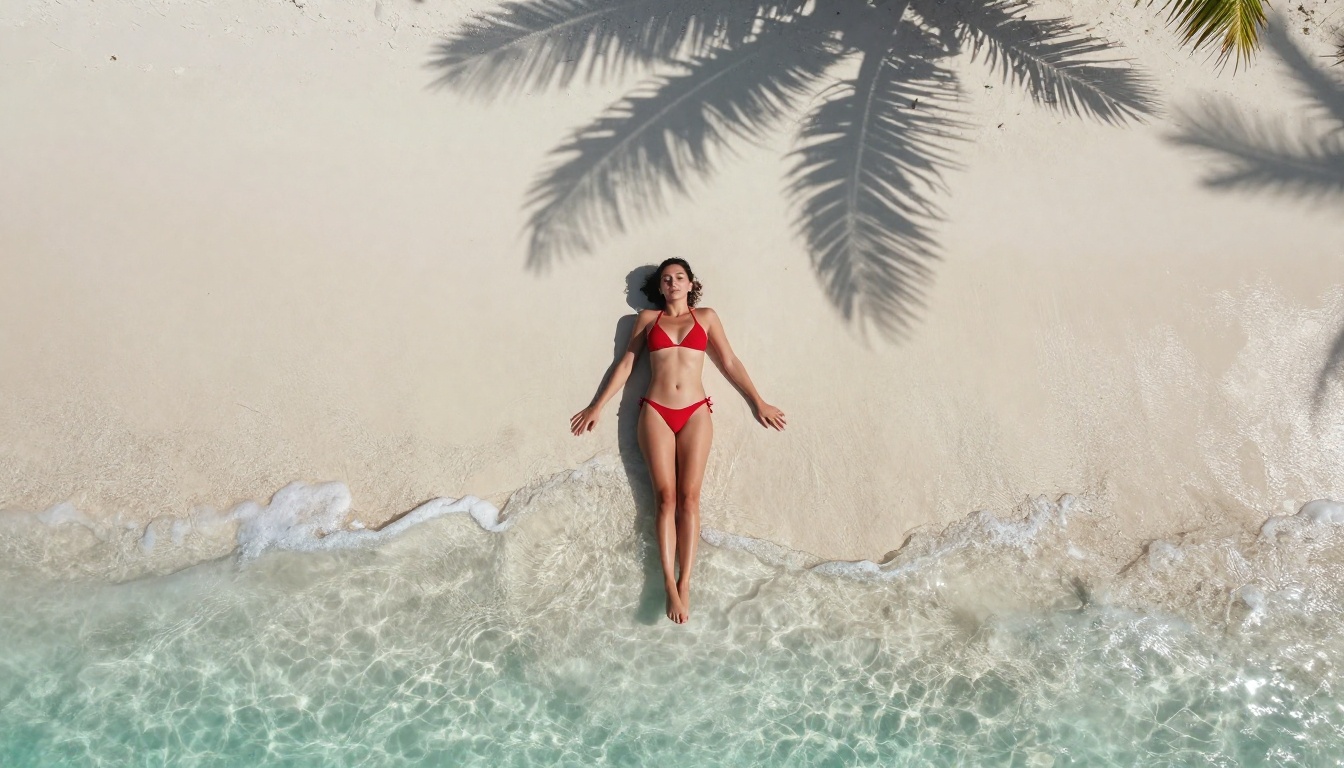
Confident woman in red bikini on white sand beach,
aerial drone perspective, midday tropical sun,
crisp shadow on sand, palm frond shadows,
RAW 8K, photorealistic, film grain, natural skin --style raw
For boudoir and glamour:
Beautiful woman in silk robe, opulent bedroom interior,
warm amber afternoon light from left window,
85mm f/1.4, shallow depth of field, visible fabric texture,
Kodak Portra 400 film aesthetic, RAW photography --style raw
For fashion editorial:
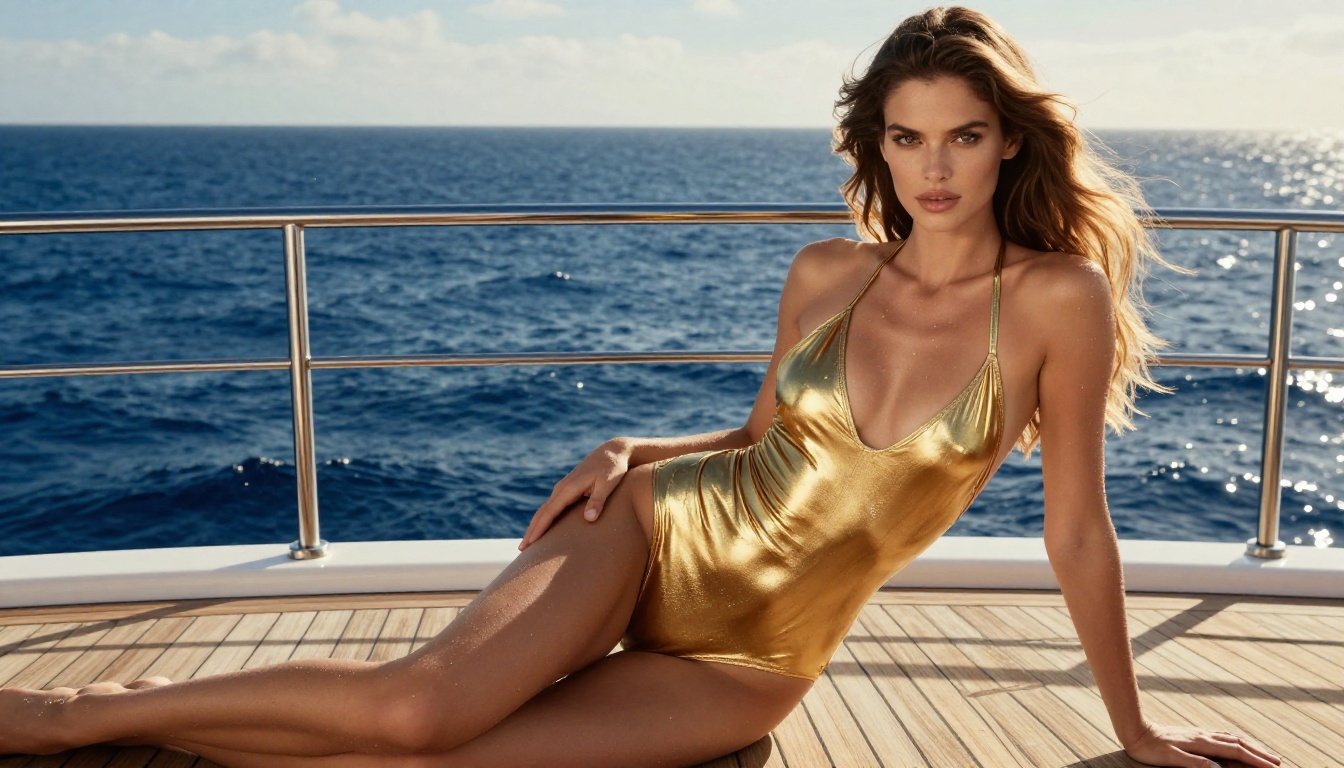
Model in gold swimsuit on yacht deck, ocean horizon background,
late afternoon backlight creating hair halo, 70mm f/2.5,
water droplets on skin, teak deck texture,
photorealistic 8K RAW, natural film grain --style raw
What to expect on the first try
With any of the Flux models, your first result at roughly 80% prompt specificity will typically land in the 60-70% range of what you're envisioning. That's not failure, that's the starting point. The second iteration, where you've added the three most important missing details, usually hits 85-90%.
💡 Set expectations right: AI image generation is a dialogue, not a command. The model responds to specificity. More detail in equals better output out.
Beyond Single Images
Once you can create a solid NSFW image quickly, the next step is working with systems that let you build on what you've created.
ControlNet for pose control
SDXL Multi ControlNet LoRA and SDXL ControlNet LoRA let you feed in a reference pose and generate an image that matches that body position exactly. For NSFW work where specific posing is critical to the composition, this eliminates the trial-and-error of prompt-based pose control entirely.
The workflow: generate a base pose reference, feed it into ControlNet, then use your full quality prompt to render the actual image in that pose. The result combines compositional precision with full photorealistic rendering.
Super Resolution for printing
If you're creating NSFW art for physical print, the base output resolution from most models won't be sufficient. PicassoIA's Super Resolution tools upscale your finished images 2x to 4x without the artifacts that plague naive upscaling. A 1024px output becomes a 4096px print-ready file while retaining the skin texture and fabric detail that make the original compelling.
Flux Dev LoRA for style consistency
Flux Dev LoRA allows fine-tuned model adaptations on top of the Flux Dev base. For creators who want a consistent visual signature across a body of NSFW work, training or applying a LoRA that encodes a specific lighting style, color palette, or subject aesthetic is the most effective path to a recognizable creative voice.
The Speed-Quality Relationship
There's a persistent myth that fast generation means low quality. The Flux and RealVisXL architectures have comprehensively disproved this. The bottleneck is no longer the model. It's the prompt.
A weak prompt fed into Flux 1.1 Pro Ultra produces a mediocre result quickly. A strong prompt produces something stunning in the same time. The quality ceiling has risen to the point where the only remaining variable is how precisely you can describe what you want.
This shifts the creative skill from technical software knowledge to the more transferable skill of visual description. You don't need to understand inference parameters or model architecture. You need to be able to describe a scene the way a photographer or director would describe a shot they're planning.
What You Write
What You Get
"Beautiful woman"
Generic, unspecific
"Woman in bikini on beach"
Decent starting point
"Woman in red bikini, aerial shot, midday sun, palm shadows, 8K RAW"
Editorial quality
Full 6-element prompt with technical suffix
Professional results
The table above isn't theoretical. It reflects what actually happens at each level of prompt specificity with models like Flux 2 Pro or Stable Diffusion 3.5 Large. Your prompt quality is the single most controllable variable in the entire process.
Start Creating Right Now
Everything described in this article is available directly on PicassoIA. No setup, no downloads, no technical configuration required. Open Flux 1.1 Pro Ultra, paste one of the sample prompts above, and click generate.
The first image takes less than 30 seconds. The tenth iteration, where you've refined and sharpened your prompt based on what you've seen, will be something you genuinely want to keep.
That's what creating NSFW AI art in under a minute actually looks like in practice: not a single lucky generation, but a rapid feedback loop between a precise description and a model capable of executing it. The platform is ready. The models are waiting. The only thing between you and a stunning result is the quality of your next prompt.