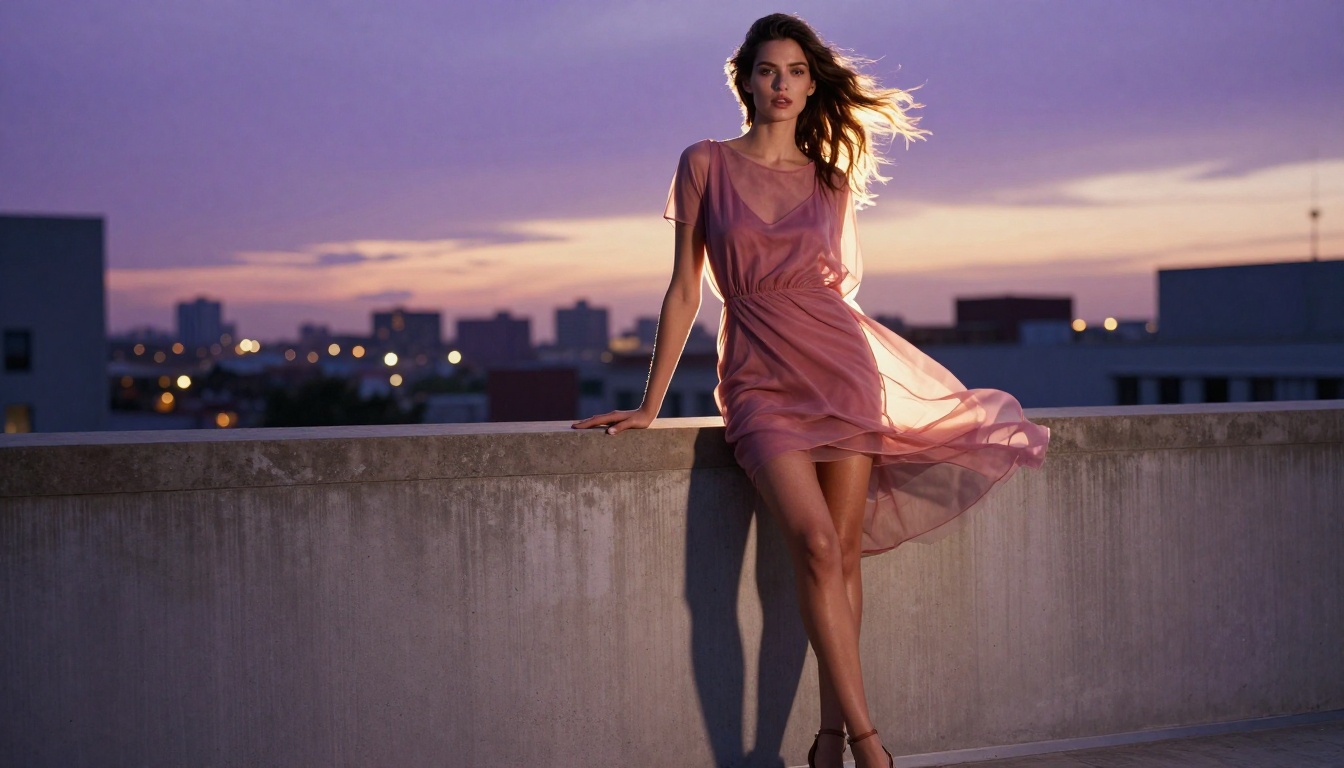
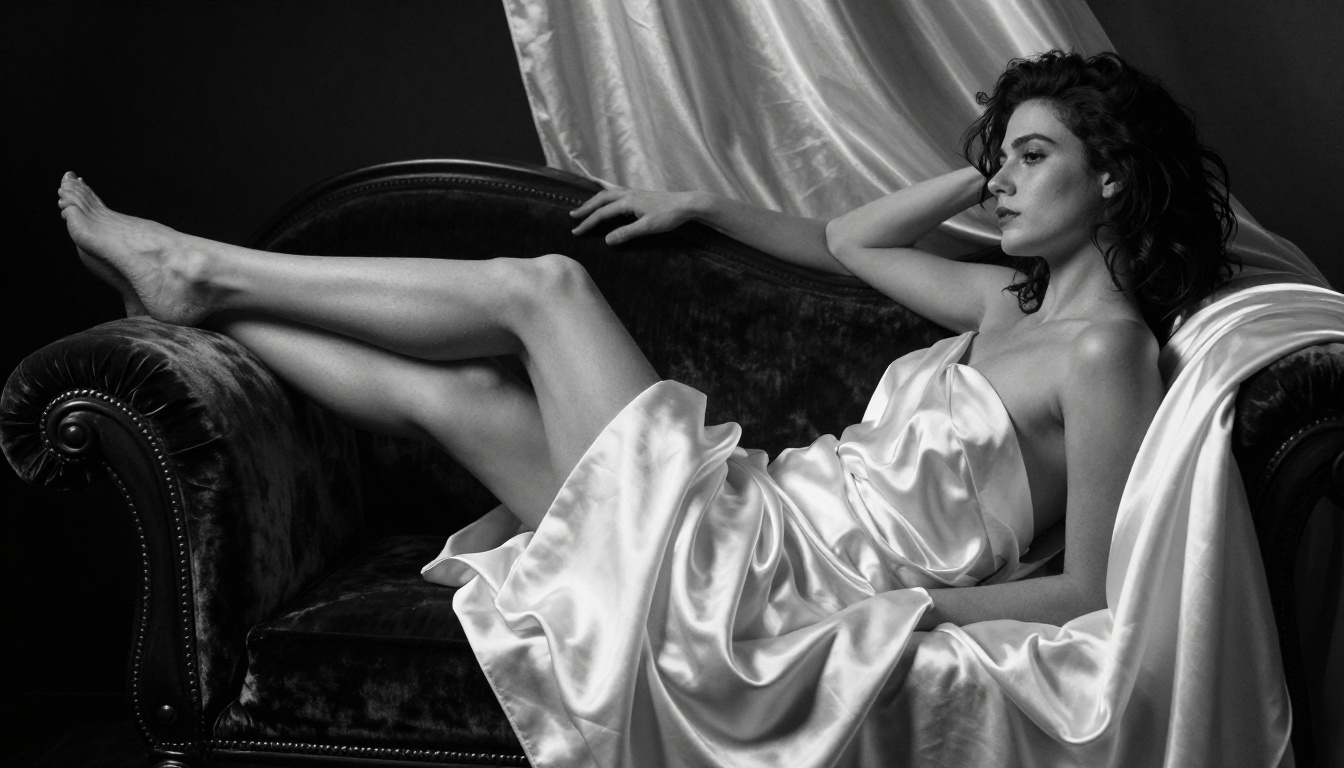
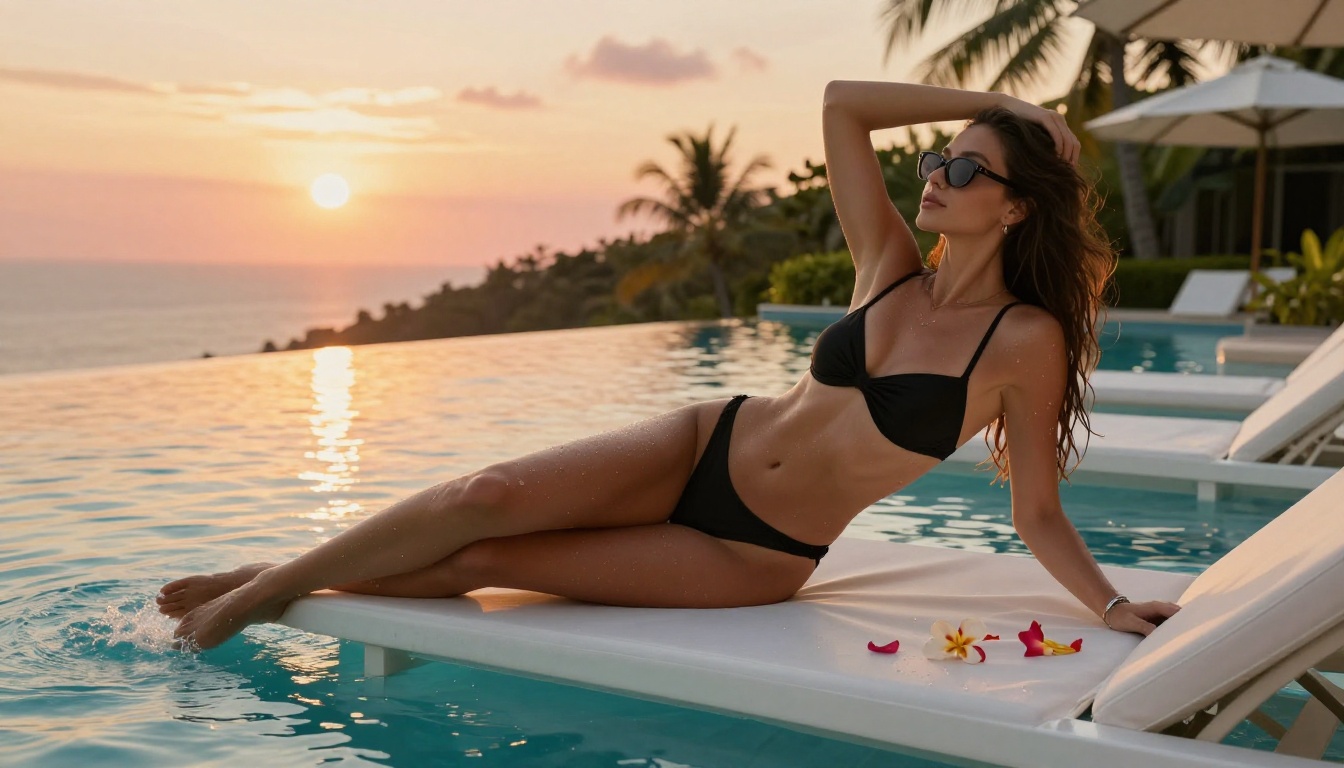
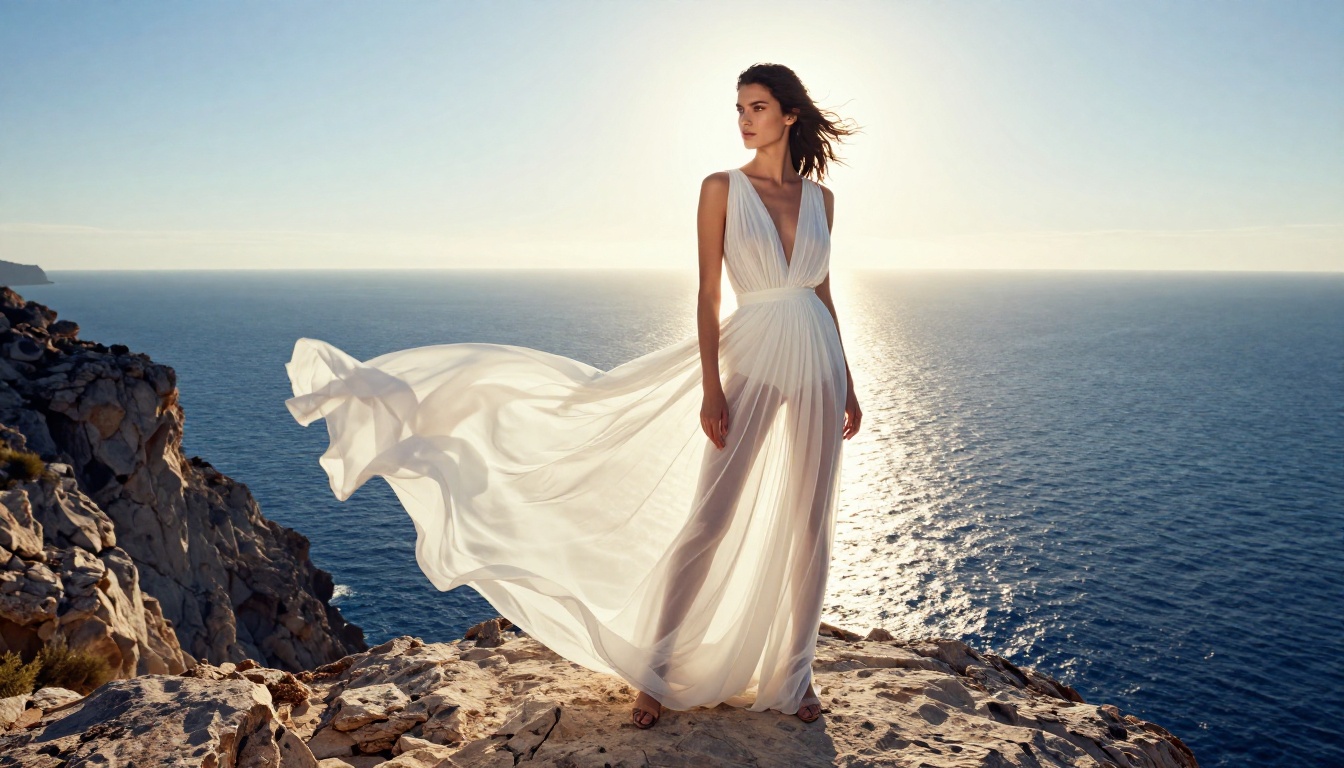
From beach glamour to artistic boudoir, AI has made stunning NSFW image creation accessible for free. This article breaks down the best models, prompt writing formulas, and step-by-step workflows to create photorealistic adult images using browser-based AI tools in minutes.
Free AI tools have made it genuinely possible for anyone to create beautiful, suggestive adult imagery without a camera, a model, or a studio budget. The quality coming out of today's best models is startling: photorealistic skin texture, natural lighting, and convincing anatomy that would have required a professional photographer just three years ago. But navigating the landscape of free NSFW AI generators requires knowing which models actually deliver, how to write prompts that don't fall flat, and where to access these tools without hitting paywalls every five minutes.
Why AI NSFW Art Changed Everything
The adult content creation industry operated on exclusivity for decades. Professional photographers, studios, and licensing fees kept high-quality imagery behind expensive barriers. AI flipped that entirely.
The Old Way Was Expensive
Commissioning custom adult photography cost thousands. Stock sites either refused explicit content or charged steep licensing fees. Illustrators and artists working in adult genres often faced platform bans. The barrier to entry was financial and institutional.
The result: most people consumed NSFW content they had no say in creating. The fantasy, the aesthetic, the specific style you wanted in your head stayed there.
What Free AI Can Do Now
Today's open-source diffusion models changed the math completely. Models like Stable Diffusion democratized image generation by releasing weights publicly, meaning anyone can run them locally or access them through browser-based platforms for free. The visual quality has crossed a threshold where distinguishing AI-generated images from photographs requires expert inspection.
The implications are significant. Creators now have a direct pipeline from imagination to image. Whether you want glamour photography aesthetics, boudoir art, or suggestive fashion editorial content, the tools exist, they work, and many of them are free.
💡 Important: Free AI NSFW generation works best when you treat it like photography direction, not typing wishes. Specificity in prompts produces dramatically better results than vague descriptions.
The Best Free AI Models for NSFW Images
Not all models are created equal when it comes to adult content. Some excel at photorealistic skin rendering. Others produce better anatomy. Understanding which model suits your creative goal is the first step.
Flux: The Gold Standard for Realism
The Flux family from Black Forest Labs has become the dominant choice for realistic human figure generation. Flux 1.1 Pro produces exceptional skin detail, natural lighting responses, and convincing anatomy that was previously only achievable with purpose-built adult models. Its handling of fabric, transparency, and body contours is particularly impressive.
For speed without sacrificing too much quality, Flux Schnell generates images in seconds and is available in free tiers on most platforms. It does not match the full Pro version in fine detail, but for iteration and testing prompts before committing to a paid generation, it is invaluable.
Flux 2 Pro represents the next generation with improved coherence and consistency. If you need multiple images of the same scene or character with consistent lighting and composition, Flux 2 models handle this better than any previous generation.
Stable Diffusion 3.5 Large remains one of the most controllable models available. Unlike the Flux family, SD models have an enormous ecosystem of fine-tunes, LoRAs, and community modifications specifically targeting adult content. The base model is excellent, but the community extensions take it much further.
SDXL specifically offers a balance of artistic flexibility and realism that makes it popular for everything from subtle glamour to full artistic boudoir work. The 1024px native resolution means details remain crisp without upscaling artifacts.
DreamShaper and RealVisXL
DreamShaper XL Turbo sits in an interesting middle ground. It handles the transition between realistic and stylized imagery better than most models, which makes it ideal when you want images that feel like high-end commercial photography with a slight editorial quality.
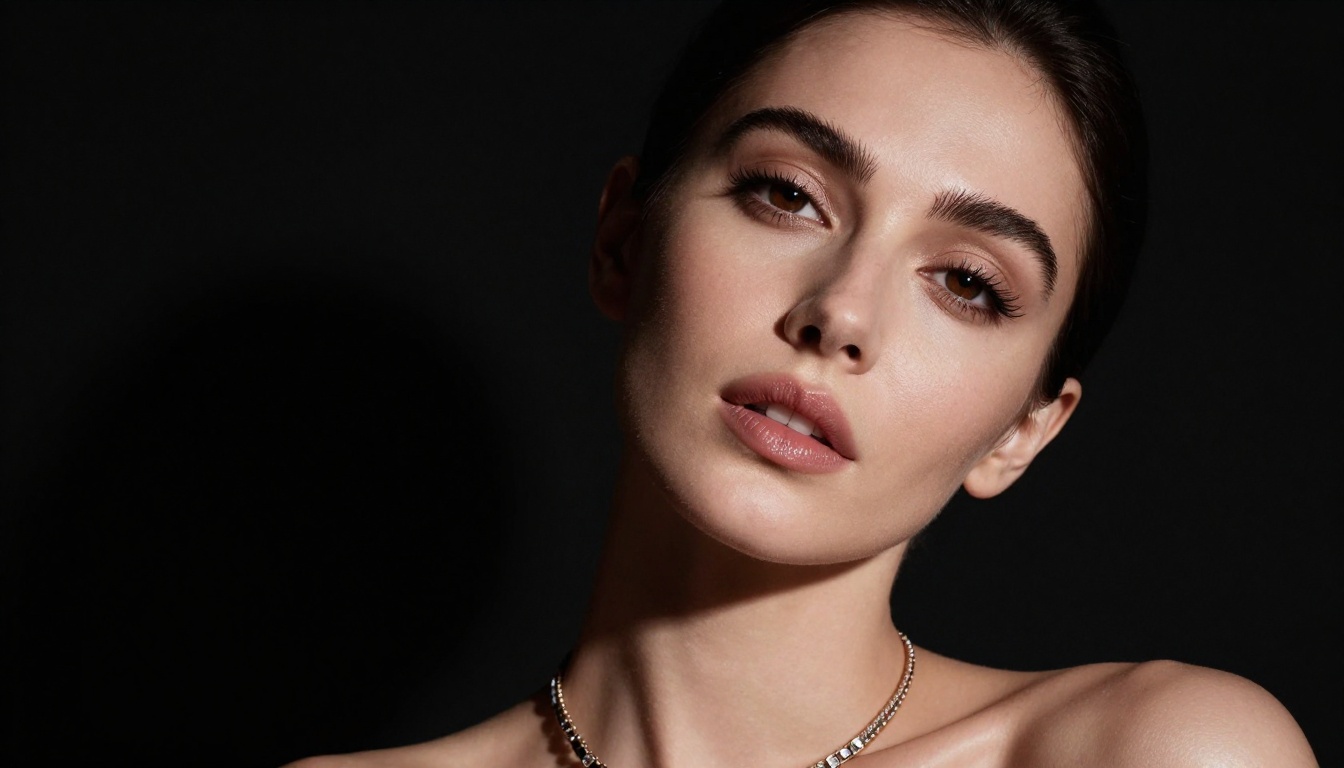
RealVisXL v3.0 Turbo was specifically developed to push photorealism in human subjects. Its training data and fine-tuning make skin rendering particularly convincing. For boudoir-style content and close portrait work, this model often outperforms more popular alternatives.
Writing Prompts That Actually Work
The model is only half the equation. Your prompt determines whether you get a stunning editorial image or a muddy, incoherent result. Prompt writing for NSFW AI images follows specific patterns that differ from regular photography prompts.
The Anatomy of a Good NSFW Prompt
Strong prompts for adult AI imagery share a common structure. Think of it as layered information from most important to least:
Subject description: Who is in the image? Age, hair, body type, ethnicity
Clothing and state: What are they wearing? How is it positioned?
Pose and action: What are they doing? Body language, posture
Environment: Where is this? Interior, exterior, what surfaces
Lighting: Direction, quality, color temperature of light
Camera specs: Lens, aperture, angle, distance
Style keywords: Photorealistic, editorial, cinematic, film grain
Most failed NSFW AI generations share common prompt mistakes:
Being too vague: "beautiful woman in bikini" returns generic results. "A 25-year-old woman with wavy auburn hair in a minimal ivory string bikini" gets you something specific.
Overloading with contradictions: Asking for "bright sunlit outdoor scene" and "dramatic dark lighting" confuses the model.
Forgetting negative prompts: Most platforms allow negative prompts. Using unrealistic anatomy, deformed, blurry, low quality in the negative prompt dramatically improves output quality.
Ignoring aspect ratio: Use --ar 16:9 or the platform's ratio settings. Full-body shots need horizontal or portrait ratios to avoid awkward cropping.
Style Keywords That Make a Difference
Certain style keywords consistently elevate AI NSFW imagery from generic to striking:
Kodak Portra 400 adds warm film grain and organic color
85mm f/1.8 portrait lens creates natural depth of field
volumetric morning light adds atmospheric haze and realism
photorealistic, RAW photography prevents the AI from defaulting to painterly styles
cinematic editorial pushes composition toward professional photography framing
How to Use PicassoIA for Free NSFW Images
PicassoIA provides browser-based access to over 91 text-to-image models, including the full Flux family, Stable Diffusion variants, and specialized portrait models. No installation, no local GPU required.
Step 1: Choose Your Model
Start with Flux Dev for your first attempt. It is free-tier accessible and produces results significantly above average. For portrait-specific work, Realistic Vision v5.1 or RealVisXL v3.0 Turbo will give you the skin realism that makes images feel authentic.
Step 2: Write Your Prompt
Use the layered prompt structure above. A good starting point for glamour photography:
Portrait of a woman with [hair color] hair, wearing [minimal clothing],
[pose description], [environment], golden hour lighting from the left,
85mm f/1.8 portrait lens, Kodak Portra 400 film grain,
photorealistic, 8K, RAW photography style --ar 16:9
Replace the bracketed sections with your specific vision. The more concrete the details, the closer the output matches your mental image.
Step 3: Adjust Parameters
Most models offer these key parameters:
Parameter
What It Does
Recommended Setting
Guidance Scale
How closely AI follows the prompt
7-9 for realism
Steps
Generation quality iterations
25-40 for detail
Seed
Reproducibility
Set a fixed seed to iterate on the same base
Negative Prompt
What to exclude
blurry, deformed, unrealistic, low quality
Step 4: Iterate and Refine
No first generation is perfect. The workflow that professional AI artists use:
Generate 4-8 variations with the same prompt
Identify which image is closest to your vision
Note the seed number of that image
Make small prompt adjustments while keeping the same seed
Gradually refine toward your target image
💡 Pro Tip: Save your seed numbers. A seed that produces great anatomy in one prompt often produces good anatomy with modified prompts too.
Top Models on PicassoIA for Adult Content
PicassoIA's library spans everything from the newest frontier models to established community favorites. These are the ones that consistently deliver for NSFW creative work.
Flux 1.1 Pro for Photorealism
Flux 1.1 Pro and Flux 1.1 Pro Ultra currently represent the pinnacle of accessible photorealistic image generation. Ultra supports native 4-megapixel outputs, which means even when cropped or zoomed in, skin texture, fabric weave, and background detail remain sharp. For professional-quality adult imagery, this is the model.
Realistic Vision v5.1 for Portrait Work
Realistic Vision v5.1 was fine-tuned specifically to address weaknesses in base SDXL models around human portrait rendering. Eyes are more convincingly rendered, skin tones are more natural, and it handles low-light scenarios with less noise than most alternatives. Portrait and boudoir-style work is where this model shines.
SDXL for Creative Freedom
SDXL remains the best base for creative experimentation because it combines accessibility, speed, and an enormous ecosystem of complementary tools. When you want to try unusual compositions, artistic lighting, or editorial fashion styles, SDXL handles the variety better than more specialized models.
GPT Image 1.5 for Prompt Accuracy
GPT Image 1.5 follows complex prompts with remarkable accuracy. If your vision requires very specific scene composition or you need multiple elements to appear in precise positions, GPT Image handles prompt adherence better than diffusion-based models. The tradeoff is slightly less organic-looking results compared to Flux.
Common Mistakes (and How to Fix Them)
Everyone generating NSFW AI images runs into the same walls. Here is how to get through them faster.
Vague Prompts Kill Results
The single biggest quality killer is prompt vagueness. Compare these two approaches:
Weak: "sexy woman on beach"
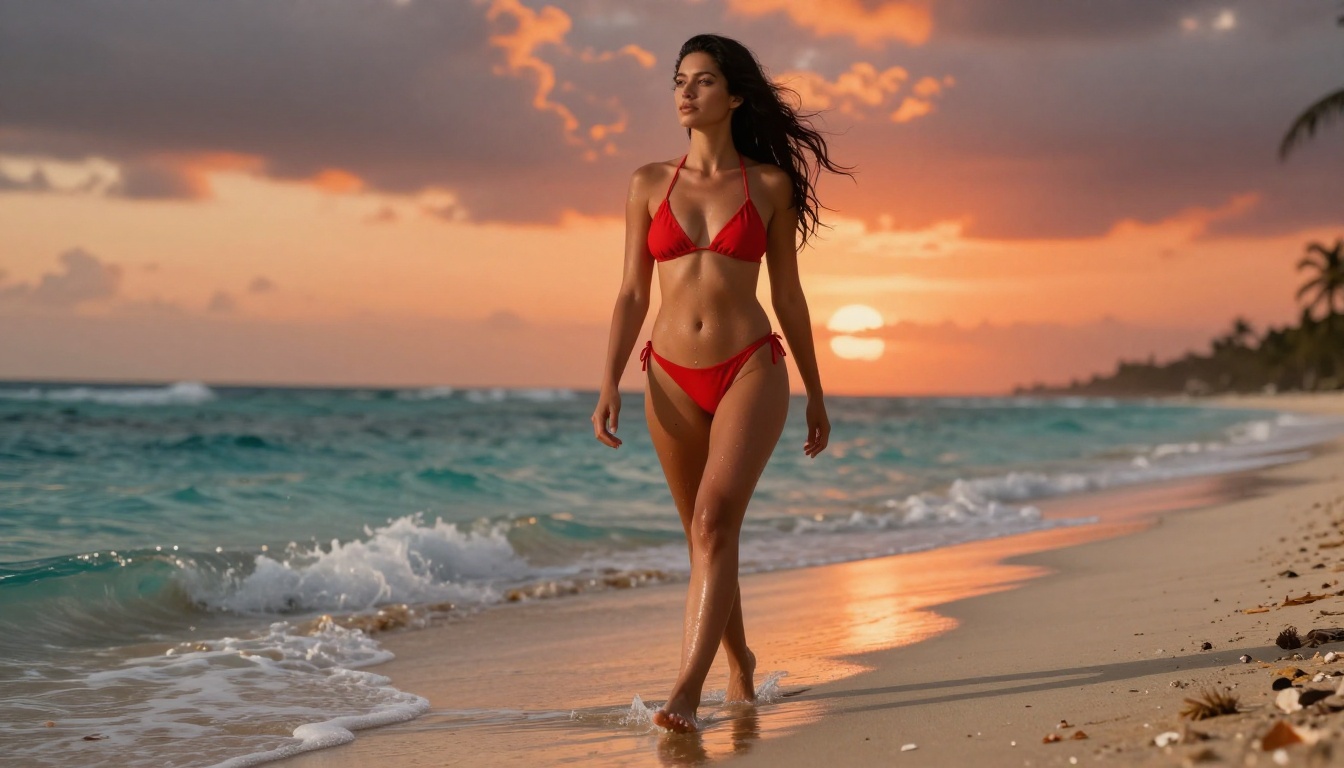
Strong: "A 24-year-old woman with curly dark hair, wearing a minimal red string bikini, walking along a deserted tropical beach, shallow turquoise water around her ankles, dramatic sunset sky with orange and magenta clouds, camera at knee height looking up, 35mm lens f/2.8, droplets of water on her thighs catching amber backlight, Kodak Portra 400 film grain, cinematic editorial photography, 8K RAW"
The difference in output quality between these two prompts is enormous. Every detail you add gives the model fewer random choices to make.
Wrong Model for the Style
Using SDXL for ultra-photorealistic close portraits wastes its strengths. Using Realistic Vision v5.1 for creative stylized imagery fights against its training. Match the model to the aesthetic:
Ultra-photorealistic full scenes: Flux 1.1 Pro / Flux 2 Pro
Free tiers are excellent for learning, experimenting, and refining your prompt style. When you know exactly what you want and need consistent high-quality output, the paid tiers become worthwhile very fast.
Quality vs. Speed Tradeoffs
Speed and quality sit on opposite ends of the same dial in AI generation:
Fast generation (Schnell, Turbo models): 2-5 seconds, good quality, some detail loss at close inspection
Standard generation (Dev, standard models): 15-30 seconds, significantly sharper and more detailed
High-quality generation (Pro, Ultra): 30-60 seconds, professional output quality
For most NSFW creative work, the standard generation tier hits the best balance point. Use fast models to test prompts, then switch to standard or pro for your final outputs.
Start Creating Your Own Images
The barriers that once separated professional adult content from what an individual could create have effectively dissolved. With models like Flux 1.1 Pro, Realistic Vision v5.1, and Stable Diffusion 3.5 Large accessible directly in your browser through PicassoIA, the only remaining requirement is knowing what you want and how to describe it.
Start with Flux Dev on a free account. Write a detailed prompt using the structure in this article. Generate four variations and compare them. Adjust, iterate, and build toward the specific vision in your head. The first image will not be perfect. The tenth will surprise you.
PicassoIA has over 91 text-to-image models, each with different strengths. Spend time with the models listed here and you will find the ones that match your creative direction. The platform is designed for exactly this kind of iterative creative work, and free access gets you far enough to know whether premium tiers are worth the investment for your specific needs.