Kling 2.6 Pro has changed what's possible with AI-generated adult video content. Where older models produced stiff, unnatural motion and blurry close-ups, Kling v2.6 generates fluid, cinematic sequences with realistic skin texture, natural body movement, and scene coherence that holds across multiple seconds of footage. If you want to create suggestive, glamour-focused, or artistic NSFW videos from text prompts, this model is currently one of the strongest options available.
This article covers everything: what makes Kling 2.6 Pro different from older versions, how to write prompts that produce usable results, which parameters to tweak, and a full step-by-step walkthrough of generating your first video on PicassoIA.
What Makes Kling 2.6 Pro Different
Temporal Consistency You Can Actually Use
The biggest failure mode of most text-to-video models in the NSFW and glamour space is temporal inconsistency, where a character's face changes mid-clip, body proportions shift between frames, or clothing flickers in and out of existence. Kling 2.6 Pro addresses this with a redesigned motion diffusion architecture that maintains character identity and scene coherence across the full clip duration.
In practical terms: you can generate a 5-second shot of a model walking across a room and the lighting, skin tone, outfit, and background remain consistent from frame one to frame 150. That's not trivial to achieve, and it's what separates Kling v2.6 from earlier versions like Kling v2.0 and Kling v1.6 Pro.
Motion Quality and Realism
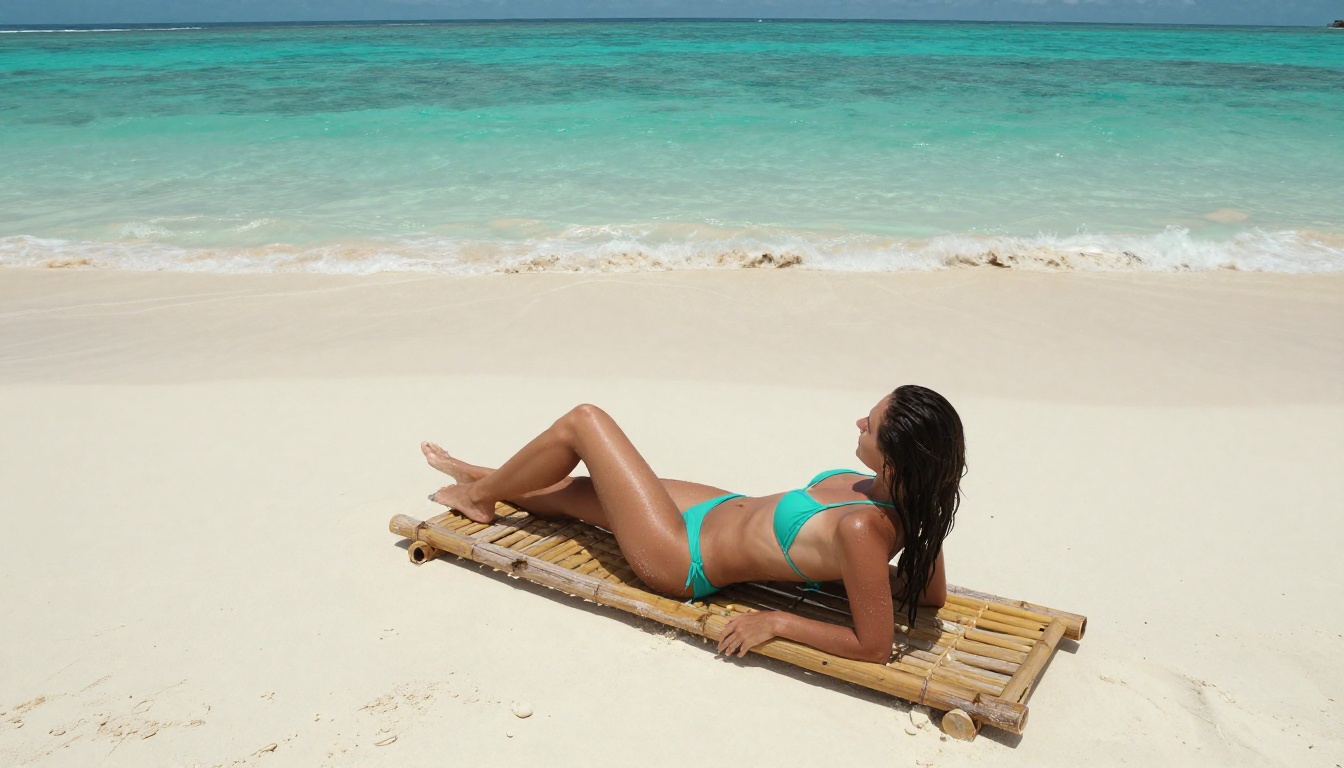
Kling 2.6 Pro was trained on higher-resolution video data than its predecessors, which means it handles fine-motion details significantly better. Hair movement in wind, fabric draping against skin, and subtle expression changes all look more natural. For NSFW content, this matters especially because viewers notice exactly these details, and synthetic-looking movement immediately breaks immersion.
The model also handles camera motion well. Slow zoom-ins, panning shots, and dolly-forward movements are all achievable through prompt language and don't degrade clip quality the way they did in earlier iterations. This makes it genuinely practical for creating polished, high-quality adult content at scale.
NSFW Capabilities and Platform Differences
Not every AI video platform allows NSFW content, and those that do vary significantly in what's permitted. Kling 2.6 Pro's base model is capable of generating suggestive, glamour, and implied adult content, but whether that output is accessible depends entirely on the platform's content policy.
PicassoIA supports NSFW generation through Kling v2.6, which means users can create content featuring bikinis, lingerie, boudoir scenes, and implied nudity without the heavy censorship filters that platforms like standard Runway or Sora apply. The platform's content guidelines focus on non-explicit material, meaning aesthetically driven adult content is supported while explicit pornographic output is not.
Crafting Prompts That Actually Work
Anatomy of a Perfect NSFW Prompt
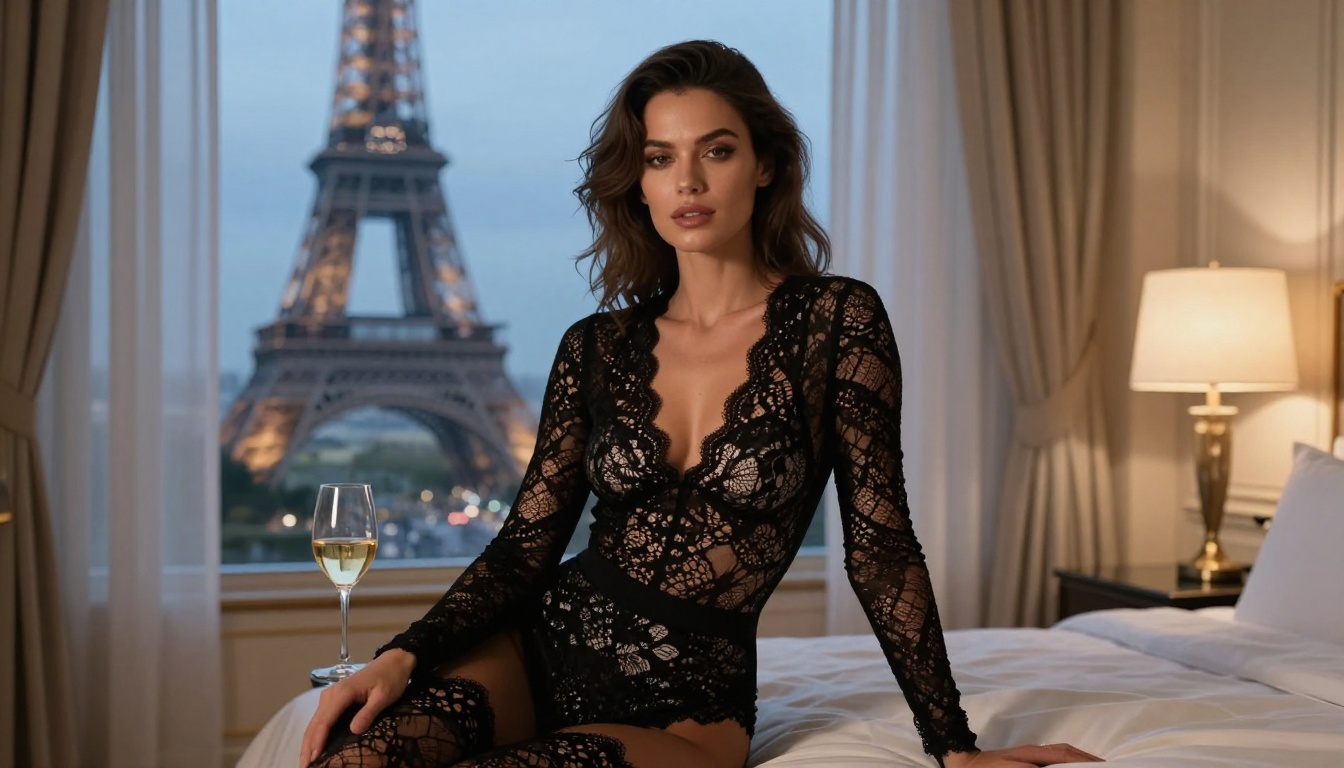
The single biggest factor in output quality for Kling 2.6 Pro is prompt structure. A weak, vague prompt produces weak, vague video. A well-structured prompt that specifies subject, action, environment, lighting, and camera movement produces cinematic results every time.
Here's the framework that consistently delivers:
💡 Prompt Formula: [Subject Description] + [Action/Motion] + [Environment Detail] + [Lighting Conditions] + [Camera Movement/Angle] + [Style/Mood]
Example prompt that works:
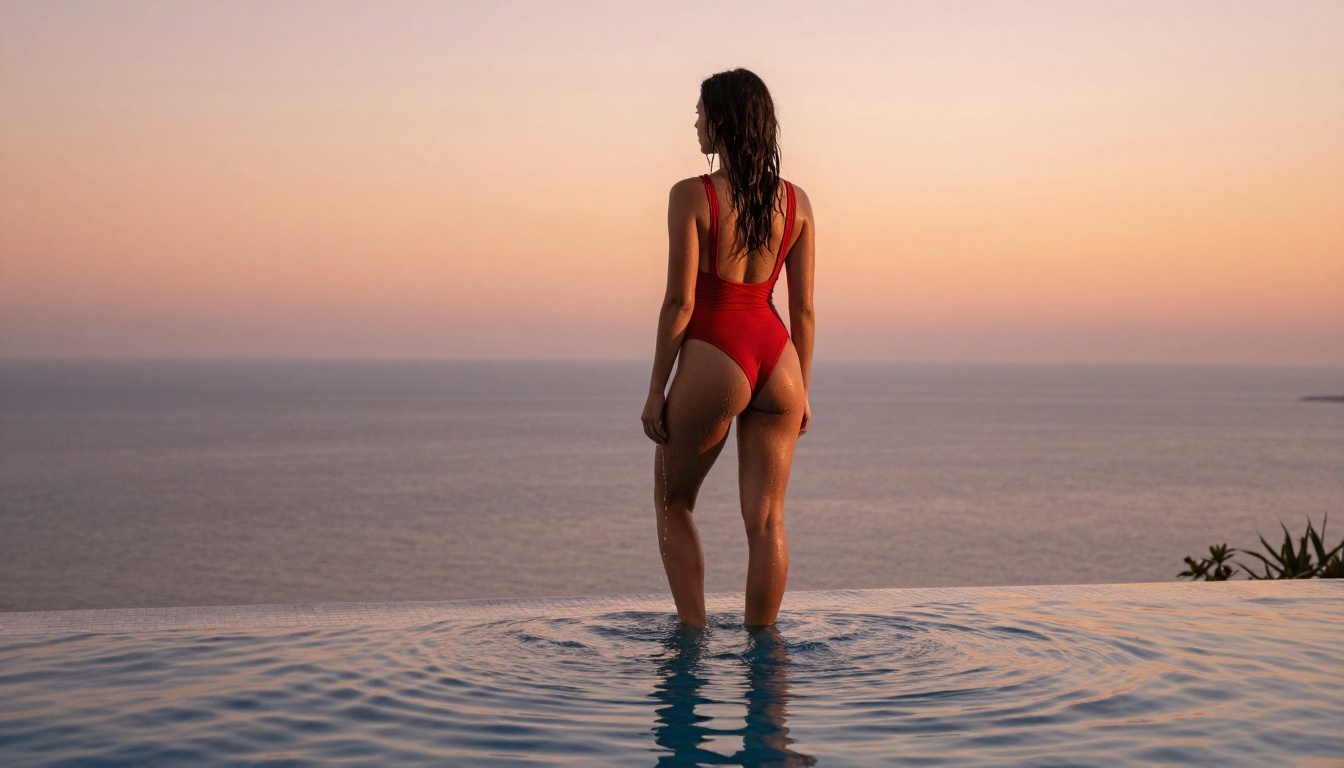
"A woman in a black silk bikini slowly walking along the edge of an infinity pool at golden hour in Santorini, the warm orange light catching on the water surface, her hair moving gently in the breeze. Camera slowly dolly-forward, shallow depth of field, cinematic 4K, photorealistic"
What makes it effective:
- Subject clearly described, woman with specific clothing
- Motion specified with "slowly walking"
- Environment detailed with infinity pool and location
- Lighting named as golden hour with directional orange light
- Camera move explicitly stated as dolly-forward
- Quality modifiers at the end
Common Prompt Mistakes to Avoid
Most failed generations come from the same small set of errors. These are the most common ones and how to fix them:
| Mistake | Why It Fails | Fix |
|---|
| "Beautiful woman" with no detail | Model has nothing to anchor appearance | Specify hair color, outfit, skin tone |
| No environment description | Random backgrounds appear | Always describe the location |
| No lighting info | Flat, washed-out result | Name your light source and direction |
| No camera direction | Static, lifeless shots | Add "slow pan", "zoom in", "tracking shot" |
| Overly explicit language | Triggers safety filters | Use aesthetic and fashion register instead |
| Subject doing nothing | Minimal motion generated | Always include a specific action verb |
Prompt Templates That Generate Results
Here are three production-ready templates you can adapt directly:
Template 1: Beach and Pool
"A [hair color] woman in a [color] [bikini/swimsuit], [action verb] at [location], [time of day] light casting [warm/cool] tones, [camera movement], slow motion, photorealistic 4K"
Template 2: Boudoir and Indoor
"A woman in [clothing description], [pose/action] in a [room type] with [light source], soft [warm/cool] ambient light, [camera angle], intimate editorial style, cinematic"
Template 3: Urban and Fashion
"A [description] woman in [outfit] [action] through [urban location], [weather/light condition], [camera movement] following her, high-fashion editorial, photorealistic"
Each template has produced consistently strong results with Kling v2.6. The templates are starting points, not rigid rules. Add specific details wherever you have them.
Parameters That Control Your Output
Duration and Resolution Settings
Kling v2.6 on PicassoIA supports clips up to 10 seconds in length at 720p and 1080p resolution. For most NSFW content, the sweet spot is 5-8 seconds at 1080p. Shorter clips of 3-5 seconds are faster to generate and easier to loop, which makes them useful for short-format platforms.
For resolution, 1080p is always preferable when you need detail in skin, fabric, or facial features. 720p is acceptable for wide establishing shots where micro-details are not the focus. The generation cost difference is meaningful at scale, so using 720p for prompt testing and 1080p for final renders is a practical cost-saving approach.
Motion Intensity Controls
One of the parameters unique to the Kling model family is motion intensity. At low motion settings, the model generates slow, flowing movement that looks deliberate and cinematic. At high motion settings, you get more dynamic action but risk motion blur and temporal artifacts.
For NSFW and glamour content, low to medium motion intensity consistently produces better results. It allows the model to focus its computational capacity on rendering skin, fabric, and light accurately rather than tracking fast movement.
💡 Tip: If your output looks choppy or has flickering textures, drop motion intensity by one step. Nine times out of ten, that resolves it.
For content that genuinely requires dynamic motion, like dancing or active water scenes, medium-high intensity is appropriate. Just expect slightly more variance across runs and plan to generate 2-3 times to get a usable result.
Negative Prompts for NSFW Work
Negative prompts are often neglected but they're critical for quality control with Kling 2.6 Pro. For NSFW content, these negative terms reliably improve output:
cartoon, animation, illustrated, painting, digital artdeformed, distorted, disfigured, extra limbs, bad anatomyblurry face, low quality, artifacts, noise, grainywatermark, text overlay, logo, captionflat lighting, overexposed, underexposed
Including these in the negative field reduces anatomically incorrect generations and keeps the output solidly in a realistic, photographic register. The difference between a generation with and without a well-crafted negative prompt is often the difference between unusable and professional-quality output.
Bikini and Swimwear Scenes
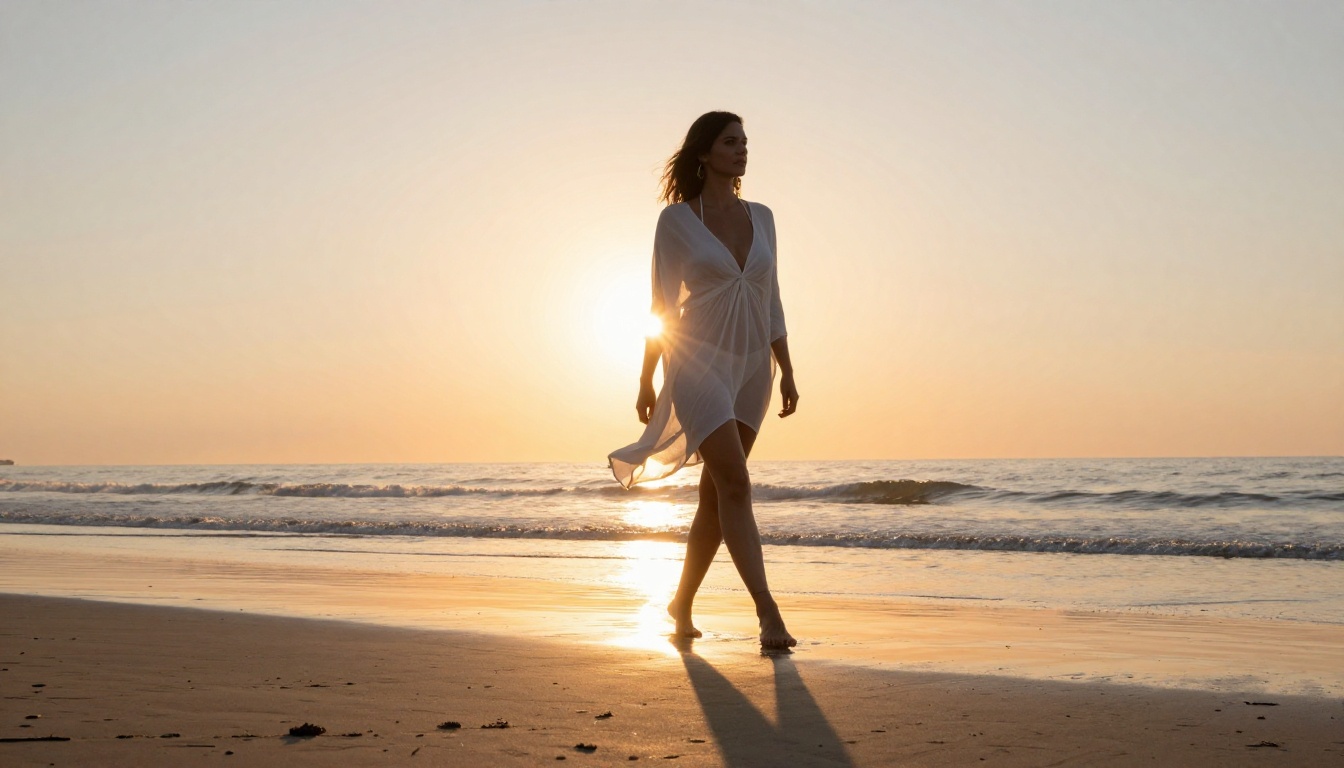
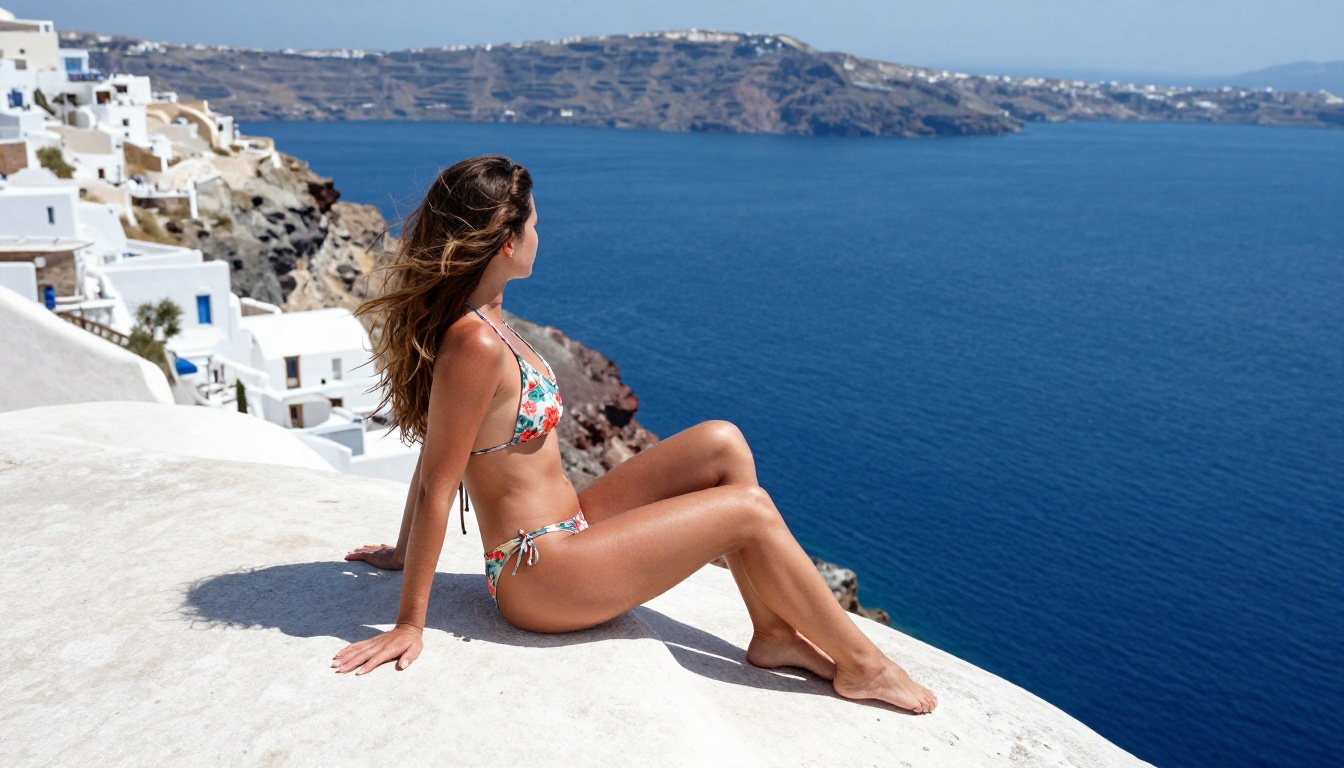
Beach and pool scenes are the strongest category for Kling 2.6 Pro because the model was trained on large volumes of outdoor lifestyle content. Water reflections, fabric movement in breeze or water, and natural skin texture in direct sunlight all render with notably high fidelity.
The most effective setup pairs a subject in motion with a natural outdoor environment and clear light direction. Avoid static poses in swimwear because the model produces better results when given a motion to animate around, even if that motion is as simple as "slowly turning toward the camera."
Top environments for swimwear content:
- Infinity pools at sunset overlooking a city or sea
- Tropical beaches at golden hour
- Rooftop pools with urban skyline bokeh
- Natural ocean waves at sunrise
Best motion types for swimwear:
- Emerging slowly from water
- Walking along the shoreline
- Turning slowly toward camera
- Light breeze causing hair and fabric movement
Boudoir and Glamour Shots
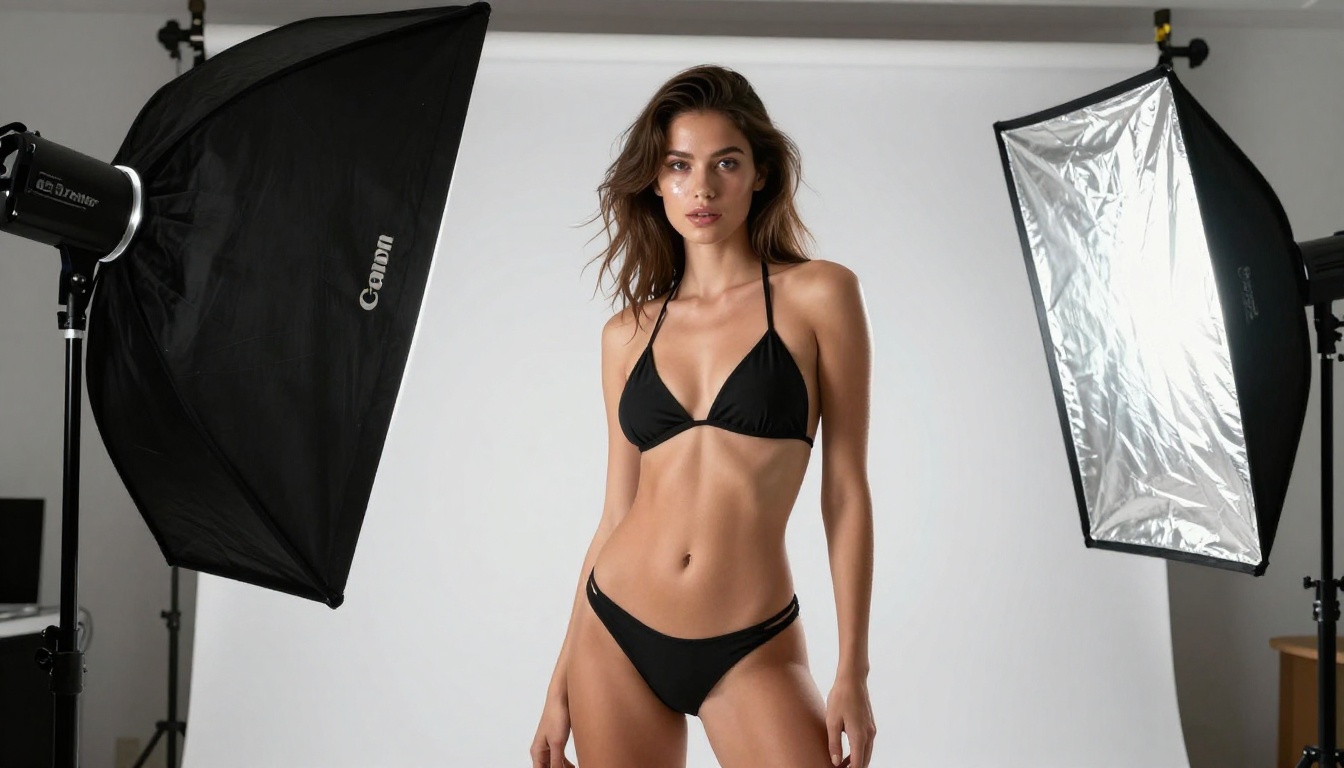
Indoor boudoir content requires more careful prompt engineering than outdoor scenes because the model needs explicit lighting direction to avoid flat, unconvincing results. The most effective approach specifies both a primary light source and a secondary fill or ambient element.
Example: "a woman in a black lace slip dress reclining on white sheets, warm morning light from a large left window creating soft shadows across the bed, slight camera zoom-in, shallow focus, intimate editorial"
The Kling v2.6 Motion Control variant is particularly useful for boudoir content because it allows you to specify exact camera paths, which is important when you want controlled, elegant movement rather than the model's default motion choices. Slow zoom-ins, gentle pans across a scene, and subtle orbit movements all benefit from the motion control variant.
Artistic and Implied Sequences
For implied nudity or artistic sequences that push closer to the platform's NSFW limits, the critical element is framing the content in an explicitly artistic register. Language like "editorial fashion photography", "fine art portrait", "artistic implied", and "cinematic lighting study" signals to the model that aesthetic quality is the priority, which typically produces more refined, controlled output than direct NSFW language.
This approach also tends to produce better technical quality because the model draws from its high-fidelity training data for editorial and fine art content rather than lower-quality data that might be associated with more explicit prompts.
The Kling v3 Video model is worth testing for this category too. It handles fine detail and skin rendering with even higher fidelity than Kling 2.6, making it the better choice for artistic pieces where every frame matters.
How to Use Kling 2.6 Pro on PicassoIA
Step 1: Select Your Model
Navigate to the text-to-video section on PicassoIA and select Kling v2.6. If you need specific camera path control for a particular shot, use Kling v2.6 Motion Control instead. For maximum quality on a final output where cost is less of a concern, Kling v3 Omni offers the best overall result in the Kling family.
Step 2: Write Your Prompt
Use the prompt structure from earlier in this article. Start with subject description, then action, then environment, then lighting, then camera movement. Place negative prompts in the dedicated negative field. Aim for 80-120 words in the positive prompt for optimal results with Kling 2.6.
💡 Before generating, run this check: Does your prompt include a subject, a motion or action, a location, and a lighting condition? If any of these are absent, add them before running.
Step 3: Configure Settings
These settings work well for most NSFW content on Kling v2.6:
| Setting | Value | Notes |
|---|
| Duration | 5-8 seconds | Longer clips need more coherent prompts |
| Resolution | 1080p | Use 720p only for wide/establishing shots |
| Motion Intensity | Low or Medium | High causes artifacts in close-up shots |
| Aspect Ratio | 16:9 | Use 9:16 for vertical/mobile content |
| CFG Scale | 7-9 | Lower = more creative, higher = more literal |
Step 4: Generate and Iterate
Run your first generation. If the output doesn't match your vision, resist the urge to just regenerate with identical settings. Identify specifically what's wrong and adjust:
- Wrong outfit or appearance: Make subject description more specific
- Bad lighting: Add explicit directional lighting language
- Unnatural motion: Reduce motion intensity, add explicit motion verbs
- Wrong environment: Add more location-specific detail
- Flickering or artifacts: Add quality terms to negative prompt
- Character inconsistency mid-clip: Reduce duration or motion intensity
Most strong final outputs come from iteration 2 or 3, not the first run. Plan for this in your workflow.
Comparing Kling 2.6 Pro with Other Models
Kling 2.6 vs Kling v3
Kling v3 Video and Kling v3 Omni are the newer models in the Kling family. Here's how they compare directly for NSFW content:
| Feature | Kling v2.6 | Kling v3 |
|---|
| Generation speed | Faster | Slower |
| Skin and texture detail | Very good | Excellent |
| Motion complexity | High | Very high |
| NSFW fidelity | Strong | Stronger |
| Cost per generation | Lower | Higher |
| Best for | Volume generation, testing | Final quality output |
The practical workflow: use Kling v2.6 for rapid prompt testing and iteration, then switch to Kling v3 for final renders once the prompt is dialed in. This approach balances cost efficiency with output quality.
Kling 2.6 vs WAN 2.6 and Hailuo 2.3
Two other strong options worth comparing:
WAN 2.6 T2V is a strong general-purpose video model, slightly better at scene complexity and multi-subject shots. It's weaker than Kling 2.6 for close-up skin texture and fabric detail, which matters significantly for NSFW content. If your content involves complex multi-character scenes or detailed environments, WAN 2.6 is worth testing alongside Kling.
Hailuo 2.3 delivers excellent motion realism and follows complex prompts well. It's competitive with Kling 2.6 for swimwear and beach content, with slightly smoother motion in certain scenarios. By default, it tends to apply more conservative filtering on NSFW content compared to Kling 2.6.
Kling v2.5 Turbo Pro is worth noting as a faster, lower-cost alternative to Kling 2.6 that sacrifices some detail quality for speed. Useful for high-volume testing workflows where you're generating dozens of prompt variations quickly.
For specifically NSFW-focused generation where skin detail, fabric realism, and character consistency are the priority, Kling 2.6 Pro remains the strongest specialized choice in this tier.
Start Generating on PicassoIA Now
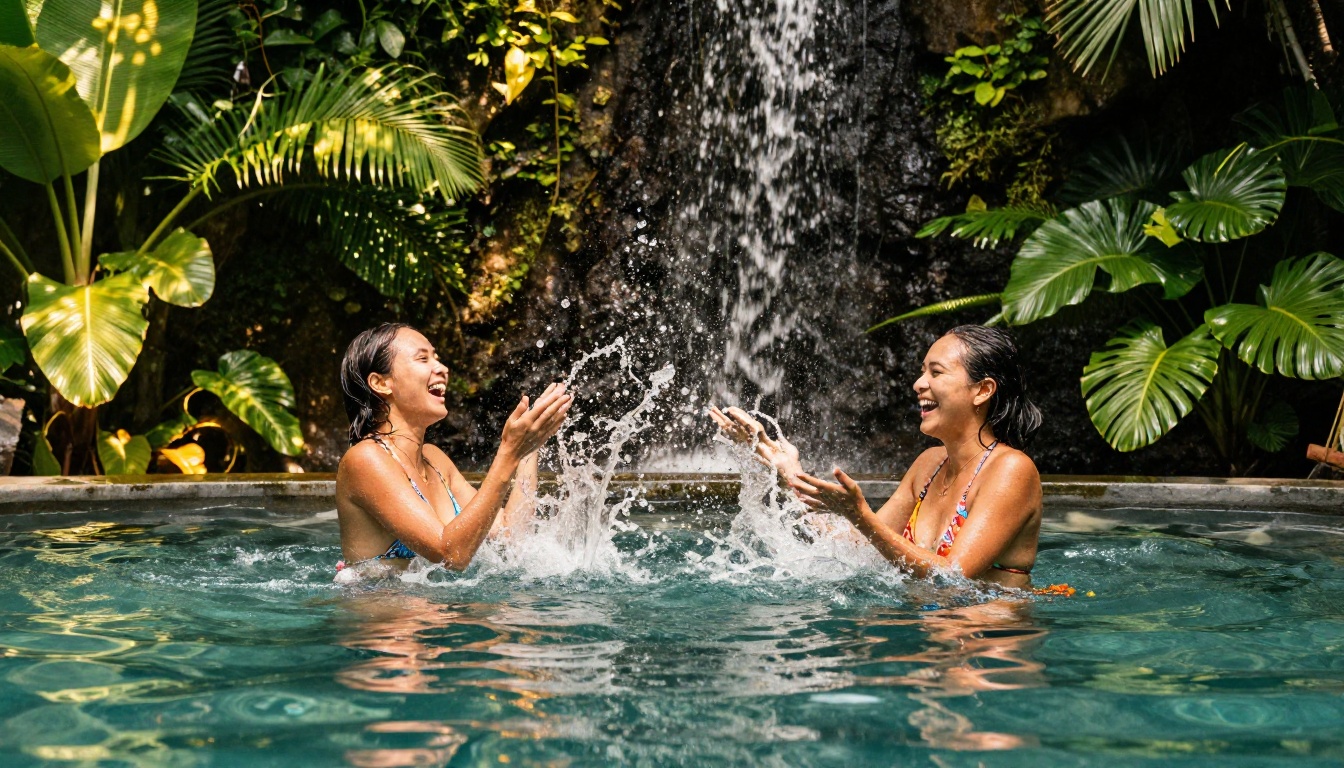
The quality gap between what Kling 2.6 Pro produces today and what was possible even a year ago is significant. Cinematic lighting, realistic skin texture, natural fabric movement, and consistent character identity across multiple seconds of footage are now achievable from a text prompt alone.
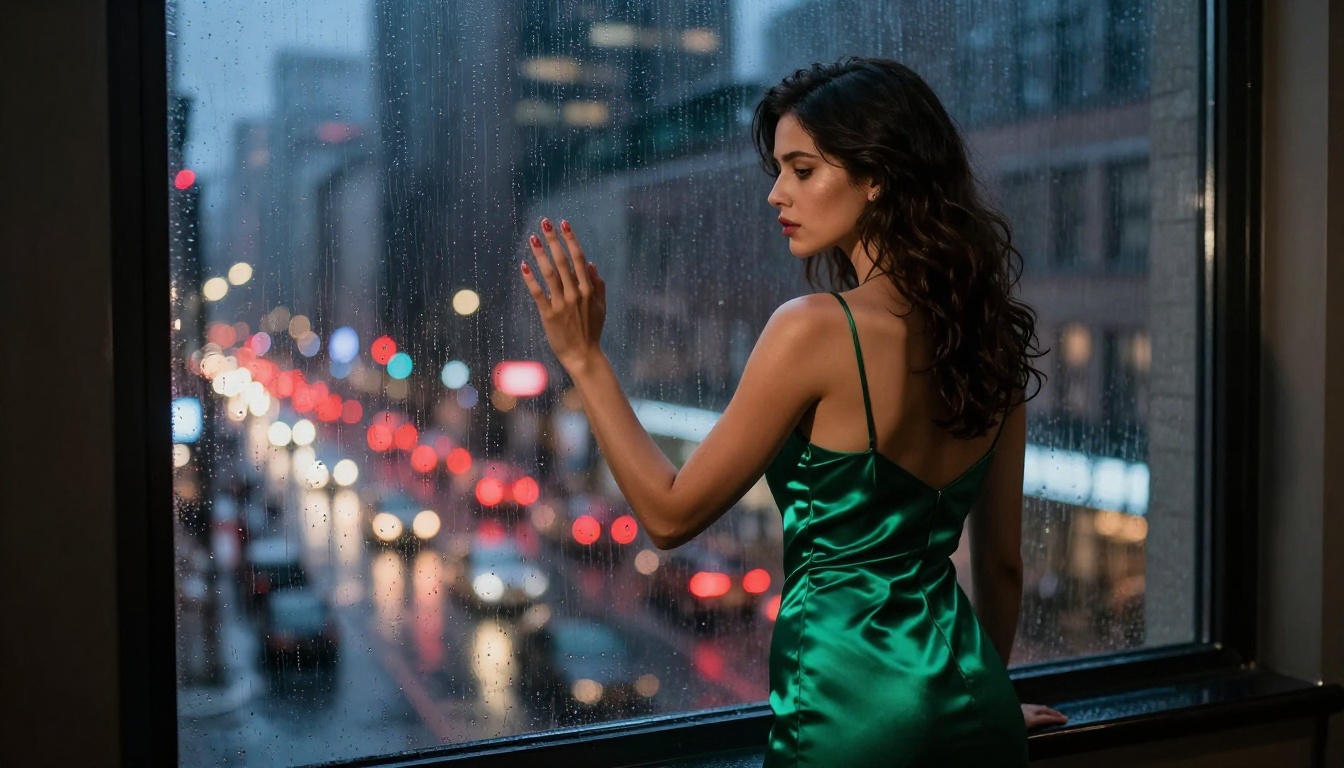
PicassoIA gives you direct access to Kling v2.6, Kling v2.6 Motion Control, Kling v3 Video, and Kling v3 Omni alongside 80+ other video models, all from a single platform. No API key management, no compute infrastructure to worry about, just prompt, configure, and generate.
Start with one of the templates from this article, run a few iterations on Kling v2.6 to dial in your prompt, then switch to Kling v3 for the final high-quality render. That workflow produces polished NSFW video content efficiently without burning credits on final-quality runs during the prompt iteration phase.
The tools are there. The model is ready. The only thing left is your prompt.


