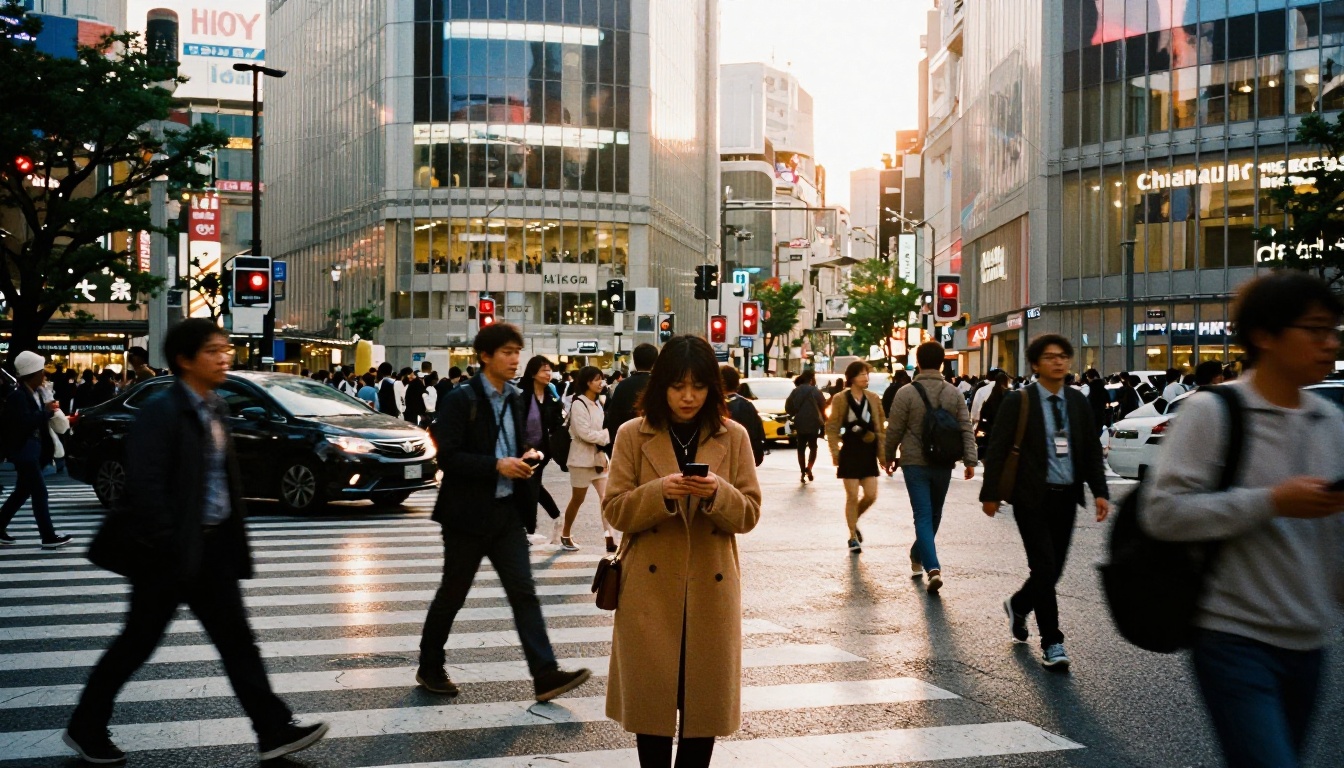
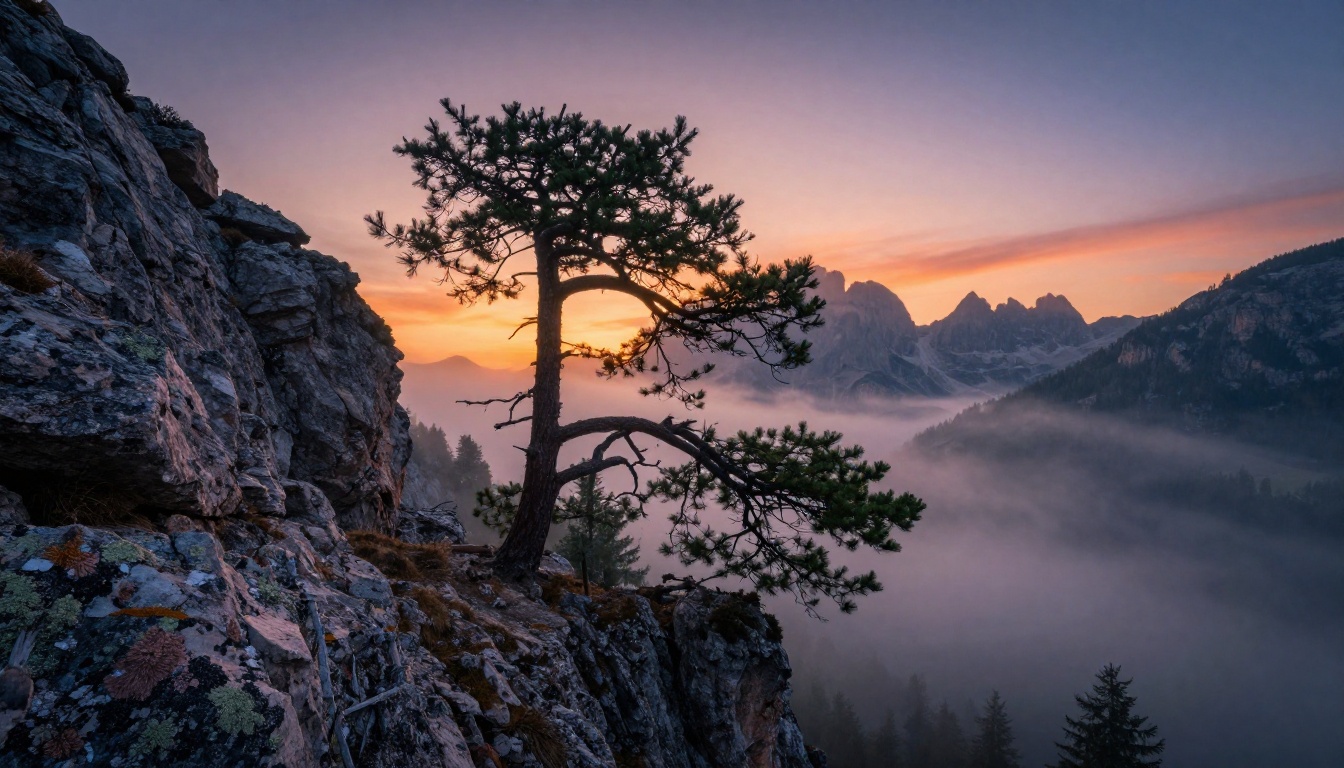
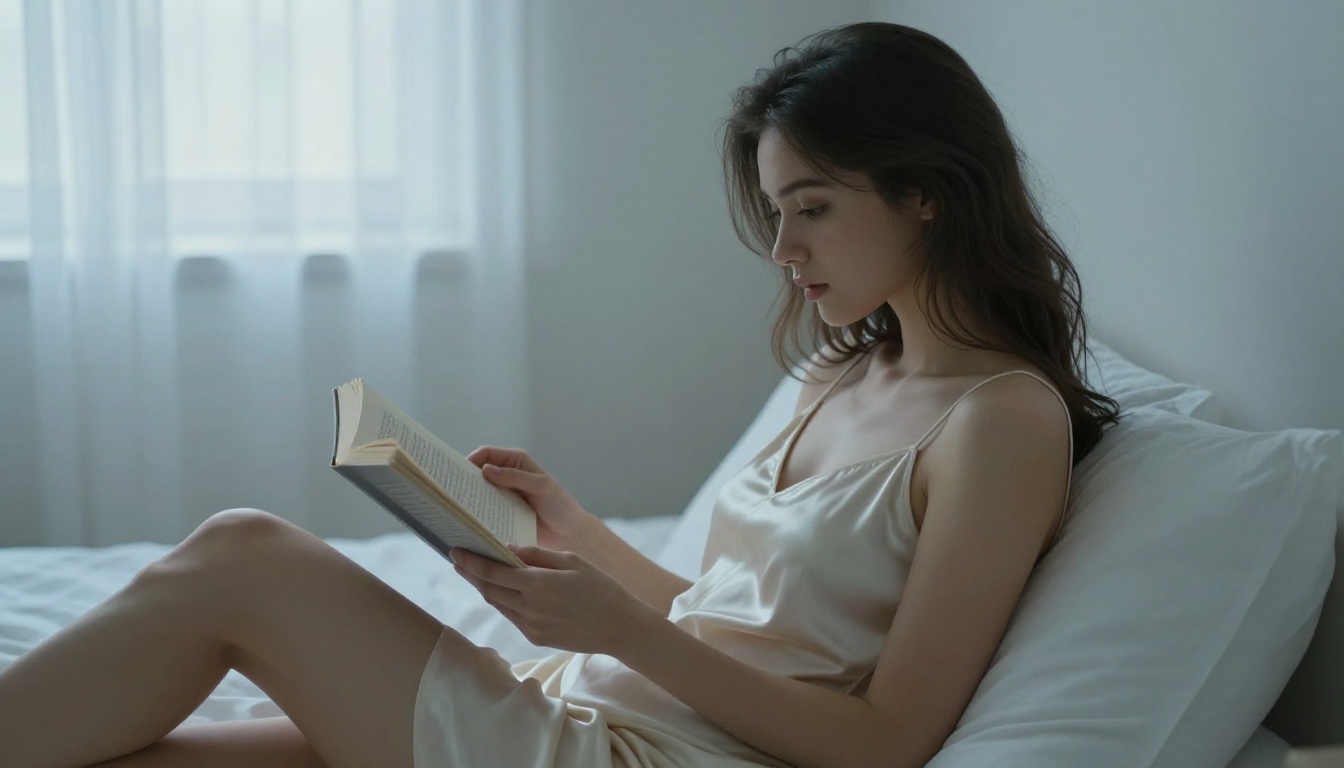
Create Professional AI Images with FLUX.2 Pro for Free
FLUX.2 Pro by Black Forest Labs is one of the most powerful text-to-image models available today — and you can access it for free on PicassoIA. This article shows you exactly how to use it to produce studio-quality, photorealistic images with the right prompts, settings, and creative direction. No GPU, no API key, no setup required.
FLUX.2 Pro arrived without much fanfare, but anyone who has spent time with it knows: this is a different class of AI image generator. While most tools still struggle with realistic skin texture, accurate hands, or coherent backgrounds, FLUX.2 Pro delivers images that pass for professional photography at a glance. The best part? You can generate them for free, right now, without installing anything, renting a GPU, or paying for an API subscription.
This article covers everything: what separates FLUX.2 Pro from the noise, how to write prompts that produce real results, a step-by-step walkthrough for running it on PicassoIA, common mistakes that cap most people's output quality, and an honest look at what the model does better than its siblings. Whether you're a designer, photographer, marketer, or just someone who wants to create something visually striking — this is where to start.
What Makes FLUX.2 Pro Different
Most AI image models fall into one of two categories: fast but generic, or detailed but slow. FLUX.2 Pro refuses to pick a lane — it delivers both.
Built by Black Forest Labs, the team behind the original FLUX architecture, FLUX.2 Pro is a 12-billion parameter rectified flow transformer. That's not just marketing language. It means the model processes image generation through a fundamentally different mathematical pathway than older latent diffusion models. The result is sharper coherence between prompt and output, significantly fewer anatomical errors, and a much more natural handling of lighting and texture.
Here's what that looks like in practice:
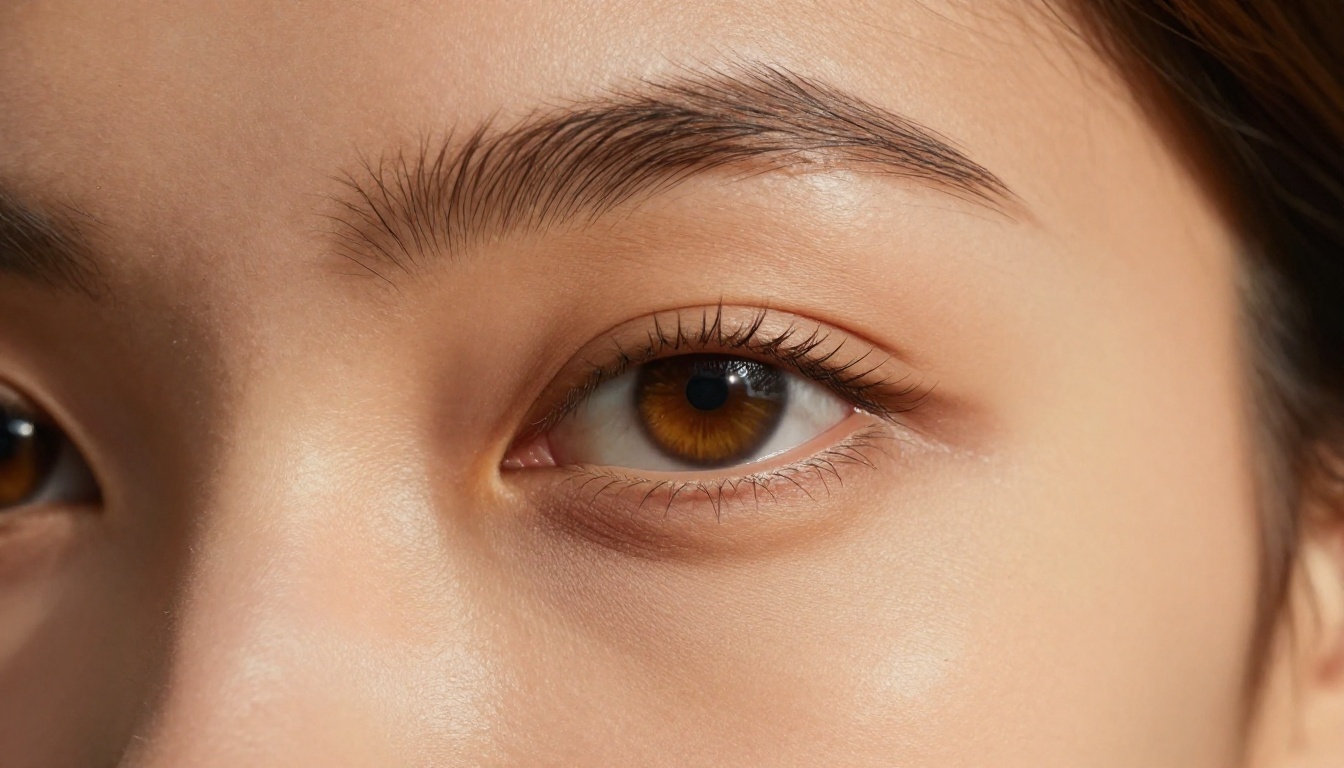
Skin and texture fidelity: Pores, wrinkles, and fine hair detail render at a level that older models like SDXL simply can't match without LoRA training
Compositional accuracy: FLUX.2 Pro reads and interprets complex scene descriptions with higher precision — a woman standing in a doorway actually stands in a doorway, not floating beside one
Lighting logic: The model understands directional light, ambient occlusion, and specular highlights in ways that were almost impossible before with generalist models
Text rendering: Unlike most image models, FLUX.2 Pro can render legible text within images with far less corruption than previous generations
Color consistency: Skin tones, fabric colors, and environmental palettes stay coherent even in complex multi-element scenes
💡 Tip: FLUX.2 Pro performs especially well on portrait photography, fashion imagery, architectural shots, and product photography. These are the categories where the realism gap between AI and traditional photography is smallest — and where its advantages over competing models are most visible.
The architectural shift from U-Net (used in Stable Diffusion) to a transformer-based flow model gives FLUX.2 Pro a qualitatively different relationship with your text prompt. It doesn't just pattern-match from training data — it reasons spatially about the composition, which is why it handles unusual or complex prompts far better than its predecessors.
How Good Are the Results, Really?
The honest answer: better than most people expect, but entirely prompt-dependent.
FLUX.2 Pro won't rescue a vague prompt. Tell it "a woman in nature" and you'll get something passable but unremarkable. Give it specifics — lighting direction, lens focal length, film stock, texture details — and it will produce images that could pass for $5,000-a-day commercial photography shoots. The quality ceiling is genuinely high. The floor, however, is set by you.
This is different from earlier models where more words didn't always mean better results. FLUX.2 Pro has a very high prompt adherence ceiling. The model benefits from depth of description. You're essentially writing a cinematographer's brief — and the model responds to that level of direction.
Here's an honest comparison against the main alternatives, all available for free:
For most professional use cases — brand imagery, editorial portraits, product photography, social content — FLUX.2 Pro is the right choice.
How to Use FLUX.2 Pro on PicassoIA
FLUX.2 Pro is available directly on PicassoIA — no API keys, no local GPU, no installation, no account required to browse. Here's the complete workflow from zero to your first high-quality image.
Step 1: Open the Model
Navigate to the FLUX.2 Pro model page. The interface is intentionally clean: a prompt field at the top, generation parameters below, and the output gallery beneath that. Don't let the simplicity fool you — the depth is in the prompt.
Step 2: Write a Strong Prompt
This is where most people underinvest. A strong FLUX.2 Pro prompt has five essential components:
Subject — Who or what is in the frame? Be specific: age, physical features, clothing
Environment — What is the setting? Include materials, objects, scale
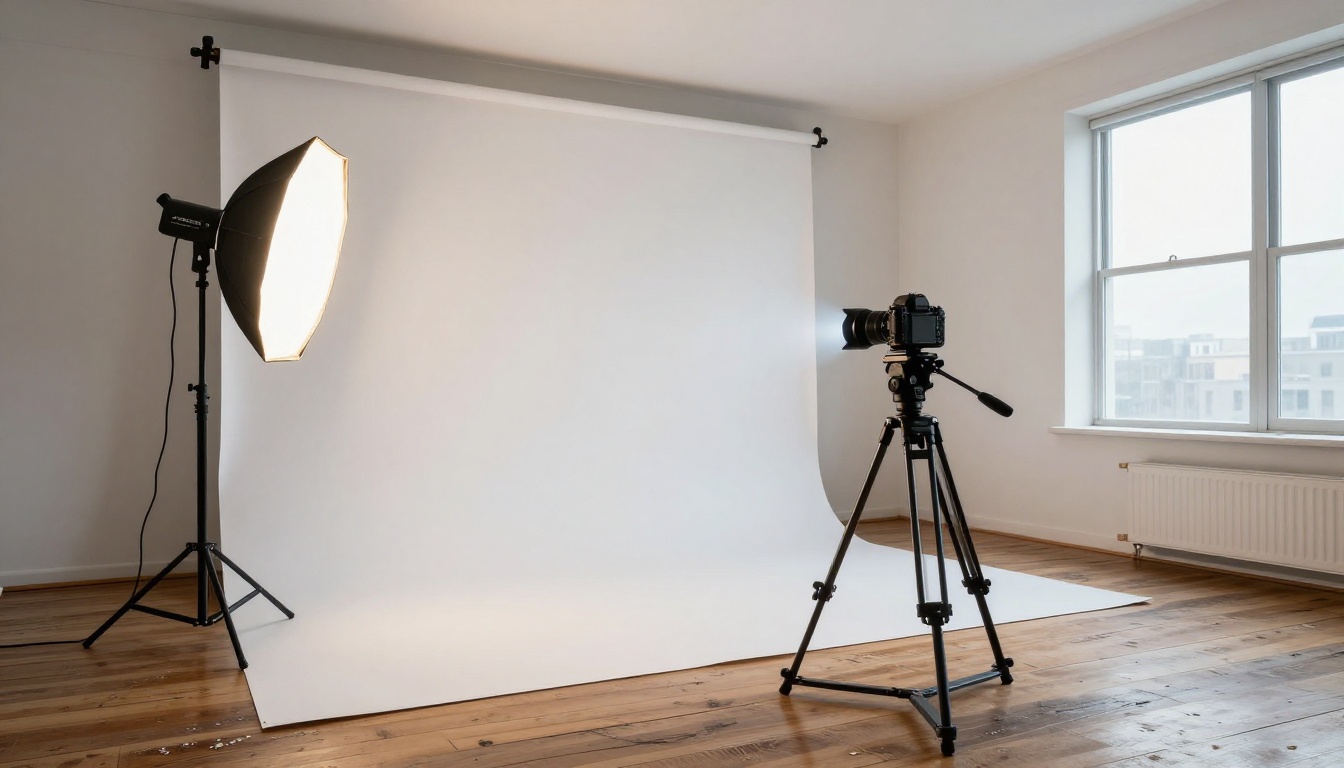
Lighting — Direction, quality (hard/soft/diffused), color temperature
Camera — Lens focal length, aperture, shooting angle
A 28-year-old woman with warm olive skin and dark wavy hair, wearing
a cream linen shirt half-tucked, standing in a sunlit Lisbon alley.
Warm late-afternoon backlight from camera-right, soft ambient fill
from whitewashed wall on left. Canon EOS R5, 85mm f/1.4, Kodak Portra
400, shallow depth of field, cobblestones slightly blurred behind,
film grain, 8K RAW photography --ar 16:9 --style raw
That prompt will consistently produce something you could post as a brand campaign.
Step 3: Set Your Parameters
Setting
Recommended
What It Controls
Steps
28–35
Rendering detail — more steps = more refined
Guidance Scale
3.5–4.5
Prompt fidelity — higher = more literal, less creative
Aspect Ratio
16:9 for landscape, 4:3 for portrait
Output dimensions
Seed
Random (or fixed for variants)
Reproducibility — lock it to iterate on the same composition
💡 Tip: For photorealistic portraits, keep guidance between 3.5–4.0. Going above 5.0 tends to produce over-processed results — colors become saturated, skin over-sharpened, and the image takes on that telltale "AI look."
Step 4: Generate and Iterate
FLUX.2 Pro on PicassoIA typically returns results in 10–20 seconds. If the first output is close but not exactly right, change one variable at a time. Adjust the lighting description, tweak the guidance scale by 0.5, or add a texture detail. Don't overhaul the entire prompt — you'll lose what was working.
Step 5: Download and Deploy
PicassoIA generates images at high resolution by default. From the result screen, download directly. If you need even higher resolution for print or large-format use, pair your FLUX.2 Pro output with a super-resolution model available on the same platform — 2x or 4x upscaling without quality loss.
Writing Prompts That Actually Work
Prompt quality is the single biggest variable separating professional-looking FLUX.2 Pro output from mediocre output. Here's what consistently separates strong prompts from weak ones.
Texture Language Is Everything
Weak: "a beautiful woman with nice skin"
Strong: "a woman with honey-toned skin, natural micro-pores visible on her nose and cheeks, fine dark hairs on her forearms catching sidelight, a small scar on her chin"
The model responds to texture language. Words like pores, grain, stubble, veins, lichen, scratches, weathering — these signal that you want real-world imperfection. And real-world imperfection is exactly what makes AI images look photographic rather than generated.
Lighting Direction Beats Lighting Mood
Weak: "dramatic lighting"
Strong: "hard directional light from upper-left at 45 degrees, deep shadow on the right side of the face, single rim light from behind right"
Light is what separates a snapshot from a photograph. FLUX.2 Pro understands Rembrandt lighting, butterfly lighting, golden hour backlight, and flat overcast fill. Use the vocabulary, and the model uses it back.
Name a Camera and Lens
Adding "85mm f/1.4" to a portrait prompt isn't just flavor — it triggers the model's training data from professional portrait photography, shifting the baseline toward that lens's known compression and bokeh characteristics. The same logic applies to film stock names: Kodak Portra 400, Fujifilm Velvia 50, and Ilford HP5 each carry distinct tonal signatures that FLUX.2 Pro has internalized from training data.
Negative Prompts Matter
FLUX.2 Pro supports negative prompting. Use it every time. A solid baseline negative for photorealistic work:
For portraits specifically, adding skin retouching, beauty filter, oversharpened to negatives encourages the model to preserve natural texture rather than defaulting to idealized smoothness.
FLUX.2 Dev is the open-weights variant — same architecture, slightly lower compute demand. For casual generation and rapid experimentation, Dev is excellent. For commercial-quality output where detail density and color accuracy matter at the pixel level, Pro wins. Think of Dev as your drafting phase and Pro as the final deliverable.
Schnell runs in 4 steps instead of 28–35. That's genuinely useful for rapid concept iteration and low-stakes generation — if you're testing 20 different compositions, use Schnell. The quality ceiling is lower, but the speed difference is real. Once you've settled on a concept direction, switch to Pro for the final render.
Flex introduces controllability features — reference image inputs and structural conditioning. If you need character or product consistency across multiple images (same face, same product in different scenes), Flex is purpose-built for that use case. For pure text-to-image quality from scratch, Pro remains the stronger choice.
Kontext Pro is designed specifically for text-based editing of existing images — modifying a photograph using natural language instructions. Entirely different use case. If you're starting from nothing: FLUX.2 Pro. If you're modifying a photo you already have: Kontext Pro.
3 Common Mistakes to Avoid
1. Short Prompts on a High-Capability Model
FLUX.2 Pro is built for detailed direction. A 10-word prompt leaves most of the model's capability unused. The model isn't going to fill in professional quality on its own if you don't give it professional-level inputs. Aim for 60–120 words as a baseline prompt length.
2. Guidance Scale Too High
Setting guidance above 5.5 on portrait or fashion subjects creates a hyper-processed aesthetic — colors oversaturate, textures sharpen unnaturally, and the image develops a distinctly AI-generated quality. Stay between 3.5–4.5 for naturalistic results. For abstract or graphic content, you can push higher, but photorealism demands restraint.
3. Forgetting the Camera Angle
"A portrait of a woman" is a setup, not a scene. "A low-angle portrait of a woman shot from below chin height, looking slightly down at the camera, 35mm lens, wide perspective" is a photograph. Angle changes the entire emotional and compositional register of the output. Be explicit.
💡 Tip: The three most useful angles to know: low-angle (power, dominance, environmental context), eye-level (intimacy, documentary), high-angle or aerial (context, scale, pattern). Name one in every portrait prompt.
What You Can Create With It
The range of professional output categories FLUX.2 Pro handles well is broader than most people realize. Here's a breakdown by use case:
Portrait and People Photography
Professional headshots and corporate portraits
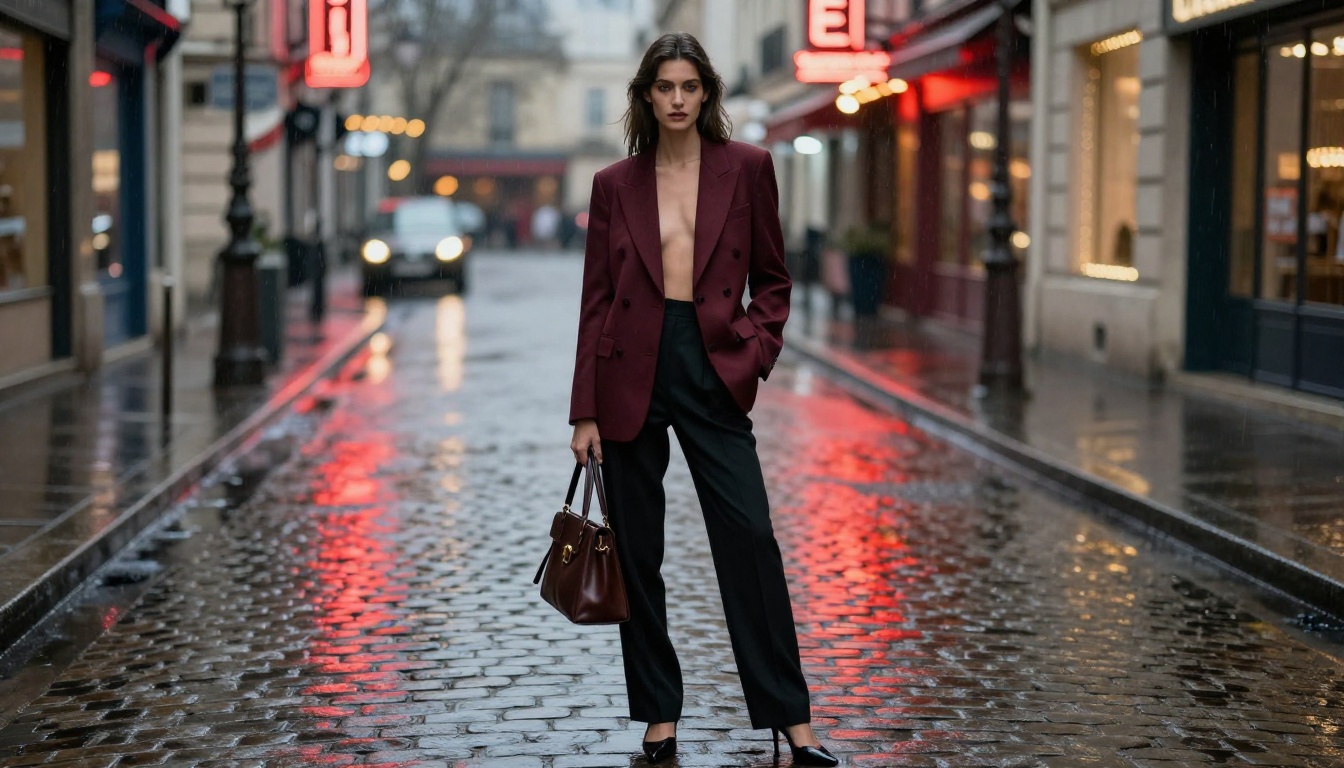
Fashion editorials and lookbooks
Lifestyle content for brands and social media
Glamour and beauty imagery
Architecture and Interior Design
Interior room renders with accurate natural lighting
Exterior façade photography for real estate marketing
Ambiance and hospitality venue shots
Product Photography
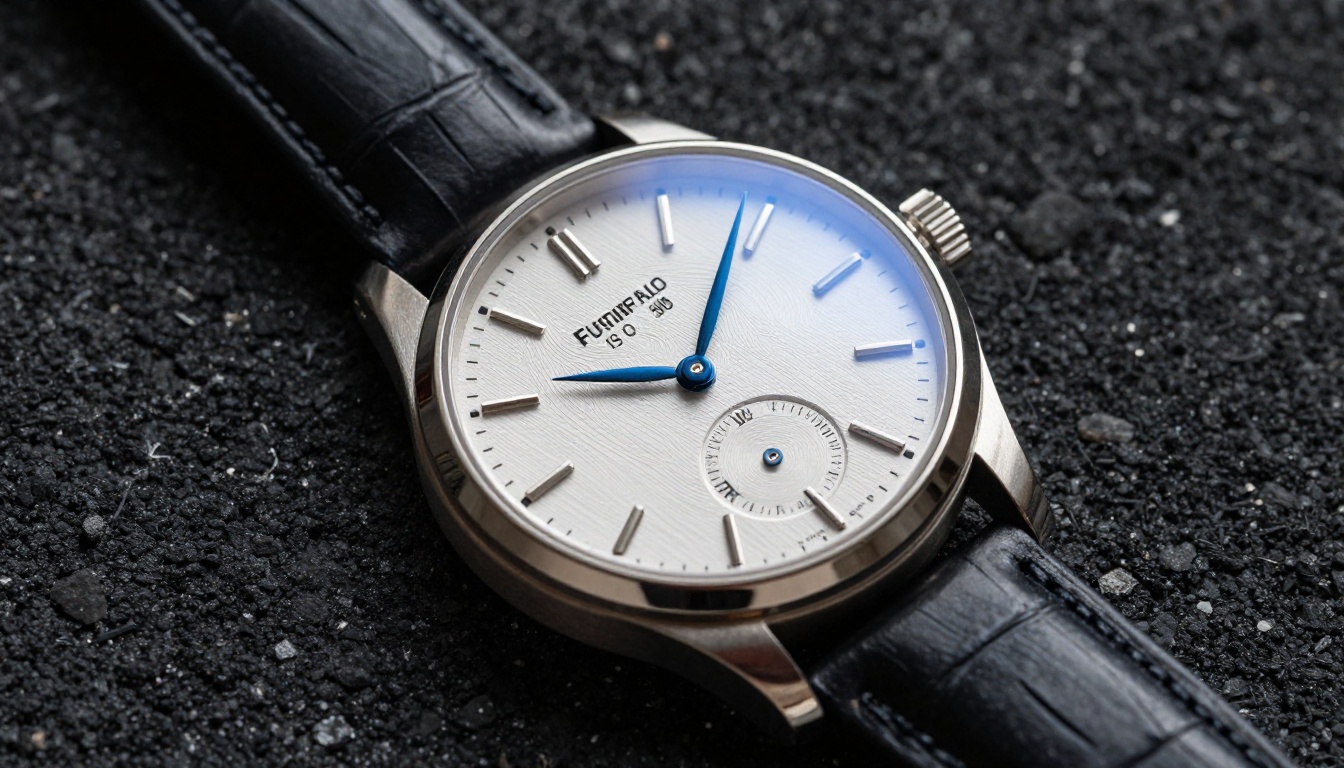
Clean isolated product shots on surface or backdrop
Lifestyle product placement in real-world environments
Packaging and label mockups in context
Travel, Landscape, and Environmental
Destination photography for editorial and tourism
Golden-hour cityscapes and urban documentary
Nature, wildlife, and geological detail
For LoRA-based style control — fine-tuning the model toward a specific aesthetic or character consistency — FLUX Dev LoRA is worth exploring once you've mastered the core FLUX.2 Pro workflow. It layers customization on top of the same base quality.
What FLUX.2 Pro Actually Replaces
The uncomfortable but honest question. At the quality level FLUX.2 Pro operates, it can produce outputs comparable to:
Stock photography at the 80th percentile — particularly lifestyle, portrait, and product categories
Mid-budget brand photography for social media and web use
Location scout reference shots at pre-production fidelity
What it still doesn't replace: the unpredictability of a real shoot, the relationship between photographer and subject, the decisive moment. A great photograph is also an event. But for creators working without a photography budget, FLUX.2 Pro removes one of the biggest barriers to professional-looking content.
Start Generating — It's Free Right Now
The gap between wanting professional images and having them used to be measured in budget and access. FLUX.2 Pro narrows that gap substantially. Right now, on PicassoIA, you can run the same model that was commanding significant API fees just months ago — free, in your browser, without any setup.
Start with a portrait. Give it a full scene description with lighting direction, camera lens, and film stock. Run it. See what comes back. Then iterate with a single variable change and run it again. Within a few generations, you'll have output that you can actually use.
The model is ready when you are. Open FLUX.2 Pro on PicassoIA and generate your first shot. No signup required, no payment, no friction — just the prompt and the output.