Making a quote video for Instagram used to mean opening Premiere Pro, picking a font, finding background footage, syncing audio, and exporting. That whole process could take two hours for a 15-second clip. AI text-to-video models now do the same thing in about 60 seconds, no editing software required. The results are not placeholder-quality demos. They are polished, cinematic short clips ready for Instagram Reels.
This article breaks down exactly how to create quote videos for Instagram with AI, which models produce the best results for this specific use case, and how to write prompts that generate scroll-stopping backgrounds.
Why Quote Videos Still Dominate Instagram
Quote videos remain one of the highest-performing content formats on Instagram, year after year. The reason is simple: they compress meaning into a format that works on mute. Most Instagram users scroll without sound. A quote video communicates its entire message visually, through text and motion, without needing a single word of audio.
The data reflects this. Text-on-video posts consistently outperform straight talking-head videos for saves and shares, which are the two signals Instagram's algorithm weighs most heavily. When someone saves your post, they intend to come back to it. When they share it, they're expressing something about their identity. Quote videos trigger both behaviors at once.
The Psychology Behind Text on Video
There's a reason motivational quotes have circulated since the earliest days of social media: people attach personal meaning to short, powerful statements. A well-placed line about resilience, ambition, or self-worth doesn't just get a like. It gets saved, shared to Stories, sent to a friend. The video format adds emotional weight to those words that a plain image post cannot replicate.
The combination of:
- Moving or atmospheric background footage
- Clean, legible typography
- A mood-appropriate color palette
- Optional ambient sound or music
...creates a sensory experience that static quote images simply cannot match. Your words land differently when they appear over a slow-motion golden-hour landscape than when they sit on a plain white card.
What Makes Someone Stop Scrolling
The first half-second of your video decides whether someone watches or swipes. For quote videos, that means your background footage needs immediate visual interest. A woman walking through golden-hour wheat fields, slow-motion ocean waves, or soft bokeh city lights at night will hold attention long enough for the text to register and resonate.
💡 Tip: AI-generated backgrounds give you full creative control over that first frame. You're not limited to what stock footage libraries offer, and no one else has the same clip.
What AI Actually Does to Your Quote Videos
When you use an AI video model to create a quote background, you're prompting a neural network to generate a short cinematic clip from a text description. The output is not a template with swappable elements. It's an original piece of footage, created from scratch, that matches the mood and visual style you describe.
This matters because stock footage backgrounds look like stock footage. They're generic, widely reused, and instantly recognizable. AI-generated footage is unique to your prompt. Nobody else on Instagram has that exact clip running behind their words.
From Text Prompt to Finished Reel
The workflow for creating an Instagram quote video with AI is straightforward:
- Write your quote and decide on the emotional tone (motivational, melancholic, romantic, bold)
- Write a video prompt describing the background scene and mood
- Generate the clip using an AI text-to-video model on PicassoIA
- Download and import the clip into a free app like CapCut, InShot, or Instagram's native editor
- Add your text overlay using the app's built-in text tool
- Export and post to your Instagram Reels or feed
The AI handles step three entirely. You don't need to film anything, source any footage, or own any video editing software beyond a basic free app on your phone.
The Difference Between Static and Animated Quotes
Static quote images (JPEG or PNG posts) are easier to produce but much lower in organic reach. Instagram's algorithm actively prioritizes Reels over static posts. If you want organic reach right now, you need video. The good news: adding a simple 5-second AI-generated background to your quote immediately turns it into a Reel.
💡 Tip: Even a slow, subtle camera movement on an otherwise still scene (a parallax or slow drift) is enough to classify your content as video and qualify it for Reel distribution to non-followers.
Best AI Models for Quote Videos
Not all text-to-video models produce the same results for this use case. Quote video backgrounds require smooth and stable motion (not chaotic or distracting), cinematic color grading (so your text reads clearly over it), short generation times, and visual consistency throughout the clip.
Here's how the top models on PicassoIA perform specifically for quote video backgrounds:
| Model | Resolution | Best For | Speed |
|---|
| Kling v3 Omni Video | 1080p | Cinematic landscapes, dramatic scenes | Fast |
| Seedance 1 Pro | 1080p | Human subjects, lifestyle scenes | Medium |
| Pixverse v5 | 1080p | Abstract, atmospheric backgrounds | Fast |
| Veo 3 Fast | HD | Realistic environments with native audio | Fast |
| Wan 2.7 T2V | 1080p | Nature, golden-hour outdoor footage | Medium |
| LTX 2 Pro | 4K | High-resolution premium backgrounds | Medium |
| Ray 2 720p | 720p | Quick free generation, testing prompts | Fast |
Kling v3 Omni Video
Kling v3 Omni Video is one of the strongest all-around performers for quote video backgrounds. Its 1080p output is sharp enough for Instagram without any upscaling, and it handles cinematic lighting requests particularly well. Ask it for "warm golden-hour light, shallow depth of field, slow camera drift" and it delivers exactly that, consistently.
The model's motion control is stable rather than dramatic, which is exactly what you want behind text. Distracting motion competes with your words. Kling v3 gives you atmosphere without chaos.
Seedance 1 Pro
Seedance 1 Pro excels when your quote calls for a human subject in the background. Think: a woman walking through a field of wildflowers, a silhouette at a window, a person looking out at a vast horizon. These humanized scenes connect emotionally with the quote in ways that pure landscape shots don't always achieve.
It also handles depth and texture particularly well, so scenes feel tactile and real rather than flat or synthetic.
Pixverse v5
Pixverse v5 is the go-to for abstract and atmospheric backgrounds. If your quote is more philosophical or introspective, backgrounds like slow-moving fog over a valley, light filtering through tree canopies, or blurred city lights at night work perfectly. Pixverse v5 generates these moody, non-literal scenes with a consistency that other models struggle to match.
Veo 3 Fast
Veo 3 Fast from Google is worth highlighting specifically because it includes native audio generation. If you want your quote video to have ambient sound baked directly into the clip, this is the model to use. The audio matches the visual mood automatically: a beach scene comes with wave sounds, a forest with birds, a café with soft background chatter.
For Instagram Reels where audio significantly impacts the algorithm's distribution behavior, this is a real advantage over models that produce silent clips.
How to Use Kling v3 on PicassoIA

Kling v3 Omni Video is available directly on PicassoIA. Here's the full step-by-step process for generating your first quote video background:
Step-by-Step Walkthrough
Step 1: Choose your quote and define the mood.
Before you open the tool, know what emotional territory your quote covers. Motivational quotes need energy and light. Reflective quotes need stillness and depth. Romantic quotes call for warmth and soft focus. Your prompt needs to match that emotional register precisely.
Step 2: Open Kling v3 Omni Video on PicassoIA.
Navigate to the Kling v3 Omni Video page. You'll find a text prompt field and generation settings on the left, with output preview on the right.
Step 3: Write your prompt.
Use this structure: [Subject/scene] + [Lighting] + [Camera motion] + [Mood/texture]
Example prompt for a motivational quote:
"Woman walking slowly through a golden wheat field at sunset, warm backlit light, gentle slow-motion camera push forward, shallow depth of field, soft bokeh background, cinematic and peaceful, Kodak film grain"
Step 4: Set the aspect ratio.
For Instagram Reels, use 9:16 vertical. For feed posts, use 1:1 square or 4:5 portrait. The aspect ratio setting is one of the most important parameters to get right before generating.
Step 5: Generate and preview.
Generation takes 30 to 90 seconds depending on server load. Preview the clip and check that the motion is smooth and that background areas where you'll place text have visual breathing room.
Step 6: Download and add your quote.
Download the MP4, import it into CapCut or InShot, add your text with a clean sans-serif or serif font, adjust size and position, and export for Instagram.
Prompt Tips for Quote Backgrounds
The biggest mistake most people make is writing prompts that are too literal or too busy. Your prompt should describe only the background video. Add text in a separate step using your editing app.
Include in your prompt:
- Specific lighting direction ("warm light from left", "volumetric morning rays from above")
- Camera behavior ("slow push forward", "static", "gentle drift right")
- Mood words ("melancholic", "hopeful", "serene", "powerful")
- Film texture references ("Kodak Portra 400", "film grain", "cinematic")
Avoid in your prompt:
- Specific text or words you want to appear in the video
- Overly busy scenes with crowds, fast action, or cluttered environments
- Dark or underexposed backgrounds where text becomes unreadable

Writing Prompts That Actually Work

The quote itself is only half the equation. The background has to carry the emotional weight when the text isn't immediately on screen. Here are prompt structures that consistently produce strong results across different quote content niches:
Structure for Motivational Quotes
Motivational quotes need visual momentum. Forward camera motion, rising light, open horizons.
Prompt template: "Person walking toward a bright horizon at golden hour, slow-motion forward camera movement, warm volumetric light, cinematic, film grain, peaceful and powerful"
Works well with: Kling v3 Omni Video, Wan 2.7 T2V
Structure for Reflective or Philosophical Quotes
These need stillness, depth, and a slightly contemplative atmosphere.
Prompt template: "Misty forest floor with soft morning light filtering through tall trees, static camera, slow fog movement, ethereal and calm, photorealistic, cinematic depth"
Works well with: Pixverse v5, LTX 2 Pro
Structure for Romantic or Lifestyle Quotes
Soft, warm, slightly blurred aesthetics. Real people or implied human presence.
Prompt template: "Two hands almost touching over a café table, warm late afternoon light, extreme close-up, shallow depth of field, soft bokeh, intimate and tender"
Works well with: Seedance 1 Pro, Hailuo 02
Structure for Bold Ambition or Business Quotes
High contrast, directional. Dark tones with a single powerful light source.
Prompt template: "Close-up of a determined person's face partially in shadow, single dramatic side light from left, shallow depth of field, black background, cinematic tension"
Works well with: Kling v2.6, Sora 2
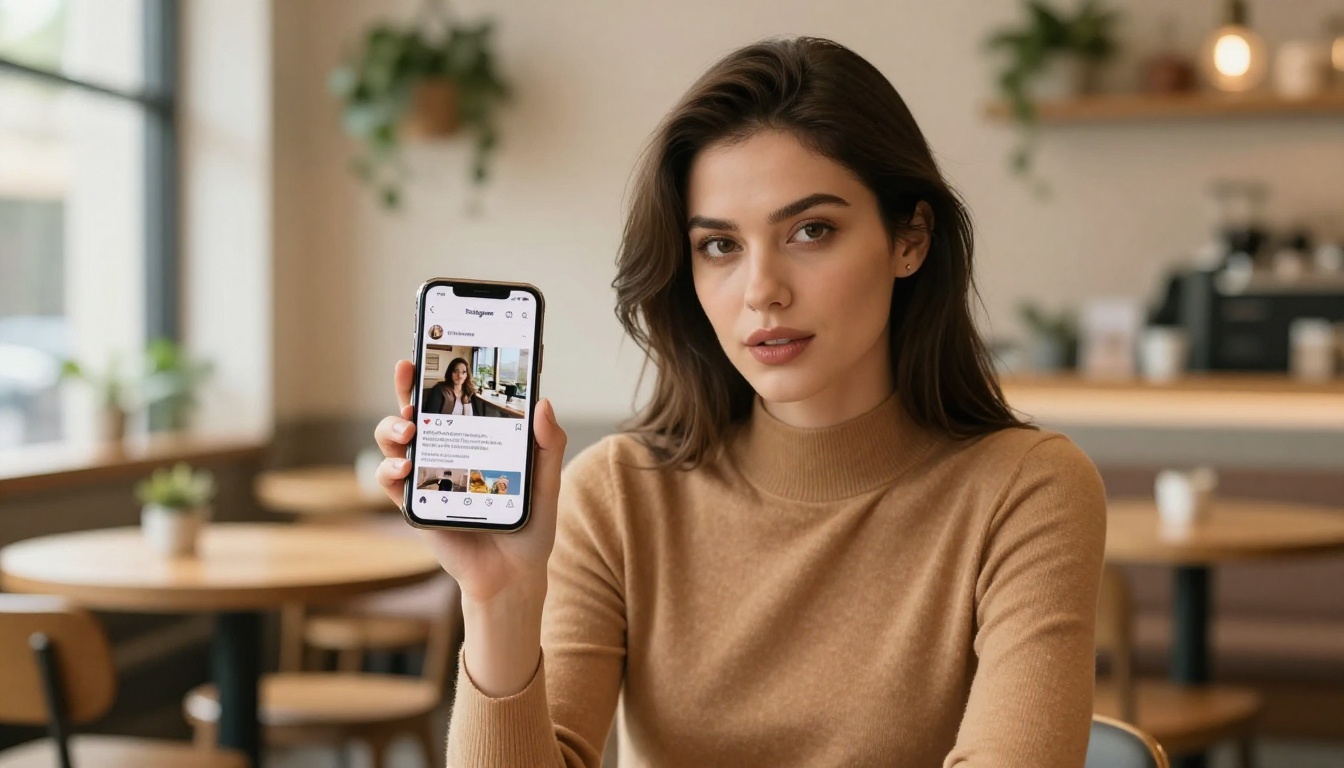
The technical side of Instagram video is something a lot of creators ignore until they get penalized for it. Here's what you actually need to know before posting your AI quote videos:
Reels vs. Stories vs. Feed Posts
| Format | Aspect Ratio | Max Duration | Reach Potential |
|---|
| Reels | 9:16 | 90 seconds | Highest |
| Stories | 9:16 | 60 seconds | Medium |
| Feed (Portrait) | 4:5 | 60 seconds | Medium |
| Feed (Square) | 1:1 | 60 seconds | Lower |
For quote videos, Reels in 9:16 format will always give you the widest organic reach. Instagram surfaces Reels to non-followers, meaning your quote can reach people who have never seen your account. This is the primary distribution advantage of the video format over static posts.
Optimal Text Placement
AI-generated backgrounds often have visual complexity in the center of the frame. Place your quote text in the upper third or lower third of the vertical frame for maximum readability. Leave the center open for the visual impact of the background scene.
Font tips for quote videos:
- Use bold, minimal typefaces for motivational content: Montserrat Bold, Bebas Neue, Inter
- Use elegant serif fonts for reflective or romantic quotes: Playfair Display, Libre Baskerville
- Keep contrast high: white text with a subtle drop shadow over warm backgrounds
- Avoid script fonts at small sizes since they're difficult to read in motion
💡 Tip: Generate your AI background with intentional visual space in mind. Add phrases like "open sky in upper third" or "blurred soft foreground at bottom" to your prompt to create natural text placement zones.
Posting Time and Frequency
Consistency matters more than timing on Instagram. However, if you're posting quote Reels, Tuesday through Thursday between 8am and 10am in your audience's primary timezone tends to show the strongest initial engagement window. That said, the algorithm's recommendation surface can pick up content days after posting if save rates are strong, which quote videos tend to generate.

Not all quote video styles perform equally on Instagram. Based on what consistently earns saves and shares across different niches, these are the five formats worth prioritizing:
1. The Single Statement Reel
One quote. One background. No animation, no transitions. Just the words appearing in a clean fade against a cinematic backdrop. Simple, high-impact, and very shareable. This format is the easiest to batch-produce and works well for daily posting rhythms.
2. The Sequential Quote Series
Three to five short clips, each featuring a single line from a longer quote or poem. Published as individual Reels with a consistent visual style. Builds anticipation across posts and gives followers a reason to come back for the next part.
3. The Human Story Background
A clip of a person (silhouette, back-facing, or a close detail like hands or feet) with the quote overlaid. The implied human story amplifies the emotional resonance of the words. Seedance 1 Pro is particularly strong for generating these humanized scenes.
4. The Nature Loop
A seamless or near-seamless loop of natural footage (ocean, rain, candlelight, fire) with the quote. These perform well for mindfulness, spiritual, and wellness niches where the calming visual carries independent value even without the text.
5. The Bold Contrast Post
High-contrast approach: clean white text on a nearly black or very dark background clip. Works for content about ambition, discipline, or raw emotion. The visual austerity makes the words feel definitive and serious.
Each of these formats can be produced entirely with AI-generated backgrounds from the models listed above. There's no filming, no location scouting, and no stock footage subscription needed.
Start Posting Today
There's no equipment needed, no editing software to install, and no learning curve to climb. The only input required is a quote you believe in and a text description of how you want it to feel.
PicassoIA gives you direct access to every model described in this article. Whether you want the cinematic stability of Kling v3 Omni Video, the atmospheric depth of Pixverse v5, the lifestyle realism of Seedance 1 Pro, or the striking output of Sora 2, they're all available in one place without separate accounts or API configurations.
Wan 2.7 T2V is worth trying for outdoor and nature footage that gives quote videos that editorial, magazine-quality feel. And if you want native audio in your clip, Veo 3 Fast remains the strongest option for combining atmospheric visuals with perfectly matched ambient sound.
Pick one quote. Write a 20-word background prompt. Generate your first clip. The whole process takes under two minutes, and the result is a piece of original content that no one else on Instagram has.


