The moment you first run a prompt through Flux 1.1 Pro and see the result, something clicks. The skin looks real. The light behaves like light. The shadows fall where they should. This is not the AI image generation you tolerated three years ago. This is something genuinely different, and for anyone creating NSFW content, the quality gap changes everything about what is possible.
This article breaks down exactly how to create realistic AI photos with Flux 1.1 Pro NSFW settings, from the underlying model architecture to specific prompt structures that consistently produce high-fidelity, photorealistic results. Whether you are creating boudoir photography, glamour portraits, or artistic content that sits at the edge of SFW, the principles here apply directly.
What Sets Flux 1.1 Pro Apart
The Realism Gap Nobody Mentions
Most AI image generators share a recognizable flaw: they produce images that look like AI images. There is a particular plastic quality to the skin, a too-perfect symmetry to the lighting, a slightly wrong relationship between figure and environment. Flux 1.1 Pro does not have this problem, or at least has it far less than any comparable model.
Black Forest Labs built Flux on a Flow Matching architecture rather than the diffusion process used by Stable Diffusion and SDXL. This means the model learns a more direct path between noise and image, which translates practically to:
- More coherent anatomy across the full body
- Lighting that responds correctly to described environments
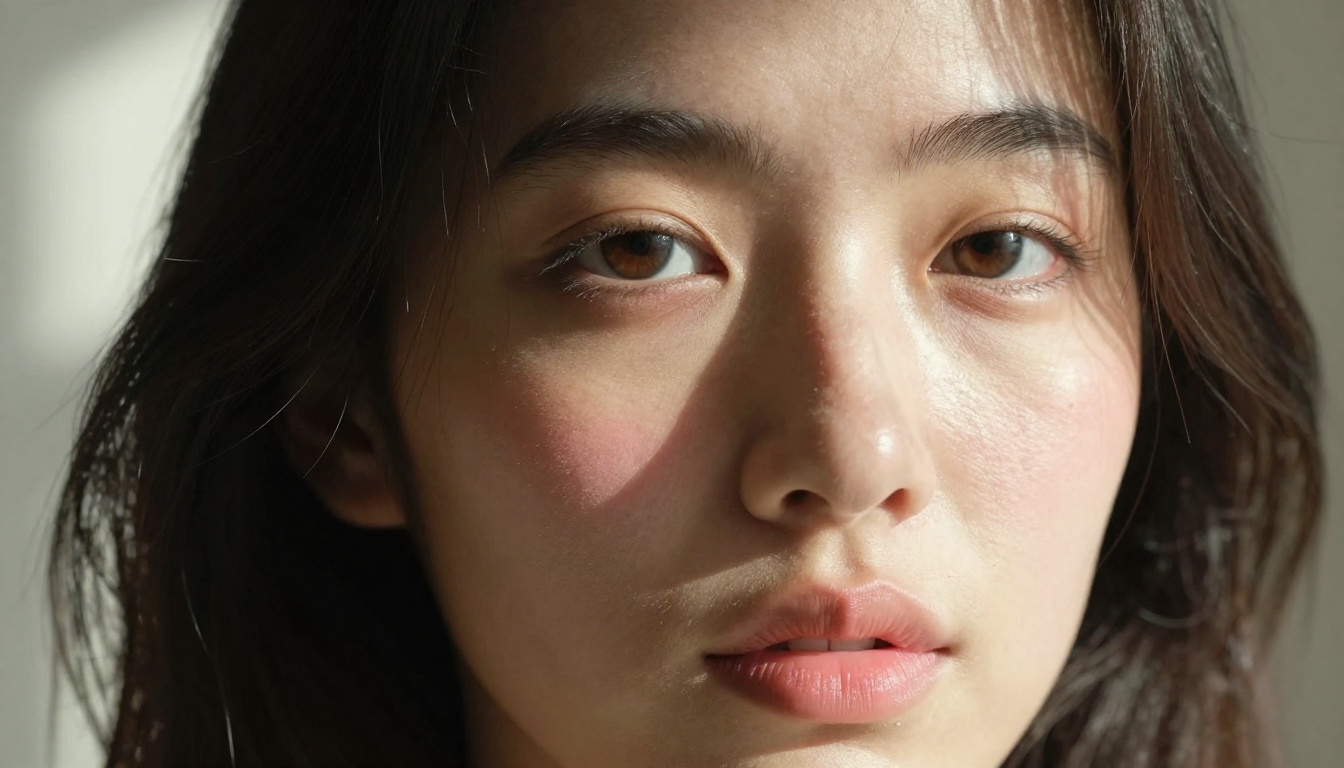
- Skin that holds micro-texture detail even at 100% zoom
- Hair that renders as individual strands, not a painted mass
For NSFW photography specifically, these improvements matter enormously. Realism in this context depends on skin texture, muscle definition, fabric interaction with the body, and the way light interacts with wet or oily surfaces. Flux handles all of these with a precision that competing models cannot match.
NSFW vs. Explicit: The Real Distinction
Before going further, this distinction matters. NSFW content spans a wide range, from swimwear and lingerie to artistic nudity. Explicit content is something else entirely, and Flux 1.1 Pro in its standard form does not generate it without specific uncensored fine-tunes.
The sweet spot for most creators sits in the non-explicit NSFW range: boudoir, glamour, editorial fashion with a sensual edge, artistic implied nudity. This is where Flux 1.1 Pro delivers its best results, because the model was trained heavily on real photography datasets, and real photography at this level is almost exclusively aesthetic rather than pornographic.
💡 The best NSFW results come from treating your subject like a photographer would, not like someone writing fantasy. Describe the lighting, the fabric, the environment, the emotion. The technical details carry more weight than explicit descriptors.
How the Model Actually Works
Flow Matching Architecture Explained
Where classic diffusion models remove noise in hundreds of small steps, Flux 1.1 Pro uses a rectified flow approach that learns straighter paths through the probability distribution between noise and image. In practice, this means:
| Feature | Flux 1.1 Pro | SDXL-Based Models |
|---|
| Anatomy Accuracy | Exceptional | Moderate |
| Skin Micro-Detail | Outstanding | Average |
| Prompt Adherence | Very High | High |
| NSFW Consistency | High | Variable |
| Generation Speed | Moderate | Fast |
| Max Resolution | Up to 2048px | Up to 1024px |
The Transformer-based attention mechanism in Flux also means it handles long, detailed prompts better than U-Net architectures. You can write 150-word prompts describing exact lighting setups, fabric textures, and body positioning, and the model will actually use that information.
Why Raw Mode Changes Everything
Flux 1.1 Pro Ultra adds a Raw Mode that partially disables the model's tendency to over-polish images. The result is photographs that feel genuinely captured rather than generated, with:
- Natural skin imperfections preserved
- Slightly asymmetric facial features for believable realism
- More organic hair and clothing behavior
- Subtle lens distortion and depth of field falloff
For NSFW content specifically, Raw Mode is often the difference between images that read as fantasy and images that read as photography.
Prompting for Real Results
The Anatomy of a High-Quality NSFW Prompt
A weak prompt produces weak images regardless of the model. The structure below consistently produces photorealistic NSFW results with Flux 1.1 Pro:
[Subject Description] + [Clothing/State] + [Environment] + [Lighting] + [Camera Specs] + [Texture/Film Notes]
Example:
"Beautiful woman with natural auburn hair, wearing minimal ivory lace lingerie, reclining on cream velvet chaise lounge in a sunlit Parisian apartment, volumetric afternoon light from left window casting soft shadows across her figure, 85mm f/1.4 shallow depth of field, Kodak Portra 400 film grain, RAW 8K photography, photorealistic skin texture"
This prompt works because every element informs the model about something specific. The film stock reference (Kodak Portra 400) triggers training data associated with warm, natural-looking photography. The lens specification (85mm f/1.4) activates the model's understanding of portrait compression and background blur. The environment gives it physical context within which to place accurate light behavior.
5 Prompt Mistakes That Kill Realism
-
Using style words instead of technical words. "Beautiful" tells the model nothing useful. "Kodak Portra 400, natural skin pores visible, 85mm portrait lens" tells it a great deal.
-
Ignoring the light source. "Good lighting" is meaningless. "Volumetric golden hour light from the left, soft shadow fill from the right" creates a specific, realistic image.
-
Skipping the environment. A subject floating in void will always look generated. An environment gives the model physical context to work from.
-
Over-specifying the explicit and under-specifying the technical. The model responds better to photographic precision than to explicit descriptors.
-
Not specifying camera angle. "Low-angle shot from knee height" or "three-quarter profile from slightly above" makes an enormous difference to composition and realism.
How to Use Flux 1.1 Pro on PicassoIA
PicassoIA has both Flux 1.1 Pro and Flux 1.1 Pro Ultra available directly in the platform's text-to-image collection, alongside a full library of other high-fidelity models. Here is how to get optimal NSFW results from the platform.
Step 1: Select the Right Model
From the PicassoIA text-to-image collection, choose Flux 1.1 Pro for standard high-quality results, or Flux 1.1 Pro Ultra when you want maximum photorealism with the Raw Mode option enabled.
For comparison, the platform also offers Flux Dev for faster iteration at slightly lower quality, and Flux Pro for the previous generation if you have prompts already tuned for that model.
Step 2: Set Your Parameters
The critical parameters for NSFW photorealistic content on Flux 1.1 Pro:
- Aspect Ratio: 2:3 for portrait orientation (most flattering for figure photography), 16:9 for wide boudoir compositions
- Guidance Scale: 3.5 to 4.5 for Flux. Higher values increase prompt adherence but reduce natural variation
- Steps: 28 is the default sweet spot. Going above 35 rarely improves results
- Output Format: PNG for editing, JPEG for web publishing
💡 For NSFW content specifically: keep guidance scale on the lower end (3.0 to 3.8) to preserve naturalistic variation in skin and environment. Higher guidance can create an over-processed AI look.
Step 3: Iterate Systematically
Do not change multiple variables between generations. If you are refining a portrait, change one thing at a time:
- First, lock in the composition and subject description
- Then refine the lighting
- Then adjust the camera and lens specs
- Finally, fine-tune texture and film references
This methodical approach means you always know what changed a result, and you can move toward your target image efficiently.
Flux 1.1 Pro vs. the Competition
Where Other Models Fall Short
The NSFW AI photography space has several serious contenders. Here is an honest comparison:
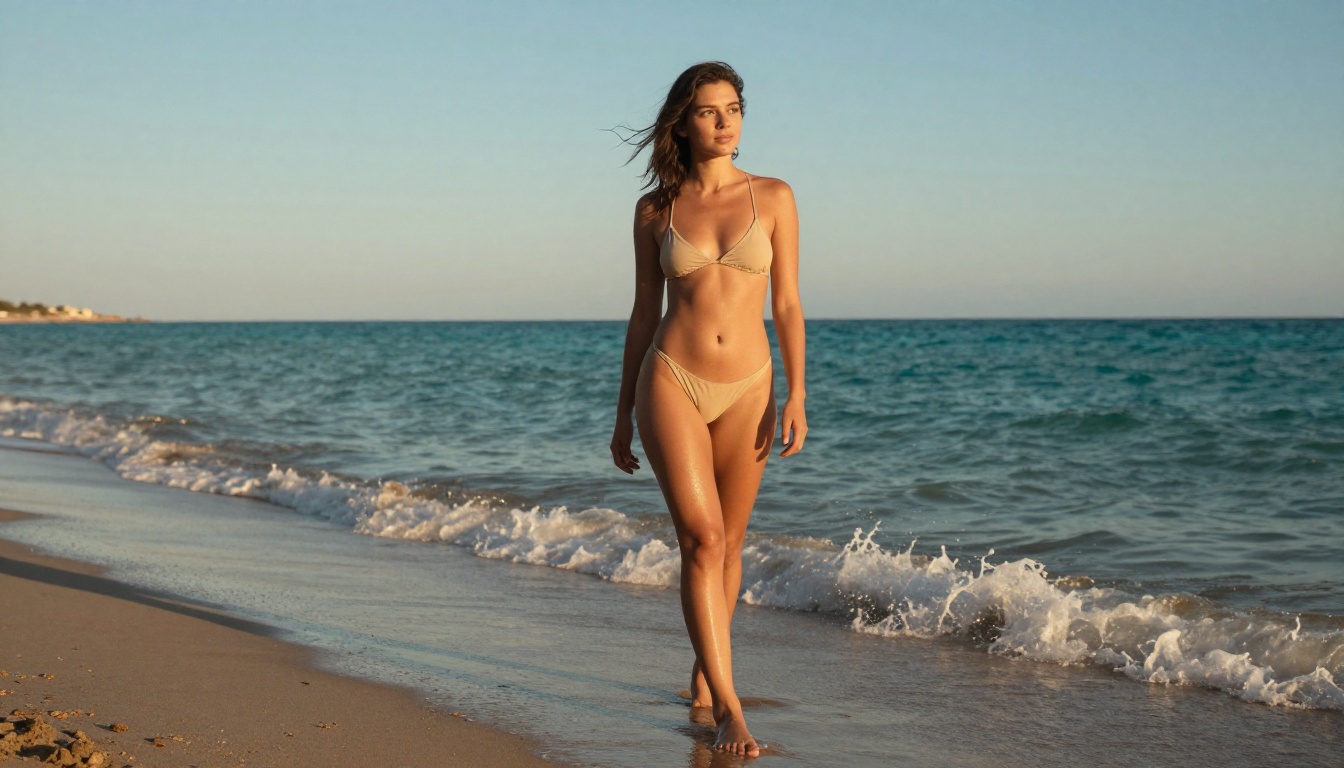
Realistic Vision v5.1 and RealVisXL v3.0 Turbo are both strong performers for NSFW content and generate faster than Flux. For fast iteration and good-enough results, they are legitimate choices. But when final image quality matters, Flux 1.1 Pro wins consistently.
When to Use a Different Model
There are specific scenarios where alternatives make more sense:
- Speed is paramount: Use Flux Schnell for rapid prototyping
- LoRA fine-tunes needed: Use Flux Dev LoRA for character consistency across images
- Anime or stylized look: Flux is not the right tool at all for non-photorealistic output
What You Can Actually Create
Boudoir and Intimate Photography
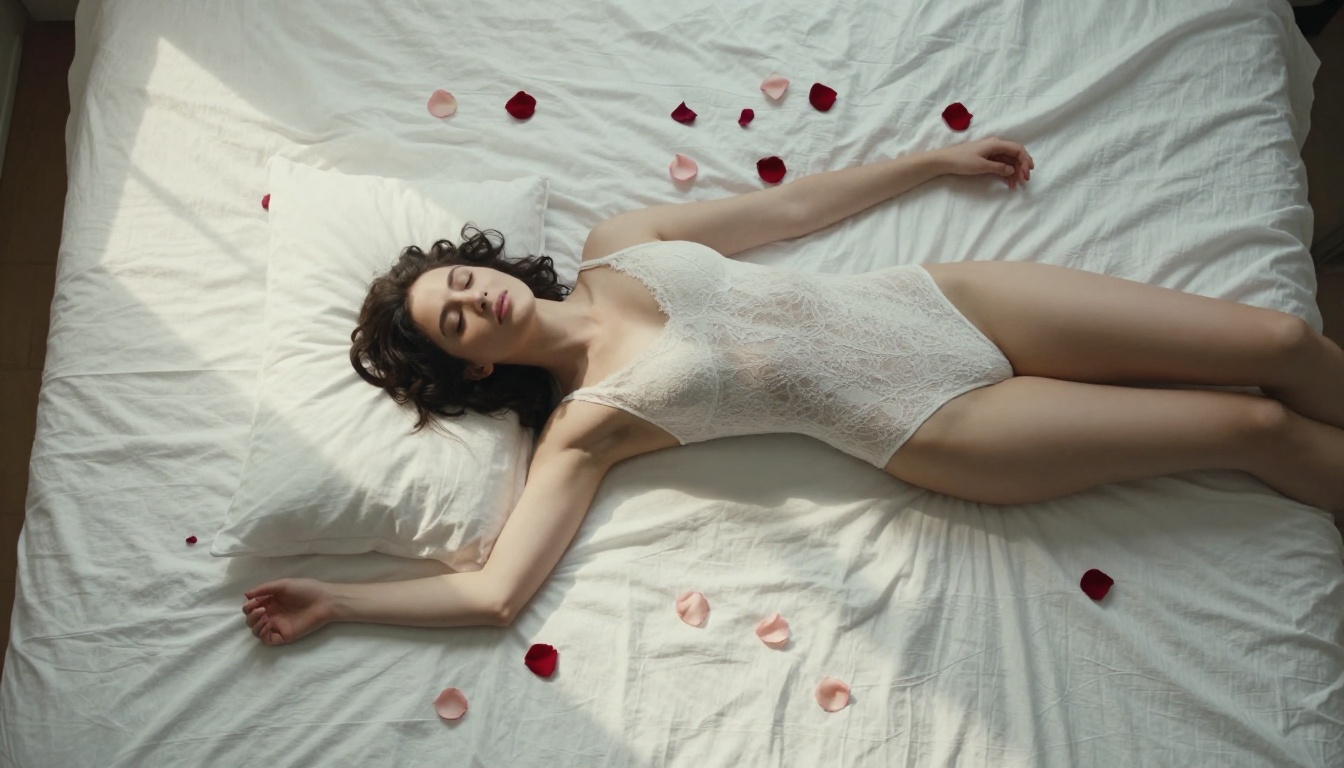
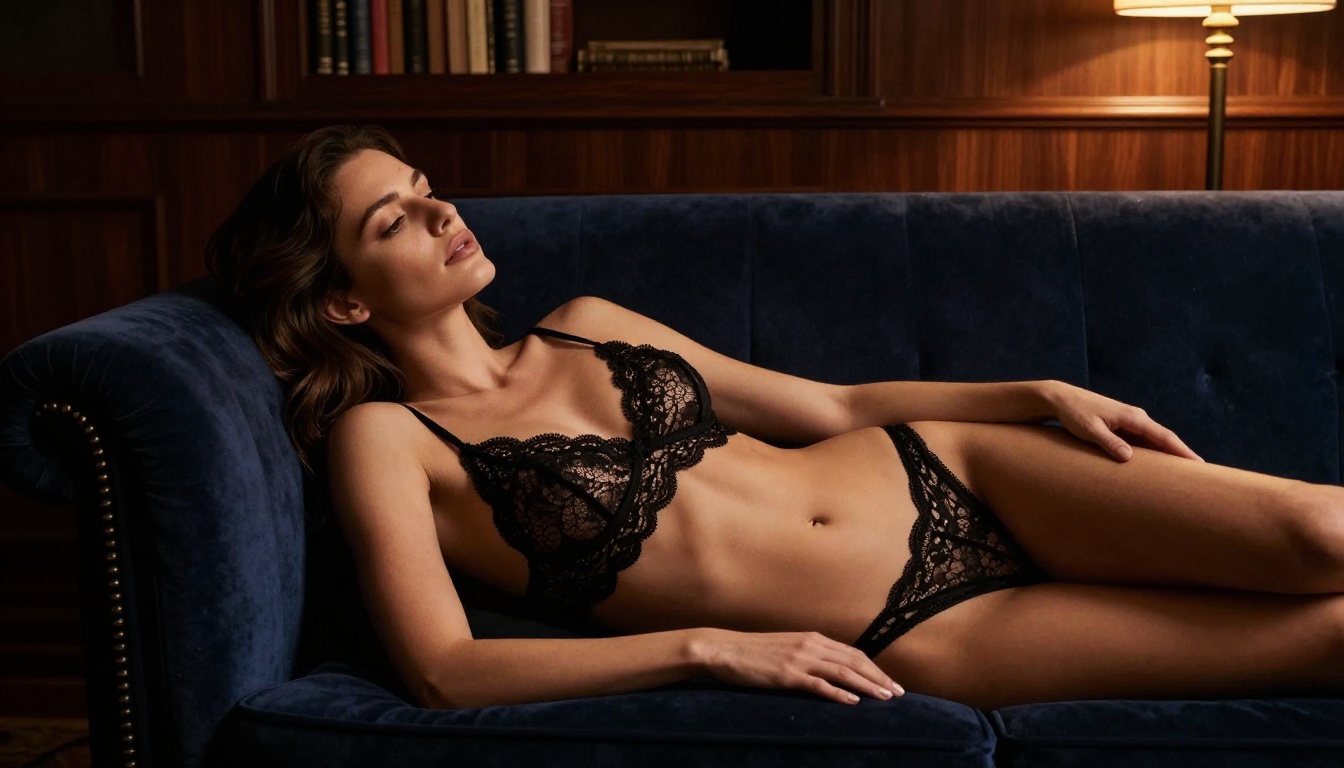
This is where Flux 1.1 Pro performs at its absolute best. Boudoir photography demands realistic fabric interaction (the way lace or silk catches light and drapes against skin), natural body positioning, and lighting that is intimate without being harsh. The model handles all three with remarkable consistency.
Specific prompt elements that work especially well for boudoir:
- Fabric: "fine Belgian lace with visible thread detail", "heavy silk with wet-look sheen", "sheer chiffon backlit by window light"
- Lighting: "single candle at bedside, warm tungsten glow from right", "overcast morning window light, diffused"
- Camera: "85mm f/1.4 shallow depth, focused on face, fabric softly blurred"
Editorial and Glamour Content
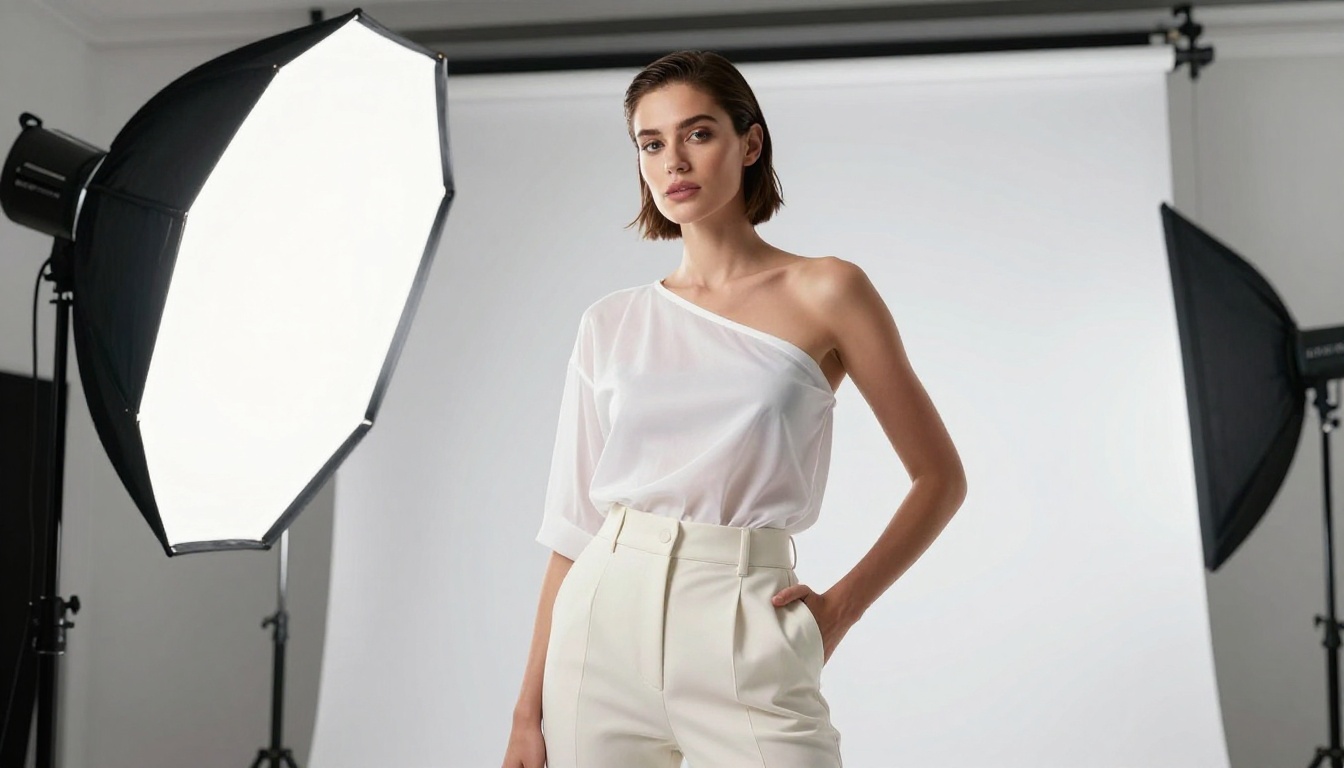
For editorial-style images where the sensuality is in the styling rather than exposure, Flux 1.1 Pro competes directly with commercial photography. The model has clearly been trained on high-end fashion editorial photography, and prompts that reference this aesthetic get exceptional results.
Try referencing specific editorial aesthetics: "Vogue Italia lighting", "Peter Lindbergh black and white grain", "Steven Meisel color palette" in combination with technical specs for consistent results.
Artistic Implied Nudity
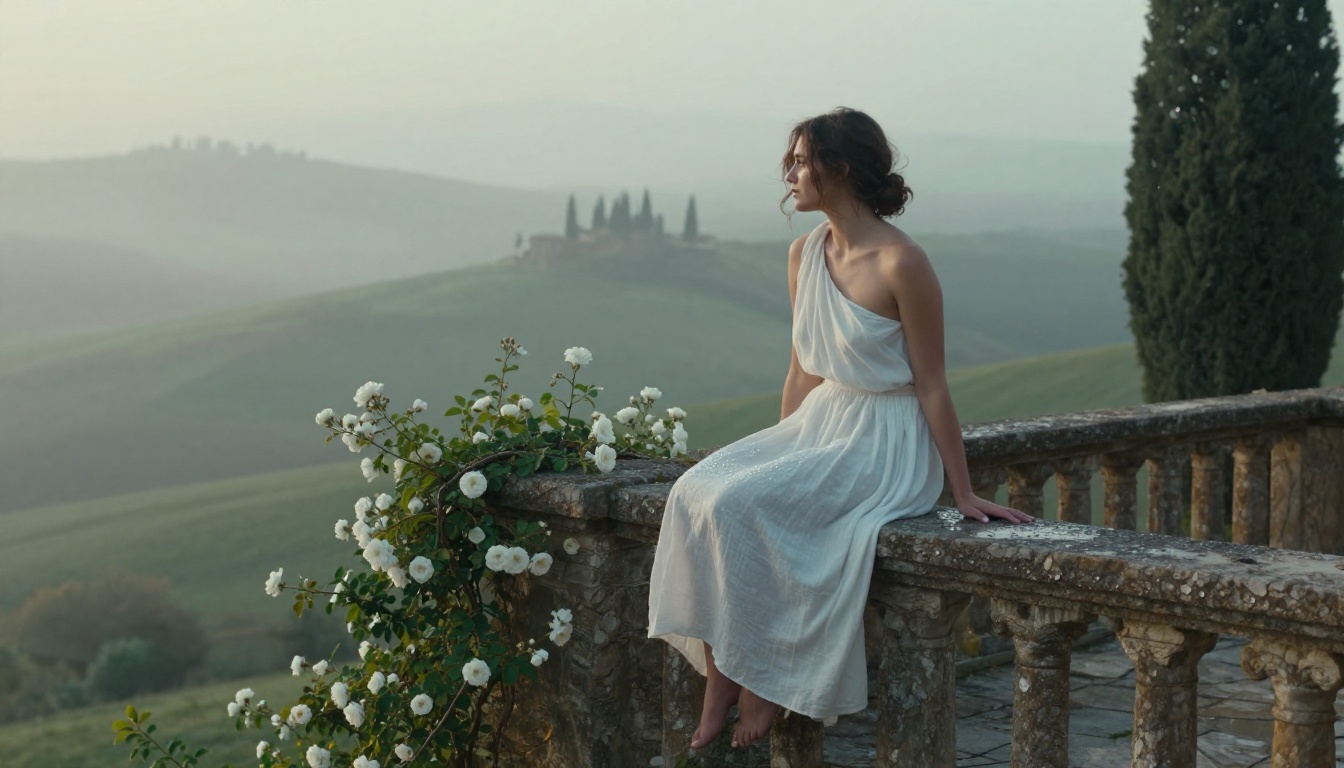
Artistic nude photography in the classical sense, figure studies, form photography, the body as sculpture, is an area where Flux consistently produces images that feel considered rather than gratuitous. The approach here is framing in the prompt: describe the image as art, reference lighting traditions from painting, and specify that the composition should emphasize form over explicit content.
💡 Referencing classical photography movements in your prompts (e.g., "in the tradition of Imogen Cunningham figure studies" or "Spencer Tunick compositional style") produces images with artistic legitimacy that purely explicit prompts never achieve.
3 Settings Most People Ignore
Guidance Scale in Practice
On Flux 1.1 Pro, the guidance scale (CFG) operates differently than on SD-based models. The recommended range is 2.5 to 5.0, with most NSFW photorealistic work sitting at 3.0 to 3.5. Higher values push the image toward the literal text description but can introduce rigidity that breaks photorealism.
Inference Steps and Quality
More steps do not automatically mean better images in Flux. Unlike older diffusion models where quality scales somewhat linearly with steps, Flux reaches its quality ceiling at around 28 to 35 steps. Running 50 steps wastes compute without improving the output.
Seed Values for Consistency
Once you find a generation you like, note the seed. Using the same seed with small prompt modifications is the most efficient way to iterate on a composition. This is especially valuable for NSFW content where you want to maintain a consistent subject appearance across multiple images.
The Details That Make or Break Realism
Skin Texture Is Not One Thing
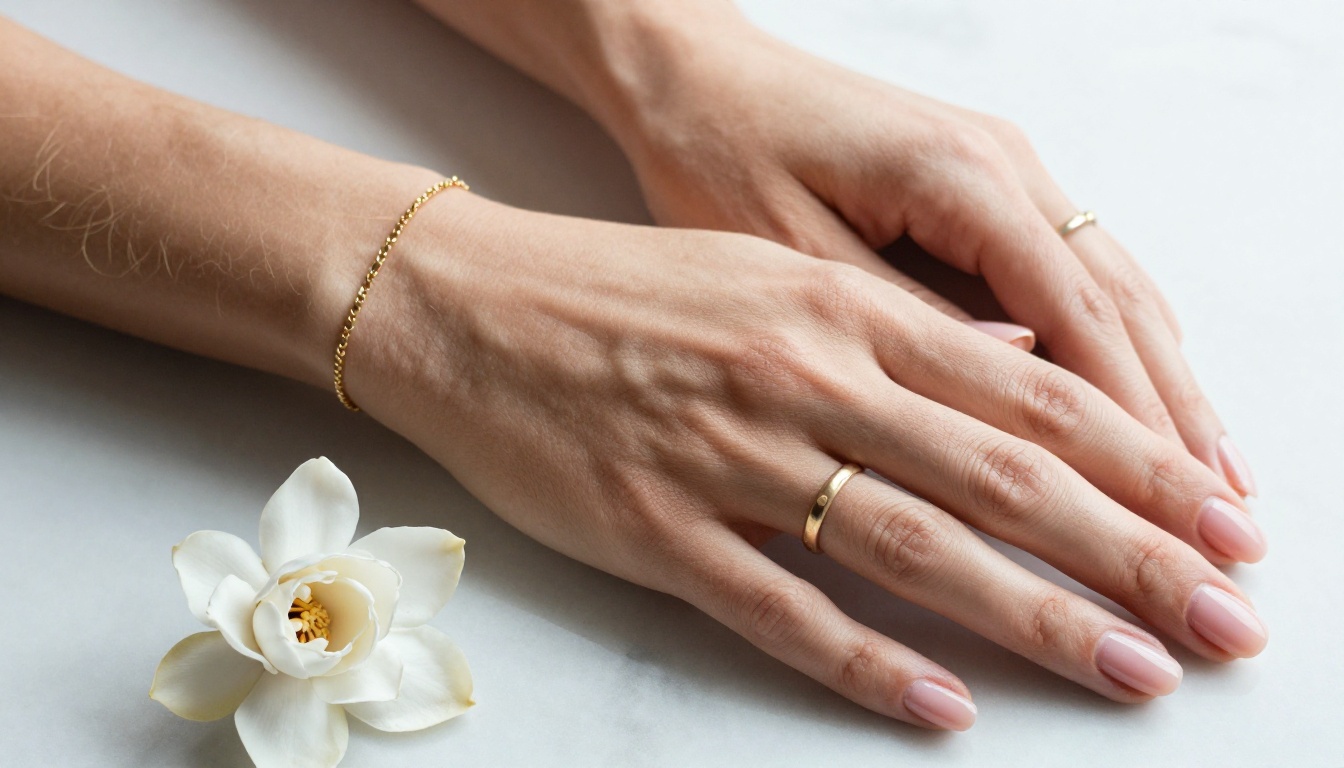
Real skin has zones. The forehead is matte and slightly textured. The cheeks are smoother with subtle pink undertones. The nose bridge catches highlights differently than the cheekbones. The lips have fine vertical texture lines. The neck and collarbones have a different surface quality than the face.
When you describe skin in prompts, describe it by zone: "matte forehead with fine texture, subtle redness across the nose bridge, smooth cheeks with warm pink undertones." This level of specificity is unusual in AI prompting but produces dramatically more realistic results.
Lighting Is Physics, Not Aesthetics
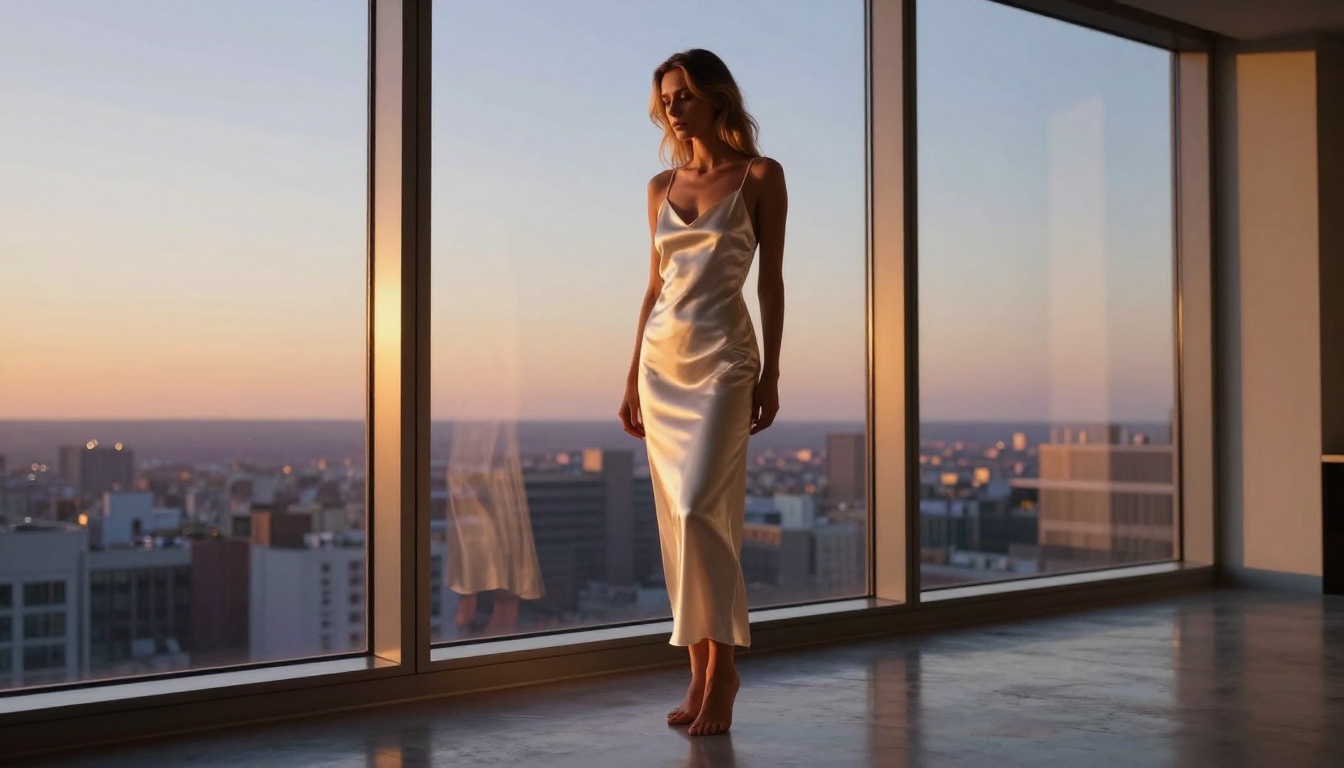
Every lighting descriptor you use should describe a physical situation: where is the source, what type of source, how far away, what is it bouncing off, what color temperature. "Beautiful lighting" means nothing. "Late afternoon sun from the upper left, bouncing off white walls to fill the shadow side, casting a warm rim highlight on the right shoulder" means everything.
Camera Focal Length Tells a Story
Different focal lengths do different things to the human body in photographs:
- 50mm: Most natural, closest to human eye perception, good for environmental portraits
- 85mm: Classic portrait focal length, subtle compression that flatters faces and figures
- 100-135mm: Strong compression, backgrounds disappear, very flattering for close-ups
- 35mm: Wider, more environmental context, slight distortion at the edges
Specifying the focal length is not just a technical detail. It tells the model what kind of image this is, and the training data associated with each focal length carries its own lighting, composition, and subject matter patterns.
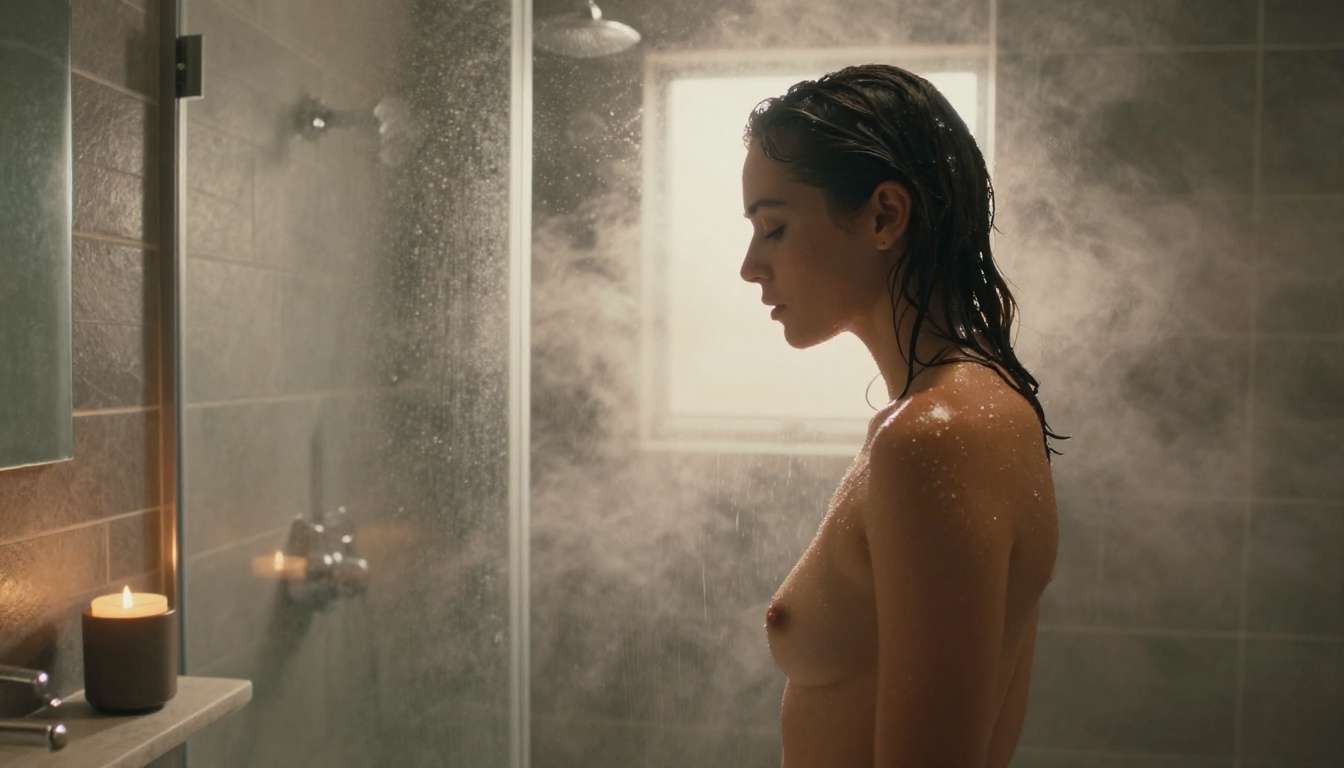
Start Creating Your Own Photos
The gap between prompting casually and prompting with photographic precision is the entire gap between average AI images and something that could be mistaken for photography. Flux 1.1 Pro gives you the model capability. The prompting knowledge in this article gives you the technique.
PicassoIA has both Flux 1.1 Pro and Flux 1.1 Pro Ultra available with no installation required, no local GPU needed, and immediate access to the full parameter set. The platform also includes Realistic Vision v5.1, RealVisXL v3.0 Turbo, and Flux Dev LoRA for when different approaches fit the project better.
Take one of the prompt structures from this article, apply your own subject and environment, and run it through Flux 1.1 Pro on PicassoIA. The difference between knowing the theory and seeing your first genuinely photorealistic NSFW result is worth more than any amount of reading.


