The quality of AI-generated video has crossed a threshold that would have seemed impossible two years ago. Today, models like Kling v3 and Wan 2.6 T2V produce footage so realistic it is genuinely difficult to tell apart from a professional production. For anyone looking to create realistic NSFW videos with AI tools, the barrier has dropped to near zero. No camera, no crew, no studio.
What changed? Processing power, bigger datasets, and models trained on motion physics, skin texture, fabric dynamics, and lighting behavior. The result is video that breathes.
This article breaks down which AI tools perform best for NSFW video, how to write prompts that work, and how to get the most from each model without wasting credits on flat, lifeless outputs.
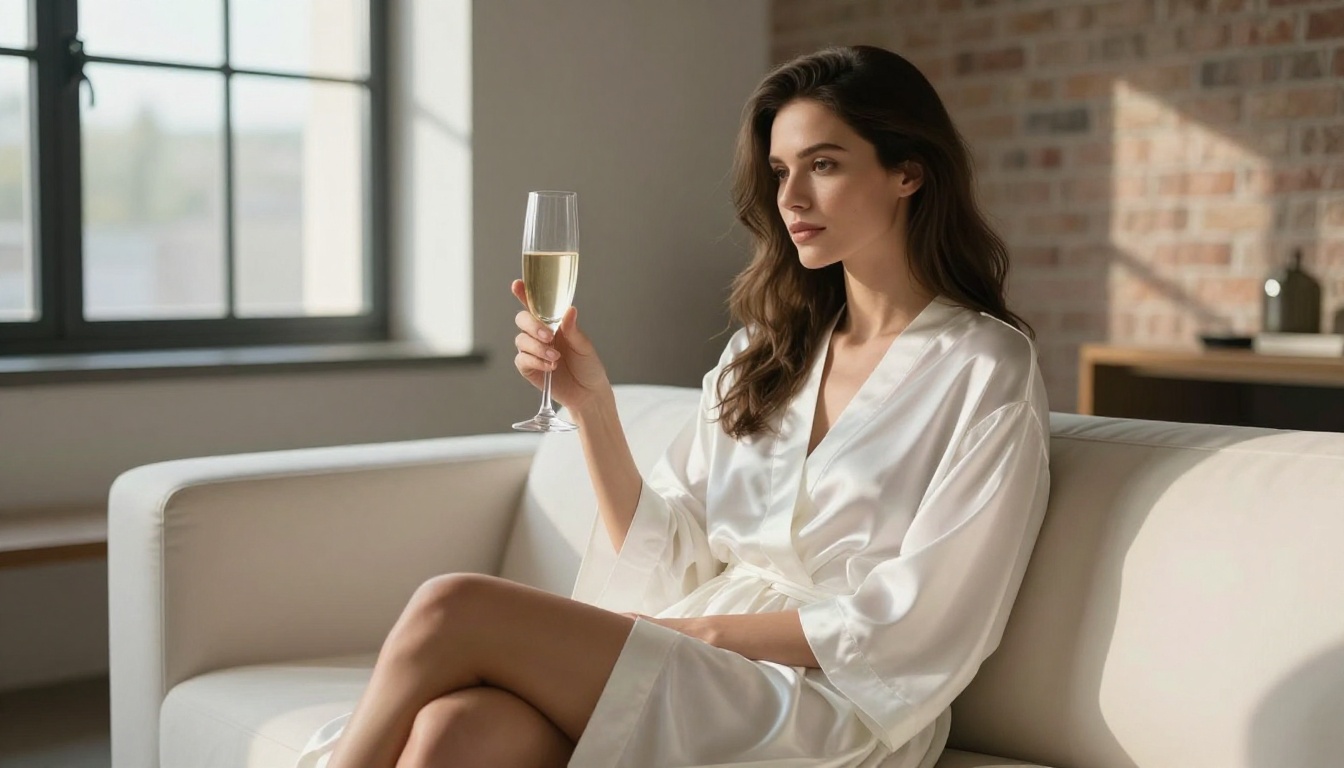
What Modern AI Video Can Actually Do
The jump in AI video quality from 2023 to 2025 is hard to overstate. Early text-to-video tools produced jerky, morphing clips with distorted faces and warped anatomy. Today's generation of models handles:
- Consistent character anatomy across every frame
- Realistic fabric and skin motion responding naturally to movement
- Natural lighting transitions from frame to frame without flickering
- Subtle facial expressions with genuine micro-movement
- Stable backgrounds that hold without shimmering or warping
The central shift was moving from diffusion-only approaches to hybrid architectures that model temporal consistency. Models like Seedance 1.5 Pro and Gen-4.5 by Runway specifically address the frame-to-frame coherence problem that plagued earlier systems.
For NSFW content specifically, anatomical realism is the hardest benchmark. A model that handles generic motion well may still fail at accurate human body mechanics during close, dynamic movement. This is what separates the top models from the rest.
Why NSFW Video Is a Different Challenge
Creating NSFW AI video is not the same as generating a landscape animation or a product demo. The stakes are higher in terms of realism because viewers are acutely sensitive to anything that feels wrong about a human body in motion.
Three areas where most models struggle:
- Skin and texture realism at close range — skin pores, muscle tone variation, and subtle color changes from blood flow are extremely hard to model
- Consistent anatomy during motion — arms, hands, and body proportions tend to distort during faster movement
- Natural facial reactions — expressions that read as authentic across a 5-10 second clip require very strong temporal conditioning
The models that perform best here are trained on large volumes of realistic human footage with strong motion conditioning. They do not just predict the next frame; they model what a human body actually does during specific types of movement.
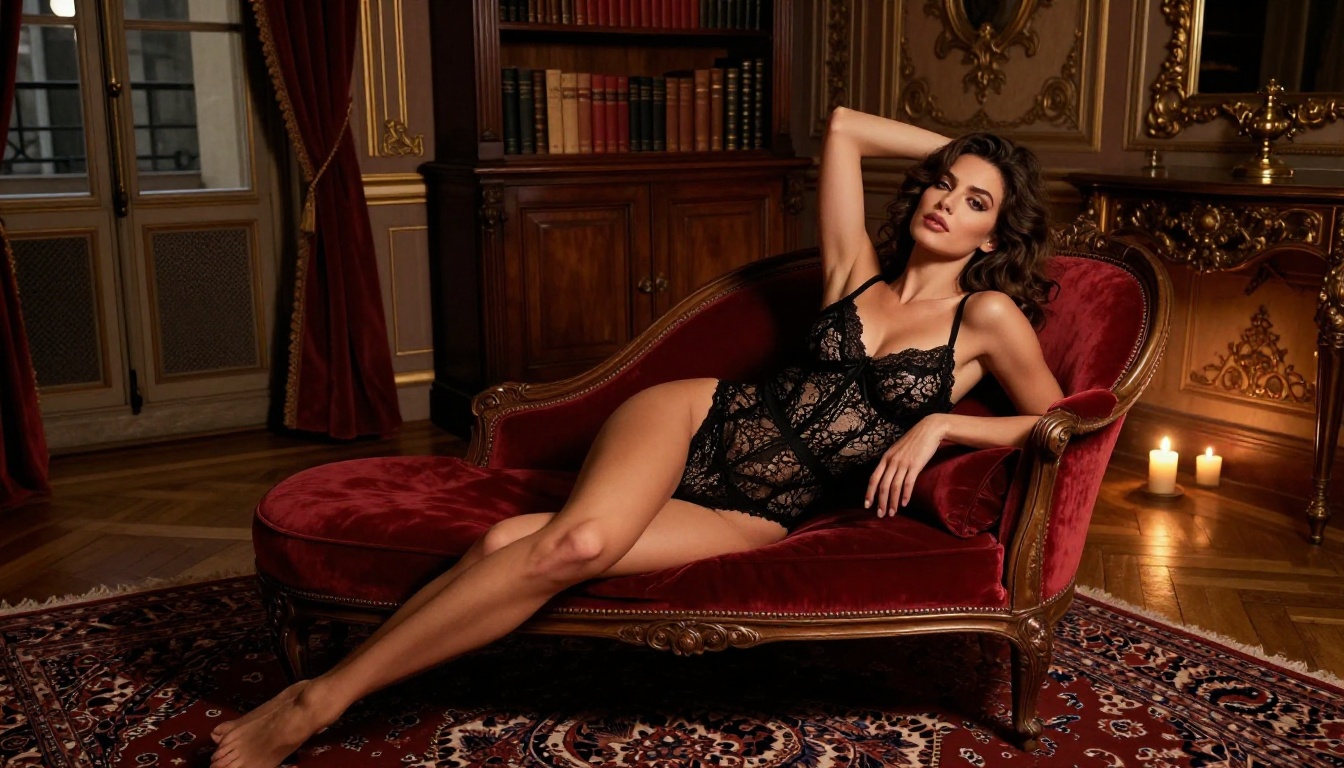
The Best AI Models for Realistic NSFW Video
Here is a breakdown of the top models available in 2025, ranked by realism, anatomical consistency, and prompt adherence for adult-oriented content.
Kling v3 Sets the Standard
Kling v3 from Kwaivgi is the current benchmark for realistic human video generation. What makes it stand out is its ability to maintain body proportions and facial consistency over longer clips without the typical drifting that plagues other models.
For NSFW content, Kling v3 handles:
- Full-body scenes without anatomical distortion
- Smooth fabric motion on clothing and lingerie
- Natural skin tone variation under changing lighting conditions
- Facial expressions that hold across 5-8 second clips
There is also Kling v3 Omni, which accepts both text and image as input, giving you far more control over character appearance before video generation begins. When you need precise control over how a character moves within the frame, Kling v3 Motion Control transfers motion patterns directly to your character.
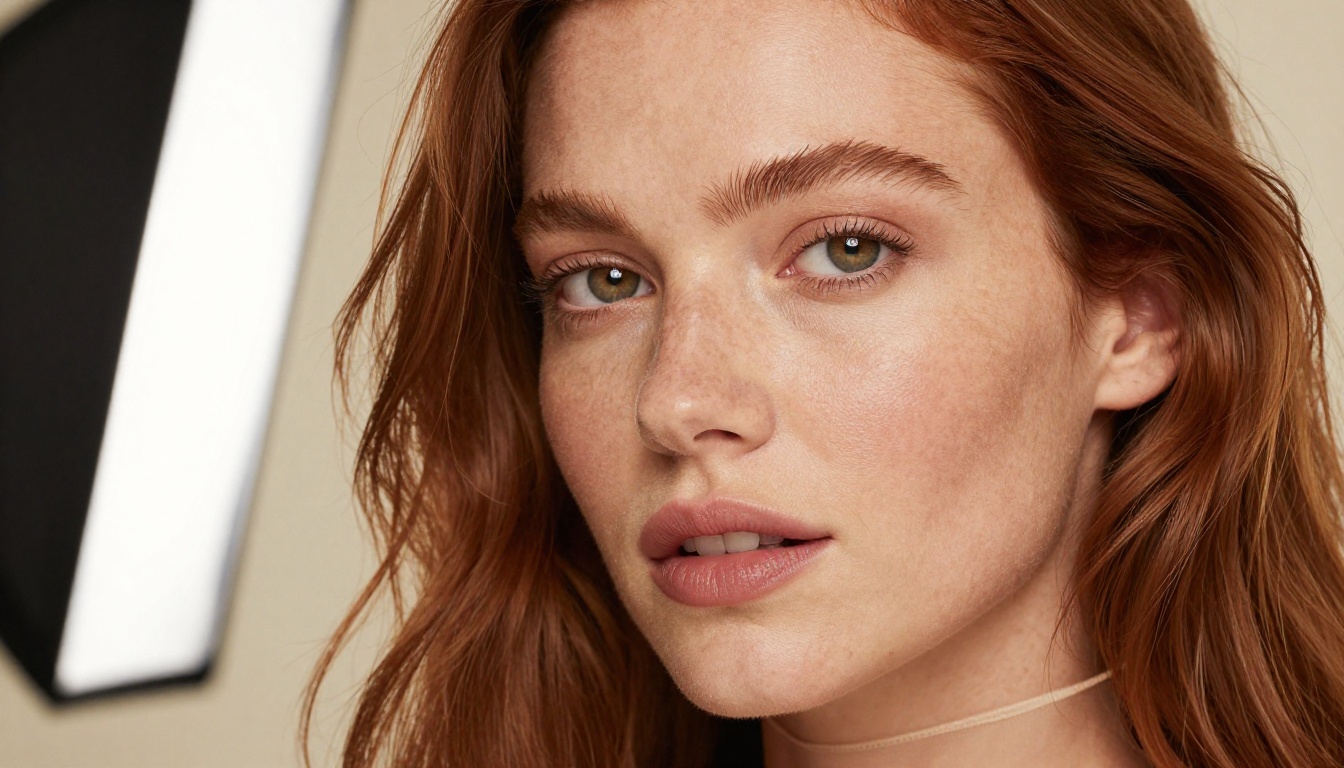
Wan 2.6 for Longer, Detailed Clips
Wan 2.6 T2V is particularly strong when you want longer clip durations with high prompt adherence. Where Kling v3 excels at dynamic scenes, Wan 2.6 excels at slower, more deliberate motion with careful attention to prompt specifics.
The image-to-video variant, Wan 2.6 I2V, is especially powerful for NSFW work. You generate a high-quality still image first with precise character design, then use I2V to animate it. This produces character consistency that pure text-to-video simply cannot match.
💡 Tip: Use a photorealistic still from a text-to-image model as your starting frame in Wan 2.6 I2V. The output will inherit the character's exact appearance, skin tone, and features without drift.
PixVerse v5.6 for Cinematic Quality
PixVerse v5.6 leans more cinematic than clinical. Its outputs tend to have strong lighting aesthetics and film-like color grading, which works well for NSFW content that prioritizes mood and visual quality over raw anatomical precision.
If you are creating content with a strong aesthetic bent, such as intimate scenes with soft lighting, dramatic shadows, or specific color palettes, PixVerse v5.6 is worth prioritizing.
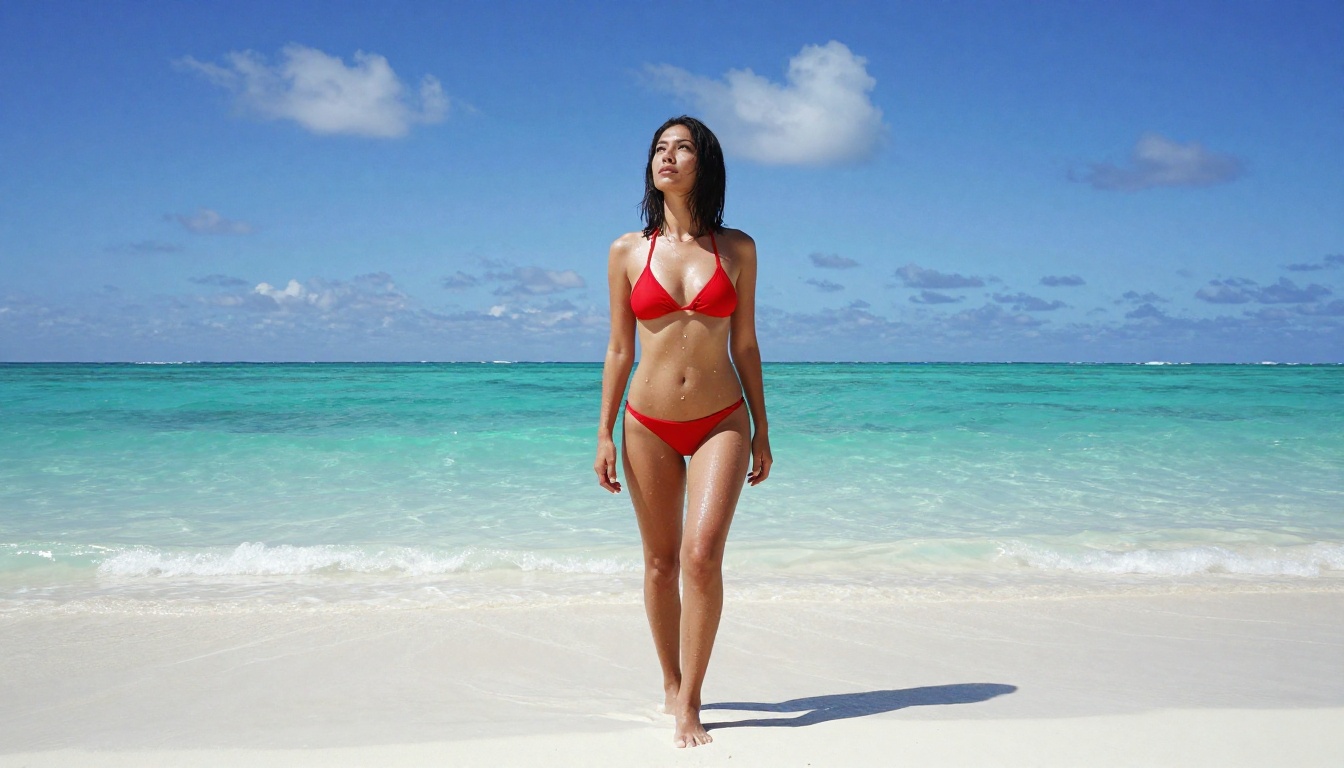
Hailuo 2.3 for Close-Up Portrait Clips
Hailuo 2.3 from Minimax is optimized for close-up and portrait-oriented clips. Faces, neck, and upper body shots are where it performs best. For NSFW content where facial expressions and reaction shots are central, Hailuo 2.3 is a strong choice.
The fast variant, Hailuo 2.3 Fast, trades some quality for speed, making it useful for iteration and prompt testing before committing to a full high-quality generation.
How to Write Prompts That Produce Realistic Results

Prompt quality is the single biggest factor separating mediocre outputs from genuinely realistic video. Most people write prompts that are too short and too vague. Here is the structure that consistently produces better results.
Build Your Prompt in Layers
A strong video prompt has four layers:
- Subject description — Physical appearance, clothing or state, body position, expression
- Action description — What is happening, how fast, the sequence of motion
- Environment and lighting — Setting, lighting direction and quality, time of day
- Camera and style — Shot type (close-up, wide, low-angle), lens characteristics, film reference
Weak prompt:
"Beautiful woman in a bikini on a beach"
Strong prompt:
"A woman with long dark hair and olive skin wearing a white string bikini, slowly turning to face the camera with a confident smile, standing at the edge of a calm turquoise ocean at golden hour. Volumetric warm light from the left casting long shadows, soft fill from the water's reflections. Low-angle shot from knee height, 35mm lens with slight vignetting, Kodak Portra color tones, photorealistic, 8K."

Specific Prompt Rules for NSFW Content
- Always include skin texture descriptors: "natural skin texture, visible pores, realistic muscle tone" tells the model to prioritize anatomical realism over stylization
- Describe the lighting precisely: "warm afternoon window light from the left, deep shadow on the right side" prevents the flat, overlit look that makes AI video feel artificial
- Include camera motion if you want it: "slow push-in" or "static camera" tells the model how the frame should behave during the clip
- Avoid abstract adjectives: Words like "beautiful" or "gorgeous" are weak. Describe what you see, not how it makes you feel.
💡 Pro tip: Specify a film stock or photographic style at the end of every prompt. "Kodak Portra 400 color grading, natural film grain" consistently improves skin tone realism across all models.
Common Mistakes That Kill Realism
| Mistake | Why It Fails | Fix |
|---|
| Too few words | Model fills gaps with generic defaults | Write 60-100 words minimum |
| Vague body description | Anatomy drifts between frames | Specify exact pose and proportions |
| No lighting detail | Flat, artificial-looking output | Always include direction and quality |
| No camera angle specified | Generic, uninspired composition | Specify angle and lens every time |
| Generic style tags | Often ignored by model | Use specific film or photo references |
Image-to-Video Workflow for Maximum Realism
The most effective way to create realistic NSFW video is to use an image-to-video pipeline rather than pure text-to-video.
Here is the reason: text-to-video models have to invent the character from scratch with every generation. Image-to-video models start with a defined reference, inheriting all the visual detail you already put into that still image.
The workflow:
- Generate a photorealistic still image with a detailed character description using any text-to-image model on the platform
- Refine the image until the character looks exactly right — skin tone, anatomy, expression, lighting
- Upload that image to an I2V model like Wan 2.6 I2V or Kling v3 Omni
- Write a motion prompt describing what the character does, not what they look like
- Generate and refine from there
This approach produces character consistency across multiple clips that pure text-to-video cannot match.
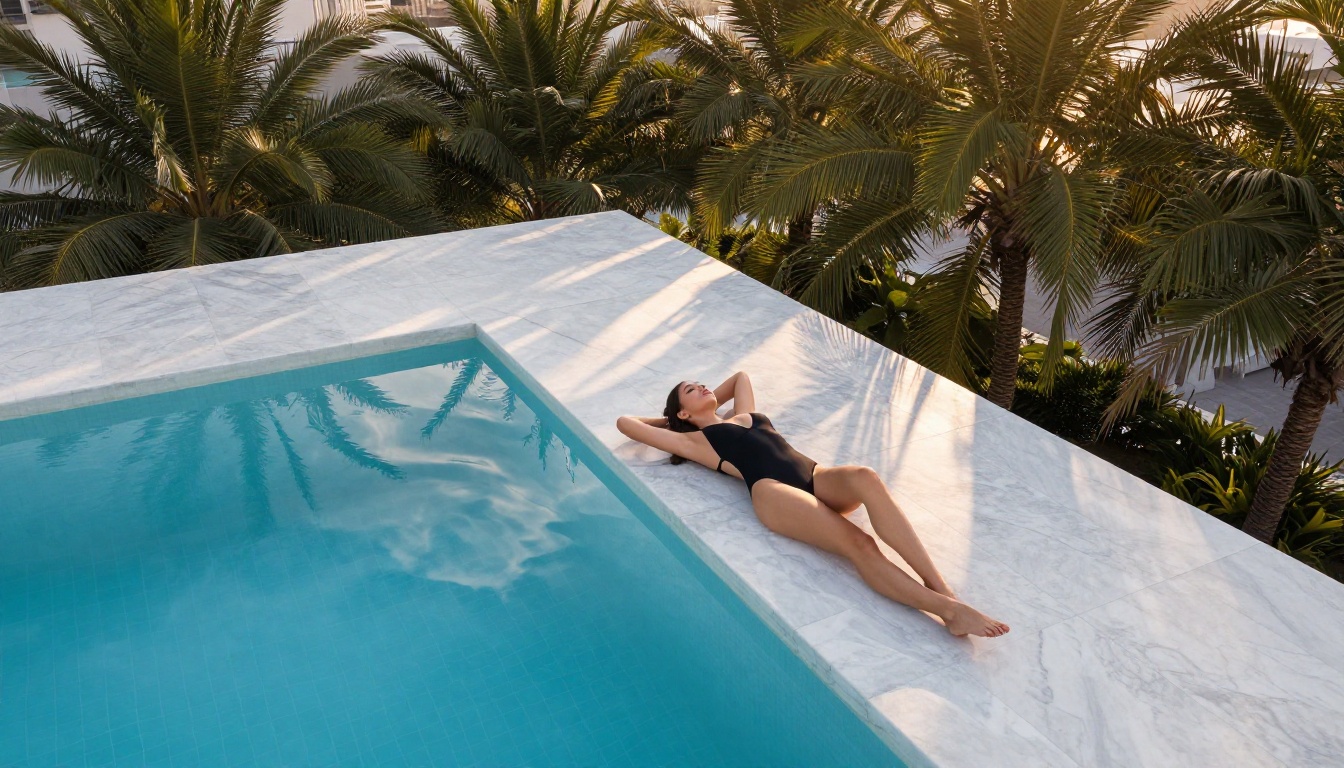
How to Use Kling v3 on PicassoIA
PicassoIA gives you direct access to Kling v3 without any technical setup. Here is the full workflow from zero to clip.
Step 1: Open the model
Go to Kling v3 on PicassoIA and open the generation interface.
Step 2: Choose your input mode
For text-only, write your full prompt directly in the prompt field. For image-to-video, upload your reference image first, then add a shorter motion-focused prompt.
Step 3: Write your prompt
Use the four-layer structure. Be specific about anatomy, motion type, environment, and camera behavior.
Step 4: Set the duration
Start with 5-second clips for testing. Once you have a prompt that works, move to 8-10 seconds for final output.
Step 5: Adjust the motion intensity
Lower motion settings produce smoother, more controlled clips. Higher settings introduce more dynamic movement but increase the risk of anatomical drift. For NSFW content, start at medium motion intensity and adjust from there.
Step 6: Generate and iterate
First generations are rarely perfect. Change one variable at a time — first refine the prompt, then adjust motion intensity, then try a different seed. Iteration speed matters more than trying to get the perfect prompt on the first attempt.
💡 Quality check: Watch your clip at 0.5x speed before finalizing. Artifacts and anatomical errors that are invisible at normal speed become obvious in slow motion. Fix prompts that fail this test before moving to longer generations.
Not all AI video platforms give you the same access or output quality. Here is what separates them.
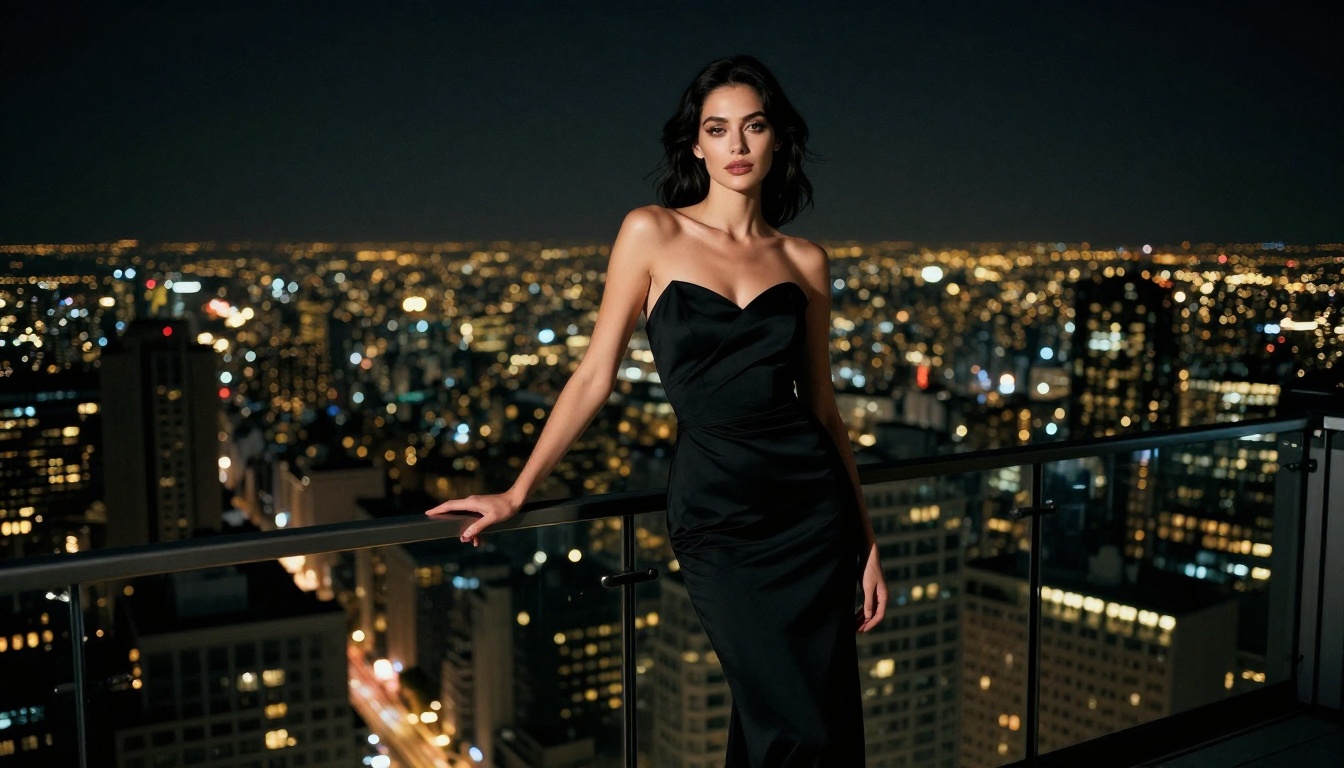
What to look for in an AI video platform:
- Model diversity: Access to multiple models lets you match the right tool to the right scene type instead of forcing every idea through one model
- Resolution options: 1080p output is the minimum for anything that should look professional
- I2V support: Platforms that offer image-to-video dramatically expand your creative control over character consistency
- Prompt flexibility: Some platforms restrict descriptors that are essential for realistic adult content
- Output ownership: Always confirm the platform's terms around who owns generated content
PicassoIA provides access to over 87 text-to-video models including Kling v3, Wan 2.6 T2V, PixVerse v5.6, Vidu Q3 Pro, Gen-4.5 by Runway, and P-Video, all in one place without switching between separate subscriptions.
P-Video is particularly useful for complex setups where you need audio input to inform motion and timing in the generated clip. It accepts text, image, and audio simultaneously, making it a strong option for content where sound and movement need to align.
What Good Results Actually Look Like
Setting realistic expectations matters. Even the best models have current limitations worth knowing before you start.
Current limits across all top models:
- Hands remain difficult: Fingers and hand anatomy are still a weak point — avoid prompts where hands are the focal point
- Very fast motion blurs: Rapid action sequences tend to introduce artifacts more than slow, deliberate movement
- Longer than 10 seconds degrades: Most models maintain quality for 5-10 second clips; longer clips often show character drift
- Multi-clip character consistency: Keeping the same character across multiple separate clips requires a disciplined I2V workflow
Working within these constraints produces the best results. Design scenes around slow, deliberate movement. Keep clips short and precise. Use I2V workflows to maintain character consistency if you are building a longer sequence from multiple clips.
Start Creating Your Own
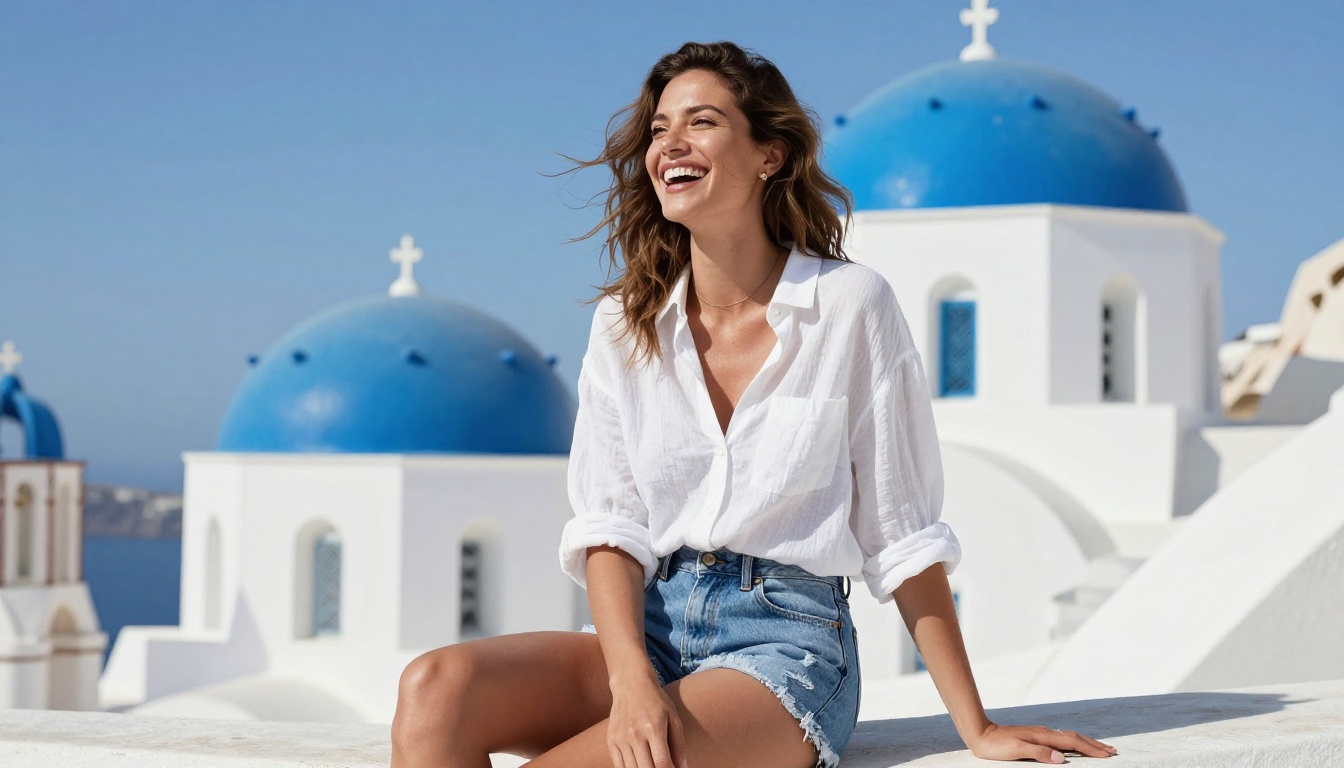
The tools exist. The quality is there. The only thing between you and realistic AI-generated NSFW video is a well-written prompt and the right model selection.
Start with Kling v3 for your first attempts since it has the highest baseline realism for human subjects. If you want more aesthetic and lighting control, move to PixVerse v5.6. For longer scenes with strong prompt adherence, Wan 2.6 T2V gives you the most control over what the model actually renders.
Want to go further? Pair any of these with a text-to-image model to build your I2V pipeline. Generate the perfect still, then animate it. That is where the most realistic, consistent results come from, and it is what separates creators who get professional-level output from those who get average results.
All of these models are available on PicassoIA. Pick one. Write a detailed prompt. Generate something. The iteration process will show you faster than anything else what works and what does not.


