Create Short Videos Fast with Sora 2 Pro: Your Rapid Production Toolkit
Discover practical methods for creating short videos quickly with Sora 2 Pro. This guide covers setup, workflow optimization, prompt engineering, and production techniques that deliver quality results without lengthy processing times. Learn to bypass common bottlenecks and produce engaging content for platforms like Instagram, TikTok, and YouTube Shorts.
The demand for short-form video content has exploded across social platforms, but traditional production methods can't keep pace. Sora 2 Pro changes this equation completely, offering professional-grade video generation in minutes rather than days. This isn't about replacing creativity—it's about accelerating it.
Sora 2 Pro generates high-quality videos from text descriptions, maintaining consistent characters, physics, and cinematic motion. Unlike basic text-to-video tools, it understands complex scene descriptions, camera movements, and temporal consistency. The "Pro" designation isn't marketing—it reflects genuine production capabilities.
💡 Key Distinction: While tools like Kling v2.6 or Veo 3.1 offer video generation, Sora 2 Pro focuses specifically on production-ready short-form content with optimized output for platforms like TikTok, Instagram Reels, and YouTube Shorts.
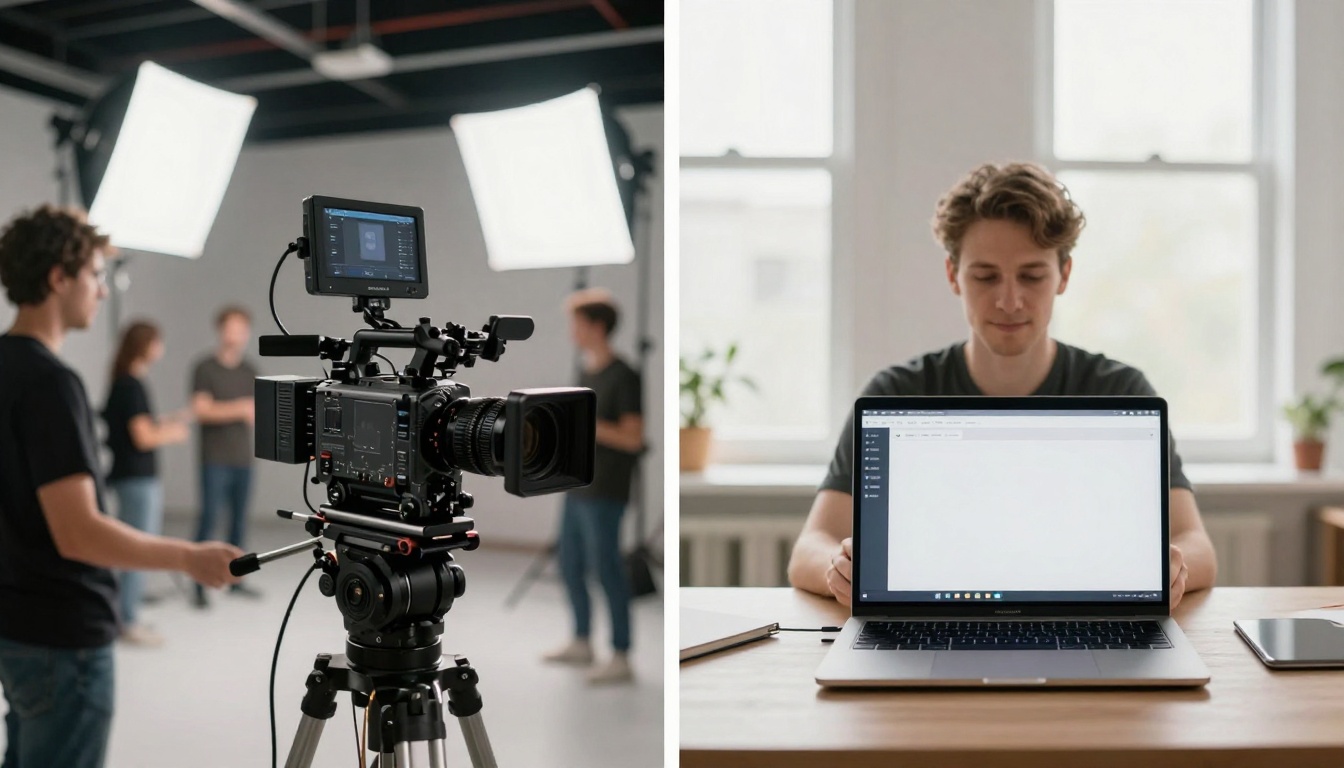
The numbers don't lie: What traditionally required a full crew now happens on a single workstation. The efficiency gain isn't marginal—it's exponential.
Setting Up for Fast Production
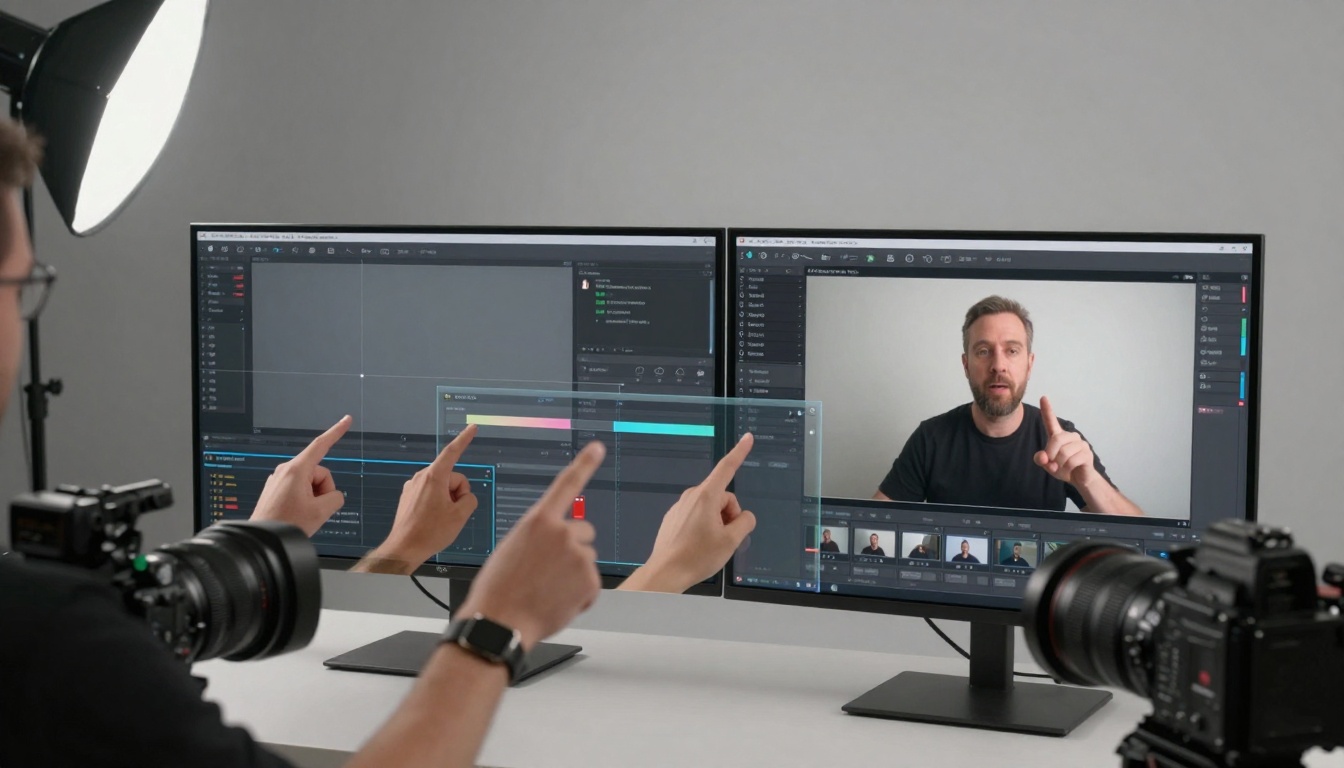
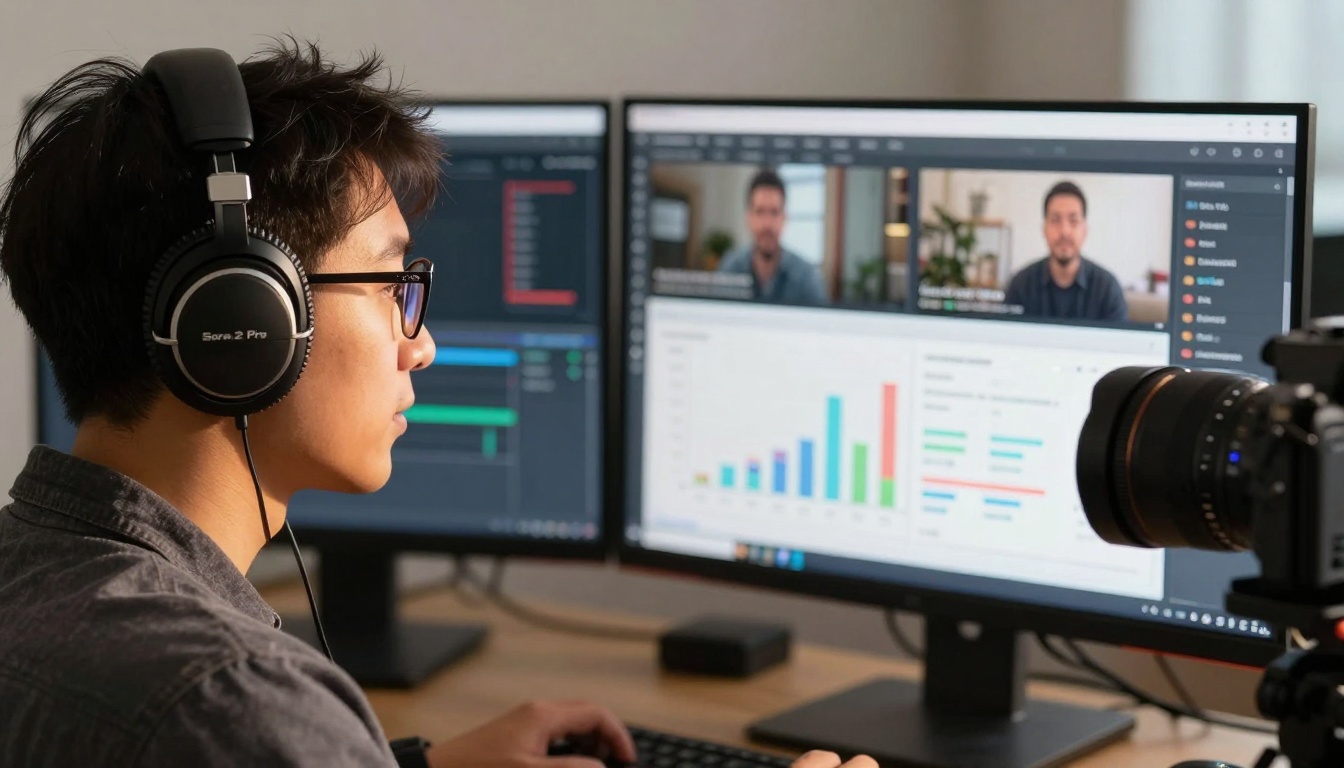
Your workspace configuration directly impacts generation speed. While Sora 2 Pro runs in the cloud, your local environment affects prompt quality and iteration cycles.
Cinematic Elements (10%): Camera angles, lighting, pacing
💡 Pro Tip: Start prompts with "[60-second TikTok video]" or "[15-second Instagram Reel]" to signal duration expectations to the model. This small addition improves temporal consistency significantly.
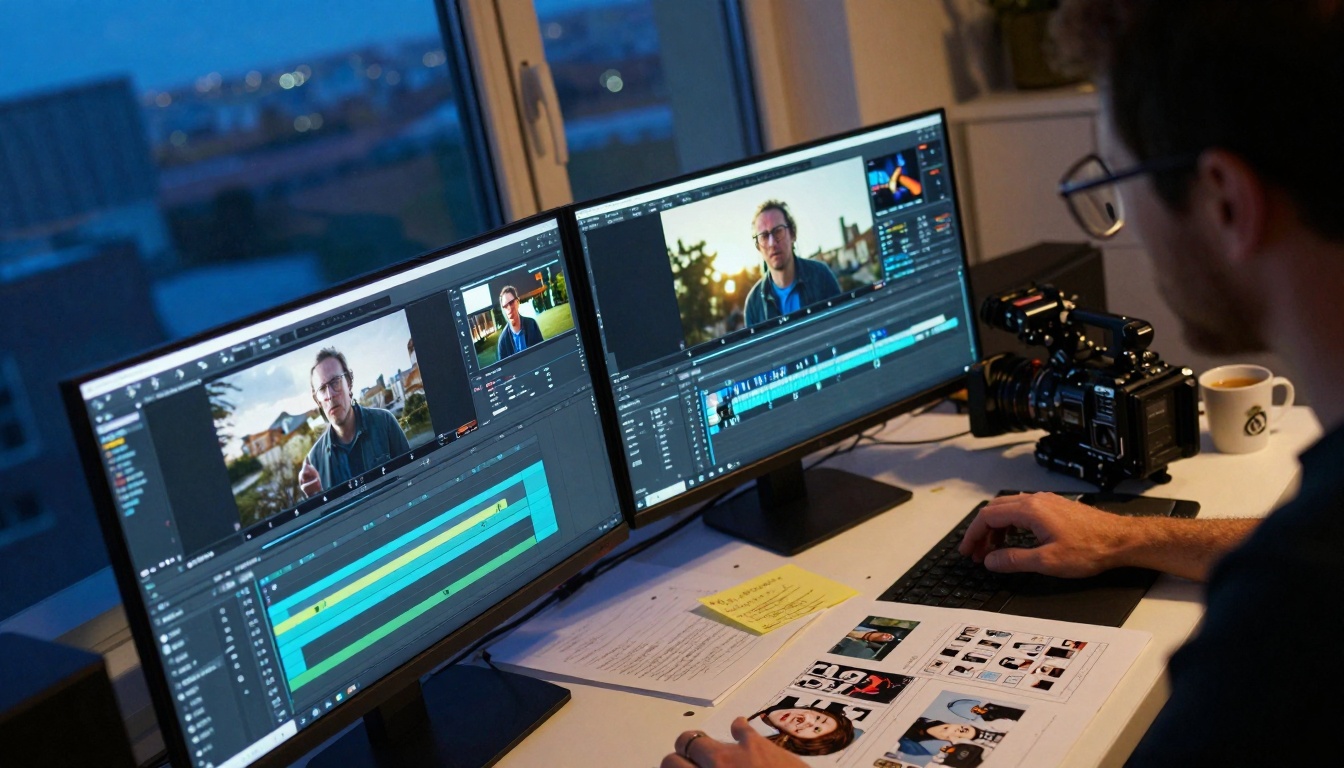
Evening workflow: Different lighting conditions affect prompt creativity
Common Prompt Patterns That Work
Educational Content: "A 45-second educational video showing three steps to improve photography lighting. Step 1 shows bad lighting example, step 2 demonstrates correction, step 3 shows professional result. Clear title cards between sections. Bright studio lighting, smooth camera pans."
Product Demonstration: "30-second product demo video showing smartphone features. Close-up on fingerprint sensor, smooth transition to camera demonstration showing photo comparison, final shot showing battery life indicator. Clean white background, professional lighting."
Storytelling: "60-second emotional story about morning routine transformation. Start with chaotic messy morning, transition to organized productive routine, end with satisfied smile. Natural morning light progression, intimate documentary style."
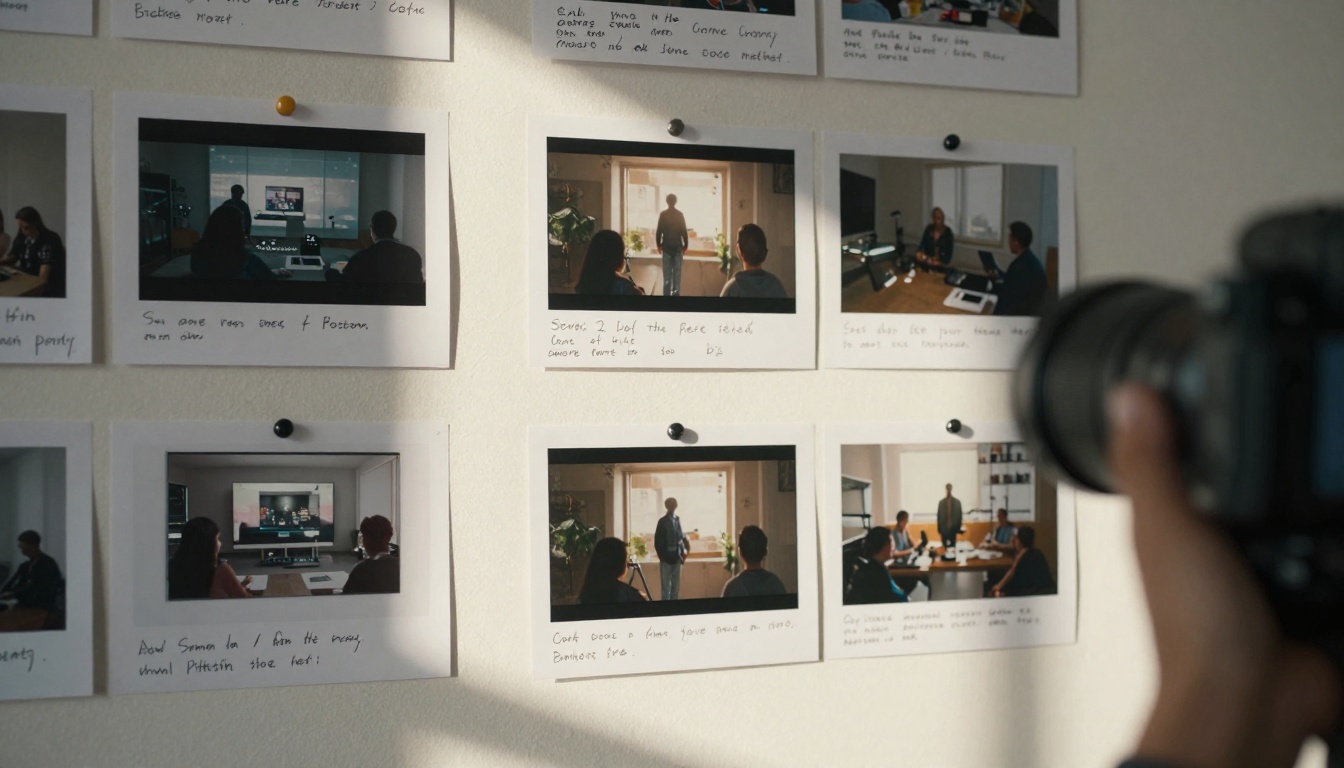
Platform context: Seeing outputs in actual consumption environment informs prompt adjustments
Workflow Optimization Strategies
Speed comes from systematic approaches, not just faster generation times.
Batch Processing Methodology
Don't generate one video at a time. Instead:
Create prompt templates for your content categories
Generate 3-5 variations simultaneously using different seeds
Review as a batch to identify patterns and improvements
Iterate on the most promising versions
This approach reduces decision fatigue and provides comparison context that improves quality assessment.
The Review Cycle Checklist
Before regenerating, ask:
Is the timing correct for the platform?
Do transitions flow naturally?
Is audio synchronization precise?
Are visual elements consistently rendered?
Does the pacing match audience expectations?
Visual comparison: Left shows traditional complexity, right shows streamlined AI workflow
The Rule of Three: Generate three versions minimum before deciding. The third iteration often shows significant quality improvements without proportional time increase.
Advanced Techniques for Experienced Users
Once comfortable with basic workflows, these methods extract maximum value.
Prompt Chaining for Complex Sequences
Instead of single complex prompts, chain simpler ones:
Prompt 1: "Establishing shot of modern office, morning light"
Prompt 2: "Close-up on computer screen showing data visualization"
Prompt 3: "Team discussion around the visualization"
Prompt 4: "Resolution shot showing implemented solution"
Generate separately, then edit together. This provides finer control over each segment.
Style Consistency Across Series
Create a style guide prompt that you prepend to all series content:
"[Consistent style: Corporate blue color palette, clean modern aesthetic, smooth camera movements, professional lighting, subtle background music]"
This maintains brand consistency without repeating detailed descriptions.
Aspect Ratio: 9:16 (vertical), 1:1 (square), or 16:9 (horizontal)
Style Guidance: Adjust for more or less creative interpretation
Seed: Set for reproducible results when testing variations
Click generate and wait 2-8 minutes
Download the result or generate additional variations
Parameter Optimization Tips
Duration: Shorter videos (15-30s) generate faster with similar quality
Style Guidance: Higher values (7-9) produce more creative interpretations, lower values (3-5) stay closer to prompt
Seed Management: Save successful seeds for consistent character/setting reproduction
Batch Generation: Submit multiple prompts simultaneously for parallel processing
Cost Management
Sora 2 Pro uses compute credits based on generation duration and complexity:
15-second video: ~2-3 credits
30-second video: ~4-6 credits
60-second video: ~8-12 credits
Pro Tip: Generate shorter versions first to test concepts, then extend successful ones.
What Comes Next
The real advantage emerges when you stop thinking about single videos and start considering content systems. With Sora 2 Pro, weekly social calendars that previously required dedicated teams become manageable solo operations. Campaign narratives maintain visual consistency across multiple pieces. A/B testing happens not just with thumbnails or captions, but with complete video variations.
💡 Final Thought: The most successful implementations don't use Sora 2 Pro to replace human creativity—they use it to amplify creative capacity. The tool handles technical execution while creators focus on strategy, storytelling, and audience connection.
Your next step: Visit the Sora 2 Pro page on PicassoIA and generate your first test video. Start with something simple—a 15-second product highlight or quick tutorial. The learning curve isn't steep, but the productivity gains are substantial.