The moment you type a sentence and watch it transform into moving images represents one of the most significant shifts in content creation. Text-to-video AI doesn't just automate production—it redefines what's possible when imagination meets instant visualization. For social media managers, marketers, educators, and storytellers, this technology eliminates the traditional barriers of equipment costs, technical skills, and production timelines.
What text-to-video AI actually does goes beyond simple animation generation. Modern models like Google Veo 3.1, Kling v2.6, and Sora 2 Pro interpret narrative structure, emotional tone, and visual composition cues from your text. They understand camera movements, lighting conditions, character emotions, and scene transitions described in natural language. When you write "a drone shot following a car through mountain roads at sunset," the AI generates exactly that sequence with appropriate camera dynamics, lighting, and motion coherence.
How text-to-video generation works technically
The technical architecture behind text-to-video AI involves multiple neural networks working in concert:
- Text encoding: Your prompt gets converted into numerical representations that capture semantic meaning, emotional tone, and visual concepts
- Scene composition: The system determines camera angles, character placement, lighting conditions, and background elements
- Motion prediction: Temporal consistency networks ensure objects move realistically across frames
- Style transfer: Visual aesthetics get applied based on descriptive terms like "cinematic," "documentary," or "social media style"
- Resolution enhancement: Final frames get upscaled to HD or 4K quality with detail preservation
Frame coherence represents the biggest technical challenge. Early AI video suffered from flickering, morphing objects, and inconsistent character appearances. Modern models like WAN 2.6 T2V and Seedance 1.5 Pro maintain character consistency, stable backgrounds, and natural motion physics across 120+ frames. This temporal stability makes generated videos indistinguishable from filmed content for short-form applications.
Practical applications for different creators
Social media managers benefit most immediately. A single text prompt like "30-second product tutorial showing smartphone features with upbeat music and text overlays" generates complete Instagram Reels or TikTok videos. The Kling v2.6 Motion Control model specializes in social media-optimized content with vertical formatting and attention-grabbing motion.
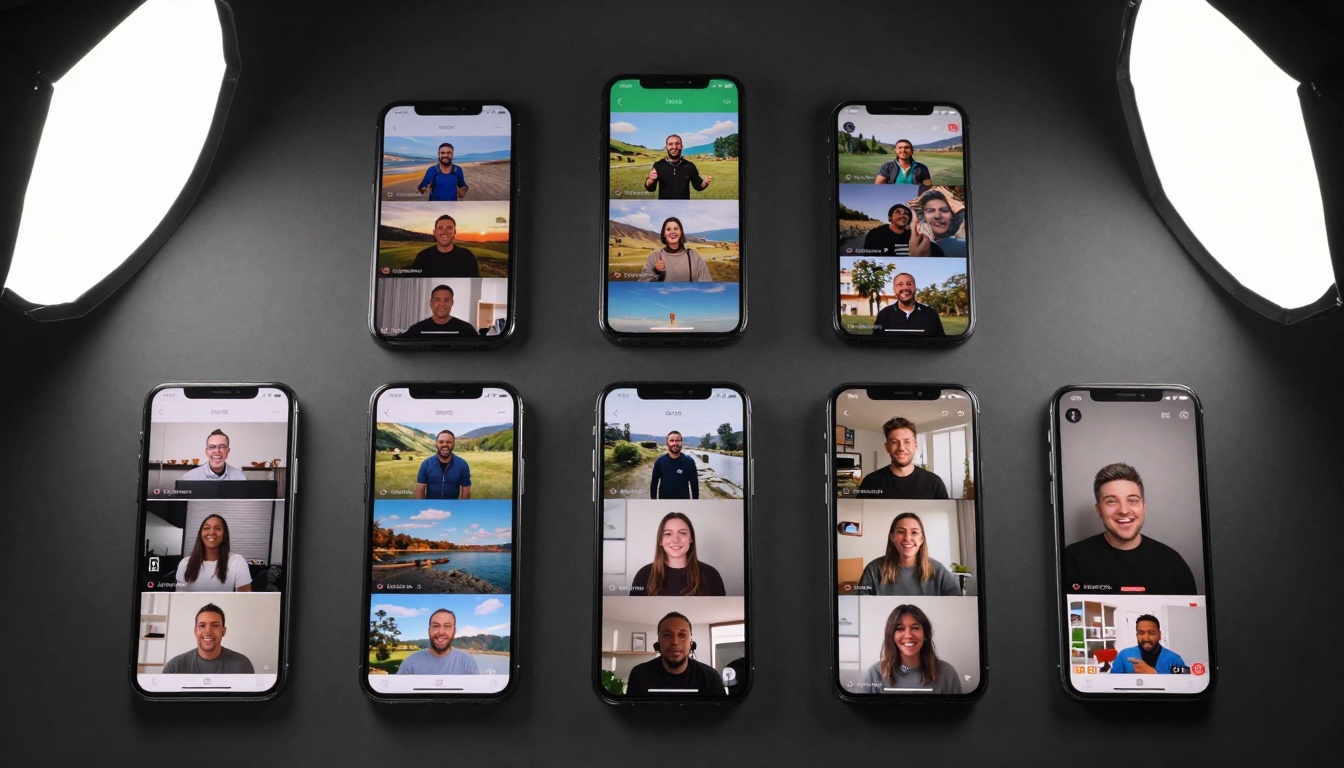
Marketing teams use text-to-video for rapid prototyping. Instead of storyboarding, filming, and editing campaign concepts, they type descriptive prompts and generate multiple variations for A/B testing. The Veo 3.1 Fast model produces marketing-quality videos in under two minutes, complete with brand-consistent color grading and professional pacing.
Educational content creators transform lesson plans into engaging video explanations. Complex topics like "cellular mitosis process animated with labels and narration cues" generate complete educational videos with visual metaphors and information hierarchy. Models with strong temporal understanding like Hailuo 2.3 maintain educational clarity across longer sequences.
Prompt engineering for better results
Specificity matters more than length. Instead of "a beautiful landscape," write "aerial drone shot of Norwegian fjords at golden hour with volumetric fog and mountain reflections in water." Include these elements:
- Camera perspective: low angle, overhead, tracking shot, Dutch angle
- Lighting conditions: golden hour, studio lighting, neon signs, moonlight
- Character actions: walking thoughtfully, laughing with friends, working intently
- Environmental details: rain droplets, autumn leaves, urban graffiti, clean minimalist
- Emotional tone: melancholic, joyful, suspenseful, inspirational
Style references work better than abstract terms. Instead of "cinematic," reference "Christopher Nolan dark color palette" or "Wes Anderson symmetrical composition." Models like Pixverse V5 and Ray 2 720p respond to directorial style cues with remarkable accuracy.
Negative prompts prevent unwanted elements. Specify "no text overlays," "no watermark," "no cartoon style," or "no excessive motion blur" to refine output. Most platforms allow exclusion terms that filter out common generation artifacts.
Different text-to-video models excel at specific use cases:
| Model | Best For | Generation Time | Maximum Length | Special Features |
|---|
| Veo 3.1 | Cinematic quality | 90 seconds | 60 seconds | Hollywood-style cinematography |
| Kling v2.6 | Social media clips | 45 seconds | 30 seconds | Vertical formatting, trending styles |
| WAN 2.6 I2V | Image-to-video | 60 seconds | 45 seconds | Image consistency, smooth transitions |
| Seedance 1 Pro Fast | Rapid prototyping | 30 seconds | 20 seconds | Instant preview, batch generation |
| Sora 2 | Narrative coherence | 120 seconds | 120 seconds | Character consistency, complex scenes |
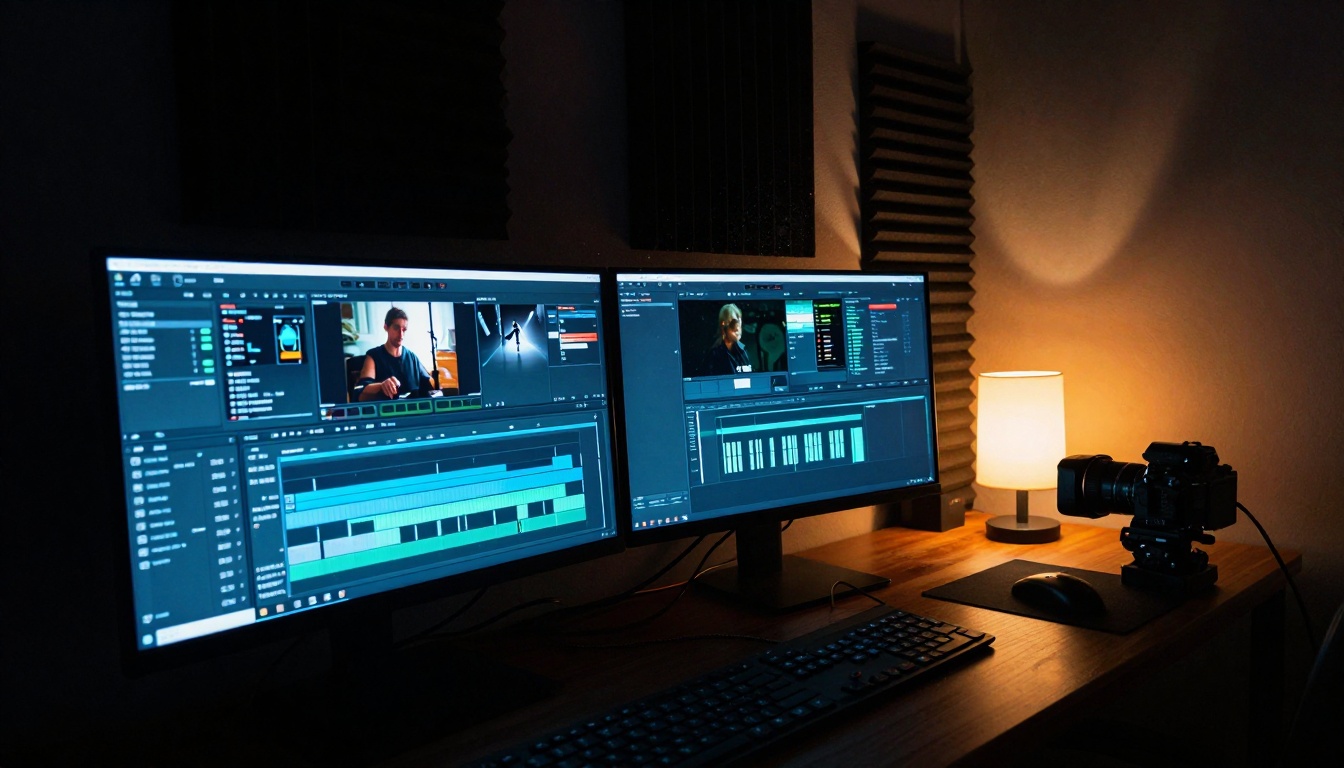
Generation time varies by complexity. Simple social media clips generate in 30-45 seconds on platforms like Kling v2.5 Turbo Pro, while cinematic sequences with multiple characters and scene changes take 90-120 seconds on Veo 3. The trade-off between speed and quality depends on your immediate needs versus final polish requirements.
Workflow integration strategies
Batch processing transforms productivity. Instead of generating one video at a time, create prompt variations for:
- A/B testing: Slight wording changes produce different emotional tones
- Platform optimization: Same content formatted for Instagram (9:16), YouTube (16:9), and Twitter (1:1)
- Localization: Generate versions with different cultural contexts or language text overlays
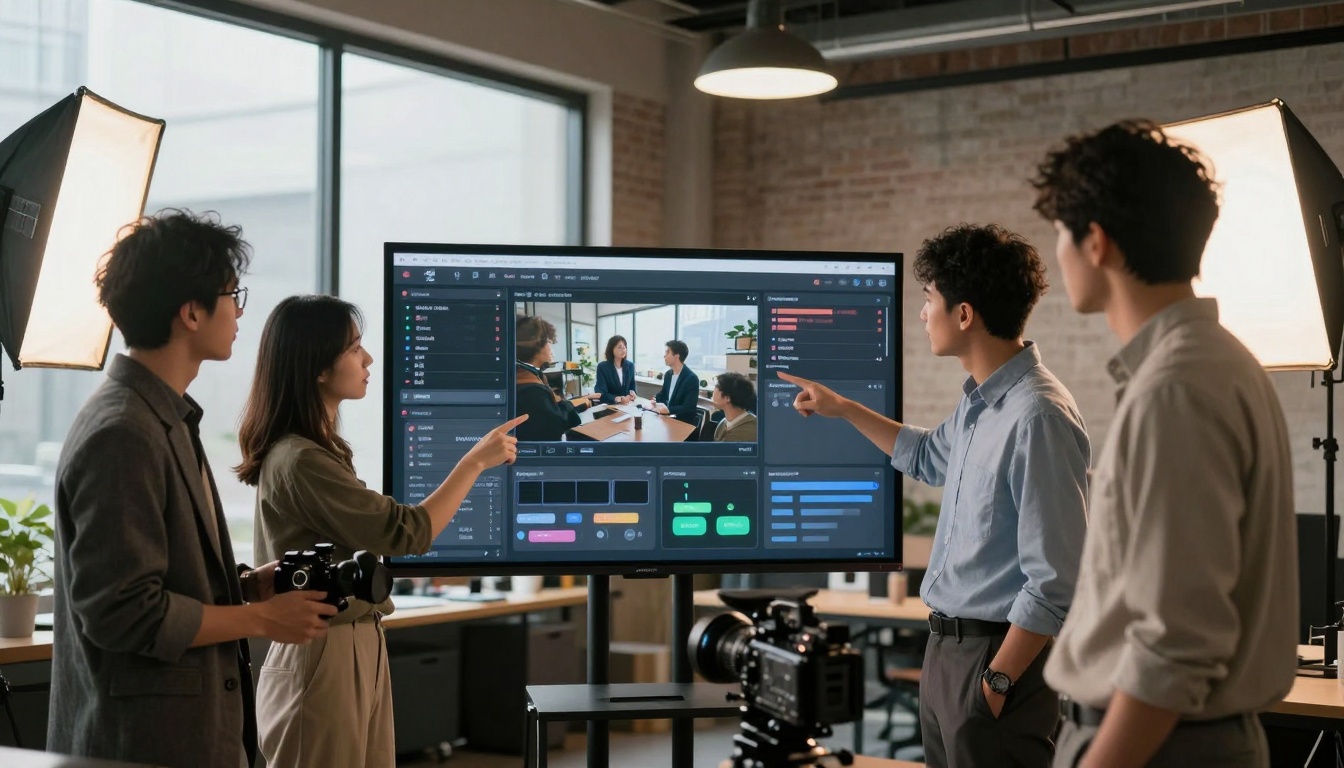
Post-production remains necessary for professional results. AI-generated videos benefit from:
- Color grading: Adjust contrast, saturation, and color temperature
- Audio addition: Add music, sound effects, or voiceover
- Text overlays: Include captions, titles, or call-to-action graphics
- Transition effects: Smooth cuts between different AI-generated segments
Quality control checklist ensures consistency:
- Temporal stability: Check for flickering or morphing objects
- Character consistency: Verify faces/clothing remain identical throughout
- Motion physics: Ensure movements follow natural laws
- Audio-visual sync: Match any added audio to visual pacing
- Platform specifications: Confirm dimensions, duration, and file size limits
Cost considerations and scaling
Pricing models vary significantly:
- Per-second billing: Charges based on generated video duration
- Credit systems: Purchase generation credits in bulk packages
- Subscription tiers: Monthly access with generation limits
- Enterprise plans: Custom pricing for high-volume needs

Volume discounts apply at different thresholds. Generating 100 short videos monthly costs approximately 60% less per video than generating 10. Enterprise plans with Sora 2 Pro or Veo 3.1 include dedicated support, custom model training, and priority queue access.
ROI calculation considers multiple factors:
- Time saved: Compare AI generation minutes versus traditional production hours
- Quality consistency: AI maintains uniform quality across batch generations
- Scalability: Generate 50 variations for testing versus filming one version
- Creative experimentation: Test unconventional concepts without resource commitment
Technical limitations and workarounds
Current constraints exist but have practical solutions:
- Character face consistency: Works best for 10-15 second clips; for longer videos, use consistent character descriptions
- Complex physics: Simple motions work better than intricate mechanical interactions
- Text readability: Generated text within videos often appears distorted; add overlays separately
- Specific brand elements: Logos and trademarked designs require manual addition
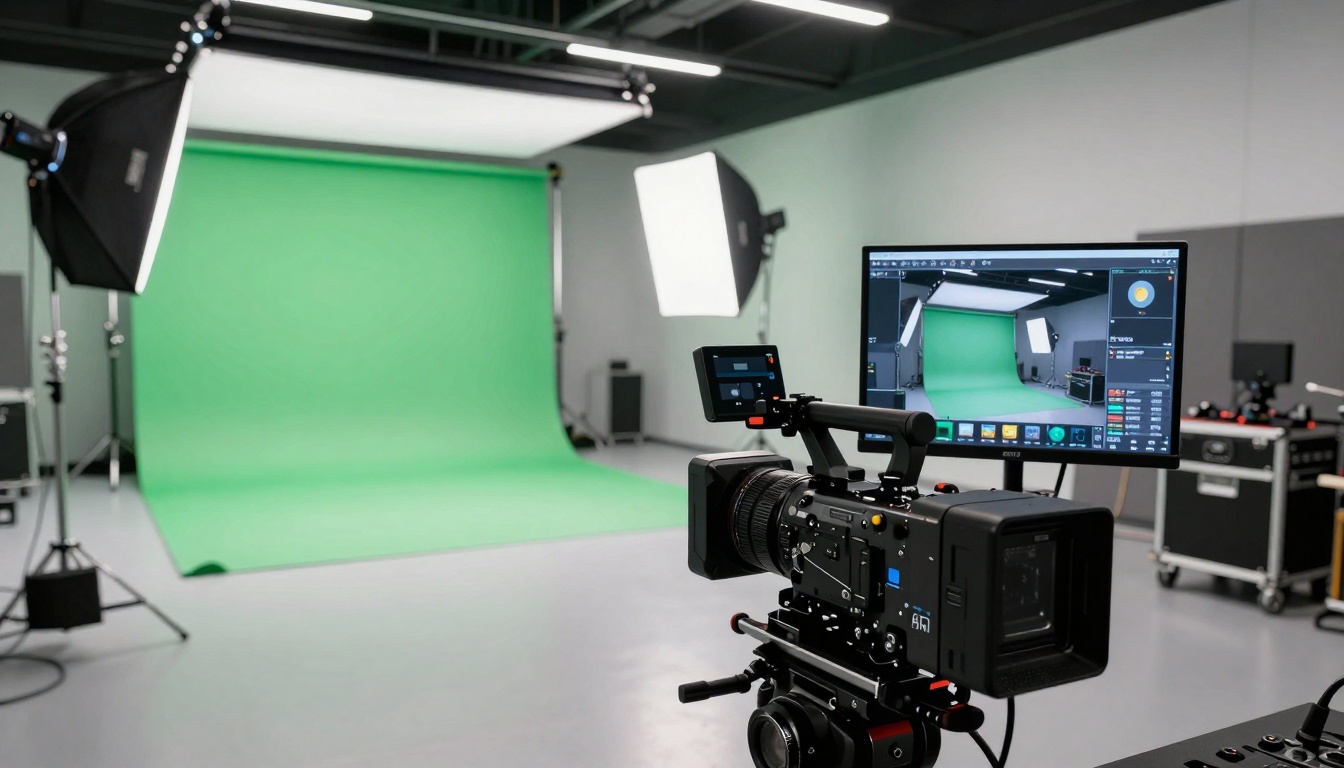
Hybrid approaches maximize results. Generate AI video segments, then edit them together with filmed B-roll, screen recordings, or stock footage. This combines AI efficiency with human-curated specificity. Models like WAN 2.5 I2V Fast excel at extending existing footage with AI-generated sequences that maintain visual consistency.
Future developments and current trends
Upcoming capabilities will further reduce limitations:
- Longer sequences: 3-5 minute coherent narratives from single prompts
- Multi-character interactions: Complex social dynamics between multiple AI-generated characters
- Style transfer: Apply specific director or cinematographer signatures
- Real-time generation: Interactive video creation during live streams or presentations
Current trend adoption shows rapid market evolution:
- Social media platforms integrate native AI video tools
- Marketing automation workflows include text-to-video as standard component
- Educational technology replaces animated explanations with AI-generated videos
- Enterprise training converts documentation into interactive video tutorials

Starting with text-to-video generation
Begin with simple prompts to understand model capabilities. "A cat playing with yarn in sunlight" tests basic object recognition and lighting. "Time-lapse of city traffic at night with car light trails" evaluates motion and temporal effects. Each platform responds differently to identical prompts, revealing their unique strengths.
Progressive complexity builds skill naturally:
- Week 1: Single subject, simple actions, neutral lighting
- Week 2: Two subjects interacting, specific camera angles
- Week 3: Environmental storytelling, emotional tone cues
- Week 4: Complex scenes with multiple elements and narrative arcs
Platform selection depends on primary use case. Social media creators prefer Kling v2.6 for vertical formatting and trendy aesthetics. Filmmakers choose Veo 3.1 for cinematic quality. Marketers select Seedance 1.5 Pro for rapid campaign prototyping.
Creative possibilities beyond efficiency
Text-to-video AI enables artistic experiments previously requiring prohibitive resources. Generate 100 variations of a concept to find unexpected creative directions. Combine multiple generated segments into experimental narratives. Use the technology not just for efficiency, but for expanding creative boundaries through rapid iteration and visual exploration.
The transition from text imagination to visual reality now happens at typing speed. What begins as words on a screen becomes moving images with emotional resonance and narrative cohesion. This represents not just technological advancement, but the democratization of visual storytelling—where creative vision requires only descriptive language and the curiosity to see what emerges.


