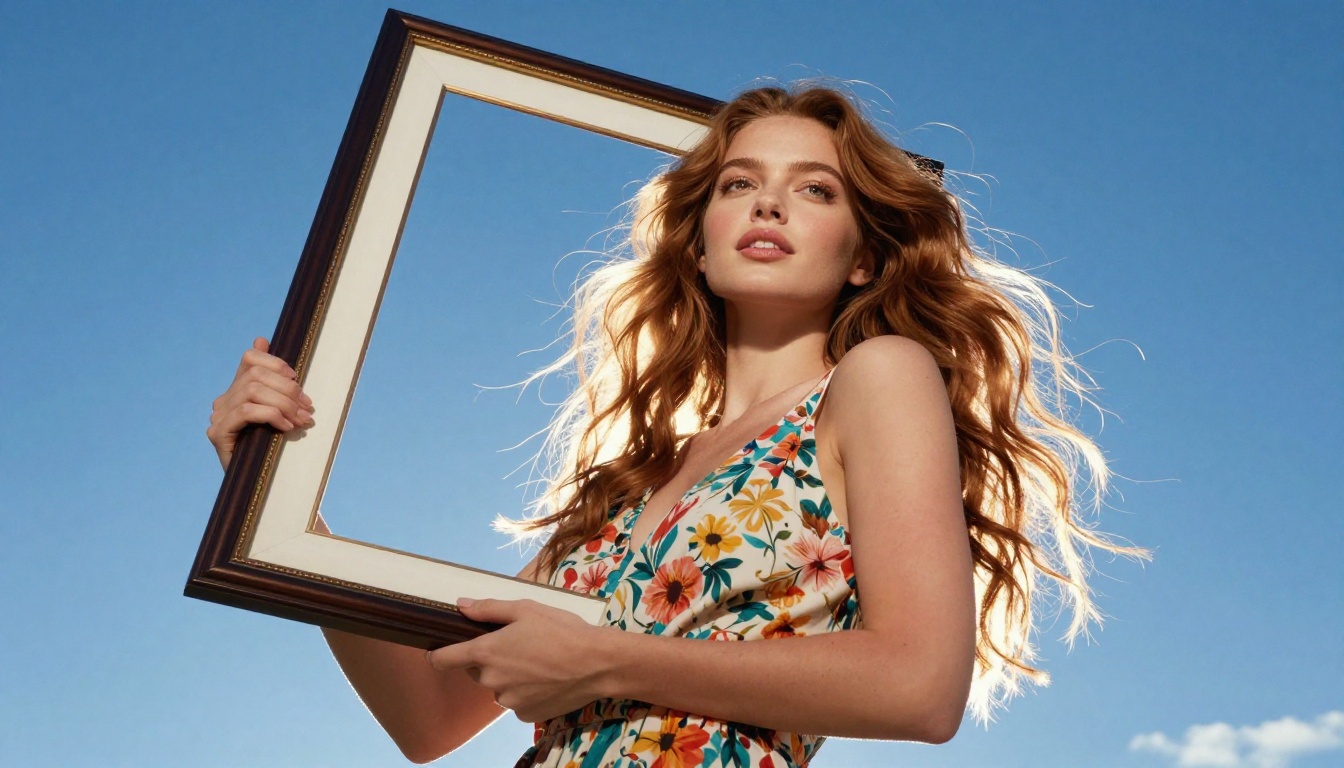
There's a quiet revolution happening in free AI art generation, and most people don't know its name yet. Nano Banana 2 by Google is one of those models that slips under the radar while delivering results that rival paid tools. No subscription, no credits, no watermark drama. Just fast, clean text-to-image output that's finally worth talking about.
Whether you're creating social media visuals, concept art, or photorealistic portraits, this model punches well above its weight. And on PicassoIA, it's available right now — free. The speed alone makes it worth adding to your regular rotation, but the quality is what keeps you coming back.
What Is Nano Banana 2?
Nano Banana 2 is a lightweight text-to-image model developed by Google. It's part of a growing family of fast-generation models designed specifically for accessibility — meaning it's optimized to run quickly without sacrificing too much visual quality. Think of it as Google's answer to the question: what if great AI art didn't cost anything?
The name might sound casual, but the output isn't. Nano Banana 2 generates images with solid detail, accurate composition, and surprisingly good prompt adherence. It handles human faces, architectural scenes, product visuals, and stylized artwork with consistent reliability.
Built by Google, Free for Everyone
Google's involvement matters here. The architecture behind Nano Banana 2 benefits from years of research in diffusion models, vision transformers, and large-scale training datasets. The result is a model that doesn't just generate random pretty pictures — it understands your prompt and works to produce something that actually matches it.
And because it's free, the barrier to entry is zero. You don't need a GPU, a local install, or a developer background. You just type, generate, and iterate.

Speed That Changes Your Workflow
One of the defining features of Nano Banana 2 is its generation speed. While heavier models like Flux 2 Pro or Imagen 4 can take longer to process, Nano Banana 2 is built for rapid iteration. That means you can test 10 different prompts in the time another model might finish 3.
For creators who work in sprints — brainstorming moods, exploring compositions, testing color palettes — this speed advantage is genuinely significant.
How Good Are the Results?
This is the real question, and the honest answer is: better than you'd expect for a free model.
Nano Banana 2 won't replace dedicated high-fidelity models like Flux 1.1 Pro Ultra for commercial print work. But for digital creation, content production, and creative exploration, the quality is more than adequate — and often remarkable.
Portrait Quality Breakdown
Portraits are where many free models fall apart. Distorted hands, uncanny eyes, smeared features. Nano Banana 2 handles portraits with notable composure. Faces come out proportional, skin tones are natural, and eye detail holds up well at standard resolutions.
The model responds well to lighting descriptors. Prompts that include specific light directions ("soft morning light from the left," "golden hour backlight") translate accurately into the final image. This makes it a solid choice for creators who need atmospheric portraits without spending tokens on a premium model.

Landscape and Abstract Output
Beyond portraits, Nano Banana 2 handles environments and abstract compositions reliably. Architectural scenes maintain perspective. Natural landscapes have genuine depth. Abstract prompts produce coherent visual results rather than random noise.
💡 Tip: For landscapes, add depth cues to your prompt — "rolling hills in the foreground, misty mountains in the background" — to get more layered, immersive compositions.
How to Use Nano Banana 2 on PicassoIA
Since Nano Banana 2 is available on PicassoIA, you can start generating in minutes. Here's the full process from first visit to first great image.
Step 1 — Open the Model Page
Go to the Nano Banana 2 page on PicassoIA. You'll land directly on the generation interface with all parameters visible. No account required to start experimenting — just open and go.
Step 2 — Write Your First Prompt
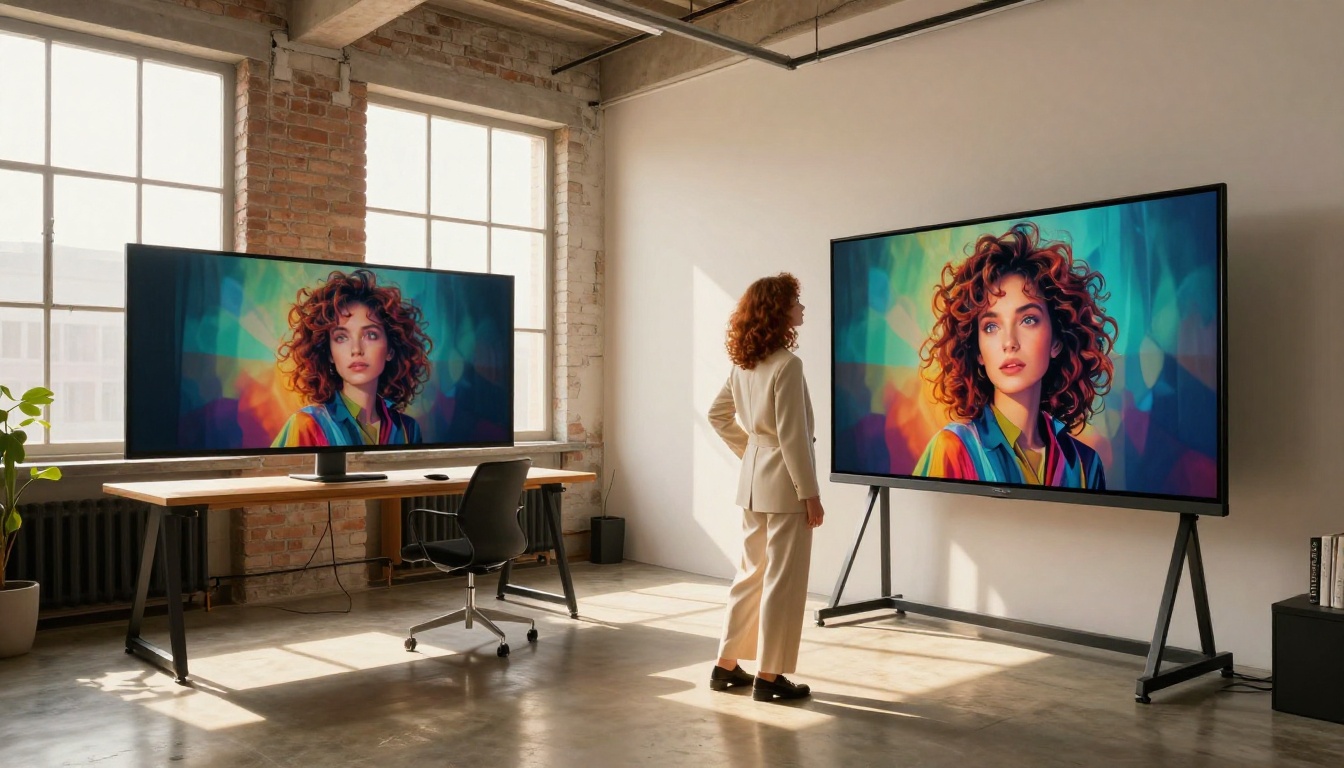
The prompt field is where the real work happens. Nano Banana 2 responds best to descriptive, specific prompts rather than vague instructions. Compare these approaches:
| ❌ Weak Prompt | ✅ Strong Prompt |
|---|
| "a woman in a park" | "a young woman with red hair sitting on a wooden bench in a sunlit park, autumn leaves around her, soft diffused afternoon light, 85mm lens" |
| "sunset over water" | "golden sunset reflecting on calm ocean water, dramatic clouds above, low-angle shot, warm amber and orange tones, photorealistic" |
| "a cat" | "a ginger tabby cat sleeping on a cream wool blanket by a window, morning light from left, close-up 50mm lens, film grain" |
The pattern is simple: subject + environment + lighting + camera detail. Feed the model more specifics and it returns more precise results.
Step 3 — Adjust Parameters
On the PicassoIA interface, you'll find several settings worth tweaking:
- Aspect Ratio: Choose 16:9 for widescreen content, 1:1 for social posts, 9:16 for mobile and stories.
- Seed: Set a specific seed number to reproduce a composition you like, or leave it random to explore variations.
- Prompt Upsampling: When enabled, the system expands your short prompt with additional detail — useful when you're new to prompting and want richer output.
Step 4 — Iterate Quickly
This is where Nano Banana 2's speed shines most. Generate once, check the result, adjust one variable, and regenerate. Don't try to perfect your prompt in one shot. Treat it like a conversation — each generation teaches you what the model responds to.
💡 Pro Tip: Keep a notes file with your best-performing prompts. What works for Nano Banana 2 often transfers well to Nano Banana Pro when you need higher fidelity output on the same subject.
Nano Banana 2 vs Other Free Models
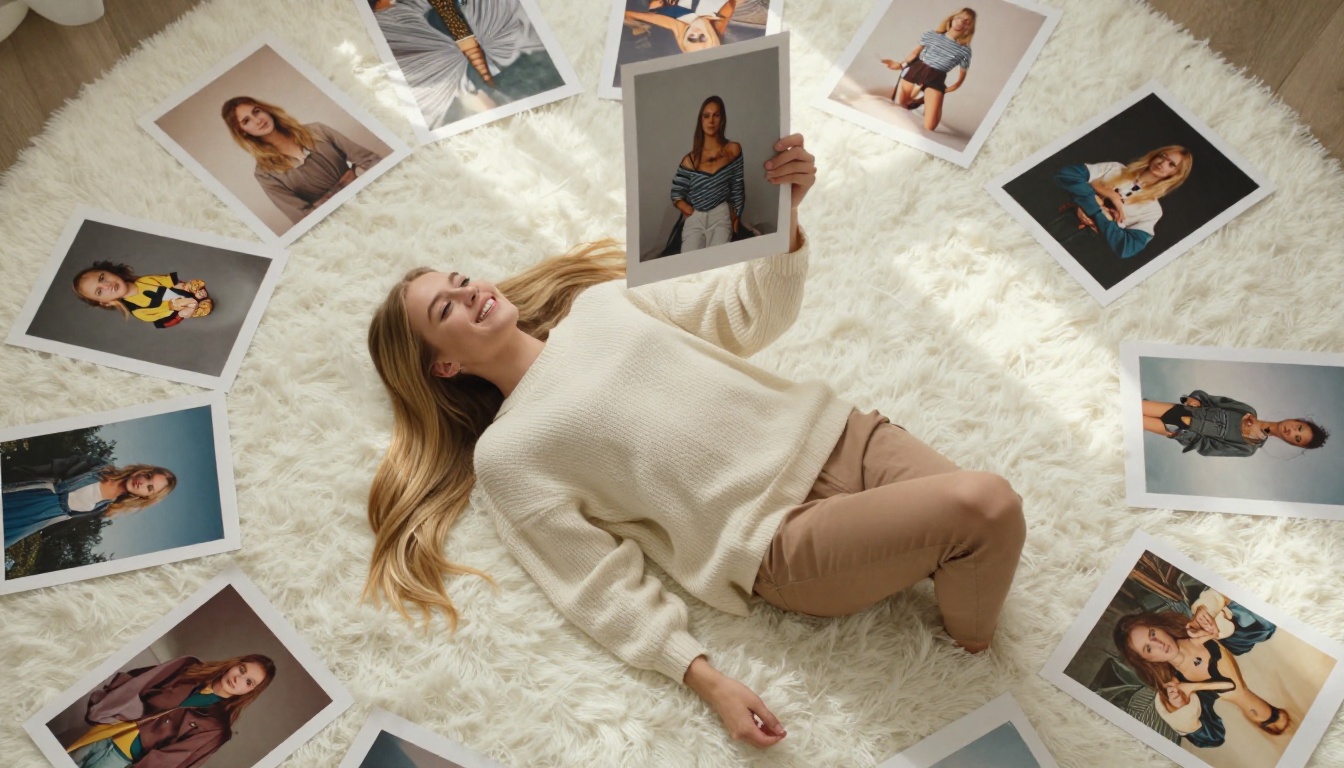
How does it actually stack up against the alternatives? Here's an honest side-by-side comparison:
| Model | Speed | Portrait Quality | Free to Use | Best For |
|---|
| Nano Banana 2 | ⚡⚡⚡ Fast | ★★★★☆ | ✅ Yes | Rapid iteration, all-purpose |
| Nano Banana Pro | ⚡⚡ Medium | ★★★★★ | Limited | High-detail final renders |
| Flux Dev | ⚡⚡ Medium | ★★★★★ | Limited | Photorealistic professional work |
| SDXL | ⚡⚡ Medium | ★★★☆☆ | ✅ Yes | General stylized art |
| Flux Schnell | ⚡⚡⚡ Fast | ★★★☆☆ | ✅ Yes | Speed testing and drafts |
The takeaway is clear: Nano Banana 2 wins on the combination of speed and quality among free models. If you hit a quality ceiling, Nano Banana Pro is the natural upgrade path.
Real Use Cases for AI Creators
Understanding a model's strengths matters more than spec comparisons. Here's where Nano Banana 2 actually delivers in real creative workflows.
Social Media Content
Content creators working on Instagram, Pinterest, or LinkedIn need volume and variety. A single campaign might require 20–30 unique visuals. Generating those from scratch in Photoshop or hiring a photographer isn't viable at scale.
Nano Banana 2 handles this workflow perfectly. Generate 15 portrait variations in under 10 minutes, pick the 3 best, and move on. The model's speed makes it the right tool for high-throughput creative work where quantity and diversity matter.
Concept Art and Mood Boards
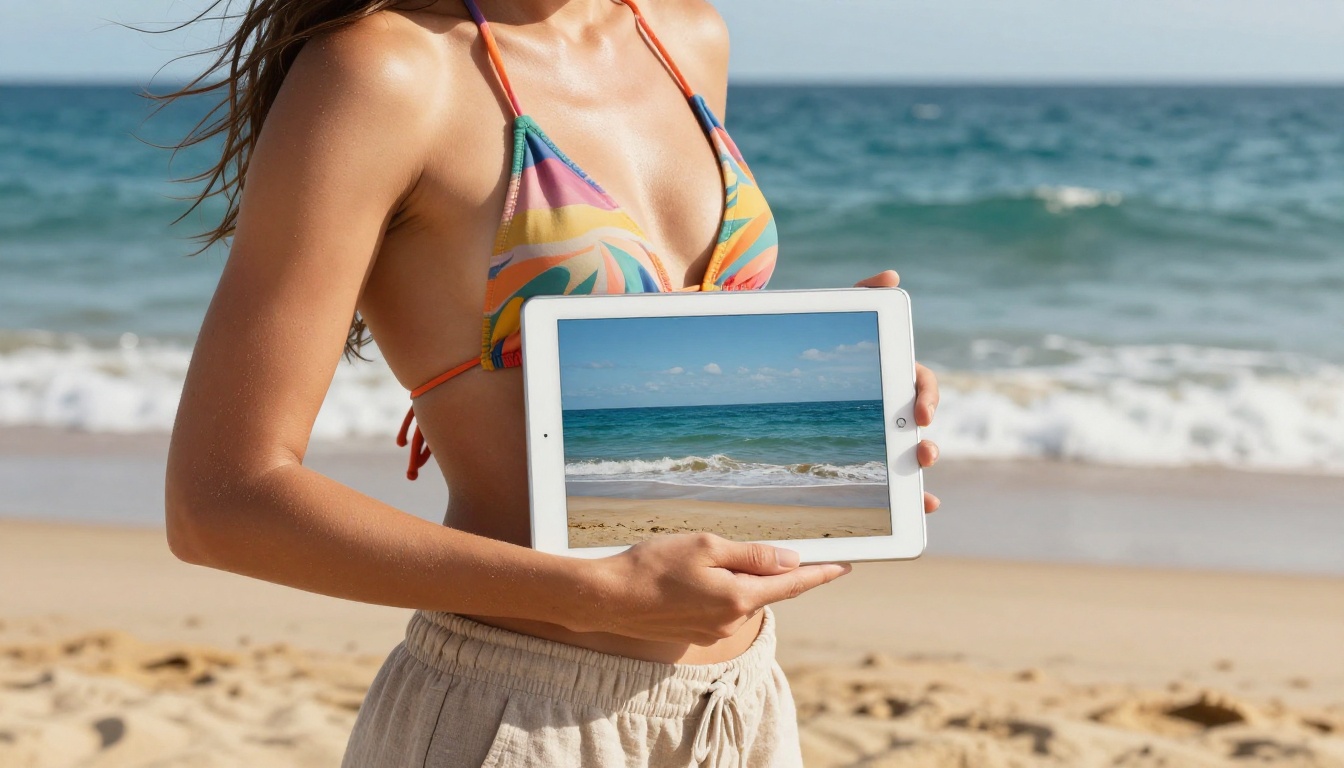
Art directors, game designers, and UX teams use mood boards to align creative vision before production begins. The problem: sourcing the right reference images is time-consuming and often requires expensive stock licenses.
With Nano Banana 2, you generate exactly what you're imagining — specific lighting, specific composition, specific mood. No more scrolling through stock libraries hoping to find something close enough.
💡 Workflow Tip: Use Nano Banana 2 for rough concept generation, then move to Flux 2 Max or Imagen 4 for final high-quality renders once you've locked a direction.
Product Mockups
E-commerce brands need product photos in multiple contexts — on people, on surfaces, in lifestyle settings. Studio photography for all these scenarios is expensive. AI-generated mockups aren't perfect replacements, but they're effective for early-stage testing, social ads, and internal presentations.
Nano Banana 2 generates clean product-in-context images with solid prompt control, making it a practical tool for small brands and solo entrepreneurs who need professional visuals without a photography budget.
Prompting Strategies That Work
Getting great results from Nano Banana 2 comes down to prompt construction. These patterns consistently produce better output.
Describe Before You Ask
Most people write prompts as requests: "give me a portrait of a woman." Better results come from describing the scene first:
"A 28-year-old woman with dark wavy hair, light brown skin, wearing a loose ivory silk blouse, sitting by a café window with morning light streaming from the right side, candid expression, 85mm lens, Kodak Portra 400 film grain"
The model processes this as a visual description to replicate, not a request to fulfill. That subtle shift makes a measurable difference in output quality.
Style Triggers That Actually Work
Nano Banana 2 responds well to specific technical style descriptors:
- Photography terms: "85mm f/1.4", "shot on Kodak Portra 400", "cinematic color grading", "RAW photography", "film grain"
- Lighting terms: "golden hour light from left", "soft diffused window light", "harsh midday sun overhead", "chiaroscuro shadow"
- Composition terms: "low angle", "aerial overhead", "medium close-up", "environmental portrait"
- Quality modifiers: "8K", "photorealistic", "hyperrealistic detail", "ultra-sharp"
These triggers signal the model toward professional photographic output rather than generic AI imagery.
What to Avoid in Prompts
Some prompt patterns confuse or dilute results:
- Avoid contradictions: "dark and bright simultaneously" creates ambiguity the model can't resolve cleanly
- Avoid multiple subjects without spatial cues: "a woman and a cat and a tree" without positioning instructions produces cluttered compositions
- Avoid abstract emotional states as primary descriptions: "sadness" is weaker than "woman looking out a rain-streaked window, slumped posture, muted gray tones"
What Nano Banana 2 Can't Do
Honest assessment matters. Nano Banana 2 has real limitations worth knowing before you hit them mid-project.
Text in images: Like most diffusion models, it struggles with legible text. If you need images with accurate written words or logos, look at Ideogram V3 Quality or Recraft V4 instead.
Ultra-high resolution: For large-format print work (posters, banners, billboards), you'll need a model with native high-res output. Imagen 4 Ultra covers this territory better.
Hyper-specific stylization: Very particular artistic styles — exact replication of a painter's technique, specific comic book aesthetics — are better handled by fine-tuned LoRA models like Flux Dev LoRA or P-Image LoRA.
Knowing these limits isn't a reason to avoid the model — it's a reason to use it strategically.
Free AI Art Has Never Been This Good
Two years ago, "free AI image generation" meant blurry, anatomically broken images that looked nothing like your prompt. The gap between free and paid was enormous. That gap has collapsed.
Nano Banana 2 is part of a new wave of accessible models — alongside Flux Schnell, SDXL, and Seedream 5 Lite — where free means functional, not compromised. The democratization of AI art tools is real, and it's accelerating.
For solo creators, freelancers, and small teams without big budgets, this shift is meaningful. You now have access to image generation capabilities that were financially out of reach just a year ago. The question isn't whether you can afford great AI art tools — it's whether you know where to find them.

Start Creating Your Own AI Art
The best way to understand what Nano Banana 2 can do is to stop reading and start generating.
Head to Nano Banana 2 on PicassoIA and type your first prompt. Use the structure from this article — subject, environment, lighting, camera detail — and see what happens. Your first generation might surprise you.
If you hit the quality ceiling of Nano Banana 2, the upgrade paths are right there on the same platform. Nano Banana Pro for higher fidelity output on the same subject matter. Flux 2 Pro or Imagen 4 when commercial-grade quality is the priority. PicassoIA has the full spectrum covered — from rapid free generation all the way to professional-tier output.
But start here. Start free. See what you can create with Nano Banana 2 today.