If you've been searching for a way to create genuinely stunning AI images without paying a monthly fee, Seedream 5.0 is the answer you didn't expect. ByteDance's flagship image generation model doesn't just promise high quality; it delivers photorealistic portraits, cinematic landscapes, and creative compositions that rival outputs from tools costing hundreds of dollars per month. The best part? You can access Seedream 5 Lite right now, for free, through PicassoIA.
This is not a model for making cartoons or abstract blobs of color. Seedream 5.0 is built for people who want real-looking images, the kind that could pass for professional photography. Whether you're creating content for social media, concept art for a project, or just testing the limits of what AI can produce, this model is worth your full attention.

What Seedream 5.0 Actually Does
ByteDance, the company behind TikTok, has been quietly building one of the most powerful image generation pipelines in the industry. The Seedream series is their flagship text-to-image offering, and version 5 represents a major step forward in both photorealism and prompt adherence.
The Model Behind the Results
At its core, Seedream 5 Lite is a diffusion-based model trained on a massive dataset with strong emphasis on natural human faces, realistic textures, and photographic lighting conditions. What this means in practice is that when you describe a person, a place, or a scene, the output looks like something shot with a real camera, not rendered in software.
The model handles several things exceptionally well:
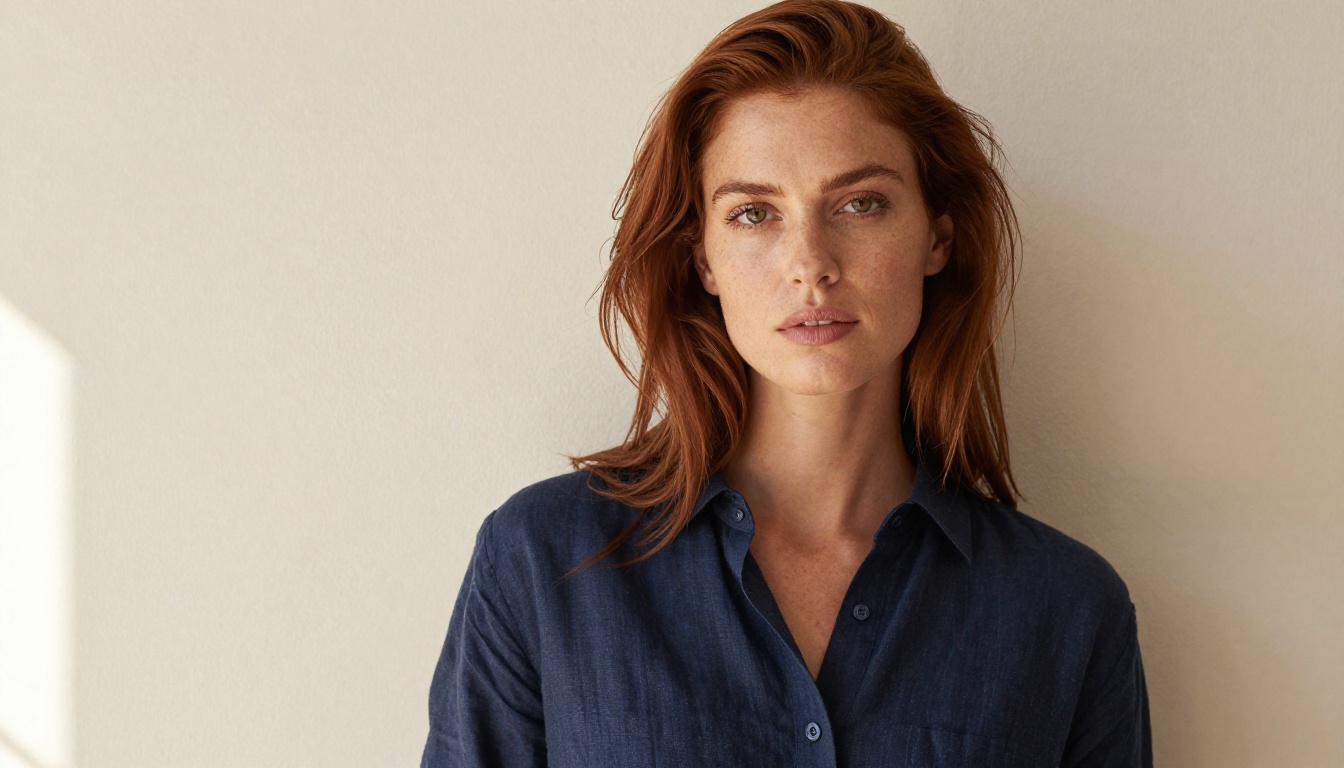
- Human portraits: Accurate facial proportions, natural skin tones, and realistic eye detail
- Lighting: The model understands directional light, golden hour warmth, and studio setups
- Textures: Fabric, hair, skin, and surface materials all render with convincing micro-detail
- Composition: Seedream 5 tends to produce balanced, visually pleasing framing without requiring extra effort from the user
- Scene coherence: Multiple elements in a single image hold together naturally without contradicting each other
💡 Pro tip: Seedream 5.0 is particularly strong with portrait work. If you're generating images of people, this model produces some of the most natural-looking results available on any free platform today.
What Changed from Version 4
If you've used Seedream 4 or Seedream 4.5 before, you'll notice the improvement immediately. Seedream 5.0 brings meaningful upgrades across the board:
- Sharper detail rendering at equivalent resolutions, especially in facial features and hair strands
- Better prompt fidelity, meaning the image more closely matches what you actually described
- Improved skin texture with fewer of the plasticky artifacts that affected earlier versions
- More consistent composition, especially in wide-angle and environmental scenes with multiple elements
- Stronger color accuracy, with more natural white balance and less artificial oversaturation
The Lite variant is optimized for speed without heavily sacrificing quality, making it the ideal starting point for free users who want fast iteration cycles without waiting on long queues.

Seedream 5 Lite vs. Seedream 4.5: Which to Use
Both models are available on PicassoIA, so which one should you actually pick? It depends on what you're creating.
| Feature | Seedream 5 Lite | Seedream 4.5 |
|---|
| Photorealism | Excellent | Very Good |
| Generation Speed | Fast | Moderate |
| Prompt Adherence | High | Good |
| Human Faces | Superior | Solid |
| Environmental Scenes | Strong | Strong |
| Free Access | Yes | Yes |
| Best For | Portraits, social visuals | Detailed scenes, iteration testing |
For most people creating social media visuals, portraits, or product-style imagery, Seedream 5 Lite is the stronger choice. Seedream 4.5 remains a solid option for users who want an alternative look or are doing side-by-side comparisons, but in a head-to-head comparison at the same prompt, version 5 Lite consistently produces cleaner, more photorealistic results.
💡 Worth noting: Both Seedream 4 and Seedream 3 are also available on PicassoIA, giving you the full progression of the ByteDance model family to compare across generations.

How to Use Seedream 5 Lite on PicassoIA
Seedream 5 Lite is accessible directly on PicassoIA with no prior design experience required. Here is how to go from a blank page to a finished image in under two minutes.
Step 1: Open the Model Page
Go to the Seedream 5 Lite page on PicassoIA. The prompt input field is front and center. You don't need to configure anything special to start generating right away.
Step 2: Write a Specific Prompt
This is where most people either get great results or mediocre ones. Seedream 5.0 responds very well to specific, descriptive prompts. Vague inputs produce vague outputs.
Weak prompt: "A woman outside"
Strong prompt: "A young woman with dark braided hair standing on a rooftop at golden hour, wearing a rust-colored linen jacket, warm backlight creating a glowing rim on her shoulders, 50mm lens, shallow depth of field, Kodak Portra film grain"
The difference in output quality between these two prompts is dramatic. See the next section for a full breakdown of how to write prompts that consistently work.
Step 3: Choose Your Aspect Ratio
PicassoIA lets you select from several aspect ratios. Match the ratio to your actual output format:
- 16:9 for blog headers, presentation slides, and YouTube thumbnails
- 1:1 for Instagram posts and profile visuals
- 9:16 for Stories, Reels, and vertical social formats
- 4:3 for traditional digital or print layouts
Step 4: Generate and Refine
Hit generate. Seedream 5 Lite typically returns results within seconds. If the first result isn't right, regenerate with a slightly adjusted prompt rather than starting from scratch. Small changes, such as specifying "overcast diffused lighting" instead of "outdoor lighting," can produce meaningfully different results.
Step 5: Download and Use
Once you have a result you're happy with, download it directly. PicassoIA provides clean, high-resolution outputs ready for immediate use in any creative project, presentation, or publication.
💡 Quick win: After generating a strong result, note the seed number shown in the output. Reusing that seed with a modified prompt lets you iterate on the same compositional base while changing specific elements of the scene.

Writing Prompts That Produce Real Results
The biggest factor in output quality is not the model. It's the prompt. Seedream 5.0 is powerful, but it needs direction. Here is how to write prompts that consistently produce high-quality, photorealistic results.
The Anatomy of a Strong Prompt
Every effective prompt follows the same structural logic. Think of it as filling in five components:
- Subject: Who or what is in the scene
- Action or Pose: What the subject is doing or how they're positioned
- Environment: Where the scene takes place and what surrounds it
- Lighting: The direction, quality, and color temperature of light
- Camera and Film: Lens focal length, aperture, angle, and film emulation for mood
Put those five elements together and you get something like:
"A confident woman in her thirties sitting in a sunlit street cafe, reading a paperback book, warm morning light from the window to her left casting soft facial shadows, shot from a slight side angle at 85mm f/1.4, bokeh background of cafe interior, Fuji Superia 400 film tone"
That level of specificity gives Seedream 5 Lite enough information to make real creative decisions rather than guessing.
Styles Seedream 5.0 Handles Best
Seedream 5.0 produces exceptional results in these visual categories:
- Editorial fashion photography: Clean backgrounds, directional studio light, model-style compositions
- Environmental portraits: People in natural settings with genuine ambient light
- Product and still life: Objects on surfaces with realistic shadow and reflection rendering
- Architectural interiors: Rooms and spaces with natural light flooding through windows
- Street photography style: Candid-feeling scenes in urban or outdoor environments
For use cases requiring precise text rendered inside the image, Ideogram V3 Quality is the right tool. For highly detailed SVG or vector-style outputs, Recraft V4 Pro is a better fit. Choosing the right model for the specific task matters as much as any prompt adjustment.

Seedream 5.0 vs. Other Free Models
Several genuinely capable free text-to-image models are available on PicassoIA. Here is how Seedream 5 Lite stacks up against the main alternatives you'll actually consider using.
Seedream 5 Lite's real advantage is the combination of speed and photorealism at zero cost. Flux 2 Dev matches it on quality but takes noticeably longer. Imagen 4 from Google is arguably stronger on prompt fidelity but has usage restrictions that limit free access. For free, fast, and photorealistic, Seedream 5 Lite is the most practical choice for consistent daily creative work.

5 Things You Can Create Right Now
Not sure where to start? Here are five concrete use cases where Seedream 5.0 delivers strong results immediately, without any prior experience.
1. Social Media Visuals
Seedream 5 Lite produces crisp, attention-grabbing images in the right dimensions for any platform. Portraits, lifestyle scenes, product mockups, and seasonal content all generate with photorealistic quality. No stock photo subscription, no photographer budget required.
2. Brand Mood Boards
Use specific style references directly in your prompts. "Minimal Scandinavian interior, afternoon light, linen textures, ivory and sage color palette" produces consistent, on-brand aesthetic imagery you can use in pitch decks, proposals, or client presentations. Iterate quickly until the visual direction is exactly right.
3. Photography Concepts and Shot Planning
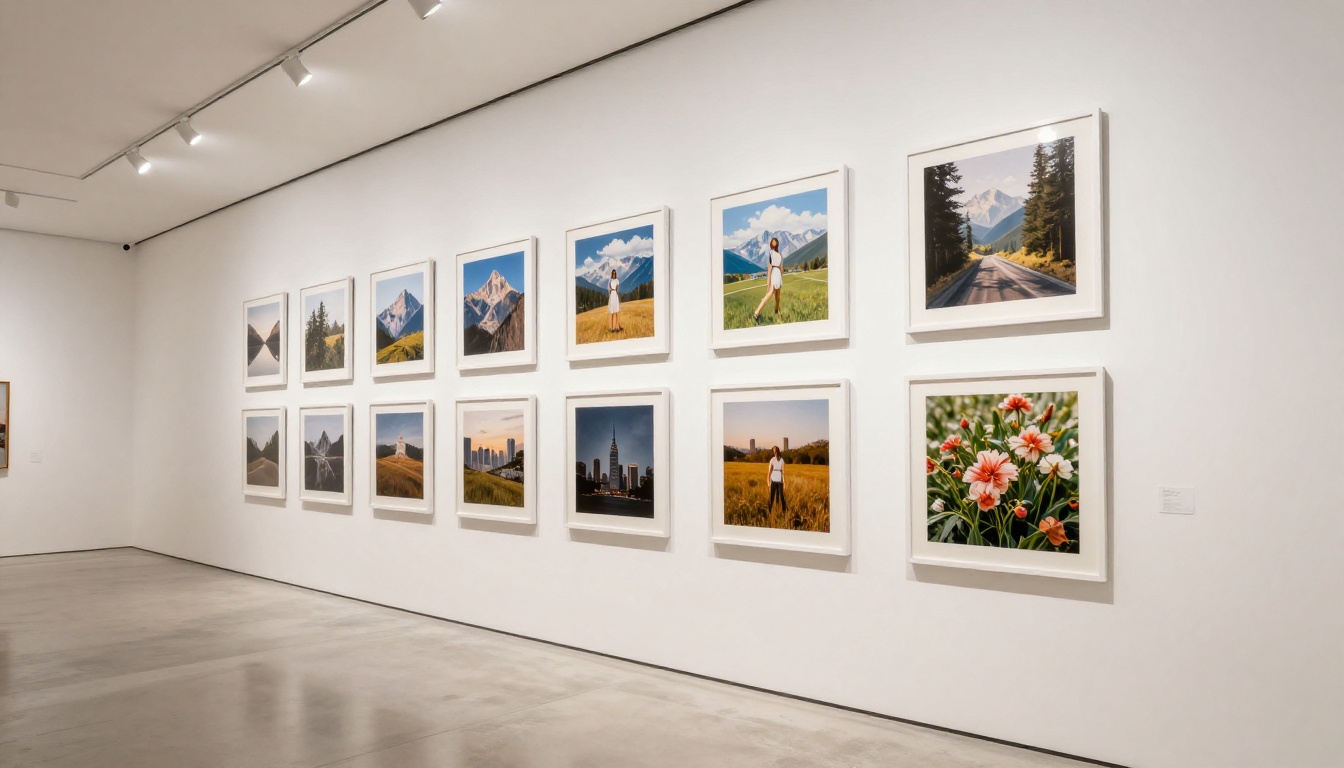
For photographers planning real-world shoots, Seedream 5 Lite is a fast way to visualize lighting setups and compositions before picking up a camera. Describe the exact setup you want and the model shows you what it looks like in practice, saving time on test shots and location scouting.
4. Blog and Article Headers
Custom images for every article with no stock library, no attribution requirements, and no generic visuals. Seedream 5.0's 16:9 output ratio is perfectly sized for blog headers, and the photorealistic quality is noticeably stronger than typical stock photography.
5. Character Reference Portraits
For writers, game developers, or creative teams, describe a character in full detail and generate reference-quality portraits. Facial consistency isn't always perfect across multiple generations of the same character, but for single-image references and concept work, results are reliably strong and detailed.
Getting Better Results Every Time
After working extensively with Seedream 5.0, a few clear patterns emerge. Here is what separates people who consistently get impressive outputs from those who get mediocre ones.
3 Mistakes Most People Make
1. Prompts that are too short and vague
"A woman in a red dress" gives you something generic. Add lighting direction, location detail, camera specifications, and mood descriptors. Every additional detail acts as a creative constraint that makes the output more specific and visually compelling. Aim for at least 50 words in your base prompt before generating.
2. Skipping the lighting description entirely
Lighting is what makes photographs look professional rather than amateur. "Golden hour backlight," "overcast diffused light," "soft ring light from above" -- each of these additions transforms the entire emotional feeling of an image. Of all the details you can add to a prompt, lighting delivers the highest return for the effort.
3. Not switching models when the task changes
Seedream 5 Lite is the right call for photorealistic imagery. But when you need precise text rendered inside an image, switch to Ideogram V3 Quality. When you need maximum resolution at ultra-high detail, Flux 2 Pro is worth considering. Using the right model for the specific task makes a bigger difference than any amount of prompt tweaking.
Settings Worth Adjusting
When using Seedream 5 Lite on PicassoIA, pay attention to these parameters:
- Aspect ratio: Always match the output ratio to your actual use case. Cropping a 16:9 image into a square after the fact loses significant visual information.
- Seed number: If you find a strong result, note the seed. Reusing it with a modified prompt lets you iterate on the same compositional base while adjusting specific elements of the scene.
- Prompt upsampling: Available on select models on PicassoIA, this uses an AI model to expand and refine your prompt before generation. Worth activating when your starting prompt feels too brief or underdeveloped.
💡 Side-by-side test: Generate the same prompt with Seedream 5 Lite and Seedream 4.5 at the same time. The quality difference is immediately visible, and it will help calibrate your expectations for what each model version actually delivers.

How PicassoIA Fits Into Your Creative Stack
PicassoIA brings Seedream 5 Lite and the full Seedream model family together in one place, alongside 90+ other text-to-image models. You're never locked into a single approach. If Seedream 5 Lite produces something close but not exactly right, you can immediately compare it against GPT Image 1.5, Flux 2 Dev, or Imagen 4 without leaving the platform or switching tools.
Beyond text-to-image generation, PicassoIA also provides tools for every next step in a creative workflow:
- Super Resolution: Take a Seedream output and upscale it to print quality without artifacts
- Background Removal: Clean up a generated portrait or product image in a single click
- Face Swap AI: Swap faces realistically for creative and editorial projects
- AI Video Upscaling: Improve resolution and stabilize video content at scale
- Text to Speech: Convert written content into natural-sounding voice narration
The platform is designed as a full creative stack, not just a single model wrapper. Every tool connects to the others, so your workflow stays in one place from first draft to final output.
Your First Image Is One Prompt Away
Seedream 5.0 has removed the barrier between a creative idea and a professional-quality visual. You don't need a camera, a studio, or a design background. You need a specific, well-structured prompt and about ten seconds.
The model is live on PicassoIA right now. Seedream 5 Lite is free to use, fast to generate, and capable of producing results that genuinely hold up against paid alternatives. Whether you're working on a personal project, building a creative portfolio, or looking for a smarter alternative to stock photography, this is one of the strongest free starting points available in 2027.
Open PicassoIA, write your first detailed prompt, and see what Seedream 5.0 produces. The results might change how you approach creative work entirely.


