The landscape of video creation has undergone a fundamental transformation. Where once you needed expensive equipment, technical expertise, and months of training, today you can achieve professional cinematic results with nothing more than text descriptions. This revolution centers on Sora 2 Pro, an advanced AI video generation system that translates your imagination directly into visual narratives.
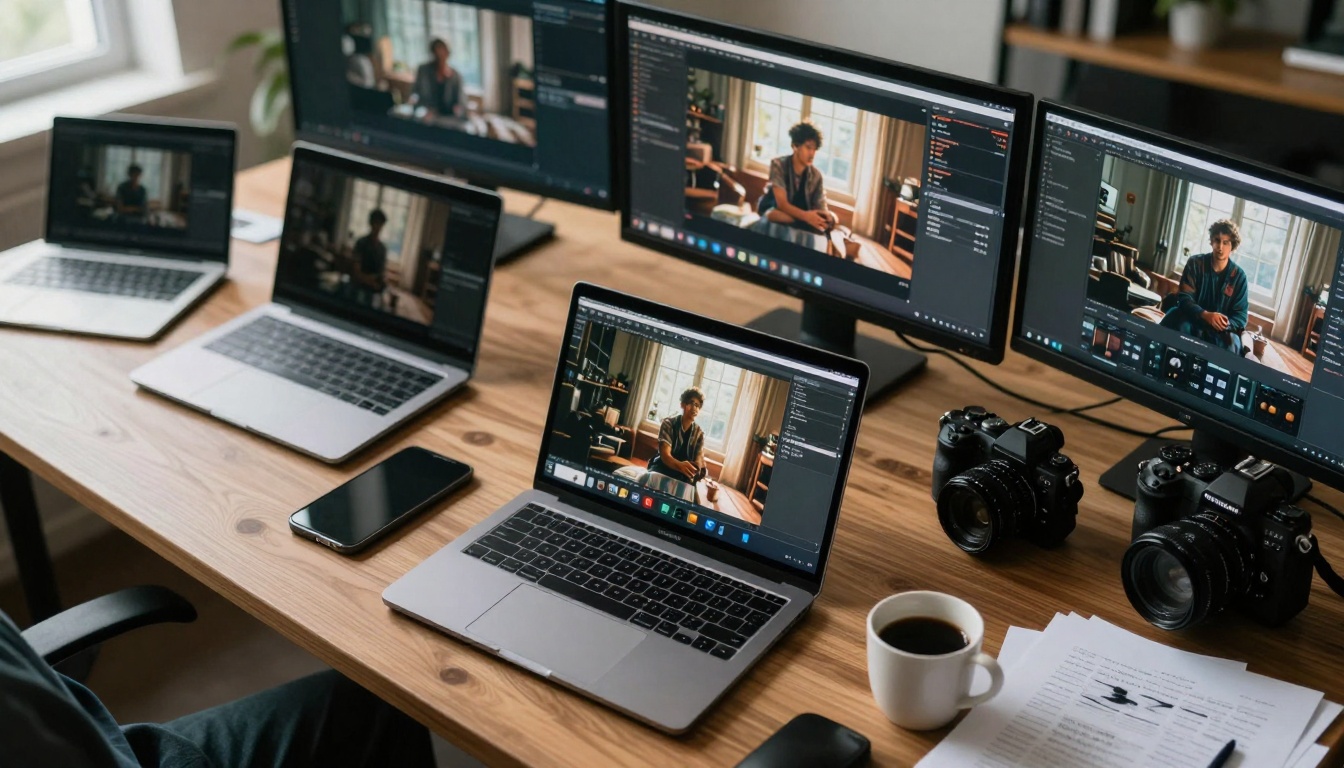
AI-generated video workflows transform simple text into cinematic scenes
What Makes Sora 2 Pro Different
Traditional video production involves multiple complex stages: scripting, storyboarding, location scouting, casting, filming, editing, and post-production. Each step requires specialized skills and significant time investment. Sora 2 Pro collapses this entire pipeline into a single intuitive process.
The system's architecture represents a quantum leap in video generation technology. Unlike earlier AI video tools that produced short, inconsistent clips, Sora 2 Pro delivers extended sequences with coherent narrative flow, consistent character continuity, and professional cinematography principles baked directly into the generation process.
💡 Critical Insight: The most significant advantage isn't just time savings—it's creative liberation. Without technical constraints, your imagination becomes the only limit.
Core Technical Capabilities
Sora 2 Pro operates on a fundamentally different paradigm than traditional video creation tools. The system understands cinematic language at a deep level, interpreting prompts not just as visual descriptions but as narrative instructions.
Key Technical Features:
| Feature | Traditional Requirement | Sora 2 Pro Solution |
|---|
| Camera Movement | Physical camera operators, dollies, gimbals | Specify movements in prompt: "slow dolly forward," "crane shot upward" |
| Lighting Design | Lighting crews, equipment setup, hours of adjustment | Describe lighting: "golden hour sunset," "moody low-key interior" |
| Character Consistency | Same actor throughout production | AI maintains character appearance across scenes automatically |
| Scene Transitions | Post-production editing skills | Generate sequential scenes with smooth narrative flow |
| Visual Effects | VFX artists, specialized software | Include in prompt: "magical particle effects," "realistic water simulation" |
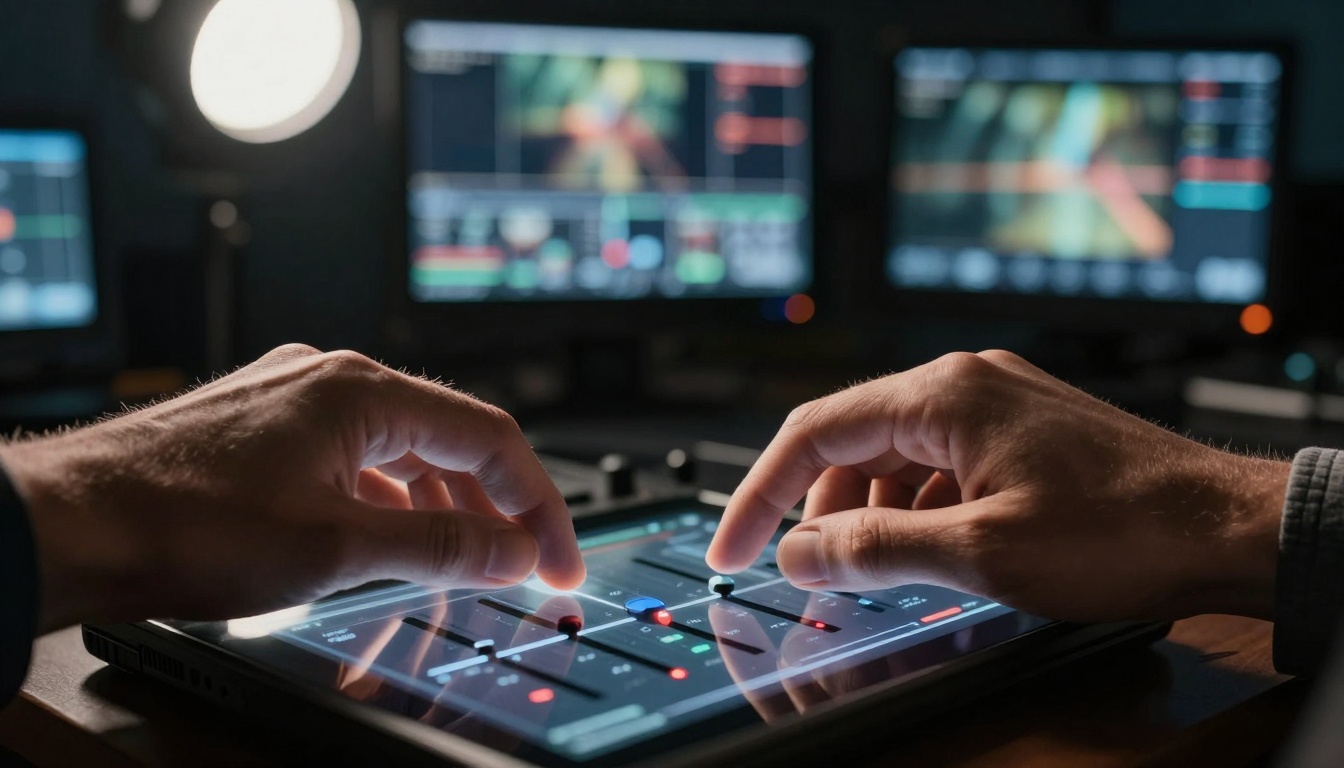
Precision control through detailed parameter adjustment
Practical Applications Across Industries
The democratization of video creation through Sora 2 Pro opens unprecedented opportunities across multiple sectors:
Content Creation & Social Media
- YouTube creators can produce high-quality content without filming equipment
- Instagram/TikTok influencers generate unique visual content daily
- Podcasters create visual accompaniments for audio content
- Bloggers transform written articles into engaging video summaries
Marketing & Advertising
- Small businesses create professional ads without agency costs
- E-commerce brands generate product demonstration videos instantly
- Real estate agents create property walkthroughs from descriptions
- Restaurants produce mouth-watering food videos without photography setups
Education & Training
- Teachers create visual explanations for complex concepts
- Corporate trainers develop engaging training materials
- Online course creators produce professional lesson videos
- Tutorial makers demonstrate processes without physical filming
Entertainment & Storytelling
- Independent filmmakers prototype scenes before production
- Game developers create cinematic trailers
- Authors visualize book scenes for marketing
- Theater directors pre-visualize stage productions

Team collaboration around AI-generated video content
Optimizing Your Prompts for Maximum Quality
The quality of your Sora 2 Pro outputs depends heavily on prompt engineering. Here's a structured approach to crafting effective video generation prompts:
1. Cinematic Language Elements
- Shot Types: Specify "extreme close-up," "medium shot," "establishing shot," "Dutch angle"
- Camera Movement: Include "slow pan left," "zoom reveal," "tracking shot," "crane upward"
- Lighting Direction: Describe "backlit silhouette," "Rembrandt lighting," "soft fill light"
- Atmosphere: Add "cinematic fog," "volumetric light rays," "atmospheric haze"
2. Character & Scene Consistency
- Character Description: Provide detailed appearance, clothing, facial features
- Environment Details: Include specific architecture, furniture, natural elements
- Color Palette: Specify "desaturated tones," "vibrant color scheme," "monochromatic"
- Time of Day: Define "golden hour," "midnight," "overcast afternoon"
3. Narrative Flow Elements
- Action Sequence: Structure "character enters frame," "reacts to event," "exits scene"
- Emotional Beats: Include "moment of realization," "tense confrontation," "joyful reunion"
- Pacing Indicators: Add "slow dramatic reveal," "rapid action sequence," "lingering moment"
💡 Pro Tip: Combine multiple AI models for enhanced results. Use Flux 2 Pro for generating consistent character reference images, then feed those into Sora 2 Pro for video generation with perfect character continuity.
Parameter Optimization Strategies
Beyond basic prompting, Sora 2 Pro offers granular control through specific parameters:
Quality Control Parameters
- Resolution settings for different output requirements
- Frame rate optimization for various platforms
- Consistency strength adjustments for character/scene continuity
- Style adherence parameters for maintaining visual coherence
Creative Control Levers
- Motion intensity settings for different action types
- Camera shake simulation for documentary feel
- Focus breathing effects for cinematic depth
- Lens flare and optical artifact controls
Narrative Structure Parameters
- Scene transition smoothness controls
- Pacing adjustment for different video lengths
- Emotional tone modulation through visual parameters
- Atmosphere density settings for mood establishment
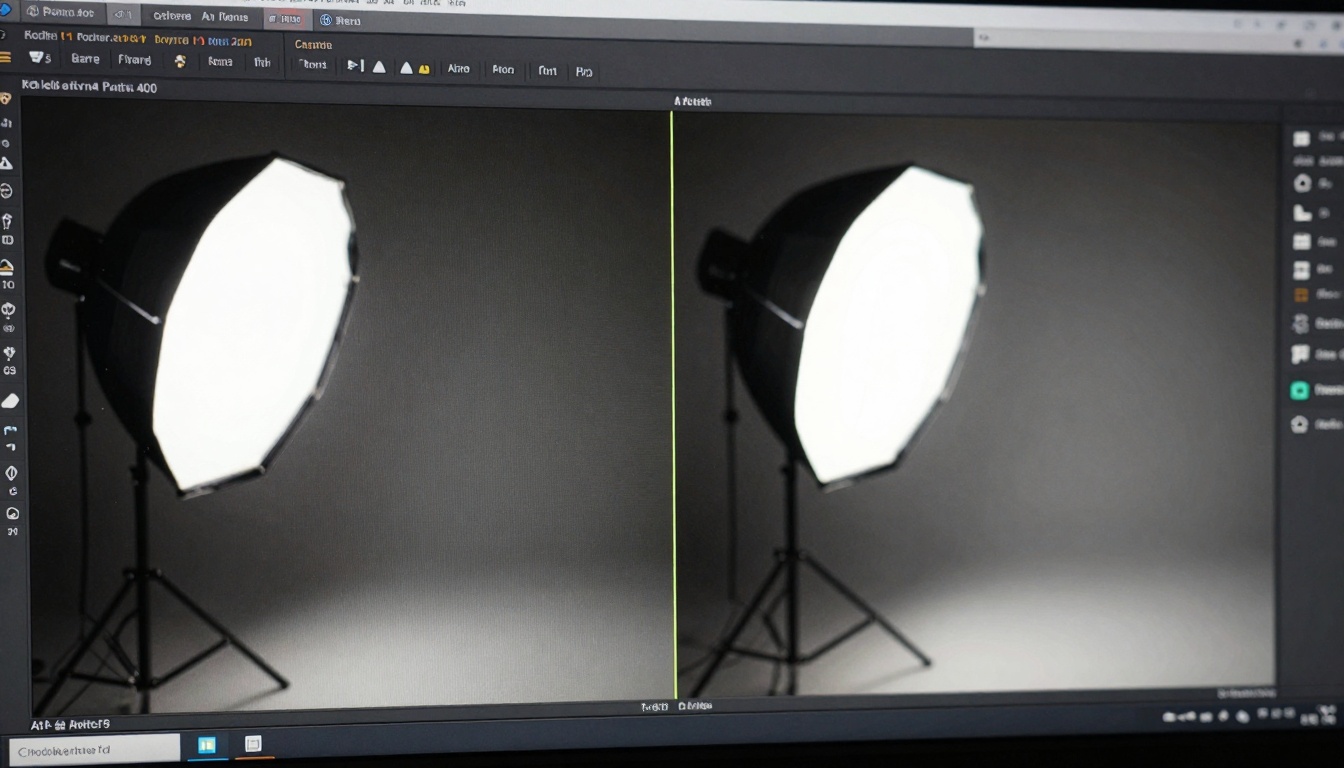
Side-by-side analysis showing quality improvements
Workflow Integration Best Practices
Integrating Sora 2 Pro into existing creative workflows requires strategic planning:
Pre-Production Phase
- Concept Development: Start with written narratives or storyboards
- Character Design: Use GPT Image 1.5 for character visualization
- Scene Planning: Create mood boards with Qwen Image 2512
- Script Enhancement: Refine prompts with narrative structure in mind
Production Phase
- Batch Generation: Create multiple takes of key scenes
- Consistency Checks: Verify character/environment continuity
- Style Validation: Ensure visual coherence across sequences
- Quality Assessment: Review technical aspects (lighting, composition, pacing)
Post-Production Phase
- Sequence Assembly: Combine generated scenes into complete narrative
- Audio Integration: Add sound design, music, voiceover
- Color Grading: Apply final cinematic look adjustments
- Export Optimization: Prepare for different platform requirements
Common Challenges & Solutions
Even with advanced AI tools, certain challenges require specific approaches:
Character Consistency Issues
- Solution: Generate character reference sheets first
- Tool Recommendation: Use P Image for detailed character portraits
- Workflow: Create multiple angles/expressions for reference
Scene Transition Problems
- Solution: Generate overlapping scenes with shared elements
- Parameter Adjustment: Increase consistency strength settings
- Narrative Approach: Design scenes with natural progression points
Style Maintenance Difficulties
- Solution: Create style reference images beforehand
- Visual Anchors: Include distinctive elements in each scene
- Parameter Optimization: Adjust style adherence settings appropriately
Motion Quality Concerns
- Solution: Specify precise camera movement descriptions
- Reference Footage: Study real cinematic techniques for prompt inspiration
- Iterative Refinement: Generate multiple versions with motion variations
Moments of creative discovery with AI video generation
Cost-Benefit Analysis
Understanding the economic implications of Sora 2 Pro adoption:
Traditional Video Production Costs
- Camera equipment: $5,000-$50,000+
- Lighting setups: $2,000-$10,000
- Crew salaries: $500-$5,000 per day
- Location fees: Variable, often significant
- Post-production: $1,000-$20,000+
- Total Typical Project: $10,000-$100,000+
Sora 2 Pro Implementation
- Platform access: Subscription-based
- Computational resources: Included or minimal
- Creative time: Hours instead of weeks
- Iteration capacity: Unlimited variations
- Total Typical Project: $50-$500
Return on Investment Factors
- Speed to Market: Days instead of months
- Creative Flexibility: Unlimited iterations at minimal cost
- Scalability: Produce multiple videos simultaneously
- Skill Democratization: No specialized training required
- Innovation Capacity: Experiment without financial risk
Sora 2 Pro operates within the broader PicassoIA ecosystem, offering seamless integration with complementary tools:
Image Generation Partners
Video Enhancement Tools
Audio Integration Systems
Future Development Trajectory
The evolution of AI video generation continues at an accelerated pace:
Short-Term Improvements (6-12 months)
- Extended video length capabilities
- Enhanced character emotion expression
- Improved physical simulation accuracy
- Better multi-character interaction handling
Medium-Term Advancements (1-2 years)
- Full narrative structure generation
- Interactive video creation capabilities
- Real-time generation for live applications
- Cross-modal integration (text-to-video-to-audio)
Long-Term Vision (3-5 years)
- Complete film production automation
- Personalized video content generation
- Educational and training simulation creation
- Therapeutic and wellness applications
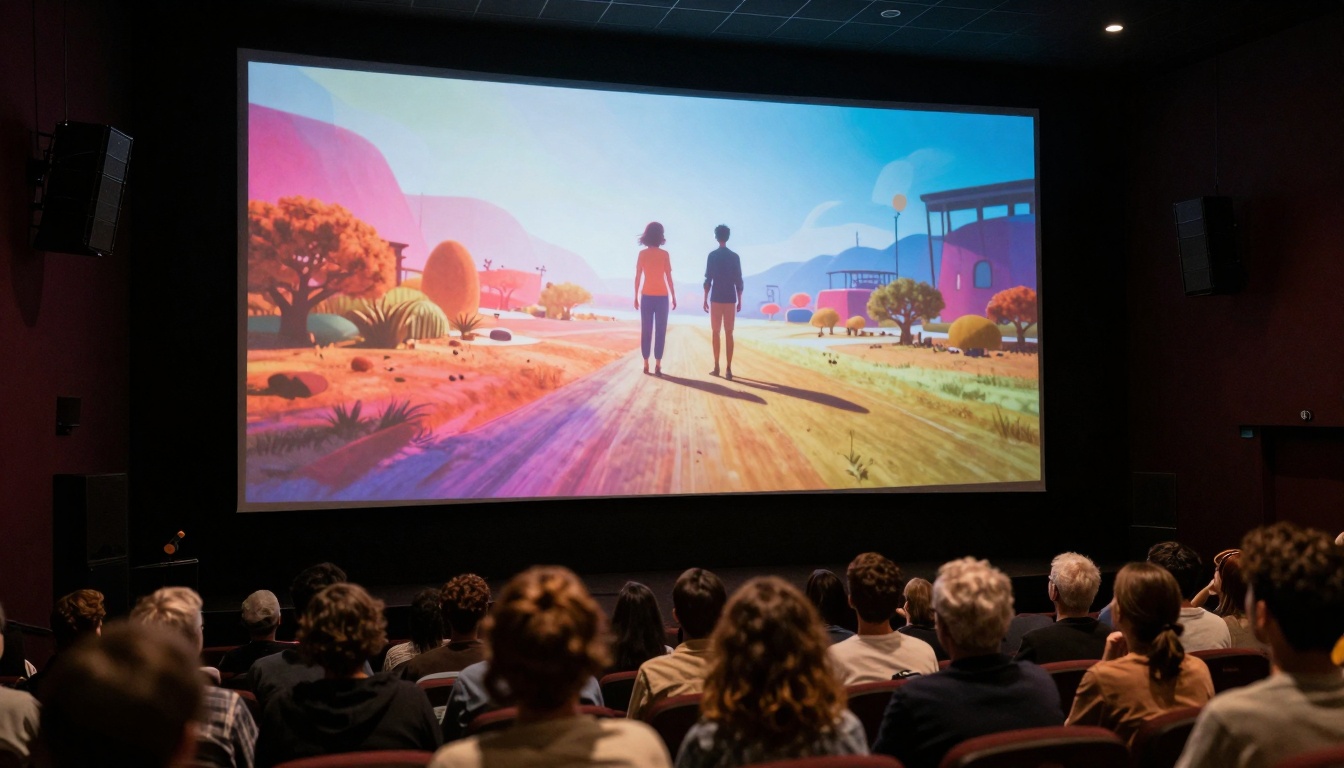
Completed AI video projects ready for audience presentation
Getting Started with Minimal Investment
For those ready to explore Sora 2 Pro video creation:
Initial Exploration Phase
- Start Small: Generate 10-15 second test clips
- Focus on Basics: Master simple scene creation first
- Document Results: Keep detailed notes on what works
- Build Library: Create reusable prompt templates
Skill Development Phase
- Study Cinematography: Learn shot composition principles
- Analyze References: Deconstruct professional videos you admire
- Experiment Boldly: Try unconventional prompt combinations
- Share Learning: Join communities to exchange techniques
Professional Implementation Phase
- Develop Workflows: Create standardized production processes
- Quality Standards: Establish consistent output criteria
- Client Integration: Adapt to specific project requirements
- Scale Production: Handle multiple projects simultaneously
Real-World Success Stories
Early adopters are already achieving remarkable results:
Independent Filmmaker Case Study
- Previous Challenge: Limited budget prevented scene visualization
- Sora 2 Pro Solution: Generated complete storyboard sequences
- Result: Secured funding by showing visual proof of concept
- Time Saved: 6 weeks of pre-production planning
Marketing Agency Implementation
- Previous Workflow: 3-week production cycle per video
- Sora 2 Pro Integration: 2-day turnaround for client videos
- Capacity Increase: 15x more projects handled monthly
- Client Satisfaction: Higher due to rapid iteration capability
Educational Content Creator
- Traditional Method: Filming physical demonstrations
- AI Transformation: Generating complex concept visualizations
- Engagement Metrics: 300% increase in student comprehension
- Content Scale: 50x more videos produced annually
Essential Resources for Continued Learning
To deepen your Sora 2 Pro expertise:
Technical Documentation
- Official parameter reference guides
- Prompt engineering best practices
- Workflow optimization tutorials
- Integration technical specifications
Community Resources
- User-generated prompt libraries
- Case study collections
- Troubleshooting forums
- Technique sharing platforms
Professional Development
- Certification programs (emerging)
- Workshop and training opportunities
- Industry conference presentations
- Research paper collections
Creative Inspiration Sources
- Cinematic reference databases
- Art direction style guides
- Historical film technique archives
- Contemporary visual trend analyses

Critical review and refinement of AI video outputs
Ethical Considerations & Responsible Use
As with any powerful technology, responsible implementation matters:
Content Authenticity
- Clearly label AI-generated content when appropriate
- Maintain transparency about creation methods
- Respect intellectual property boundaries
- Avoid misleading representations
Creative Integrity
- Use AI as enhancement tool, not replacement
- Maintain artistic vision throughout process
- Balance automation with human creativity
- Preserve personal stylistic elements
Social Responsibility
- Consider cultural representation in generated content
- Avoid harmful stereotypes or biased depictions
- Respect privacy and consent considerations
- Support diverse creative voices
Professional Standards
- Maintain quality expectations for AI outputs
- Develop ethical guidelines for your workflow
- Stay informed about evolving best practices
- Contribute to responsible AI development discussions
The transformation happening today with Sora 2 Pro represents more than just a new tool—it's a fundamental rethinking of what's possible in visual storytelling. The barrier between imagination and realization has never been thinner. Whether you're a seasoned professional looking to expand creative possibilities or a complete beginner wanting to express visual ideas, this technology opens doors previously reserved for those with extensive training and resources.
The most exciting aspect isn't what the technology can do today, but what creative minds will accomplish with it tomorrow. Every person with a story to tell now has the means to show it visually. Every business with a message to share can present it cinematically. Every educator with a concept to explain can illustrate it dynamically.
Your journey with Sora 2 Pro begins with a simple question: What story do you want to tell visually today? The tools now exist to transform that question into compelling cinematic reality.
Now it's time to put these insights into practice. Start with a simple prompt, generate your first scene, and experience firsthand how text transforms into moving images. The learning curve is gentle, the creative possibilities are expansive, and the results can be genuinely breathtaking. What will you create first?


