TikTok content used to demand hours of shooting, editing, and hoping the algorithm would bite. That equation has shifted completely. With Veo 3 Pro, Google's most capable text-to-video model, you can describe a scene in plain English and receive a cinematic, vertical-format video clip in under three minutes. No camera, no green screen, no expensive editing suite required. This is where short-form video creation stands right now, and the creators building this workflow are already pulling ahead.

What Veo 3 Pro Actually Does
Cinematic Output from a Text Prompt
Veo 3 is not producing the blurry, watermarked clips that defined early AI video. The model generates 1080p footage with coherent motion, realistic physics, accurate character behavior, and spatial depth that holds up even on a large screen. You write a prompt describing the scene, the lighting, the mood, and the action. The model does the rest.
The Pro tier handles longer sequences, more complex motion paths, and cinematic camera moves like dolly-ins and arc shots that most AI video tools still struggle with. For TikTok, where the first two seconds decide whether someone scrolls past or stays, that production quality is the entire point.
What separates Veo 3 from its predecessors, including Veo 2, is the handling of human motion and facial expression. Earlier models produced characters that moved with a robotic stiffness viewers could spot immediately. Veo 3 Pro renders subtle weight shifts, natural hand gestures, and expressive faces with a level of authenticity that has pushed it to the top of independent quality benchmarks in early 2026. On a platform where audiences see thousands of clips per week, that realism is what keeps them watching past the first second.
Native Vertical Format for Mobile-First Platforms
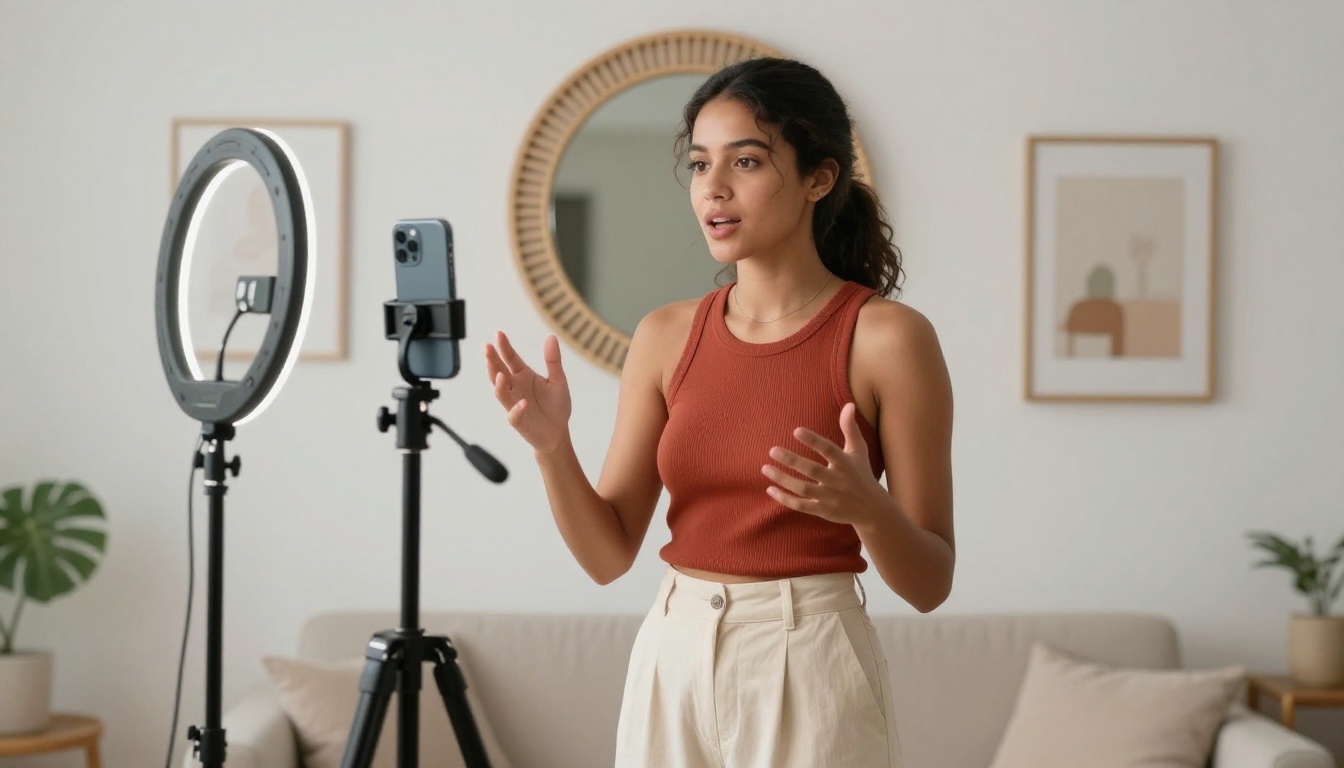
Every major AI video model historically defaults to landscape. Veo 3 Pro includes native vertical output built for mobile-first platforms like TikTok, Instagram Reels, and YouTube Shorts. Your clip comes out formatted without any cropping, black bars, or loss of subject framing. That single detail eliminates a step most creators underestimate until they have done it fifty times in a week.
Veo 3.1 takes this further with improved scene consistency across longer clips and better handling of complex lighting transitions, making it the preferred option when you are creating polished hero content.
Why TikTok Creators Are Switching to AI Video
The Content Volume Problem
The TikTok algorithm rewards consistency above almost everything else. Three to five posts per week is the baseline for growth in most niches. For a solo creator, hitting that cadence with filmed content means constant production, location scouting, lighting setups, reshoots, and editing work. Most creators burn out inside three months. The content calendar becomes a source of stress instead of strategy.
AI video production collapses that timeline. A creator who once spent six hours producing one polished clip can now produce five AI-assisted clips in the same window, test different visual styles, and iterate based on what the audience actually responds to, not what the creator assumes will work.
The creative work shifts from logistics to judgment. Instead of managing gear and schedules, you are making decisions about framing, tone, and narrative. That is a better use of your time and it produces better content.
Speed and Quality, Both at Once
Early AI video tools forced creators to choose between fast output and decent output. Veo 3 Fast changed that calculus by delivering results in under sixty seconds while maintaining a visual quality level that holds up in a competitive TikTok feed. The standard Veo 3 model takes slightly longer but handles more intricate scenes with greater precision when the output is going to be featured content.
💡 Tip: Use Veo 3 Fast for rapid concept testing across multiple ideas. Switch to the standard Veo 3 or Veo 3.1 for hero content you plan to promote or use in paid campaigns.
Picking the right tool for short-form content comes down to output format, generation speed, and how well the model handles human motion. TikTok audiences have an almost instinctive sensitivity to anything that looks slightly wrong in the way people move or react.
| Model | Best For | Speed | Vertical Output | Human Motion Quality |
|---|
| Veo 3 | High-fidelity TikTok content | Medium | Yes | Excellent |
| Veo 3 Fast | Rapid iteration and testing | Fast | Yes | Very Good |
| Veo 3.1 | Premium cinematic sequences | Medium | Yes | Excellent |
| Kling V3 | Motion-controlled character work | Medium | Partial | Very Good |
| PixVerse v5.6 | Effect-heavy stylized clips | Fast | Yes | Good |
| Hailuo 2.3 | Image-to-video workflows | Fast | Partial | Good |
The Veo family holds a consistent edge in photorealism and human motion fidelity. For a TikTok feed where audiences expect polished, film-quality visuals, that difference shows up in watch time and repeat views.
How to Use Veo 3 on PicassoIA
PicassoIA gives you direct browser access to the full Veo model family without API configuration, usage billing complexity, or waitlists. You open a browser, load the model page, and start generating.

Step 1: Open the Model
Go to Veo 3 on PicassoIA or Veo 3.1 for the latest version. You will see a prompt input field with output settings on the right side of the interface. No downloads required, no local GPU needed.
Step 2: Write Your Prompt
This is where most creators leave results on the table. A vague prompt produces a vague clip. The model responds extremely well to specificity. Instead of "a woman walking in a city," write "a young woman in her twenties in a camel overcoat walking confidently along a rain-slicked Manhattan sidewalk, late afternoon golden light, shallow depth of field, cinematic." The difference in output quality is dramatic and immediate.
Every detail you add to the scene description gives the model more to work with. Describe the time of day, the mood, the clothing, the camera angle, and any motion you want to see in the clip.
Step 3: Set Output Format
Select vertical format (9:16) for TikTok. The model on PicassoIA allows you to specify aspect ratio before generation. For TikTok content, 9:16 at 1080x1920 is the target. A clip duration between five and fifteen seconds is the sweet spot for feed performance based on current platform data.
Step 4: Generate and Review
Generation takes between forty-five seconds and three minutes depending on clip length and scene complexity. Review the output at full resolution before downloading. If the motion or composition is off, refine the prompt and regenerate. Small adjustments, adding or removing descriptors about lighting, speed, or camera movement, can produce meaningfully different results.
Step 5: Post Directly
The downloaded file is ready for TikTok upload without additional processing. Add your audio track inside the TikTok app, write your caption, and publish. The entire workflow from prompt to posted video is fifteen minutes or less once you have done it a few times.
5 TikTok Content Formats That Work With AI
Trending Audio Plus AI Visuals
Pick a trending sound from TikTok's audio library, identify the visual vibe it suggests, and use Veo 3 to produce a scene that matches the energy. The clip does not need to be complex. A five-second cinematic shot of a city at night, a forest at dawn, or a beach in soft focus, timed to the beat of a viral audio track, can accumulate significant reach on pure aesthetic appeal.
Before and After Product Demos
Describe a before-state scene in your first prompt, generate the clip, then describe an after-state and generate a second. Cut them together in TikTok's built-in editor. This format works for fitness content, home decoration, skincare, and any category built around visible change.
Storytelling in Fifteen Seconds
Write a three-beat structure in a single prompt. "A woman opens a letter, her expression shifts from confusion to joy, she holds the paper to her chest and looks out a window at morning light." Veo 3.1 handles complex emotional arcs in a single generation with more consistency than most other current models.
Atmospheric B-Roll Loops
Short looping clips of ambient scenes, rain on a window, coffee being poured, hands flipping through a book, perform well as background B-roll that holds viewer attention during voiceover or text content. These are the easiest clips to generate and require minimal prompt complexity. Build a library of twenty of them in a single afternoon session.
Faceless Niche Content
Not every creator wants to appear on camera. AI video makes faceless content creation genuinely viable. A personal finance account, a travel inspiration page, or a cooking tips channel can produce daily content without anyone appearing on screen. The visuals carry the story while voiceover or text overlay delivers the information.
💡 Faceless channels using high-quality AI video are among the fastest-growing content categories on TikTok in early 2026. The production bar has never been lower.

Prompt Writing That Gets Real Results
Build Every Prompt in Three Layers
Think of your prompt as three stacked elements: subject, environment, and camera or style. The subject is who or what is doing something. The environment is where and when it is happening. The camera and style layer tells the model how to frame and expose the shot.
Weak prompt: "A chef cooking food."
Strong prompt: "A professional female chef in her late thirties with confident hands and a white jacket, pan-searing salmon in a sleek modern kitchen, steam rising from the cast iron pan, warm tungsten light from above, medium shot, shallow depth of field, cinematic photography style."
The specificity is what separates a usable clip from a forgettable one. Veo 3 Pro responds to this detail because it has been trained on enormous quantities of real cinematography, giving it an accurate read on lighting terminology, camera language, and spatial relationships.
What Consistently Breaks Outputs
Several common patterns produce poor results across all Veo 3 versions:
- Multiple conflicting scenes in one prompt: describe one moment, one scene.
- Abstract language without visual anchors: "show loneliness" gives the model nothing concrete. "A woman sitting alone at a table in a quiet diner at midnight, neon sign reflection in the window" works because it is visual.
- Stacking too many style words: "cinematic, dramatic, hyper-realistic, film noir, vintage" competes with your scene description. Pick two style descriptors maximum.
- No camera or lighting specification: without these, the model defaults to generic framing. Adding a single sentence about lighting direction dramatically improves output consistency.
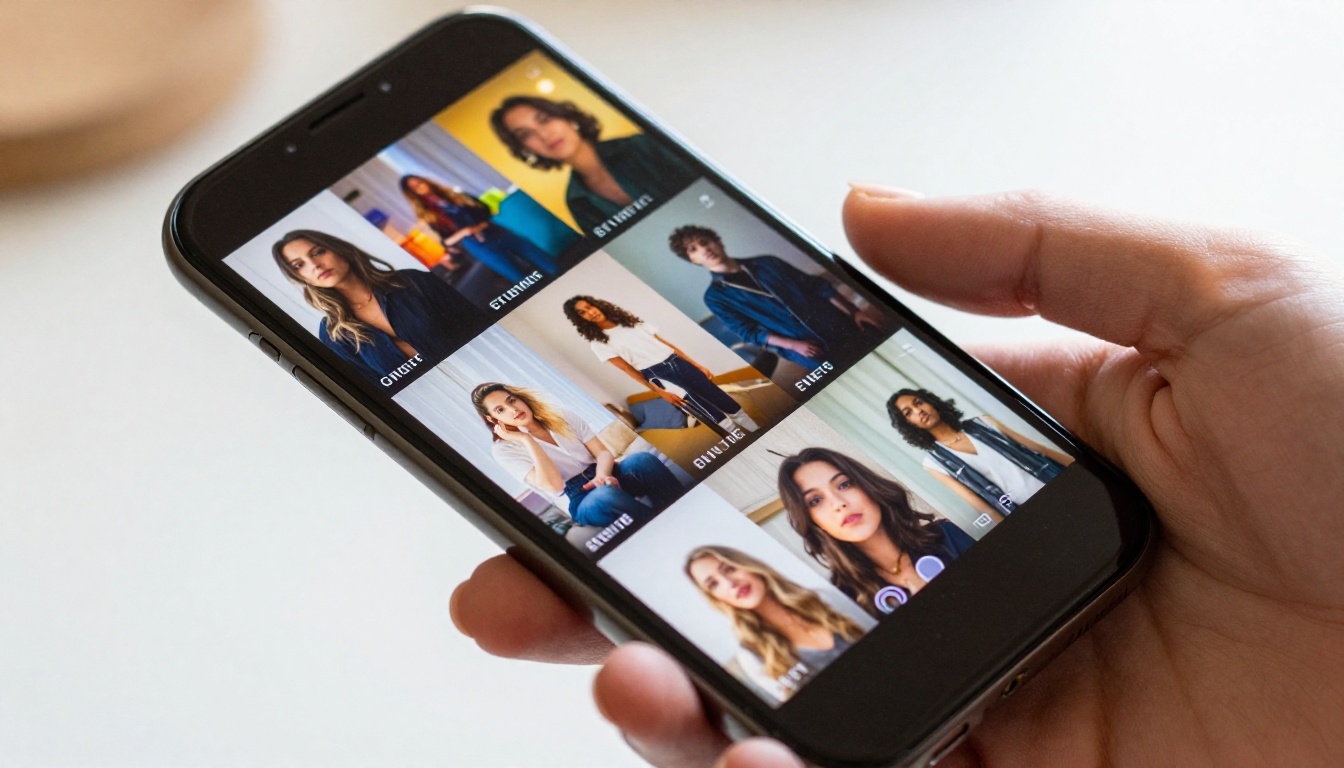
Kling V3 for Motion Control
Kling V3 and Kling V3 Omni offer motion control that lets you choreograph exactly how a character or camera moves through a scene. If your TikTok content involves specific physical actions like a dance routine, a sports moment, or a product interaction, Kling's precision is worth pairing with Veo 3 for different content types across your publishing calendar.
PixVerse v5.6 for Visual Effects
PixVerse v5.6 is built for effect-heavy, stylized content. If your channel leans toward fantasy aesthetics, dynamic transitions, or high-energy visual spectacle, PixVerse brings a large library of preset effects that can be layered on generated clips. It performs best as a complement to Veo 3 rather than a replacement.
LTX-2.3-Pro for Audio-Reactive Video
LTX-2.3-Pro from Lightricks handles audio-to-video generation. You feed it a music track and it produces video that responds to the rhythm and energy of the audio. For TikTok content built around trending sounds, this removes the manual sync step entirely and produces clips that feel specifically crafted for the audio rather than adapted to it after the fact.
Start Posting AI TikTok Content Today
The window for early adoption in AI video content is still open, but it will not stay that way indefinitely. Creators who build this workflow now will have a refined process, a library of polished content, and a direct read on what their specific audience responds to before this becomes standard practice across the platform.
PicassoIA puts Veo 3, Veo 3.1, Veo 3 Fast, and over 80 additional text-to-video models in one place, accessible from any browser without setup, installation, or waitlists. You write a prompt, pick your format, and have a TikTok-ready clip in minutes.
The creator who publishes their first AI TikTok video this afternoon will be further along by next week than someone who spends that same time researching instead of creating. Open Veo 3 on PicassoIA, write your first prompt, and see what you produce in the next fifteen minutes.


