Veo 4 does something most AI video tools don't: it ships native audio with the clip. No separate sound effects pass, no external music sync. The model generates motion and matching audio in one output, which makes it ideal for short-form social video where sound drives attention in the first two seconds.
If you want to create TikTok videos with Veo 4, the process is more deliberate than pressing a button. Prompt structure matters, aspect ratio matters, and knowing which creative formats convert into views matters more than either. This article covers all of it.

What Veo 4 Actually Does
Veo 4 is Google DeepMind's fourth generation video model. It generates videos from text prompts or images, with built-in spatial audio that responds to what's happening on screen. A clip of coffee being poured produces liquid sounds. A scene set outdoors generates ambient wind and footstep audio. The model infers what the sound environment should be rather than requiring you to specify it.
That behavior is directly useful for TikTok. The platform's algorithm weights audio-on viewing heavily. When a video sounds natural, viewers are less likely to scroll past it in the first three seconds. This is not a small advantage. Most AI video tools in 2024 shipped silent, forcing creators to layer in music after the fact, which always felt disconnected.
Native Audio in Every Clip
Most video generation models up to 2024 were silent by default. You had to add music in a separate step, which meant every AI-generated clip had that stock-footage-with-background-music feel. Veo 4 removes that step by generating synchronized, contextually appropriate audio alongside the video.
For TikTok creators, this means you can generate a clip of a wave crashing on a black sand beach at sunset and ship the sound as part of the file. The wave sound, the wind, the distant seabirds: all synthesized alongside the motion. No additional audio software, no searching for royalty-free sound effects.
Vertical Format for TikTok
Veo 4 supports 9:16 aspect ratio, the native vertical format TikTok uses. Earlier Veo generations were primarily 16:9. The shift to vertical means you're generating content that fills the phone screen without cropping or letterboxing, which changes how the video reads to a viewer.
When writing prompts for TikTok specifically, mention the vertical orientation explicitly. "Vertical video, 9:16 aspect ratio, portrait orientation, shot on a smartphone" gives the model enough signal to frame the subject correctly without composing for wide-screen viewing. Without this instruction, the model defaults to wider compositions that look awkward on a phone.

Veo 4 vs Other AI Video Models
Veo 4 is not the only strong video model available right now. Before committing to a workflow, it helps to know how it compares to the alternatives you can run immediately on PicassoIA.
Veo 4 vs Sora 2
Sora 2 from OpenAI produces longer, more cinematic clips with impressive scene consistency. Where Sora 2 wins: multi-scene storytelling and consistent characters across cuts. Where Veo 4 wins: native audio, faster generation, and vertical format support make it more practical for short-form social content.
For raw TikTok-style clips, Veo 4 has a production advantage. Sora 2 shines when you're building something more structured, like a short film or a multi-cut narrative ad. If your TikTok strategy relies on cinematic storytelling rather than B-roll and lifestyle content, Sora 2 Pro is worth including in your toolkit.
Veo 4 vs Kling v3
Kling v3 Video from Kwai is arguably Veo 4's closest competitor for social media video. Kling v3 also supports portrait format, generates fluid motion, and handles human subjects well. Veo 4 tends to produce more photorealistic textures in outdoor environments, while Kling v3 handles indoor lit scenes and product videos with a cleaner, more polished aesthetic.
| Feature | Veo 4 | Kling v3 |
|---|
| Native Audio | Yes | Limited |
| 9:16 Support | Yes | Yes |
| Photorealistic outdoor | Excellent | Good |
| Indoor/product scenes | Good | Excellent |
| Generation Speed | Fast | Fast |
| Motion Consistency | High | High |
Veo 4 vs Seedance 2.5
Seedance 2.5 from ByteDance has strong style transfer capabilities and handles stylized content with precision. For raw photorealism in natural environments, Veo 4 wins. For content that needs a specific aesthetic look (the dark academia feel, the muted golden-hour tone, the editorial fashion style), Seedance 2.5 handles visual styles more intentionally and consistently.
If you want a free option to test ideas before committing credits, Seedance 2.5 Lite is available with unlimited generations at no cost. It's a solid starting point for testing prompt structures before moving to Veo.
Writing Prompts That Work on TikTok
The prompt is where most people go wrong. They write a one-line description and wonder why the clip looks flat or generic. A Veo 4 prompt for TikTok content needs three things working together: the subject, the environment, and the movement.
The 3-Part Prompt Formula
Subject: Who or what is in the video, with specific physical detail. Not "a woman" but "a woman in her late twenties in a cream linen top, dark wavy hair, mid-laugh, gesturing with her hands."
Environment: Where is this happening, and what is the light like? Not "a café" but "a small marble-topped café table, warm Edison bulb lighting, late morning soft window light from the left, blurred background with dark wood paneling."
Movement: What is the camera doing? What is the subject doing? Not "she's talking" but "camera slowly dollies in while she gestures expressively with her hands, speaking directly to camera, leaning slightly forward."
Put those three together and you get output that feels intentional rather than randomly generated. Add an audio cue (even a simple one like "ambient coffee shop sounds" or "quiet room tone") and the result sounds as deliberate as it looks.
Trending Content Formats
Not all TikTok content works equally well with AI generation. These formats consistently produce strong results with Veo 4:
- B-roll clips: Abstract or atmospheric footage to back a voiceover. A sunrise over rooftops. Coffee being poured into a mug. Rain on a window. These don't require consistent characters and generate at high quality reliably.
- Product reveal: A product on a surface, camera slowly moving toward it, with natural ambient sound. Works across fashion, food, beauty, and tech categories without needing a model or actor.
- Day-in-the-life B-roll: Lifestyle footage without a speaking subject. Morning routines, workspace setups, outdoor walks with atmospheric sound. Veo 4 handles these with photorealistic texture.
- Reaction-ready setups: A person on camera with a specific emotional expression, waiting for a text overlay to complete the joke or reveal. Works best when you use a reference image as the starting frame.

How to Use Veo on PicassoIA Right Now
Veo 4 is Google's latest, but earlier versions of the Veo family are available immediately on PicassoIA without a waitlist. Veo 3.1 produces 1080p output with native audio and supports vertical format. Veo 3.1 Fast is the same quality tier with faster generation, ideal when you're iterating through multiple prompt variations and don't want to wait between runs.
Veo 3 with native audio is also available and still produces excellent results for most TikTok content. Veo 3 Fast handles quick generation for testing at the Veo 3 quality tier. For lighter use cases where you want to minimize cost per generation, Veo 3.1 Lite generates videos with native audio at a lower resource spend per clip.
Step 1: Pick Your Model
Go to PicassoIA and choose from the Veo lineup based on your priority:
- Veo 3.1: Best quality, 1080p, native audio, full vertical support
- Veo 3.1 Fast: Same output quality, faster generation, use when iterating prompts
- Veo 3: Previous generation, still excellent for most TikTok content types
- Veo 3 Fast: Rapid generation from the Veo 3 tier, ideal for prompt testing
- Veo 3.1 Lite: Lower cost per clip, native audio included
💡 Start with Veo 3.1 Fast for your first 3-5 prompt iterations. Once you've found a prompt structure that works, switch to Veo 3.1 for final output at full 1080p quality.
Step 2: Set Your Aspect Ratio
For TikTok, you want 9:16. In your prompt, include: "vertical video, 9:16 aspect ratio, portrait orientation." If you're producing for Reels or YouTube Shorts simultaneously, run the same core prompt with slight wording changes tailored to each platform's framing expectations.
Step 3: Write Your Prompt
Apply the 3-part formula. Here is a worked example:
Topic: Morning coffee routine TikTok B-roll
Prompt: "Vertical video, 9:16 aspect ratio. Close-up of hands wrapping around a ceramic mug of steaming black coffee on a light wood kitchen counter. Soft morning window light from the right, golden-hour warmth. Camera slowly zooms in toward the steam rising from the mug over 5 seconds. Audio: quiet apartment morning ambience, birds faintly audible outside. Photorealistic, 8K, Kodak Portra 400 feel, film grain."
This prompt hits all three parts: subject (hands, mug, steam), environment (kitchen counter, morning window light), movement (slow zoom toward the steam), plus an audio cue that signals the time of day and mood.

Types of TikTok Videos AI Can Make
Not all content types work equally with AI video. Here are the ones that consistently produce publishable output with Veo 4 and its alternatives on PicassoIA.
Cinematic B-Roll Clips
This is where AI video genuinely beats what most creators can produce with a smartphone. You can generate:
- Aerial drone shots without a drone or permit
- Underwater footage without getting wet or hiring a dive crew
- Weather footage (snow, fog, heavy rain) on demand, regardless of season
- Time-of-day content without waiting for golden hour to arrive
A 5-second clip of fog rolling over mountains at dawn, shot from a low angle with sunlight breaking through the cloud layer, is the type of shot that normally requires a production team and a location trip. Veo 4 generates it from a prompt in under two minutes. That is a real shift in what a solo creator can produce.
Product Showcase Videos
AI video works well for product content where you want clean, studio-quality footage without a physical shoot. You describe the product, the surface, the lighting, and the camera movement, and the model builds it without a product sample, studio booking, or photographer.
Example prompt for product video: "Vertical video, 9:16. A matte black glass perfume bottle on a white marble surface, condensation drops on the glass catching the light. Soft diffused studio light from above-left. Camera slowly circles the bottle from right to left over 5 seconds, revealing the label. Audio: quiet, minimal ambient room tone. Photorealistic, 8K."
💡 Pair your AI-generated product B-roll with Veo 3.1 for maximum surface detail at 1080p. The model handles glass, fabric, liquid, and reflective surfaces with exceptional accuracy.
Story-Driven Content
AI video handles character-consistent storytelling less reliably than B-roll. That said, you can build story-driven TikToks by using AI video for atmospheric cutaways and B-roll while recording yourself for talking-head sections. The AI handles the visual texture, you handle the delivery.
This hybrid approach is how most effective creators use these tools: not replacing themselves on camera, but removing the need for a camera crew, location scouting, and expensive B-roll production days.

Prompt Examples for Viral TikToks
These are ready-to-use prompts structured for Veo 4 and compatible models on PicassoIA. Copy them, adjust the details to fit your niche, and run them:
Autumn walk B-roll:
"Vertical video, 9:16. Slow-motion close-up of a leather boot stepping into a pile of dry amber leaves on a park path. Camera at shoe level, looking slightly upward at the foot. Afternoon backlight, warm golden tone. Audio: dry leaves crunching underfoot, distant wind through tree branches. Photorealistic, Kodak Portra 400, 8K."
Cooking close-up:
"Vertical video, 9:16. Overhead shot of butter melting slowly across the surface of a cast-iron skillet, spreading from the center outward. Soft warm kitchen light. Camera is static. Audio: gentle butter sizzle starting quiet and building slightly. Photorealistic, 8K."
City night B-roll:
"Vertical video, 9:16. Slow dolly shot forward down a rain-wet cobblestone street at night, city lights reflected and rippling in the puddles. Warm amber streetlights on both sides, no people present. Camera height is low, at knee level. Audio: light rain on pavement, distant city hum and traffic. Photorealistic, 8K."
Desk morning routine:
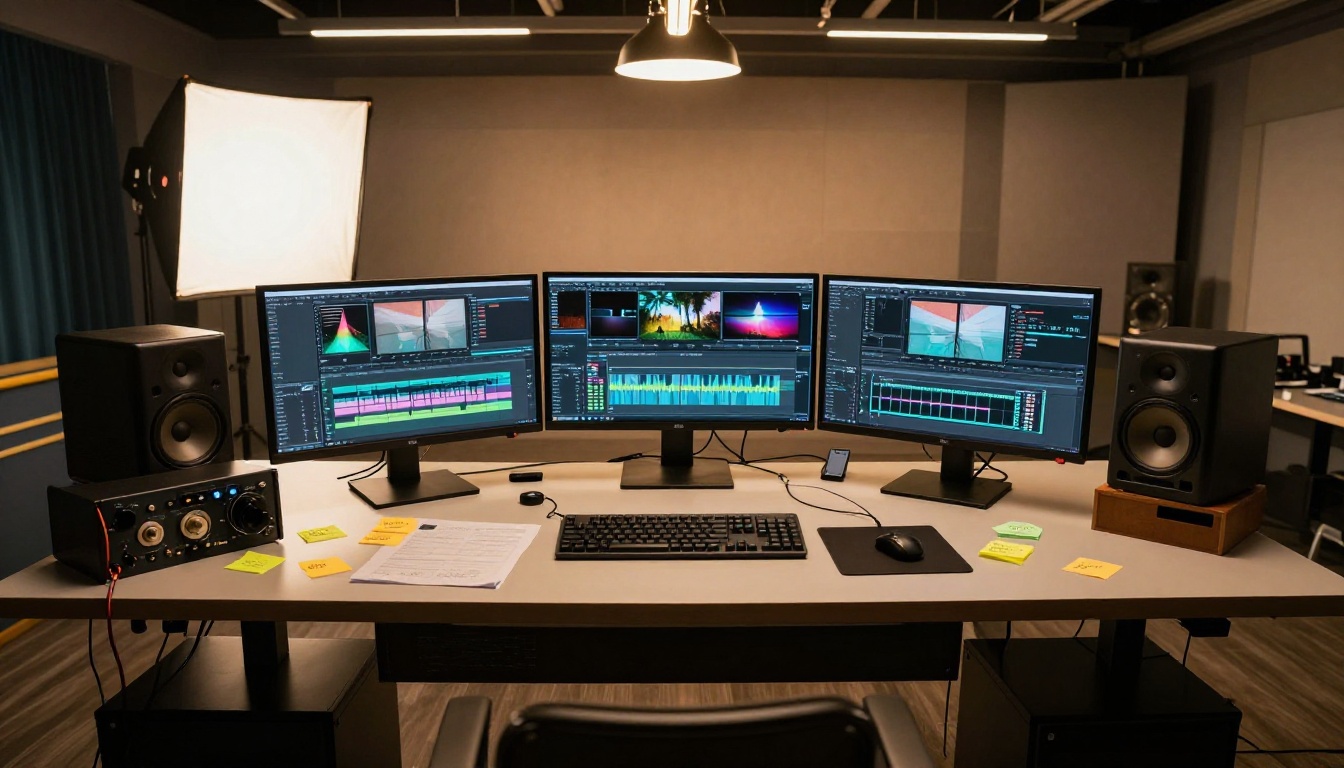
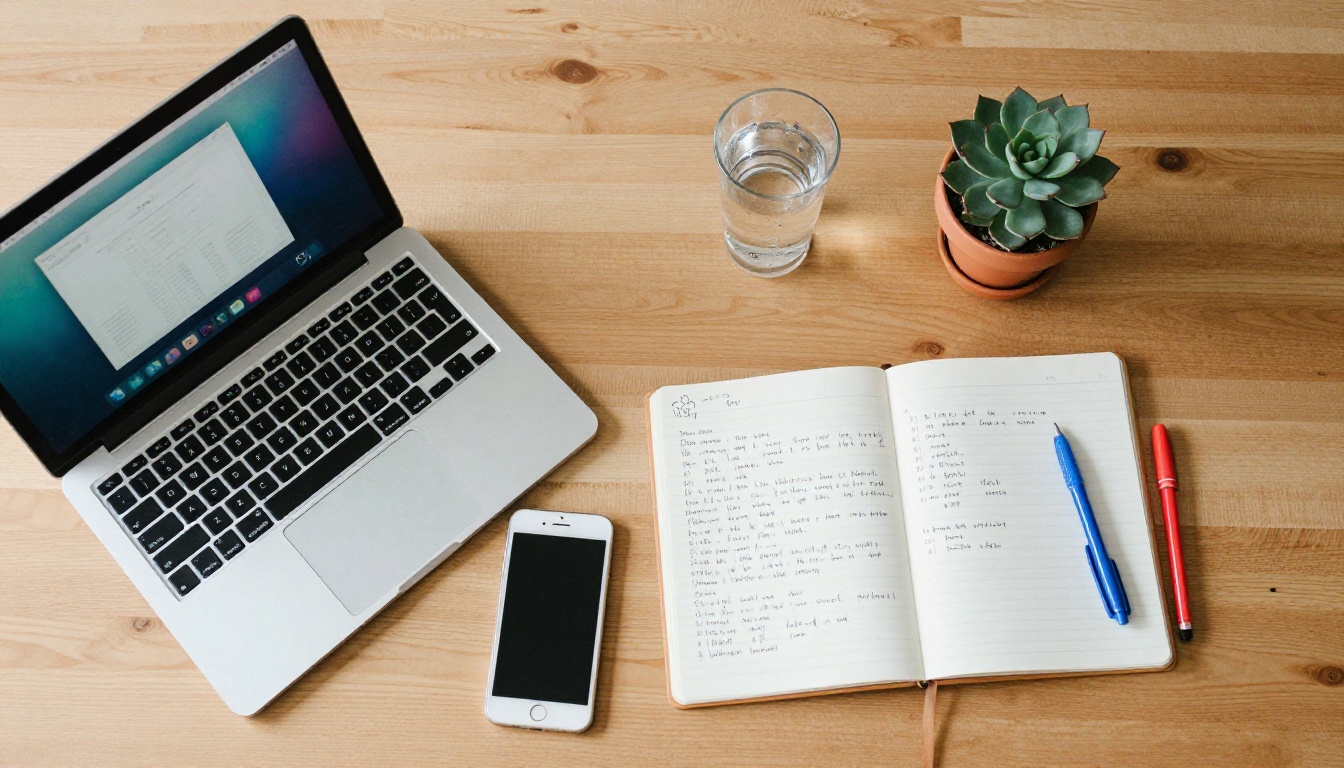
"Vertical video, 9:16. A hand places a white ceramic coffee mug next to an open notebook on a light wood desk. Morning sunlight from the right window washes across the surface. Camera pulls back slowly to reveal the full desk setup over 5 seconds. Audio: quiet room tone, papers rustling faintly. Photorealistic, 8K."
Fashion reveal:
"Vertical video, 9:16. A woman's hand smoothing the front of a cream linen blazer, fingers running across the woven fabric texture. Camera starts in extreme close-up on the fabric and slowly pulls back to a mid-shot over 5 seconds. Soft diffused daylight, no harsh shadows. Audio: subtle fabric texture sound, quiet room ambience. Photorealistic, 8K."
What Makes a TikTok Video Hit
Generating a technically good video is step one. The other factor is whether the video fits how TikTok surfaces and retains viewers. These are the elements that matter most:
First 2 seconds: TikTok's algorithm watches whether viewers stop scrolling. A static opening frame loses people immediately. Your AI-generated clips should start with motion already happening, not building up to it. Write your prompt to describe action from the very first frame, not something that ramps up.
Audio in the first second: Since Veo 4 generates native audio, you have a structural advantage here. A clip that starts with a recognizable sound (coffee pouring, a shutter click, rain on glass) catches attention even on a busy For You Page where people are mostly watching with sound on.
No embedded text: The strongest AI-generated TikTok B-roll works without text overlaid inside the video frame. Add text captions in post using TikTok's native editor or a tool like CapCut. Prompting Veo 4 to include text inside the generated video almost always produces distorted or unreadable output, which weakens the whole clip.
Loopable clips: TikTok replays videos automatically when they end. If your clip loops naturally, because the camera movement brings you back to the starting position, or a repeating gesture creates a natural reset, watch time metrics improve significantly. Add "loops smoothly back to the starting frame" or "designed to loop" to your prompt and the model will often produce output that connects cleanly.
💡 For visual styles beyond the Veo lineup, check out Ray 3.2 for HDR cinematic output, Pixverse v5.6 for 1080p with strong motion consistency, and Hailuo 02 for fast 1080p generation.
More Models Worth Testing
Beyond the Veo lineup, PicassoIA has a wide range of video generators that each bring something specific to TikTok content creation. Depending on your niche and visual style, one of these may outperform Veo 4 for your specific use case:
Running the same prompt through two or three different models and comparing the outputs is often the fastest way to find which one suits your specific style. PicassoIA makes this possible without leaving the platform.
3 Common Mistakes to Avoid
1. Prompts that are too vague: "A sunset video" generates something generic. "A 9:16 vertical video of the sun dropping below a distant mountain ridge, casting orange and deep pink light across a wide valley, camera static on a low tripod, ambient wind and distant birdsong, Kodak Portra 400, photorealistic" generates something you can actually post. The difference is specificity in every dimension: light direction, camera position, audio, film style.
2. Wrong format for the platform: A 16:9 clip on TikTok either has black bars on both sides or gets center-cropped by the app, both of which look unprofessional. Set 9:16 at the prompt stage. This is not something to fix in post because the model composes the shot for the format you specify. A horizontal composition cropped to vertical will always be missing something important at the edges.
3. Posting the first generation: The first output is a starting point, not a final product. Run the same prompt two or three times. The variation between generations often produces one clip that is clearly superior to the others in motion quality, lighting accuracy, or audio fit. The cost of two extra generations is small compared to the difference in output quality.
💡 Use Veo 3 Fast or Seedance 2.5 Lite (free, unlimited) for your initial testing runs where you're exploring and discarding. Move to Veo 3.1 only when you have a prompt structure you're confident in.
Try It on PicassoIA Today
The barrier to producing professional-quality TikTok B-roll with AI is now a well-structured text prompt. No camera rental, no location permits, no editing hours. Veo 4 and the full Veo lineup on PicassoIA handle the visual and audio production. You handle the creative direction.
Start with one of the ready-to-use prompts in this article, run it through Veo 3.1 on PicassoIA, and see what comes out. Adjust the lighting description, the camera movement, the subject detail. Each iteration teaches you what the model responds to, and the curve is fast. Most people land on a prompt structure that works reliably within their first five runs.
If you want to test across multiple visual styles before committing to one, PicassoIA's full video catalog at picassoia.com/en/all-models has 87+ text-to-video models available right now. Run the same prompt through Veo 3.1, Kling v3 Video, Seedance 2.5, and Sora 2 and compare outputs directly. The model that fits your niche will be obvious once you see them side by side.
Your next TikTok video is already in that prompt box. Write it well, and the model does the rest.


