Most AI image generators put a wall between your prompt and your result. FLUX.2 Max doesn't. It's a next-generation diffusion model built for creators who want photorealistic output without a content moderation layer deciding what's acceptable. Whether you're shooting editorial glamour, artistic boudoir, or tasteful implied nudity, FLUX.2 Max delivers detail that rivals a professional photographer, and on PicassoIA you can access it right now without a waitlist, an API key, or a local GPU.
This article walks you through everything: what the model actually does, which PicassoIA models to pair with it, how to write prompts that produce 8K-quality results, and how it stacks up against everything else on the market.
What Makes FLUX.2 Max Different
The AI image generation market is crowded, but most models share a common limitation: NSFW content filters baked into the inference pipeline. These filters reject prompts, blur outputs, or silently substitute something "safer" for what you asked for. FLUX.2 Max was built differently.
No Content Filters by Default
FLUX.2 Max runs without a hardcoded content restriction layer. Your prompt goes directly to the model without a filter deciding whether your request is appropriate. The result is images that match your creative intent, not a sanitized version of it.
This doesn't mean anything goes without consequence. PicassoIA's terms and applicable law still apply. But for legal adult content, artistic nudity, and sensual portraiture, FLUX.2 Max simply generates what you ask.
Speed, Resolution, and Output Quality
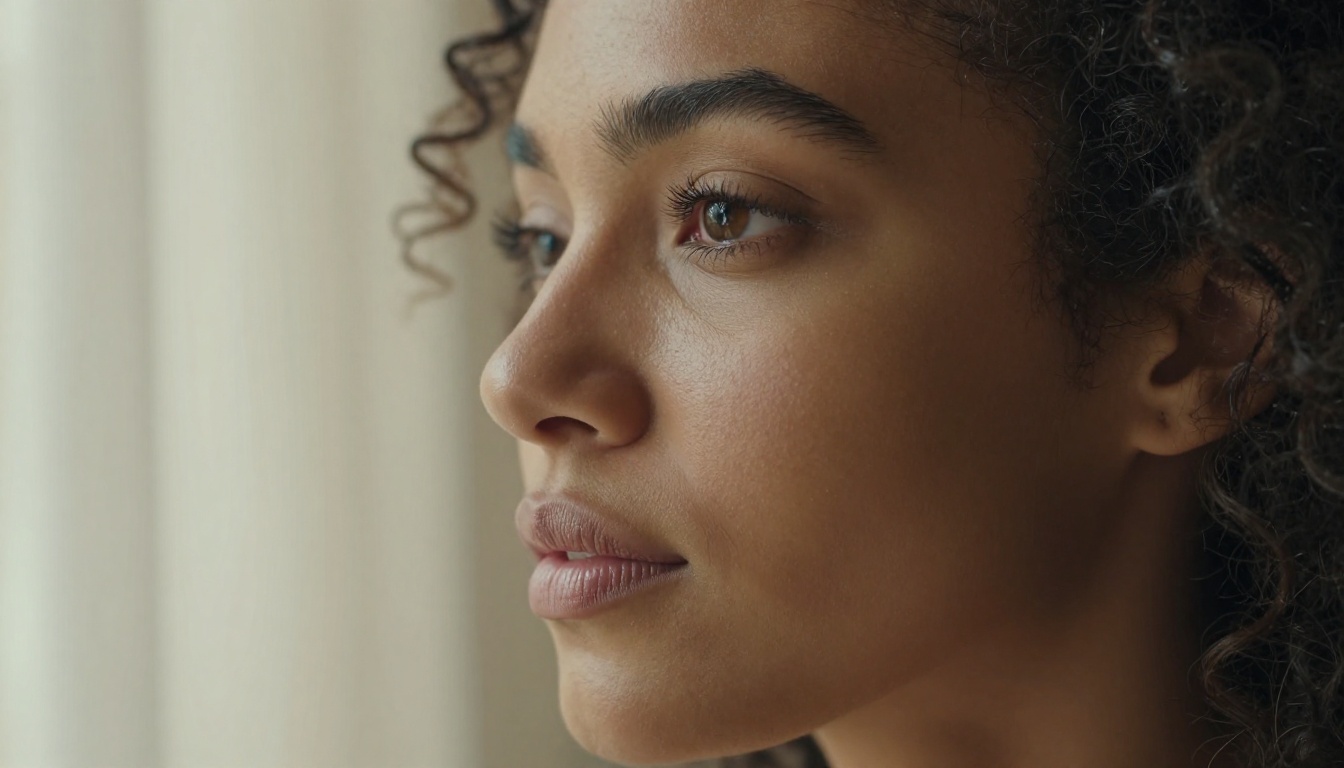
Beyond its uncensored capability, FLUX.2 Max is technically exceptional. It generates at 8K-equivalent detail with photorealistic skin texture, accurate cloth physics, true-to-life lighting gradients, and natural depth of field. The model handles complex prompts with multiple subjects, specific lighting rigs, and precise compositional instructions better than most alternatives.
On PicassoIA's infrastructure, generation typically completes in under 10 seconds per image. Batch across an entire shoot in minutes.
💡 FLUX.2 Max performs best with long, detailed prompts. The more technical context you provide — camera lens, lighting setup, skin texture details — the more cinematic the output. Aim for 60 words or more per prompt.
Best NSFW Models on PicassoIA
FLUX.2 Max is powerful, but it's not the only option on PicassoIA for unrestricted content. Here's the full ranked list of models that support adult or sensual content creation, ordered by overall performance and value:
Seedream 4.5: The Top Pick
Seedream 4.5 is PicassoIA's top recommendation for NSFW image generation. It accepts adult content, supports both text-to-image and image editing in a single interface, and generates ultra-realistic results in under 3 seconds. If you need speed and quality combined with unrestricted output, this is your model.
One important note: its newer sibling Seedream 5 Lite does not support NSFW content. Stick with 4.5 for adult creative work.
PicassoIA Image Editor Pro: Unlimited Runs
PicassoIA Image Editor Pro is an image-to-image model. You supply a reference image and it transforms or extends it according to your text prompt. Its biggest advantage is unlimited generations included with Elite and Infinite plans.
Need 500 variations of a single shot? Zero extra cost. Compare that to models like Nano Banana 2, where generating 1,000 images would run around $100. With PicassoIA Image Editor Pro, it's included. It also offers a free trial of 3 generations with no credit card required and returns results in under a second.
6 More Models Worth Knowing
- Qwen Image 2: Open-source, highly detailed realism, handles both creation and editing without content restrictions.
- Grok Imagine Image: Specializes in realistic image transformation, including converting reference photos to different outfits and styles.
- Recraft V4: Extremely realistic text-to-image output with clean, accurate results.
- P-Image: NSFW text-to-image in under 1 second. Best for volume generation at speed.
- FLUX.2 Pro: The professional tier of the FLUX 2 family with higher fidelity output per generation.
- FLUX.2 Dev: The open-weight development version designed for fine-tuning and experimentation workflows.
How to Use FLUX.2 Max on PicassoIA
PicassoIA makes FLUX.2 Max accessible through a clean web interface. No local installation, no GPU, no complicated setup required.
Step 1: Open the Model
Go directly to FLUX.2 Max on PicassoIA. If you don't have an account yet, registration takes under a minute. The model page shows example outputs so you can calibrate expectations before your first generation.
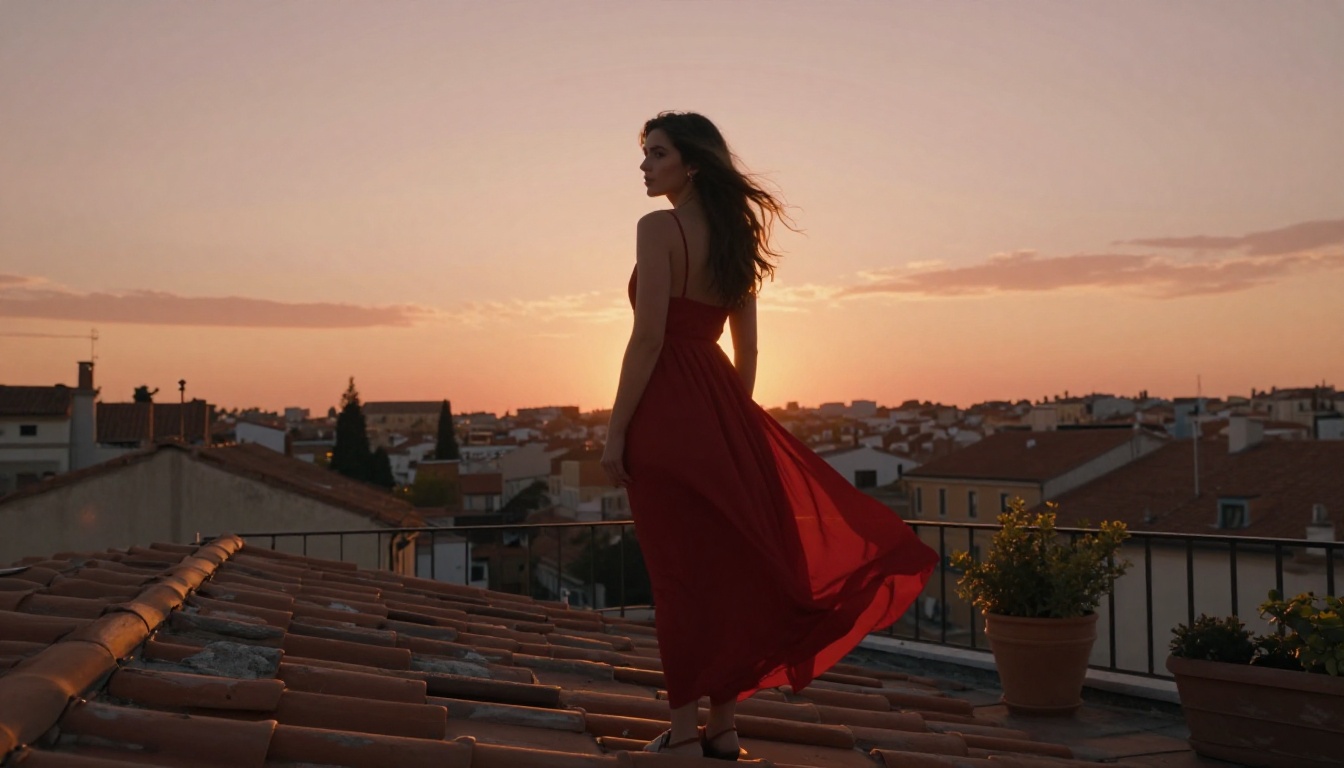
Step 2: Write Your Prompt
This is where most people underperform. FLUX.2 Max rewards specificity. A prompt like "woman in lingerie" produces something generic. A prompt with environmental context, lighting specifics, camera parameters, and texture descriptions produces something that looks like a professional editorial shoot.
Here's the difference in practice:
Weak prompt:
"Beautiful woman in a bikini on a beach"
Strong prompt:
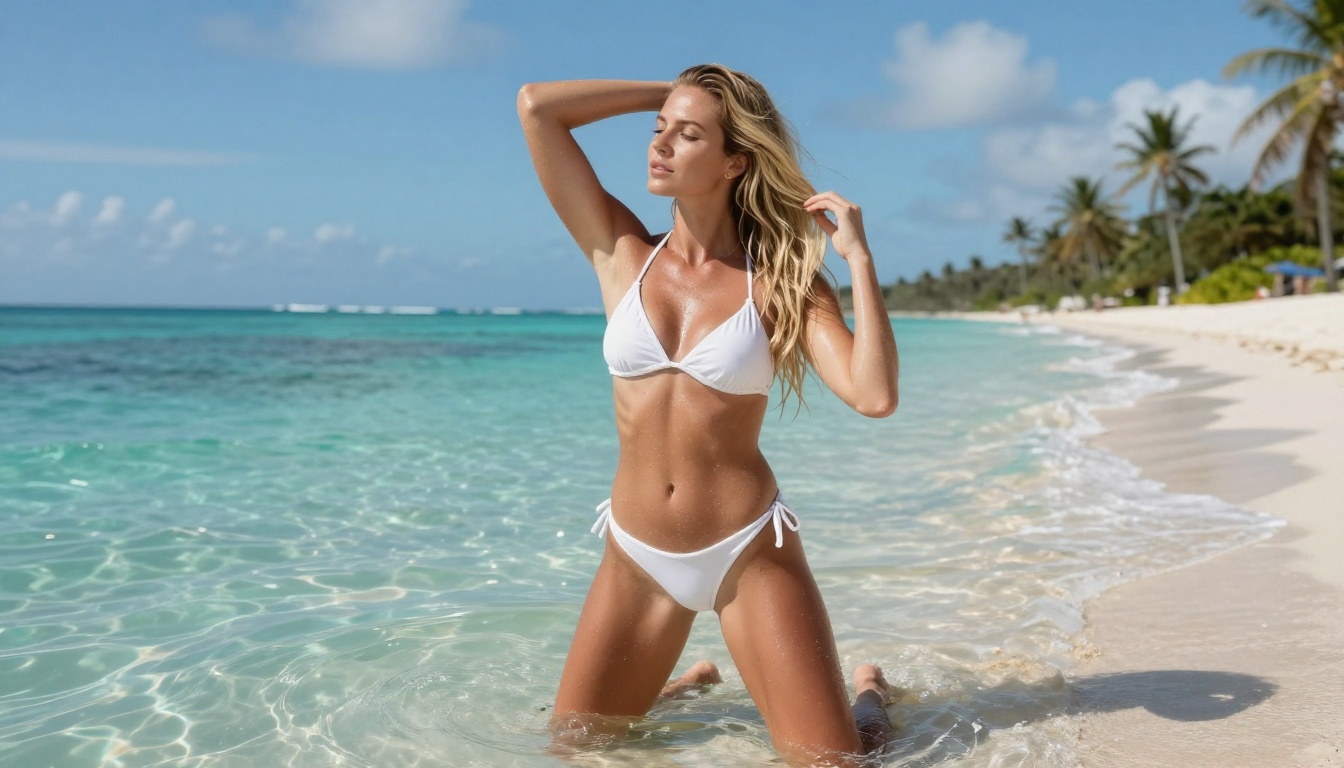
"A photorealistic full-length portrait of a lean athletic woman in a white cotton bikini standing knee-deep in crystal-clear turquoise ocean water at a tropical beach, midday sun overhead creating sparkling water reflections on her tanned skin, long blonde hair slightly wet with individual strands stuck to her collarbone, salt water droplets glistening on her shoulders and stomach, soft white sand beach and distant palm trees visible in the background, natural casual pose with one hand reaching back to lift hair off her neck, shot with a Sony A1 35mm f/2.0 lens, RAW 8K, natural sunlight, Kodak Portra 400 film grain --ar 16:9 --style raw"
The second prompt gives FLUX.2 Max everything it needs to build a complete scene with realistic physics, accurate lighting, and genuine photographic character. The difference in output quality is dramatic.
Step 3: Set Your Parameters
FLUX.2 Max on PicassoIA exposes several generation controls worth dialing in:
| Parameter | Recommended Setting | Notes |
|---|
| Aspect Ratio | 16:9 | Cinematic, ideal for editorial portraits |
| Steps | 28-35 | Higher steps equal more detail but slower generation |
| CFG Scale | 7-8 | Below 6 gets too loose, above 10 over-cooks the image |
| Seed | Fixed after first good result | Fix the seed to iterate on what's working |
💡 If your first result is close but not perfect, fix the seed and adjust the prompt rather than re-rolling randomly. This way you control exactly what changes between iterations, and you can home in on the result you want systematically.
Step 4: Download or Iterate
Every generated image is stored in your PicassoIA gallery. Download at full resolution, share directly from the platform, or pass the image into PicassoIA Image Editor Pro for further editing and refinement without losing image quality.
For upscaling your favorites to 2x or 4x resolution, PicassoIA's super-resolution models take any generated image and enlarge it with AI-sharpened detail that holds up at print sizes.
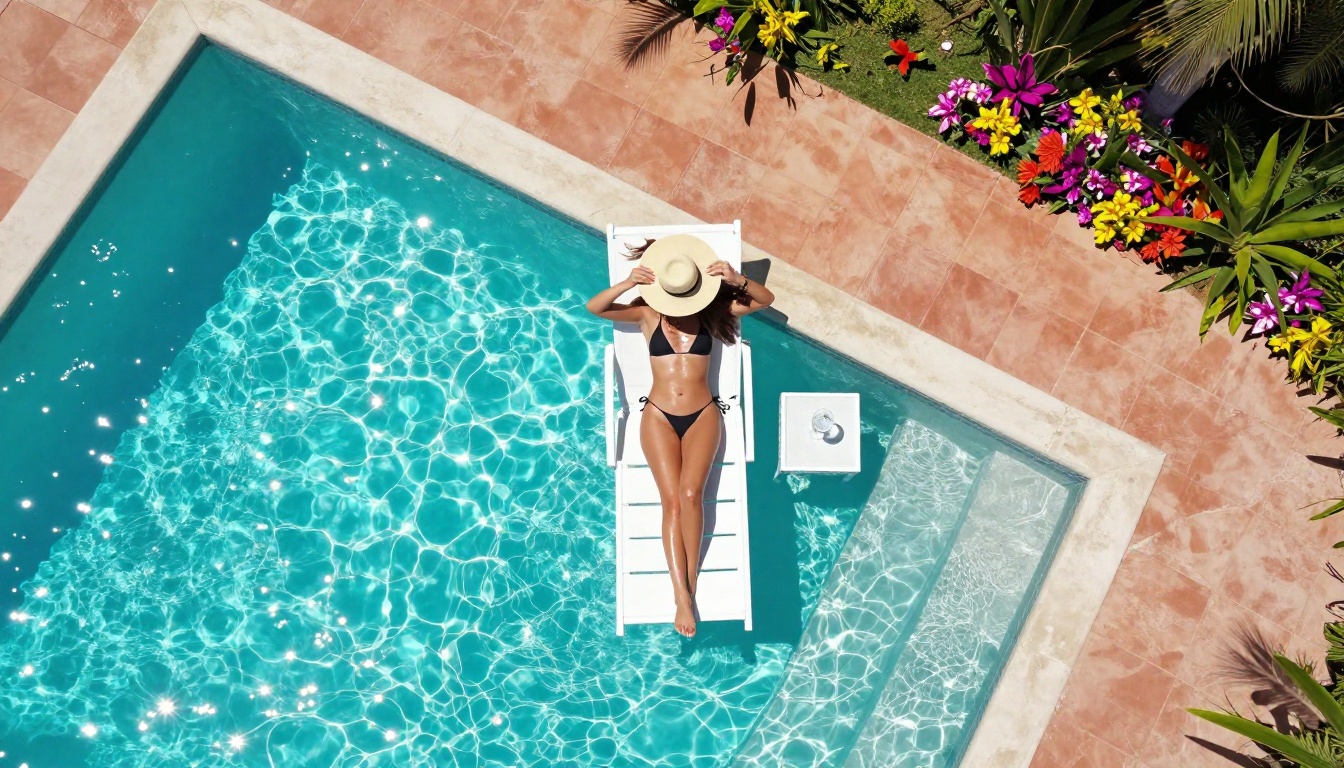
Writing Prompts That Actually Work
Prompt quality is the single biggest variable in FLUX.2 Max output. The gap between a mediocre result and a stunning one almost always comes down to the prompt. Here's how to build prompts that consistently deliver.
The 5-Part Prompt Formula
Every strong FLUX.2 Max prompt contains five components:
- Subject and Action: Who is in the image and what are they doing?
- Environment: Where is this happening? What surrounds them?
- Lighting: Where is the light coming from, what quality does it have, what color temperature?
- Camera and Lens: What camera body, what focal length, what aperture?
- Style Modifiers: Film stock, grain texture, color grade, and style tag.
Structure it in that order and you'll see dramatically more consistent, photorealistic results across every generation.
3 Templates for Realistic Results
Template 1, Studio Portrait:
"[Subject description] in [studio type] with [backdrop color and texture], lit by [lighting setup with position], wearing [clothing description with specific fabric and cut detail], shot with [camera model] [lens focal length and aperture], ISO [value], [film stock] grain, RAW 8K --ar 16:9 --style raw"
Template 2, Outdoor Natural Light:
"[Subject description] at [specific location] during [time of day], [weather and sky condition] creating [lighting quality and direction] on their skin, [outfit description with fabric], [camera angle] perspective, [camera model] [lens specification], natural light, photorealistic, Kodak Portra 400 film grain --ar 16:9 --style raw"
Template 3, Boudoir and Intimate:
"[Subject description] in [interior location with specific furniture and decor details], lit by [practical light source] from [directional position], wearing [clothing with specific fabric, texture, and color detail], posture: [physically described pose], shot on [camera model] [lens], natural available light, ISO [value], subtle film grain, photorealistic editorial photography --ar 16:9 --style raw"
What Breaks Your Prompts
Avoid these common mistakes that consistently produce generic or broken output:
- Too short: Prompts under 30 words produce generic output without exception.
- Conflicting styles: "Photorealistic" combined with "digital painting" creates mud, not art.
- Vague clothing: "Sexy outfit" tells the model nothing useful. Specify the fabric, cut, color, and fit precisely.
- No lighting source: Without a specified light source, the model guesses, and it guesses wrong more often than not.
- Abstract emotions: "Seductive" or "passionate" don't translate into visual output. Describe the pose, the expression, and the body language in physical, observable terms.
- Too many subjects: FLUX.2 Max handles single subjects best for maximum detail. Two subjects are workable; three or more degrades per-subject quality.
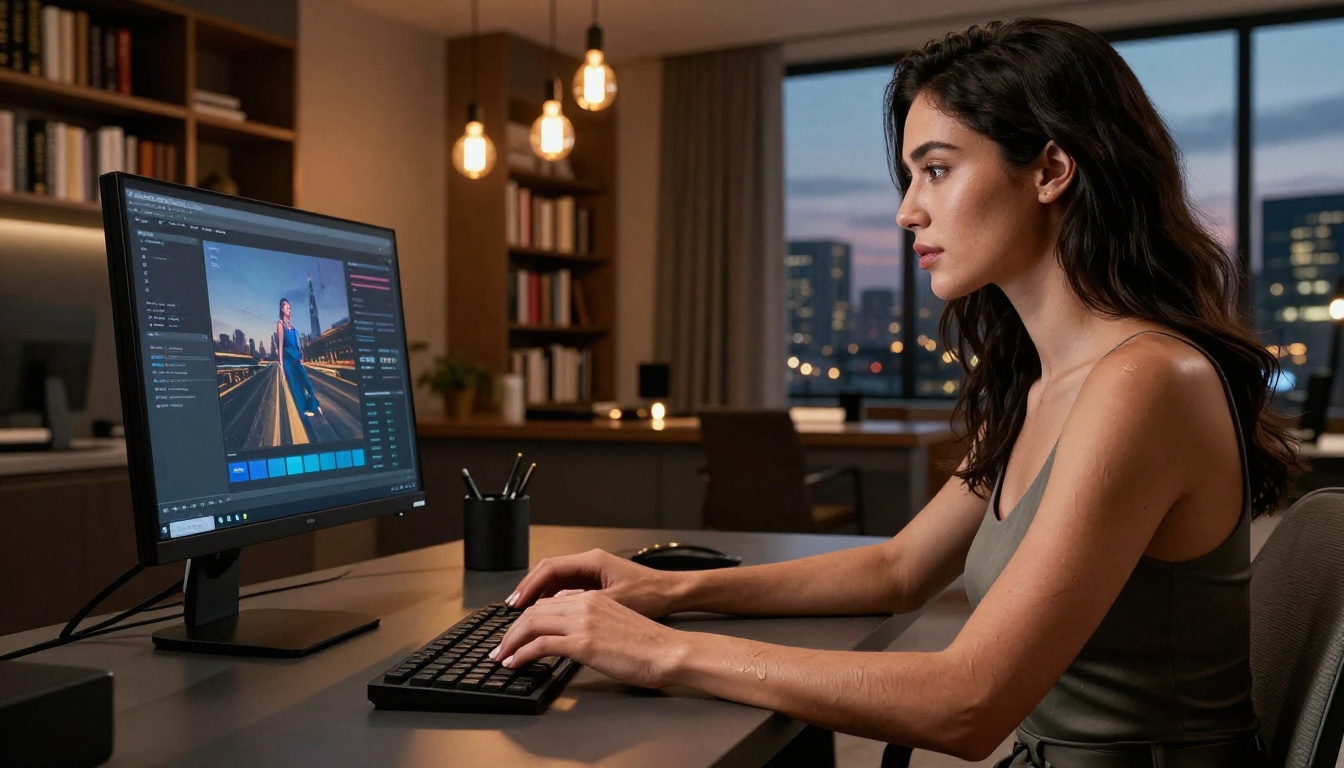
FLUX.2 Max vs the Competition
How does FLUX.2 Max compare to the other top unrestricted models on PicassoIA? Here's a direct breakdown:
| Feature | FLUX.2 Max | Seedream 4.5 | P-Image | Recraft V4 |
|---|
| NSFW Support | Yes | Yes | Yes | Yes |
| Speed | ~10 seconds | Under 3 seconds | Under 1 second | Fast |
| Photorealism | Exceptional | Very High | High | Very High |
| Image Editing | No | Yes | No | No |
| Best Use Case | High-detail portraits | Speed plus versatility | Volume generation | Clean realism |
The bottom line: if maximum photorealistic detail is your goal and you can spend 10 seconds per image, FLUX.2 Max is unmatched. If you need fast iteration or image editing in the same workflow, Seedream 4.5 is the smarter choice. For sheer volume at maximum speed, P-Image wins every time.
The two models also work well together: use FLUX.2 Max to generate your hero images at maximum quality, then use PicassoIA Image Editor Pro to iterate variations at unlimited volume with zero extra cost.
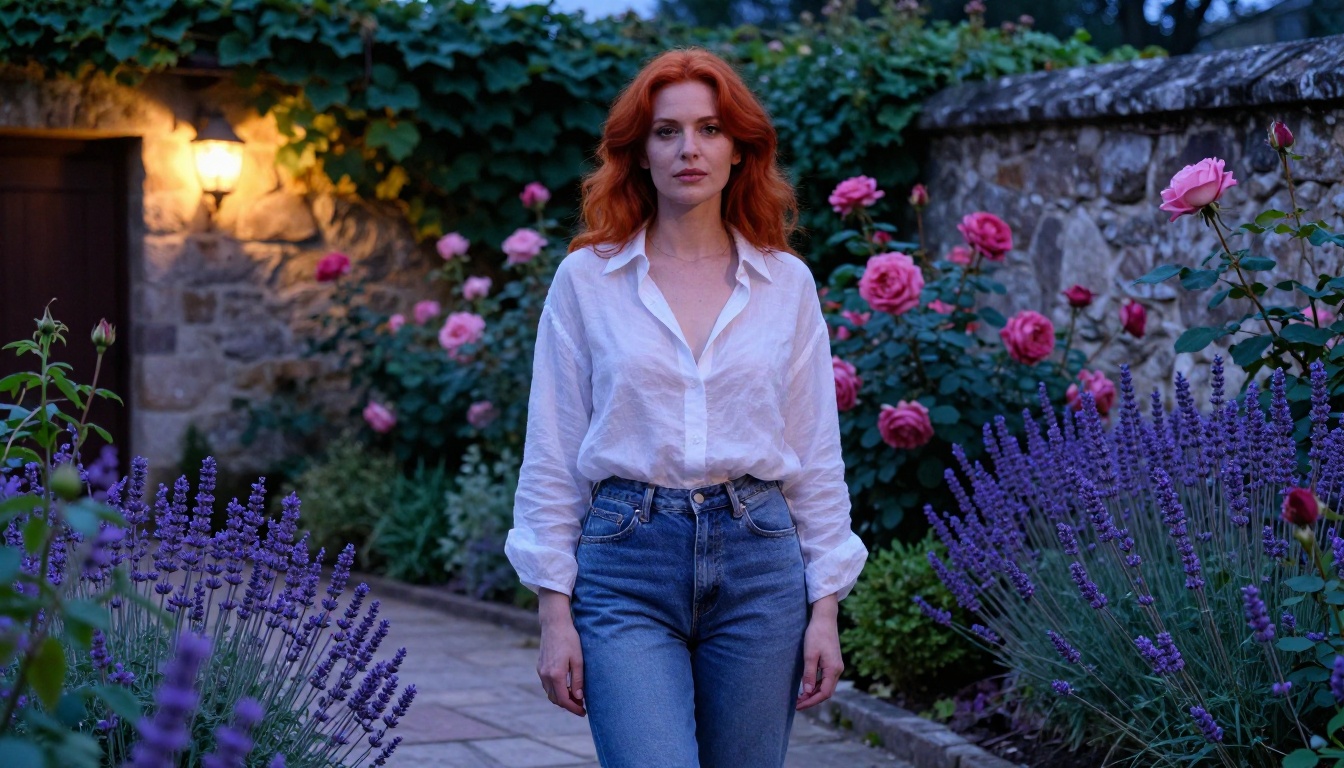
3 Questions People Always Ask
Is Creating This Content Legal?
In most jurisdictions, creating AI-generated adult content involving fictional, AI-generated subjects is legal for adults. PicassoIA requires users to be 18 or older to generate adult content and prohibits content involving real identifiable people without their consent.
The creative output from FLUX.2 Max is generated imagery, not photographs of real people. Standard content law applies: legal for fictional adult subjects, strictly illegal for anything involving minors. PicassoIA enforces these rules without exception.
Why Doesn't FLUX.2 Max Censor?
The model architecture doesn't include a hardcoded safety classifier at the inference layer. Many mainstream AI tools add safety layers on top of their base models for liability and platform policy reasons. PicassoIA's choice to offer FLUX.2 Max without these additional layers gives adult content creators a professional-grade tool that actually does what they ask.
This is the same reason professional photographers have access to creative direction and shooting scenarios that wouldn't be acceptable on a stock photography platform. The tool isn't the problem. The use is what matters.
What About Privacy?
All images generated on PicassoIA are stored in your private gallery and are not used to train other models without explicit consent. Generated images are fictional and contain no biometric data from real people. If you plan to distribute content commercially, verify PicassoIA's terms for commercial licensing on AI-generated imagery before publication.
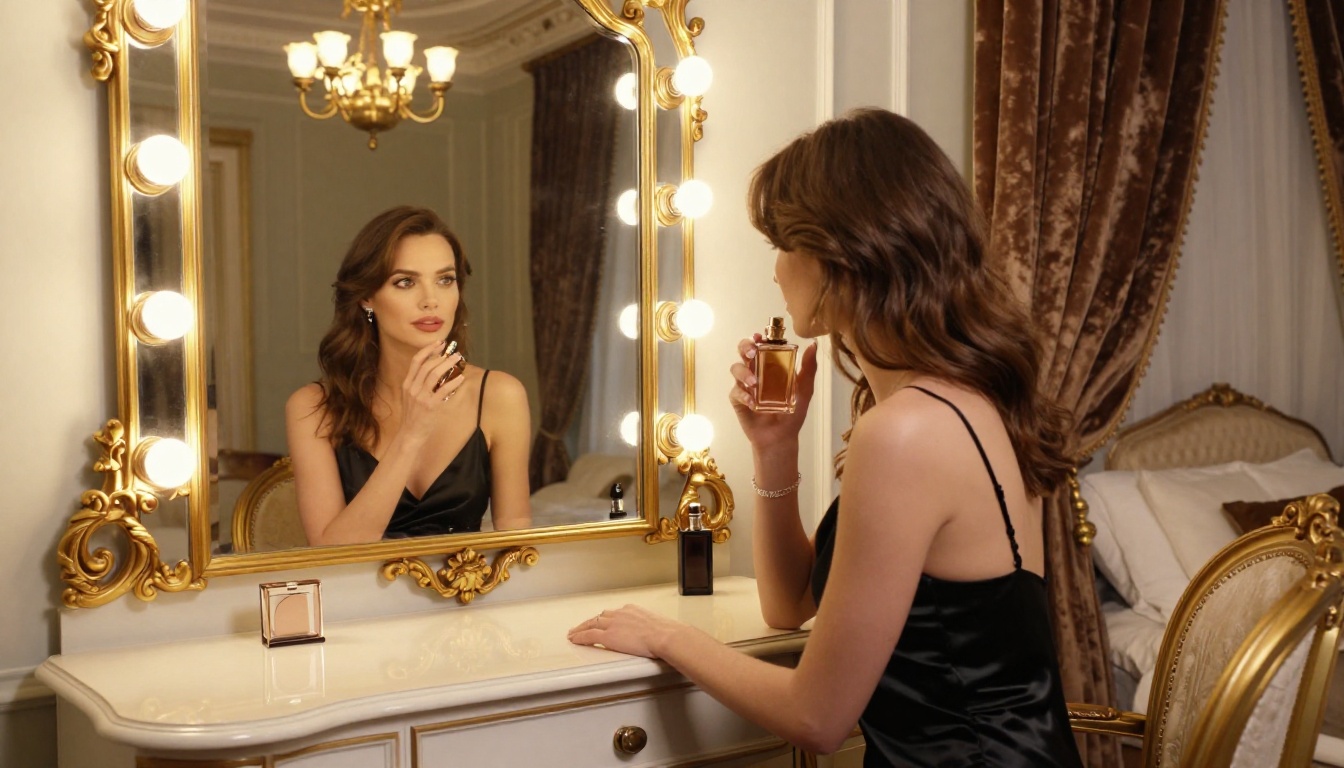
Start Creating on PicassoIA Now
You now have everything: the model, the workflow, the prompt formulas, the parameter settings, and the comparison data. What's left is putting it to work.
FLUX.2 Max is live on PicassoIA right now. Open the model page, paste in your first detailed prompt using the 5-part formula above, and see what unrestricted, photorealistic AI image generation looks like when the model isn't second-guessing your creative intent.
If you want to iterate faster or generate at volume, pair it with Seedream 4.5 for under-3-second generation, or use PicassoIA Image Editor Pro for unlimited image-to-image transformations at no extra cost on Elite and Infinite plans. After you have your hero shots, run them through PicassoIA's super-resolution models to push them to 2x or 4x resolution without any quality loss.
The full catalog of unrestricted AI image, video, and audio models is available at picassoia.com/en/all-models. Whether you need text-to-image, image editing, upscaling, or video generation, it's all in one place with no restrictive filters standing between you and your creative output.