The editing timeline used to be where creativity went to die - hours of dragging clips, matching audio waveforms, and manually adjusting colors. Today, AI changes everything. What took days now happens in hours, what required technical expertise now works with voice commands, and what was manual drudgery now automates itself. Video editors aren't being replaced; they're being augmented with tools that handle the repetitive work so they can focus on what matters: storytelling.
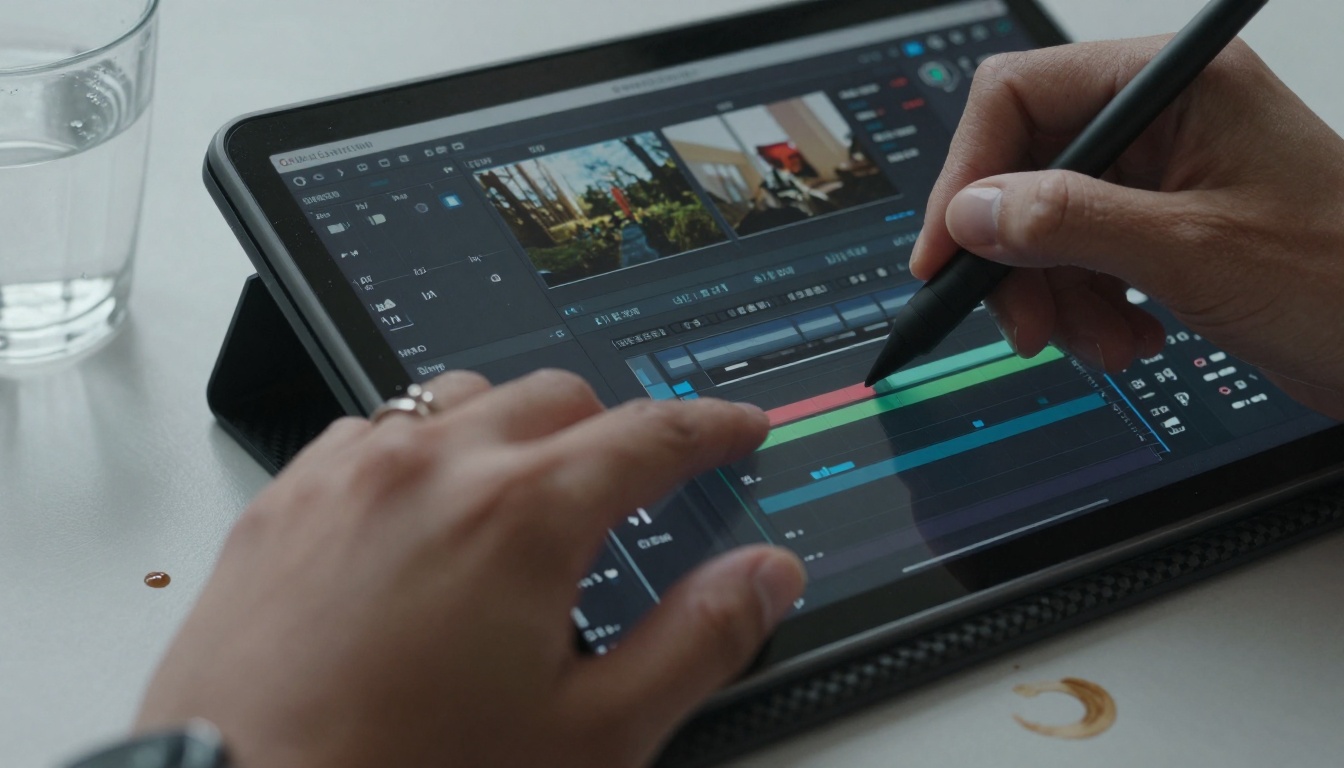
Why Traditional Editing Wastes Time
Every minute spent manually matching colors between clips, scrubbing through footage for the perfect cut point, or cleaning background noise could be automated. The math is simple:
| Task | Manual Time | AI Time | Time Saved |
|---|
| Scene detection | 2-3 hours | 5 minutes | 95% |
| Color correction | 1-2 hours | 15 minutes | 85% |
| Audio cleanup | 45 minutes | 2 minutes | 95% |
| Caption generation | 30 minutes | 1 minute | 97% |
| Thumbnail creation | 20 minutes | 30 seconds | 97% |
The total? Four to six hours of manual work becomes twenty minutes of AI assistance. That's not incremental improvement; that's workflow transformation.
💡 The biggest misconception: AI doesn't replace editors - it replaces the parts editors hate. The creative decisions, pacing choices, and emotional storytelling remain human. The technical execution becomes automated.
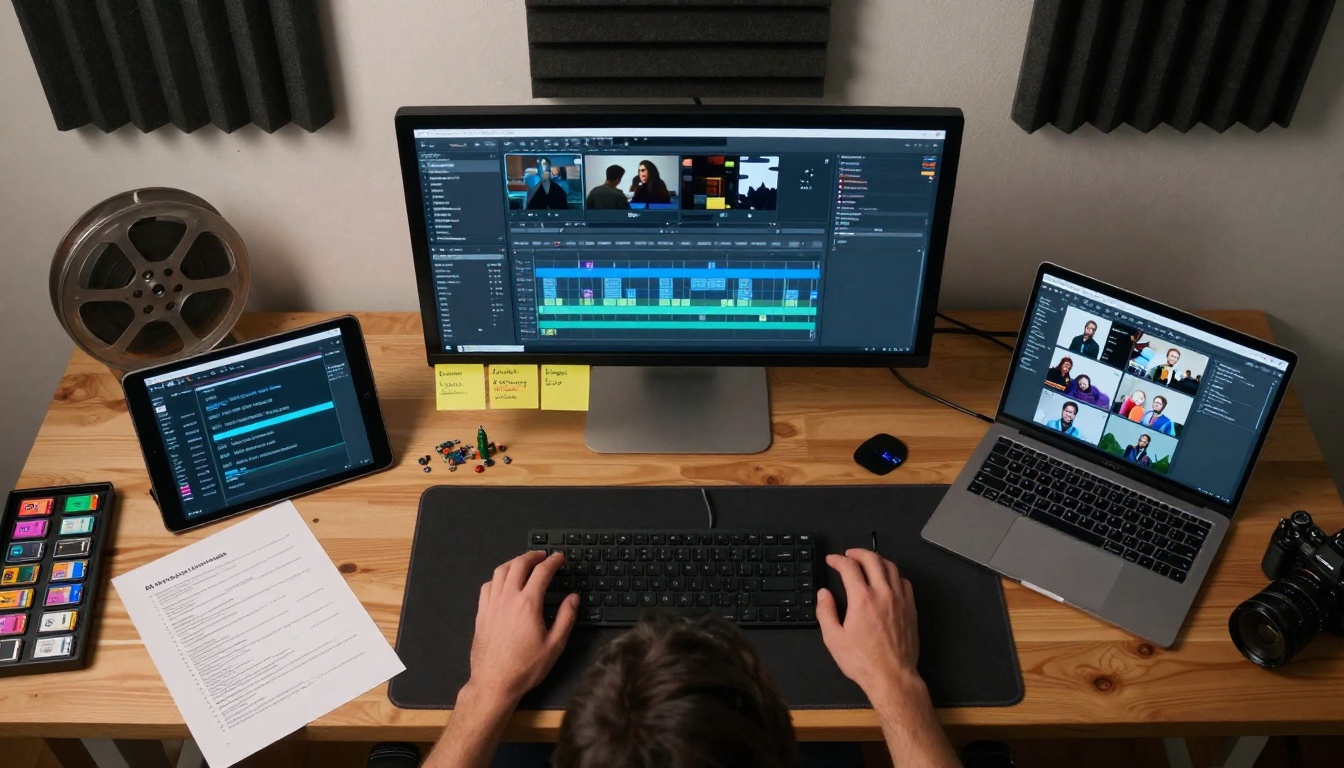
How AI Editing Actually Works
Scene detection algorithms analyze video frames for changes in composition, subject movement, and visual continuity. Instead of manually marking in/out points, the AI suggests natural cut locations based on:
- Visual composition shifts - when the camera angle changes significantly
- Subject movement patterns - when people enter/exit frame
- Audio waveform changes - when speech patterns or background noise shift
- Color temperature variations - when lighting conditions change
Smart color matching uses reference frames to apply consistent color grading across all clips. The AI analyzes:
- Skin tone consistency
- White balance accuracy
- Shadow/highlight detail preservation
- Color palette harmony
Audio intelligence goes beyond simple noise reduction. Modern AI can:
- Isolate vocals from background music
- Normalize volume across all speakers
- Remove specific noises (keyboard clicks, AC hum)
- Enhance speech clarity automatically
1. Automated Cutting Systems
These tools analyze footage and suggest edit points. They don't make the final cut decisions - they present options based on:
- Pacing algorithms - suggesting cuts that match desired video rhythm
- Continuity checking - ensuring visual flow between scenes
- Emotional analysis - identifying moments with peak emotional content
💡 Pro tip: Use AI suggestions as starting points, then adjust manually. The AI gets you 80% there in minutes; you polish the remaining 20% with creative intent.
2. Real-Time Transcription Editing
Tools like google-gemini-3-pro transcribe speech as you edit. This changes everything:
- Edit by text - delete words in transcript, video adjusts automatically
- Search footage - find specific phrases instead of scrubbing timeline
- Auto-caption generation - captions created from accurate transcripts
Workflow before: Listen to footage → manually type captions → sync to timeline (45 minutes)
Workflow now: AI transcribes → edit text → captions auto-sync (5 minutes)
3. AI-Powered Color Grading
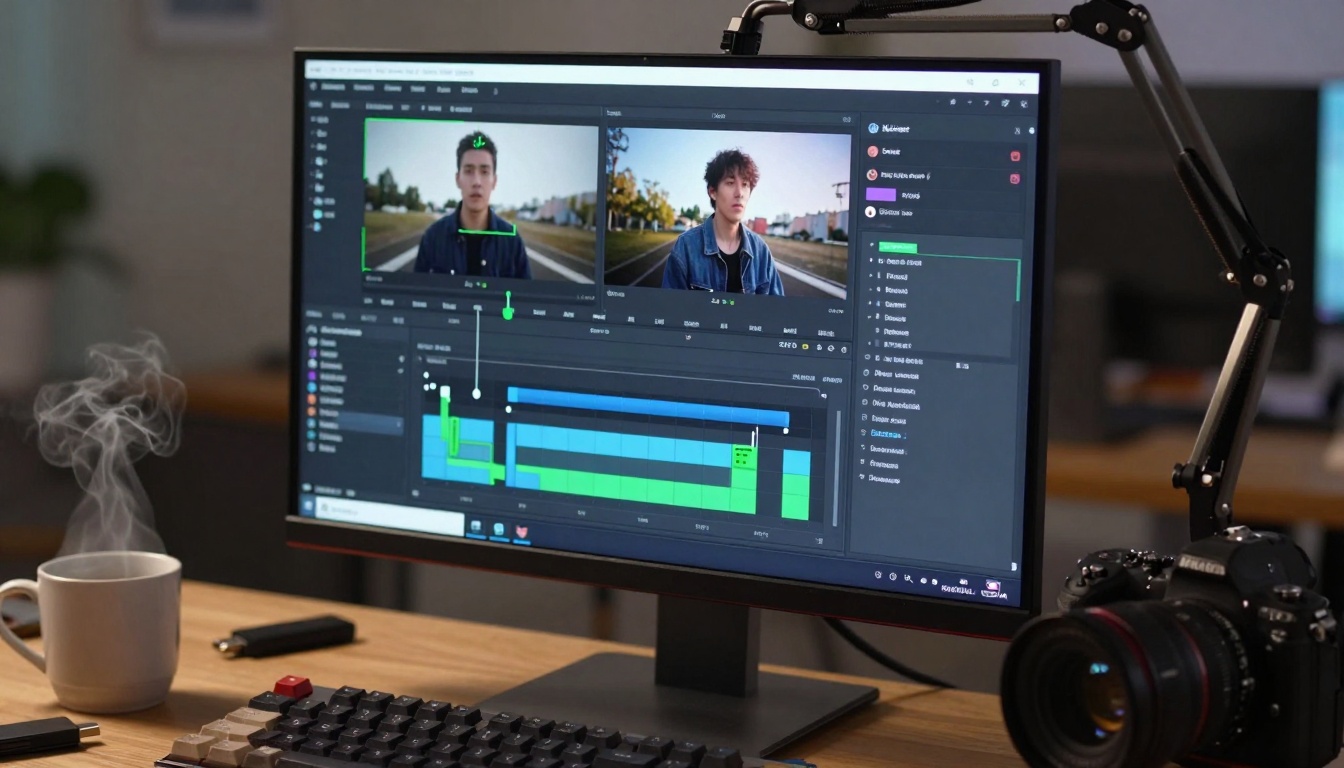
Manual color correction requires technical knowledge of color wheels, curves, and scopes. AI color tools work differently:
- Select reference frame - choose one clip with perfect colors
- AI analyzes - examines skin tones, shadows, highlights, color balance
- Apply to all - matches entire timeline to reference automatically
The secret: AI doesn't just match colors - it understands context. A sunset scene gets different treatment than office footage, even with the same reference.
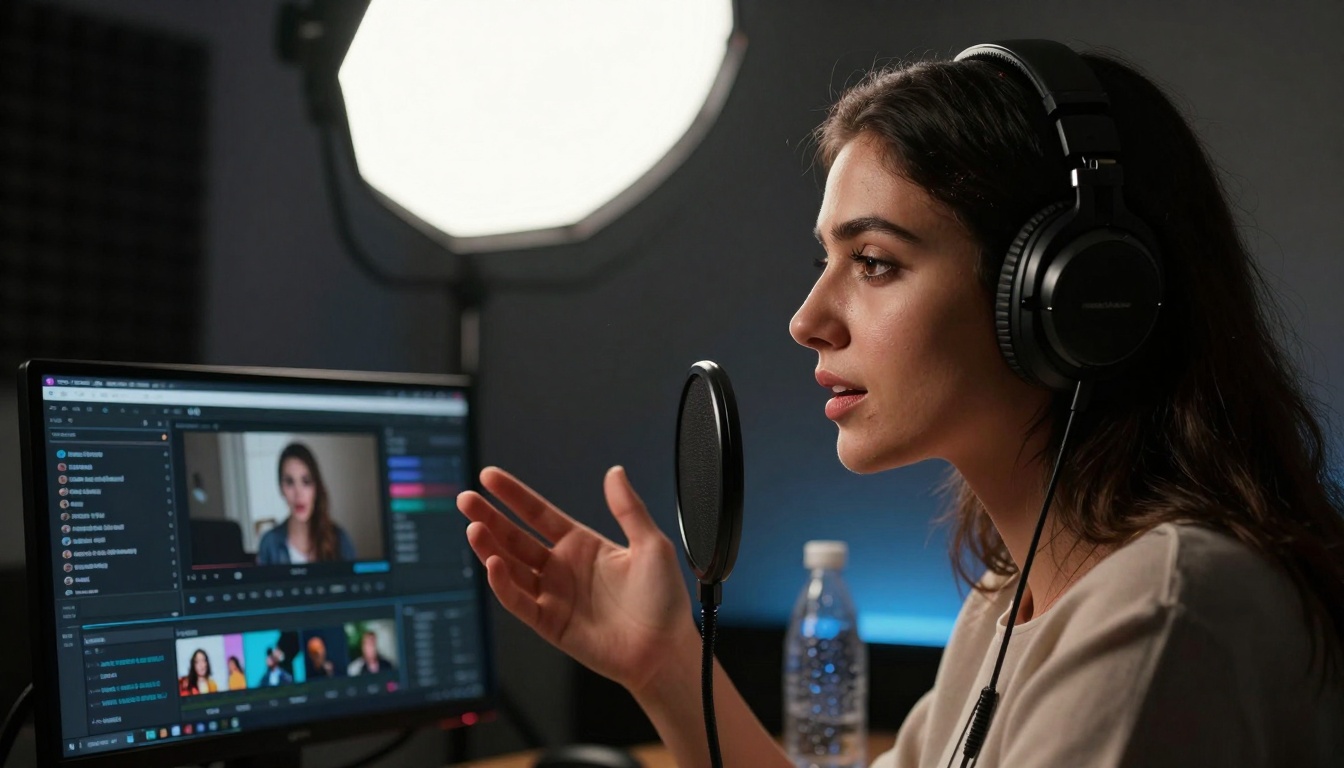
4. Voice Command Editing
"Cut here," "add transition," "color match these clips" - voice commands turn editing into conversation. The technology behind this:
- Natural language processing - understands editing terminology
- Context awareness - knows which clip is selected, what tool is active
- Multi-step commands - "Take these three clips and create a montage with cross dissolves"
Speed comparison:
- Mouse: Select clip → find tool → adjust parameters (15 seconds)
- Voice: "Make this clip 20% brighter" (2 seconds)
5. AI Storyboard Generation
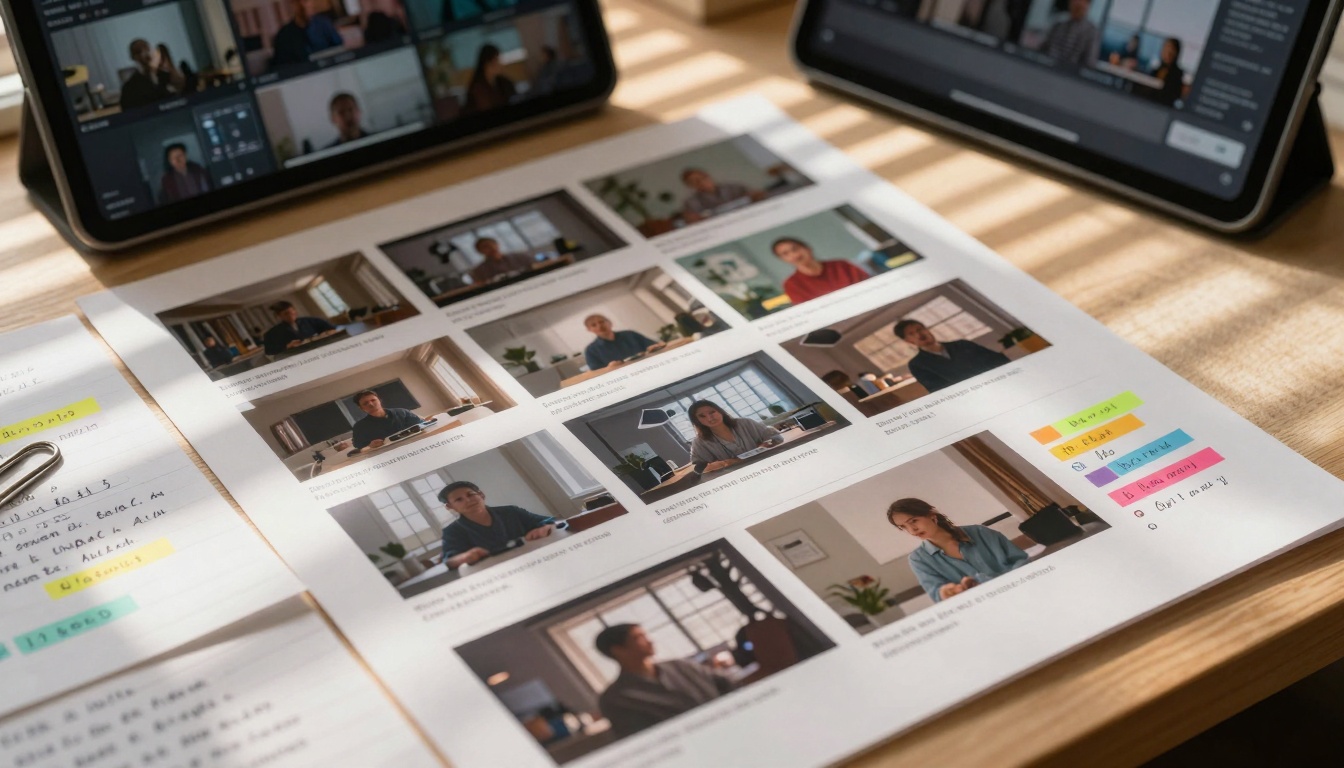
Before shooting begins, AI can generate visual storyboards from scripts. Tools analyze:
- Scene descriptions - creates visual representations
- Character movements - suggests camera angles and blocking
- Emotional tone - recommends color palettes and lighting
Practical benefit: Directors and editors align visually before production starts, reducing reshoots and editing conflicts.
Integrating AI Into Existing Workflows
Most editors worry about learning new software. The solution isn't replacement - it's integration. AI tools plug into familiar environments:
Adobe Premiere Pro users add AI through:
- Auto Reframe - automatically adjusts aspect ratios
- Scene Edit Detection - finds cut points automatically
- Essential Sound - AI-powered audio cleanup
Final Cut Pro includes:
- Smart Conform - automatic cropping for different platforms
- Voice Isolation - removes background noise while preserving speech
- Color Correction - one-click matching across clips
DaVinci Resolve offers:
- Magic Mask - AI-powered object tracking and masking
- Speech to Text - real-time transcription editing
- Neural Engine - AI-based upscaling and noise reduction
Case Study: From 8 Hours to 90 Minutes
A YouTube creator producing daily vlogs faced burnout from editing. Their process:
Before AI:
- 2 hours - scrubbing through 60 minutes of raw footage
- 1.5 hours - cutting and arranging clips
- 1 hour - color correcting mismatched shots
- 45 minutes - cleaning audio and adding music
- 30 minutes - creating thumbnails and captions
- 2 hours - rendering and uploading
Total: 8+ hours per video
After implementing AI tools:
- 15 minutes - AI scene detection suggests cuts
- 10 minutes - AI color match applies consistent grading
- 5 minutes - AI audio cleanup removes background noise
- 2 minutes - AI generates captions from transcription
- 3 minutes - AI creates thumbnail options
- 45 minutes - creative polishing and final adjustments
Total: 90 minutes per video
The result: Daily production became sustainable, quality improved through consistent color/audio, and burnout disappeared.
Not all AI editing tools work for every situation. Selection depends on:
Your content type:
- Talking head videos: Focus on transcription and audio tools
- Travel vlogs: Prioritize color matching and scene detection
- Product demos: Need object tracking and clean audio
- Documentaries: Require advanced transcription and pacing tools
Your skill level:
- Beginners: Start with one-click solutions like auto-color and scene detection
- Intermediate: Add voice commands and smart cutting
- Advanced: Implement full AI workflow with custom training
Your budget:
- Free tier: Basic auto-features in mainstream editors
- $10-30/month: Specialized AI plugins
- $50+/month: Enterprise-level AI suites
The Technical Limitations (What AI Still Can't Do)
While AI accelerates technical tasks, certain areas remain firmly human:
Creative pacing decisions - AI can suggest cuts, but emotional timing requires human intuition
Storytelling coherence - Algorithms don't understand narrative arc or character development
Style consistency - AI matches colors technically but can't maintain artistic style
Ethical editing choices - Context-sensitive decisions about what to include/exclude
Client communication - Understanding subjective feedback and implementing creative direction
The balance: Use AI for what it does well (technical execution), retain human control for what matters (creative decisions).
Getting Started Tomorrow
Implementing AI doesn't require overhauling your entire workflow. Start with one tool that addresses your biggest time sink:
If you spend hours on color: Try auto-color matching in your current editor
If transcription kills you: Implement google-gemini-3-pro or similar
If cutting takes forever: Enable scene detection features
If audio cleanup frustrates: Add AI noise reduction plugins
The first-week process:
- Day 1-2: Use AI for one specific task only
- Day 3-4: Compare results with your manual method
- Day 5-7: Adjust AI settings based on what you learn
- Week 2: Add second AI tool to workflow
The Future Already Here
Current AI tools represent the beginning, not the peak. Emerging developments include:
Predictive editing - AI analyzes raw footage and pre-assembles rough cuts before you start
Emotion-aware pacing - Algorithms adjust cut timing based on emotional content analysis
Style transfer learning - AI studies your past edits and applies your personal style automatically
Collaborative AI - Multiple AI tools working together (color AI talking to audio AI talking to cutting AI)
The timeline: What seems advanced today will be basic in 12 months. The tools improving 70% of your workflow today will handle 90% next year.
Your Next Editing Session
Open your current project and identify one repetitive task consuming disproportionate time. Research the AI solution for that specific problem. Implement it tomorrow, not "someday." Measure the time saved. Apply those saved minutes to creative improvements.
The transition isn't about replacing skills - it's about reclaiming time. Every minute AI saves on technical work is a minute you gain for storytelling, client communication, or simply not burning out.
Video creation should focus on communication, not technical execution. AI tools make that possible today. The question isn't whether to adopt them - it's how quickly you can start benefiting from the hours they'll give back to your creative process.
Experiment with AI video editing tools on platforms that offer these capabilities. The right combination of automated technical execution and human creative direction transforms video production from tedious chore to expressive art form.


