The landscape of visual content creation has fundamentally shifted. Where once professional photography required expensive equipment, studio space, and years of technical training, today's creators have access to tools that democratize high-quality image production. At the forefront of this revolution stands P Image - a text-to-image AI model that's changing how we think about viral content.
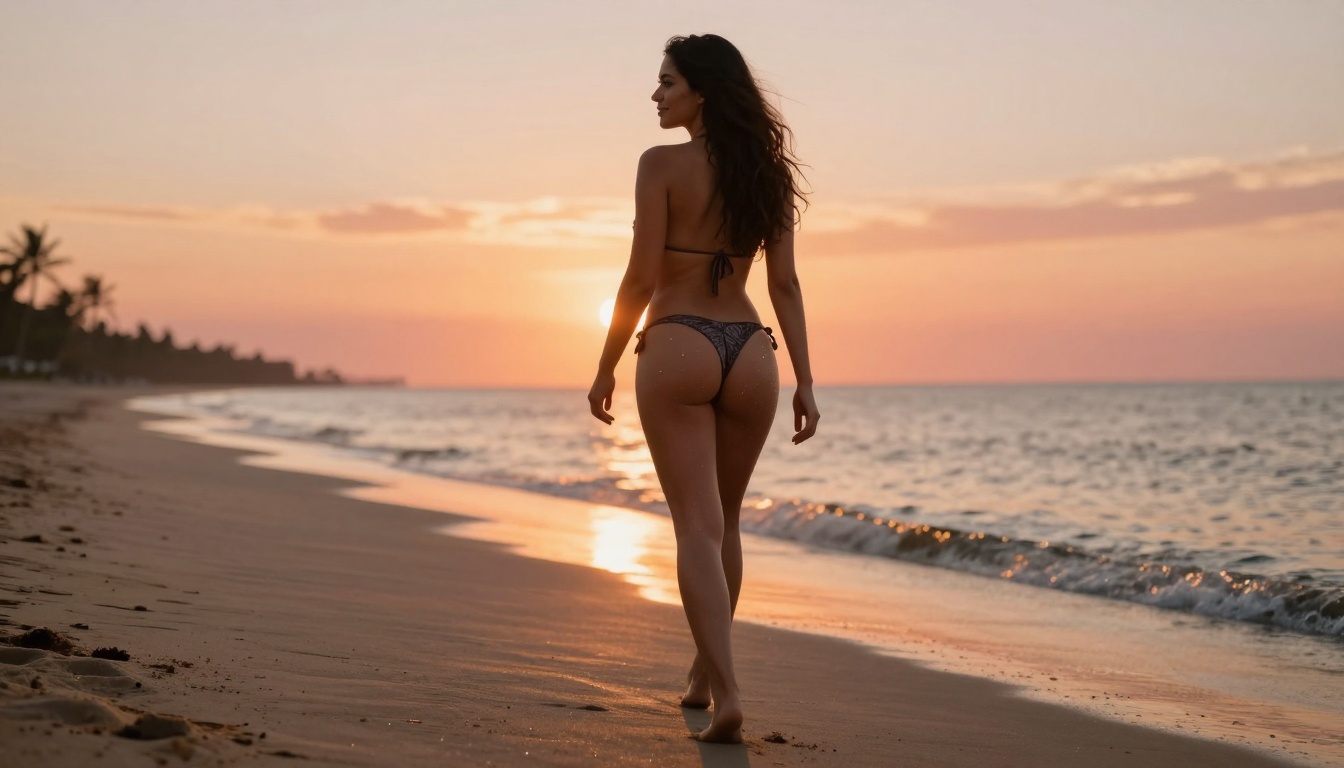
Example of viral beach content created with P Image
Why P Image Changes Everything
Traditional AI image generators often produce results that feel... artificial. There's a certain plastic quality, an uncanny valley effect that betrays the image's digital origins. P Image shatters this limitation by specializing in photorealistic outputs that mirror professional photography.
💡 Key Differentiator: While other models excel at artistic or stylized outputs, P Image focuses specifically on realism - the kind of realism that performs best on social media platforms where authenticity drives engagement.
The model's architecture is optimized for the textures, lighting conditions, and compositional principles that make photographs compelling. This isn't accidental - it's by design. The developers understood that for content to go viral, it needs to feel authentic first, compelling second.
Understanding the P Image Model
P Image operates on the PicassoIA platform, where it stands alongside other powerful image generation tools like Flux Pro, SDXL, and Qwen Image. What sets P Image apart is its speed-to-quality ratio.
Technical Specifications:
- Inference Time: ~2-5 seconds per image
- Resolution Support: Up to 1440px on longest side
- Aspect Ratios: Multiple options including 16:9, 1:1, 9:16
- Style Focus: Photorealistic with natural lighting simulation
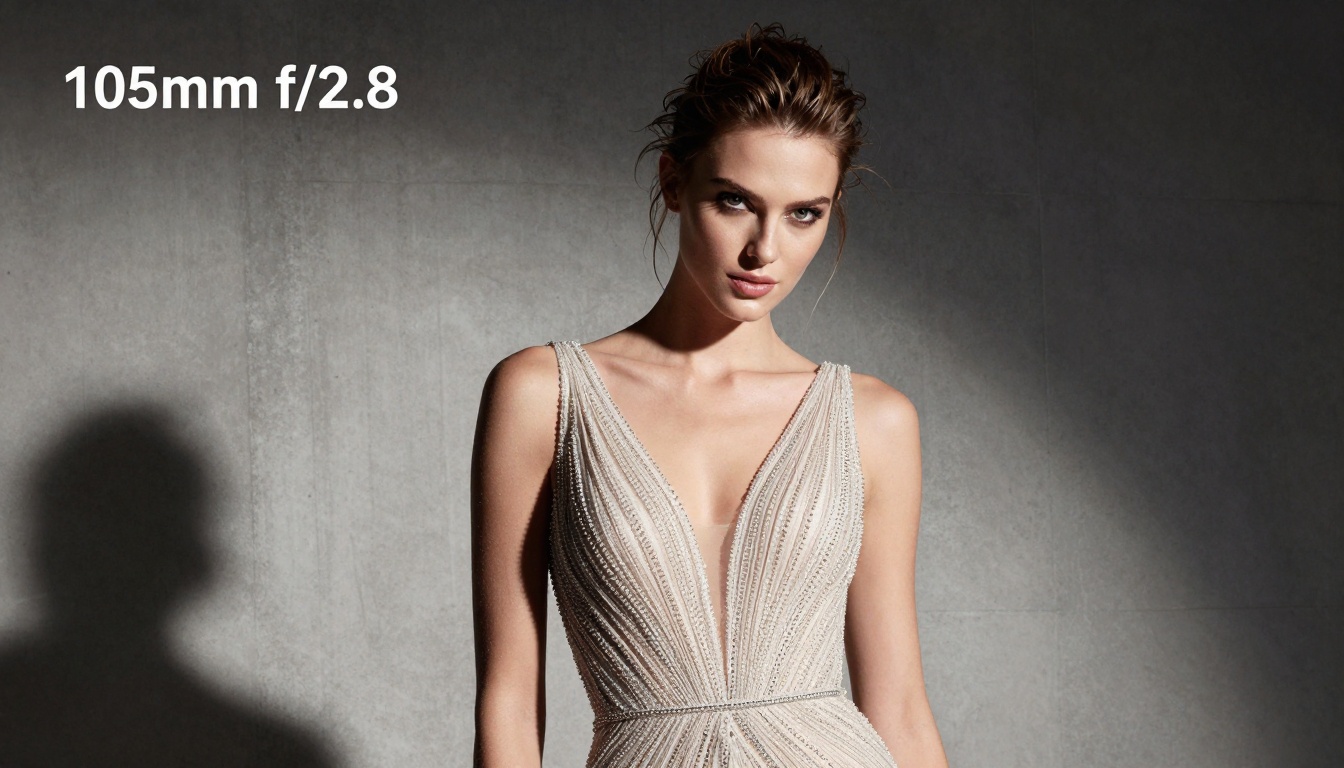
Professional fashion editorial created with P Image
Crafting Photorealistic Prompts
The single most important skill in working with P Image is prompt engineering. Unlike simpler models where "beautiful sunset" might suffice, P Image responds to detailed, photographic language.
Effective Prompt Structure:
- Subject + Action: "A woman walking along a beach at sunset"
- Lighting Conditions: "Golden hour light casting long shadows"
- Camera Specifications: "Shot with 85mm f/1.8 lens"
- Composition Details: "Low angle, rule of thirds placement"
- Texture Emphasis: "Realistic skin texture with natural pores"
- Atmosphere/Mood: "Cinematic, romantic atmosphere"
Bad Prompt: "Pretty beach scene"
Good Prompt: "A woman in a stylish bikini walking toward ocean water at golden hour, shot from low angle with 85mm f/1.8 lens, volumetric sunset light creating dramatic shadows on wet sand, realistic water droplets on skin, cinematic romantic atmosphere --ar 16:9 --style raw"
Common Prompt Elements That Work:
- Lighting References: "Golden hour", "morning light through windows", "studio softbox lighting"
- Lens Specifications: "85mm portrait lens", "24mm wide angle", "macro 90mm"
- Photographic Styles: "Cinematic", "documentary", "editorial", "lifestyle"
- Texture Details: "Skin pores", "fabric weave", "wood grain", "metal scratches"
- Atmospheric Effects: "Volumetric light", "atmospheric haze", "film grain"
Composition Techniques That Work

Lifestyle content demonstrating effective composition
Professional photographers spend years mastering composition. With P Image, you can incorporate these principles directly into your prompts:
1. Rule of Thirds
Always specify placement: "Subject placed at left intersection of rule of thirds grid"
2. Leading Lines
Incorporate environmental elements: "Cobblestone street creating leading lines toward subject"
3. Negative Space
Essential for social media: "Plenty of negative space above subject for text overlay"
4. Depth Layers
Create dimension: "Foreground bokeh, midground subject, background environmental context"
5. Symmetry vs. Asymmetry
Choose based on mood: "Symmetrical composition for corporate shots, asymmetric for lifestyle"
Composition Prompt Example: "Street photography in Paris, subject walking through narrow cobblestone street, leading lines guide eye to subject, shot with 35mm lens for environmental context, atmospheric perspective adding depth, golden hour light filtering between buildings"
Lighting and Atmosphere Mastery
Lighting separates amateur shots from professional ones. P Image understands photographic lighting terminology at a sophisticated level.
Lighting Types to Reference:
| Lighting Type | Best For | Prompt Example |
|---|
| Golden Hour | Outdoor lifestyle | "Sunset light creating warm tones and long shadows" |
| Window Light | Interior shots | "Soft diffused light from large north-facing windows" |
| Studio Softbox | Portraits | "Large softbox creating even, shadowless illumination" |
| Rim Lighting | Product shots | "Hard light from behind creating glowing edge" |
| Split Lighting | Dramatic portraits | "Light hitting only one side of face, other side in shadow" |
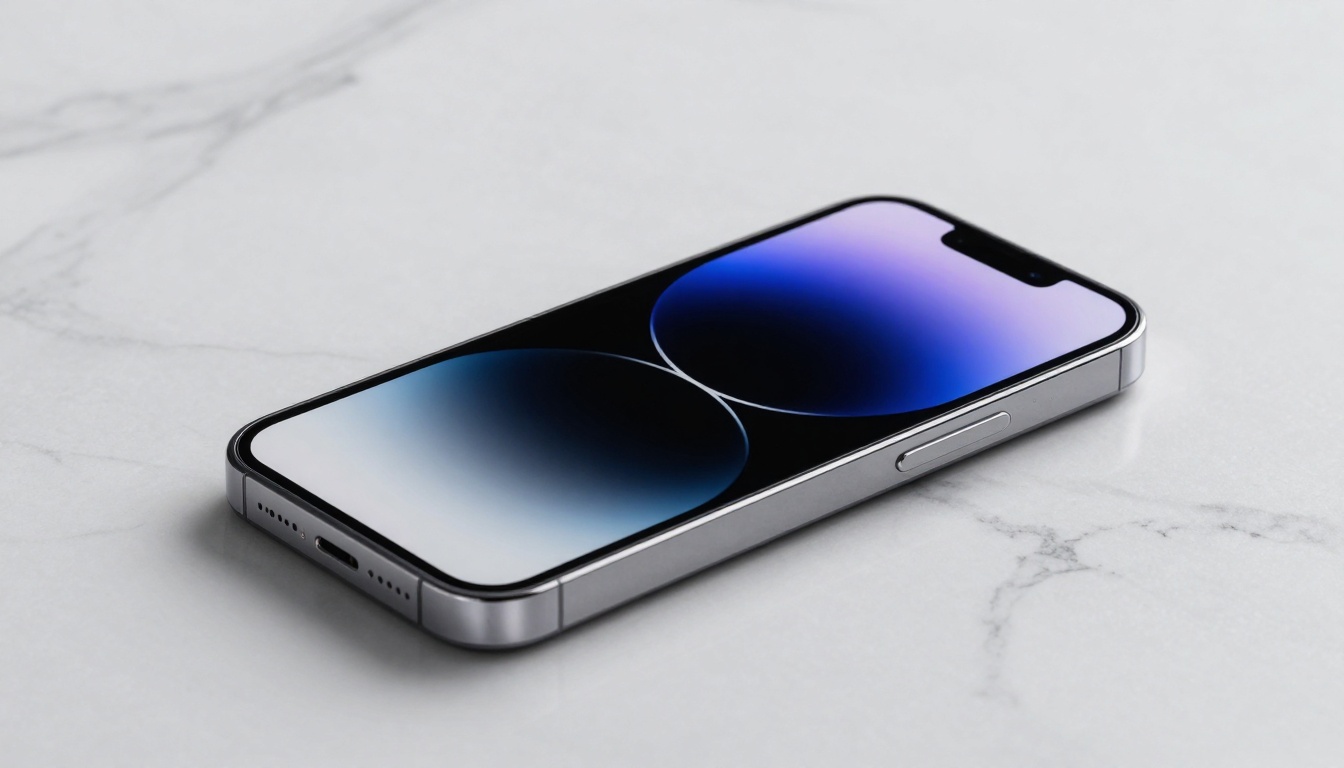
Professional product photography with strategic lighting
Atmosphere Elements:
- Time of Day: "Early morning mist", "midday harsh light", "blue hour twilight"
- Weather Conditions: "Light rain creating reflections", "fog adding mystery", "clear sky for vibrance"
- Seasonal Cues: "Autumn leaves", "winter frost", "spring blossoms", "summer heat haze"
- Emotional Tone: "Serene and peaceful", "energetic and dynamic", "moody and dramatic"
💡 Pro Tip: Combine lighting with atmospheric elements for maximum impact: "Golden hour light filtering through autumn forest mist, creating volumetric light beams and warm, nostalgic atmosphere"
Different platforms have different visual requirements. P Image's aspect ratio flexibility lets you optimize for each:
Instagram Grid (1:1)
- Square format works for feed consistency
- Center subjects with room for crop
- Use: "Professional portrait, subject centered with negative space around, shot with 85mm lens --ar 1:1"
Instagram Stories (9:16)
- Vertical format for mobile viewing
- Place key elements in top third for visibility
- Use: "Lifestyle shot, key visual element in top third, shot for vertical mobile viewing --ar 9:16"
Facebook/Twitter (16:9)
- Landscape format for desktop and feed
- Horizontal compositions work best
- Use: "Scene with horizontal elements, landscape orientation --ar 16:9"
Pinterest (2:3)
- Tall vertical for pin optimization
- Text space at top/bottom
- Use: "Vertical composition with room for text overlay --ar 2:3"
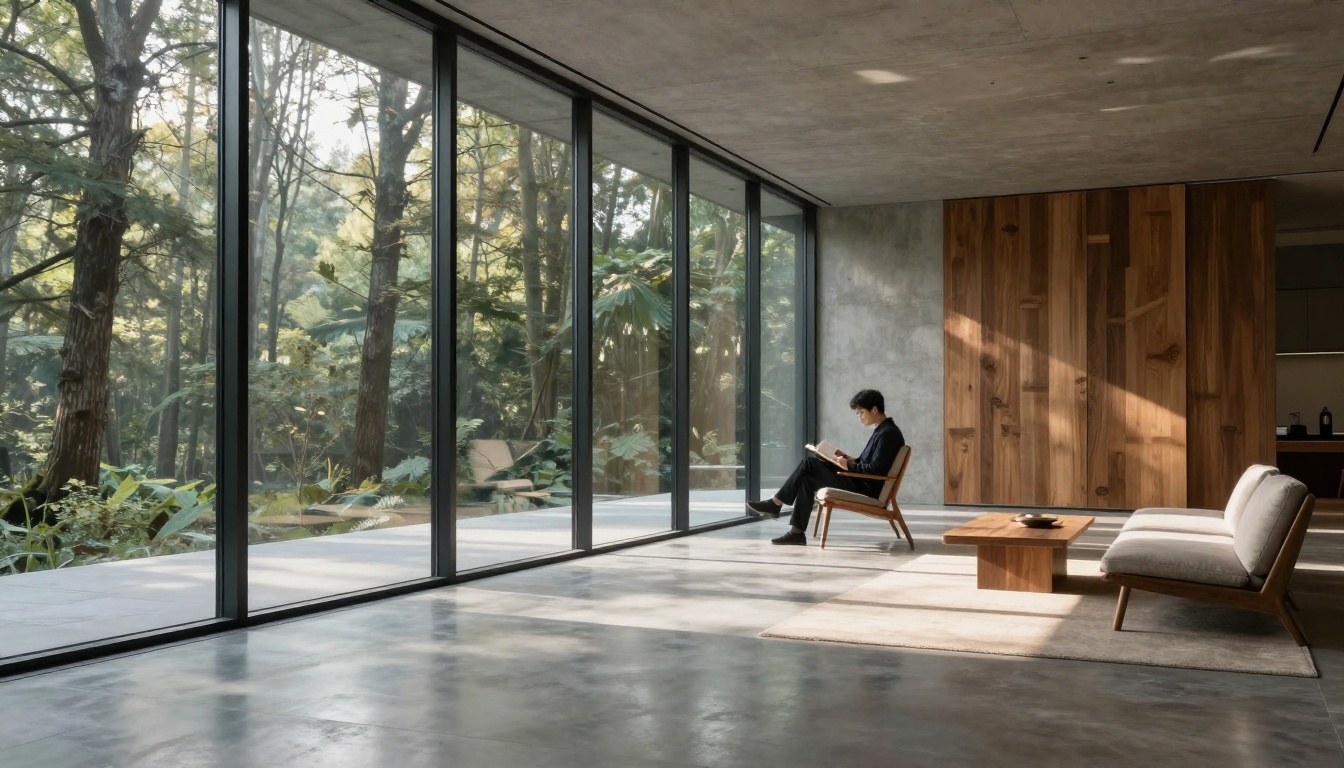
Architectural photography optimized for social media
Avoiding Common Mistakes
Even with powerful tools, certain pitfalls can undermine your results:
1. Overly Generic Prompts
❌ "Beautiful woman"
✅ "Professional model in tailored blazer, confident direct gaze, studio lighting with soft shadow transition, 105mm lens compression, realistic skin texture with subtle makeup details"
2. Conflicting Style Elements
❌ "Cyberpunk neon lights with natural morning sun"
✅ Choose one cohesive style and stick with it
3. Ignoring Human Scale
❌ "Empty modern room"
✅ "Modern room with single person adding human scale and lifestyle context"
4. Texture Overload
❌ "Extremely detailed everything"
✅ Focus texture details on key elements only
5. Unrealistic Expectations
Understand that P Image excels at realism but still has limitations in extremely complex scenes or specific celebrity likenesses.
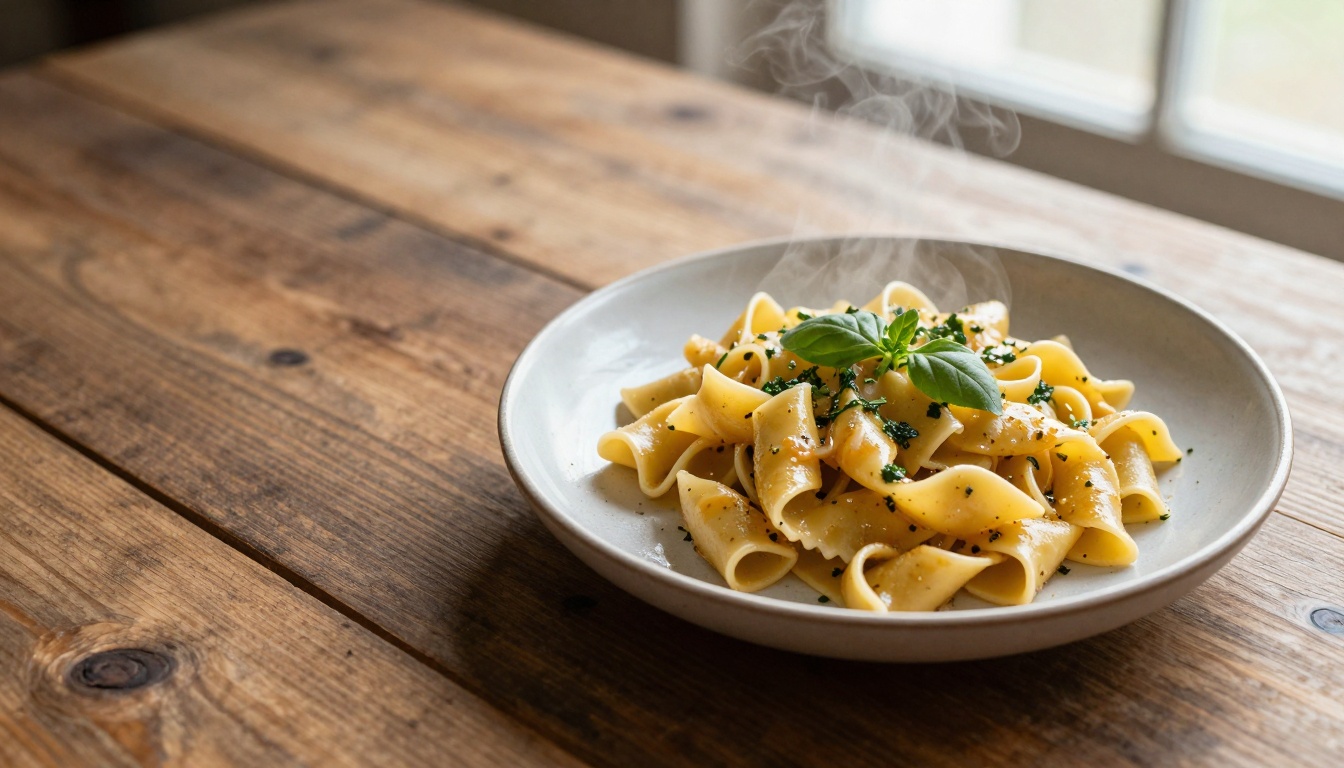
Food photography avoiding common compositional mistakes
Advanced Creative Strategies
Once you've mastered the basics, these advanced techniques can elevate your content:
1. Series Consistency
Create visual series by maintaining consistent:
- Color palette
- Lighting style
- Composition approach
- Subject treatment
Example: A food blog series all shot with "overhead 45-degree angle, natural window light, rustic wooden background"
2. Brand Visual Language
Develop a distinctive style that becomes recognizable as your brand:
- Signature lighting (e.g., always golden hour)
- Consistent color grading
- Recurring compositional patterns
- Characteristic subject treatment
3. Seasonal Campaigns
Leverage P Image for timely content:
- Holiday-themed imagery
- Seasonal product shots
- Weather-appropriate lifestyle content
- Event-specific visual storytelling
4. A/B Testing Variations
Generate multiple versions of the same concept:
- Different lighting conditions
- Varied compositions
- Alternative color schemes
- Multiple subject poses/expressions

Corporate portrait demonstrating brand consistency
P Image doesn't exist in isolation. The PicassoIA platform offers complementary tools:
1. P Image Edit
For refining generated images: P Image Edit
- Change specific elements
- Adjust colors/lighting
- Fix minor imperfections
- Add/remove objects
2. Image Upscaling
Enhance resolution for print or large display: Image Upscale
- 2x/4x enlargement
- Detail preservation
- Noise reduction
3. Background Removal
Clean product shots: Remove Background
- Isolate subjects
- Create transparent backgrounds
- Prepare for compositing
4. Video Generation
Animate your images: WAN Video
- Turn stills into motion
- Create social media videos
- Add cinematic movement
Workflow Example:
- Generate base image with P Image
- Refine details with P Image Edit
- Upscale for high-resolution use
- Remove background for product shots
- Animate select images for video content

Travel content that could be animated with video tools
Measuring Your Success
Creating viral content requires more than just good images - it requires understanding what works:
Key Metrics to Track:
- Engagement Rate: Likes, comments, shares relative to reach
- Click-Through Rate: How many viewers take action
- Save Rate: Particularly important on Instagram/Pinterest
- Conversion Rate: For commercial content
- Audience Growth: New followers attributed to specific content
A/B Testing Framework:
- Variable Testing: Test different lighting styles on the same subject
- Composition Comparison: Same scene, different framing
- Color Palette Tests: Warm vs. cool, vibrant vs. muted
- Subject Treatment: Different poses, expressions, outfits
- Platform Optimization: Same content formatted for different platforms
Analytics Integration:
- Use platform-native analytics
- Implement UTM parameters for trackable links
- Set up conversion tracking for commercial goals
- Monitor seasonal performance patterns
💡 Data-Driven Approach: Don't guess what works - test systematically. The combination of P Image's rapid generation and proper analytics creates a feedback loop that accelerates content optimization.
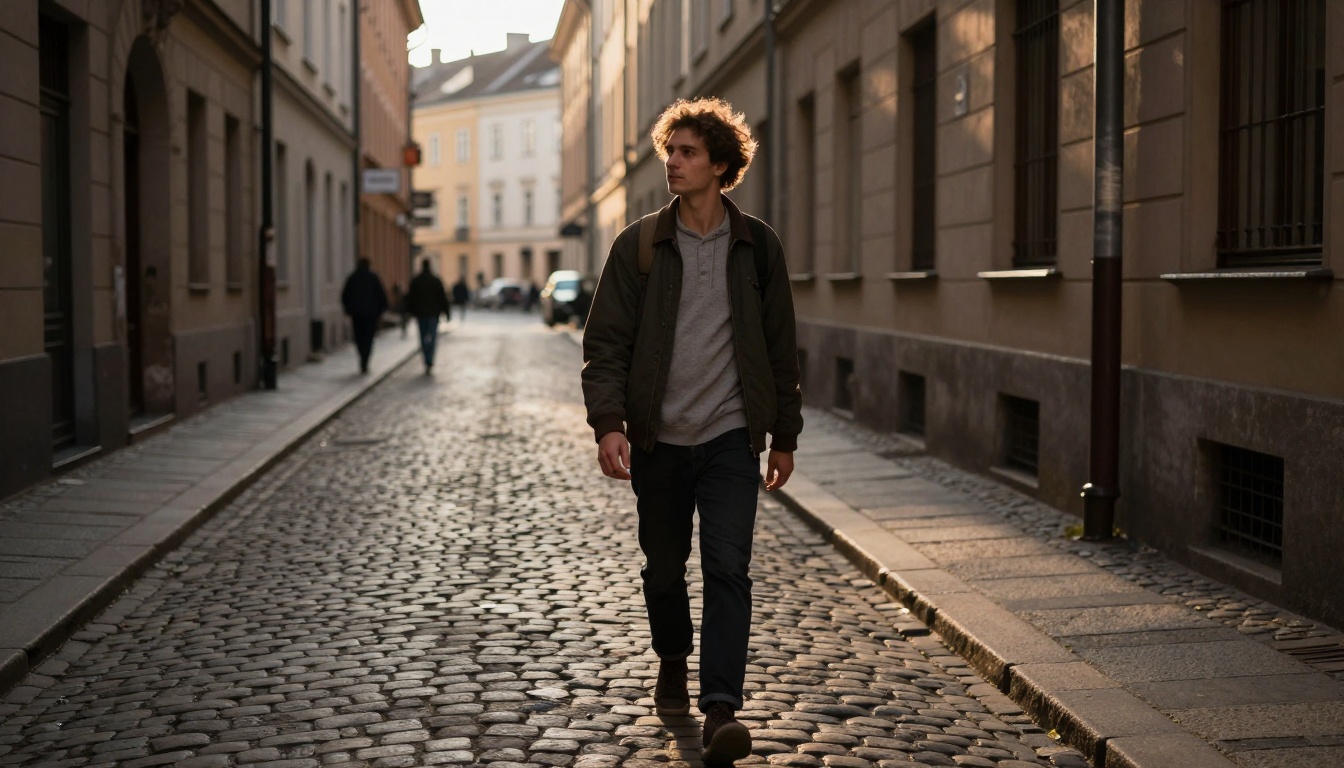
Street photography optimized through testing and refinement
The Future of AI Image Creation
What we're seeing with P Image represents just the beginning. As these tools evolve, several trends are emerging:
1. Specialization
Models will become increasingly specialized - not just "image generators" but "fashion photographers", "product photographers", "architectural visualizers" within the AI space.
2. Integration
Tighter integration between generation, editing, and optimization tools will create seamless workflows.
3. Personalization
AI that learns your brand's visual language and generates content that fits your established style automatically.
4. Real-time Generation
Near-instant generation will enable live content creation for events, reactions, and trending topics.
5. Quality Standardization
The gap between AI-generated and professionally photographed content will continue to narrow until the distinction becomes irrelevant for most applications.

Conceptual representation of the AI image generation process
Your Next Steps
The barrier to creating professional, viral-worthy imagery has never been lower. With P Image and the strategies outlined here, you have everything needed to produce content that stands out in crowded social feeds.
Start with these actions:
- Experiment Freely: Generate 20-30 images across different styles to understand P Image's capabilities
- Develop Your Style: Identify the visual approach that aligns with your brand or personal aesthetic
- Create Templates: Develop prompt templates for your most common content types
- Test Systematically: Implement A/B testing to refine what works for your audience
- Iterate Continuously: Use insights from performance data to improve your approach
The most successful creators aren't those with the most talent or resources - they're those who understand how to leverage available tools effectively. P Image represents one of the most powerful tools currently available for visual content creation.
Remember: The goal isn't to replace human creativity but to augment it. Your unique perspective combined with P Image's technical capabilities creates a partnership that can produce results neither could achieve alone.


