Create Viral TikTok Videos with Veo 3.1 in Minutes
This comprehensive guide explores how content creators can leverage Google's Veo 3.1 AI video generation technology to produce viral TikTok content. Learn prompt engineering strategies, workflow optimization, and analytics tracking to create professional-quality videos that gain massive traction on TikTok's algorithm. Discover technical specifications, best practices, and real case studies showing successful implementation across fashion, education, and comedy niches.
The article is about how creators can leverage Google's Veo 3.1 to produce TikTok videos that gain massive traction. TikTok's algorithm prioritizes novel, high-quality video content—exactly what Veo 3.1 delivers through AI-generated photorealistic scenes, smooth motion, and cinematic quality.
Right now, video content dominates social media. TikTok specifically rewards videos with high watch time, shares, and comments. Traditional video production requires cameras, lighting, editing software, and significant time investment. Veo 3.1 changes this equation entirely.
Imagine describing a scene in text and having a fully produced video ready in minutes. That's the reality with Veo 3.1. The model understands complex prompts about lighting, camera angles, motion, and emotion, then generates videos matching professional production standards.
Why Veo 3.1 Works for TikTok
TikTok's success metrics align perfectly with Veo 3.1's capabilities. The platform favors:
High Production Value: Veo 3.1 outputs look like they were shot with professional equipment
Novel Concepts: AI can visualize ideas humans might not think to film
Consistent Output: Generate multiple videos maintaining similar style and quality
Rapid Iteration: Test different concepts quickly without production costs
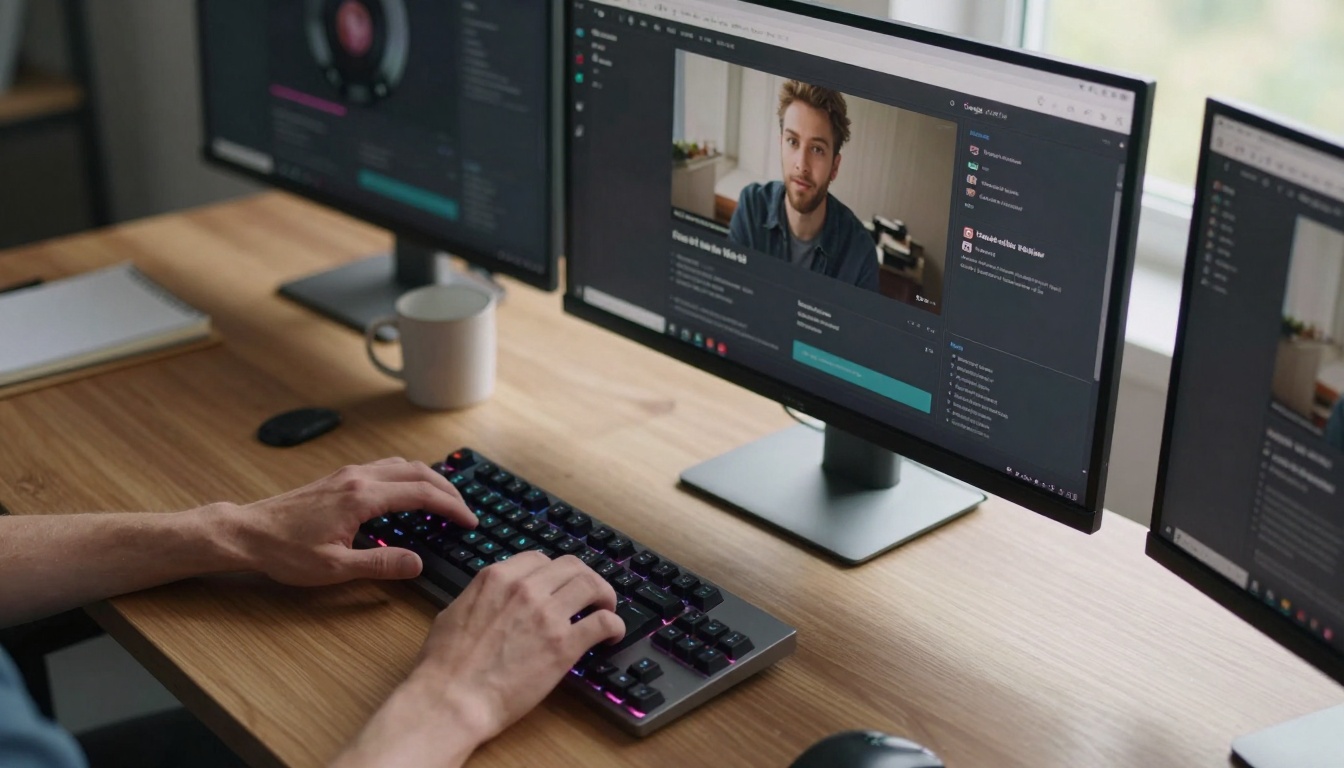
Creative workspace setup for Veo 3.1 video generation
The Technical Edge: What Makes Veo 3.1 Different
Veo 3.1 represents a significant leap in text-to-video technology. Unlike earlier models that produced choppy, low-resolution outputs, Veo 3.1 generates:
💡 1080p resolution with cinematic quality
💡 Smooth motion up to 10 seconds duration
💡 Photorealistic lighting and textures
💡 Coherent scene transitions
💡 Multiple camera angles within single videos
The model understands cinematic language. You can specify "dolly zoom," "Dutch angle," "low-angle shot," or "time-lapse" and get corresponding camera movements. This level of control was previously only possible with actual film crews.
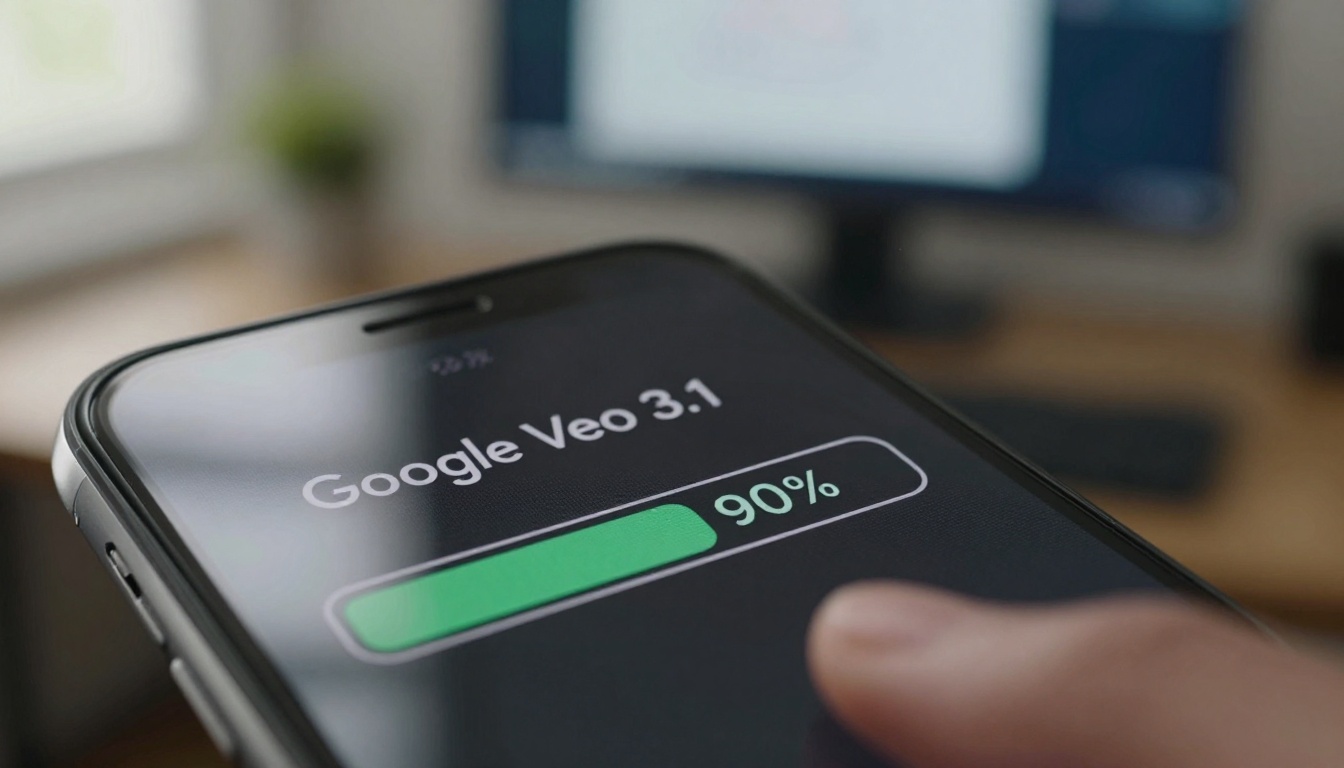
Real-time video generation progress with Veo 3.1
Prompt Engineering for Viral Content
Success with Veo 3.1 depends on prompt quality. TikTok's algorithm responds to specific video characteristics:
Example: "A mysterious package arrives at an empty apartment, slow dolly forward revealing contents, moody evening lighting with shadows, suspenseful atmosphere, cinematography similar to David Fincher"
Collaborative brainstorming session for viral TikTok concepts
Workflow: From Idea to Viral Video
Step 1: Concept Development
Identify trending TikTok topics in your niche. Use tools to analyze what's currently gaining traction. Look for patterns in successful videos—specific editing styles, pacing, or visual themes.
Step 2: Prompt Crafting
Translate your concept into Veo 3.1 language. Be specific about:
Subject actions and emotions
Camera positioning and movement
Lighting conditions (golden hour, studio lighting, etc.)
Environmental details
Desired video length (up to 10 seconds)
Step 3: Generation and Selection
Generate multiple variations of your concept. Veo 3.1 allows parameter adjustments for:
Motion intensity
Lighting brightness
Color grading
Detail level
Select the strongest version based on visual appeal and alignment with TikTok trends.
Step 4: Post-Production
While Veo 3.1 outputs are complete, you may add:
TikTok text overlays
Trending audio tracks
Quick cuts between multiple Veo 3.1 clips
On-screen graphics
Step 5: Publishing Strategy
Time your posts according to your audience's active hours. Use relevant hashtags and compelling captions that complement the visual content.
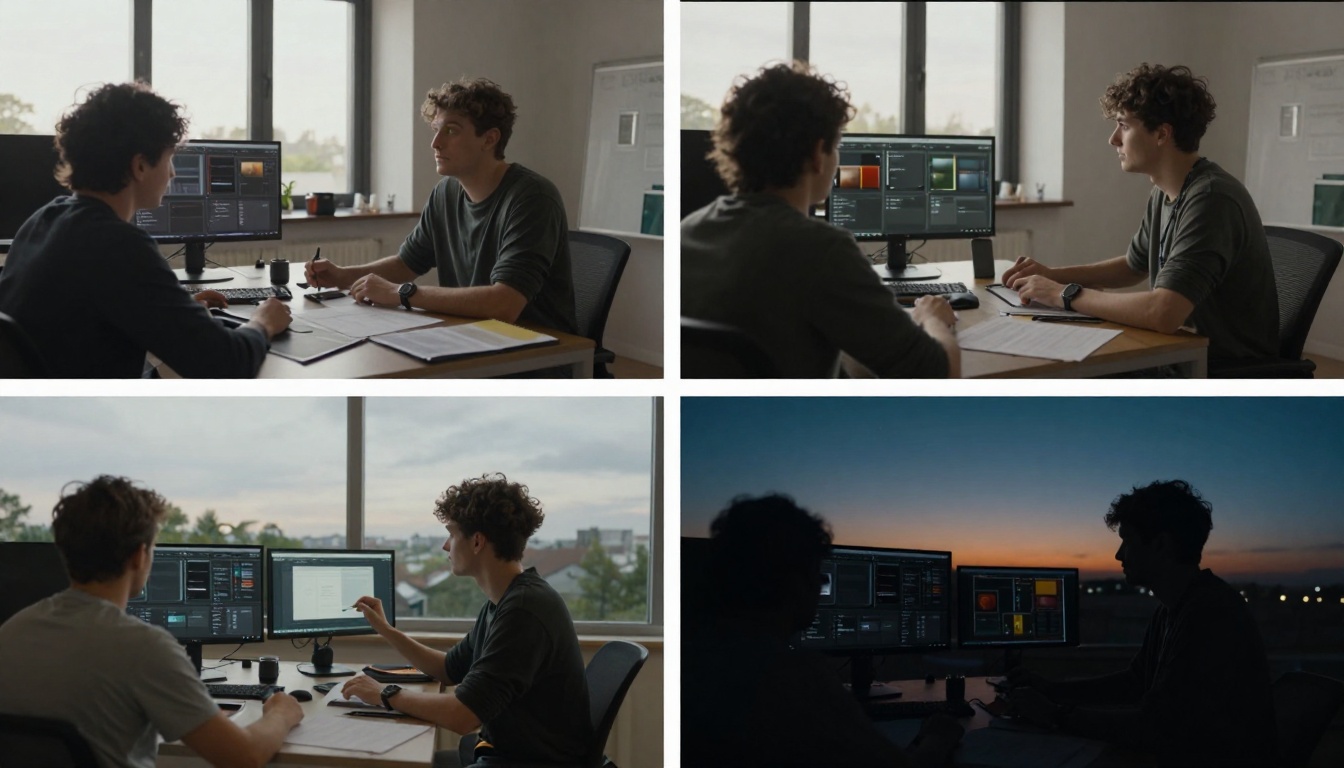
Complete 24-hour workflow from concept to analytics review
Case Studies: Real Viral Success
Fashion Niche: A creator used Veo 3.1 to generate "magical wardrobe transformation" videos. The prompt: "A person standing before a plain closet, magical light erupts transforming their outfit into haute couture, cinematic slow-motion reveal, fantasy lighting with sparkles." Result: 2.3 million views in 48 hours.
Educational Content: A science channel created "microscope journey through everyday objects" videos. Prompt: "Extreme macro view traveling through fabric fibers, dynamic rack focus revealing microscopic structures, laboratory lighting, educational but dramatic tone." Result: 1.8 million views with high engagement.
Comedy Sketches: A comedy creator generated "absurd situational humor" scenes impossible to film physically. Prompt: "A person trying to eat spaghetti while floating in zero gravity, noodles drifting around their head, comedic frustration expression, bright studio lighting." Result: 4.1 million views and widespread sharing.
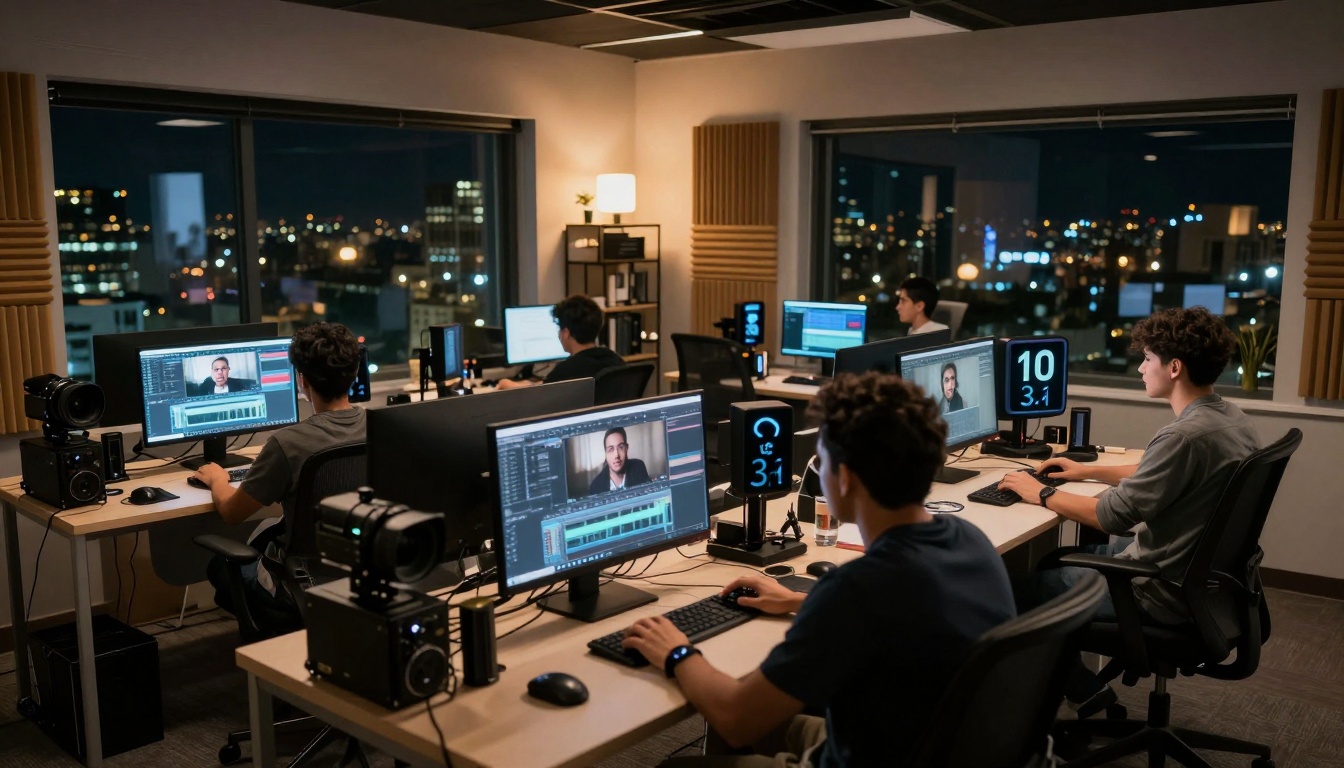
Professional content studio setup for high-volume production
Technical Specifications and Best Practices
Veo 3.1 accepts specific parameters that affect output quality:
Resolution: 1920x1080 (16:9 aspect ratio)
Duration: 4-10 seconds optimal for TikTok
Frame Rate: 24-30 FPS for cinematic feel
Style Weight: Control how literally the model follows your prompt
Best Practices:
Start Simple: Begin with basic prompts, then add complexity
Use References: Mention cinematic styles ("similar to Wes Anderson color palette")
Control Motion: Specify camera moves precisely ("slow pan left," "quick zoom out")
Lighting Matters: Natural lighting often performs better than artificial
Test Iteratively: Generate 3-5 variations of each concept
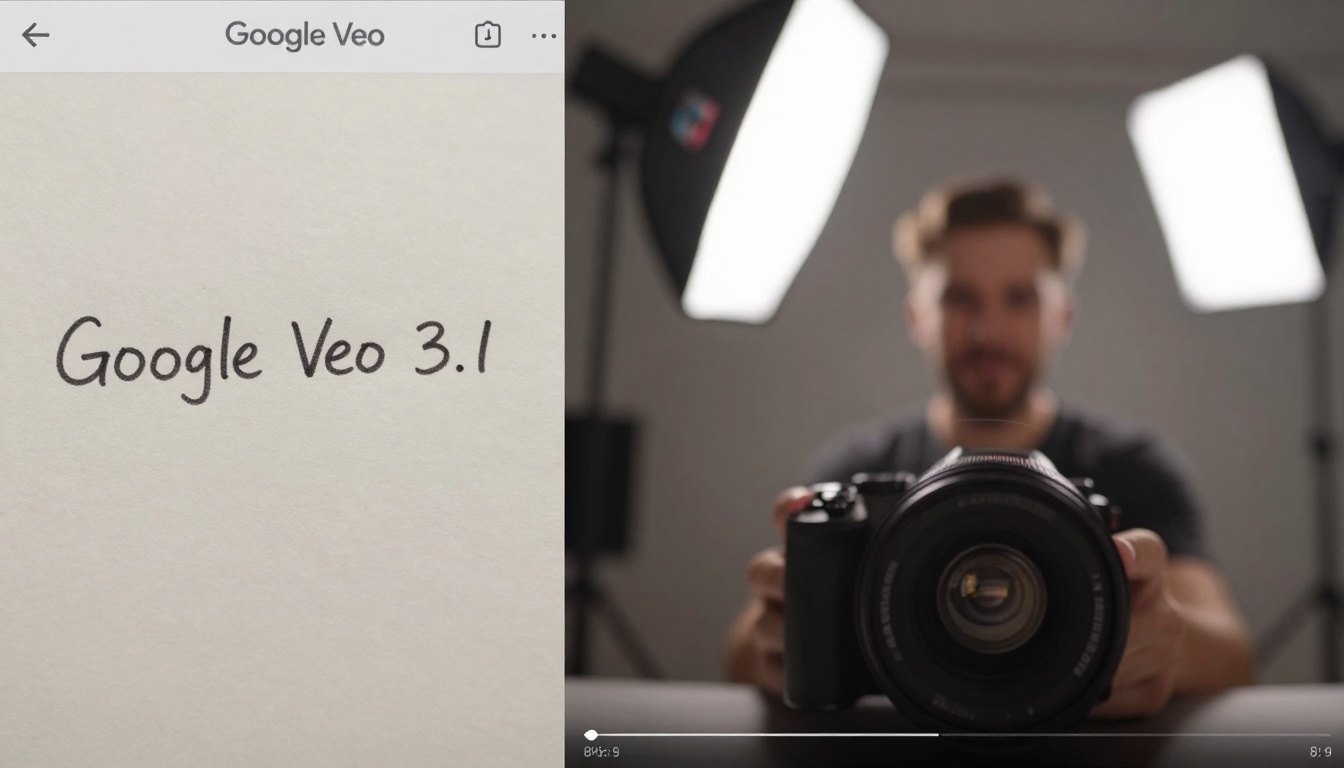
Direct comparison showing text prompt translation to finished video
Integration with Other Picasso IA Tools
Veo 3.1 works exceptionally well when combined with other tools on the Picasso IA platform:
For Idea Generation: Use GPT-5 to brainstorm viral concepts
For Thumbnails: Generate matching images with Flux 2 ProFor Audio: Create custom soundtracks with Stable Audio 2.5For Upscaling: Enhance video quality with Video Upscale
This tool ecosystem allows complete content creation without leaving the platform.
Analytics and Optimization
Track your Veo 3.1 generated content performance using TikTok's analytics:
Key Metrics to Monitor:
Average Watch Time
Completion Rate
Shares per View
Comment Engagement
Follower Growth Correlation
Optimization Strategy:
Identify which prompt styles perform best
Note which camera angles get higher retention
Track which lighting conditions increase shares
Analyze which video lengths maintain completion
Use this data to refine your prompt engineering strategy over time.
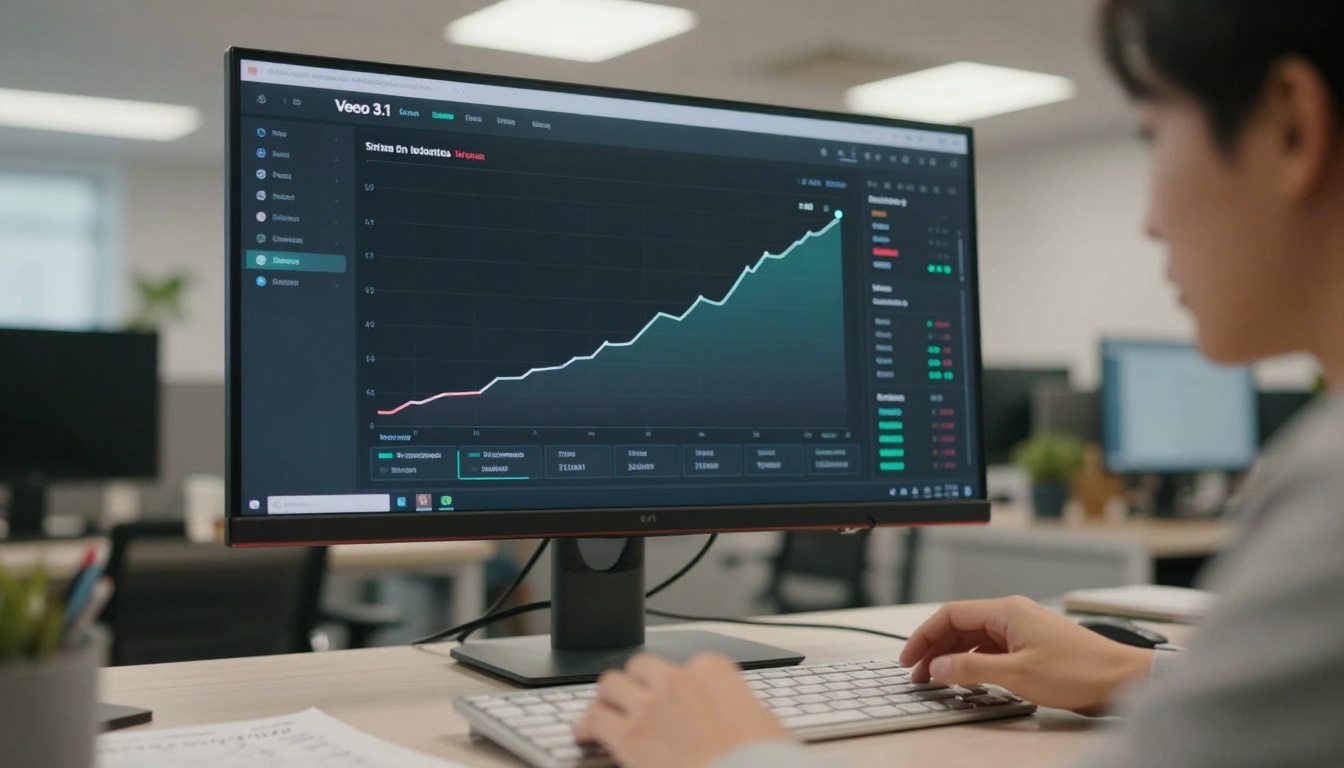
Detailed analytics tracking viral video performance
Common Mistakes and How to Avoid Them
Overcomplicating Prompts: Too many elements confuse the model. Focus on one strong visual concept per video.
Ignoring TikTok Trends: Veo 3.1 can recreate trending video styles. Match your outputs to what's currently popular.
Inconsistent Posting: AI enables consistent content flow. Establish regular posting schedule with Veo 3.1.
Neglecting Audio: TikTok is audio-driven. Always pair Veo 3.1 videos with trending or relevant audio.
Not Testing Enough: Generate multiple versions. What looks good to you might not perform well on TikTok.
Authentic creator reaction to viral video performance
Scaling Your TikTok Presence
With Veo 3.1, scaling content production becomes feasible:
Batch Creation: Generate multiple videos in one session around a theme
Series Development: Create episodic content with consistent visual style
Niche Domination: Flood a specific topic with high-quality Veo 3.1 content
Collaboration Potential: Combine Veo 3.1 outputs with other creators' footage
The model's consistency allows building recognizable visual branding across all your content.
Cost Considerations and ROI
Traditional video production costs include:
Equipment purchase/rental
Location fees
Crew payments
Editing time
Post-production expenses
Veo 3.1 eliminates most of these costs. The primary investment becomes subscription/usage fees and time spent prompt engineering.
Example: "A cat playing with a ball of yarn in a sunny living room, medium shot from eye level"
Generate this, add trending cat-related audio on TikTok, and observe performance. Note what works, then build complexity from there.
The barrier to creating viral TikTok content has never been lower. Veo 3.1 provides the visual quality, TikTok provides the audience, and your creativity provides the concepts. The combination is powerful.
Start experimenting with Veo 3.1 today. Test different prompt styles, analyze what resonates with your audience, and scale what works. The platform's capabilities continue expanding, offering new possibilities for viral content creation.
What unique visual concepts can you bring to TikTok using AI video generation? The tools exist—your creativity determines the outcome.