Buying clothes online without trying them on is a gamble most shoppers are tired of taking. Returns cost retailers billions every year, and the main reason is simple: the product looks different on the model than it does on the buyer. Virtual try-on photos built with AI are changing this equation completely, and the barrier to creating them has dropped to almost nothing.
This isn't about science-fiction fitting rooms or augmented reality apps. It's about generating photorealistic images that show exactly how a specific garment looks when worn, with the right lighting, the right body type, and the right environment. Whether you're a brand selling on Shopify, a fashion designer prototyping new pieces, or a reseller on a marketplace, being able to create virtual try-on photos for clothes on demand is a genuine competitive advantage.
What AI Try-On Photos Actually Do
Beyond the Changing Room
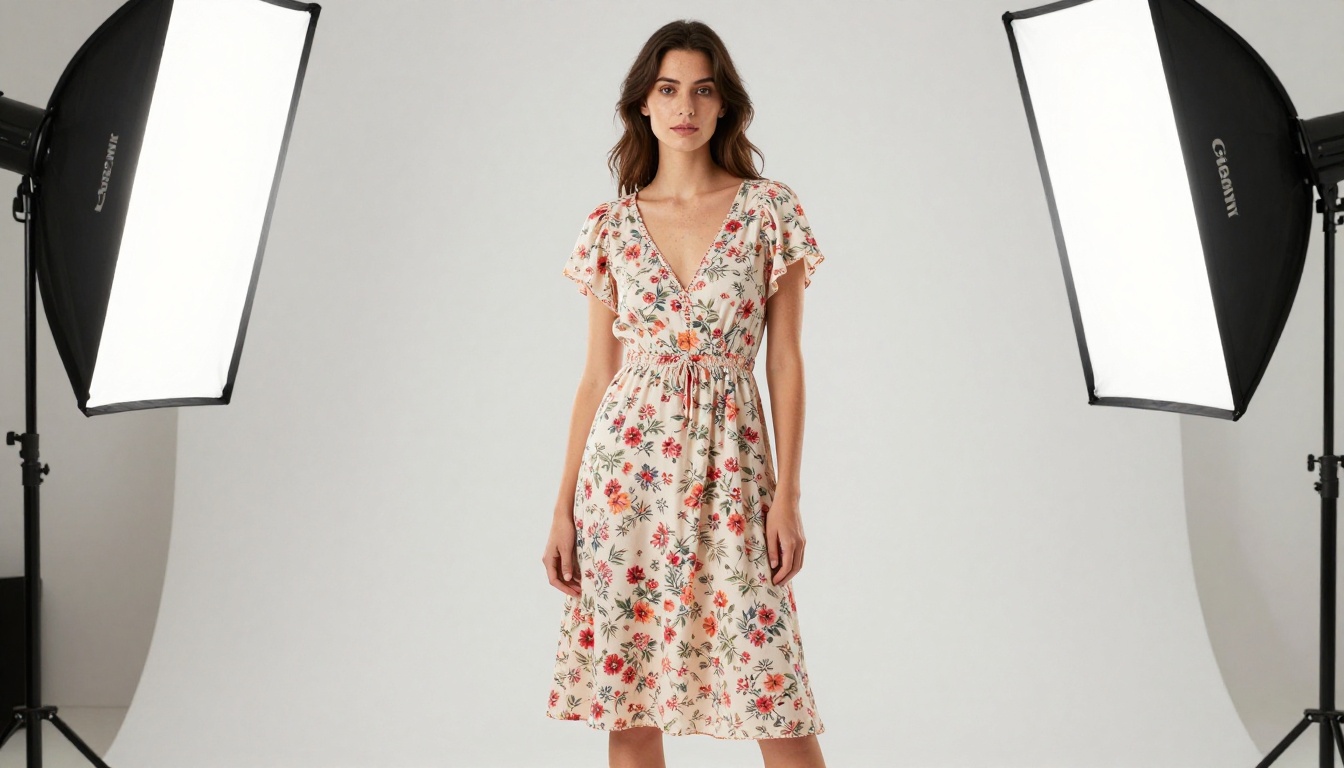
Traditional virtual try-on technology meant either expensive AR apps or clunky 3D warping that made fabric look like it was painted on. The results never fooled anyone. Modern AI image generation works differently: it creates a new image from scratch based on a detailed text description, producing photorealistic results that rival professional photography.
The central shift is that you're not wrapping a 2D image onto a 3D model. You're describing a scene in words, and the AI constructs it from millions of examples of real fashion photography it learned from. This means the fabric hangs naturally, the lighting is consistent, and the overall image looks like it came from a studio, not from software.
What Makes a Photo Look Real
Realism in AI fashion photography comes from three elements working together:
- Fabric texture specificity: Generic prompts produce generic fabrics. Describing the specific weave, weight, and drape of a material pushes the AI toward accuracy.
- Lighting consistency: Natural or studio light that comes from a single defined direction, rather than even ambient light everywhere, creates depth and makes fabric look three-dimensional.
- Camera parameters: Specifying a lens focal length and aperture tells the AI how compressed or wide the perspective should be, which directly affects how clothing appears on the body.
💡 The difference between "a woman in a red dress" and "a woman wearing a fitted silk midi dress with subtle sheen, shot from waist height with a 50mm f/1.4 lens, warm side lighting from the left" is the difference between a placeholder image and a commercial photo.
Why Brands Are Switching to AI
The Real Cost of Traditional Shoots
A single professional fashion photoshoot typically runs between $2,000 and $10,000 when you factor in the photographer, studio rental, model fees, hair and makeup, and post-production editing. That's for one session covering one collection. If you want multiple colorways, different body types, or seasonal updates, the costs multiply.
| Cost Element | Traditional Shoot | AI-Generated |
|---|
| Photographer | $500–$2,000/day | $0 |
| Studio rental | $200–$800/day | $0 |
| Model fees | $200–$1,500/day | $0 |
| Hair and makeup | $150–$500/session | $0 |
| Retouching | $50–$150/image | $0 |
| Total per image | $50–$300 | Under $1 |
AI doesn't eliminate professional photography for hero campaigns, but for product catalog images, size variants, and rapid iteration, the economics are impossible to argue with.
What Shoppers Actually Want
Research consistently shows that shoppers want to see how a garment fits on a body that resembles theirs, not just on a single sample size model. AI try-on photos make it cost-effective to generate the same outfit across different body types, skin tones, and heights without separate photoshoots for each variant.
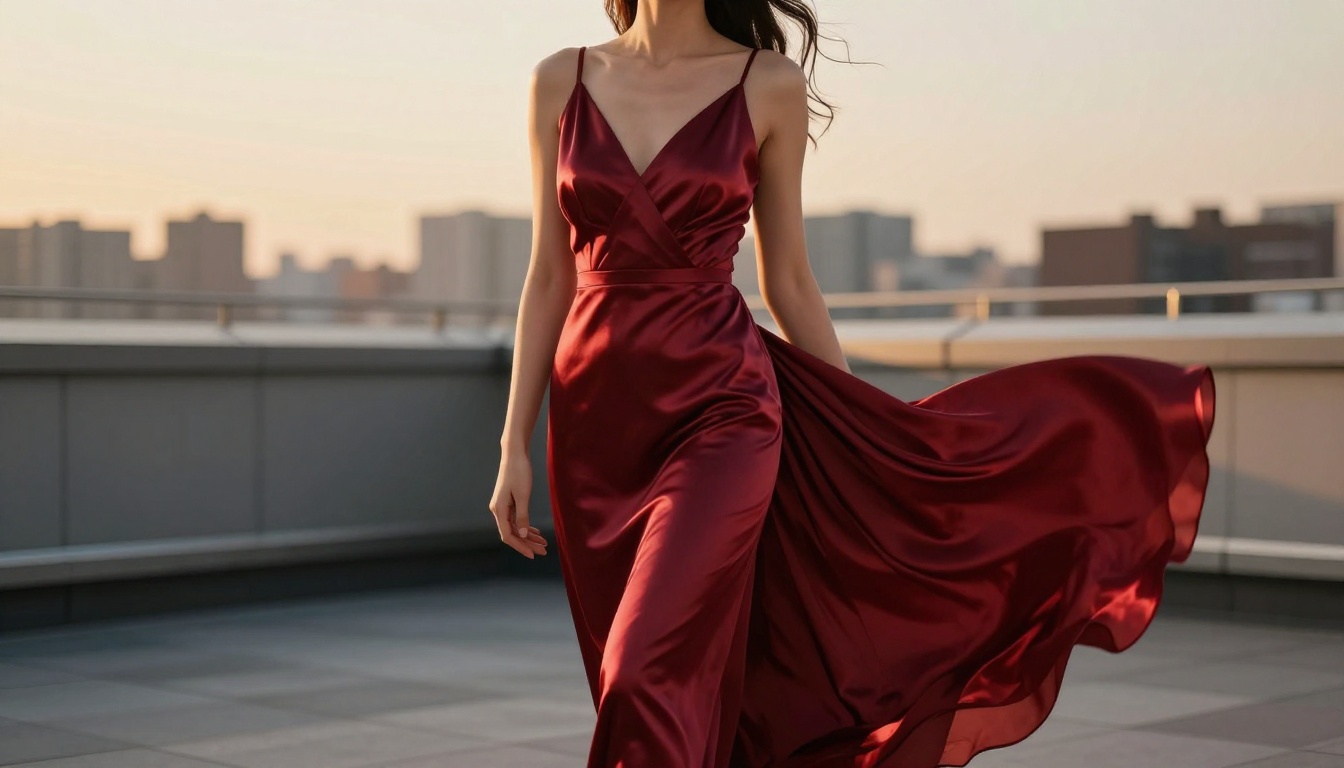
Conversion rates on product pages with diverse model representation are higher. When a shopper sees themselves in the photo, even roughly, they're more likely to buy. AI removes the budget constraint that previously made diversity in product photography a luxury only large retailers could afford.
5 Clothing Types That Work Best
Structured Garments Win Every Time
Some clothing categories photograph far better through AI generation than others. The clearest results come from:
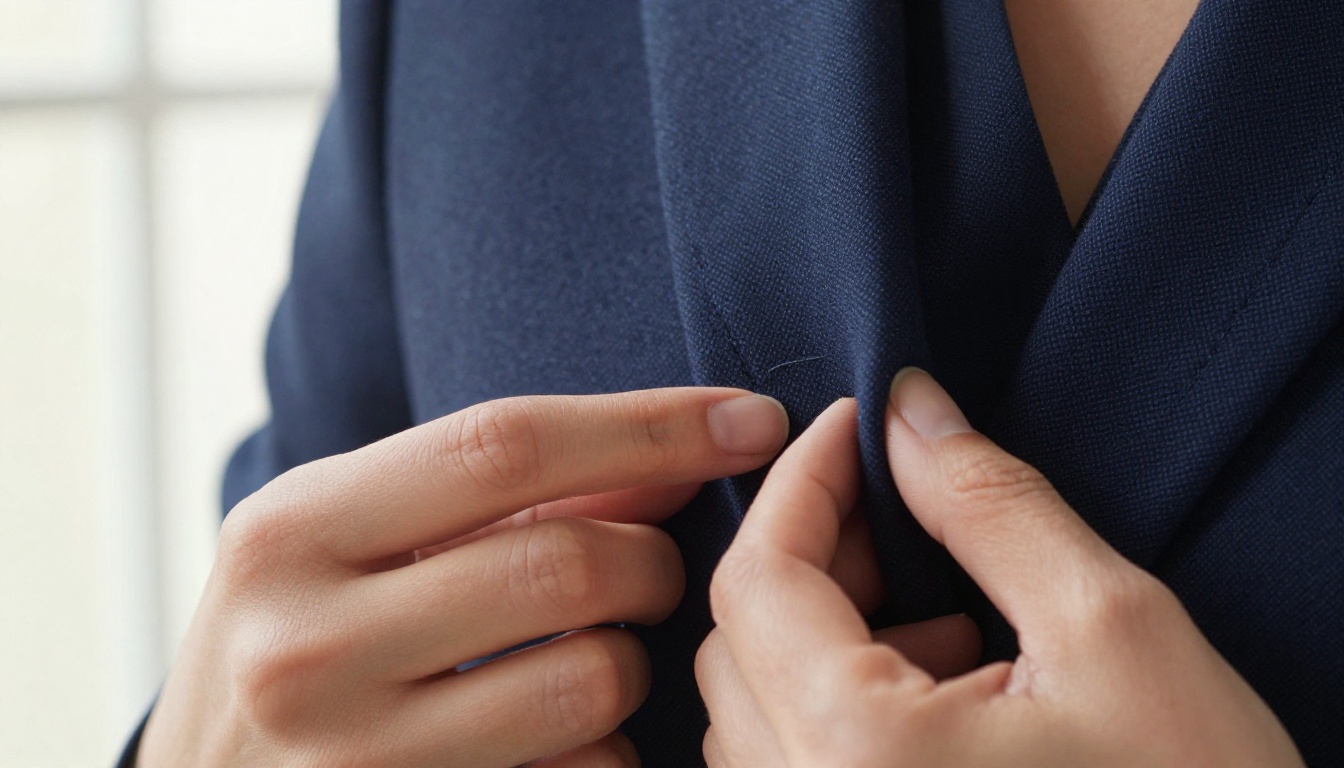
Blazers and jackets: The rigid structure means the AI generates a consistent silhouette. The collar, lapels, and shoulders all have defined geometry that models well.
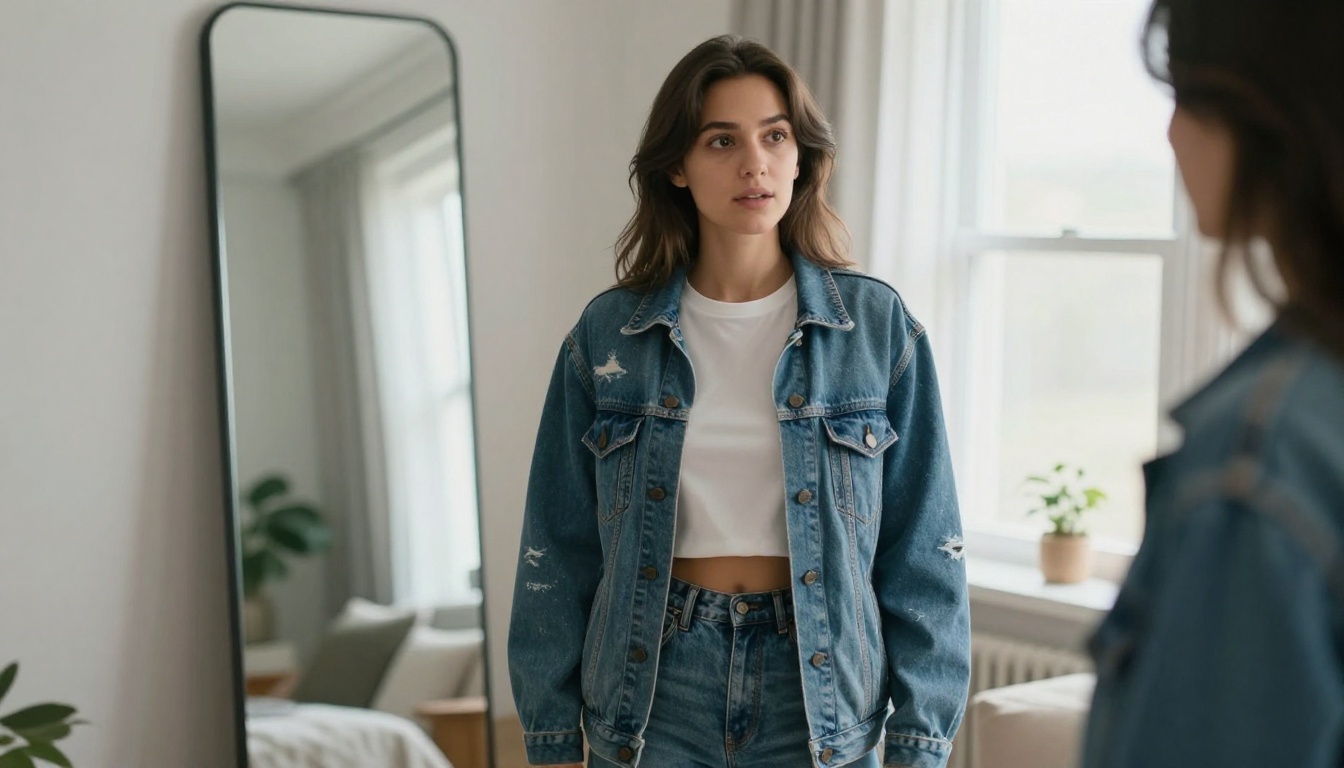
Denim: Jean fabric has such distinctive texture that prompting for it almost always produces convincing results. The indigo dye variations, fading patterns, and cotton weave are well-represented in training data.
Formal dresses and gowns: Long garments where drape is the main visual element play to AI's strengths. Silk, satin, and chiffon all generate beautifully with the right lighting description.
Knitwear and sweaters: Cable knit patterns, rib textures, and wool finishes are reliably accurate when described specifically.
Outerwear: Coats and jackets generate with excellent volume and structure, especially wool and leather variants.
Where It Gets Tricky
Graphic t-shirts with specific text or logos require careful prompting, as AI will often misread or distort lettering. Very sheer fabrics layered over complex patterns can produce inconsistent results. Active wear with technical panels and bonded seams sometimes loses the precision of the construction detail.
For these categories, the workaround is to focus prompts on the overall silhouette and color story rather than specific technical details.
Writing Prompts That Actually Work
The Anatomy of a Good Fashion Prompt
Every prompt that produces a usable fashion photo follows the same structural logic. Think of it as writing a brief for a photographer, not a description for a search bar.
The components are:
- Subject description: Gender, approximate age, build, and skin tone. Be specific but not clinical.
- Garment description: Fabric type, color, cut, and any distinctive features. Name the specific textile when possible.
- Environment: Where is this being shot? Boutique, studio, outdoor? What's in the background and at what blur level?
- Lighting: Direction, quality (soft or harsh), color temperature. "Volumetric morning light from the left" produces different results than "flat studio lighting."
- Camera specs: Focal length and aperture. This controls perspective compression and depth of field more than any other parameter.
- Film stock: Adding "Kodak Portra 400" or "Fuji 400H" pushes the AI toward the warm, organic look of analog photography rather than the cooler, sharper look of digital.
💡 Always end your prompt with "--style raw" and "--ar 16:9" when generating for web use. This suppresses any tendency toward illustrated or stylized output and forces photorealistic rendering.
3 Mistakes That Ruin the Image
Vague color descriptions: "Blue dress" produces anything. "Deep cobalt blue silk wrap dress with asymmetric hem" produces something specific and consistent.
Missing lighting direction: When you don't specify where light comes from, the AI defaults to even ambient light, which flattens fabric and removes depth. Name the source and angle.
Skipping camera specs: Without a focal length, the AI defaults to something wide, which distorts proportions. Fashion photography is almost always 85mm to 135mm for a reason. It flatters the subject and compresses the background naturally.
Creating Try-On Photos on PicassoIA
Choosing the Right Model
PicassoIA offers several text-to-image models that excel at fashion photography. For try-on images, the choice of model affects output style significantly.
GPT Image 2 produces extremely detailed, high-fidelity images with excellent fabric texture rendering. It handles complex prompts well and maintains consistency across variations, making it the reliable choice for catalog-style photography.
Seedream 4.5 outputs at 4K resolution natively, which is essential when the final use case is a large-format product page or print material. The level of fabric detail it generates at full resolution is genuinely impressive.
Wan 2.7 Image Pro is worth trying for lifestyle-oriented shots where the environment is as important as the garment. It handles complex outdoor and architectural backgrounds with more consistency than many alternatives.
Step by Step
Creating virtual try-on photos on PicassoIA takes less than five minutes per image once your prompt template is solid:
- Open the model page for the image generator you want to use.
- Paste your prompt following the anatomy described above. Don't shortcut the camera and lighting specifications.
- Set the aspect ratio to 16:9 for web use or 4:5 for Instagram product posts.
- Generate and review: Check fabric texture, lighting consistency, and natural garment fall.
- Iterate on specifics: If the color reads wrong or the drape looks stiff, refine the fabric description and regenerate.
- Upscale for commercial use: For product pages, run the output through a super-resolution model before publishing.
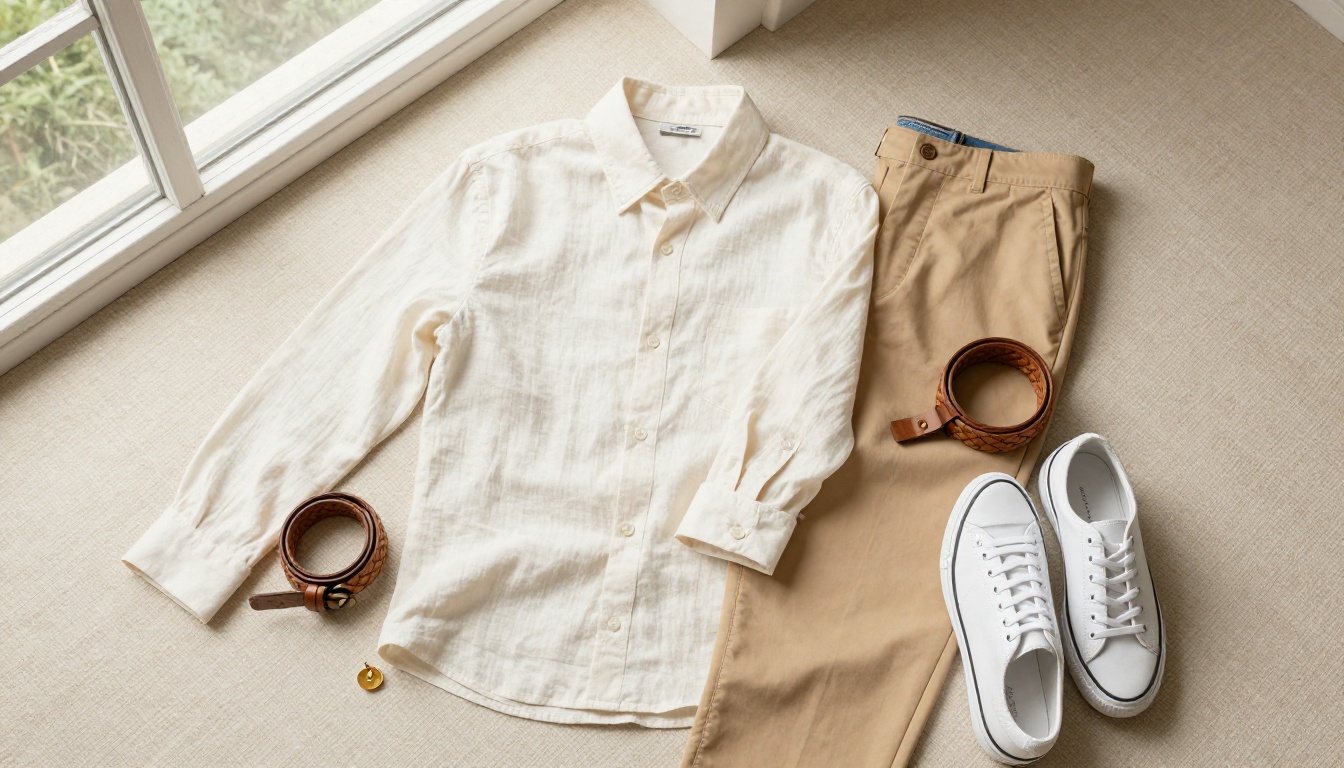
Making Outputs Look Commercial
Background Removal Done Right
Most try-on photo use cases require either a white background for marketplace listings or a specific lifestyle background for brand content. AI-generated images often come with a background baked in, but changing it is straightforward.
PicassoIA's Remove Background tool handles fashion photography reliably, including complex cases like flyaway hair, translucent fabric edges, and loose knit textures. Run your generated image through it, and the subject is cleanly extracted in seconds.
From there, you can place the cutout on any background: pure white for Amazon, a warm room scene for DTC brand content, or a location appropriate to the season and campaign.
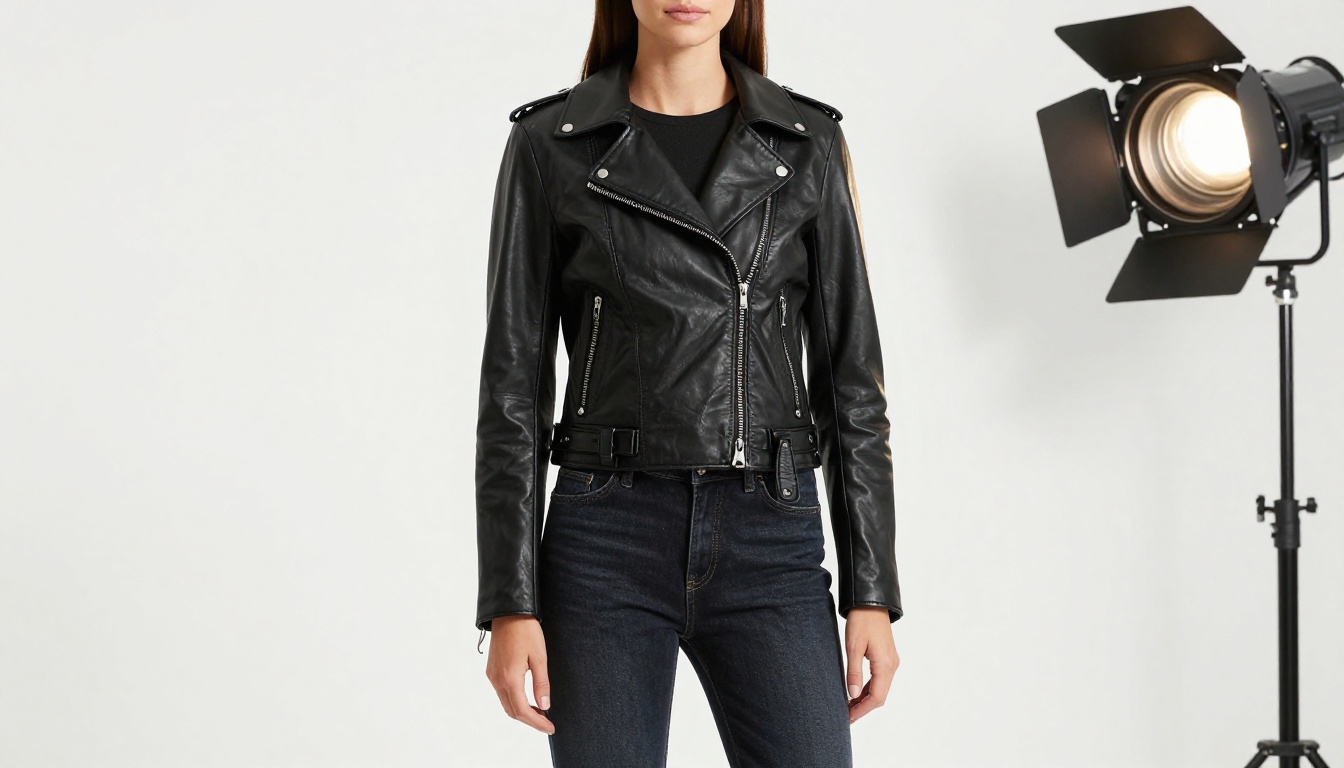
When to Upscale
Generated images are ready for social media and web thumbnails out of the box. For large-format use cases, running them through a super-resolution model before publishing makes a visible difference.
Crystal Upscaler is specifically optimized for portraits and figure photography, making it the right choice for fashion try-on images. It adds detail to skin texture, sharpens fabric weave, and handles hair edges without the artifacting that plagues general-purpose upscalers.
For non-portrait product shots like flat lays and detail macros, Real ESRGAN provides a fast, high-quality 4x upscale without over-sharpening.
| Use Case | Recommended Upscaler |
|---|
| Portrait try-on shots | Crystal Upscaler |
| Flat lay product photos | Real ESRGAN |
| Maximum output size | Google Upscaler (4x) |
| Creative detail boost | Recraft Creative Upscale |
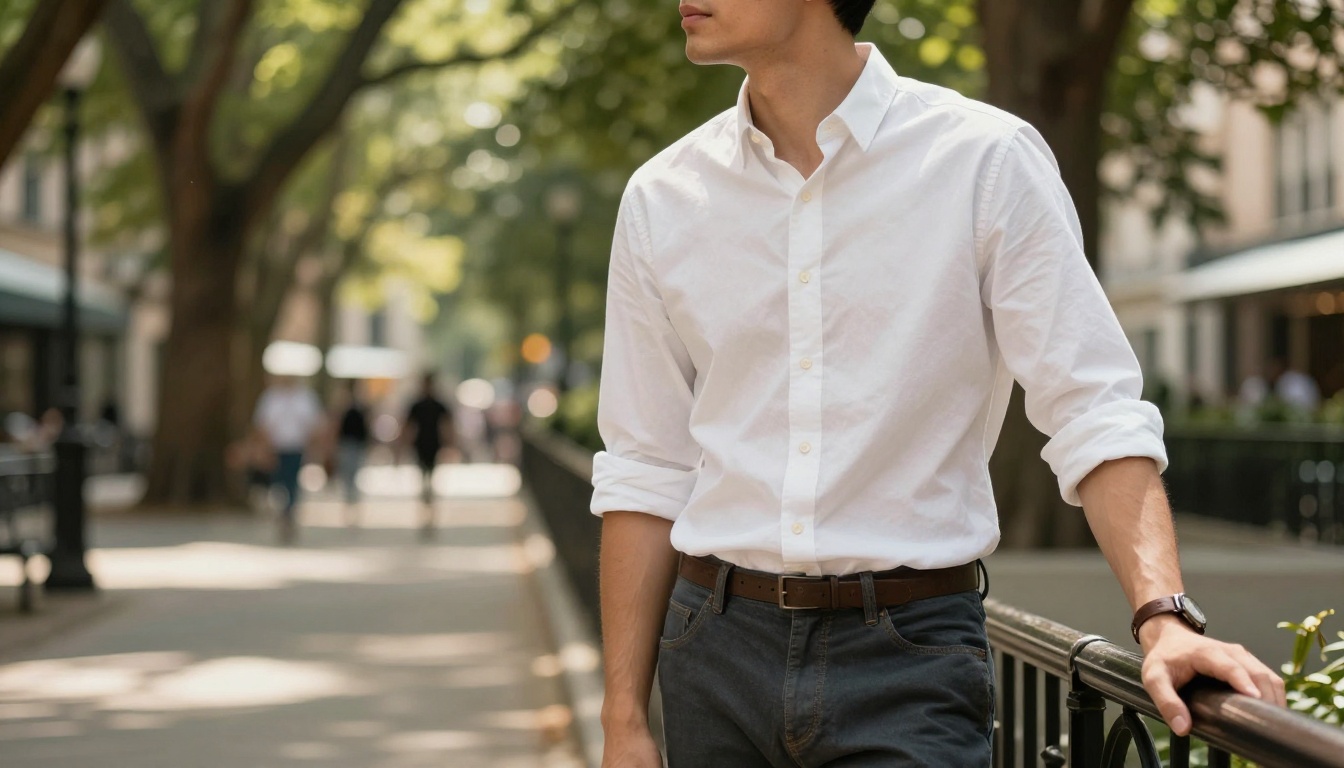
Putting Try-On Photos to Work
E-Commerce Product Pages
The most direct application is replacing or supplementing traditional product photography. AI-generated try-on images work across every major e-commerce platform: Shopify, WooCommerce, Etsy, Amazon, and marketplace listings.
For maximum conversion impact, generate each product in at least three variations:
- On-model front view: The standard product shot that shows overall fit and proportion
- Detail close-up: Fabric texture, stitching, or signature details at macro level
- Lifestyle context: The garment in an environment that matches its intended use
This three-image approach gives shoppers the visual information they need to make a confident purchase decision, and all three can be created in under 20 minutes.
💡 For multi-SKU collections, build a prompt template with fixed parameters for the model description, lighting, and camera specs, then swap only the garment description between shots. This creates a consistent visual language across the entire catalog without visual inconsistency.
Social Media and Ads
AI try-on images perform particularly well in paid social advertising because they can be tested at a scale that traditional photography never allows. Generate 10 variations of the same product with different backgrounds, lighting moods, and model descriptions, then let the algorithm find the winner.
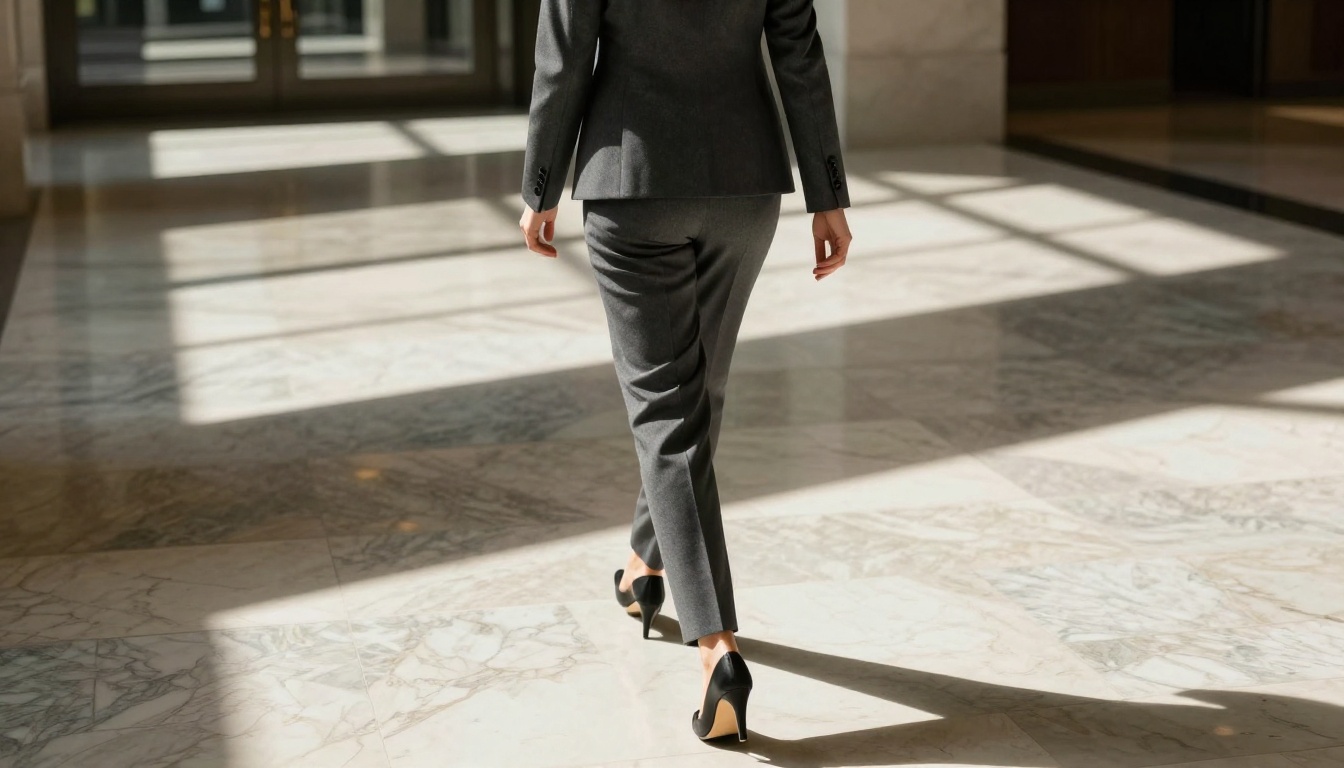
For organic social content, lifestyle-oriented try-on shots tend to outperform white-background product images in terms of interaction. A fitted blazer shot in a sunlit office corridor connects emotionally in a way that a plain white background never will.
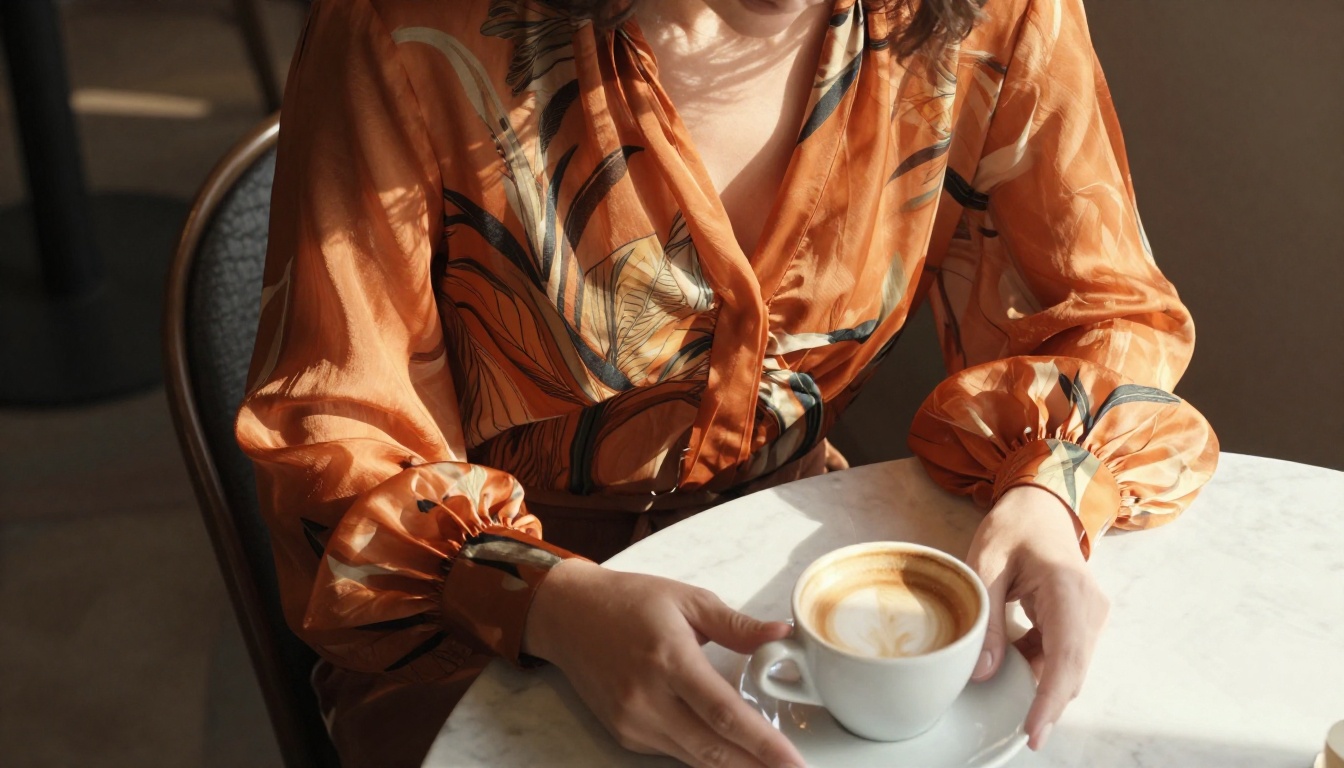
The shift toward AI-generated fashion content isn't about replacing creative vision. It's about removing the production barrier between a great idea and a published image.
The Quality Bar Keeps Rising
AI fashion photography is not static. The gap between AI-generated try-on photos and professional photography is narrowing with each model generation. What required significant effort a year ago is now achievable with a solid template and basic knowledge of photography terminology.
The brands that are ahead right now started building their prompt libraries and workflows early. They're generating 50 product images in the time a traditional shoot covers five, and they're testing twice as many ad variations without doubling the budget.
The tools available on PicassoIA today, from GPT Image 2 for detailed catalog shots to Seedream 4.5 for high-resolution lifestyle imagery, are ready for commercial use. The question is how quickly you put them to work.
Pick one product from your catalog. Write a prompt using the structure outlined in this article. Generate five variations. Compare them against your current product images. The results will make the decision for you.
Picasso IA is where those images get made. Open a model, type a prompt, and see what your product looks like on the right body, in the right light, every time.


