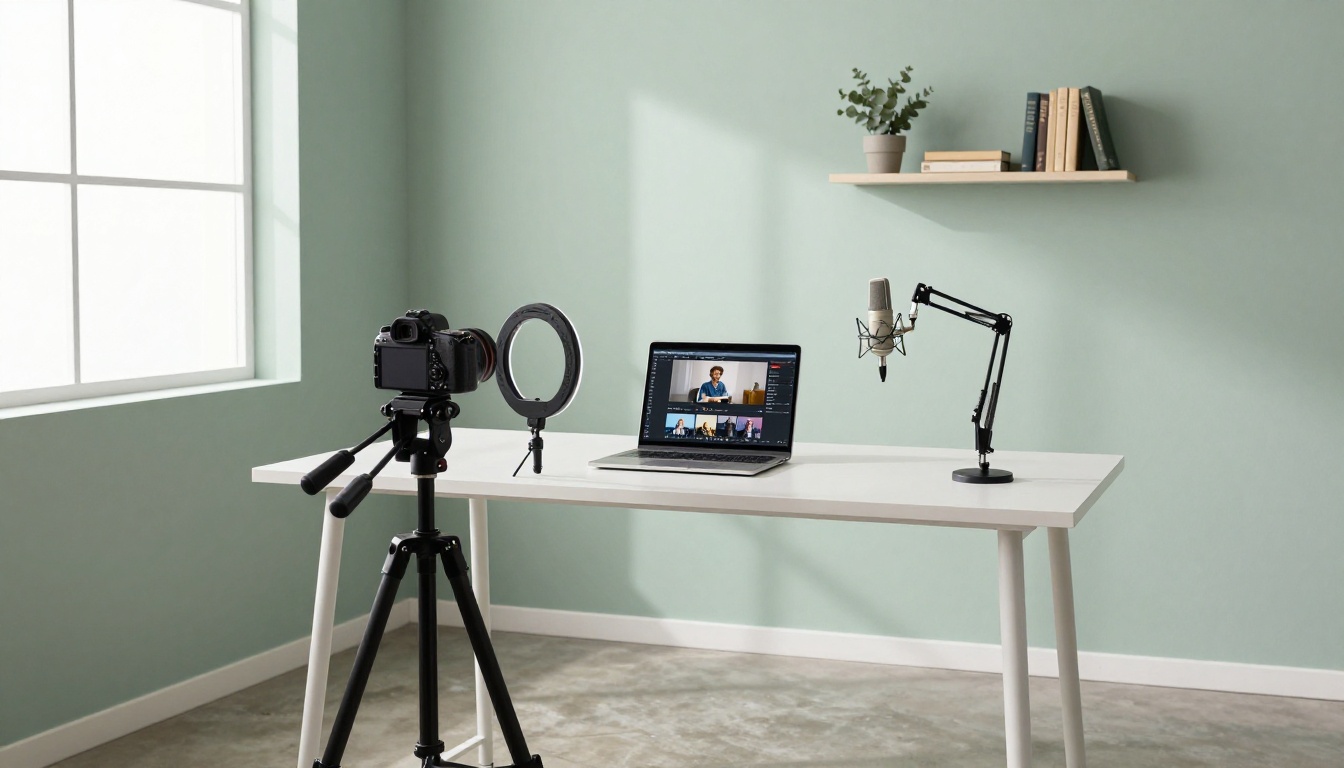
Short-form video is not slowing down. YouTube Shorts now pulls in over 70 billion daily views, and the window to build an audience there has never been wider. The problem for most creators? Showing up consistently with quality video is expensive, time-consuming, and technically demanding. Sora 2 changes that equation completely.

Sora 2 is OpenAI's latest and most capable text-to-video model. Feed it a well-crafted text prompt and it returns a polished, cinematic video clip ready to publish. No camera, no microphone, no editing timeline. Just words in, video out. This article walks you through the entire process of creating YouTube Shorts with Sora 2 using a free platform, from writing prompts to optimizing for the algorithm and scaling to daily output.
Why Sora 2 Works for YouTube Shorts
The format fits AI video perfectly
YouTube Shorts run between 15 and 60 seconds. That is exactly the sweet spot where AI-generated video shines. You are not trying to fill 20 minutes with coherent narrative. You need a punchy, visually compelling clip that hooks viewers in the first two seconds and holds them to the end. Sora 2 generates clips up to 60 seconds in a single generation. The visual quality is photorealistic, the motion is fluid, and the frame-to-frame coherence is far ahead of anything available a year ago.
💡 Quick tip: The shorter your Short, the higher your average view duration percentage. Aim for 15 to 25 second clips when you are starting out. A fully watched 20-second clip beats an abandoned 60-second clip every time.
What makes Sora 2 stand out
Most text-to-video models still struggle with two things: realistic physics and consistent character motion. Sora 2 handles both significantly better than its predecessor and most competitors. Here is how it compares against the most popular alternatives:
| Feature | Sora 2 | Kling v3 | Gen-4.5 | LTX-2.3-Pro |
|---|
| Max Clip Length | 60s | 10s | 10s | 30s |
| Photorealism | ★★★★★ | ★★★★☆ | ★★★★★ | ★★★☆☆ |
| Motion Quality | ★★★★★ | ★★★★☆ | ★★★★☆ | ★★★☆☆ |
| Vertical 9:16 Format | ✓ | ✓ | ✓ | ✓ |
| Free Platform Access | ✓ | Limited | Limited | ✓ |
You can also try Kling v3, Gen-4.5, and LTX-2.3-Pro as alternatives, but for YouTube Shorts specifically, the combination of clip length and realism makes Sora 2 the strongest choice right now.
How to Use Sora 2 on PicassoIA
PicassoIA hosts Sora 2 directly in its platform, giving you access without needing a direct OpenAI subscription. Here is the full step-by-step process.
Step 1: Open the Sora 2 model
Go to Sora 2 on PicassoIA. You will see the generation interface with a text prompt field, duration selector, and aspect ratio controls.
Step 2: Set your aspect ratio to 9:16
This is the most important technical step. YouTube Shorts requires vertical video. Before writing a single word in your prompt, change the aspect ratio to 9:16. Generating in 16:9 and cropping later destroys quality and ruins frame composition. Do this first, every time.

Step 3: Write a short-form-optimized prompt
Your prompt is the difference between a generic AI clip and something that stops a scroll. Follow this structure for every Short you generate:
[Opening visual hook] + [Main subject action] + [Environment detail] + [Lighting or mood] + [Camera movement]
Here are three ready-to-use examples by niche:
Travel niche:
"A lone traveler walks slowly through a narrow cobblestone alley in old Lisbon at golden hour, warm amber light spilling through arched doorways, camera slowly dollying forward from behind at knee height, cinematic, photorealistic"
Fitness niche:
"Close-up of a runner's feet hitting wet asphalt at dawn, breath mist visible in cold morning air, low-angle tracking shot moving forward, dramatic backlit sunrise, slow motion, photorealistic 4K"
Food niche:
"A chef's hands fold fresh pasta dough on a flour-dusted marble counter in a Tuscan farmhouse kitchen, warm afternoon light through shuttered windows, close-up with slowly pulling back focus, cinematic"
💡 Prompt tip: Specify camera movement in every single prompt. Words like "slow dolly forward", "aerial descent", "tracking shot", or "push in" make clips feel cinematic rather than static. Static AI video is the number one reason clips get swiped away.
Step 4: Set duration and generate
For Shorts, set duration to 15 to 30 seconds for maximum watch-through rates. Hit generate. Sora 2 typically takes 30 to 90 seconds depending on clip duration. Once rendered, download the clip directly in full resolution.
Step 5: Upload directly to YouTube Shorts
YouTube Shorts requires:
- Aspect ratio: 9:16 (vertical)
- Duration: 60 seconds or under
- Title: Include your primary keyword in the first 40 characters
- Description: Add 3 to 5 relevant hashtags including
#Shorts
- Thumbnail: YouTube auto-captures from your first frame, so engineer that frame in your prompt
That is the entire production workflow. No editing software, no camera, no studio rental.

The hook-first principle
The first 0.5 seconds of your Short determines whether someone swipes away or stays. Your prompt should specify exactly what the viewer sees in that first frame. Motion works better than static. Extreme close-ups work better than wide establishing shots. Action beats stillness every time.
Weak prompt: "A mountain landscape"
Strong prompt: "Extreme close-up of a mountain climber's gloved hand gripping a cracked rock face, snow particles blowing past, dramatic overcast sky in background, camera tilting slowly upward to reveal the mountain peak, photorealistic, cinematic depth"
The difference is not just quality. It is intent. The second prompt is engineered to create a specific emotional response in the first frame.
Micro-stories in 20 seconds
The Shorts that rack up millions of views are not random visual loops. They carry micro-stories: a beginning, a visual payoff, and an end. Build that into your prompt directly.
"A young street musician opens a worn guitar case on a busy Manhattan sidewalk at twilight, begins playing, passersby slow and pause, close-up on his focused face, then wide shot revealing a small crowd gathered as city lights flicker on, cinematic, photorealistic"
That is a complete story arc in one 30-second generation.

Niche prompt templates to save and reuse
Here are five high-performing frameworks you can adapt immediately:
Fitness:
"[Exercise action] in [environment], [lighting condition], [camera angle], slow-motion moments, muscular definition, photorealistic, cinematic"
Nature and ASMR:
"Extreme close-up of [natural element] with [ambient detail], [gentle motion], [natural lighting], near-still with micro-movements, 8K photorealistic, immersive"
Lifestyle:
"A [age/style] person [action] in [aspirational environment], [time of day] light, [camera movement], warm color grading, photorealistic"
Business and Motivation:
"[Professional action] in [sleek environment], [dramatic lighting], [camera movement], sharp focus, cinematic tension, photorealistic"
Travel:
"Street-level view of [specific location] at [time of day], [local detail], [human element], camera slowly [movement], documentary style, photorealistic"
💡 Power move: Keep a prompt journal. Every time a Short performs above average, save the exact prompt and note its metrics. Over time, you will see clear patterns in what works for your specific audience and double down on those.
Other AI Video Models Worth Trying
Sora 2 is the headline act, but depending on your niche and content style, other models can produce excellent Shorts material.

When to use each alternative
Kling v3: Better for clips requiring precise motion control. If you need a character to follow a specific movement path, Kling's motion transfer features give you more granular direction than natural-language motion prompting.
Gen-4.5 by Runway: Exceptional for stylized visual effects. Music channels, abstract art content, and cinematic montage formats perform especially well with Gen-4.5's visual identity.
PixVerse v5.6: Fast generation with strong character animation. Very effective for lifestyle, beauty, and fashion content where character expressiveness matters.
Hailuo 2.3: Excellent for dramatic, high-contrast cinematic scenes. Works well for thriller, suspense, and action-oriented Short concepts.
Wan 2.6 T2V: One of the best free options for high-resolution output. If your focus is purely on visual quality for ambient or nature content without character-centric scenes, this model delivers consistently.
💡 Multi-model strategy: Use Sora 2 for your hero content (the main 15 to 60 second clips), and faster models like Hailuo 2.3 for quick supplementary clips. This maximizes quality where it matters and speed where it does not.
The Shorts Algorithm: What Actually Drives Views
Generating a great clip is half the job. Getting the algorithm to distribute it is the other half.
3 signals that matter most
YouTube's Shorts algorithm prioritizes three metrics above everything else:
- Average View Duration (AVD): The percentage of your Short that gets watched. A 20-second clip viewed fully beats a 60-second clip abandoned at 30 seconds.
- Swipe-away rate in the first 2 seconds: Your hook frame is make-or-break. This is why engineering that first frame in your prompt matters so much.
- Replay rate: How often viewers watch it again. Visually complex or emotionally resonant clips drive replays. AI-generated video has a natural advantage here because the visuals are consistently surprising and high quality.
Posting frequency vs. consistency
The algorithm rewards channels that post with consistency over channels that post heavily then disappear. A realistic target for AI-assisted Short creation:
| Posting Frequency | Weekly Generation Time | Expected Channel Growth |
|---|
| 1x daily | 30 to 45 min | Fast |
| 3x per week | 15 to 20 min | Moderate |
| 1x per week | 5 to 10 min | Slow but steady |
With Sora 2 and a library of saved prompt templates, producing one Short per day becomes a realistic 30-minute workflow.
Titles, hashtags, and thumbnails
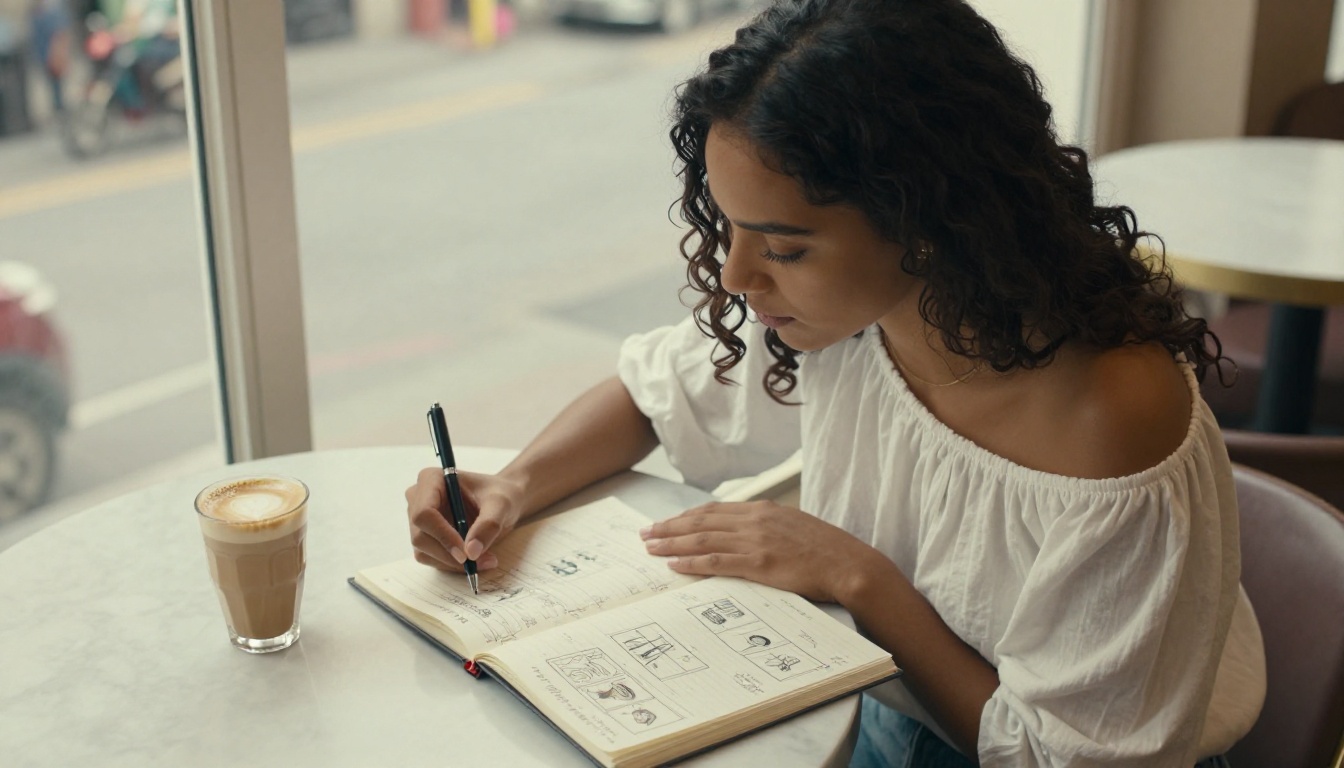
Since you control the first frame of your Short through the prompt, you can engineer a strong thumbnail directly into your generation. Think: striking subject with high visual contrast, bold color, and no visual clutter.
For titles, mirror how real people search. "Sunrise timelapse over the Sahara" outperforms "Cinematic AI-Generated Sahara Short 4K". Write for humans, not for yourself.
Hashtag strategy is simple: always use #Shorts, one niche-specific hashtag, and one broader trend hashtag. Three total is the sweet spot. More than five starts to look spammy and does not improve distribution.
Scaling Beyond One Short at a Time
Adding voiceover without recording
The platform's text-to-speech models let you add professional voiceover narration to your generated clips without recording your own voice. Write your script, generate audio, and sync it to your Sora 2 clip in any free basic editor. This opens up talking-head style content, narrated travel videos, and educational Shorts without ever sitting in front of a camera.
Repurposing one prompt across platforms
A single well-crafted prompt can generate content for YouTube Shorts, Instagram Reels, and TikTok simultaneously. Generate two or three variations of the same scene with slight prompt adjustments and you have a full week of cross-platform content from one creative session. Minor changes like lighting time of day, camera angle, or background environment produce meaningfully different-looking clips.

Batch generation sessions
Once you have five to ten proven prompt templates that your audience responds to, batch-generate a full week's content in one sitting. This is where AI-powered creation starts to look like a professional operation rather than a hobby. Block 90 minutes on a Sunday, run your prompts across Sora 2 and alternatives like Sora-2-Pro for premium output, download everything, schedule the week, and close the laptop.
Reading Your Analytics and Adjusting Fast
The three numbers to check every week
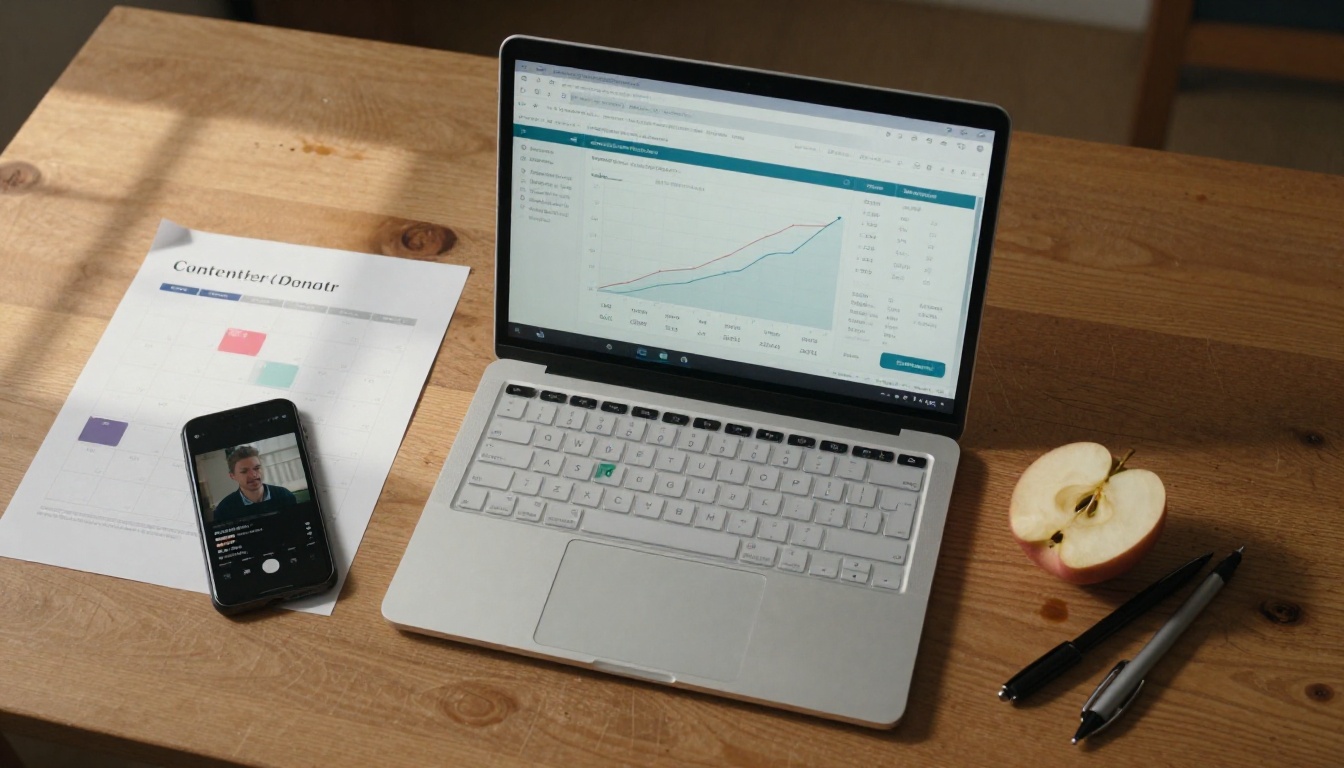
YouTube Studio provides Short-specific analytics. Focus on these three:
- Impressions click-through rate: Below 4% means your first frame is not strong enough. Redesign the opening of your prompt.
- Average view duration: Below 70% means viewers are leaving before the end. Shorten the clip or rewrite the opening two seconds to be more immediately compelling.
- Traffic source split: Shorts feed traffic means new viewers are discovering you. Subscription feed traffic means your existing audience is showing up. Both are good, for different reasons.
When to switch models
If your Sora 2 clips consistently underperform a specific alternative model for your niche, switch without hesitation. Data beats model loyalty. Run 10-clip tests with two different models on the same prompts and let the numbers decide. Some niches, particularly animation-adjacent and stylized visual content, respond better to Gen-4.5 or PixVerse v5.6 than to photorealistic models.
Your First Short is 90 Seconds Away
You have the workflow, the prompt templates, and the platform. The only remaining step is to run the first generation.
Open Sora 2 on PicassoIA, set your aspect ratio to 9:16, pick a niche, paste one of the prompt frameworks from this article, and hit generate. In under two minutes you will have a cinematic, publication-ready YouTube Short with zero filming, zero editing, and zero equipment.
Creators who start building their AI-generated content library now have a real head start. The workflow is accessible, the tools are free to use through the platform, and the entire model ecosystem from Sora 2 and Sora-2-Pro to Kling v3, Veo 3, and 87 other text-to-video models is available in one place.
Pick a niche. Craft your first prompt. Publish today. The algorithm rewards creators who show up, and now showing up has never required less effort.


