The shift is happening right now, while you're reading this. Content creators - photographers, video editors, graphic designers, social media managers - are quietly abandoning the tools that defined their careers for decades. Photoshop, Premiere Pro, After Effects - once the holy trinity of creative software - are being replaced not by better versions of themselves, but by something fundamentally different: AI-powered tools that work with you, not against you.

This isn't about AI replacing creativity. It's about AI enhancing creativity by removing the repetitive, technical, time-consuming tasks that have nothing to do with the actual creative vision. The transformation is happening because the economics of creation have changed: time is more valuable than ever, audience expectations are higher, and competition is fiercer.
Why editors are abandoning Photoshop
The reasons aren't subtle. They're practical, financial, and emotional:
Cost: Adobe Creative Cloud costs $53/month. That's $636/year, every year, forever. AI tools like those on PicassoIA often work on pay-per-use models or have free tiers that handle 80% of what most creators need.
Complexity: Photoshop has 100+ tools, 50+ panels, and requires months of training to use proficiently. AI image generators need one skill: describing what you want.
Time: Removing a background in Photoshop: 5-15 minutes with careful selection work. With AI: 5-15 seconds with tools like remove-background.
Quality ceiling: There's a limit to what manual editing can achieve. Human hands get tired, eyes get strained, consistency suffers. AI doesn't fatigue.
💡 The real shift: Creators aren't trading quality for speed. They're discovering that AI tools often produce better results than they could achieve manually, in a fraction of the time.
AI vs Traditional: Side-by-side comparison
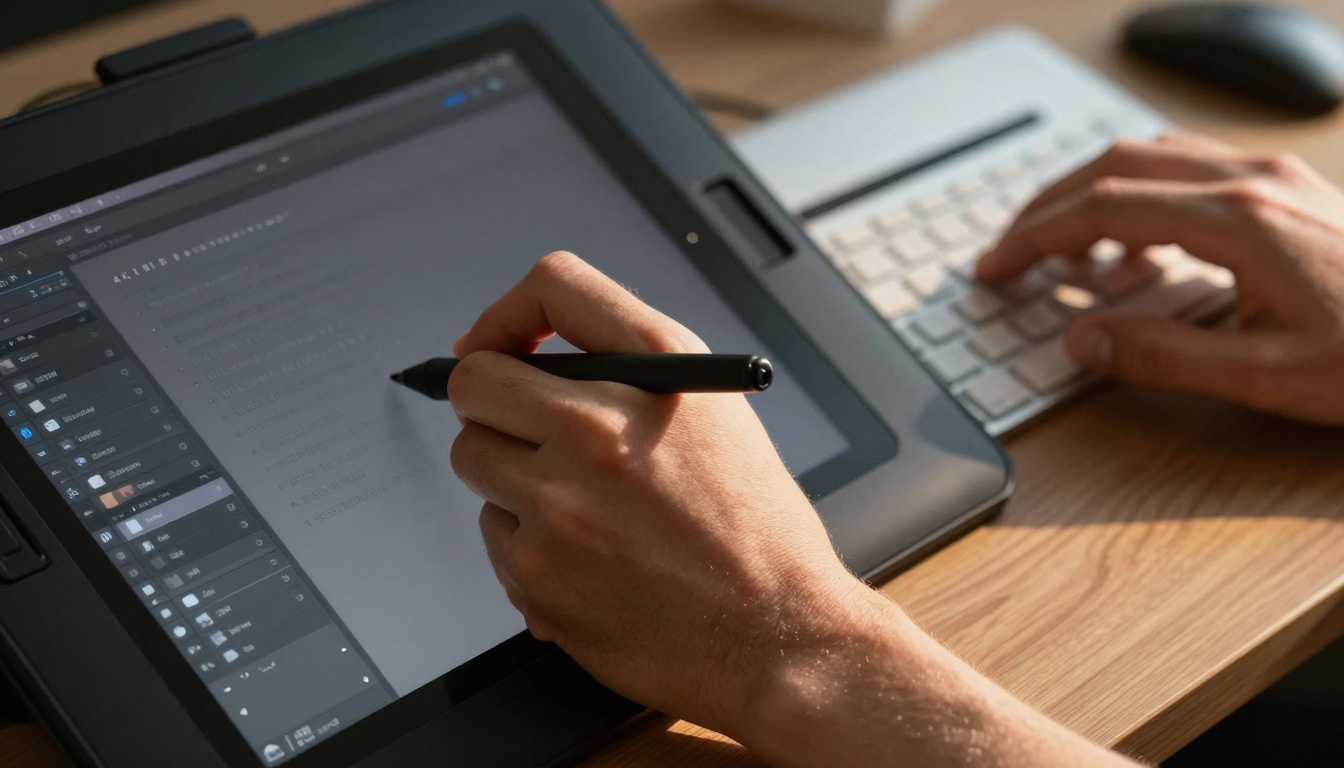
| Task | Traditional Software | AI Tools | Time Difference | Quality Difference |
|---|
| Image creation | Photoshop: Sketch → layers → painting → adjustments | flux-schnell: Text prompt → generated image | 2 hours vs 30 seconds | Subjective, but AI often wins on technical perfection |
| Video editing | Premiere Pro: Import → trim → transitions → color grade → audio sync | kling-v2.6: Text prompt → complete video | 4-8 hours vs 2-5 minutes | AI handles consistency better across shots |
| Background removal | Photoshop: Pen tool → refine edge → manual cleanup | remove-background: Upload → auto-process | 10 minutes vs 10 seconds | AI achieves cleaner edges on complex subjects |
| Image enhancement | Lightroom: Adjust sliders → mask → local adjustments | real-esrgan: Upload → auto-enhance | 15-30 minutes vs 1 minute | AI upscaling preserves details better than manual |
| Music creation | DAW software: Compose → record → mix → master | music-01: Describe mood → generated track | Days vs minutes | Professional quality without studio equipment |
The pattern is clear: AI wins on time, cost, and often quality for standardized tasks. Where traditional software still leads is in highly specific, custom adjustments that require human intuition about subtle artistic choices.
The 5 most replaced editing tasks
-
Background removal and replacement - Once a tedious manual task, now instant with AI. Creators use this for product photography, portrait work, and social media content.
-
Image enhancement and upscaling - Instead of painstakingly adjusting every parameter in Lightroom, creators feed images to models like real-esrgan and get professionally enhanced results automatically.
-
Content generation from scratch - Need a hero image for a blog post? Previously: hire a photographer, schedule shoot, edit photos. Now: describe it to p-image and have it in minutes.
-
Video creation and editing - Social media videos that used to take days in Premiere Pro now take hours with tools like seedance-1.5-pro. The AI handles transitions, pacing, and even suggests improvements.
-
Audio cleanup and enhancement - Removing background noise, enhancing speech clarity, adding music beds - all automated with AI audio tools.
💡 Critical insight: The tasks being replaced aren't the creative core of the work. They're the administrative parts of creation - the necessary evils that stand between idea and execution.
Real creator stories: Before/After AI adoption
Maria, fashion photographer: "I spent 3 hours per model removing stray hairs, smoothing skin, adjusting lighting inconsistencies. With AI, it's 10 minutes. The quality is actually better because the AI doesn't get tired on the 50th image of the day."
Before AI: 8-hour editing days, client delivery in 3-5 days, constant wrist pain from mouse work.
After AI: 2-hour editing days, same-day delivery, focusing on shooting more rather than editing longer.
James, YouTube creator: "My video workflow was: shoot → organize clips → rough cut → fine cut → color grade → audio mix → graphics → export. 12 hours minimum per video."
"Now with veo-3.1, I generate B-roll automatically. autocaption handles subtitles. trim-video helps with pacing. I'm down to 4 hours per video with better production values."
Sophie, social media manager: "I managed 5 accounts, each needing 3 posts daily. That's 15 images/videos per day. I was drowning in Canva, constantly hunting for stock photos."
"Now I generate custom images with gpt-image-1.5. Each account has a consistent visual style because the AI remembers my preferences. I create a month's content in two days."
Text-to-image: The Photoshop killer
This is where the revolution is most visible. Text-to-image AI isn't just for generating weird art - it's become a practical production tool.
Why it replaces Photoshop for many tasks:
- Speed: Describe → generate vs sketch → refine → paint → adjust
- Variation: Get 10 versions in the time it takes to create 1 manually
- Style consistency: The AI maintains the same visual language across multiple images
- No skill barrier: You don't need years of painting/drawing experience
Practical uses creators have found:
- Product mockups: Instead of hiring a 3D artist, describe the product in context
- Social media visuals: Consistent branding across hundreds of posts
- Blog illustrations: Unique images for every article without stock photo fees
- Concept art: Rapid iteration for client approval before production
The best models on PicassoIA for this:
- flux-schnell: Fast, local-style generation perfect for quick iterations
- p-image: Balanced quality and speed for production work
- gpt-image-1.5: Exceptional prompt understanding for complex descriptions
- flux-2-klein-4b: High-quality output for final deliverables
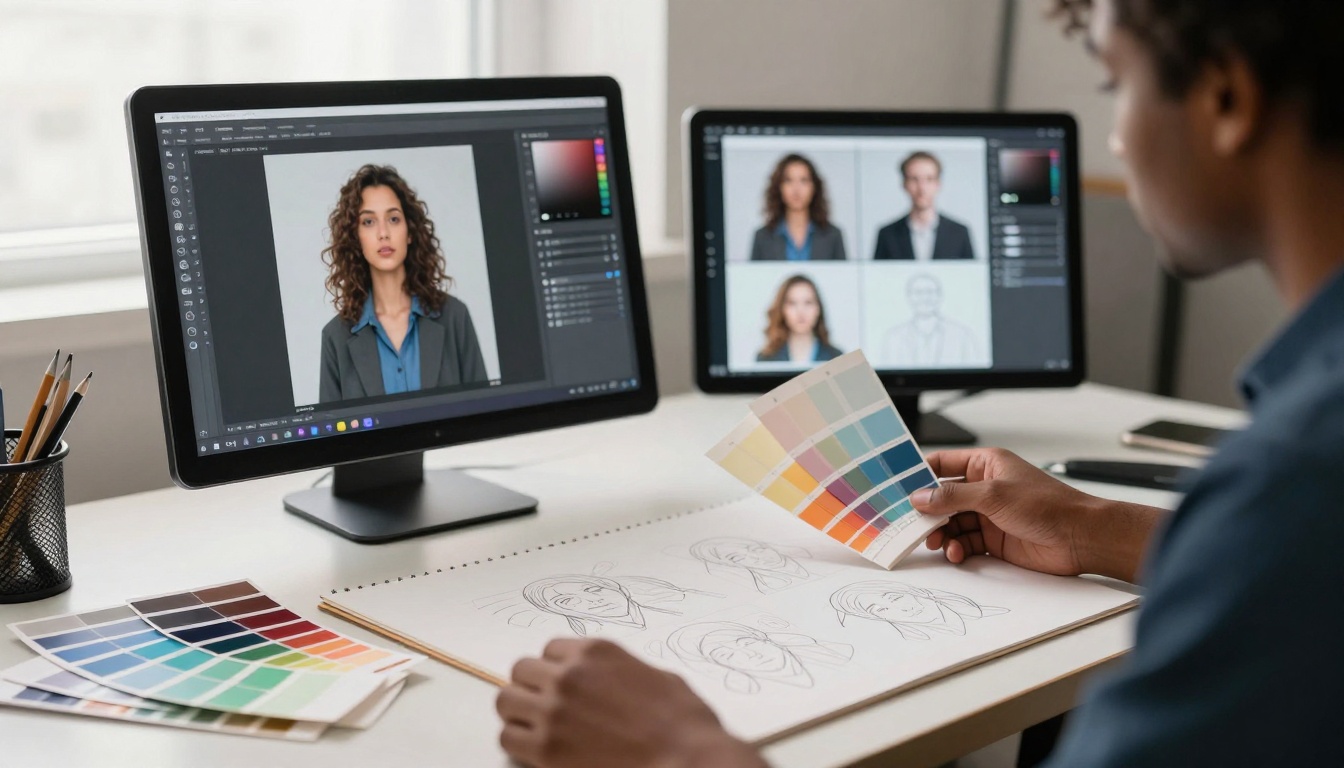
Video editing automation: From hours to minutes
Video was the last frontier because of its complexity. Now AI is conquering it too.
What's being automated:
Editing pace and rhythm: AI analyzes content and suggests cuts at natural breathing points, action moments, or emotional peaks. Tools like video-split can automatically segment long recordings into digestible clips.
Transitions: Instead of manually placing and tweaking each transition, AI suggests and applies appropriate transitions based on content mood and pace.
Color grading: AI looks at your footage and applies professional color profiles automatically. It can match colors across different shots filmed in different conditions.
B-roll generation: Describe what supplemental footage you need, and kling-v2.6 or seedance-1.5-pro generates it.
Subtitles and captions: autocaption transcribes, times, and styles captions automatically with proper emphasis and pacing.
The new video workflow:
- Record main footage
- Use AI to generate supplemental B-roll
- Auto-edit for pacing with trim-video
- Auto-color grade
- Auto-caption with autocaption
- Export
What used to be an 8-step manual process is now a 6-step semi-automated one, with 80% of the work handled by AI.
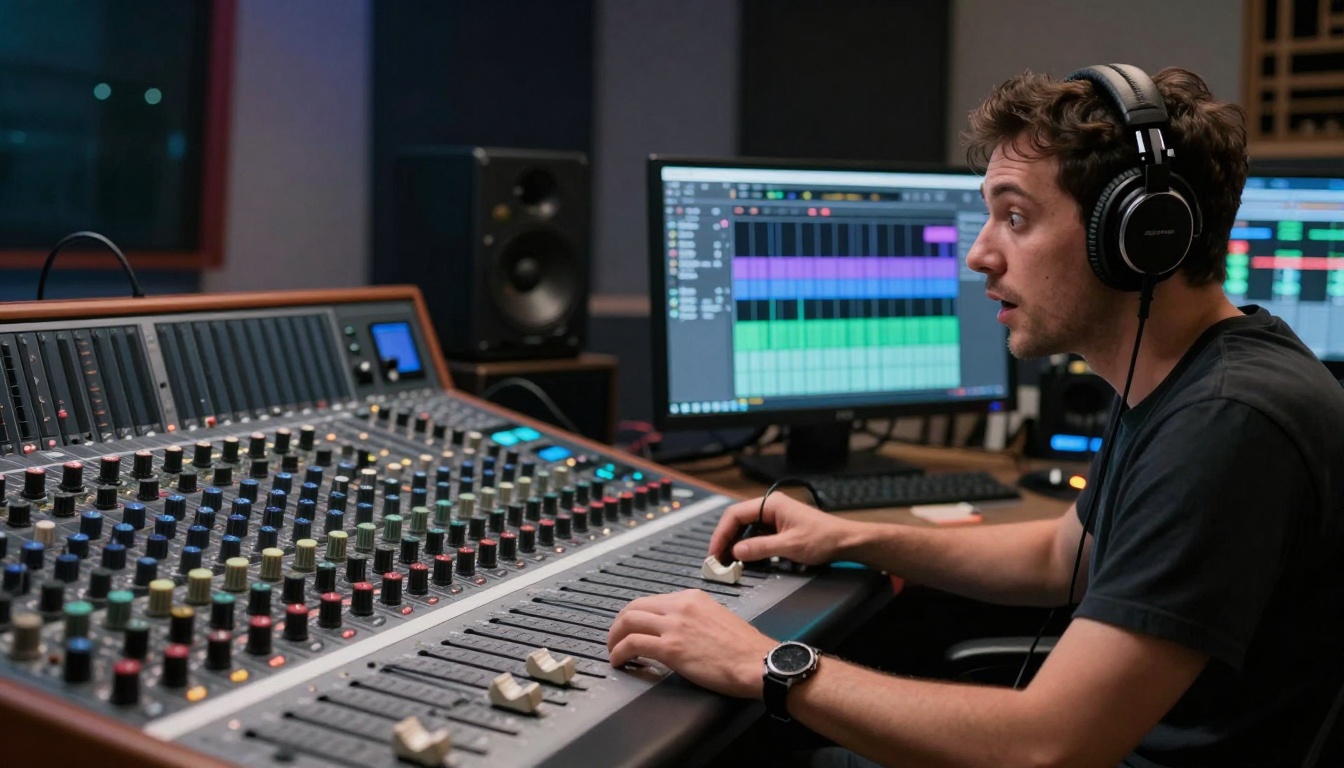
Audio and music generation: No more expensive libraries
The audio revolution is quieter (pun intended) but just as significant.
Music creation: Instead of purchasing expensive royalty-free tracks or hiring composers, creators describe the mood, tempo, and style they need to music-01 or stable-audio-2.5 and get custom music.
Voiceovers: Need narration but don't have recording equipment or the right voice? speech-2.6-hd generates professional voiceovers in any style.
Audio cleanup: Removing background noise, enhancing speech clarity, balancing levels - all automated.
The cost comparison:
| Audio Need | Traditional Cost | AI Cost |
|---|
| Background music | $50-200 per track from libraries | $2-5 per custom generation |
| Voiceover | $100-500 per minute for human talent | $0.10-0.50 per minute with AI |
| Audio cleanup | $50-150/hour for engineer | Included in generation cost |
| Sound effects | $5-20 each from libraries | $0.10-0.30 per custom effect |
The economics are impossible to ignore. For creators operating on tight budgets (which is most creators), AI audio tools provide professional quality at amateur prices.
The smartest creators aren't using one AI tool. They're building AI workflows - sequences of AI tools that hand off to each other.
Example social media content workflow:
- Content planning: Use gemini-2.5-flash to brainstorm post ideas and captions
- Visual creation: Generate images with p-image
- Video creation: Create supplemental videos with veo-3.1
- Audio: Add music with music-01
- Editing: Automatically trim and pace with trim-video
- Captions: Auto-generate with autocaption
Example product launch workflow:
- Product images: Generate in context with flux-schnell
- Promotional video: Create with kling-v2.6
- Social media assets: Variations for different platforms with p-image-edit
- Audio logo: Create with stable-audio-2.5
- Voiceover: Add with speech-2.6-hd
The integration advantage: Each AI tool specializes in one thing. By chaining them together, you get specialized excellence at every step instead of mediocre "jack of all trades" results.
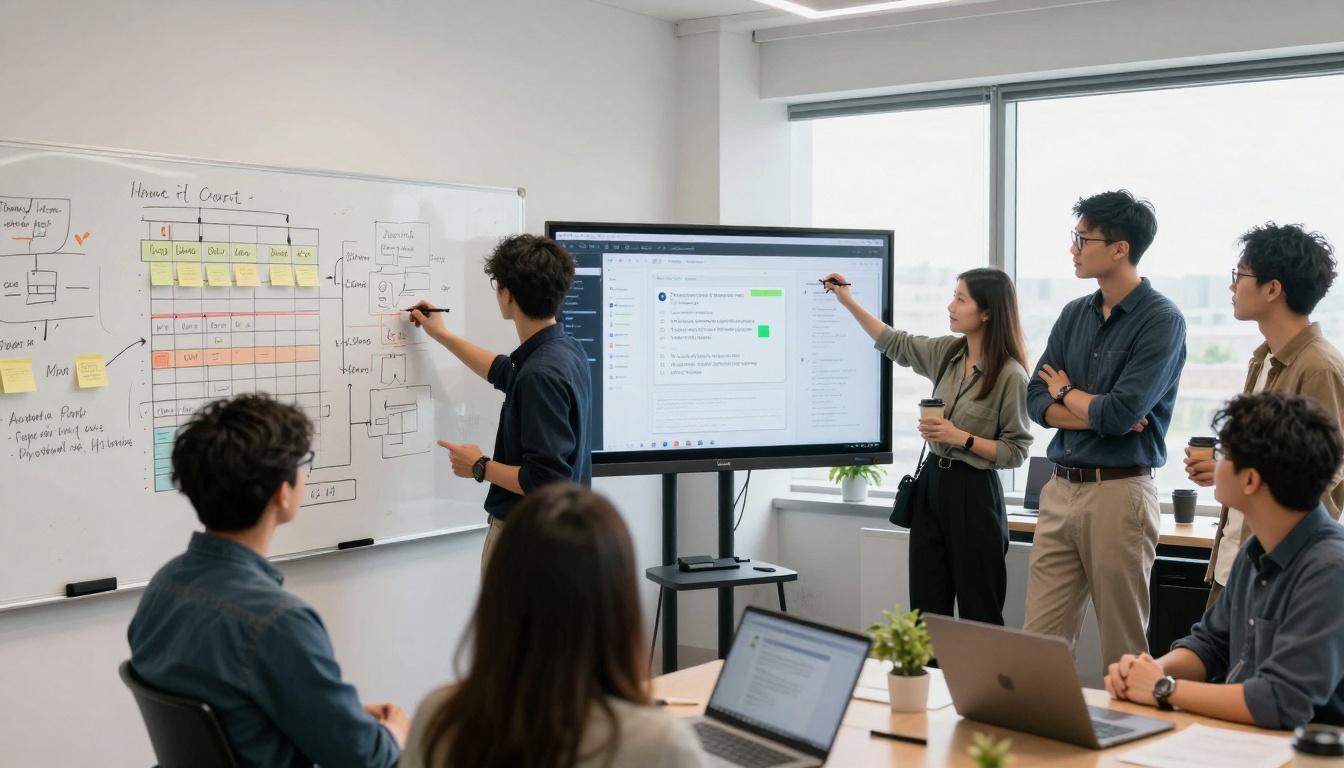
Getting started with AI editing: Practical first steps
If you're still using traditional tools exclusively, here's how to start transitioning:
Step 1: Identify your pain points
- What tasks do you dread?
- What takes the most time?
- Where do you make the most mistakes?
Step 2: Match AI tools to those pain points
Step 3: Start with augmentation, not replacement
- Use AI for the worst parts of your workflow first
- Keep manual control for the parts you enjoy or where you excel
- Gradually increase AI involvement as you gain confidence
Step 4: Develop your "AI taste"
- Learn what prompts work best for your style
- Save successful prompt patterns
- Build templates for recurring tasks
Step 5: Measure the improvement
- Track time saved
- Track quality improvements (client feedback, engagement metrics)
- Track creative satisfaction (less burnout, more enjoyment)
💡 Pro tip: Start with one AI tool for one specific task. Master it completely before adding another. Depth beats breadth when learning new tools.
Where this is heading
The transition from traditional editing apps to AI tools isn't a trend - it's an inevitability. Here's what comes next:
Specialized AI ecosystems: Instead of monolithic apps like Photoshop that try to do everything, we'll see interconnected specialized AI tools that excel at specific tasks and hand off seamlessly to each other.
Real-time collaboration: AI won't just generate content - it will facilitate human collaboration, suggesting improvements, catching inconsistencies, and maintaining style guides automatically.
Personalized AI assistants: Your AI will learn your style, preferences, and common tasks, becoming a true creative partner that anticipates your needs.
Democratization of high-end production: What currently requires Hollywood budgets will be accessible to individual creators. The quality gap between amateur and professional will narrow dramatically.
New creative roles: As technical execution becomes automated, new creative specializations will emerge - AI prompt engineering, workflow design, style curation, emotional tone direction.
Your next move
The tools exist. The examples prove it works. The economics favor the transition. What's stopping you?
Start with one task you hate doing. Find one AI tool on PicassoIA that handles it. Try it on your next project. Measure the difference in time, quality, and enjoyment.
Then do it again. And again. Before you know it, you'll have transformed your workflow from burden to pleasure, from cost center to competitive advantage.
The creators who embrace this shift aren't just saving time - they're reclaiming their creativity. They're spending less time fighting software and more time expressing ideas. They're producing more content at higher quality with less stress.
That's not just a workflow improvement. That's a creative liberation.
Ready to transform your workflow? The AI tools mentioned throughout this article are available on PicassoIA. Start with text-to-image using p-image for visual content, or try trim-video for video editing automation. The platform offers a range of specialized tools that integrate into existing workflows without requiring you to abandon your current tools entirely.
The future of creative work isn't about replacing humans with AI. It's about augmenting human creativity with AI efficiency. The tools are here. The transition is happening. The only question is: when will you join?


