The way your AI companion is dressed shapes everything: their perceived personality, the scenarios they fit into, and the emotional tone of every image you create. A thoughtful outfit choice is the difference between a forgettable render and an image that stops people mid-scroll. With today's AI image generators, specifically those available on PicassoIA, you can put your virtual companion in just about anything, from a sun-faded weekend hoodie to a hand-beaded couture gown, and get photorealistic results that look straight out of a fashion magazine.
Why Clothing Matters More Than You Think
Most creators spend too much time on their companion's face and almost no time on what they're wearing. That is backwards. Clothing carries context. A fitted blazer signals authority. A loose linen dress signals ease. A structured evening gown signals occasion. Your AI companion's wardrobe is the fastest way to communicate who they are without writing a single line of dialogue.
Style Signals Character
Fashion photography has known this for decades. When you describe an outfit in your prompt, you are not just styling a body: you are writing a character brief. The model reads those fabric signals, silhouette choices, and styling details and assembles a personality around them. Cream crochet, loose linen, and open-toe sandals produce a completely different person than black turtleneck, tailored coat, and ankle boots, even if the face is identical.
💡 Tip: Before writing your clothing prompt, ask yourself: where does this person live? What do they do on Sunday morning? Build the outfit from that mental image.
Consistency Across Scenes
One of the practical challenges of working with AI companions is keeping clothing consistent across multiple images. If you are building a series, a narrative, or a personal catalog of looks, you need to anchor your prompts with the same specific clothing descriptors every time. Vague prompts like "red dress" create drift. Precise descriptors like "sleeveless fitted midi dress in burnt sienna with a square neckline and visible seam detail" reproduce far more reliably.
5 Core Clothing Categories Worth Knowing
Not every AI companion fits every style. Here are the five categories that produce the most versatile, high-quality results with photorealistic image generators.
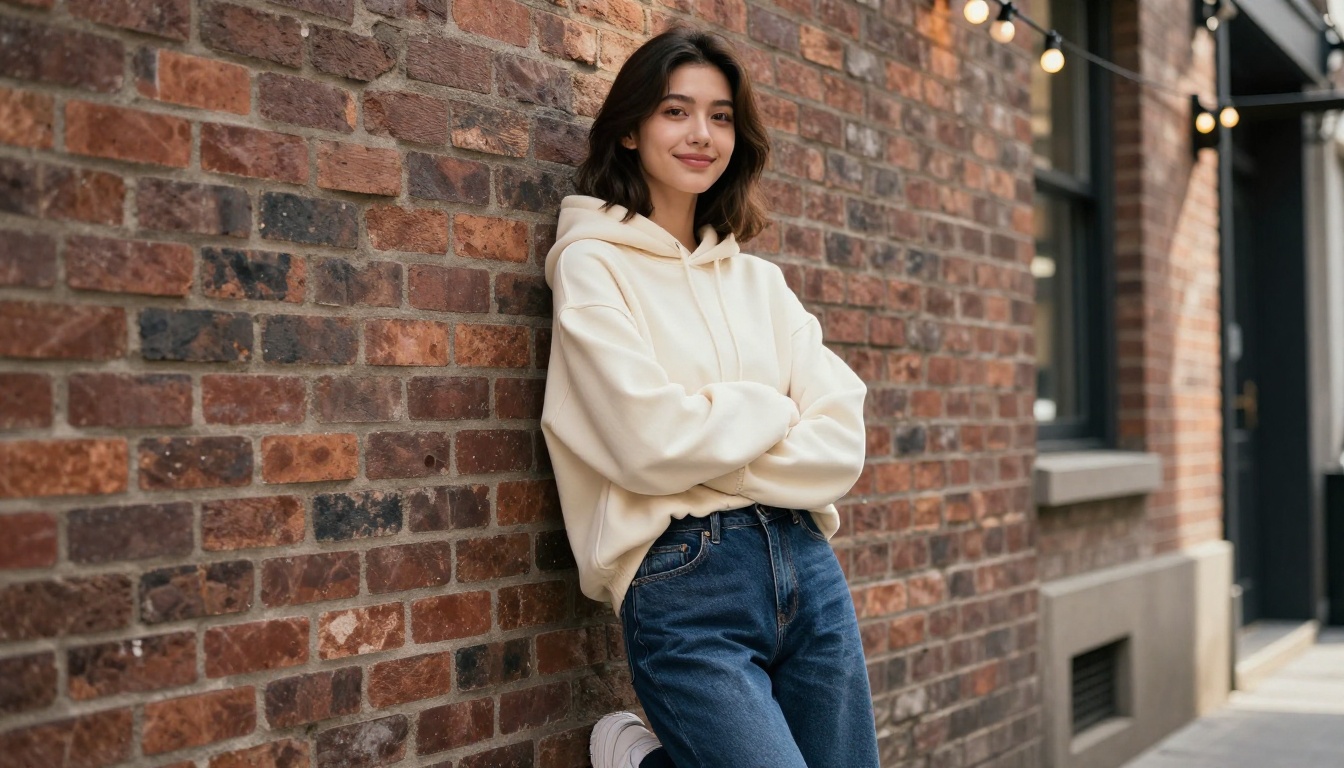
Casual and Streetwear
This is the most forgiving category for prompt writing because oversized silhouettes, relaxed fabric drape, and urban settings are well within what current models handle beautifully. Think oversized hoodies, wide-leg denim, vintage tees, sneakers, cargo pants. The difference is in specificity: "slightly cropped oversized hoodie in faded sage green with a distressed hem" outperforms "casual top" every single time.
Works best with: Brick wall backgrounds, coffee shop interiors, skate parks, golden-hour urban alleys.
Elegant and Formal
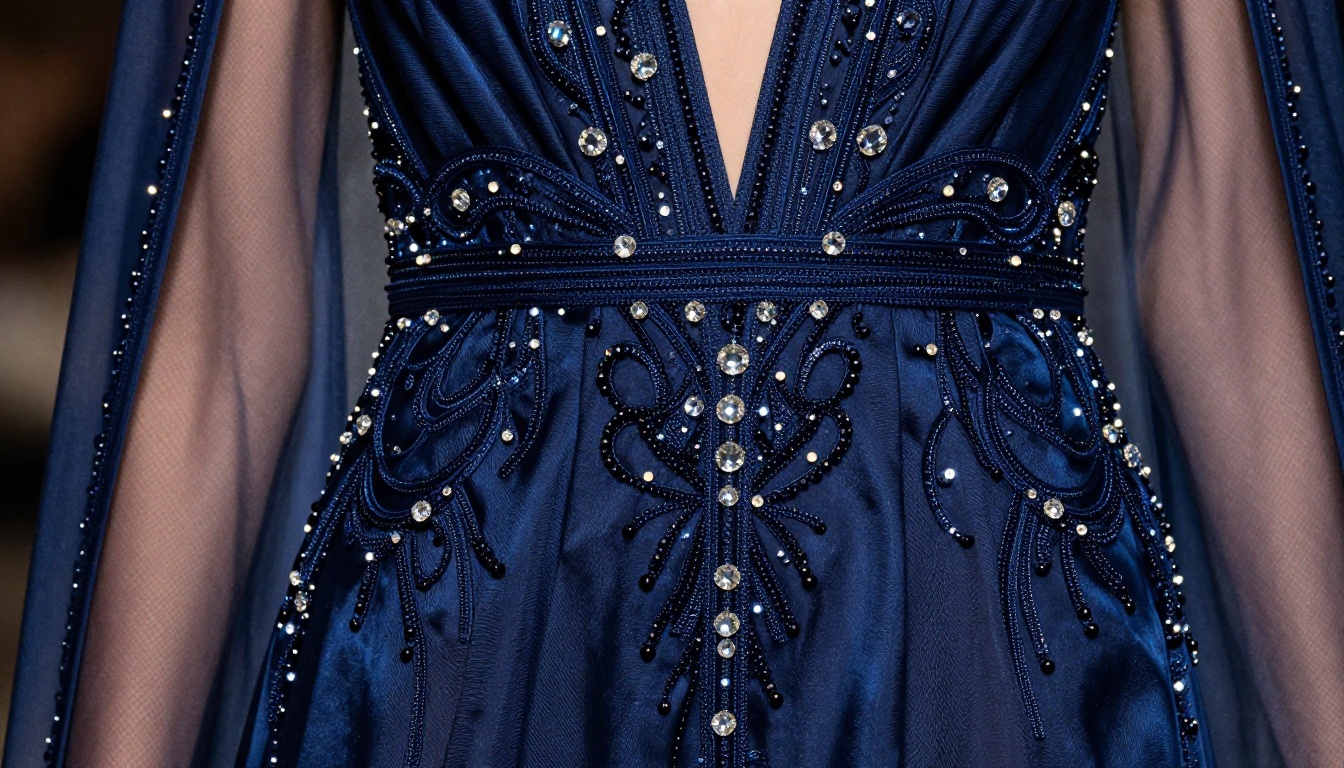
Tailored suits, evening gowns, cocktail dresses, and sharp blazers all photograph exceptionally well in AI-generated fashion. The physics of fabric drape, the way silk catches light, and the construction of a double-breasted lapel are details that photorealistic models have seen millions of times in training data. Describe the fabric first (charcoal wool, ivory silk, midnight blue satin), then the silhouette, then the fit specifics.
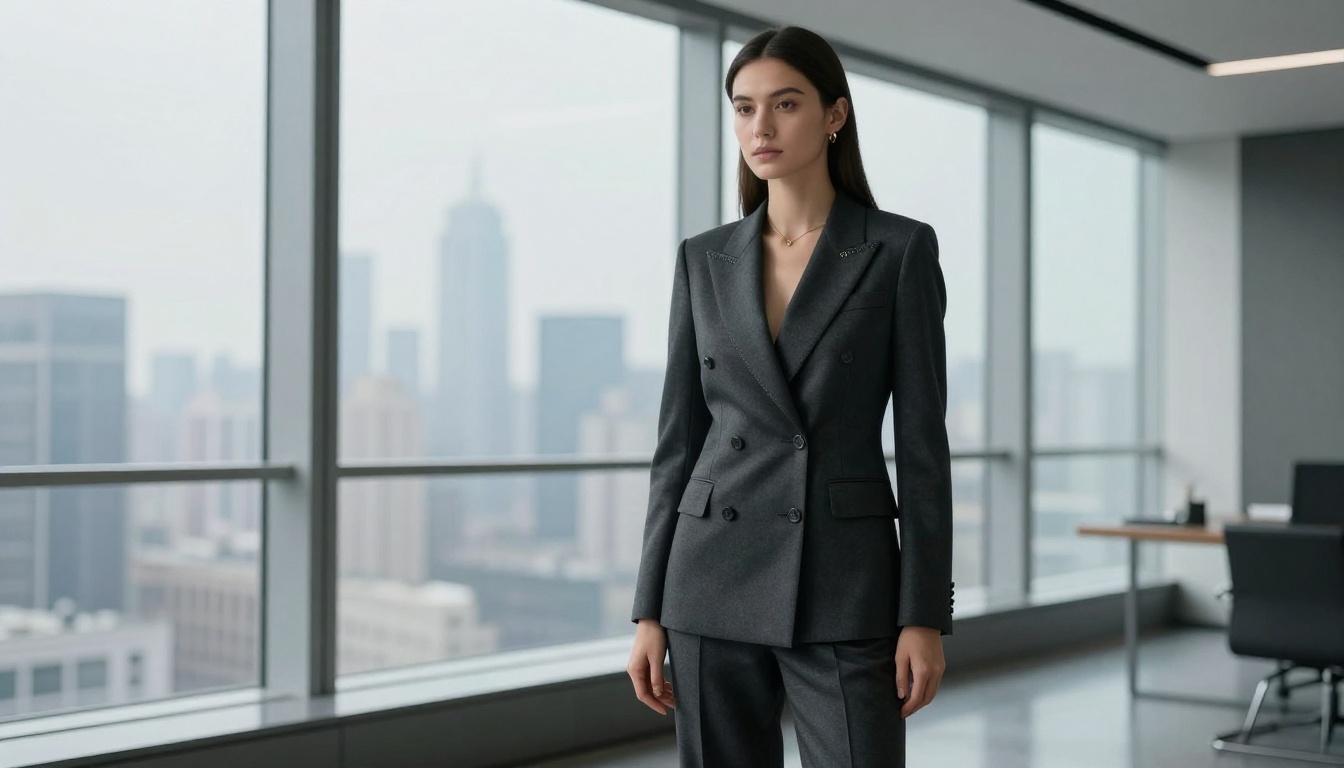
💡 Tip: For formal looks, always specify collar structure (notch lapel, band collar, plunging V) and sleeve length. These two details alone sharpen the result dramatically.
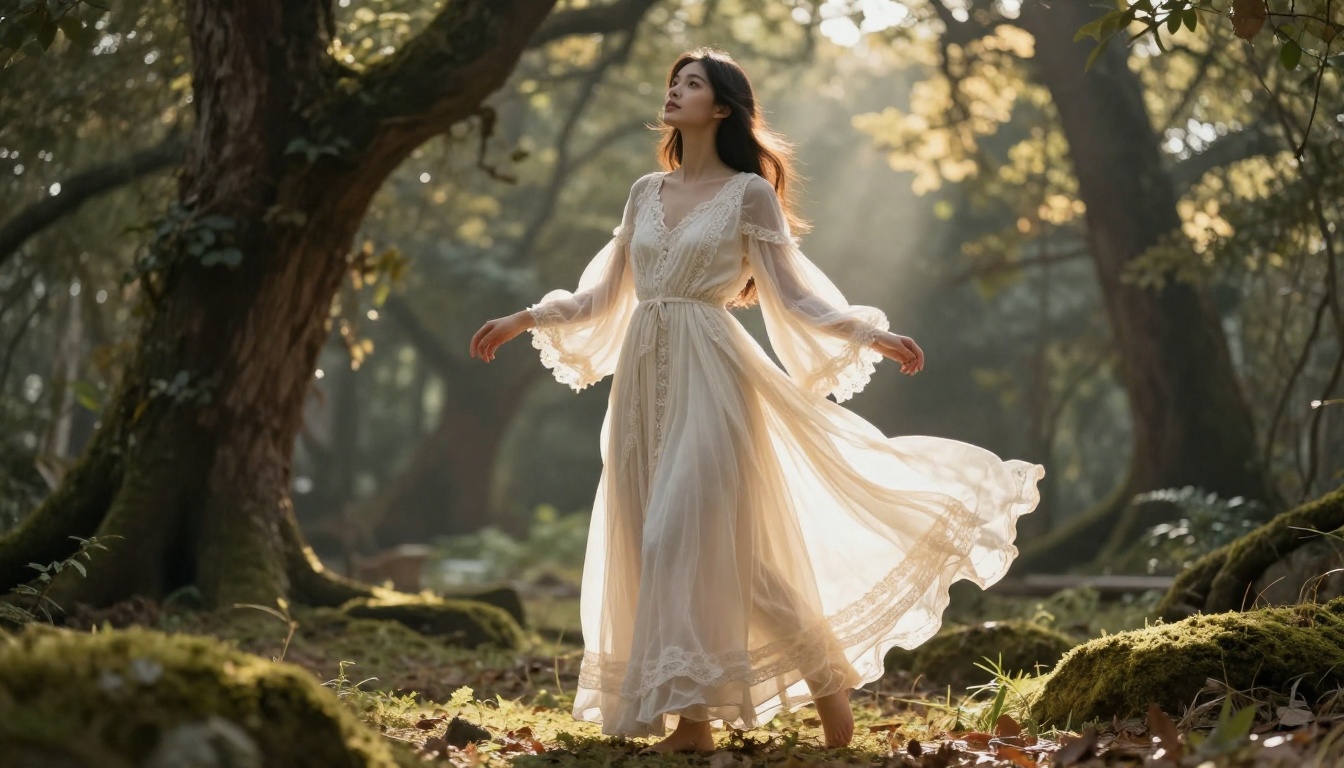
Fantasy and Nature-Inspired
Flowing maxi dresses in forest clearings, ethereal lace gowns with floral crowns, sheer organza layered with wildflowers: this category is where AI image generation genuinely earns its place in creative work. You can describe fabrics and settings that do not exist in the physical world and still get something that looks photographed. The trick is pairing a real, grounded fabric description with a fantastical setting, not the other way around.
Prompt structure that works: [Grounded, specific fabric] + [Fantastical environment] + [Real camera and lighting spec]
Avoid: Describing the fabric itself as magical or glowing. That pushes results toward CGI rather than photorealism.
Athletic and Sporty
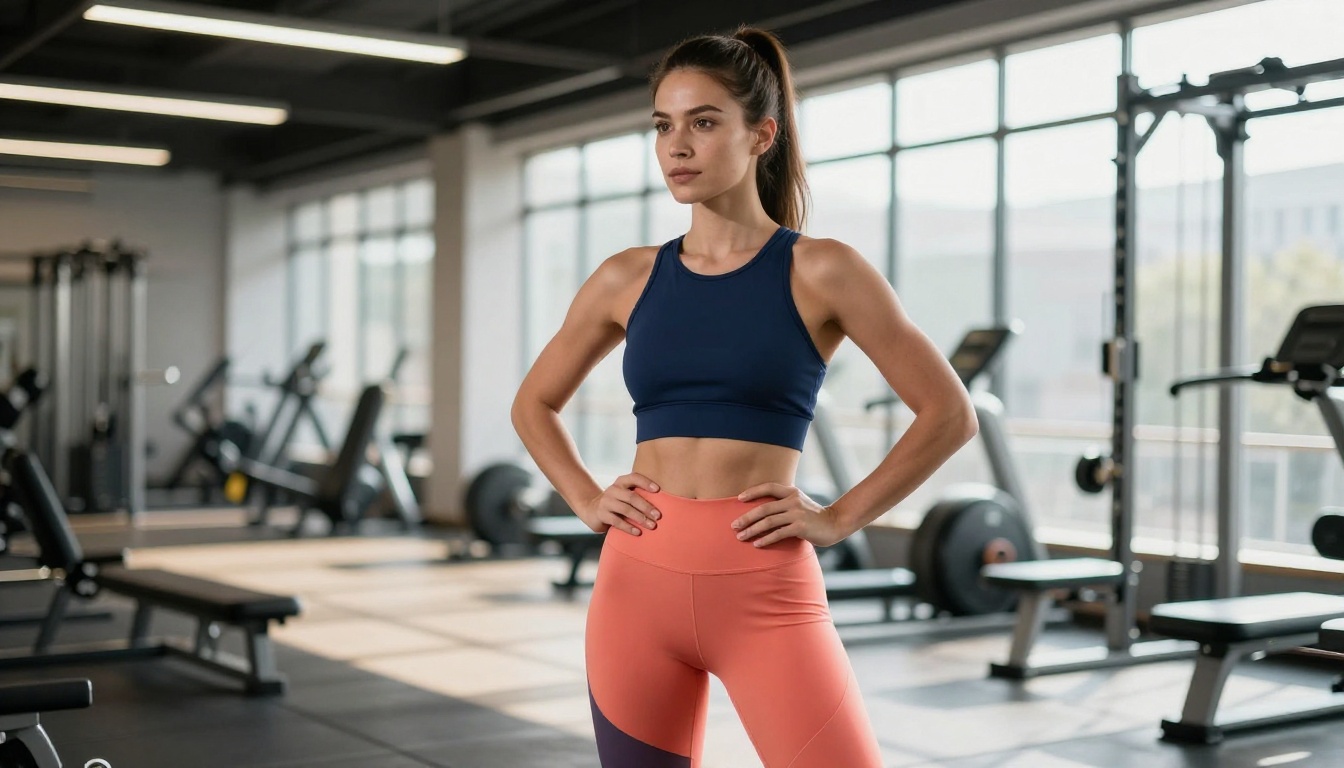
Color-block sports sets, compression leggings, tennis skirts, and track jackets represent a growing category for AI companion styling. Athletic wear has very specific visual cues: fabric compression, stitched panel lines, brand-adjacent aesthetic without actual branding, and the interaction of spandex with natural muscle tone. The best results come from describing the fit tension (fitted, compression, second-skin) and the fabric behavior (matte stretch, subtle sheen, moisture-wicking texture).
Beach and Swimwear
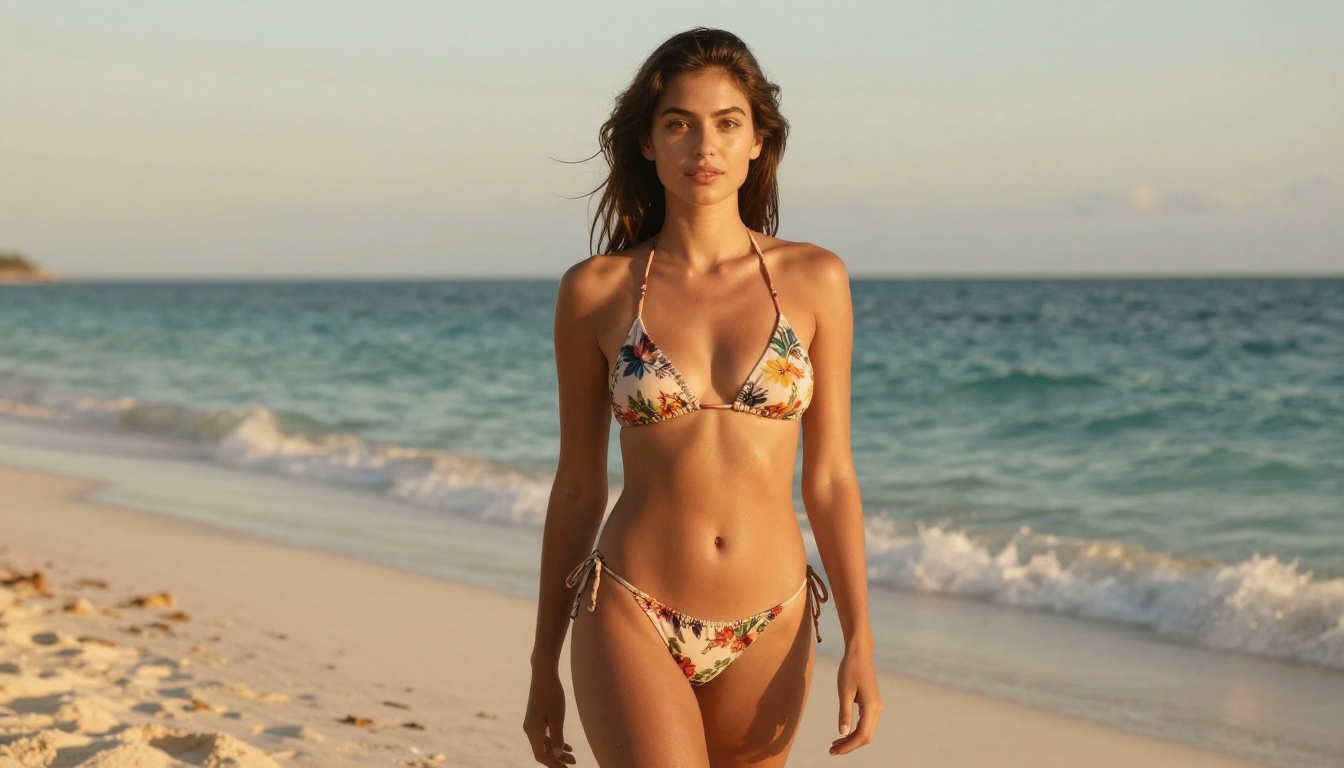
Beachwear is one of the most requested clothing categories for AI companions, and for good reason: natural outdoor lighting, sand and water textures, and minimal styling give image generators a lot to work with. A tasteful bikini or one-piece swimsuit with the right beach setting produces some of the most photorealistic, editorially strong images you can generate. Focus on the suit's print or solid color, the cut (high-cut leg, triangle top, bandeau), and the beach environment details for maximum quality.
Best PicassoIA Models for AI Companion Fashion
PicassoIA hosts over 91 text-to-image models. Not all of them are equally suited for clothing-focused work. Here is a breakdown by use case.
Top Picks for Photorealistic Fashion
How to Pick the Right Model
P Image handles the widest range of fashion photography scenarios. It is fast, free, and produces clean photorealistic output that holds up to scrutiny at full resolution. Start here for any clothing category.
For upscaling finished images to reveal stitching detail, fabric weave, and pore-level skin texture, Clarity Pro Upscaler adds the kind of micro-detail that separates professional-looking results from average AI images.
💡 Tip: Generate at 16:9 ratio first with P Image, then pass the result through Clarity Pro Upscaler for a two-step workflow that produces editorial-grade output.
Writing Clothing Prompts That Actually Work
The difference between a vague "red dress" prompt and a precisely worded clothing description is the difference between a generic stock photo and a fashion editorial. Here is how to think about prompt structure for clothing.
The Anatomy of a Clothing Prompt
A well-built clothing prompt for AI companions has five layers:
- Garment and Silhouette: What is the item and how does it fit? ("sleeveless fitted midi dress")
- Fabric and Color: What is it made of and what exact shade? ("in burnt sienna stretch crepe")
- Details and Construction: What makes it specific? ("with a square neckline and visible top-stitching along the seams")
- Styling Companions: What else is the character wearing? ("paired with strappy gold sandals and a slim chain necklace")
- Camera and Lighting: How is it photographed? ("85mm f/1.8, soft side lighting from a floor-length window, Kodak Portra 400")
Common Prompt Mistakes
- Too abstract: "Beautiful outfit" tells the model nothing about fabric, silhouette, or occasion.
- Color without material: "Blue top" produces wildly inconsistent results. "Cobalt silk charmeuse blouse with draped collar" does not.
- Missing lighting: Fabric only looks real when the lighting spec tells the model how to render specular reflection and shadow. Silk behaves differently from cotton in different light conditions.
- Conflicting style signals: Mixing "haute couture" with "casual streetwear" confuses the generation unless you explicitly reconcile the contradiction (e.g., "deconstructed couture streetwear in raw silk and distressed denim").
How to Use PicassoIA to Style Your AI Companion
PicassoIA makes AI companion styling accessible without any design or technical background. Here is the standard workflow for generating a complete outfit from scratch.
Step 1: Choose Your Generator
Head to picassoia.com and open P Image. This is the fastest route to photorealistic fashion output with no setup required. It supports detailed text prompts and consistently renders fabric textures, skin tones, and lighting conditions with high fidelity.
Step 2: Build Your Prompt
Use the five-layer structure above. Start with the garment, move to fabric and color, add construction details, finish the styling, then specify the camera and lighting. Do not rush this step. A longer, more specific prompt almost always beats a short vague one.
Step 3: Generate and Evaluate
Run your first generation. Look for three things: fabric authenticity (does the material look like it has real weight and texture?), lighting coherence (does the light source match the clothing sheen and shadow?), and proportional accuracy (does the outfit sit on the body correctly?).
Step 4: Upscale for Detail
Once you have a base image you are happy with, pass it through P Image Upscale or Clarity Pro Upscaler. This step adds fine-grain fabric texture and sharpness that makes the final image look genuinely photographic.
Step 5: Build a Wardrobe Catalog
Save each successful outfit image and document the exact prompt that produced it. This becomes your companion's style catalog, a reference library you can pull from when you need consistency across a series of images.
Styling by Fashion Era
Different style periods have very distinct visual signatures that AI models recognize and reproduce well. Here is a quick reference for era-based outfit design:
| Era | Signature Elements | Prompt Vocabulary |
|---|
| 1950s | Full skirts, cinched waist, structured bodice | "fit-and-flare", "petticoat", "cat-eye accessories" |
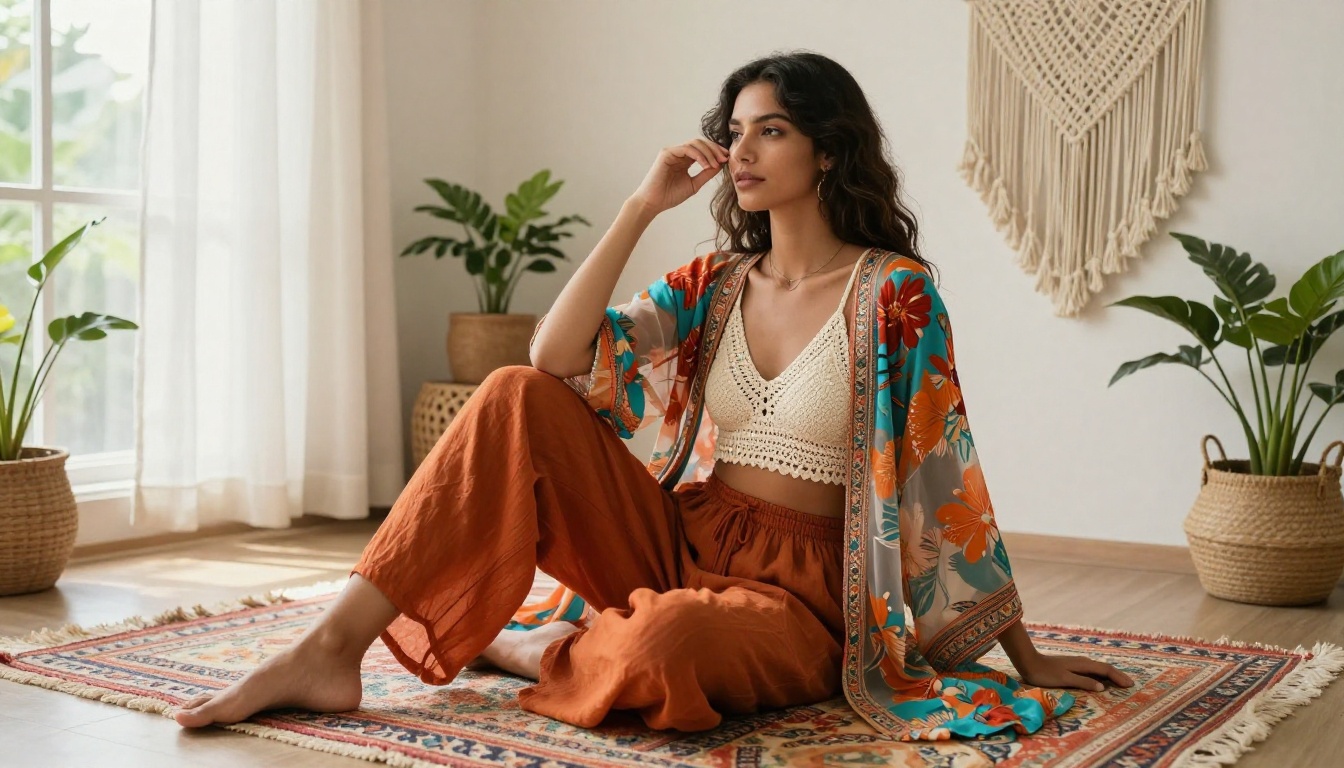
| 1970s | Bell sleeves, earth tones, wide lapels | "macrame", "burnt orange", "denim flare", "suede fringe" |
| 1990s | Oversized silhouettes, slip dresses, chunky shoes | "baby doll dress", "90s grunge", "satin slip" |
| Y2K (2000s) | Low-rise, metallics, logo-adjacent | "low-rise bootcut", "halter top", "metallic fabric" |
| Contemporary | Clean lines, tonal dressing, quiet luxury | "cashmere", "tailored", "monochromatic", "minimal hardware" |
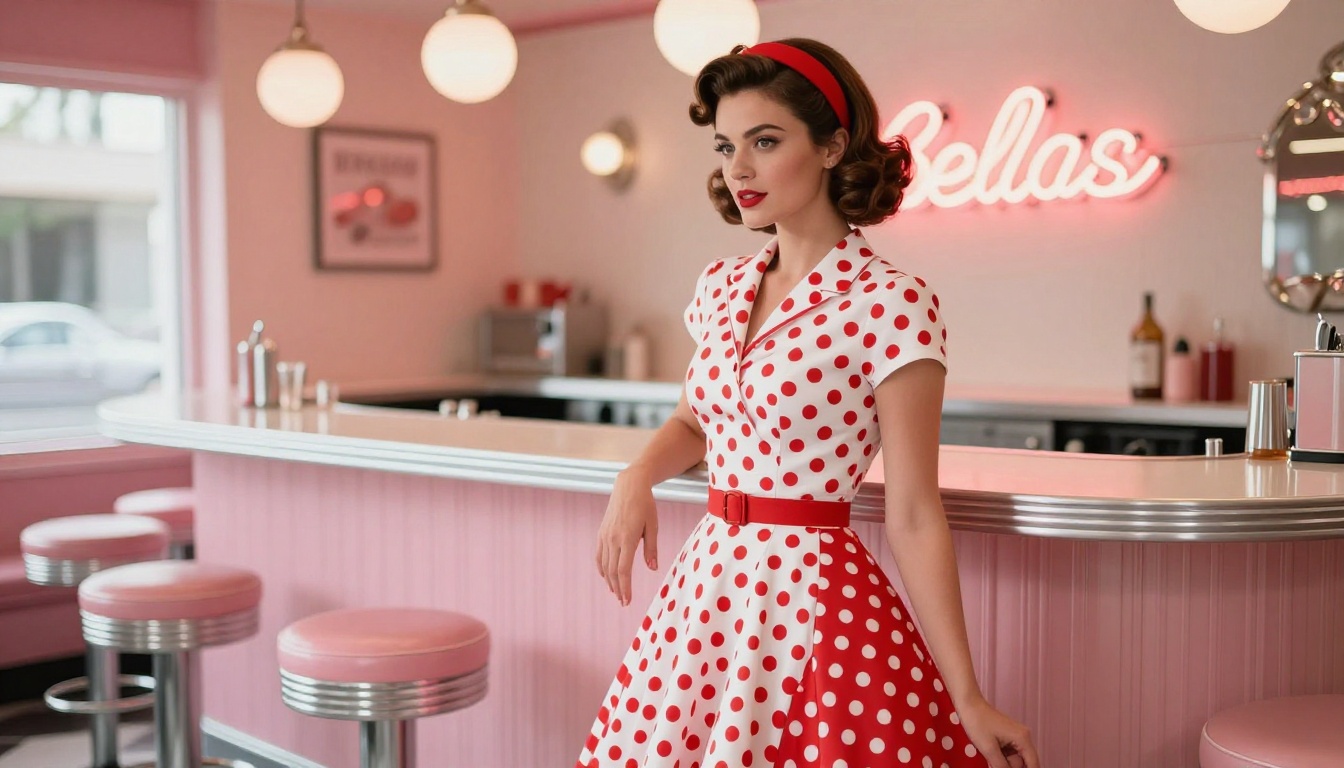
💡 Tip: Era-specific settings reinforce the clothing dramatically. A 1950s polka dot dress reads far more authentically in front of a pastel diner counter than on a modern city street.
Getting Fine Detail Right
The gap between a good AI fashion image and a great one often comes down to micro-details in the clothing description. Here are the elements most worth specifying.
Fabric Behavior
Different materials respond to light and gravity in specific ways. Describe this explicitly:
- Silk: "subtle specular sheen, fluid drape, light-catching highlights at fold edges"
- Denim: "rigid structured silhouette, slightly worn surface texture, fading at stress points"
- Linen: "relaxed natural wrinkle, matte surface, slight color variation where fabric gathers"
- Knit or Crochet: "visible looped texture, slight stretch distortion at waist, dimensional surface"
Construction Details
Seams, buttons, zippers, and closures add visual authenticity. A "plain white shirt" looks generic. A "white Oxford shirt with french seam visible at the shoulder, two-button cuff, slightly oversized chest fit" looks real.
Shoes and Accessories
Most prompt writers forget that shoes, jewelry, and bags are part of the outfit. AI models read these styling choices and use them to calibrate the entire look. A structured tote bag and pointed-toe flats shift a casual blazer toward polished office wear. Chunky platform sandals and layered chain necklaces shift the same blazer toward fashion-forward street style.
Adding Motion to Your Companion's Wardrobe
Still images are powerful, but seeing how a garment moves changes everything. Once you have a strong clothing image, you can animate it using PicassoIA's video tools to show fabric flow, breeze effects, and natural movement.
P Video Animate takes a still image as its input and generates a short video clip from it, perfect for showing how a dress catches the wind or how a coat moves through a doorway. Wan 3 and Seedance 2.5 both support image-to-video workflows and produce cinematic results at 1080p.
For simple ambient motion like hair movement or fabric flutter, LTX 2.5 Fast is particularly effective and fast, making it a strong choice when you want to quickly add life to an otherwise static shot.

Upscaling for Print-Quality Results
AI-generated images typically start at reasonable but not exceptional resolution. For sharing on high-resolution screens or creating content that needs to hold up at larger sizes, upscaling is worth the extra step.
PicassoIA's upscaling models each approach detail recovery differently:
- P Image Upscale: Fast, general-purpose, consistent across clothing categories
- Clarity Pro Upscaler: Adds interpretive texture detail, great for fabrics that should read as tactile
- Crystal Upscaler: Portrait-focused, preserves face and skin while sharpening clothing
- Google Upscaler: Clean 4x enlargement without added grain, ideal for minimalist fashion aesthetics
- Real ESRGAN: Strong on recovering fine texture in patterned fabrics like lace, tweed, and denim
For clothing work specifically, the two-step approach of generating with P Image then upscaling with Clarity Pro Upscaler produces the best combination of photorealism and fine-detail resolution.
Start Building Your AI Companion's Wardrobe
Clothing is one of the most powerful creative levers available when working with AI image generation. It signals personality, era, occasion, and aesthetic with precision that faces alone cannot carry. Whether you want a photorealistic everyday look, an editorial fashion moment, or a wardrobe that could not exist in the physical world, the models on PicassoIA give you everything you need to bring it to life.
The best way to get better at this is to start generating. Pick one clothing category, write a specific prompt using the five-layer structure, run it through P Image, and iterate from there. Each generation builds your personal vocabulary of prompt phrases that reliably produce the looks you are after.
Visit picassoia.com/en/all-models to see the full range of image generation, upscaling, and video animation tools available to bring your AI companion's wardrobe to life.


