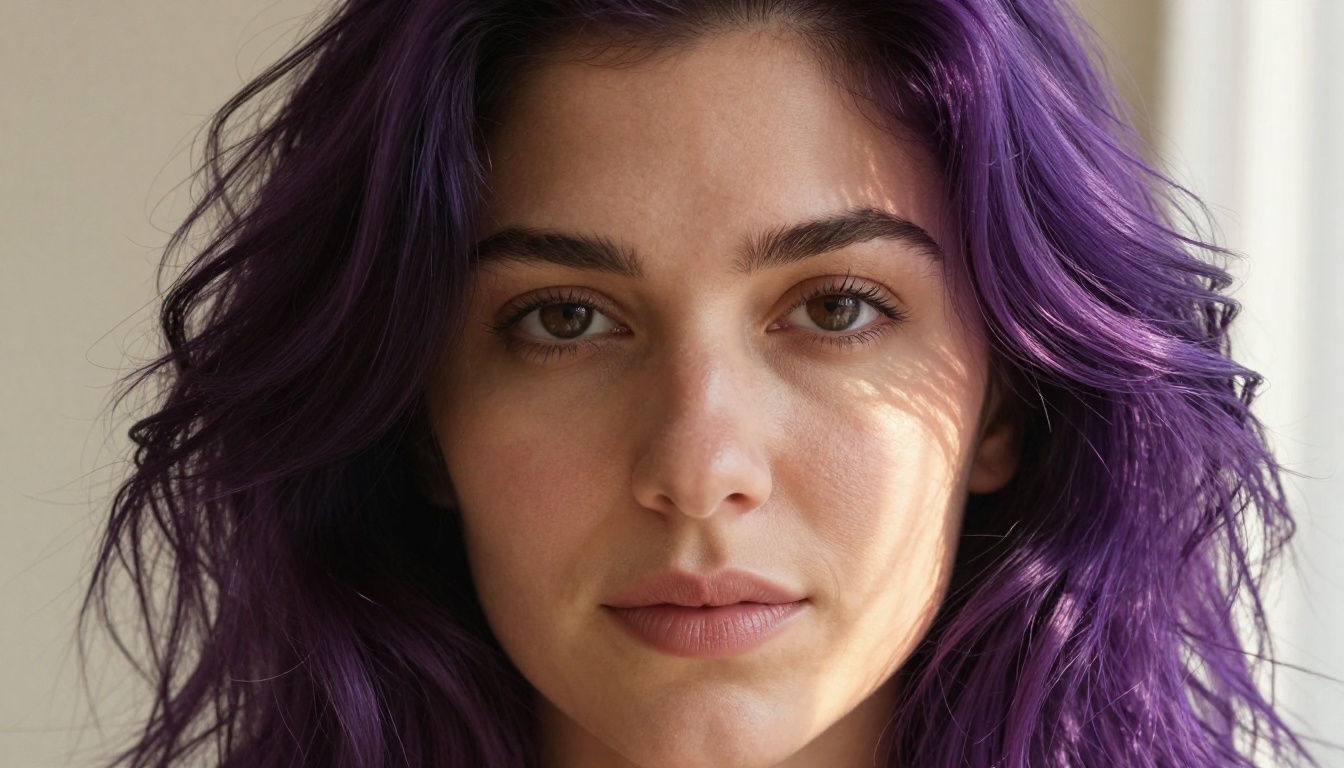
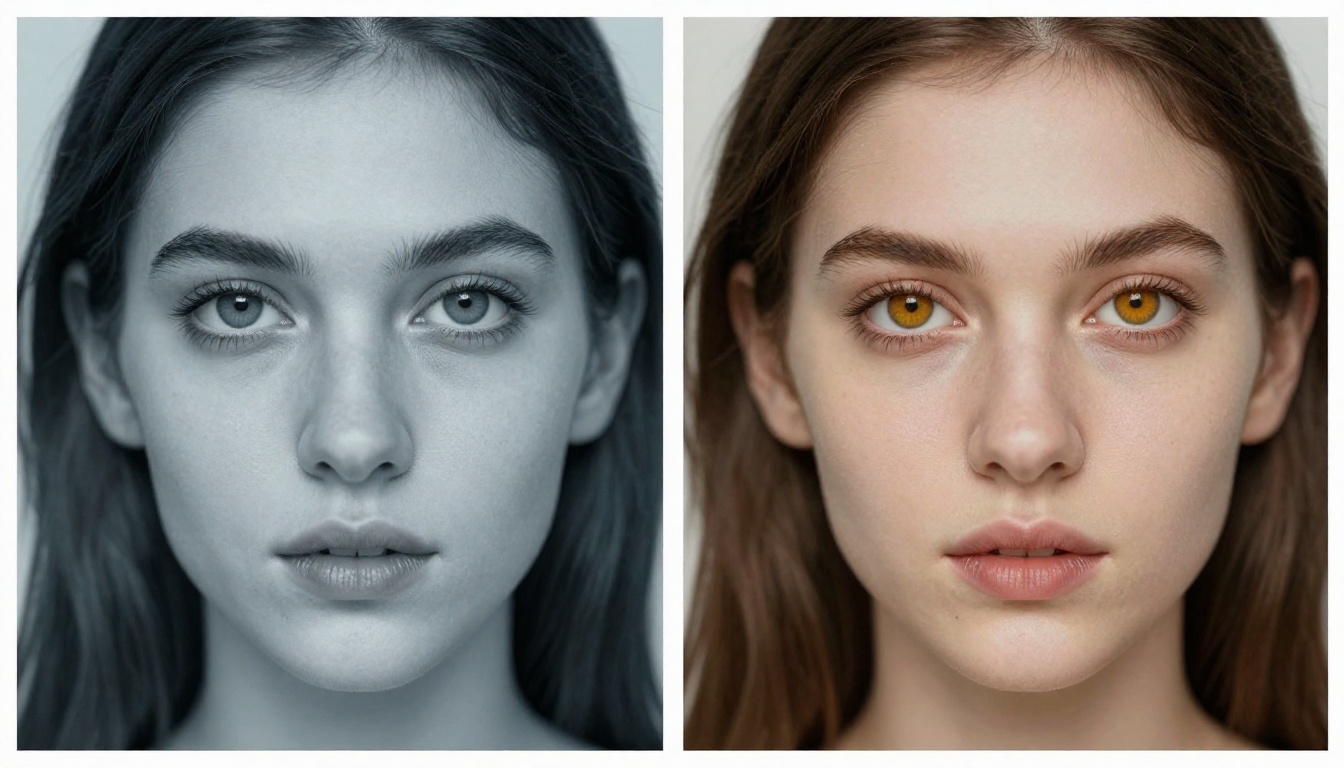
Want your AI companion to have violet hair, amber eyes, and sun-kissed skin? This article breaks down exactly how to control every visual detail of your AI companion's appearance, from hair color and texture to iris color, skin tone, and surface detail, using AI image generation tools and models available right now.
Whether you want a companion with fiery red curls, silver-grey irises, and porcelain skin, or someone with deep ebony braids, vivid violet eyes, and warm olive tone, getting the details right is the difference between an AI character that feels alive and one that falls flat. The prompts you write, the models you choose, and the parameters you set determine whether your companion looks like a real photograph or a generic output.
This article focuses on the specific visual attributes that matter most: hair (color, texture, length, structure), eyes (iris color, limbal ring, catchlights), and skin (tone, texture, freckles, subsurface behavior). You will find prompt structures that work, model recommendations with direct links, and a hands-on walkthrough using PicassoIA's tools.
Why Appearance Details Define the Experience
Visual authenticity changes everything
When people interact with an AI companion, the visual representation shapes how real the connection feels. An image that has natural pore structure, correct iris anatomy, and physically plausible hair behavior triggers different cognitive responses than a generic face with no depth.
This is not about chasing perfection. It is about removing the visual signals that break immersion. Glossy, plasticky skin reads as artificial. Eyes with no depth or catchlight feel vacant. Hair that looks like a single solid shape instead of actual strands creates unconscious distance between you and your companion.
The single biggest factor: specificity in your prompt language. The more precisely you describe what you want, the less the model fills in with its own defaults.
Specificity beats creativity in prompts
Compare these two approaches:
Vague: "woman with brown hair and blue eyes"
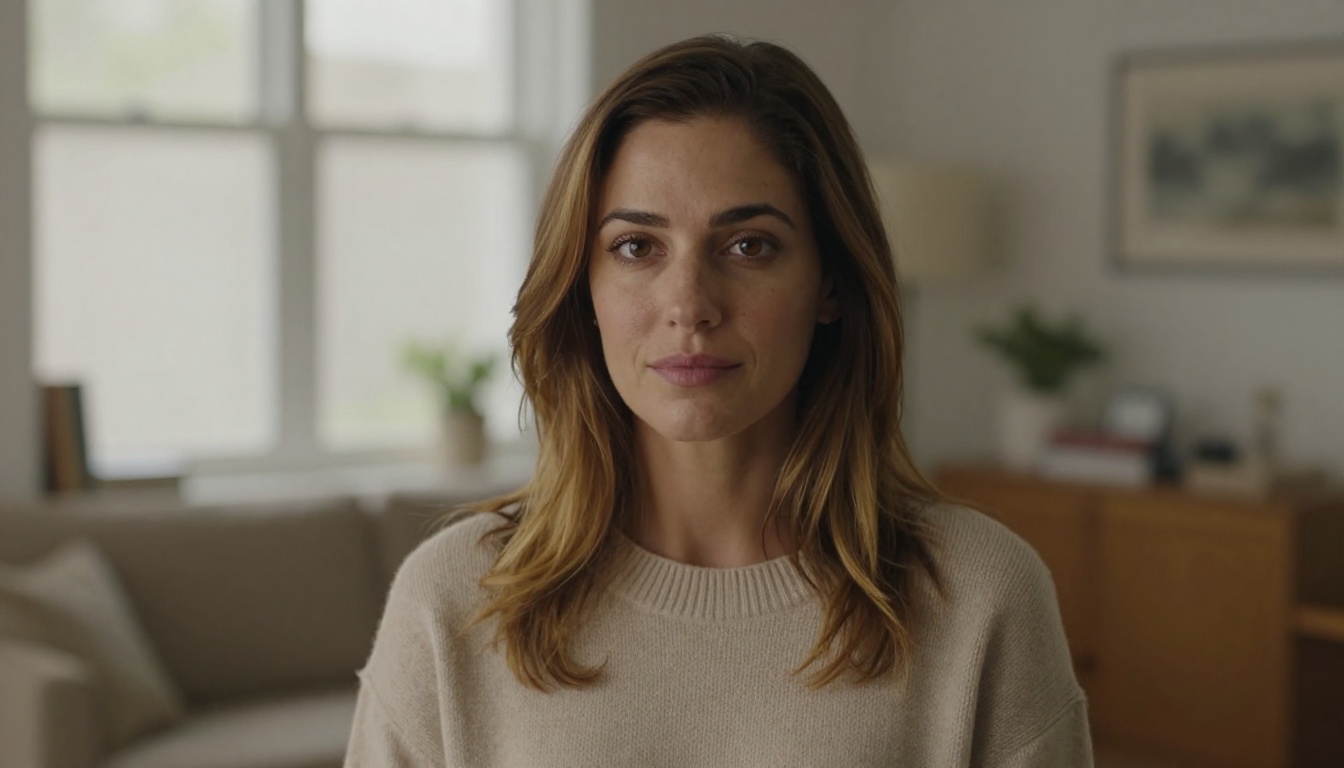
Specific: "woman with honey-brown ombre hair, lighter at the ends, warm hazel-blue irises with radial fiber texture and faint limbal ring, faint sun freckles on the nose bridge, warm skin tone with golden undertone, 85mm f/2.0 portrait lens, shallow depth of field"
The second prompt produces a result that feels curated. That specificity is a learnable skill, and this article gives you the language to build it.
Hair: Color, Texture, and Strand-Level Detail
Hair is one of the most computationally challenging surfaces to render realistically. It requires strand-level simulation, light interaction at hundreds of micro-angles, and correct color behavior under different lighting conditions. Nail these three things and your companion's hair stops looking generated.
Natural vs. vivid color systems
Natural hair colors (black, brown, auburn, blonde, grey) follow specific light physics. Dark hair reflects blue-tinted highlights under cool light and warm amber tones under golden light. Blonde hair becomes near-translucent when backlit. When prompting for natural hair colors, describe the lighting interaction explicitly:
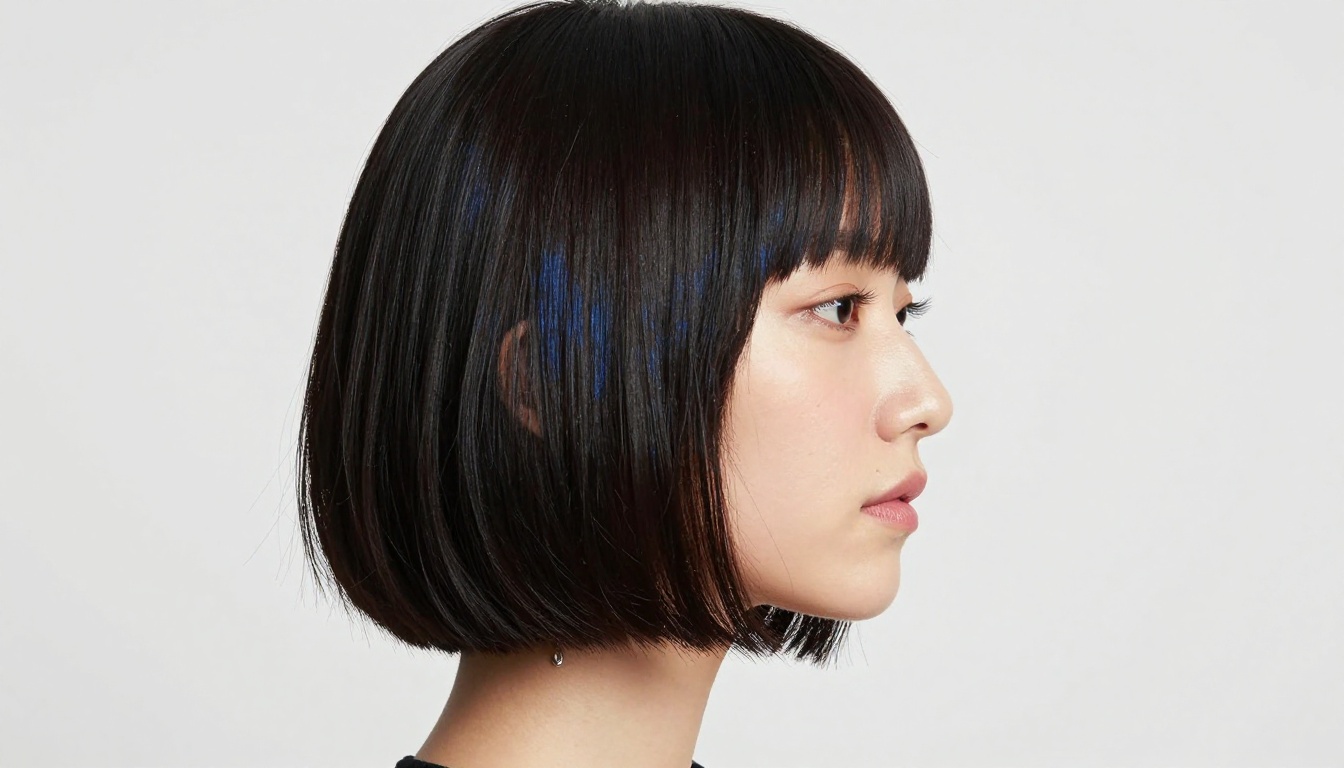
"Rich, jet-black straight hair cut in a sharp bob at the jawline, so dark it reflects a blue sheen under studio softbox light positioned directly left"
For vivid, dyed colors (violet, teal, rose, platinum), describe the dye gradient and how it interacts with light:
"Deep violet-dyed hair in loose curls, root darkening gradient from natural dark brown to vibrant violet tips, cuticle sheen visible, flyaways catching backlight"
Texture matters as much as color
Hair texture is one of the most visually distinctive features a person can have. The four main texture types and their prompt language:
Texture
Prompt Language
Straight
"sleek, flat, no wave, glossy sheen, falls vertically"
Wavy
"loose S-waves, soft body, natural movement at mid-length"
Curly
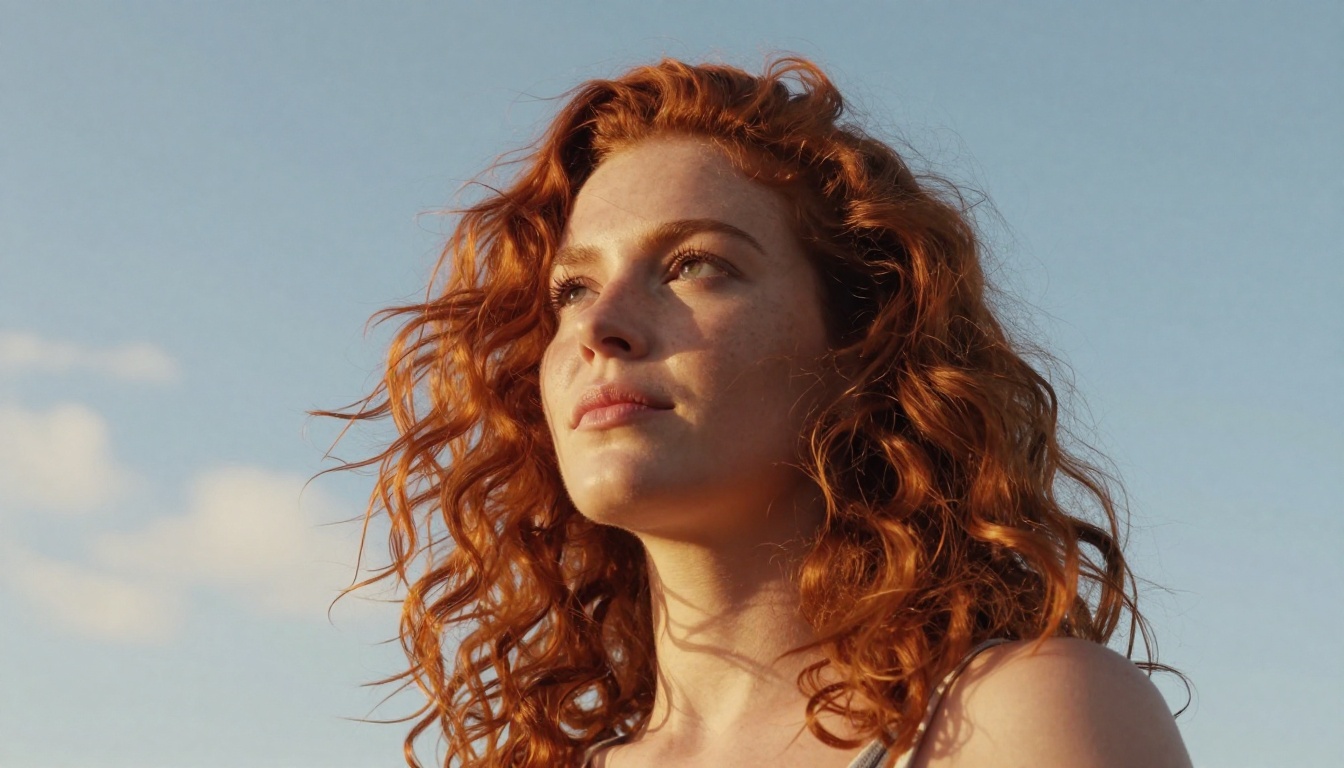
"defined spiral curls, 3B texture, spring-back volume at crown"
Strand behavior: individual hair follicles visible at the crown, flyaways catching backlight
Color physics: subtle highlights catching volumetric morning light from upper left, root-to-tip gradient
Movement and shape: cascading in natural waves, slight breeze lifting the outer layer
💡 Always describe the light source direction. Hair behaves completely differently under front light vs. backlight vs. rim light. Saying "morning light from the left" gives the model a physics-based reference that produces far more consistent results than any amount of color description alone.
Hair length and styling detail
Beyond texture, length and styling add individuality to your companion:
Waist-length: "waist-length hair, visible weight and volume distribution, natural parting at center"
Bob cut: "sharp jawline-length bob, clean blunt ends, no layering, slight inward curl at tips"
Braided: "thick three-strand braid running over the left shoulder, individual braid sections clearly visible"
Updo: "loose chignon at the nape of the neck, tendrils escaping at the temple and forehead"
Half-up: "top half gathered loosely at the crown, lower half falling in waves past the shoulders"
Eyes: Iris Architecture and Realism
The human iris is one of the most unique biometric surfaces in nature. Every iris has a radial fiber pattern, a pupil that changes size with light, a limbal ring at the boundary with the sclera, and capillary patterns in the whites of the eye. Get these right and the eyes come alive.
Rare and vivid eye colors
The most requested AI companion eye colors and their prompt language:
Violet/Purple: "vivid amethyst iris with blue undertone and fine radial fiber striations, visible limbal ring"
Heterochromia: "one deep amber iris with fine limbal ring, the other pale grey-blue, both with natural catchlights"
Silver/Mercury: "pale silver-grey iris with subtle concentric ring pattern, high reflectivity, cool tone"
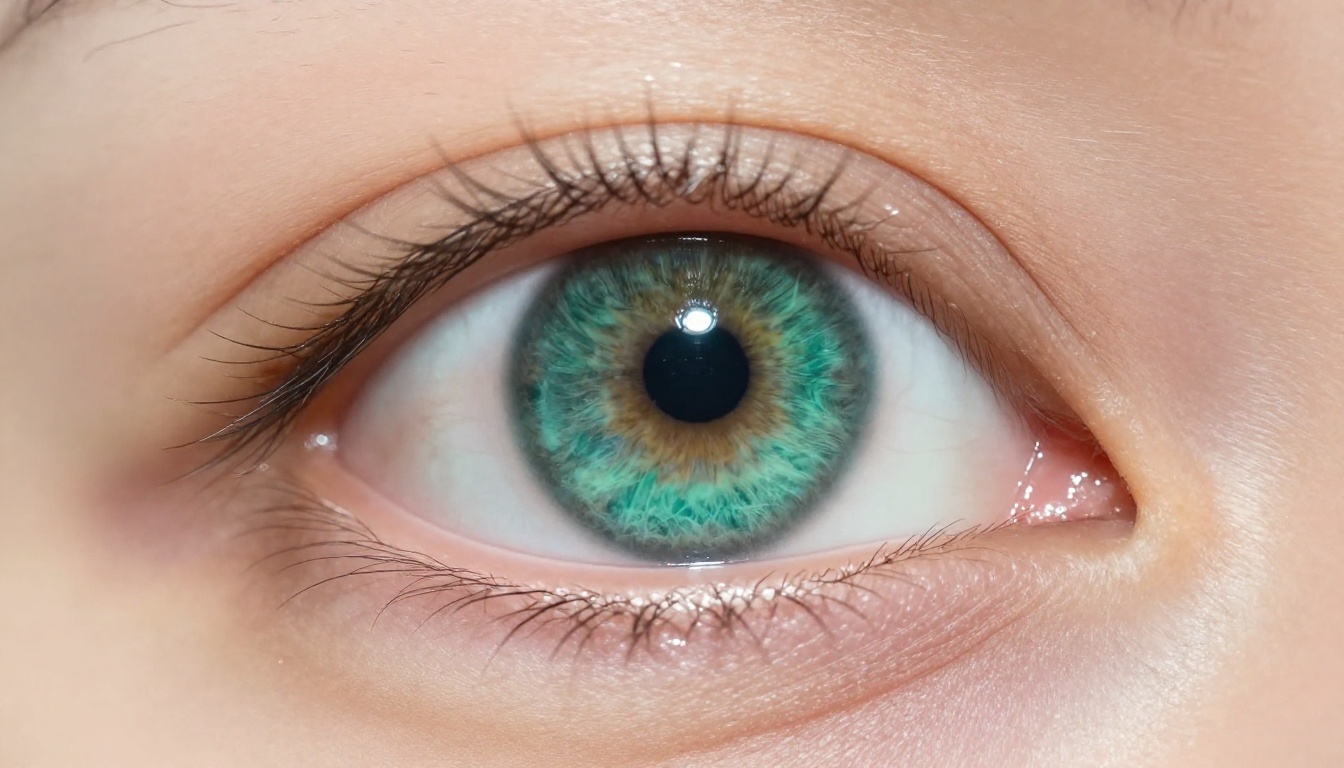
Teal-green: "striking teal-green iris, blue-green radial fiber texture, clearly defined dark limbal ring"
Amber-gold: "warm amber iris with interior gold ring, fine radial striations, warm orange-brown undertone"
Ice blue: "pale ice-blue iris, almost white at the center, subtle concentric ring pattern, cool silver undertone"
Three anatomy details that make eyes feel alive
Without these three elements, even technically correct eye colors will feel flat:
Limbal ring: The dark ring bordering the iris. Adding "clearly defined dark limbal ring" increases perceived eye depth and makes the gaze feel more present and intense.
Catchlights: Without catchlights, eyes look like painted marbles. Specify their position: "pinpoint catchlights from soft-box at 45 degrees upper right" places a realistic light reflection in both eyes simultaneously.
Sclera texture: "Micro-capillaries visible in the sclera" adds photographic realism that reads as real rather than unhealthy. Real eyes have blood vessels. AI eyes without them look clinical.
Prompting for heterochromia
Heterochromia is visually striking and one of the most distinctive features you can give an AI companion. The challenge is getting both iris colors rendered correctly in a single image:
"Heterochromatic eyes: one deep amber iris with gold interior ring and clearly defined dark limbal ring, one pale grey-blue iris with subtle concentric ring pattern, both eyes with natural pinpoint catchlight from studio softbox at 10 o'clock position, natural eyelashes with slight curl"
💡 Describe both eyes in the same sentence. This signals to the model that the two colors coexist in one face rather than representing two separate characters.
Skin: Tone, Texture, and Subsurface Physics
Skin is the most technically demanding surface in photorealistic companion generation. It is not a flat layer. It is a biological structure that scatters light internally before it exits, creating the warm, inhabited quality of living skin. Getting this physics right is what separates an AI companion portrait from a profile picture.
Skin tone across the full spectrum
Rather than using generic terms like "light" or "dark," use descriptive language that includes both tone depth and undertone. The undertone determines how skin responds to different light colors and is as important as the depth itself:
Tone Category
Effective Prompt Language
Porcelain
"cool ivory pale tone, slight pink undertone at cheeks and lips"
Fair warm
"light skin with natural sun warmth, warm peach-golden undertone"
Medium olive
"warm olive tone, golden-yellow undertone, medium depth"
"deep ebony skin, perfectly smooth with subtle sheen, rich dark tone"
💡 Always pair skin tone with an undertone descriptor. Skin described as "warm caramel with golden undertone" looks completely different from the same depth described with a "cool rose undertone." The undertone is the variable that makes your companion's skin feel personal rather than default.
Freckles, pores, and natural imperfections
Perfect, blemish-free skin reads as AI-generated. The paradox of photorealism: you need imperfections to look real. Add these to skin prompts for authentic results:
"faint natural freckles across the nose bridge and upper cheeks"
"visible pores at the cheekbone area and nose"
"slight natural skin sheen on forehead, matte finish on cheeks"
"light natural redness at the nose tip and inner corners of the eyes"
"fine peach fuzz on the upper cheek and jaw area"
"very faint laugh lines at the outer eye corners"
None of these make your companion look damaged or aged. They make the companion look inhabited.
Subsurface scattering: the secret to living skin
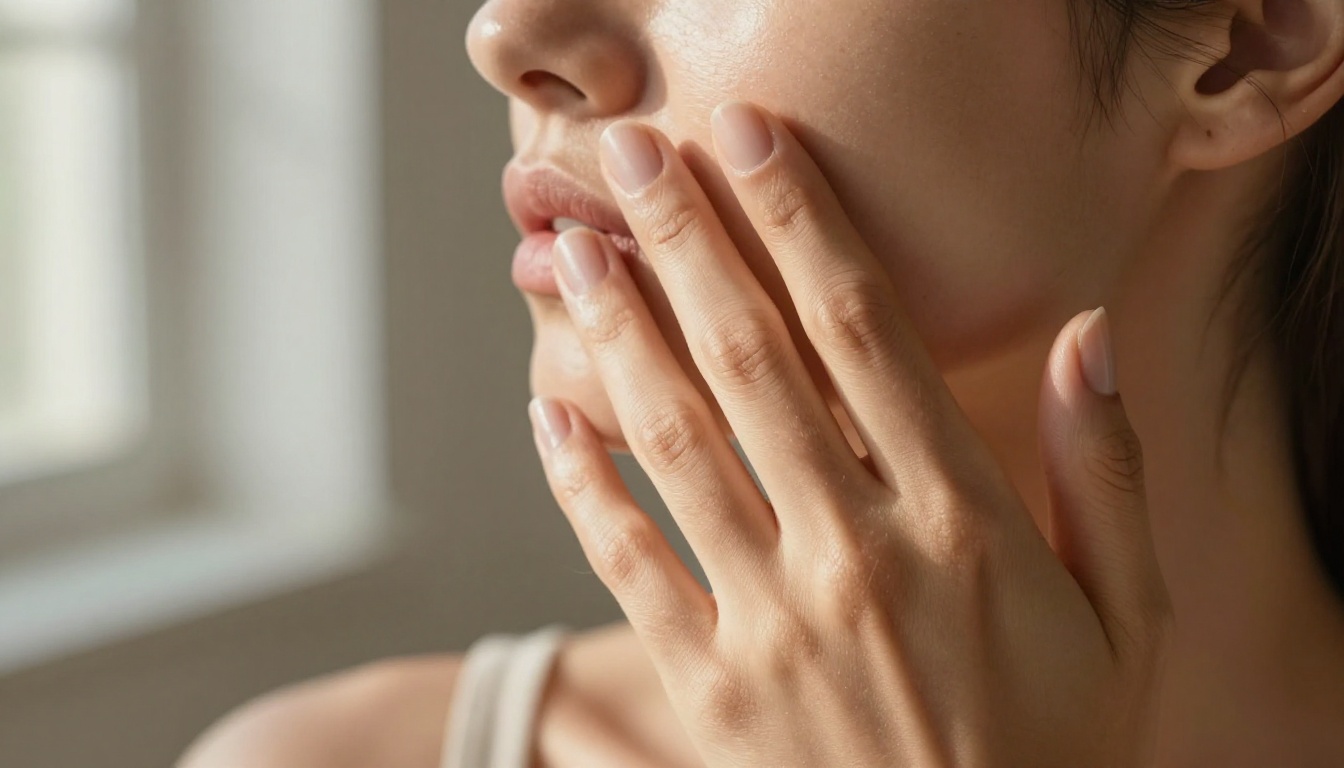
Subsurface scattering (SSS) is the phenomenon where light penetrates the surface of skin, bounces through the dermis layer, and exits at a slightly different point with a warm reddish-pink tint. It is the physics that makes real skin glow warmly rather than sit flat.
To prompt for it:
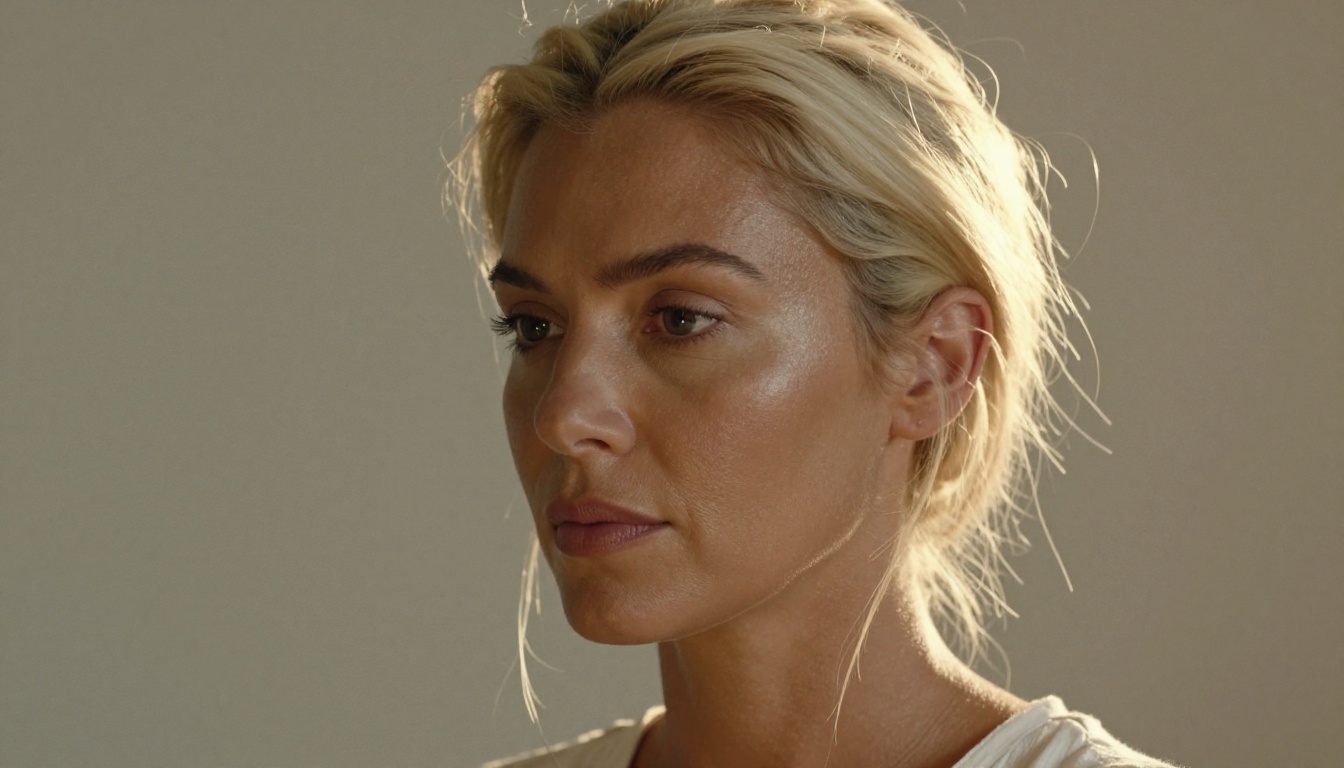
"realistic subsurface scattering, light penetrating skin at ear tips and nose creating warm translucency, photorealistic skin physics, warm glow at areas where light passes through thin skin"
Without SSS, skin looks like painted plastic. With it, skin looks like someone is actually behind it.
The Best Models for AI Companion Customization
Three models on PicassoIA stand out for custom hair, eyes, and skin generation based on speed, photorealism, and output resolution.
P Image: sub-second generation
P Image generates finished images in under one second with no usage limits. For iterative companion design where you are testing 30 or 50 prompt variations to dial in the exact hair color or eye tone you want, this speed changes how you work. Every iteration takes less than a second, which means you can move through a full design session without any waiting friction.
It supports all major aspect ratios including 16:9, 9:16, 1:1, and custom pixel dimensions. Prompt upsampling automatically enriches short descriptions before generating, which is useful when you want the model to fill in fine anatomical details from a rough starting prompt.
Flux Dev: photorealistic with img2img editing
Flux Dev is a 12-billion parameter model that delivers maximum photographic fidelity. Its img2img mode is particularly valuable for companion customization: start from an existing image of your companion and apply a prompt to change specific features. Want to change only the hair color without regenerating the entire character from scratch? Upload the image and describe the change you want.
It supports 11 aspect ratios including the cinematic 21:9, and you can adjust inference steps between 28 and 50 to balance image quality against generation speed. For final-quality companion portraits meant for actual use, Flux Dev is the model to reach for.
Seedream 3: native 2K resolution output
Seedream 3 renders images at a native 2048 pixels on the longest side without any post-processing upscaling. If you want your AI companion image at full 2K resolution with genuine pixel-level hair strand and skin pore detail visible from the first generation, this is the only model that delivers it natively. The guidance scale control lets you choose between strict prompt adherence and more interpretive creative variation.
How to Use P Image on PicassoIA
P Image is the fastest path to iterating on your AI companion's appearance. Here is the full workflow:
Step 1: Open the model page
Go to P Image on PicassoIA and open the generation interface. No setup or credit purchase is required to start.
Step 2: Set your aspect ratio
For companion portraits, 9:16 (vertical) works best for full-body shots, while 1:1 is ideal for face close-ups. Set this before writing your prompt so the model generates for the correct canvas from the start.
Step 3: Write a layered prompt
Build your prompt in four layers:
[Subject] + [Hair color and texture] + [Eye color and anatomy] + [Skin tone and texture] + [Lighting] + [Camera lens]
Example prompt:
"Portrait of a woman, waist-length auburn hair in loose waves with subtle golden highlights from afternoon window light, deep teal-green irises with radial fiber pattern and defined limbal ring, warm olive skin tone with faint freckles on nose bridge, visible pores at cheekbone, realistic subsurface scattering, soft diffused window light from left, 85mm f/1.8 portrait lens, shallow depth of field, Kodak Portra 400 film grain"
Step 4: Enable prompt upsampling
Toggle prompt upsampling ON before generating. This tells the model to expand your prompt internally, filling in fine anatomical details you may not have specified.
Step 5: Set a seed and iterate
After getting a result you partially like, note the seed number. Change one element only (just the hair color, or just the eye color) and regenerate with the same seed. This preserves the overall composition while updating the specific feature you changed.
Step 6: Run multiple variations freely
P Image has no per-generation limits. Run 20 or 30 variations of your companion at different hair textures, eye colors, and skin tones in a single session. The sub-second speed makes this practical rather than time-consuming.
Upscaling for Portrait-Quality Detail
Once you have a companion design you like, upscaling pulls out additional micro-detail and sharpens the surface textures that make hair, eyes, and skin feel photographically real.
Crystal Upscaler for portraits
Crystal Upscaler is specifically tuned for portrait images and scales up to 4x. It preserves facial structure while pulling out skin pore definition, individual hair strand clarity, and iris fiber texture. For companion portraits, this is the first upscaler to use after generation.
Clarity Pro Upscaler for maximum hair and skin detail
Clarity Pro Upscaler delivers photorealistic scaling with stronger sharpening of fine surface textures. It pushes individual hair strand clarity and skin pore structure further than Crystal on complex surfaces. Use it when you want every follicle and pore visible at the final output size.
Real ESRGAN for fast 4x scaling
Real ESRGAN handles 4x upscaling efficiently on natural textures. It is the fastest option among the upscalers and works well for processing multiple companion variants quickly before selecting the one to refine further.
Eye Color Quick Reference
The table below shows which prompt structures produce the most reliable results for common AI companion eye colors:
Eye Color
Prompt Structure
Deep amber
"amber iris with gold interior ring, dark limbal ring, warm orange-brown undertone"
Vivid teal
"teal-green iris with blue-green radial fiber pattern, defined dark limbal ring"
Pale silver
"pale silver-grey iris with subtle concentric ring, high reflectivity, cool tone"
Violet
"amethyst violet iris with blue undertone, fine radial striations, visible limbal ring"
Heterochromia
"one [color A] iris, one [color B] iris, both with natural pinpoint catchlights"
Blue-grey
"cool blue-grey iris with radial fiber detail, medium limbal ring, soft focus"
Forest green
"deep forest green iris with gold flecks at the pupil ring, high-contrast limbal ring"
Start Building Your Companion Now
The difference between a generic AI output and a photorealistic companion with violet hair, teal irises, and warm olive skin with natural freckles is entirely in how specifically you prompt. Vague descriptions produce generic results. Layered, anatomically-aware prompts produce companions that look like real people photographed under real light.
P Image lets you iterate without limits in under a second per generation. Flux Dev gives you img2img for targeted feature changes on an existing companion image. Seedream 3 delivers native 2K resolution when you want final-quality output. Once you have the look right, Crystal Upscaler and Clarity Pro Upscaler sharpen every hair strand and skin pore to portrait quality.
All of these models are available right now on PicassoIA. There are no per-generation limits on P Image, no software to install, and no design background required. Type a layered prompt, set your parameters, and watch your companion take shape. Then adjust one variable at a time until every detail is exactly what you imagined.
Browse all available models at picassoia.com/en/all-models and start with the tools that match what your companion needs most.