Your AI girlfriend can wear exactly what you imagine. Not a generic preset. Not a filtered-down compromise. A custom-designed silk chemise in a specific shade of champagne, a black lace bralette with precise strap geometry, a structured corset in burgundy satin with visible boning detail. When you know how to write the right prompts and pick the right models, the results stop looking like AI outputs and start looking like professional boudoir photography.
This article breaks down everything: which models handle fabric and skin texture best, how to prompt for specific styles with confidence, and how PicassoIA gives you the creative freedom to generate exactly what you have in mind, without content restrictions or generation limits.
The Problem with Generic AI Outfits
Why Most AI Results Disappoint
Most people generating lingerie or outfit images for their AI girlfriend hit the same wall: flat results. The fabric looks plastic. The lighting is even but soulless. The pose is stiff. The lace pattern is smeared rather than detailed. These are not problems with AI image generation as a technology. They are problems with prompt depth and model selection.
Photorealistic fabric rendering requires specific prompt signals. "Black lace bra" tells a model almost nothing. "Black French lace bralette with intricate floral embroidery, individual thread structure visible, sheer tulle underlayer catching sidelight differently than the opaque sections" tells it almost everything. The difference in output quality is dramatic.
What "Photorealistic" Actually Means
When professionals talk about photorealistic AI images, they mean images that could pass as film photography. That means:
- Natural skin texture: visible pores, fine hair, realistic warmth in skin tones
- Fabric with weight: silk that drapes, lace that casts shadows, satin with directional sheen
- Lighting with source: one or two identifiable light sources creating dimensional shadows
- Depth of field: sharp subject, creamy bokeh background
All of these are achievable in text-to-image generation. You just have to ask for them explicitly.
The Best Models for Lingerie and Outfit Images
Not every AI model handles adult content or detailed fabric rendering equally well. Here is a ranked breakdown of what works on PicassoIA.
Seedream 4.5: The Top Pick
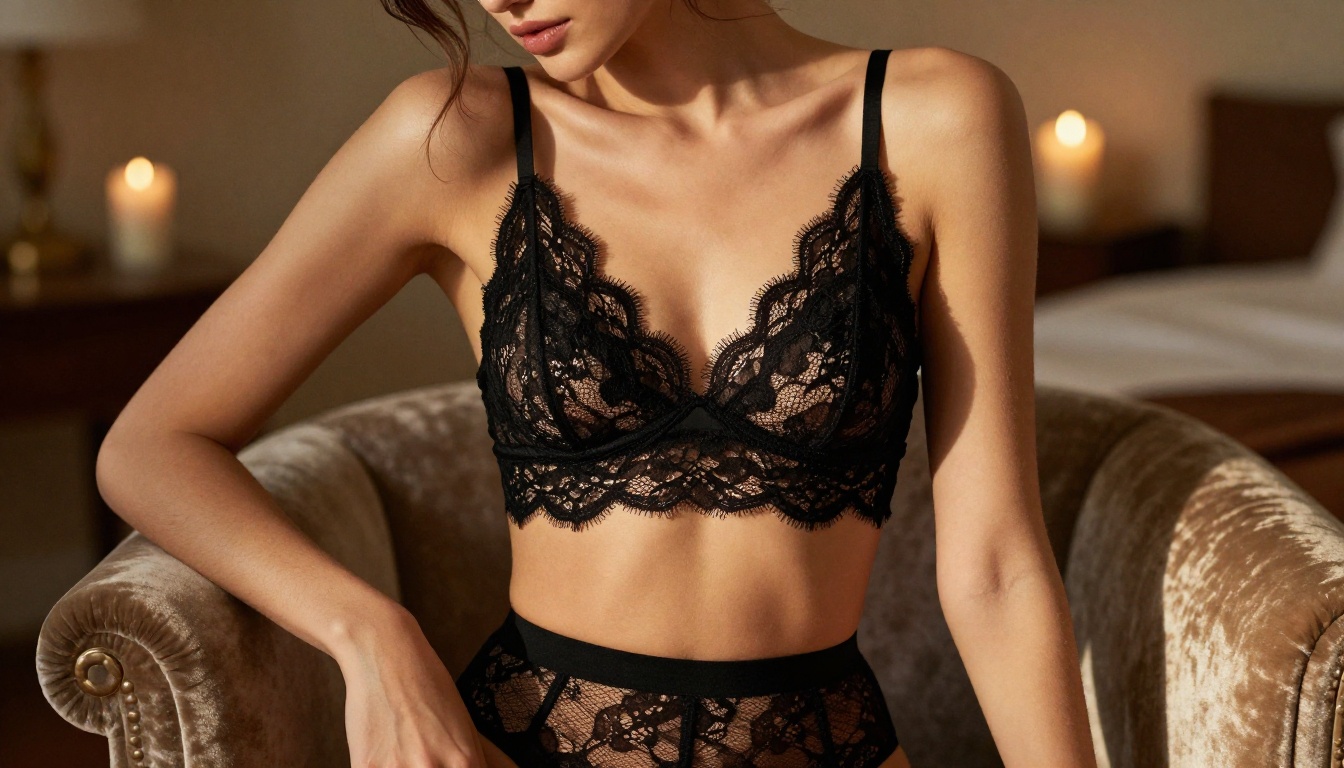
Seedream 4.5 is the standout choice for custom lingerie and outfit generation. It accepts NSFW content, produces extremely realistic skin and fabric textures, includes an image editing mode so you can modify specific areas without regenerating the whole image, and generates results in under 3 seconds. For iterating on custom outfits, that speed is significant.
Its image editing capability is particularly valuable here. You can generate a base image of your AI girlfriend, then use Seedream 4.5's editing mode to swap the outfit, adjust the color of a garment, add lace detail to a plain fabric, or change the setting entirely, all without losing character consistency.
💡 Tip: Generate a full-body base image first, then use edit mode to refine specific garments. This preserves face and body consistency across outfit variations.
PicassoIA Image Editor Pro: Unlimited Generations
PicassoIA Image Editor Pro solves a different problem: volume. When you are building a full wardrobe for your AI girlfriend and generating 50 or 100 outfit variations, the per-generation cost of most models adds up fast. On models like Nano Banana 2, generating 1,000 images runs around $100. With PicassoIA Image Editor Pro on the Elite or Infinite subscription, those 1,000 generations cost nothing extra. Unlimited means unlimited.
It also returns results in under one second, accepts NSFW content, and includes a free 3-generation trial with no credit card required. For high-volume outfit customization workflows, it is the most cost-effective option on the platform.
Qwen Image 2: Open Source Flexibility
Qwen Image 2 is an open-source model that creates and edits images with very detailed realism. Because it is open source, it has no content filters restricting outfit styles or aesthetics. It handles both text-to-image and image-to-image workflows, making it a strong option for refining existing images or generating from scratch.
Grok Imagine Image: Instant Style Conversions
Grok Imagine Image specializes in realistic image-to-image transformations. Upload a reference photo and specify the outfit, and it converts the image while preserving natural proportions and lighting. It is particularly effective for converting any reference image into a specific lingerie style in a realistic way.
More Options Worth Knowing
| Model | Best For | NSFW |
|---|
| Recraft V4 | Hyper-realistic text-to-image | Yes |
| P-Image | Fast generation under 1 second | Yes |
| prunaai-wan-2.2-image | Highly realistic from text, no filters | Yes |
How to Use Seedream 4.5 on PicassoIA
Getting results with Seedream 4.5 for custom outfit generation is straightforward. Here is the exact workflow.
Step 1: Open the Model
Navigate to Seedream 4.5 on PicassoIA. You will see the standard interface with a prompt input field and generation options.
Step 2: Write Your Outfit Prompt
The prompt structure that produces the best fabric results follows this pattern:
[Subject + Body Language] + [Specific Garment with Fabric Type and Detail] + [Setting and Background] + [Lighting Source and Direction] + [Camera and Lens Specs] + [Film and Texture Modifiers]
Example: "Beautiful woman in a champagne silk bralette with thin adjustable straps and delicate scalloped hem, standing near a floor-to-ceiling window at golden hour, warm directional light from the left catching the satin sheen and casting soft shoulder shadows, shot on Hasselblad 80mm f/2.0, Kodak Portra 400 film grain, photorealistic 8K"
Step 3: Iterate with Edit Mode
Once you have a base image you like, switch to edit mode. Select the garment area and describe the change: "Replace the champagne bralette with a deep navy lace bodysuit, same lighting, same pose." Seedream 4.5 applies the change while preserving everything else in the image.
Step 4: Set Ratio and Resolution
For outfit images meant to show the full garment, use 16:9 ratio at the highest available resolution. For close-up detail shots of fabric texture, 1:1 or 4:3 framing often works better.
Outfit Styles That Generate Well
Some outfit types produce more consistently realistic results than others. Here is a breakdown of styles worth focusing on.
Silk and Satin Pieces
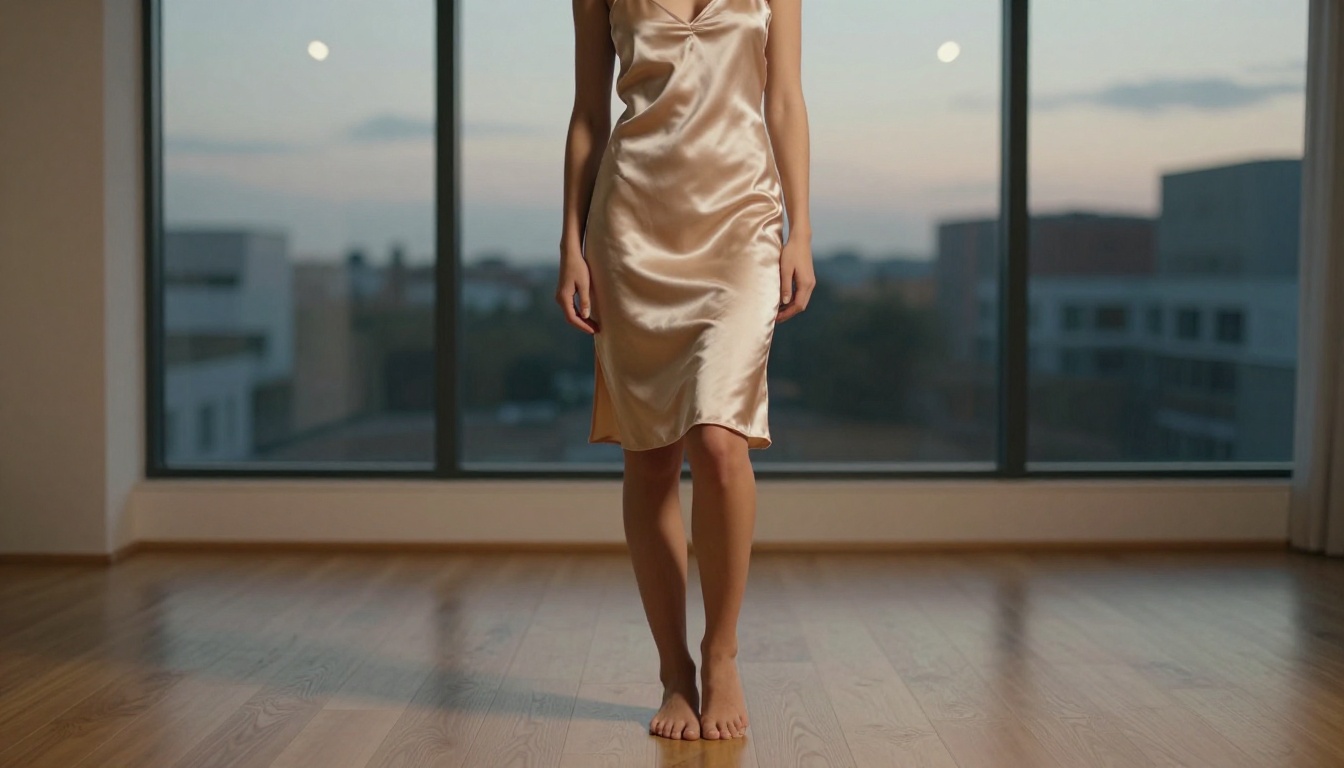
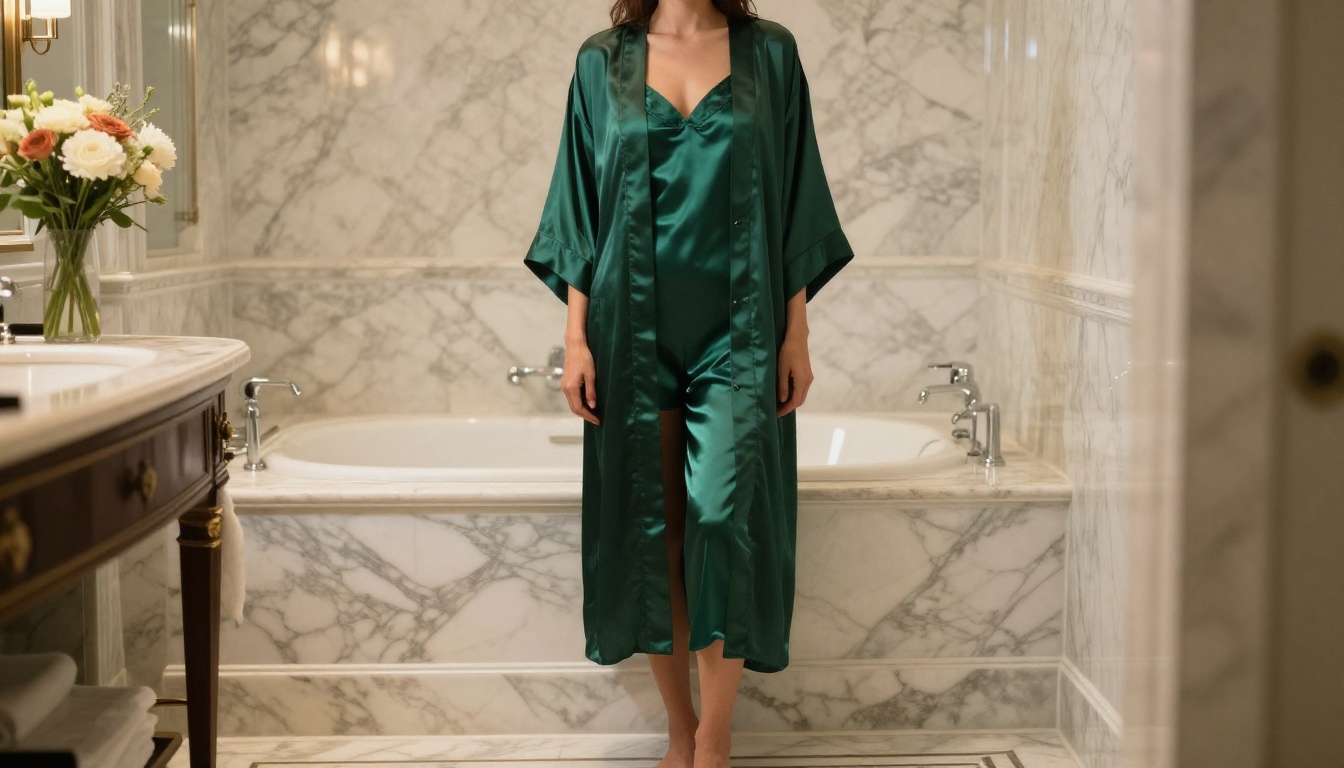
Silk slips, satin chemises, and charmeuse robes are among the highest-performing garment types for AI generation. The material's characteristic sheen and fluid drape are well-represented in training data. Prompts that specify "fluid drape," "satin sheen," and "light catching the surface" consistently produce results that look genuinely photographic.
Strong prompt modifiers for silk: "fluid satin drape," "directional light creating sheen variation," "fabric weight visible in natural folds," "reflective surface against matte skin"
Lace and Embroidered Fabrics
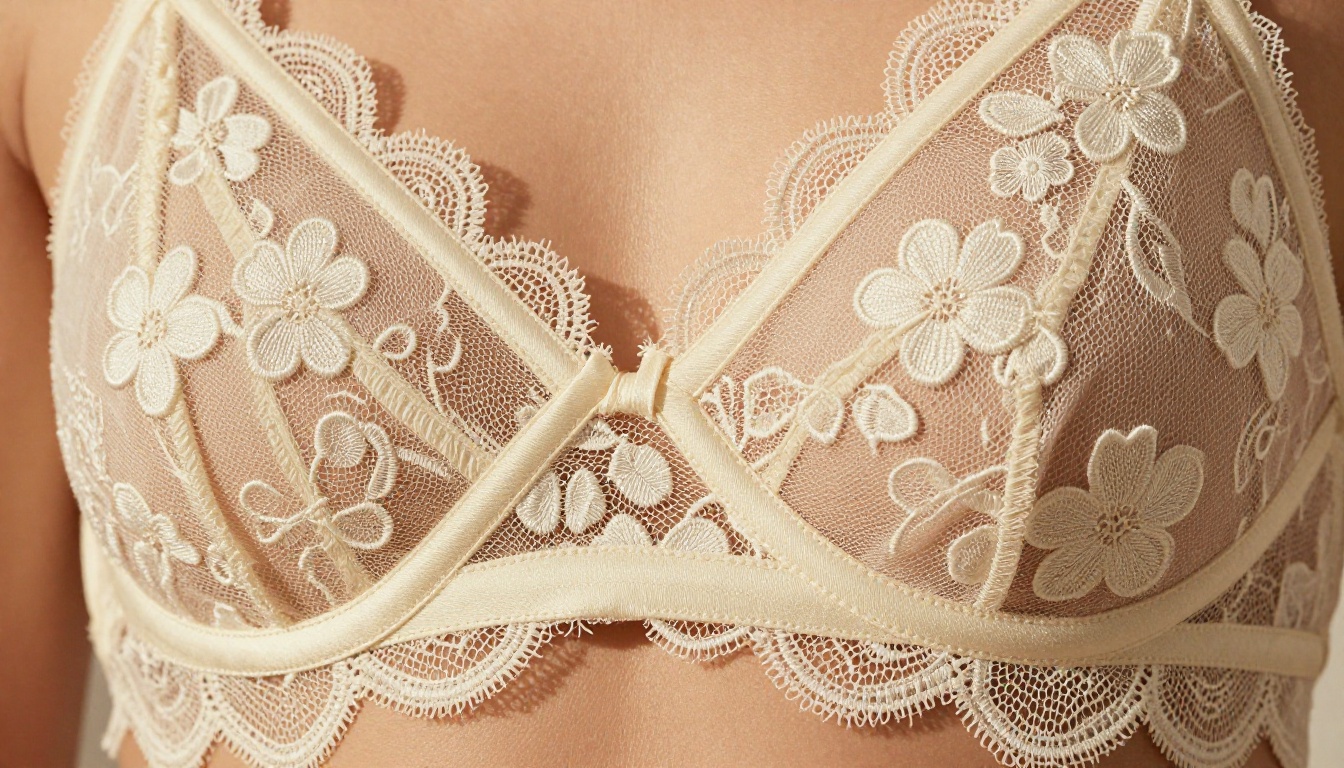
Lace is one of the more detail-demanding fabrics to generate realistically. Specificity matters: do not just say "lace." Describe whether it is Chantilly, French Alençon, stretch lace, or guipure. Mention the pattern: floral, geometric, scalloped edge. Reference the layering: sheer tulle underlayer, embroidered overlay.
Strong prompt modifiers for lace: "individual thread structure visible," "sheer tulle underlayer," "embroidered floral pattern with raised texture," "sidelight creating dimensional shadows on lace"
Corsets and Structured Pieces
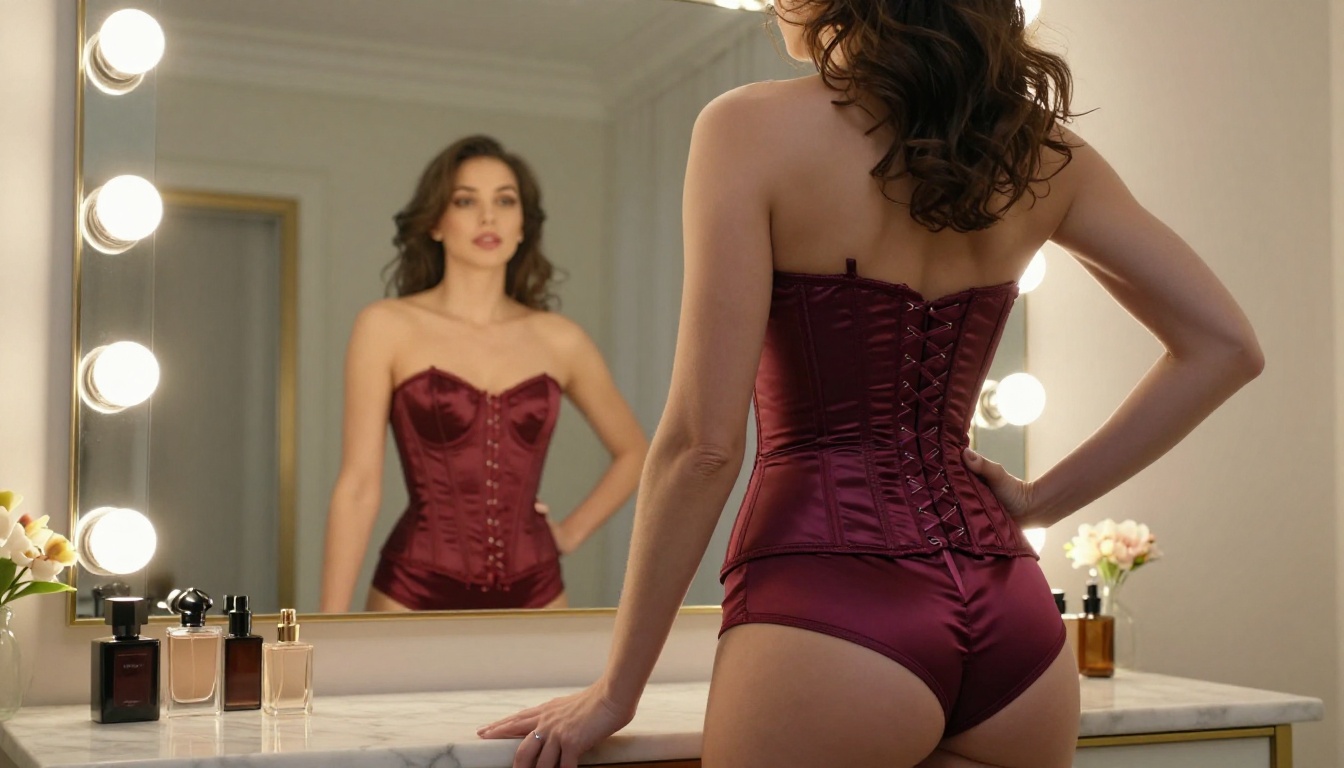
Structured garments like corsets, bustiers, and fitted bodysuits require prompts that acknowledge their engineering. Mentioning "visible boning lines," "taut satin panels," "curved seam structure," and "slight compression visible against skin" signals the model to render the garment's structural properties rather than treating it like soft fabric.
Strong prompt modifiers for corsets: "visible boning structure," "taut fabric panels," "structured silhouette," "slight compression visible at waist"
Robes and Soft Loungewear
Silk robes, satin kimonos, and plush loungewear sets are the most forgiving style category for generation. The relaxed structure allows for natural drape and movement rendering. These styles work particularly well in bathroom or bedroom settings with atmospheric soft lighting.
Lighting Makes or Breaks Fabric
The Single-Source Rule
The single most effective improvement you can make to fabric rendering prompts is specifying a single, directional light source. Flat, even lighting removes the shadows that make fabric look three-dimensional. A single light source, whether a window, a lamp, or a candle, creates the differential shading that makes satin look like satin and lace look like lace rather than a printed pattern.
Effective lighting descriptions:
- "Volumetric morning light from the left, casting soft directional shadows"
- "Single warm desk lamp creating dramatic shadow on the right"
- "Diffused window light from above, even illumination with soft shadow falloff"
- "Candlelight creating warm ambient glow with dancing shadow movement"
Film Stock as a Shortcut
Film emulation modifiers are among the most powerful single additions to any fashion prompt. They instruct the model to apply the color science, grain structure, and tonal characteristics of specific film stocks, which translates directly to more photographic-looking output.
| Film Stock | Effect on Fashion Images |
|---|
| Kodak Portra 400 | Warm skin tones, soft grain, slightly lifted shadows |
| Fuji Pro 400H | Cool, clean, fashion-magazine quality |
| Kodak Ektar 100 | High saturation, fine grain, vivid fabric colors |
| Fuji Velvia | High contrast, very saturated, great for bold outfit colors |
| Kodak Gold 200 | Warm, nostalgic, gentle grain |
Keeping Your AI Girlfriend Consistent
One of the real challenges in outfit customization is maintaining character consistency across multiple generations. Here are the most reliable approaches.
Use Image-to-Image Workflows
Starting from a reference image rather than generating from text every time is the most reliable way to preserve appearance consistency. With models like Seedream 4.5 and PicassoIA Image Editor Pro, you upload your established reference image and the model applies changes to the outfit or setting while preserving the character.
💡 Tip: Build a "base image" with the exact face, hair, and body you want, save it, and use it as your reference for every outfit variation. This dramatically reduces variation across a wardrobe.
Describing Physical Consistency
When generating from text, repeat your character's physical description in full across every prompt. Do not abbreviate. Include hair color, length, and style. Include skin tone with a specific descriptor rather than a generic adjective. Include distinctive features. Consistency in the prompt produces consistency in the output.
Seed Numbers
Many models allow you to set a seed number that partially locks random variation. If you generate an image you like, note the seed and reuse it with modified outfit descriptions. The resulting images will share structural similarities in composition and character rendering.
Color and Setting Pairings That Work
The setting of the image changes how an outfit reads as much as the outfit itself. Here are pairings that produce consistently strong results:
| Outfit Style | Setting | Why It Works |
|---|
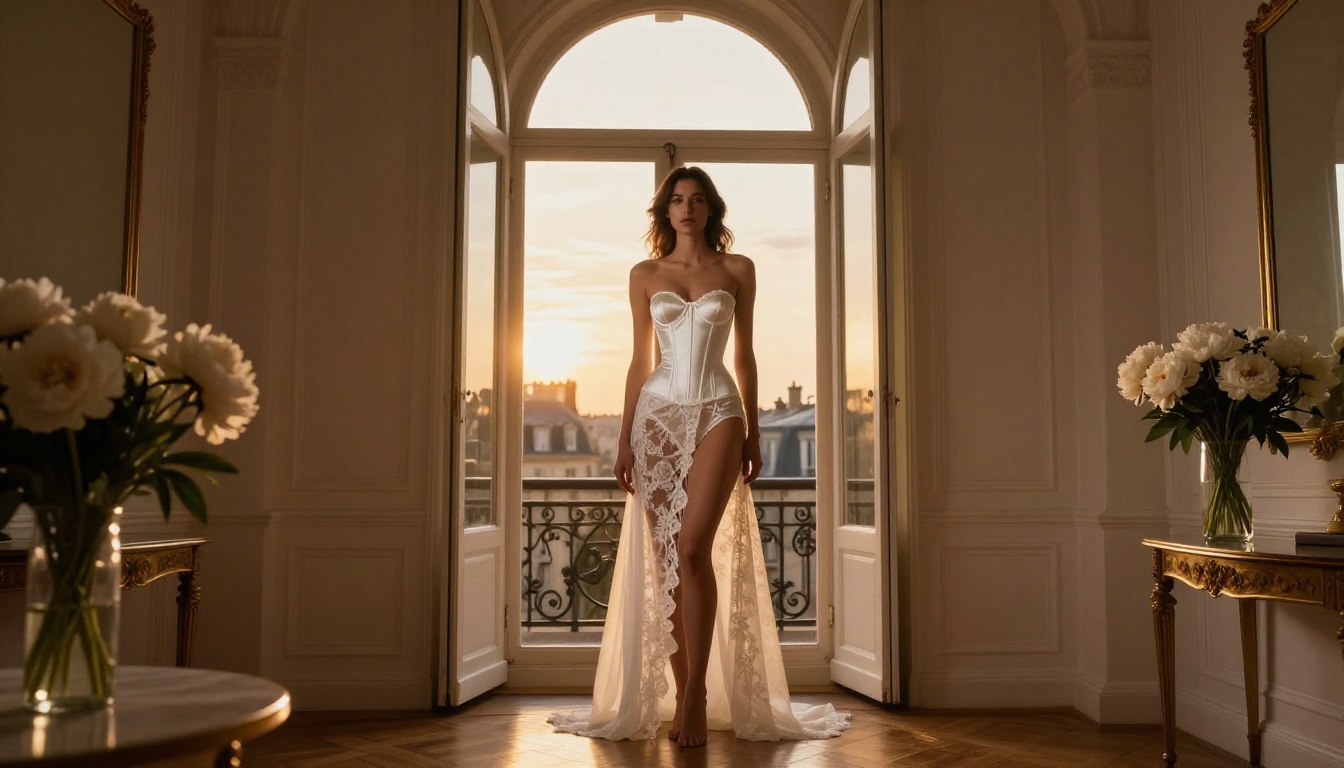
| White bridal lingerie | Paris apartment at golden hour | Warm rim lighting through lace creates translucency |
| Black lace | Dimly lit boudoir, single lamp | High-contrast shadow defines lace detail |
| Red satin corset | Vintage vanity with Hollywood lighting | Multiple warm point lights, classic glamour |
| Silk robe | Luxury bathroom with steam | Soft diffuse light, atmospheric haze |
| Champagne slip | Modern minimalist apartment at dusk | Neutral background lets silk color read clearly |
NSFW-Ready Models on PicassoIA
Most mainstream AI platforms filter or block adult content entirely. PicassoIA takes a different approach: it provides models where you retain full creative control. The roster of NSFW-capable models for outfit and lingerie generation includes:
- Seedream 4.5 ⭐ - Realistic NSFW image generation and editing in under 3 seconds. The top recommendation.
- PicassoIA Image Editor Pro - Unlimited generations on Elite/Infinite plans, results in under 1 second. 3-generation free trial with no credit card required.
- Qwen Image 2 - Open-source model, no content restrictions, very detailed realism.
- Grok Imagine Image - Realistic image-to-image style conversions, excellent for outfit swaps.
- Recraft V4 - Very realistic text-to-image results.
- P-Image - NSFW generation in under 1 second.
- prunaai-wan-2.2-image - Highly realistic text-to-image without content filters.
For video workflows, PicassoIA Video offers unlimited video generation from text at up to 720p, and P-Video handles text, image, or audio-to-video up to 1080p with the safety filter off by default.
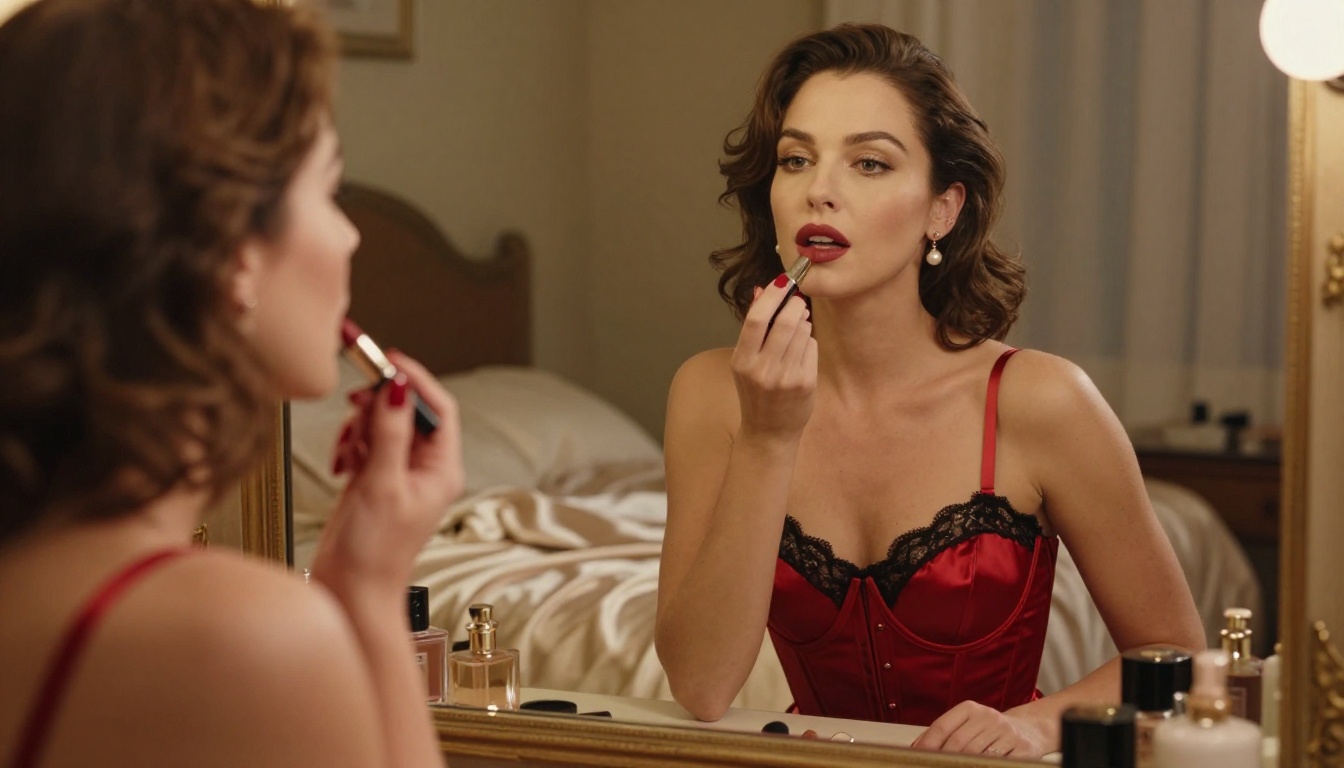
💡 Unlike many mainstream AI platforms, PicassoIA gives creators full creative freedom with uncensored, high-performance models. No restrictions. No watered-down results.
Browse the full catalog at picassoia.com/en/all-models.
Start Building Your Wardrobe Today
The gap between a generic AI outfit image and one that looks like it was shot by a professional photographer comes down to three things: the right model, the right prompt depth, and the right lighting description. With Seedream 4.5 for quality-first work and PicassoIA Image Editor Pro for unlimited volume, you have both ends of the workflow covered on a single platform.
Start with one outfit. Pick a fabric type, pick a setting, write a detailed prompt following the structure above, and generate. Use the image-to-image editing to iterate. Build your character's base image and start swapping outfits from there. The wardrobe builds fast when you have the right tools.
Ready to try it? Open PicassoIA and start generating your first custom outfit with Seedream 4.5 today. No credit card needed for the free trial.


