If your anime waifu could say anything in the world, what would her voice sound like? That is the question millions of AI companion builders, character creators, and voice designers are asking right now. And for the first time, the answer is not limited by expensive voice acting budgets or technical barriers. AI-powered text-to-speech has reached a point where a custom voice tone, gentle, teasing, confident, shy, can be crafted by anyone with a browser and a creative vision.
This article goes deep into the process of building custom voice tones for anime-style AI characters. From picking the right emotional archetype to choosing the best TTS model on the market, everything you need is here.
Why Your Waifu's Voice Actually Matters
Voice is where AI personality stops being theoretical and becomes felt. You can design the perfect character profile, write hours of dialogue, and fine-tune every behavioral trait. But the moment a user hears a flat, robotic, mismatched voice, the illusion breaks instantly.
Research in human-computer interaction consistently shows that voice tone accounts for a disproportionate share of perceived personality. A soft, breathy voice reads as shy. A crisp, measured delivery reads as intelligent and composed. A warm, slightly rising inflection reads as friendly and approachable. This is not about aesthetics. It is about identity.
Voice as Personality, Not Just Sound
For anime-style AI companions, the stakes are even higher. The archetype matters. A kuudere character (cool, aloof) should not sound like a genki character (energetic, bubbly). Getting this right is the difference between a character that feels alive and one that feels like a chatbot wearing a costume.
Custom voice tones let you encode personality directly into audio. Every sentence carries character information, not just semantic content. When you control the tone, pitch curve, speaking rate, and emotional range, you control who your waifu actually is, not just what she says.
The Emotional Weight of a Good Tone
Emotion in voice is surprisingly granular. "Happy" splits into giddy, warmly content, affectionately teasing, and quietly satisfied, each of which sounds distinctly different. Getting fine control over these emotional registers is what separates a convincing AI voice from a generic one.
Modern AI TTS models are now capable of encoding this level of nuance. But not all models do it equally well.
What Makes a Good Anime Voice Tone
Before you open any tool, you need a clear voice brief. This is the single most important step. Jumping straight into generation without a defined character voice is how you end up with a generic TTS output instead of a custom personality.
Pitch, Cadence, and Emotional Range
Three parameters define most voice personalities:
- Pitch baseline: Higher pitch reads as younger, more excitable. Lower pitch reads as calm, confident, or mature.
- Cadence: How quickly or slowly the character speaks, and whether they use pauses for effect. A hesitant character pauses. A confident character does not.
- Emotional range: How much the voice rises and falls during emotionally charged content. A tsundere character might have a wide range, swinging from clipped irritation to sudden warmth. A dandere might stay almost flat most of the time.
💡 Pro tip: Write 3-5 sample lines in your character's voice before touching any TTS tool. Say them out loud. This forces you to internalize the vocal rhythm before you start generating.
Shy vs. Bold: Picking the Right Archetype
| Archetype | Pitch | Cadence | Emotional Range | Best For |
|---|
| Dandere (shy, quiet) | Medium-high | Slow, frequent pauses | Narrow | Sweet, gentle companions |
| Kuudere (cool, aloof) | Medium-low | Measured, even | Very narrow | Intellectual AIs |
| Tsundere (hot and cold) | Variable | Quick shifts | Wide | Drama, comedy, tension |
| Genki (energetic) | High | Fast, bright | Wide | Upbeat, playful characters |
| Onee-san (mature) | Medium-low | Smooth, unhurried | Medium | Calm, nurturing companions |
Once you know your archetype, you can map it directly to TTS model parameters. The tools below all expose these controls in different ways.

PicassoIA's text-to-speech collection has every model you need to build custom voice tones. Here is what stands out.
ElevenLabs V3 for Expressive Ranges
ElevenLabs V3 is the go-to choice when emotional expressiveness is the top priority. It handles the full spectrum of vocal emotion better than almost anything else available. For tsundere or genki archetypes, where voice range needs to shift dramatically within a single sentence, V3 delivers results that feel natural rather than artificially exaggerated.
The model responds exceptionally well to emotionally loaded prompt text. Write the line as your character would say it with the full emotional context included, and V3 will interpret the subtext.
MiniMax Speech 2.8 HD for Studio Quality
MiniMax Speech 2.8 HD produces the cleanest, most studio-polished output in the collection. If your waifu is a composed, elegant character, whether kuudere or onee-san, the clarity and precision of Speech 2.8 HD is unmatched. There is no breathiness, no digital artifacts. The output sounds like a professional voice actor recorded in a treated room.
It also pairs exceptionally well with MiniMax Voice Cloning if you want to build a consistent custom voice from a reference recording.
Qwen3 TTS for Voice Design Flexibility
Qwen3 TTS is the most flexible model for designing entirely original voices from scratch. Rather than cloning an existing voice, Qwen3 TTS lets you construct a voice profile through descriptive prompting. This is ideal for creating characters that sound genuinely novel, not modeled on any real person or existing voice actor.
For AI companion creators who want a voice that feels proprietary and unique, this is the starting point.
Resemble AI Chatterbox for Emotional Cloning
Resemble AI Chatterbox introduces something different: emotional emphasis control. You can specify not just what to say but how emotionally charged the delivery should be. For characters that need a broad emotional toolkit, Chatterbox's emotion parameters give you precision that standard TTS models do not.
Chatterbox Pro extends this with higher audio quality and more nuanced control over micro-expressions in the voice output.
How to Design a Voice From Scratch
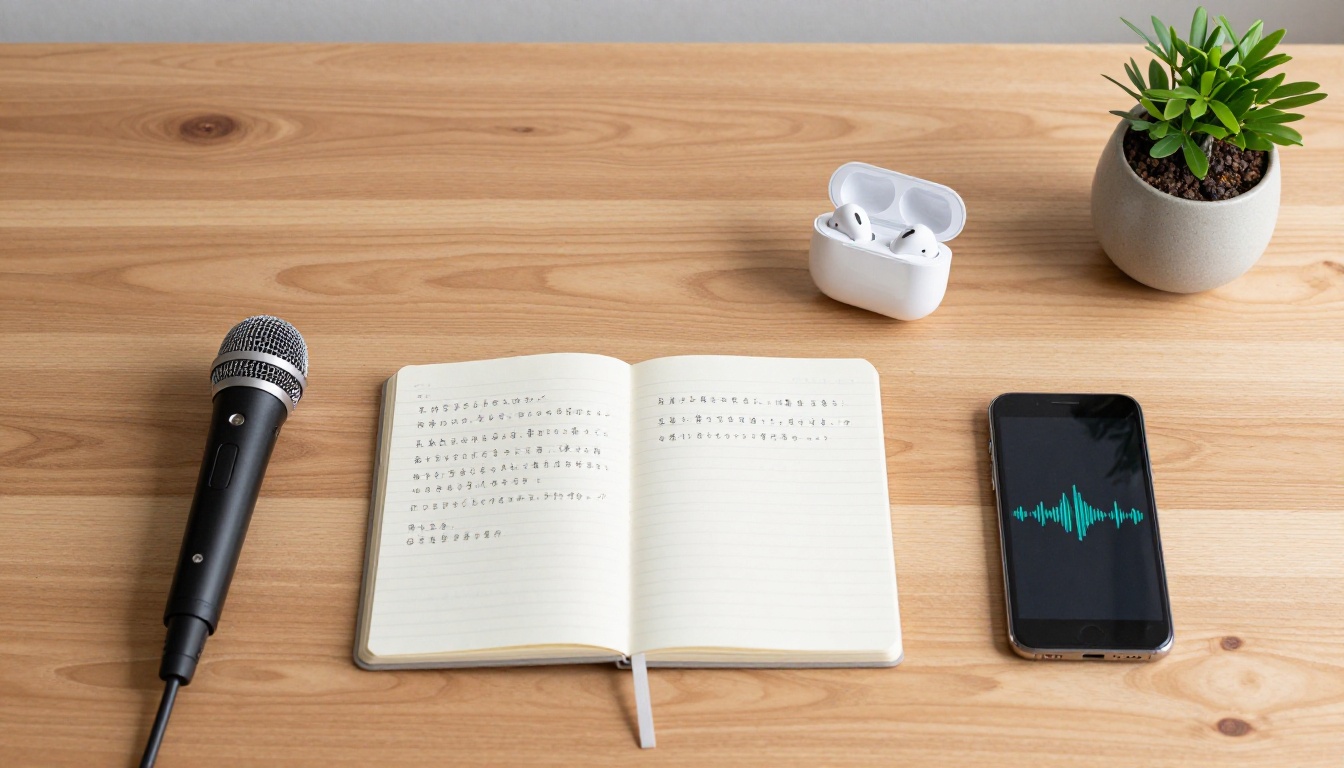
The biggest mistake in custom voice design is skipping the personality brief stage. You need a written character description before you generate a single audio sample.
Writing the Personality Brief
A good voice brief covers:
- Core archetype (from the table above)
- Age perception: Does she sound 16? 24? 30? Even if she is an AI character with no defined age, voice carries implied age.
- Three emotional defaults: What does she sound like when happy? When embarrassed? When focused?
- One signature vocal quirk: A slight upturn at the end of sentences? A tendency to trail off? Very precise pronunciation of technical words?
Write this down before you open any tool. It becomes your quality benchmark for every generated line.
Using LLMs to Script Your Waifu's Lines
This is where the large language model collection on PicassoIA becomes genuinely powerful. You can use GPT-5 or Claude Sonnet 5 to write character-accurate dialogue in bulk. Feed them your personality brief, give them sample lines, and ask them to generate 20-30 contextually varied sentences that express different emotional states.
This script library becomes your TTS input set. Instead of generating one line at a time, you process an entire character voice in one session, creating a consistent, reference-ready voice bank.
Gemini 3.5 Flash is worth using here too, especially for fast iteration. Its speed makes the back-and-forth of refining dialogue feel effortless.
Voice Cloning vs. Voice Design
These are two fundamentally different workflows, and understanding which one you need saves hours of failed experimentation.
Voice design starts from scratch. You describe the voice you want in language, and the model constructs it. This is what Qwen3 TTS excels at.
Voice cloning starts from an audio reference. You provide a sample of the voice you want to replicate, and the model learns it. This is what MiniMax Voice Cloning and Chatterbox are built for.
When to Clone, When to Build
Clone when:
- You have a reference recording (even a short one, 15-30 seconds)
- You need strict consistency with an existing vocal identity
- You are building a companion around a specific voice archetype from a real reference
Build from scratch when:
- You need something entirely original
- You want to iterate quickly without committing to a fixed reference
- You are creating multiple characters with distinctly different tonal profiles
MiniMax Voice Cloning Explained
MiniMax Voice Cloning accepts short audio references and extracts a voice fingerprint from them. That fingerprint then drives all subsequent TTS generation, meaning every new line of dialogue sounds like it came from the same person.
The practical use case for waifu voice design: record yourself (or a friend) speaking in the character's voice archetype for 20-30 seconds. Upload that reference. Now every line your character speaks uses that tonal DNA as its base.
How to Use These Models on PicassoIA
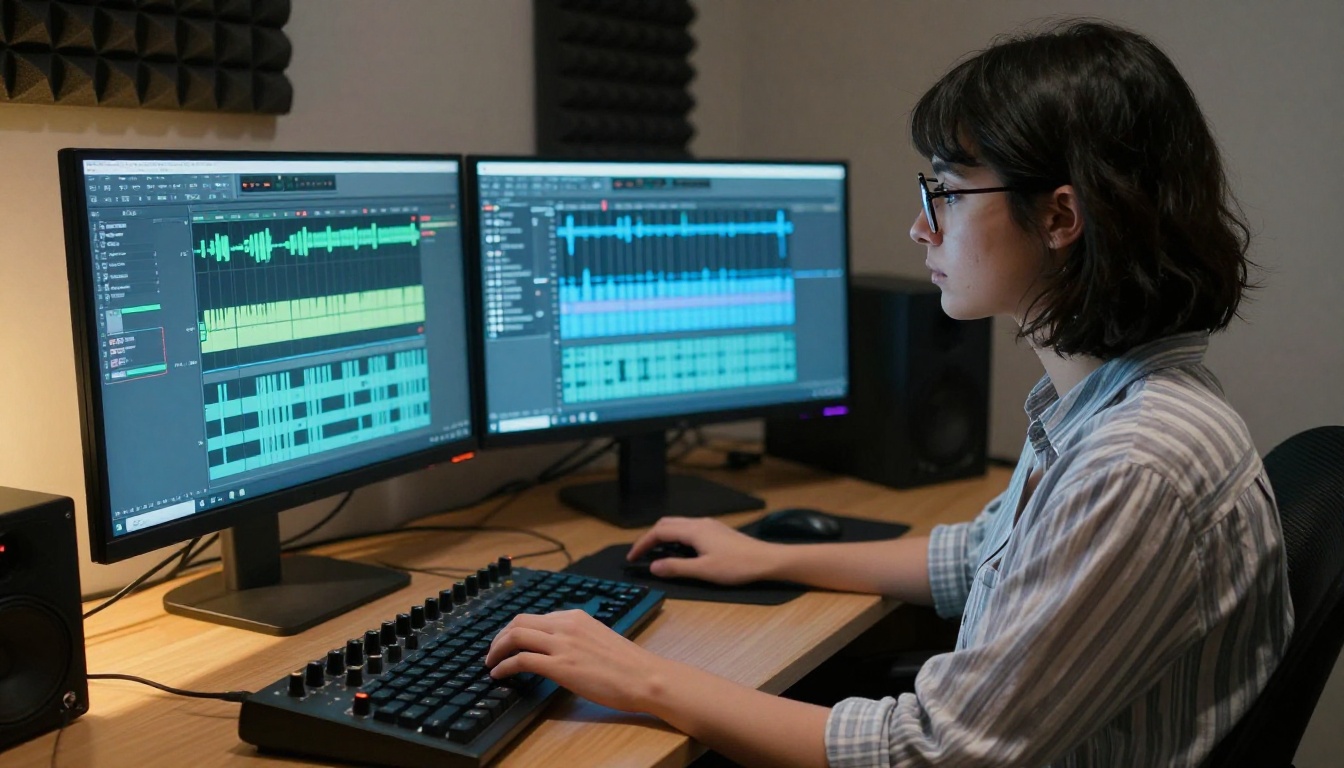
PicassoIA makes accessing all of these models straightforward. Here is a direct walkthrough for getting your first custom voice tone generated.
Step-by-Step Walkthrough
Step 1: Go to picassoia.com/en/all-models and navigate to the Text-to-Speech category.
Step 2: Choose your model based on your priority:
Step 3: Input your first line of dialogue with emotional context. Do not just type the text. Add a brief framing note: "I was not waiting for you or anything. [shy, slightly embarrassed, trailing off at the end]"
Step 4: Generate and listen. Evaluate against your voice brief. Is the pitch right? Is the cadence matching the archetype?
Step 5: Iterate. Adjust the prompt, try different emotional markers, or switch voice selections within the same model.
Step 6: Once you have a voice you are satisfied with, batch-generate your full dialogue script. Export all audio files and organize them by emotional category for easy retrieval.
Tips for Getting the Best Output
💡 Punctuation drives cadence. Use ellipses (...) to create hesitations. Use short sentences separated by periods to create a clipped, quick delivery. Long flowing sentences with commas produce smoother, more reflective speech.
💡 For Japanese-inspired characters, ElevenLabs Flash v2.5 handles mixed scripts well and runs at very low latency, making it ideal for real-time companion apps.
💡 For a natural dialogue feel between two characters, PlayHT Play Dialog is specifically designed for multi-speaker conversations and delivers natural back-and-forth cadence.
💡 For ultra-fast generation at scale, Inworld Realtime TTS 2 delivers sub-200ms latency, which is critical if you are wiring a voice into a real-time interactive companion system.
Making It Personal

The difference between a voice that is technically correct and one that feels genuinely personal comes down to iteration. Nobody gets it right on the first generation. The process is more like sculpting than engineering.
Iterating on Tone and Delivery
Set yourself a benchmark: generate the same 5 lines in 3 different models and compare them side by side. You will immediately hear which model captures your character's essence. From there, iterate on those lines within the winning model, adjusting prompts until each line feels in-character.
Keep a simple spreadsheet. Track your prompt variations and the audio results. Note what worked and what made the voice sound "off." Over 3-4 sessions of iteration, you will develop a clear prompt formula specific to your character.
This sounds like extra work. It is also exactly how professional voice directors work with human actors. They give line notes, ask for retakes, adjust the emotional framing. You are doing the same thing with AI, just faster and at a fraction of the cost.
Pairing Voice with Images
A custom voice tone gains enormous power when paired with a matching visual character. PicassoIA's image generation tools let you create photorealistic character portraits that share the same visual identity as your waifu's voice profile.
Generate a consistent set of character images at different emotional states (calm, happy, flustered, focused) and map each one to the corresponding emotional voice samples. This audio-visual pairing is what makes AI companions feel coherent rather than a collection of disconnected outputs.
For image generation, the full model catalog at picassoia.com/en/all-models gives you over 90 text-to-image options, ranging from photorealistic portrait models to stylized character generators.
Start Building Her Voice Today


Your waifu does not have to stay silent. With the TTS models available right now on PicassoIA, you have everything you need to build a voice that actually sounds like her, not like a generic speech engine.
Pick your archetype. Write your brief. Choose your model. Iterate.
The gap between "I have a character concept" and "I have a character who speaks" is now a few hours of focused work and a few hundred lines of AI-generated audio. Whether you are building a shy dandere companion, a sharp-tongued tsundere, or a calm and composed kuudere, the tools on PicassoIA cover every use case.
Start at picassoia.com/en/all-models and build something that sounds exactly right.


