DALL-E 4 and GPT Images are two of OpenAI's most capable image generators, but when it comes to NSFW content, each has strict limits. This article breaks down what both tools can actually produce, how their content filters differ, which one tolerates more suggestive imagery, and where you should look if you need real creative freedom without restrictions.
The question gets asked constantly in forums, Discord servers, and Reddit threads: can DALL-E 4 or GPT Images actually generate NSFW content? If you have tried either tool recently, you probably already have a frustrated answer. But the full picture is more nuanced than a simple yes or no, and understanding the real differences matters for any creator who depends on AI image generation for their work.
Both tools come from OpenAI, both carry the same corporate DNA in content moderation, and both will disappoint you if your goal is explicit imagery. But they are different products, they behave differently in practice, and the gap between what each allows is real. This article breaks down exactly where each model draws its lines, what "suggestive" content actually looks like in practice, and what tools deliver real creative freedom when OpenAI tells you no.
What Is DALL-E 4, Exactly?
Something important needs clarifying up front: as of early 2026, there is no official product called "DALL-E 4." The name circulates constantly in online discussions, but what people are almost always referring to is one of these:
DALL-E 3, the last named release used inside ChatGPT
GPT-4o's native image generation, sometimes called "GPT Images" or "ChatGPT image generation"
gpt-image-1, OpenAI's API-accessible image model released in 2025
When people search for "DALL-E 4," they mean the image generation inside ChatGPT as of 2025-2026, which is powered by gpt-image-1, the same model behind the "GPT Images" product. For clarity throughout this article, "DALL-E" refers to the ChatGPT image generation experience and "GPT Images" refers to the API-based gpt-image-1 model.
OpenAI's Content Policy: The Shared Foundation
Both products run on OpenAI's Usage Policy, which prohibits:
Explicit sexual content of any kind
Nudity (with very limited operator exceptions via the API)
Content involving minors in any suggestive context
Imagery designed to harass or harm specific individuals
The differences emerge in how strictly each surface enforces these rules.
What GPT Images Actually Delivers
The gpt-image-1 model, which powers both ChatGPT image generation and the OpenAI Images API, represents a significant leap in prompt-following accuracy over DALL-E 3. It handles nuance better, renders text inside images more accurately, and follows complex compositional instructions with far more precision.
But with improved prompt adherence comes tighter moderation. This model is extremely literal, which means it is also extremely literal about flagging anything it considers borderline.
💡 Worth knowing: GPT Images through the API does allow operators to enable adult content for their platforms. This is only available to verified API partners who meet OpenAI's eligibility requirements. The average user accessing GPT Images through ChatGPT or a standard API key gets the default restricted configuration.
Core capabilities of GPT Images (gpt-image-1):
Native text rendering in images with high accuracy
Multi-image editing via the Edits endpoint
1024x1024, 1536x1024, 1024x1536 output sizes
Transparent background support
Strong instruction-following for complex scene compositions
The NSFW filter is aggressive. Even prompts describing tasteful swimwear shoots or artistic figure studies can get flagged without warning, depending on exact phrasing used.
Where DALL-E 3 Draws Its Lines
DALL-E 3, operating inside ChatGPT, has content policy enforced at two separate layers: the underlying model itself and the ChatGPT conversational safety system wrapped around it.
In practice, this makes DALL-E 3 in ChatGPT more conservative than the raw gpt-image-1 API. The conversational interface adds an extra safety layer that can refuse requests which might technically clear the model filter on its own.
DALL-E 3: What It Allows and Blocks
Category
DALL-E 3 in ChatGPT
gpt-image-1 API (default)
Bikinis and swimwear
Sometimes allowed
Usually allowed
Lingerie
Often refused
Sometimes allowed
Artistic nudity (non-explicit)
Almost always refused
Rarely allowed
Explicit nudity
Always refused
Always refused
Suggestive poses
Context-dependent
Context-dependent
Moderate violence
Usually allowed
Usually allowed
The inconsistency frustrates creators. You can submit the same prompt twice in the same session and get different outcomes because the safety systems use probabilistic scoring rather than hard rule matching.
The NSFW Question: What Both Always Block
Regardless of phrasing, platform, or framing, neither tool will generate:
Explicit sexual content: Visible genitalia, explicit acts, or graphic nudity is an absolute refusal in both consumer-facing versions
Minors in any suggestive context: A hard line with zero exceptions across both platforms
Non-consensual scenarios: Even in clearly fictional or artistic framing, these get blocked
Targeted harassment imagery: Realistic depictions of real people in compromising situations
Neither model is reliably jailbreakable. Attempts to use roleplay framing, fictional context, or "for artistic purposes" qualifiers to bypass these filters almost always fail, and repeated attempts can trigger account restrictions.
💡 Reality check: Any article claiming a reliable NSFW jailbreak for ChatGPT or gpt-image-1 is either outdated or misleading. OpenAI patches these exploits quickly and consistently.
The Gray Zone: Suggestive but Not Explicit
This is where the two products diverge in ways that actually matter for creators.
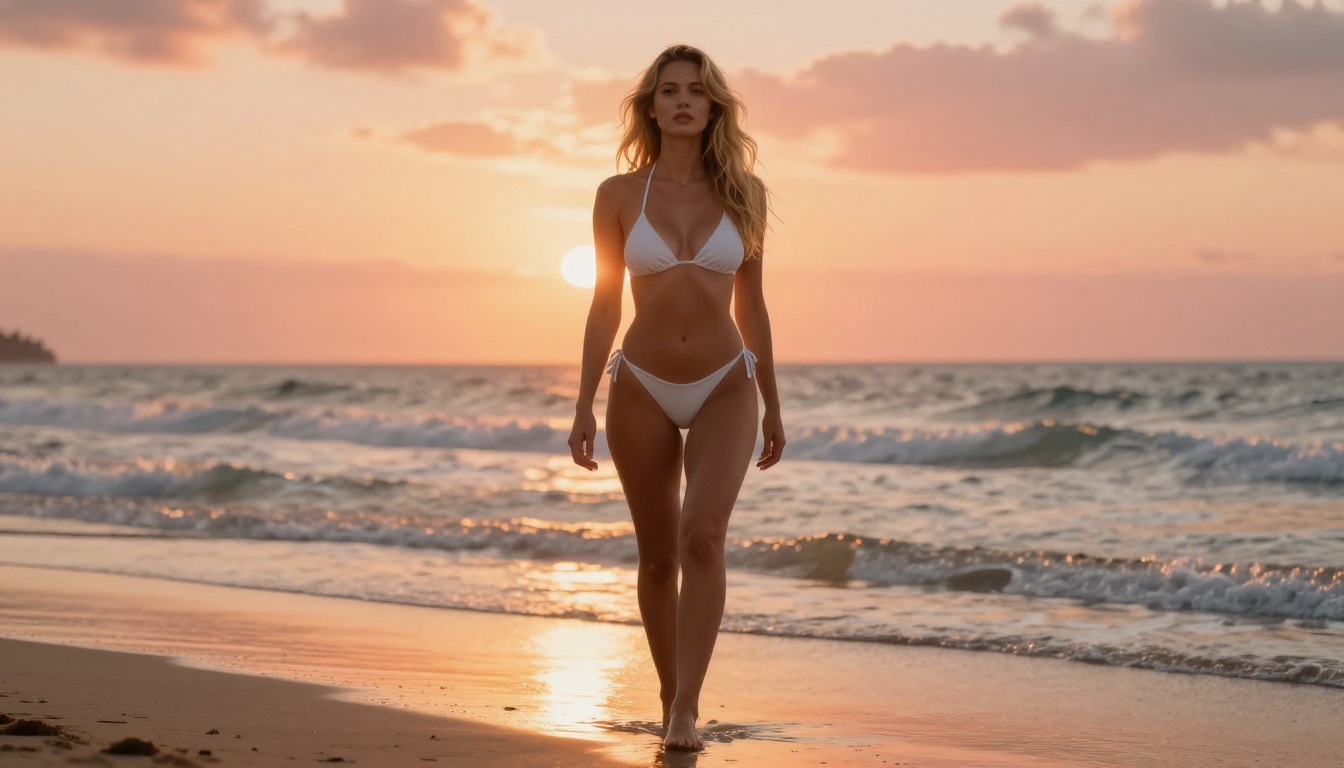
GPT Images (gpt-image-1 API) with default settings tends to be slightly more permissive in the gray zone than ChatGPT's DALL-E wrapper. With careful, neutral phrasing, you can sometimes generate:
Women in bikinis or swimwear in outdoor settings
Editorial-style fashion photography with form-fitting clothing
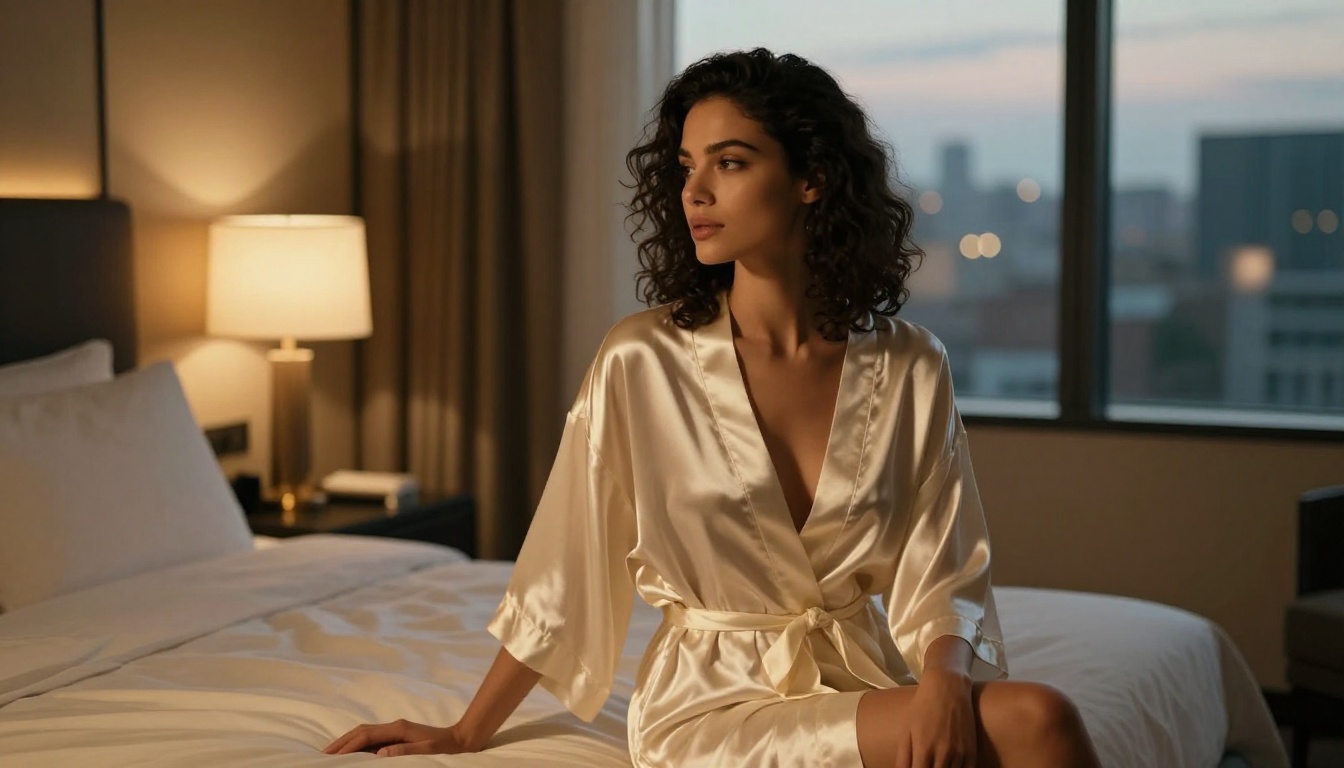
Tasteful lingerie in a clearly commercial catalog context
Artistic figure work with strategic shadow or fabric coverage
DALL-E 3 in ChatGPT is tighter. The conversational interface targets a broad consumer audience, and the safety thresholds are set to match. Prompts that clear the API filter often fail inside ChatGPT.
Why the Inconsistency?
The safety filters use classifier models that score the probability of a prompt or output violating policy. These classifiers are not binary. They operate on a sliding scale, and when a prompt lands in an ambiguous zone, results vary. Identical prompts get different outcomes on different attempts.
What affects classifier scores:
Phrasing specifics: "Wearing a bikini on a beach" vs. "in a string bikini" register different probability scores
Conversation history: Prior messages in a ChatGPT session can shift how a new prompt is interpreted
Model updates: OpenAI adjusts safety classifiers regularly, so behavior shifts over time without notice
Side by Side: The Real Differences
Here is a direct comparison across the criteria that matter most for creators:
Feature
DALL-E 3 (ChatGPT)
GPT Images API
Explicit NSFW
Blocked
Blocked
Suggestive / gray zone
Very restrictive
Slightly more flexible
Consistency of results
Low
Moderate
Operator content permissions
No
Yes (with approval)
Image quality
High
Very high
Prompt adherence
Good
Excellent
Text rendering in images
Good
Excellent
Fit for adult content creation
Poor
Poor (default)
The honest conclusion: neither tool works for NSFW content creation in their standard configurations. The debate over which does it "better" is like arguing which lock has more room to pick. The answer is: not enough for practical creative use.
Why Creators Are Moving to Other Tools
The creative community has largely accepted that OpenAI tools are the wrong choice for suggestive or adult-oriented AI image generation. The filters are too aggressive, too inconsistent, and too unpredictably updated to build a reliable workflow around.
This has driven strong adoption of open-weight and alternative commercial models that offer far more creative latitude.
Open-Weight Models with Full Creative Control
These produce outstanding photorealistic results and run with broader content permissions when accessed through appropriate platforms:
Flux Dev by Black Forest Labs: One of the best open-weight models for photorealistic human figures, with excellent anatomy and skin texture rendering
Flux 1.1 Pro Ultra: The premium tier with higher fidelity and better instruction following for complex poses and lighting scenarios
Flux 2 Pro: The latest generation Flux model with improved realism and detail retention across all subject types
Stable Diffusion 3.5 Large: A strong performer for photorealistic portrait work, particularly with community fine-tunes
SDXL: The workhorse of the open-source community, with thousands of LoRA adapters available for specific aesthetic styles
Realistic Vision v5.1: Specifically trained for photorealistic human generation with natural, accurate skin tones
RealVisXL v3.0 Turbo: A high-speed, high-quality variant excellent for rapid photorealistic iteration
Commercial Models with More Flexible Policies
Some commercial models take a more nuanced approach to content moderation than OpenAI:
Ideogram v3 Quality: Handles suggestive editorial content more consistently than OpenAI tools across repeated generations
Seedream 4.5: Shows impressive photorealism for human subjects with a more permissive default content policy
How to Use Flux on Picasso IA
Flux Dev and Flux 1.1 Pro Ultra are available directly on Picasso IA and represent the strongest realistic alternative to OpenAI tools for creators who need more creative freedom. Here is how to get the best results for glamour and editorial photography styles.
Step 1: Pick the Right Model
Go to Flux Dev or Flux 1.1 Pro Ultra on Picasso IA. For photorealistic human subjects with natural skin textures and the highest output fidelity, Flux 1.1 Pro Ultra is the right choice. For faster iteration while testing prompt variations, Flux Dev gives you quicker turnaround.
Step 2: Write Photorealistic Prompts
The difference between average and exceptional output is almost entirely in the prompt. Use this structure:
"A beautiful woman with dark hair, wearing a form-fitting red dress, standing on a rooftop terrace at sunset, warm golden hour backlight creating rim light on her shoulders, shot with Canon 85mm f/1.8, shallow depth of field, photorealistic, Kodak Portra 400 grain, cinematic color grade"
Step 3: Add Negative Prompts
Negative prompts prevent the most common artifacts in photorealistic generation:
After generating your best result, use Flux Kontext Pro to make targeted edits by changing lighting, outfit details, or backgrounds without rebuilding the image from scratch.
Tips for Better Results
Name your light source: "Volumetric golden hour light from the left" outperforms "good lighting" every time
Use specific lens data: 85mm f/1.4 produces a very different portrait feel than 35mm f/2.8
Reference film stocks: Kodak Portra 400, Fujifilm Superia, and Kodak Ektar each produce distinct color responses
Describe quality concretely: Instead of "beautiful" or "stunning," describe what that looks like in specific physical and lighting terms
GPT Image 1.5 on Picasso IA
GPT Image 1.5 is available directly on Picasso IA. This is the same model underlying the "GPT Images" product discussed throughout this article, now accessible through Picasso IA's interface.
Content policies still apply. The model carries OpenAI's built-in filters regardless of the access layer, so all the content limitations described in this article are present here too.
Where GPT Image 1.5 genuinely excels:
Text rendering inside images (no competing model comes close for accuracy)
Product photography and commercial mockups
Complex scene compositions with multiple distinct elements
Architectural and interior visualization
Accurate depiction of branded objects and real-world items with high fidelity
For anything approaching suggestive or adult content, GPT Image 1.5 is still not the right tool. The model-level filters cannot be bypassed by the platform delivering it.
💡 Matching tool to use case: If your project involves photorealistic human subjects with creative latitude, use Flux. If you need accurate text in images, precise product mockups, or commercial photography that follows detailed compositional briefs, GPT Image 1.5 is hard to beat.
For glamour and fashion photography (suggestive but tasteful): Flux Dev or Realistic Vision v5.1 give you photorealistic results with the creative range that OpenAI tools refuse to provide.
For high-end editorial photography: Flux 1.1 Pro Ultra or RealVisXL v3.0 Turbo produce magazine-quality outputs with realistic skin, hair, and fabric textures.
For creative fine-tuning and style control: SDXL with LoRA adapters gives granular control over aesthetic style, face consistency, and body proportions.
So Who Wins?
The "DALL-E 4 vs GPT Images for NSFW" debate mostly ends in a draw at the bottom of the podium. Neither tool is built for this use case, and neither will change that posture significantly without a fundamental shift in OpenAI's commercial strategy.
GPT Images (gpt-image-1) edges ahead in the gray zone for suggestive content, particularly through the API with operator permissions enabled. DALL-E 3 inside ChatGPT is more restrictive due to the additional conversational safety layer sitting on top of the base model.
But the real question is not which OpenAI tool does NSFW better. It is why creators keep trying to force tools into a use case those tools were deliberately designed to reject. The open-weight and alternative commercial models available today, particularly the Flux family, produce superior photorealistic results for human subjects with far more creative freedom.
The tools that actually work are already available. They just do not come from OpenAI.
Start Creating on Picasso IA Today
If you have been hitting the walls of OpenAI's content filters and want to actually produce the photorealistic, glamour, or editorial imagery you have in mind, Picasso IA gives you direct access to the full ecosystem of models covered in this article.
Over 91 text-to-image models live in one place. No switching between platforms, no separate accounts, no per-model subscription juggling. Write your prompt, pick your model, and generate.
The freedom to create is already here. Start experimenting today.