dalle alternativemidjourney alternativeai comparisonai image generator
DALL-E vs Midjourney: Best AI Image Generator for Your Projects in 2027
A direct face-off between DALL-E and Midjourney covering image quality, pricing, prompt handling, community features, and real-world performance. Find out which platform fits your workflow and see what powerful alternatives are reshaping AI image generation in 2027.
You've probably seen the debate play out across Reddit threads, YouTube channels, and design forums: DALL-E vs Midjourney. Both are legitimate powerhouses in the AI image generation space, but they serve very different creative needs. Picking the wrong one can mean wasted time, wasted money, and images that simply don't fit your vision. This article breaks down exactly where each tool wins, where it fails, and what alternatives are quietly outperforming both of them right now.
What DALL-E Does Well
DALL-E, now powered by OpenAI's GPT Image models, has come a long way from its early, awkward outputs. The current generation, known as GPT Image 1 and GPT Image 2, is deeply integrated into the ChatGPT ecosystem, which changes how most people interact with it.
Prompt Accuracy That Follows Instructions
This is where DALL-E genuinely shines. If you write a complex, multi-element prompt, DALL-E tends to follow it more literally than Midjourney. Ask it to place a red umbrella on the left side of the frame with a woman in a blue coat standing to the right, and it will usually do exactly that. Midjourney, by contrast, often interprets your prompt more artistically, which can produce stunning results but sometimes misses specific compositional requirements.
💡 Tip: DALL-E 3 (now integrated as GPT Image) handles typography remarkably well compared to earlier AI image generators. If your project requires readable text within images, this is a significant advantage.
ChatGPT Integration
For casual users and professionals already embedded in the OpenAI ecosystem, DALL-E's integration into ChatGPT is a genuinely useful feature. You can have a conversation, refine your idea, and generate images within the same interface without switching tools. Iterating on prompts feels natural because you're essentially in dialogue with the model.
The downside is that this creates a dependency on a subscription ecosystem. Without a ChatGPT Plus plan, access to DALL-E 3 is limited or pay-per-use through the API.
Pricing Model
Plan
Cost
Image Access
ChatGPT Free
$0/month
Limited DALL-E access
ChatGPT Plus
$20/month
Broader access via chat
API (GPT Image 1)
~$0.02-0.19/image
Pay-per-generation
The API pricing can add up fast for volume creators. For a freelancer generating 200 images a month, this structure is not budget-friendly compared to flat-rate alternatives.
What Midjourney Does Well
Midjourney built its reputation on one thing: images that look incredible at first glance. The aesthetic quality, color grading, and compositional instincts baked into Midjourney's models are hard to replicate. It doesn't just generate images; it often generates images that feel curated, almost like they were shot on film and color-graded in a professional suite.
Aesthetic Quality That Stands Out
When comparing raw output quality, Midjourney v6 regularly produces images with superior texture, lighting nuance, and artistic coherence. Portraits have a cinematic quality. Landscapes feel atmospheric. Even simple product shots often benefit from Midjourney's seemingly intuitive understanding of light.
This isn't accidental. The model has been trained on a dataset heavily weighted toward high-quality visual art, photography, and editorial images. The result is an output that looks professionally conceived, even when the prompt is relatively sparse.
The Discord Community
Midjourney operates primarily through Discord, which has become both its biggest strength and its most common complaint. The community aspect means you're constantly exposed to what other creators are generating, which serves as real-time inspiration and education in prompt engineering. You learn fast by watching what works.
However, the Discord-first approach also means limited privacy on free or basic tiers. Your generations appear in public feeds unless you're on a higher-tier plan. For commercial projects with sensitive content, that's a real concern.
Subscription Plans
Plan
Cost
Fast GPU Hours
Basic
$10/month
~3.3 hours
Standard
$30/month
15 hours + unlimited relax
Pro
$60/month
30 hours + stealth mode
Mega
$120/month
60 hours + team features
The "relax mode" on Standard and above is genuinely useful for non-urgent projects. You won't get instant outputs, but for background batch generation, it works fine.
DALL-E vs Midjourney: Head-to-Head
Let's put them side by side where it counts.
Category
DALL-E (GPT Image)
Midjourney v6
Prompt accuracy
Excellent
Moderate (interprets freely)
Aesthetic quality
Good
Excellent
Text in images
Strong
Improving but inconsistent
Photorealism
Good
Very good
API access
Yes (pay-per-use)
Very limited
Privacy
Full
Limited on lower tiers
Speed
Fast
Fast (slow in relax mode)
Community
None native
Strong (Discord)
Learning curve
Low
Medium
The honest answer is that neither tool is definitively "better." They serve different workflows. DALL-E suits developers, ChatGPT power users, and anyone who needs precise prompt compliance. Midjourney suits visual creatives, marketing teams, and anyone who values output that looks stunning with minimal effort.
Where Both Fall Short
Here's what the comparison articles usually skip: both DALL-E and Midjourney have real, structural limitations that matter for professional use.
DALL-E's weaknesses:
Anatomy and hands still occasionally produce errors on complex poses
Limited control over specific artistic styles without fine-tuning
Per-image API costs scale poorly for high-volume creators
No native image editing tools beyond basic inpainting in ChatGPT
Midjourney's weaknesses:
No official API for programmatic generation at scale
Discord-first interface feels dated and cumbersome for production workflows
Limited control over image-to-image workflows compared to open platforms
Difficult to train custom styles without third-party workarounds
💡 Worth knowing: Both platforms have been adding features rapidly, but neither offers the kind of modular, multi-model flexibility you find on open platforms. That's where alternatives start to look genuinely attractive for production work.
Top Alternatives Worth Trying in 2027
The AI image generation space has expanded dramatically beyond these two platforms. The models now available through platforms like PicassoIA offer capabilities that exceed DALL-E and Midjourney in specific categories, often at better price points.
Flux: The Photorealism Benchmark
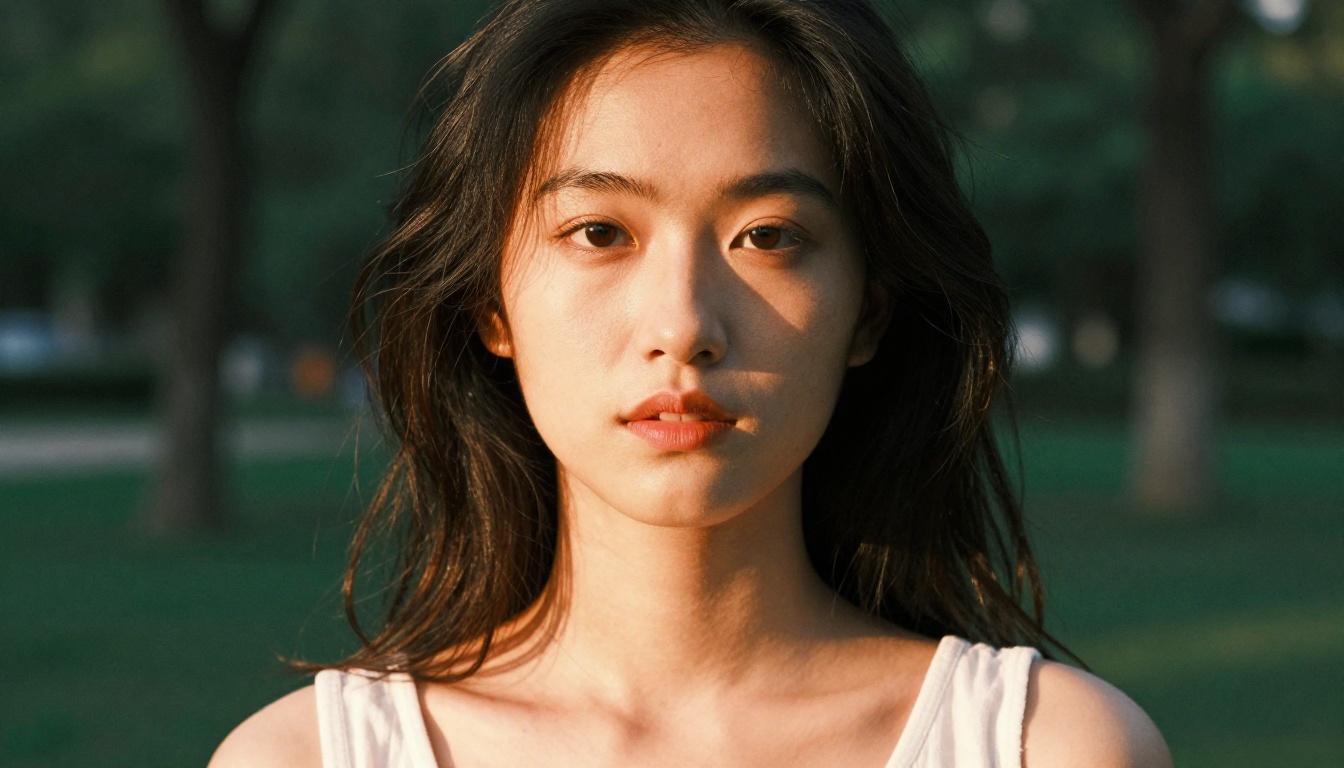
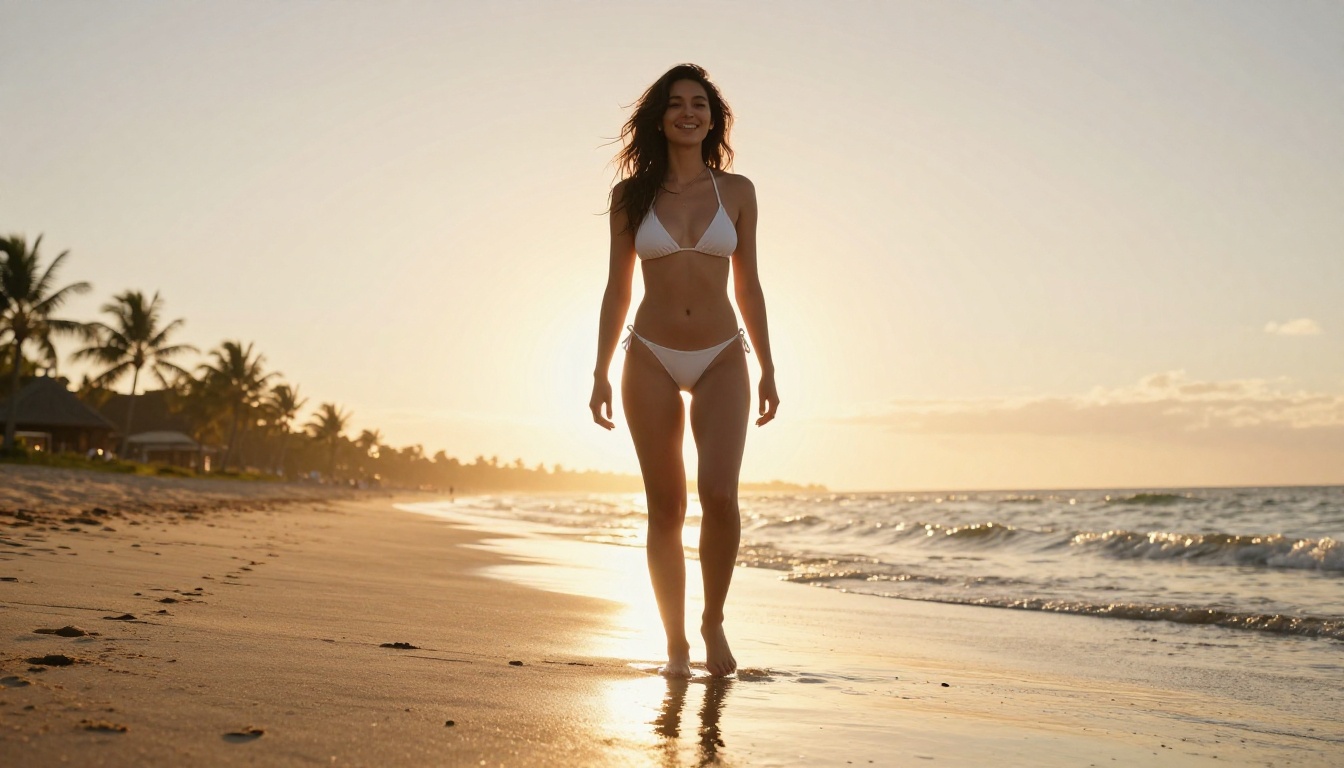
The Flux Pro Finetuned model from Black Forest Labs has become the go-to reference for photorealistic AI portrait generation. Where Midjourney has its distinctive "AI aesthetic," Flux produces images that are harder to distinguish from real photography. Skin textures, hair, and natural lighting all render with a level of detail that makes it genuinely competitive for commercial photography applications.
For faster generation with similar quality, Flux Schnell LoRA delivers rapid outputs without sacrificing the realism that makes the Flux family worth using. If you need instant edits with context retention, Flux Kontext Fast lets you modify specific image elements using natural language, making it an exceptionally practical tool for iterative workflows.
The Flux Redux Dev model handles image variation tasks, useful when you need multiple versions of a hero image without starting from scratch each time. For inpainting and canvas extension, Flux Fill Pro gives you precise control over specific areas while preserving the rest of your image.
Stable Diffusion 3: Open-Source Power
Stable Diffusion 3 from Stability AI represents the open-source alternative to both proprietary platforms. The model architecture improvements in SD3 have addressed the anatomy issues that plagued earlier versions, and the text rendering is significantly better than SD 1.5 or 2.1.
The key advantage here is flexibility. SD3 can be fine-tuned, combined with LoRA adapters, and deployed in custom pipelines, which is simply not possible with DALL-E or Midjourney.
Recraft 20B: Professional Design Control
Recraft 20B is built specifically for designers and brand-focused creators. Its precise color control, style consistency across generations, and support for vector output via SVG make it a specialized tool that neither DALL-E nor Midjourney can replicate. If you're building brand visuals, product imagery, or UI assets, Recraft's output consistency is worth the focused use case.
GPT Image 2: DALL-E's Successor on a Better Platform
OpenAI's latest model, GPT Image 2, is available on PicassoIA with better workflow integration than the ChatGPT interface. For teams that want DALL-E's prompt-following accuracy without the friction of subscription tiers, this is the direct upgrade path. The GPT Image 1 model remains available for cost-sensitive applications where the latest version isn't strictly necessary.
Other Models Worth Testing
Dreamina 3.1: ByteDance's cinematic 4MP output model, particularly strong for dramatic lighting and fashion photography
Seedream 4.5: Excellent for 4K outputs with fine architectural and landscape detail
Hunyuan Image 3: Sharp, detailed outputs with strong aesthetic depth and excellent performance on diverse subjects
Gemini 2.5 Flash Image: Google's rapid generation model, built for fast iteration at scale
Flux Krea Dev: Trained specifically to produce images without the typical "AI look," useful when organic photographic realism is the priority
How to Use GPT Image on PicassoIA
Since DALL-E's technology lives on through the GPT Image models, and PicassoIA offers direct access to both GPT Image 1 and GPT Image 2, here's how to get the same output quality you'd expect from DALL-E with more control.
Step 1: Go to the Model Page
Navigate to GPT Image 2 on PicassoIA. This is the most recent generation of OpenAI's image model, offering improved detail rendering and instruction-following over GPT Image 1.
Step 2: Write a Precise Prompt
GPT Image models respond well to structured prompts. Use this format for best results:
A young woman in a cream-colored blazer sitting at a marble cafe table, Paris street visible through window in background, soft diffused morning light from left, 50mm f/2.0 medium close-up, photorealistic, Kodak Portra color grading, 8K
Step 3: Set the Aspect Ratio
For social media, use 1:1 or 9:16. For blog headers and banners, use 16:9. For editorial layouts, 4:3 or 3:2 work best. Getting the ratio right from the start saves significant post-processing time.
Step 4: Iterate with Small Changes
One of GPT Image's strengths is consistent response to prompt edits. Rather than regenerating from scratch, adjust one element at a time: change the lighting direction, swap the background, or modify the subject's positioning. Each iteration builds on your understanding of how the model interprets your specific language.
💡 Pro tip: Use descriptive lighting language like "volumetric afternoon light from the left casting soft shadows" rather than just "good lighting." Specificity is what separates average GPT Image outputs from exceptional ones.
Step 5: Use Flux Fill Pro for Edits
After your initial generation, Flux Fill Pro on PicassoIA lets you paint over specific areas and regenerate them without touching the rest of the image. This inpainting workflow turns a near-perfect AI image into a polished, usable asset without restarting from scratch.
Real-World Use Cases: Who Should Use What
Understanding which tool fits which workflow saves both time and money.
For social media managers:Midjourney handles volume and aesthetic consistency well, especially for fashion, lifestyle, and travel content where visual impact matters most. The relax mode on Standard plans is cost-effective for daily content creation.
For developers and technical users:GPT Image via API (or through PicassoIA) offers programmatic access with predictable outputs. When you need to automate image generation within a product or tool, API access is non-negotiable, and DALL-E's architecture handles instruction-following in automated prompts better than Midjourney.
For brand and marketing teams:Recraft 20B or Flux Pro Finetuned on PicassoIA. Consistency across a campaign, style control, and the ability to fine-tune to brand-specific aesthetics are critical in this context. Neither DALL-E nor Midjourney offers this out of the box.
For photographers and retouchers:Flux Kontext Fast or Flux Fill Pro for their editing capabilities. Replacing backgrounds, extending frames, and fixing specific image areas without disturbing the rest of the composition is where these tools beat both DALL-E and Midjourney decisively.
For e-commerce product photography:
OpenAI's GPT Image 2 generates clean product shots with accurate color rendering and minimal hallucination. Combine with Flux Fill Pro for background swaps and the workflow becomes fast and professional.
The Pricing Reality
When you factor in what you actually get per dollar, the comparison changes significantly.
Platform
Price
Approx. Images/Month
API Access
DALL-E (ChatGPT Plus)
$20/month
~100-200
Limited (API costs extra)
Midjourney Standard
$30/month
Unlimited (relax)
Very limited
PicassoIA (multi-model)
Credits-based
High volume per credit
Yes
PicassoIA's credit model covers access to over 180 text-to-image models in one place, including Flux Pro Finetuned, GPT Image 2, Stable Diffusion 3, Recraft 20B, and dozens more. For creators who regularly need to switch between styles and models, this flexibility at a competitive cost point is the practical argument against committing exclusively to either DALL-E or Midjourney.
The other cost factor people rarely mention: time spent fighting with a tool. Midjourney's Discord workflow adds friction that multiplies across hundreds of monthly generations. DALL-E's ChatGPT dependency creates bottlenecks in API-heavy workflows. Both of these have real costs that don't show up in the monthly subscription price.
Start Creating Your Own Images
Both DALL-E and Midjourney have earned their reputations, and neither is going away. But the gap between them and the broader AI image generation ecosystem has narrowed considerably. The models available today, from Flux Pro Finetuned to GPT Image 2, offer outputs that compete at or above the level of both platforms, often with better workflow integration and more control over the final result.
If you haven't tested what's available beyond the two big names, now is the right time to do it. PicassoIA gives you access to the full range of current models in one place, without locking you into a single model's aesthetic or a subscription ecosystem built around one tool.
Try GPT Image 2 for the DALL-E experience with more control. Experiment with Flux Pro Finetuned for photorealistic portraits that pass for real photography. Use Recraft 20B when brand consistency is non-negotiable. The tools exist. The only question is what you'll create with them.