ByteDance built one of the most-used video apps on the planet. Then they turned the same engineering muscle toward image generation, and Dreamina is the result. It runs inside CapCut, it is free to use, and it has quietly become one of the most capable consumer AI image tools available today. If you have not looked closely at it yet, you are missing something worth paying real attention to.
What Dreamina Actually Is
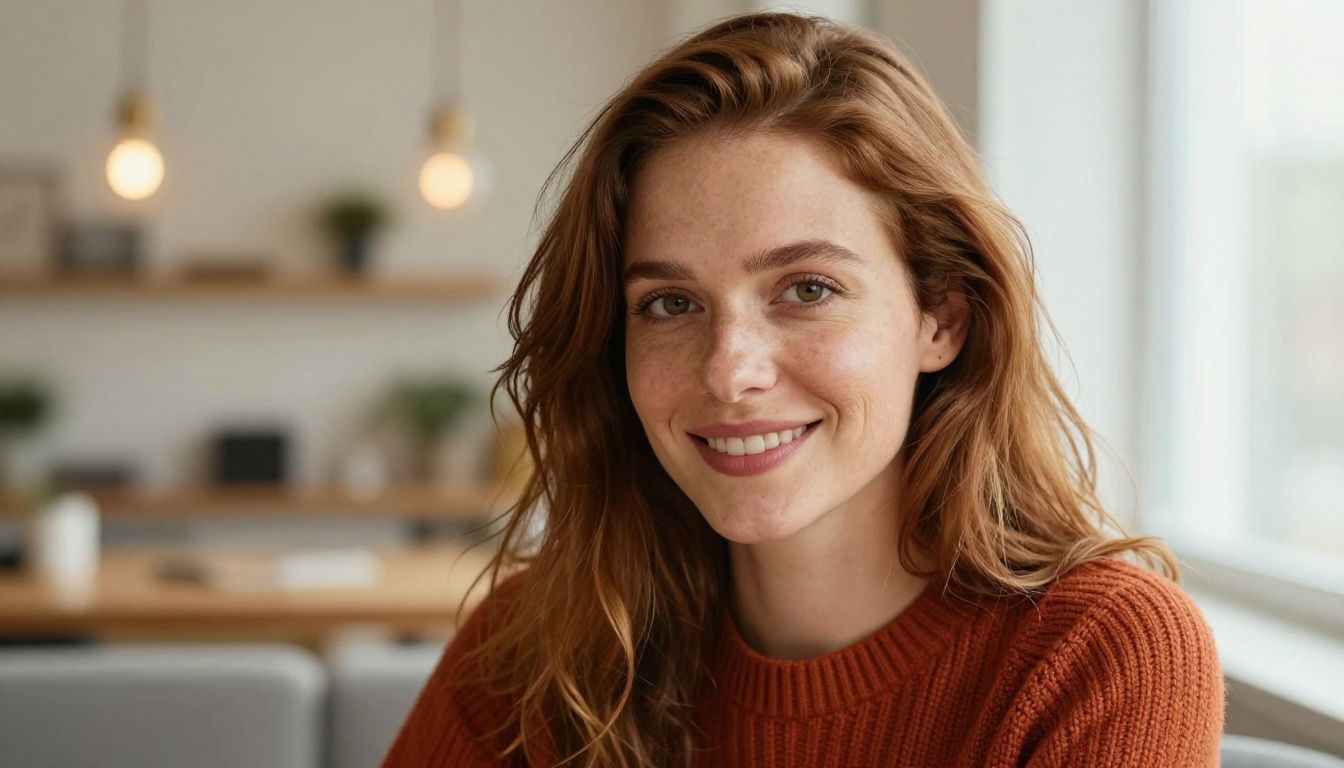
Dreamina is ByteDance's AI image generation platform, integrated primarily into CapCut. It accepts text prompts and converts them into images using ByteDance's proprietary diffusion-based models. The interface is clean, accessible, and designed for people who want results without a steep ramp-up.
Unlike tools that gate core features behind subscriptions, Dreamina offers a generous free tier with daily credits. You type a prompt, pick an aspect ratio, and the model produces the image in seconds. That simplicity is intentional. ByteDance wants image generation to feel as natural as adding a filter.
The CapCut Connection
Dreamina does not exist as a standalone app. It lives inside CapCut, ByteDance's all-in-one creative suite with over 200 million active users globally. That distribution advantage is something no other AI image lab currently has.
Stability AI, Midjourney, and OpenAI all require users to find and download separate tools. ByteDance already has them. When they ship Dreamina improvements, hundreds of millions of creators gain access immediately, with no extra friction.
Who It Was Built For
Dreamina targets creators already inside ByteDance's ecosystem: social media content makers, TikTok video editors, short-form storytellers, and casual users who want AI visuals without complex interfaces. It is not trying to compete with Stable Diffusion for power users. It is trying to be the easiest path from idea to image for the average creator.
That positioning shapes everything, from the way prompts are entered to the output options available. Dreamina prioritizes ease over depth, and that is a deliberate product decision.

ByteDance's AI Ambitions
ByteDance's AI strategy runs much deeper than most people realize. While TikTok captures headlines, the company has been systematically building one of the most complete AI stacks in the tech industry.
Their research division has published papers on image generation, video synthesis, and multimodal understanding. Dreamina represents the consumer-facing tip of that iceberg. Below the surface, ByteDance has invested heavily in foundational model development, and that infrastructure is what makes Dreamina work the way it does.
The Models Behind the Tool
Dreamina runs on models developed in-house by ByteDance. The most significant is Seedream, their flagship text-to-image foundation model. Seedream was trained on an enormous dataset and is capable of generating highly realistic, aesthetically polished images from natural language prompts.
ByteDance released Seedream publicly, and it is now available on platforms like PicassoIA where creators can access it directly. Seedream 4.5 produces 4K-quality images and represents ByteDance's latest generation of image synthesis technology, available without a CapCut account.
ByteDance vs. The Competition
The AI image space is intensely competitive. Here is where Dreamina currently stands against the field:
| Tool | Company | Free Tier | Best For |
|---|
| Dreamina | ByteDance | Yes, daily credits | Mobile and social creators |
| DALL-E 3 | OpenAI | Limited | Accuracy and text in images |
| Midjourney | Independent | No | Artistic quality and style depth |
| Stable Diffusion 3 | Stability AI | Yes, open source | Power users and customization |
| Seedream 4.5 | ByteDance via PicassoIA | Yes | 4K quality, versatile output |
| Flux | Black Forest Labs via PicassoIA | Yes | Photorealistic and artistic range |
ByteDance's distribution advantage is real and difficult to replicate. A competitor launching a better model tomorrow still cannot get it in front of 200 million people the next day.
How Dreamina Works
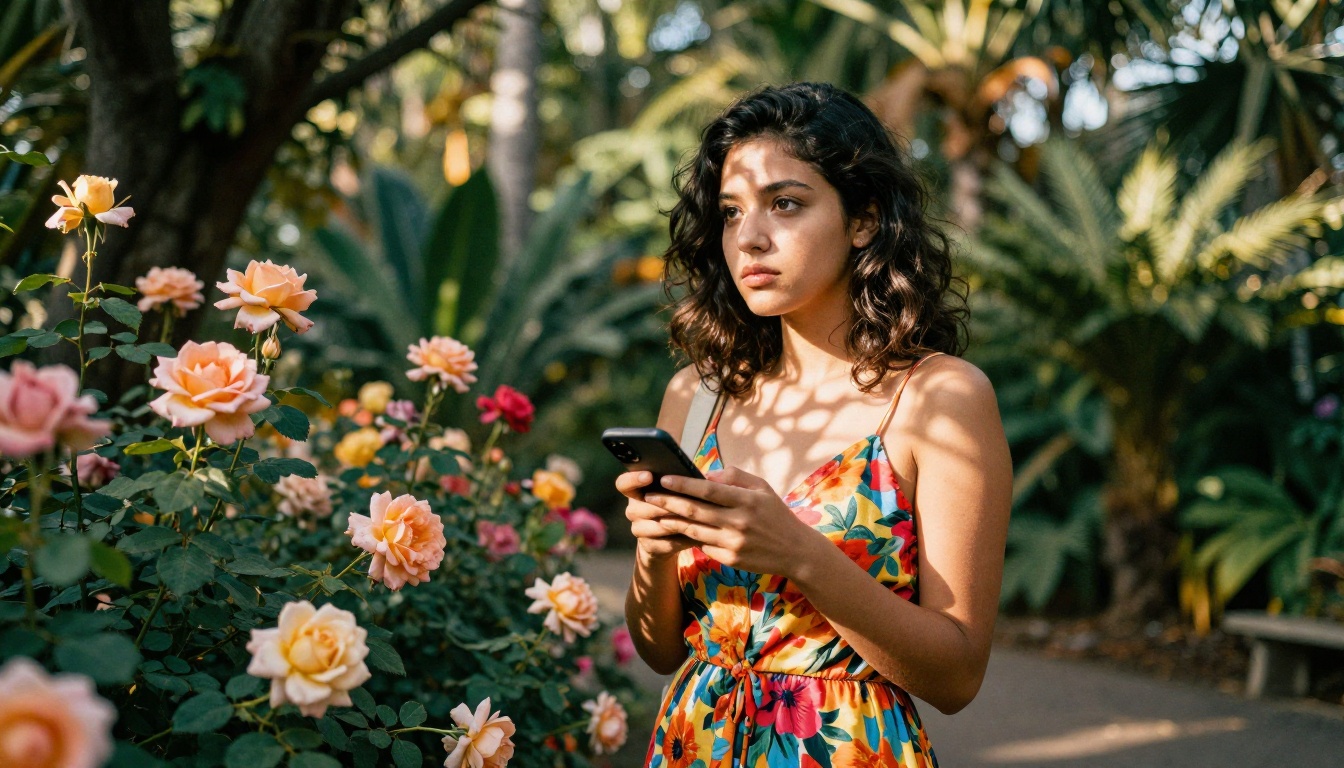
At its core, Dreamina uses diffusion model technology. You input a text prompt, and the model iteratively refines noise into a coherent image that matches the description. The process happens server-side on ByteDance's infrastructure and is optimized for speed.
Writing Prompts That Actually Work
Output quality is directly tied to prompt specificity. Vague prompts produce mediocre results. Detailed prompts produce impressive ones.
Weak prompt: "A woman at the beach"
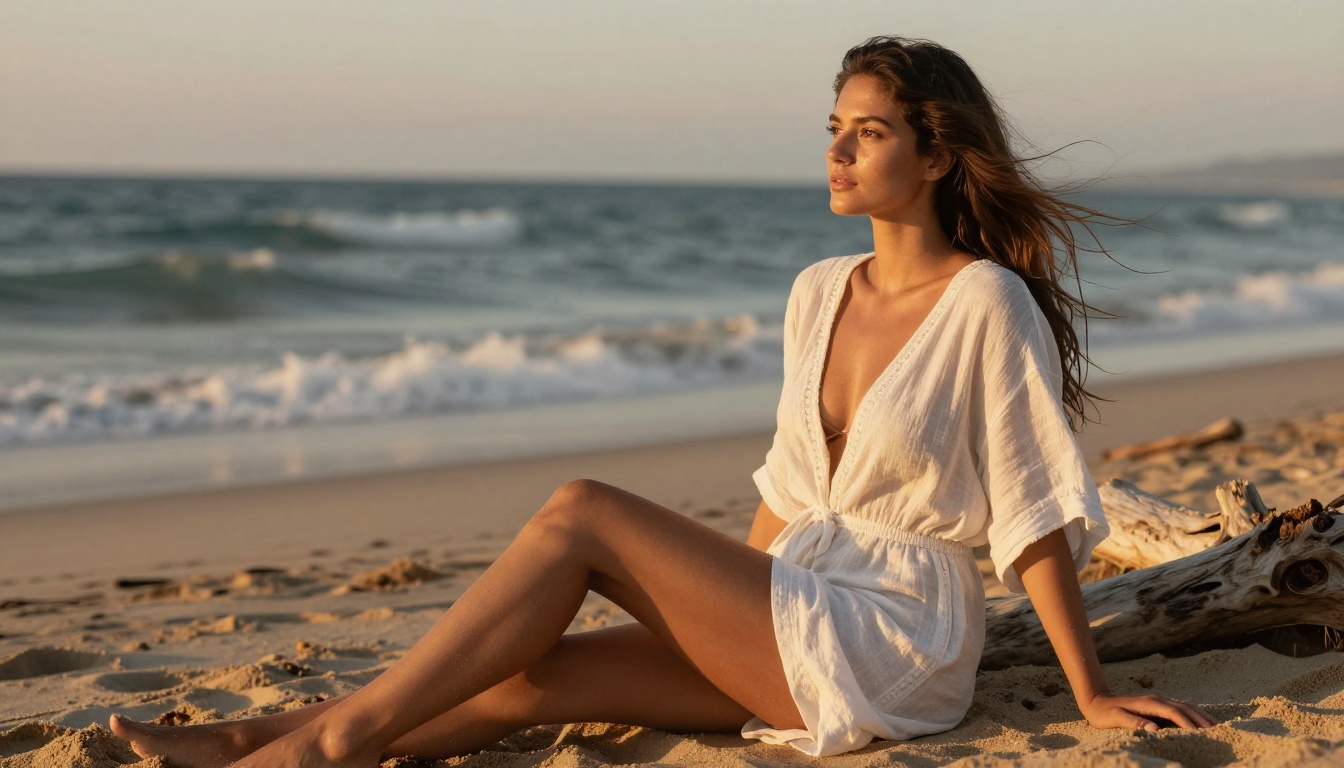
Strong prompt: "A woman in her twenties sitting on driftwood near a shoreline, golden hour light, wearing a white linen cover-up, waves softly blurred in background, 85mm lens, natural skin texture"
💡 Think of your prompt as instructions for a photographer, not a caption for a photo you already have. Describe the scene, the lighting, the angle, the mood, and the specific camera characteristics you want.
Aspect Ratios and Output Options
Dreamina supports multiple aspect ratios including square (1:1), portrait (9:16), and widescreen (16:9). For TikTok and Reels content, the 9:16 vertical format is the natural choice. For website headers and YouTube thumbnails, 16:9 is standard.
The tool also lets you reroll generations and make minor prompt adjustments. This is useful for iterating on a concept quickly without rewriting the entire description from scratch.
The Credit System
The free tier runs on daily credits. Each generation costs a set number of credits depending on output quality and settings chosen. Higher-quality outputs cost more credits. Once credits are exhausted for the day, you either wait for them to refresh or purchase additional credits.
For occasional personal use, the free tier works well. For professional workflows with high-volume output requirements, the credit system becomes a practical bottleneck that pushes users toward paid plans.

Comparing Dreamina's Output Quality
Choosing between image generators is not just about raw quality scores. It depends on your specific workflow, output requirements, and how much technical control you need at each stage.
Speed
Dreamina is fast. ByteDance optimizes their consumer products for low-latency mobile experiences. Typical generation time is under 10 seconds for standard quality settings, which makes iteration fast and practical.
By comparison, Midjourney can take 30 to 60 seconds per generation during peak hours. For creators who need high-volume output in a short window, speed differences add up significantly over the course of a session.
Text Inside Images
One persistent weakness in Dreamina, shared by most diffusion models, is rendering text inside images accurately. Logos, signage, and any prompt asking for specific readable words often produce garbled or incorrect results.
Tools like GPT Image 2 currently lead the field in text-in-image accuracy. If your workflow requires readable text rendered inside generated images, ByteDance's models are not the strongest current option.
Photorealistic Portraits
This is where Dreamina genuinely excels. The Seedream model was clearly trained with a strong emphasis on human subjects. Faces are well-formed, skin tones are natural, and lighting interactions feel realistic rather than synthetic. For creators who frequently need portrait or people-focused imagery, this is a meaningful strength.
Style and Artistic Range
For highly stylized or abstract work, Dreamina produces variable results. Models like Flux Krea Dev or Recraft 20B offer more consistent artistic output across a broader style range when photorealism is not the goal.

How to Use Seedream 4.5 on PicassoIA
ByteDance's Seedream 4.5 is available directly on PicassoIA. It is the same foundational technology that powers Dreamina, now accessible through a dedicated interface without the CapCut ecosystem attached. This is the most direct way to access ByteDance's image generation capabilities with more parameter control and without daily credit limits tied to a single app.
Step 1: Open Seedream 4.5
Go to Seedream 4.5 on PicassoIA. The model loads directly in the browser. No CapCut account, no ByteDance login, and no separate app installation required.
Step 2: Write a Detailed Prompt
In the prompt field, describe your image with specific detail. Seedream 4.5 handles natural language well and does not require special syntax or trigger words. Focus your description on:
- Subject: Who or what is the main focus of the image
- Environment: The setting, location, and background context
- Lighting: Time of day, light source direction, quality of light
- Camera details: Lens type, focal length, shooting distance, angle
- Mood and atmosphere: What emotional quality the image should carry
Step 3: Configure Output Settings
Seedream 4.5 on PicassoIA allows you to control:
- Aspect ratio: 16:9 for widescreen, 1:1 for square, 9:16 for vertical social content
- Quality level: Higher settings produce sharper, more detailed 4K outputs
- Seed value: Setting a specific seed lets you reproduce a generation or iterate on it systematically
💡 For portrait photography prompts, add "natural skin texture, shallow depth of field, 85mm f/1.4 lens, Kodak Portra 400 film grain" to the end of your prompt. This significantly improves realism and gives the output a professional photographic feel.
Step 4: Generate and Refine
Click generate and evaluate the result carefully. If the output is directionally correct but not fully there, adjust one specific element of your prompt rather than rewriting it from scratch. Changing the lighting description, adding a camera angle specification, or adjusting the subject's position often produces a noticeably different and improved output on the next generation.
Step 5: Download and Use
PicassoIA delivers results in full resolution. Download directly and use in social posts, website headers, marketing materials, product mockups, editorial layouts, or any other creative application that needs high-quality imagery.
What You Can Create
The practical range of Dreamina and Seedream extends well beyond what the CapCut-focused marketing suggests. Here is what the model handles particularly well in practice.
Portrait Photography
ByteDance's models produce convincing portrait work. Faces are well-formed, skin tones are accurate, and the model handles varied lighting conditions consistently. For creators who need stock-style portraits without hiring photographers or licensing stock images, this is a genuinely practical capability.
Lifestyle and Product Scenes
Environmental lifestyle shots, "people using products" imagery, and flat-lay product photography all perform consistently with Seedream. The model understands compositional concepts like foreground separation, depth layering, and background blur that make lifestyle photography feel natural rather than artificial.
Cinematic Stills
Dreamina handles scene-based prompts that read as film stills particularly well. Wide establishing shots, dramatic lighting setups, close-up character moments with shallow depth of field. The key is prompting with cinematographic specifics: lens type, film stock, color grading direction, and time of day.
Editorial and Fashion
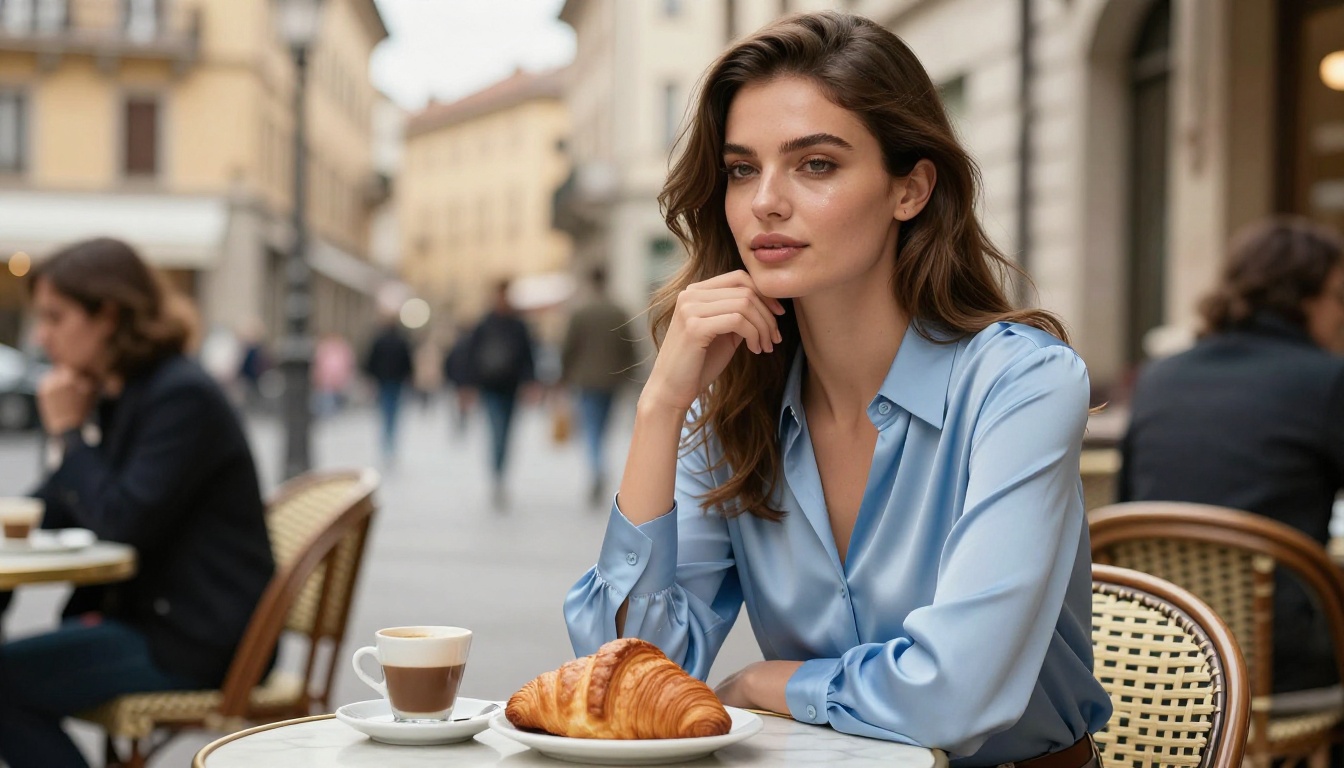
With detailed prompts, ByteDance's models generate images that read as editorial quality. Clean backgrounds, well-lit subjects, professional styling without the plastic look that weaker models produce. These work well for social media content, brand mood boards, and visual concept development.
For abstract or highly experimental work, Flux Schnell LoRA and Stable Diffusion 3 give you more stylistic freedom and consistency in that territory.

Strengths and Real Limitations
Every tool has tradeoffs. Here is an honest assessment of where Dreamina stands.
Genuine strengths:
- Fast generation with minimal setup friction, even on mobile
- Strong photorealistic portraits and people-focused photography
- Free tier is generous compared to most current alternatives
- Tight CapCut integration for video and social media workflows
- No technical expertise required to get solid results from day one
Real limitations:
- No API access for developers or automation-based workflows
- No fine-tuning or model customization options for specific styles
- Text rendering inside images is inconsistent across most prompts
- Less control over technical parameters compared to open-source alternatives
- Not available as a standalone product outside the CapCut ecosystem
- Credit system limits high-volume professional use on the free tier
The Privacy Factor
Because Dreamina runs inside CapCut, and CapCut is owned by ByteDance, the same data privacy considerations that accompany TikTok apply here too. For personal creative work, this is unlikely to be a concern in day-to-day practice. For corporate work, sensitive client projects, or jurisdictions with specific data sovereignty requirements, it is worth factoring into your tool selection.
Platforms like PicassoIA, which host Seedream 4.5 independently, offer a different data handling context. Worth considering if data privacy is a priority for your specific use case.

If your creative needs go beyond what Dreamina offers, or you want to combine different models in a single workflow, PicassoIA hosts several other models that complement ByteDance's technology:
- Flux Fill Pro: for inpainting and outpainting, letting you extend or edit specific regions of an existing image
- Flux Depth Pro: for depth-aware edits that respect the three-dimensional spatial structure of a scene
- Flux Redux Dev: for generating stylistically consistent variations from a reference image
- GPT Image 2: when you need accurate, readable text rendered directly inside the generated image
- Seedream 4.5: when you want ByteDance's model with maximum parameter control and no credit limits attached
Each runs directly in the browser with no additional installation required.
Try ByteDance's Image Technology Now
Dreamina represents something genuinely new in the AI image space. Not the most technically flexible tool, and not the deepest platform for power users. But it is one of the most accessible, fastest, and most strategically distributed image generators ever built.
ByteDance's decision to embed Dreamina in CapCut means hundreds of millions of creators already have access to solid AI image generation, whether they realize it or not. That kind of reach changes how people think about, produce, and interact with AI imagery at scale.
If you want to use the same ByteDance image technology with more control and without the CapCut ecosystem attached, Seedream 4.5 is available on PicassoIA right now. No account required. No credit system to track. Just your prompt and a 4K result.
Open it now, write your first detailed prompt, and see what ByteDance's model produces when you give it something specific to work with.


