Two of the most talked-about AI image generators right now share almost nothing in common. Dreamina is approachable, free-to-start, and built around casual creators. Midjourney is powerful, opinionated, and uncompromising in its aesthetic. Choosing between them isn't just a preference call. It's a decision that affects how fast you work, what your images look like, and how much you pay month after month. This breakdown puts both tools side by side on the factors that actually matter for real creative work.
What Dreamina and Midjourney Actually Do
Before comparing outputs, it helps to understand what each tool was built for. They're solving different problems for different audiences, and that design intent shows in every feature decision they've made.
Dreamina at a Glance
Dreamina is an AI creative platform developed by CapCut's team at ByteDance. It offers text-to-image generation, image editing, video creation, and a suite of in-browser tools that let you create and refine visual content without any technical background. The interface is clean, mobile-friendly, and aimed squarely at social media creators, marketers, and casual users who want results quickly without reading documentation.
The platform's biggest draws are its built-in editing tools. You can expand images, repaint sections, change backgrounds, and apply style filters, all without leaving the app. Dreamina also integrates directly with CapCut, meaning video creators can pipe AI-generated visuals straight into their editing workflow. For anyone already inside the ByteDance ecosystem, that integration alone is a strong reason to stick with it.
Midjourney at a Glance
Midjourney takes a completely different approach. It runs primarily through Discord, though a web interface has been available since 2024. Rather than offering a broad creative suite, Midjourney is laser-focused on generating images with a signature aesthetic, often described as painterly, dramatic, and cinematic. Its outputs have a recognizable visual language that many designers consider the gold standard for AI art.
Where Dreamina is inclusive, Midjourney is selective. It requires subscriptions from the start, offers almost no free generation credits, and has a steeper prompt learning curve. But the ceiling on quality is considerably higher, particularly for artistic compositions and complex multi-element lighting scenarios.
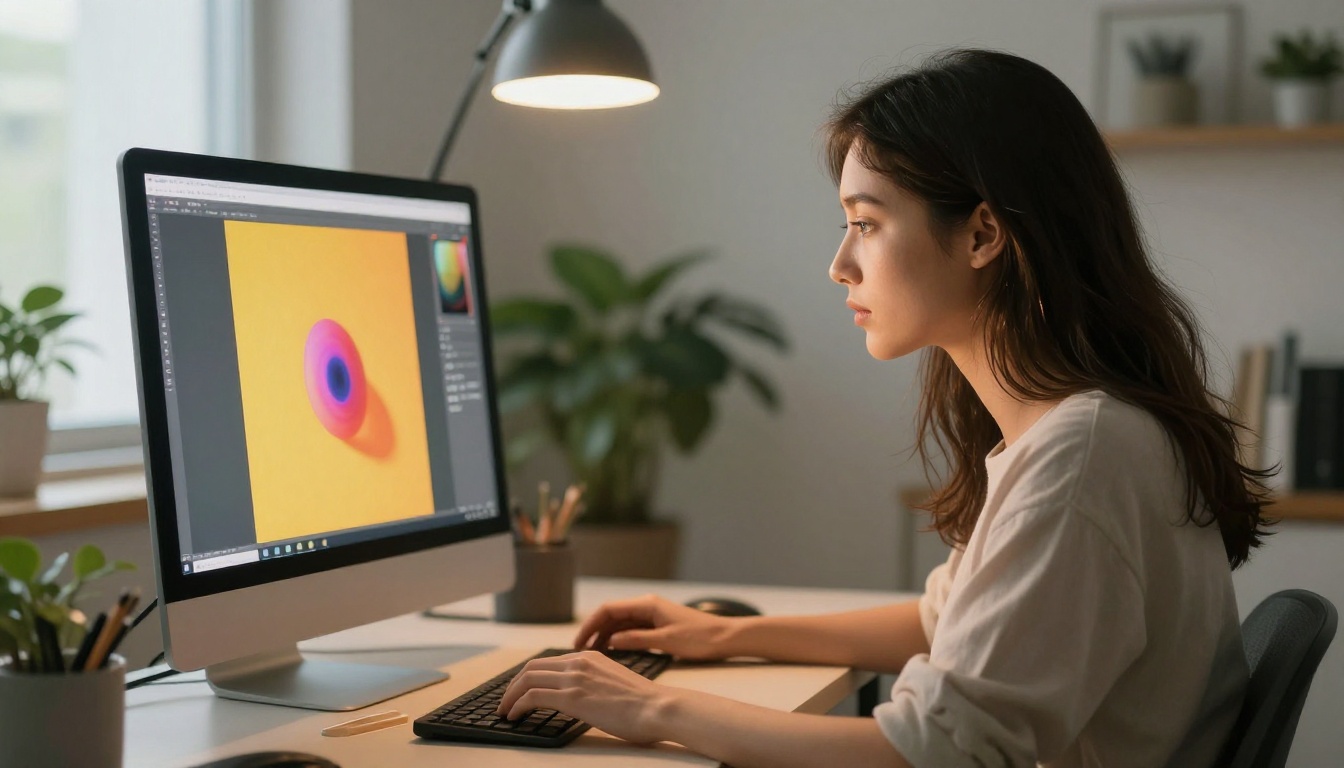
Image Quality in Real Use
This is where the real debate lives. Both tools generate impressive images, but they excel in very different categories depending on what you're actually trying to produce.
Photorealism and Portraits
Dreamina handles photorealistic portraits well, especially at default settings. Its strength is in producing clean, well-lit, commercially usable images without fine-tuning the prompt. For product photography mockups, influencer-style content, and social media visuals, it's consistent and reliable. The quality floor is high, meaning even mediocre prompts produce presentable results.
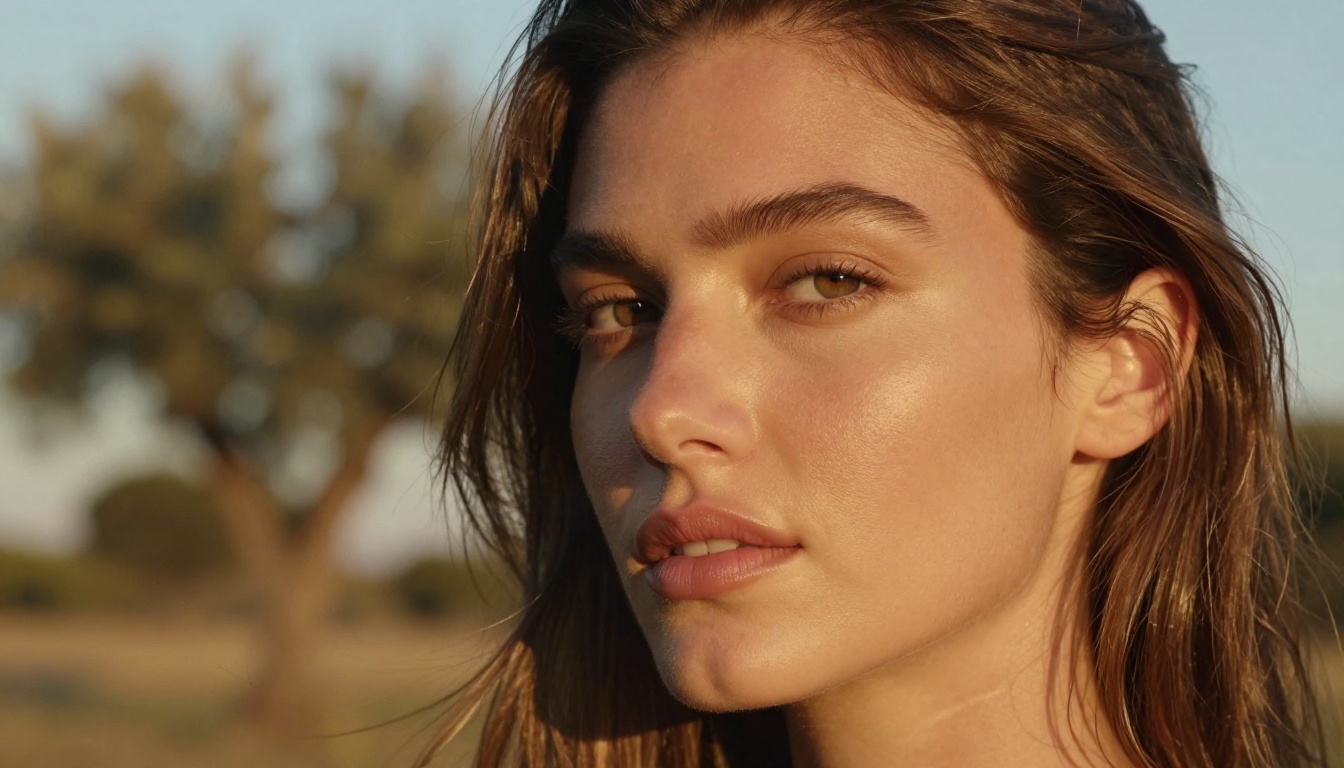
Midjourney's photorealism is more variable on default settings, but with the right prompts and parameters it produces some of the most detailed, atmospheric portraits available in any AI tool. The v6 and later model iterations show dramatic improvements in skin texture, eye clarity, and natural lighting response. The difference becomes obvious the moment you try to achieve a specific cinematic mood.
Tip: For photorealistic portraits with precise control, try Seedream 4.5 on PicassoIA. It's built by ByteDance, the same team behind Dreamina, and produces 4K portrait outputs with exceptional skin detail and color science.
Art Styles and Creative Range
Midjourney wins this category by a wide margin. Its training dataset leans heavily toward editorial photography, concept art, and fine art illustration. The results feel intentional and curated. When you want something that looks like a film still, an architectural rendering, or a museum-quality portrait, Midjourney consistently delivers results that feel authored rather than generated.
Dreamina's style range is wider but shallower. It covers more visual categories including anime, flat design, and various illustration modes, but rarely reaches the same depth of quality in any single aesthetic. That said, for creators who need broad variety across different project types, the flexibility is genuinely useful and saves time switching between tools.
Speed and Ease of Use
How long it takes to go from idea to a usable final image matters enormously when you're working under deadlines or iterating on creative concepts.
Your First Image in 60 Seconds
Dreamina gets you to a result faster than any comparable tool. The interface is self-explanatory, the default settings work for most prompts, and you don't need to know anything about aspect ratios, CFG scales, or model versions to get a decent output. Sign up, type a prompt, click generate. That's the entire process for a first-time user.
Midjourney's Discord-based interface is genuinely clunky for newcomers. You use slash commands in a text channel, your outputs appear in a shared grid alongside other users' images, and upscaling or generating variants requires knowing the right button sequences. The newer web interface fixes some of this friction, but the Discord-first design still creates a barrier that turns away many potential users who just want to make images, not learn a new platform culture.
The Prompt Learning Curve
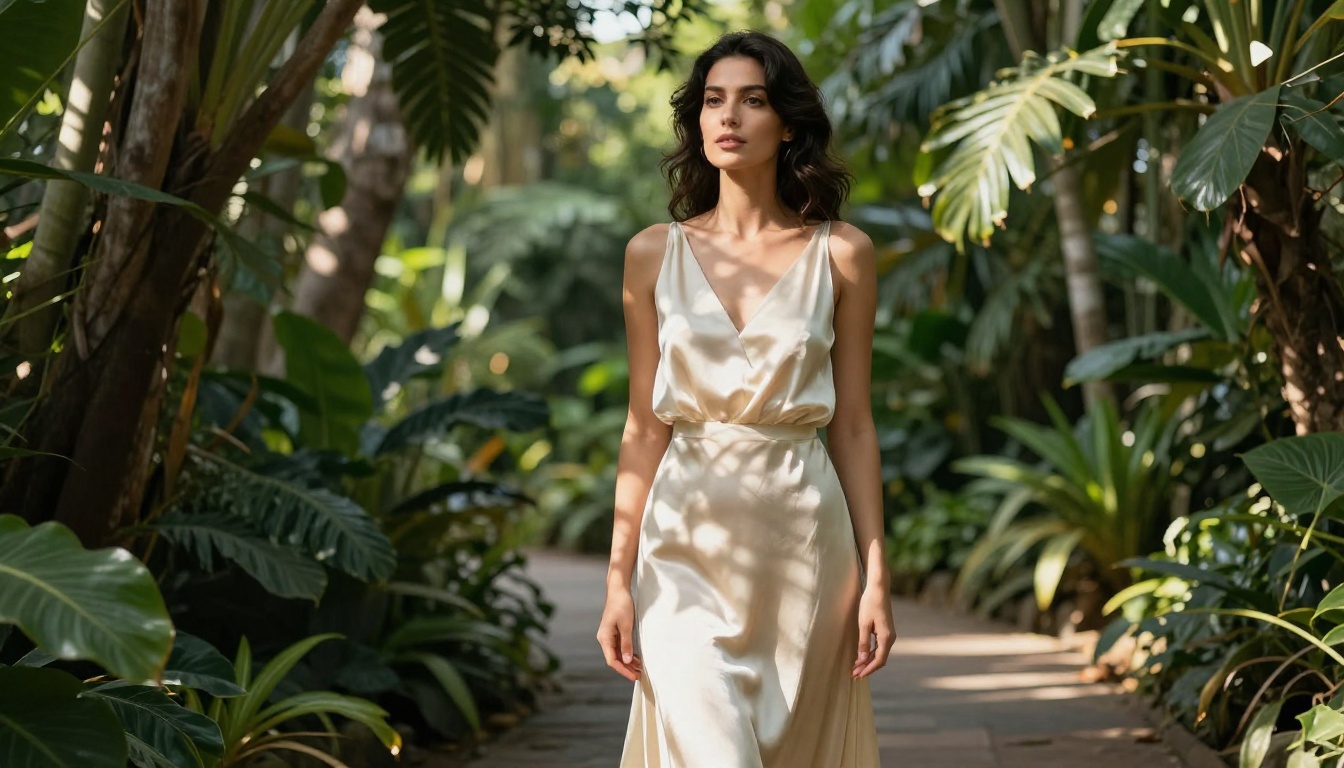
With Dreamina, simple prompts work well. "Woman in white dress in a garden at golden hour" produces a coherent, attractive result without any additional modifiers. You don't need technical language to get something usable within the first five minutes.
With Midjourney, prompt engineering is a real skill with a real payoff. Adding --ar 16:9 --style raw --v 6 at the end of every prompt is just the baseline. To get consistently great results, you need to understand weighted terms, negative prompts, style references, and the behavioral quirks of each model version. The ceiling is higher, but the climb to reach it is steeper.
Tip: If you want Midjourney-level prompt power without the Discord overhead, try Reve Create or Flux Redux Dev on PicassoIA. Both accept detailed descriptive prompts in a clean browser interface with no slash commands required.
Pricing Breakdown
Neither tool is cheap at scale, but they structure their pricing in ways that favor different types of users.
Free Tiers Compared
Dreamina offers a free tier with daily generation credits. It's limited but genuinely enough to evaluate the platform seriously before paying anything. Free users get access to most basic features including text-to-image, basic editing, and standard resolution outputs. The limitations appear when you want more daily credits, higher resolution exports, or priority queue access during peak hours.
Midjourney's free trial was discontinued for most new users in 2023. Occasionally they bring it back for limited windows, but for most people, using Midjourney means paying from day one. There's no meaningful way to evaluate the platform's quality without a subscription, which is a real barrier for creators who want to test before committing.
What Paid Plans Actually Give You
| Feature | Dreamina Pro | Midjourney Basic |
|---|
| Monthly price | ~$10 | $10 |
| Credits per month | 3,000+ | 200 fast hours |
| Max resolution | 4K | 2048px |
| Commercial license | Yes | Yes |
| Editing tools | Full suite | Limited |
| Priority queue | Yes | Partial |
| Stealth mode | No | Yes (Standard+) |
| Video generation | Yes | No |
Dreamina offers more credits for the same base price, while Midjourney's higher tiers include stealth mode for private generations and higher-speed queues. Serious professional use on either platform realistically requires a mid-tier plan of $20 to $30 per month, and that's where Dreamina's overall value proposition becomes more compelling for volume work.
Editing and Post-Generation Tools
This is where Dreamina pulls significantly ahead of Midjourney in practical day-to-day creative use.
Inpainting and Object Editing
Dreamina's in-app editing suite is extensive and genuinely useful. You can select and repaint any region of an image, remove unwanted objects, replace backgrounds entirely, and adjust specific elements without regenerating the whole image from scratch. This makes it far more practical for commercial work where a client needs to change a product color, swap a background, or remove an element after the fact.
Midjourney's editing capabilities are minimal by comparison. The Vary (Region) tool lets you repaint sections of an image, but it's less precise and works best when staying within Midjourney's own visual style. Anything requiring surgical, detail-level edits is better handled by exporting to a dedicated editing tool, which adds steps to the workflow.
Tip: For powerful inpainting and precise object replacement without leaving your browser, Qwen Image Edit Plus on PicassoIA handles natural language editing instructions with excellent regional accuracy.
Style Consistency Across Images
Midjourney has a clear advantage in this area. Its style reference feature (--sref) lets you maintain a consistent visual identity across multiple generations, which is essential for brand campaigns, editorial series, or illustration sets. The character reference feature (--cref) keeps the same face or figure consistent across different scenes and compositions.
Dreamina has introduced similar features over time, but the execution is less refined and the results are less predictable. For users building a cohesive visual series for a client or brand, Midjourney's consistency tools are meaningfully more reliable and worth the premium if that's a core part of your workflow.
No tool is without real weaknesses, and both Dreamina and Midjourney have limitations that matter in specific professional contexts.
Dreamina's Weaknesses
The biggest issue with Dreamina is its quality ceiling. Even at maximum settings with a carefully written prompt, its outputs rarely reach the visual sophistication of a well-prompted Midjourney v6 image. For portfolio work, high-end brand campaigns, or any context where image quality is the primary metric, that gap is visible to trained eyes.
The platform also has a content moderation policy that can feel inconsistent in practice. Certain prompt constructions get flagged unpredictably, which disrupts iterative workflows when you're refining a concept quickly. And because it's a ByteDance product, some organizations have data privacy concerns about generated content and storage policies.
Midjourney's Weaknesses
Midjourney's Discord-first experience remains a genuine operational barrier. The interface is a documented complaint even among enthusiastic long-term users. Generations are slow on the basic plan, the community server is loud and distracting to navigate, and there's no native project organization beyond what Discord channels provide.
It also has no meaningful video generation, no audio tools, and limited post-generation editing compared to Dreamina's suite. For creators who need a complete production pipeline, Midjourney covers only one part of it. The entry plan's fast generation hours run out quickly for anyone doing volume work, which means the real cost for serious users is closer to $30 to $60 per month.
Using Seedream 4.5 on PicassoIA
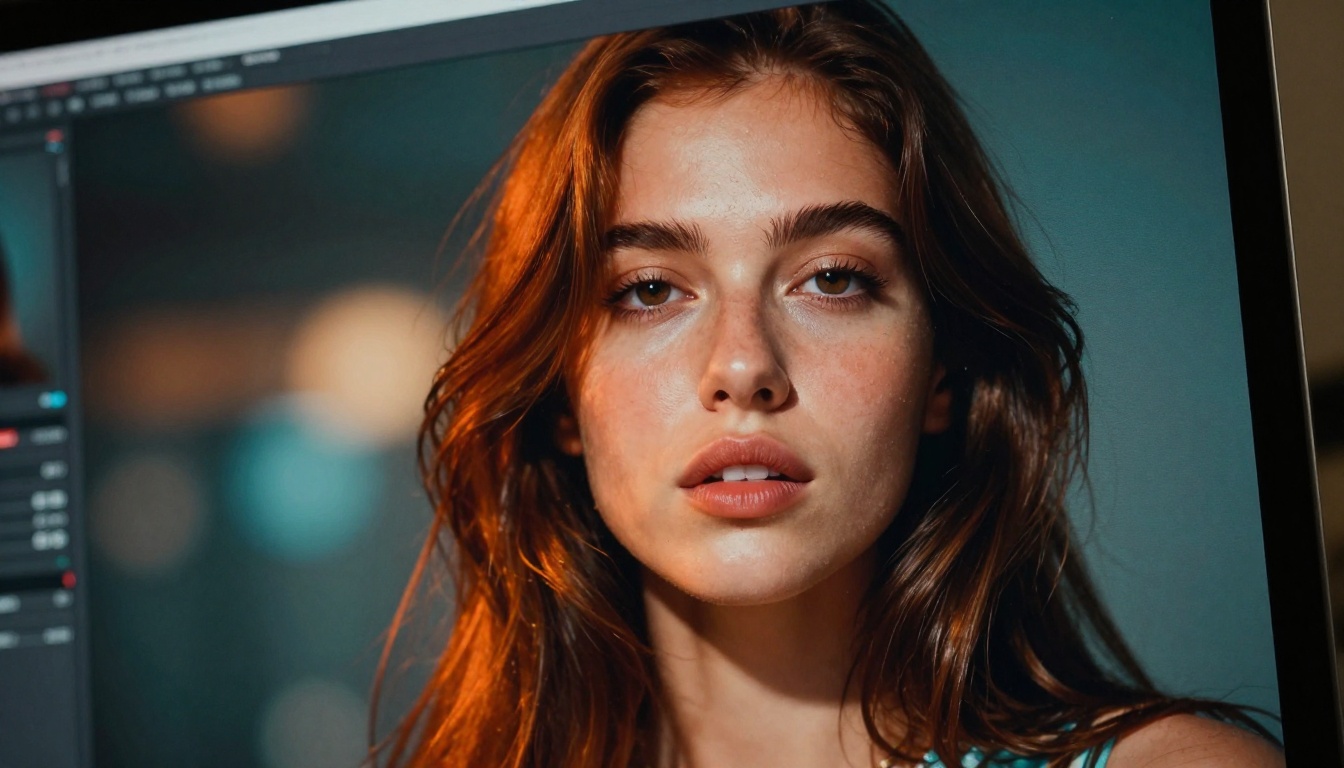
Seedream 4.5 is directly relevant to this comparison because of its connection to Dreamina. Both are ByteDance products. Seedream 4.5 is the underlying model technology, and using it directly through PicassoIA gives you more granular control over the same core generation engine that powers Dreamina's best outputs.
Why Seedream 4.5 Rivals Both
Seedream 4.5 was built specifically for high-resolution, photorealistic generation at 4K quality. Its training pipeline focuses on natural lighting response, accurate human anatomy, and consistent color science, which means it handles portrait photography and lifestyle content exceptionally well. In direct output comparisons, it sits comfortably between Dreamina's ease and Midjourney's quality ceiling, making it a strong choice when you need the best of both.
The key advantage of using it through PicassoIA rather than through Dreamina's consumer interface is control. You can adjust parameters directly, combine it with editing models, and run it alongside other models like Flux Redux Dev or GPT Image 2 within the same session.
Step-by-Step with Seedream 4.5
- Go to Seedream 4.5 on PicassoIA
- In the prompt field, describe your scene in natural language. For portraits, specify lighting direction, lens type, and the level of skin detail you want
- Set the aspect ratio to 16:9 for landscape outputs or 9:16 for vertical social content
- Leave the seed blank for variety, or pin a seed once you find a result worth building on
- Click Generate and wait 10 to 20 seconds for a full 4K output
- Use the edit tools to refine specific regions if any element needs adjustment
Tip: Add descriptors like "volumetric morning light from the left, 85mm f/1.4, Kodak Portra 400 film grain" to your Seedream 4.5 prompts for outputs that match professional photography quality without post-processing.
More Models Worth Trying
If you're looking beyond Dreamina and Midjourney entirely, PicassoIA has several models that fill gaps both platforms leave open.
Flux Redux Dev for Variations
Flux Redux Dev by Black Forest Labs is the preferred model for generating controlled image variations from a reference. If you have a source image and need multiple stylistic variants that maintain consistent composition, color palette, or subject identity, Flux Redux handles it with more precision than Midjourney's vary tools. It preserves structural elements while allowing meaningful stylistic flexibility in each output.
GPT Image 2 for Precision
GPT Image 2 by OpenAI excels when you need exact instruction-following. Product placement in specific positions, legible text rendered inside images, and precise spatial arrangements of multiple objects are areas where most models produce unreliable results. GPT Image 2's ability to interpret complex descriptive prompts makes it the right choice for marketing materials that need to hit exact visual specifications on the first generation.
For ultra-high resolution cinematic outputs, Wan 2.7 Image Pro generates true 4K images with film-grade color grading. And Hunyuan Image 2.1 from Tencent brings strong performance for detailed architectural scenes and content where precise fabric and environmental texture matter.
Which One Do You Actually Need?
The right answer depends entirely on what you're making and how your creative process works day to day.
Best for Beginners
Dreamina wins here. The free tier, the approachable interface, and the integrated editing tools make it significantly easier to get real results without prior experience with AI image tools. If you're evaluating AI generation for the first time, Dreamina removes every barrier that Midjourney puts in your way. You can go from zero to a finished, editable image in under two minutes.
The caveat worth noting: you will hit the ceiling. When the quality limitation starts affecting your work, the move to more capable models becomes necessary.
Best for Professionals
Midjourney wins here, particularly for visual designers, concept artists, and creative directors who need images with a distinctive, high-craft aesthetic that clients recognize and value. The style reference system, the quality of its v6 outputs, and the active community of practitioners sharing prompt techniques make it the working professional's choice for high-visibility campaigns.
That said, "professional" also includes high-volume content creators who need consistent, editable outputs delivered fast. For that workflow, Dreamina or Seedream 4.5 through PicassoIA is more practical than Midjourney's credit-limited system.
Best for Content Creators
Content creators who need speed, variety, and built-in editing in one place should start with Dreamina, then consider moving to PicassoIA for access to a broader catalog of specialized models. The combination gives you Dreamina's ease of use plus the power of Flux Redux Dev, GPT Image 2, and Wan 2.7 Image Pro depending on what each individual project demands.
Quick decision framework:
- You want free to start with all-in-one editing: Dreamina
- You want the highest aesthetic quality for portfolio or brand work: Midjourney
- You want 4K photorealistic output with direct model control: Seedream 4.5 on PicassoIA
- You want access to 90+ specialized models in one place: PicassoIA
Create Your Own Images Now
The fastest way to settle the Dreamina vs Midjourney question for your specific workflow is to run the same prompt through multiple models and see what actually comes back. PicassoIA gives you direct access to Seedream 4.5, Flux Redux Dev, GPT Image 2, Wan 2.7 Image Pro, Hunyuan Image 2.1, and over 90 more text-to-image models, all without switching between apps or managing multiple subscriptions.
Take a prompt you'd normally run in Dreamina or Midjourney. Try it in Seedream 4.5. Then try Flux 2 Klein for a different visual take on the same idea. Within a few minutes, you have a real side-by-side comparison built on your actual creative needs, not someone else's benchmark tests or curated showcase images.
The platform also includes image editing, background removal, super-resolution upscaling, and video generation tools, so once you find the model that fits your work, the entire production pipeline lives in one place. No Discord, no credit conversion math, no platform switching mid-project.


