Running a small shop while keeping up with kids, orders, packaging, and social media is a lot. Most moms don't have time to learn complex editing software, hire a photographer, or spend hours making their Instagram look polished. But the shops with the best photos are the ones that sell, and that gap feels unfair when you're working just as hard. That's exactly where easy AI for moms running small shops changes what's possible, without requiring design skills, a fancy camera, or a big budget.
Why Product Photos Make or Break Small Shops
Buyers decide in under 3 seconds
Online shoppers don't read first. They look. Research from major e-commerce platforms consistently shows that product images drive purchasing decisions faster than any other element on a listing page. A blurry phone shot on a cluttered background tells a buyer "this seller doesn't take their work seriously." A clean, bright, well-framed image says the opposite, even if the product is identical.
The hard truth: you can have the best handmade candles on Etsy and still lose sales to a shop with weaker products but sharper photos.
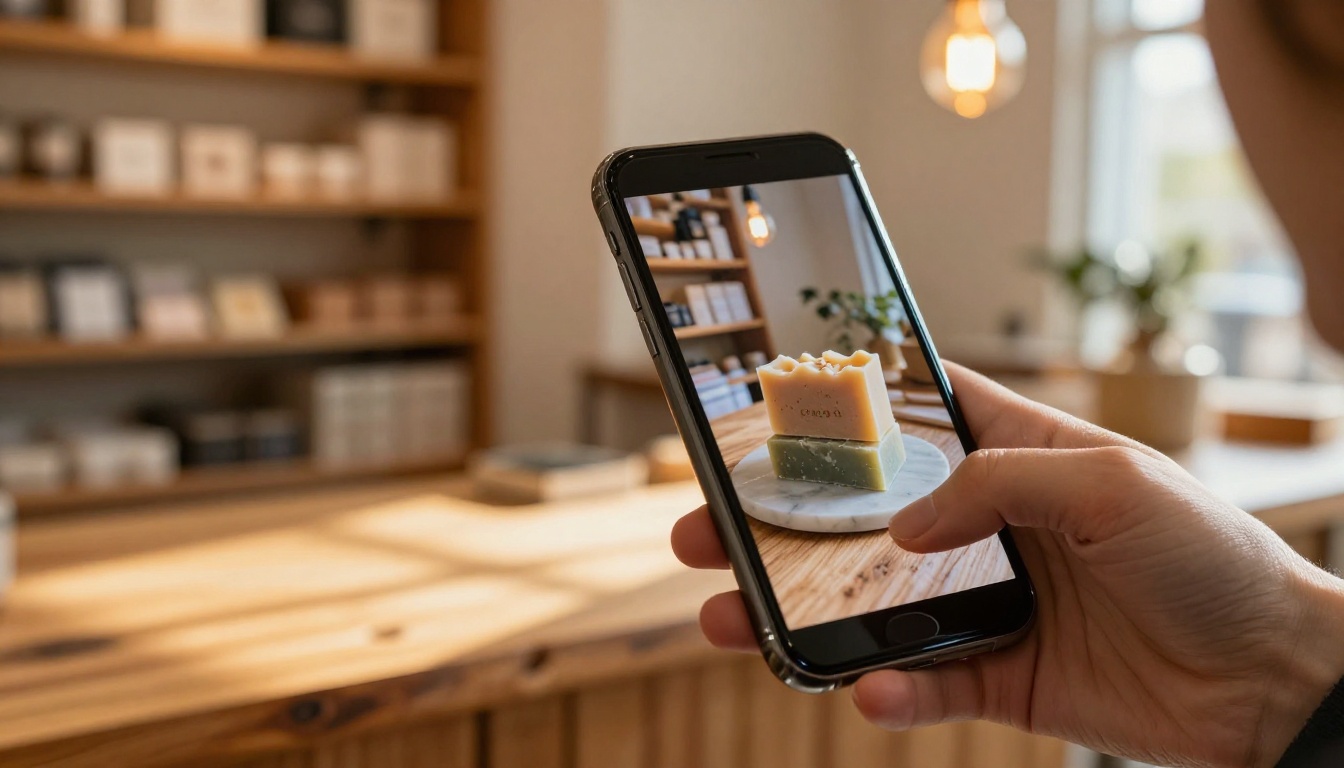
The real cost of skipping this
Here's what poor product photography actually costs:
| Problem | Impact |
|---|
| Low-resolution images | Lower search ranking on Etsy and Amazon |
| Cluttered backgrounds | Higher bounce rate on product pages |
| Inconsistent lighting | Buyers distrust the real product color |
| No lifestyle shots | Lower perceived value and price ceiling |
| Blurry close-ups | More returns and refund requests |
None of this is your fault. Taking great product photos requires either skill, equipment, or money. AI now removes that barrier entirely, and the results are genuinely good.
What AI Actually Does for Shop Owners
It handles the technical parts you don't want to deal with
AI tools for small business owners are not about replacing your creativity. They handle the technical steps that used to require professional software or a hired expert:
- Removing backgrounds from product photos with one click
- Upscaling blurry or small phone images to high-resolution quality
- Generating new product lifestyle images from a text description
- Creating social media graphics without any design skills
- Writing product descriptions from a photo or simple bullet points
These are the exact tasks that eat hours from a shop owner's week, and they're the ones AI handles best.
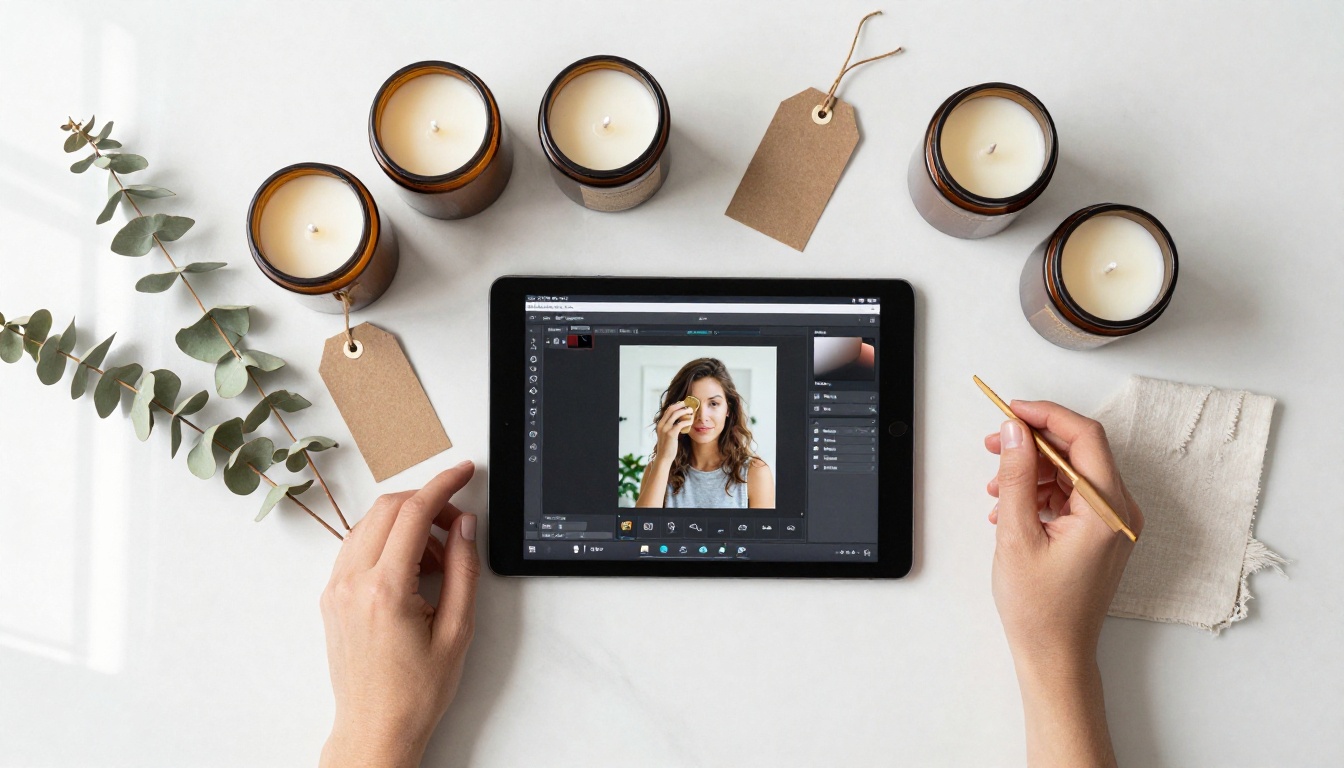
The tools that actually matter
Not every AI tool is worth your time. For moms running small shops, the highest-impact tools fall into three categories:
💡 Focus on output, not features. The best AI tool is the one that produces a usable result in under 5 minutes, not the one with the most settings.
1. AI Image Generators for creating product photos, lifestyle scenes, and social media visuals from text prompts.
2. Background Removers for cutting your product out of any photo so you can place it on a clean white or branded background.
3. Image Upscalers for turning a mediocre phone photo into a crisp, high-resolution image good enough for print or large listings.
What to skip and why
Avoid tools that require installation, monthly subscriptions before you've tested them, or a significant time investment to set up. The AI tools worth using in 2027 run entirely in your browser, produce results in under a minute, and have free tiers that let you test properly before paying anything.
Product Photos Without a Studio
Remove backgrounds in seconds
One of the most time-consuming parts of product photography used to be isolating the product from its background. Professional photographers charge for this. Designers charge even more. AI does it in under a minute.
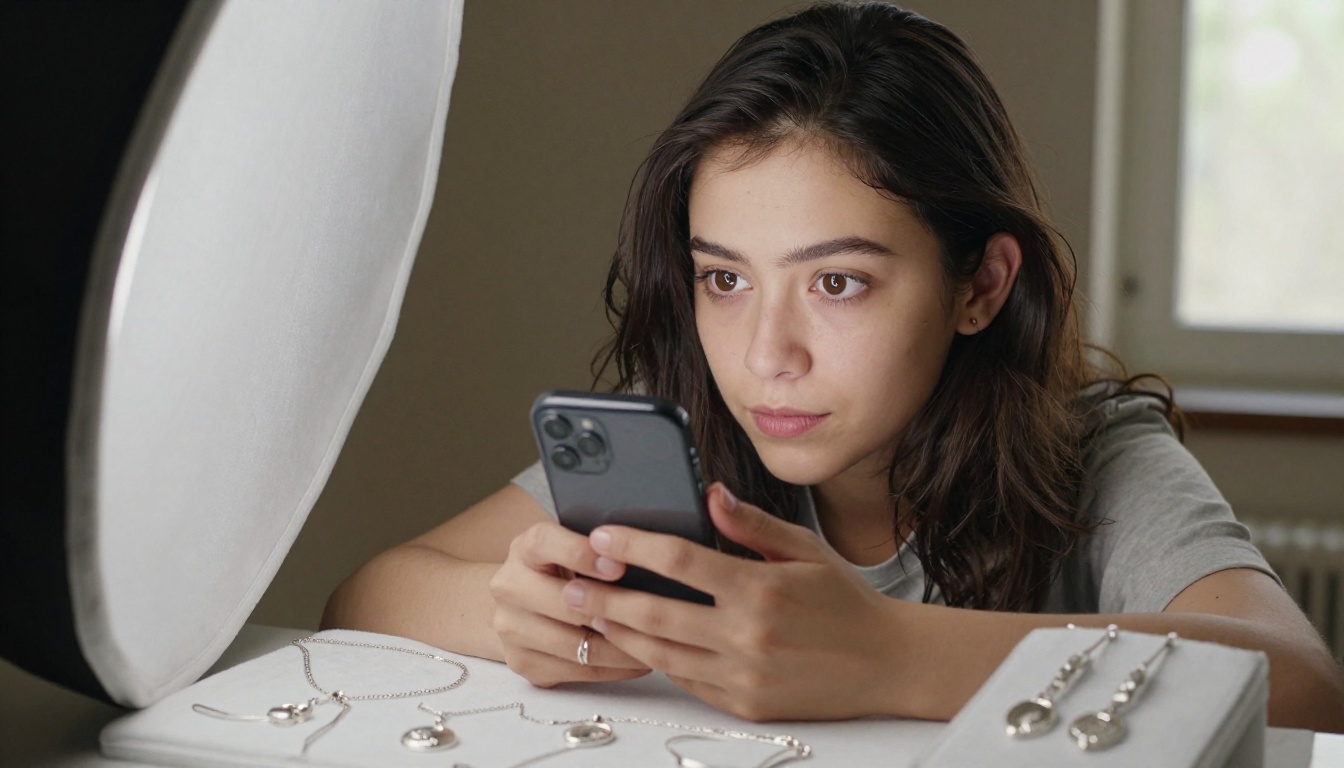
The Remove Background by Bria model on PicassoIA handles this cleanly for any product: handmade soaps, jewelry, ceramics, clothing, or bath products. You upload your phone photo, the AI cuts out the background automatically, and you get a transparent PNG ready to place on any background you choose.
Practical workflow:
- Take a photo of your product on any surface, even a table or floor
- Upload to the Remove Background tool
- Download the transparent product image
- Place it on a white background, a lifestyle scene, or a branded color
- Done in about 90 seconds
No more propping products against a white poster board and hoping the lighting cooperates.
Upscaling blurry phone shots
Smartphone cameras have improved a lot, but they still struggle in low light, at close range with small products, and with fine detail like jewelry clasps or embroidery stitches. That's where AI upscalers make a real difference.
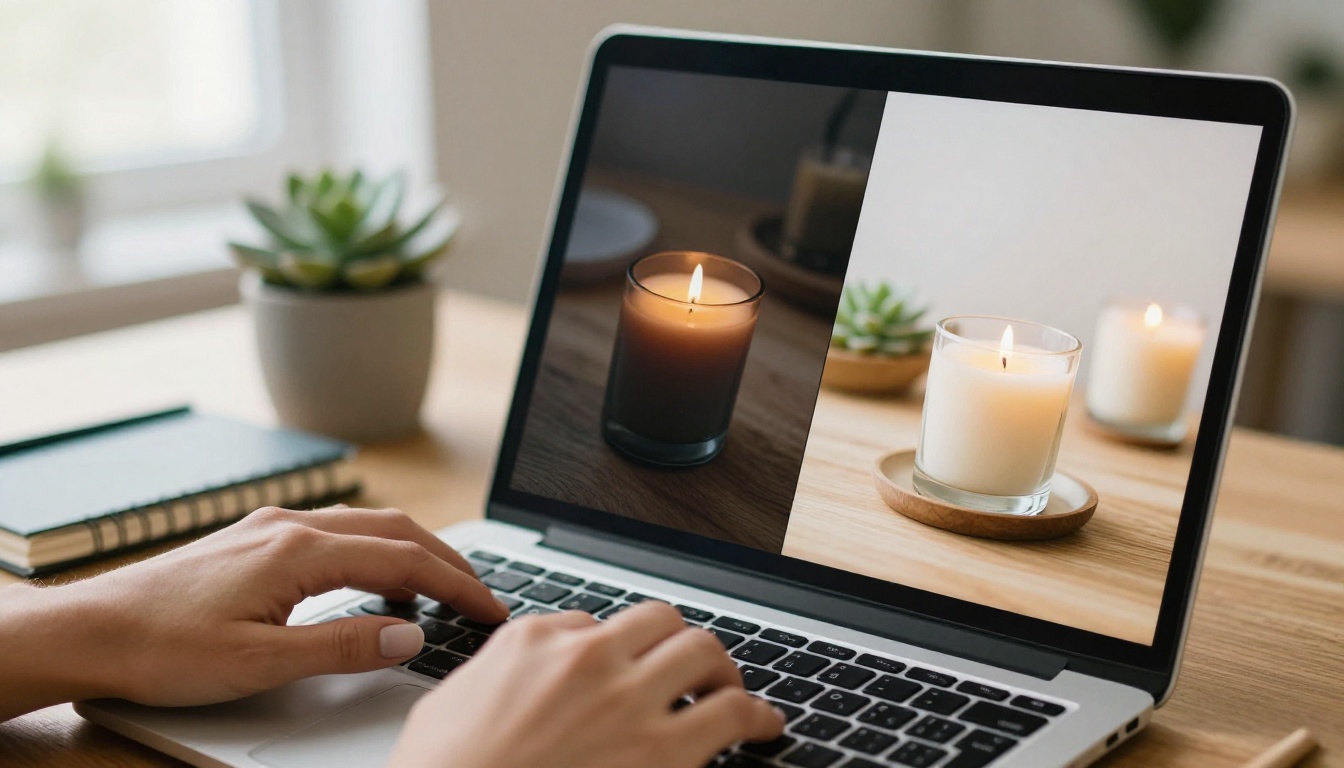
PicassoIA offers several strong options depending on your product type:
For most shop owners, Real ESRGAN or Google Upscaler will handle 90% of situations without any cost.
How to Use PicassoIA for Product Images
This section walks through exactly how to create professional-looking product images using PicassoIA, step by step, even if you've never used an AI image tool in your life.
Step 1: Create a free account
Go to PicassoIA and sign up with your email. No credit card required to access the free-tier tools. Everything runs in your browser, so there's nothing to download or install.
Step 2: Choose the right tool for your goal
For product photos, start with one of these three paths:
- Generate a completely new product scene: Use the text-to-image section, where 91 models are available
- Fix and sharpen an existing photo: Use the super-resolution section for upscaling
- Cut out a product background: Use the dedicated background removal tool
Step 3: Write your first image prompt
This is where most beginners get stuck, but it's simpler than it looks. Follow this formula:
💡 Prompt formula: [Your product] on [surface], [lighting style], [photo style], white background, professional product photography, 8K
Example prompt you can use right now:
"Handmade lavender soap bar on white marble slab, soft natural window light from the left, clean white background, professional product photography, photorealistic, 8K detail, no text"
That's it. Paste it in, click generate, and see what comes back. Adjust one word at a time if the first result isn't quite right.
Step 4: Download and put it to work
Generated images download as high-resolution JPGs, ready for Etsy listings, Instagram posts, your website, printed packaging inserts, or anywhere else you need them.
💡 Batch your sessions: Spend one hour per week generating images for the next 7 to 10 days of content. One focused session, done until next week.
Social Media Content in Half the Time
From one product to ten pieces of content
The biggest time drain for small shop owners is not making the products. It's creating content around them. AI collapses that bottleneck significantly.
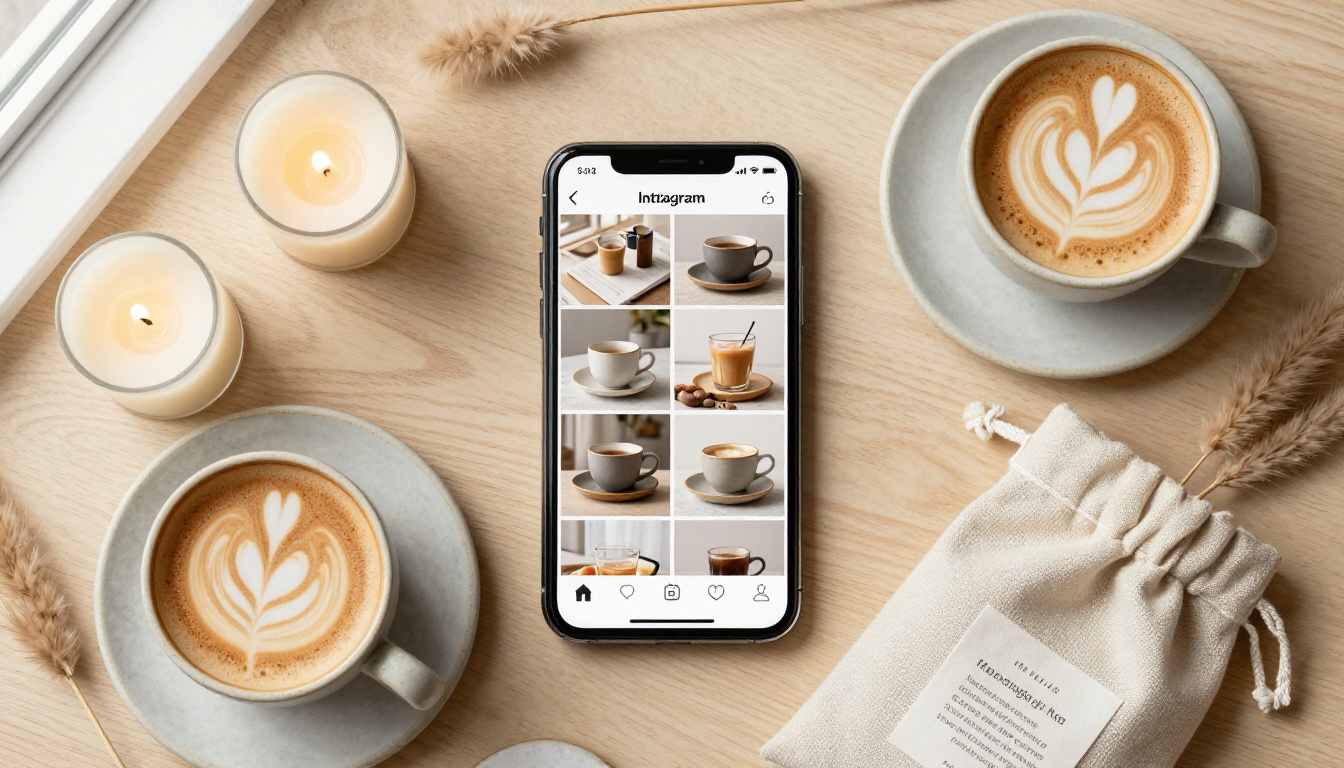
Starting from a single product description, you can generate:
- White background shot for the main listing image
- Lifestyle scene showing the product in a real-world setting
- Close-up detail shot highlighting texture or craftsmanship
- Flat-lay composition with complementary styling props
- Seasonal variation with holiday or seasonal styling elements
That's five distinct, usable images from one product, in under 30 minutes with AI.
Creating a consistent visual brand
Consistency builds trust. Buyers who see the same color palette, lighting style, and photography aesthetic across your posts start recognizing your brand before they even see your name.

AI tools help maintain that consistency by generating images in the same style every time when you use a consistent prompt structure. Pair that with background removal so every product sits on the same clean base, and upscaling so every image hits the same resolution.
A simple visual brand formula:
| Element | Your Choice | Example |
|---|
| Background color | One consistent tone | Soft white, warm cream, sage green |
| Lighting style | Stick to one phrase | "Soft morning window light" |
| Surface or prop | One or two recurring elements | Marble slab, linen cloth, wood board |
| Photo angle | Two or three max | Overhead, 45-degree, straight-on |
Pick your formula once. Apply it to every product. Your shop looks like a real brand within a week.
What It Actually Costs
The honest breakdown
Most moms considering AI tools want to know one thing: is this free, or is it going to cost money?
| Tool Category | Free Option | Paid Option | Worth Paying? |
|---|
| Background removal | Yes, limited uses per month | Yes, unlimited | Yes for daily volume |
| Image upscaling | Yes, 4x, free tiers available | Yes, 6x, batch processing | Only if upscaling daily |
| AI image generation | Yes, limited credits | Yes, monthly plans | Yes for 10+ images per week |
For a mom just starting out, you can accomplish a lot for free. PicassoIA's free tier covers background removal, upscaling, and image generation credits each month. That's enough to properly test whether these tools actually save you time before spending anything.
A real weekly workflow
This is a realistic weekly schedule for a shop owner with limited time:
Monday (30 minutes):
- Take 5 to 10 simple product photos with your phone
- Upload all of them to the Remove Background tool
- Download the transparent versions and save to a folder
Wednesday (45 minutes):
- Use AI image generation to create lifestyle scenes for the week's posts
- Run any blurry shots through Real ESRGAN for upscaling
- Save everything organized by product to a "content ready" folder
Friday (15 minutes):
- Post or schedule content using the ready images
- No scrambling for photos. No last-minute editing sessions.
That's under 90 minutes per week of AI tool time to keep a shop looking like it has a professional photography team behind it.
Trying to do everything at once
The most common mistake is downloading five different apps at once, feeling overwhelmed, and abandoning all of them. Start with one tool for one problem: removing backgrounds from product photos. Do that for a week. Then add the next tool once the first feels natural.
Accepting the first result
AI image generation is iterative. The first image you generate usually won't be perfect, and that's normal. Adjust one element in your prompt and generate again. A darker surface instead of white. More specific lighting. Adding "no props, product only" if the background feels busy. Most shop owners who say AI doesn't work gave up after one attempt.
💡 The three-attempt rule: Always generate at least three variations before deciding the tool doesn't work for your product.
Skipping the upscale step before posting
A 512-pixel image looks amateurish on any modern screen or large listing photo. Upscaling takes 30 seconds and the difference is visible immediately. Run every image through Topaz Image Upscale or Bria Increase Resolution before it goes public. This one step separates average listings from the ones that look worth the price.
The Real Difference AI Makes for Small Shops
Most small shop owners are not losing to bigger competitors because of price or product quality. They're losing because bigger shops have photographers, designers, and social media managers on their payroll.
AI levels that playing field.
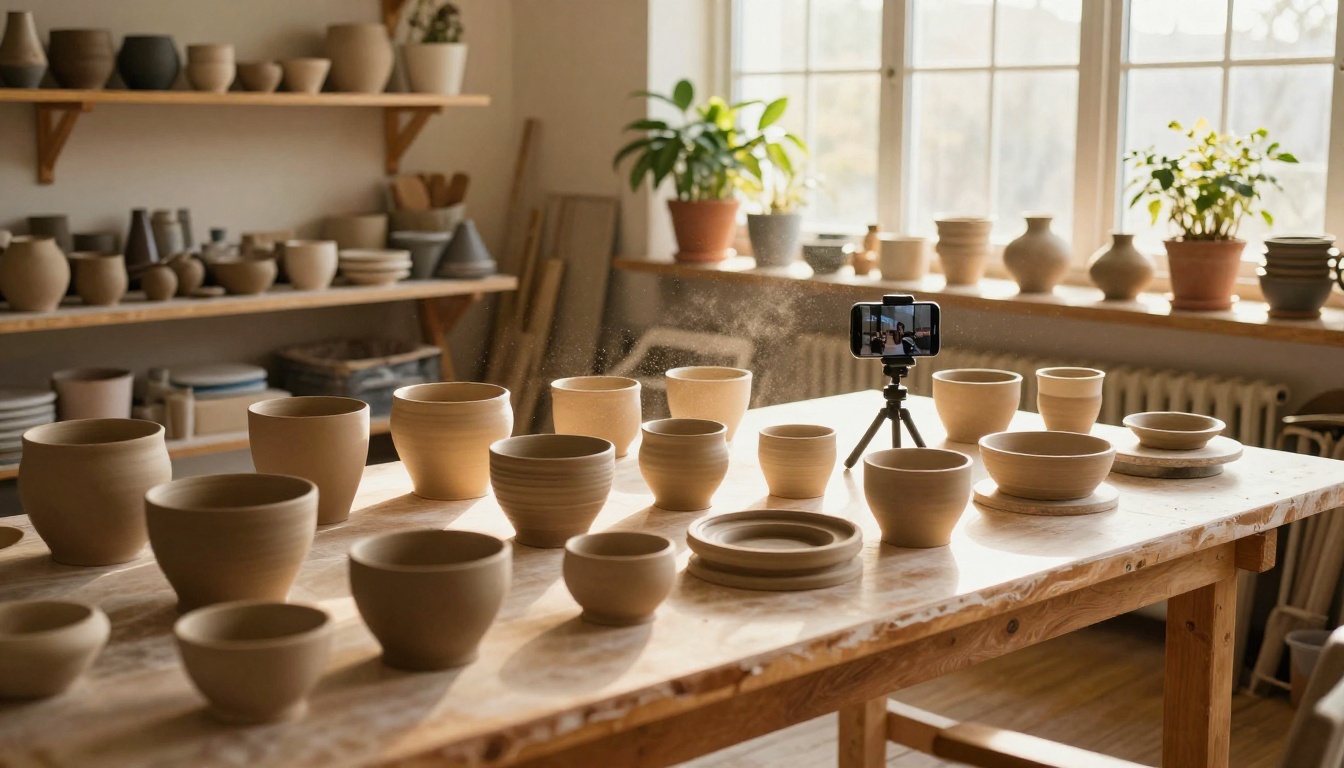
The mom running a candle shop from her kitchen table can now produce product imagery that looks like it came from a professional shoot, and she can do it in the time it takes to drink a cup of coffee. That's not a minor advantage. It's the difference between a shop that grows and one that plateaus.
What changes when your visuals improve:
- Higher click-through rate on listings
- More saves and shares on Instagram and Pinterest
- Buyers willing to pay more because perceived value rises with photo quality
- Fewer buyer questions about what the product actually looks like
- More repeat buyers who remember your brand's visual aesthetic
These are not abstract outcomes. They show up in your shop stats within weeks of improving your imagery.
Your Products Deserve Photos That Do Them Justice
You've been doing the hard part, making the actual products, for a long time. The photos don't have to be the hard part anymore.
PicassoIA is built for exactly this use case: getting professional-quality visuals without a professional's budget or a professional's schedule. Start with background removal on your next product photo. See how it looks on a clean white background. Then try upscaling an old listing image that's been underperforming. Give yourself one week of testing before forming a final opinion.
The starting point that works:
- Pick one product that isn't selling as well as it should
- Take a simple phone photo of it, any background, decent light
- Remove the background with Remove Background by Bria
- Upscale the result with Google Upscaler
- Replace your existing listing photo with the new version
- Check your stats in 7 days
That's the whole experiment. It costs nothing, takes under 10 minutes, and either proves the value immediately or tells you something specific about what needs adjusting.
The tools are ready. Your products are ready. All that's left is seeing what your shop looks like when the visuals finally match the quality of what you make.
Try PicassoIA for free and spend more time on what you're actually good at: building a shop people come back to.


