Imagine creating videos that look professionally produced without ever touching editing software. This article shows you exactly how to use AI video generators that work with simple text descriptions. You'll learn which tools give the best results for different types of content, how to write effective prompts, and what settings to use for optimal quality. Whether you need marketing videos, educational content, or creative projects, these AI solutions handle everything from animation to realistic scenes.
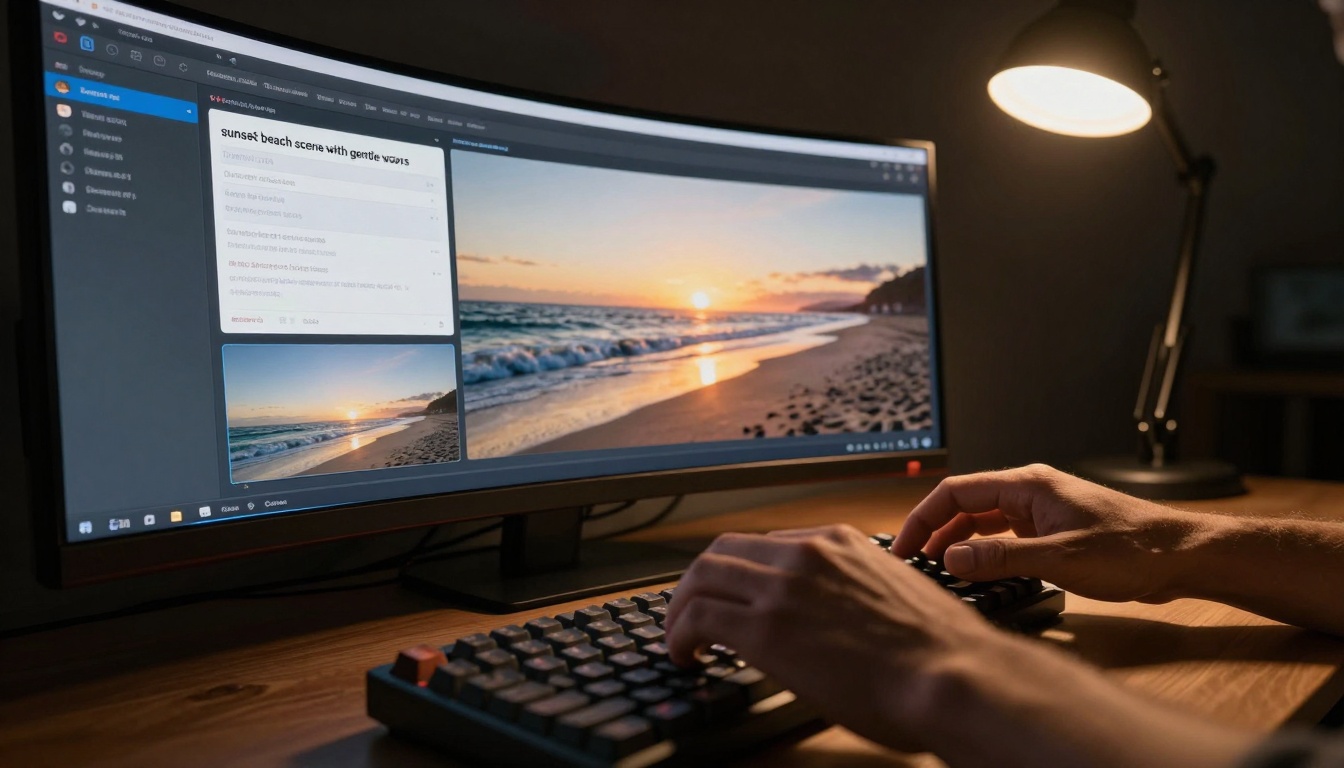
The interface of modern AI video tools has become remarkably simple - just type what you want to see.
What AI Video Creation Actually Does
AI video creation tools transform your text descriptions into moving visual content. When you type "a sunset beach scene with gentle waves," the system doesn't just find stock footage - it generates entirely new video that matches your description. This happens through complex neural networks that understand both language and visual patterns.
💡 How text becomes moving images: AI video models like Sora-2 and Veo-3.1 work by predicting how pixels should change over time. They start with a basic image generated from your text, then create subsequent frames that maintain consistency while introducing natural motion.
The role of diffusion models in video builds on image generation technology but adds the temporal dimension. Instead of creating one static image, these models generate a sequence of images that flow smoothly together. Platforms like Kling-v2.6 and WAN-2.6-T2V use sophisticated algorithms to ensure objects move naturally and lighting changes consistently throughout the video.
Your First AI Video in 3 Steps
Getting your first AI-generated video takes less time than brewing coffee. Here's the straightforward process that works across all major platforms.
Step 1: Select your platform
Choose a tool that matches your needs. For absolute beginners, start with platforms offering simple interfaces like Ray-2-720p or Pixverse-v5. These provide clean, minimal interfaces without overwhelming options.
Step 2: Describe your scene
Write your prompt using this formula: Subject + Action + Environment + Style. For example: "A young woman walking through a futuristic city at sunset, cinematic lighting, 8K resolution." Be specific but not overly complex for your first attempt.
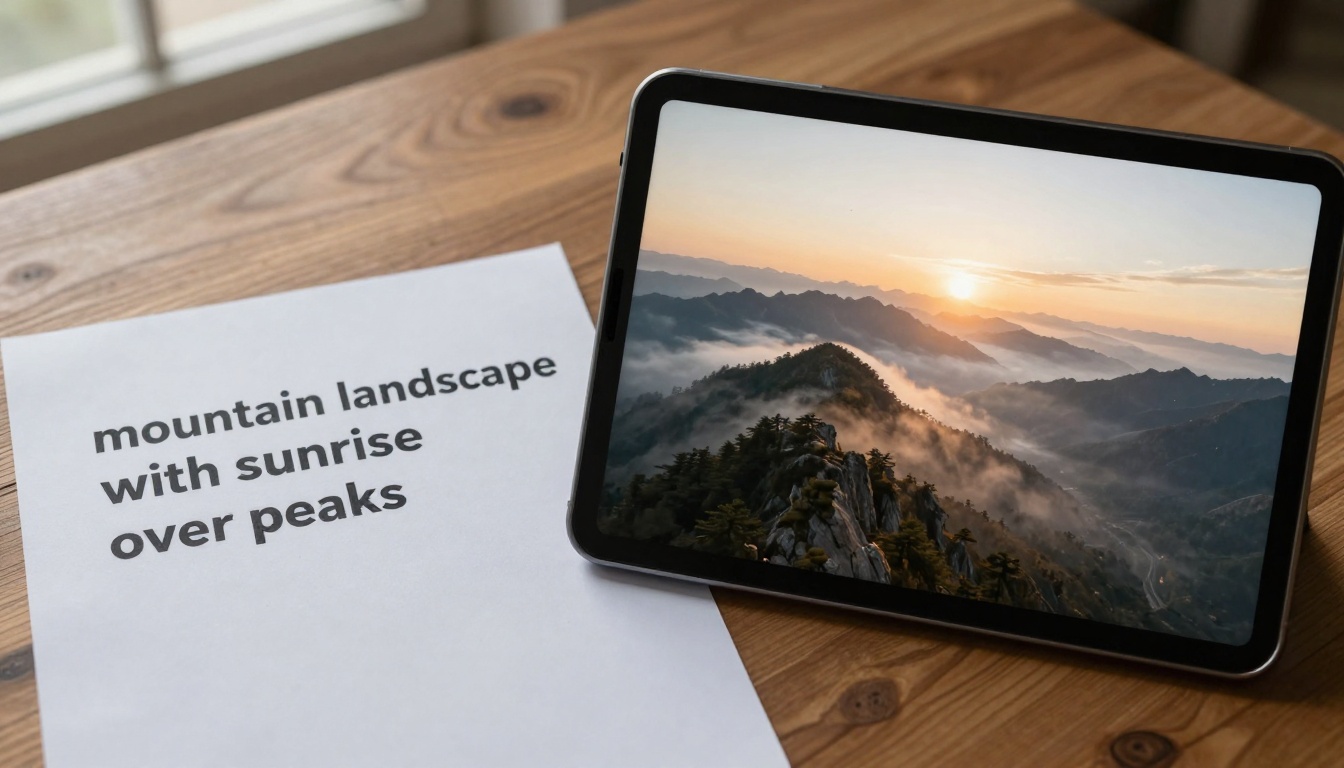
See how a simple text description transforms into a complete video scene.
Step 3: Generate and refine
Click generate and wait 30-90 seconds. Your first result might need refinement. Most platforms allow you to:
- Adjust duration (3-10 seconds typical for beginners)
- Change aspect ratio (16:9 for YouTube, 9:16 for TikTok)
- Add negative prompts ("no blurry faces, no distorted hands")
- Regenerate with different seeds for variation
💡 Pro tip: Save your first successful prompt exactly as written. This becomes your template for future videos, saving time and ensuring consistent quality.
Not all AI video platforms work the same way. Your choice depends on what you need to create and your technical comfort level.
Different tools cater to different skill levels and project requirements.
Text-to-video vs image-to-video represents the fundamental choice. Text-to-video tools like Cogvideox-5b create everything from your description. Image-to-video tools like WAN-2.5-I2V animate existing images you provide. Beginners often find text-to-video easier since you don't need source material.
Speed vs quality tradeoffs matter for different projects. Need something fast for social media? Try WAN-2.2-T2V-Fast or Ray-Flash-2-540p. Creating a professional presentation? Video-01-Director or Mochi-1 offer higher quality with slightly longer generation times.
Consider these factors when choosing:
- Interface simplicity: Can you understand the controls immediately?
- Output quality: Do sample videos look professional?
- Generation speed: How long until you see results?
- Cost structure: Free credits, subscription, or pay-per-use?
- Export options: What formats and resolutions are available?
Writing Prompts That Get Results
Your video quality depends almost entirely on how you write prompts. Good prompts aren't longer - they're more specific and structured.
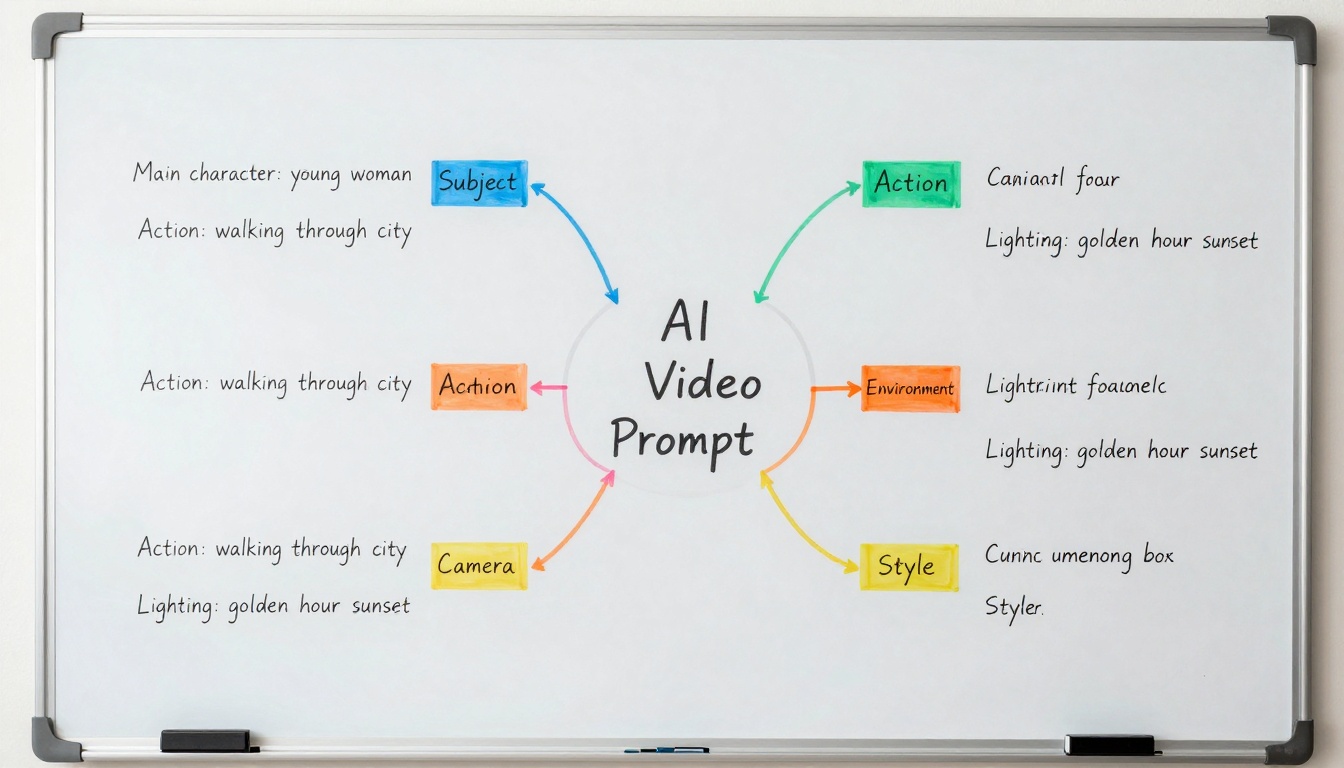
Organize your prompt thinking into clear categories for better results.
The anatomy of a good video prompt includes these essential elements:
- Main subject (who/what is the focus)
- Action/motion (what are they doing)
- Environment (where is this happening)
- Lighting/weather (time of day, atmosphere)
- Camera perspective (angle, movement)
- Style/aesthetic (cinematic, realistic, artistic)
- Technical specs (resolution, aspect ratio)
Adding motion and camera instructions separates basic prompts from professional ones. Instead of "a dog in a park," try "a golden retriever running through autumn leaves in a city park, slow-motion capture from ground level, camera tracking alongside, cinematic shallow depth of field." Tools like Kling-v2.6-Motion-Control specifically excel with motion instructions.
Using negative prompts effectively prevents common issues. Add "no distorted faces, no blurry motion, no unnatural lighting, no cartoon style" to maintain quality. Most platforms including Hunyuan-Video and Controlvideo support negative prompts that filter out unwanted elements.
💡 Beginner prompt formula: [Subject] + [doing what] + [in what environment] + [with what lighting] + [from what angle] + [in what style]
Common Beginner Mistakes to Avoid
Everyone makes mistakes when starting with AI video creation. Recognizing these early saves hours of frustration.
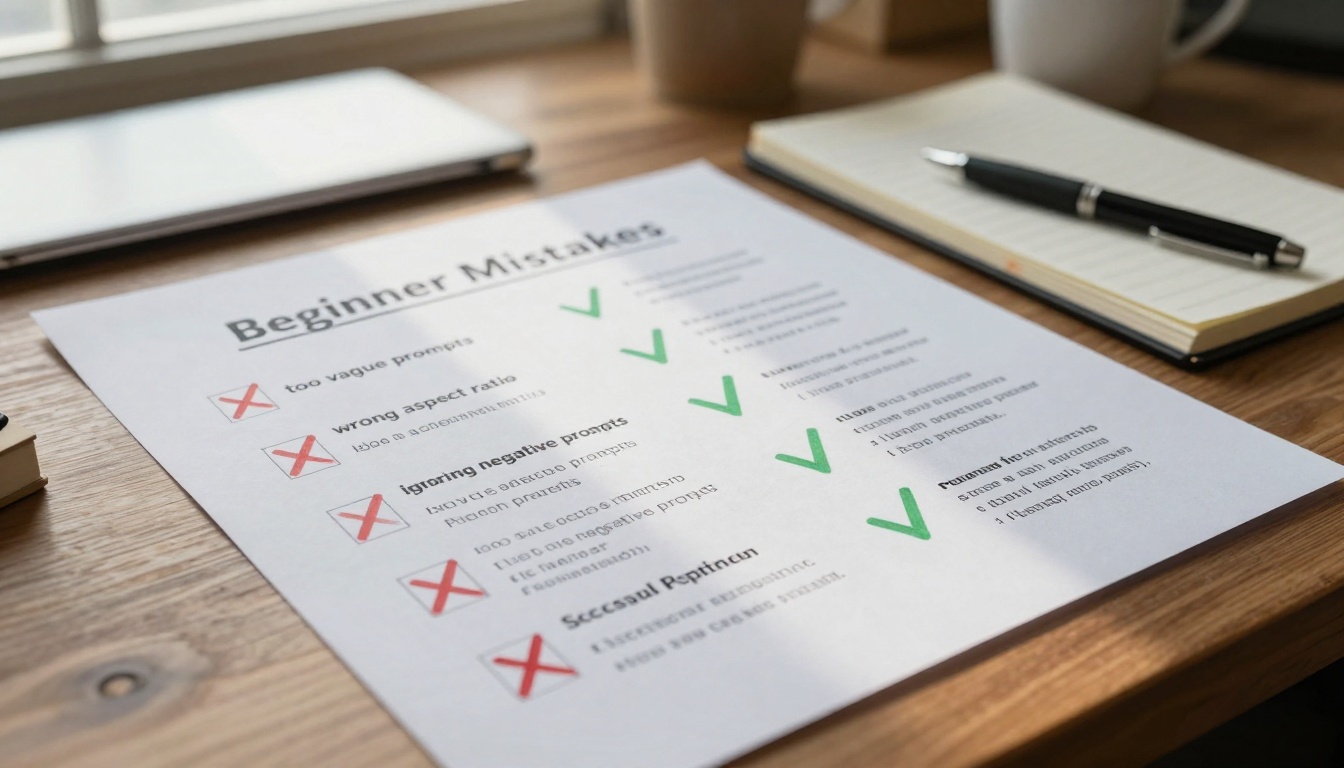
Keep this checklist handy to avoid the most common beginner errors.
Why your first videos might look strange often comes down to prompt issues. The AI interprets everything literally - "a person dancing" might generate someone with eight arms if the model struggles with complex motion. Start with simple, clear actions like "a person walking slowly" or "a cat sitting still."
The importance of aspect ratios cannot be overstated. Social media platforms have specific requirements:
- YouTube: 16:9 landscape
- TikTok/Instagram Reels: 9:16 vertical
- Facebook/Instagram Feed: 1:1 square or 4:5 vertical
- LinkedIn: 1:1 square
Tools like Stable-Diffusion-Videos and Animatediff-Prompt-Travel let you specify aspect ratio directly in the prompt.
When to use longer prompts vs short ones depends on the model. Some platforms like Veo-3 work better with detailed descriptions, while Ray-2-540p prefers concise prompts. Test both approaches with your chosen tool.
Common mistakes checklist:
- ✅ Using wrong aspect ratio for target platform
- ✅ Too vague descriptions ("something cool")
- ✅ Ignoring negative prompts for quality control
- ✅ Expecting Hollywood quality from first attempt
- ✅ Not specifying camera movement or angle
- ✅ Forgetting to check lighting conditions in prompt
- ✅ Using conflicting style descriptors
- ✅ Not saving successful prompts as templates
Advanced Techniques Made Simple
Once you've mastered the basics, these techniques dramatically improve your results without complexity.
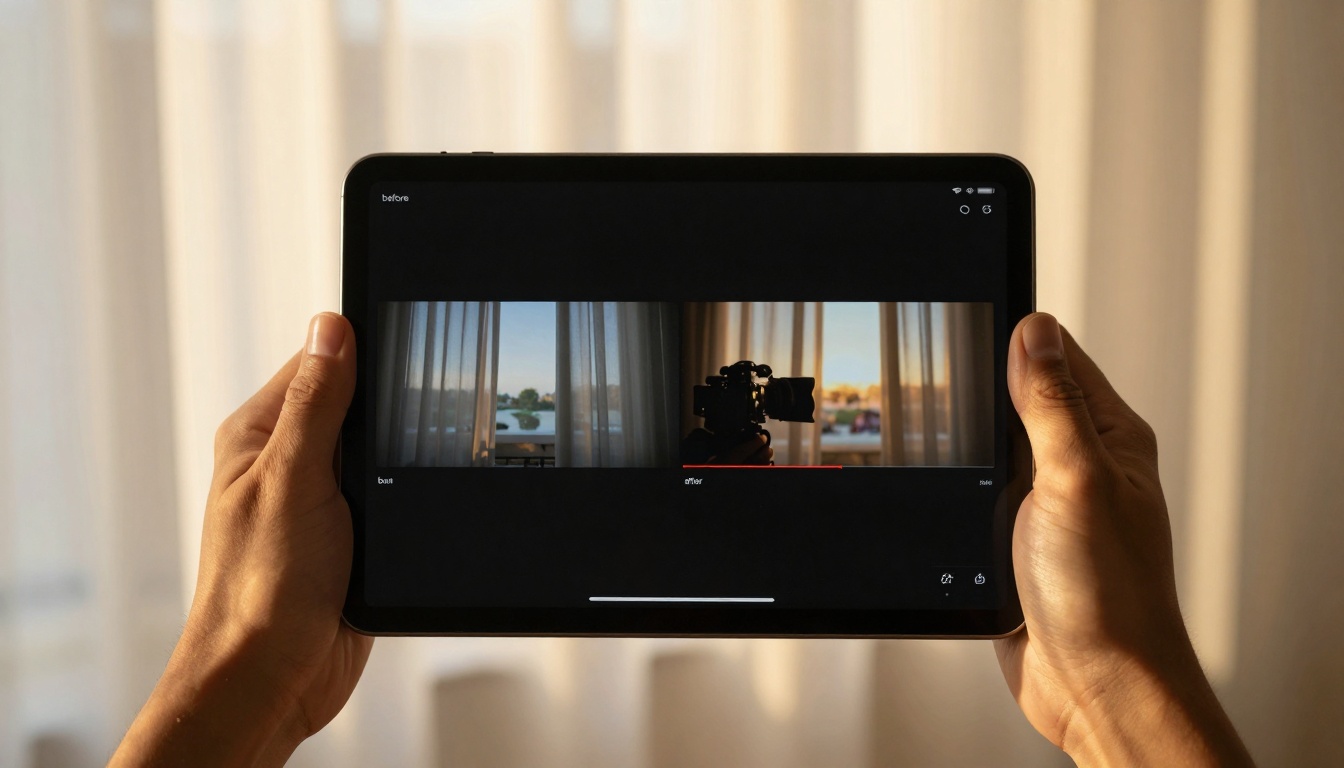
See how prompt refinement transforms basic output into professional quality.
Adding background music automatically is now built into many platforms. Tools like WAN-2.5-I2V can generate synchronized audio based on your video content. Specify "with uplifting background music" or "with tense thriller soundtrack" in your prompt for best results.
Creating consistent character styles across multiple videos requires careful prompt engineering. Use the same descriptive terms for characters: "a woman with curly red hair, freckles, wearing business casual" becomes your character template. Platforms with character consistency features like PIA maintain these details across generations.
Building multi-scene narratives works by generating separate videos for each scene, then combining them. Describe each scene individually:
- Scene 1: "Establishing shot of office building exterior at dawn"
- Scene 2: "Woman entering office, greeting colleagues"
- Scene 3: "Close-up on computer screen showing data visualization"
- Scene 4: "Team meeting in conference room, animated discussion"
Tools like Video-Morpher can blend these scenes smoothly.
Technical improvements without complexity:
- Seed locking: Once you get a good result, use the same seed number for consistent style
- Prompt weighting: Emphasize important elements with parentheses: (cinematic lighting)+++
- Style mixing: Combine styles: "photorealistic with subtle painterly texture"
- Motion control: Specify camera moves: "slow pan left to right, gentle zoom in"
- Temporal consistency: Use "consistent characters throughout" for talking heads
Real Examples You Can Copy
These prompt templates work immediately with most AI video platforms. Copy them exactly for your first successful projects.
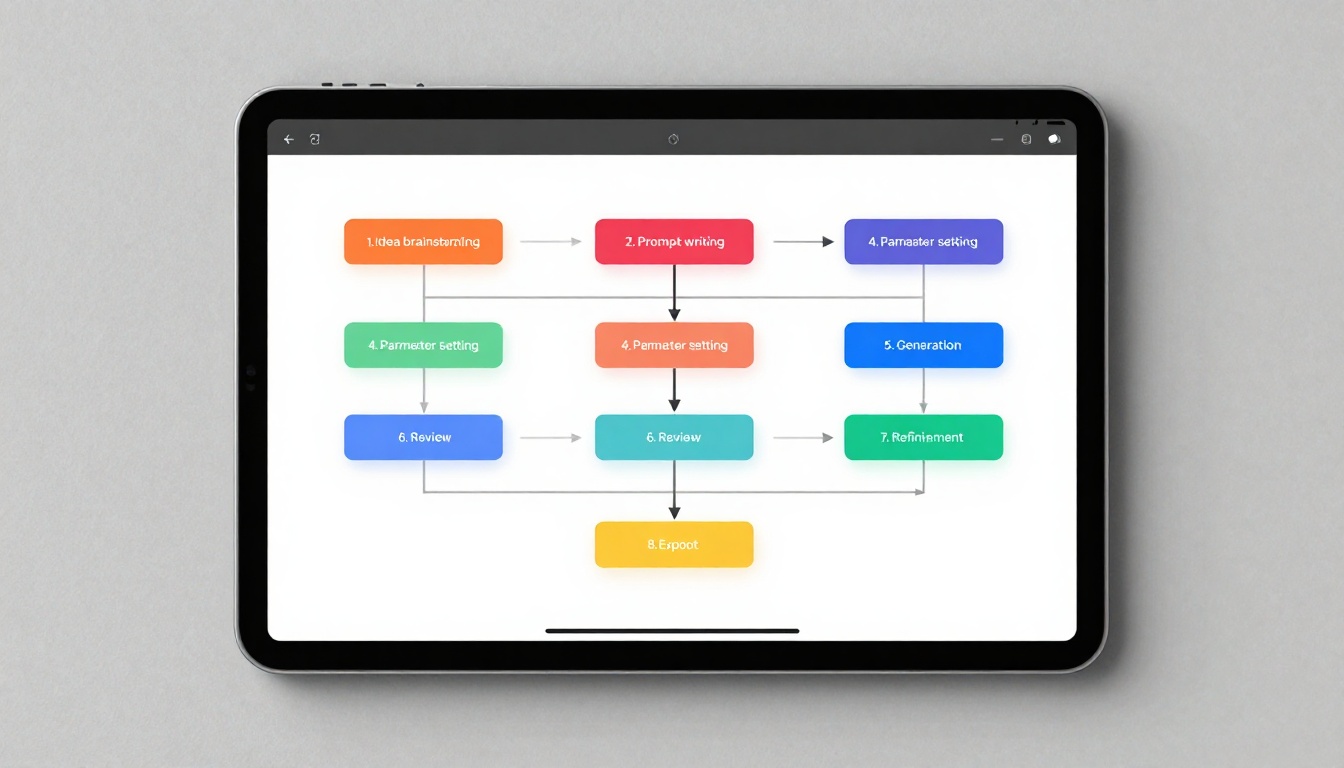
Follow this systematic workflow for consistent, high-quality results.
Social media video templates optimized for different platforms:
TikTok/Reels (9:16 vertical):
"Quick tutorial showing [skill] in 15 seconds, upbeat energetic pace, clear step-by-step visuals, colorful engaging graphics, text overlays explaining key points, trending background music, smartphone vertical framing, bright clean lighting"
YouTube (16:9 landscape):
"Professional explainer video about [topic], calm knowledgeable narrator voiceover, animated graphics illustrating concepts, smooth transitions between points, branded color scheme, subtitles for accessibility, cinematic b-roll footage, ending with clear call-to-action"
Instagram Feed (1:1 square):
"Product demonstration square format, clean minimalist aesthetic, product centered in frame with subtle rotation, soft studio lighting with clean shadows, no text overlays (purely visual), elegant slow motion, natural sound effects"
Educational explainer examples:
Science concept:
"Animated visualization of photosynthesis process, chloroplasts glowing green as they convert sunlight to energy, molecular structures forming and breaking, clear labels for each stage, educational but engaging style, bright colorful palette suitable for students"
Historical event:
"Historical reenactment of [event], period-accurate costumes and settings, cinematic camera movements telling the story, emotional lighting matching the mood, subtle aging film grain effect, respectful accurate portrayal"
Product demonstration formats:
Physical product:
"360-degree rotation showing [product] from all angles, close-up details highlighting features, in-context usage shots showing real-world application, satisfying unpacking sequence, professional studio lighting showing true colors and textures"
Digital service:
"Screen recording simulation showing [software] interface, animated cursor demonstrating features, smooth transitions between different functions, text callouts explaining benefits, clean modern aesthetic matching brand identity"
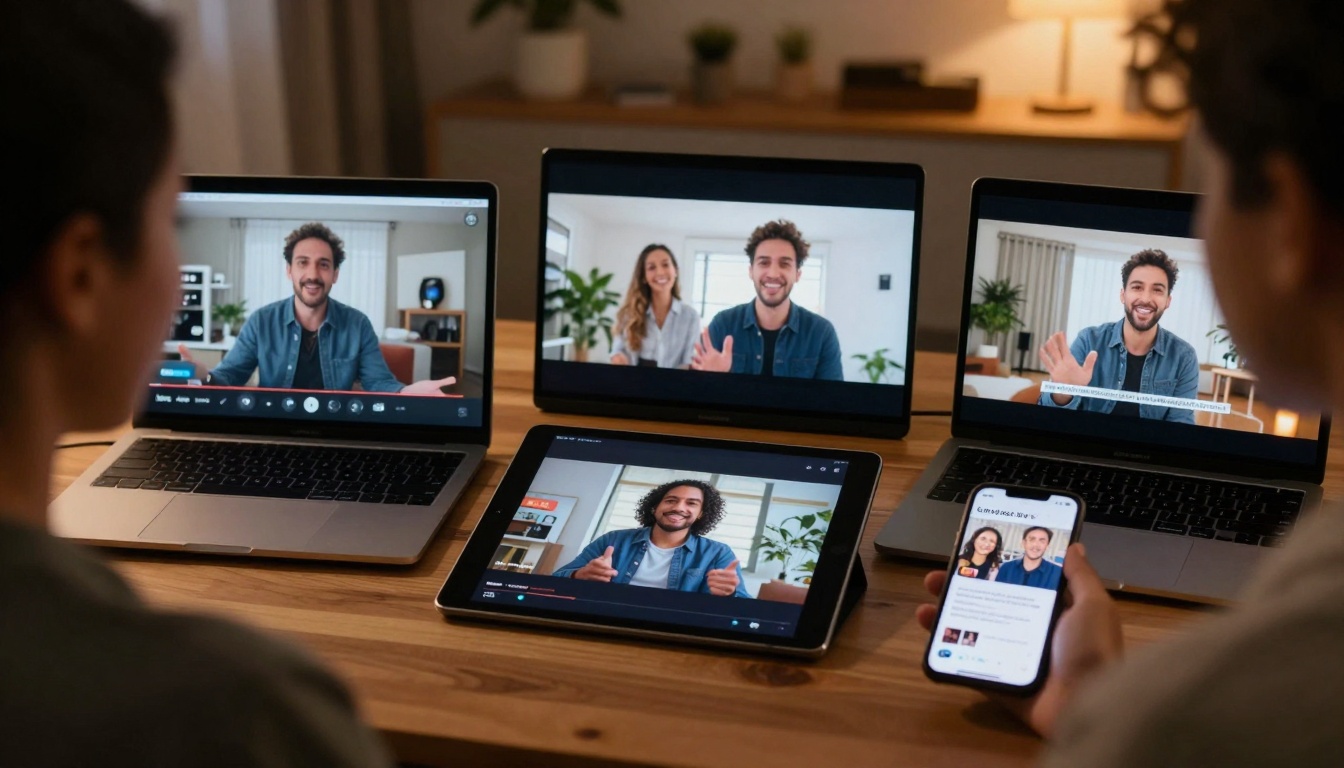
Your AI-generated videos will play perfectly across all devices and platforms.
Your Next Steps with AI Video
You now have everything needed to create professional videos with AI. The technology handles the complex parts - your job is providing clear direction through well-crafted prompts.
Start with one of the template prompts above using a beginner-friendly platform like Pixverse-v4.5 or Seedance-1-Lite. Notice what works in your first results, save those successful prompts, and gradually add complexity as you gain confidence.
The most successful creators develop their own prompt libraries - collections of proven descriptions that consistently deliver quality results. Begin building yours today, starting with the templates provided here. Within a week, you'll have a personal database of effective prompts for every video type you regularly create.
Remember that AI video tools improve constantly. Platforms like LTX-Video and Hailuo-02 update regularly with better quality and new features. Revisit your chosen platforms monthly to discover improvements that make your videos even more professional.
Your video creation journey has transformed from months of learning editing software to minutes of writing clear descriptions. The AI handles the technical complexity while you focus on creative direction. Start creating today - your first professional video is waiting for your prompt.


