You're sitting with an idea. Maybe it's for a YouTube channel, a social media campaign, or internal training videos. The concept is clear in your head, but the thought of cameras, lighting setups, and editing software feels overwhelming. What if you could skip the technical complexity and go directly from idea to finished video? That's exactly what AI video generation delivers.
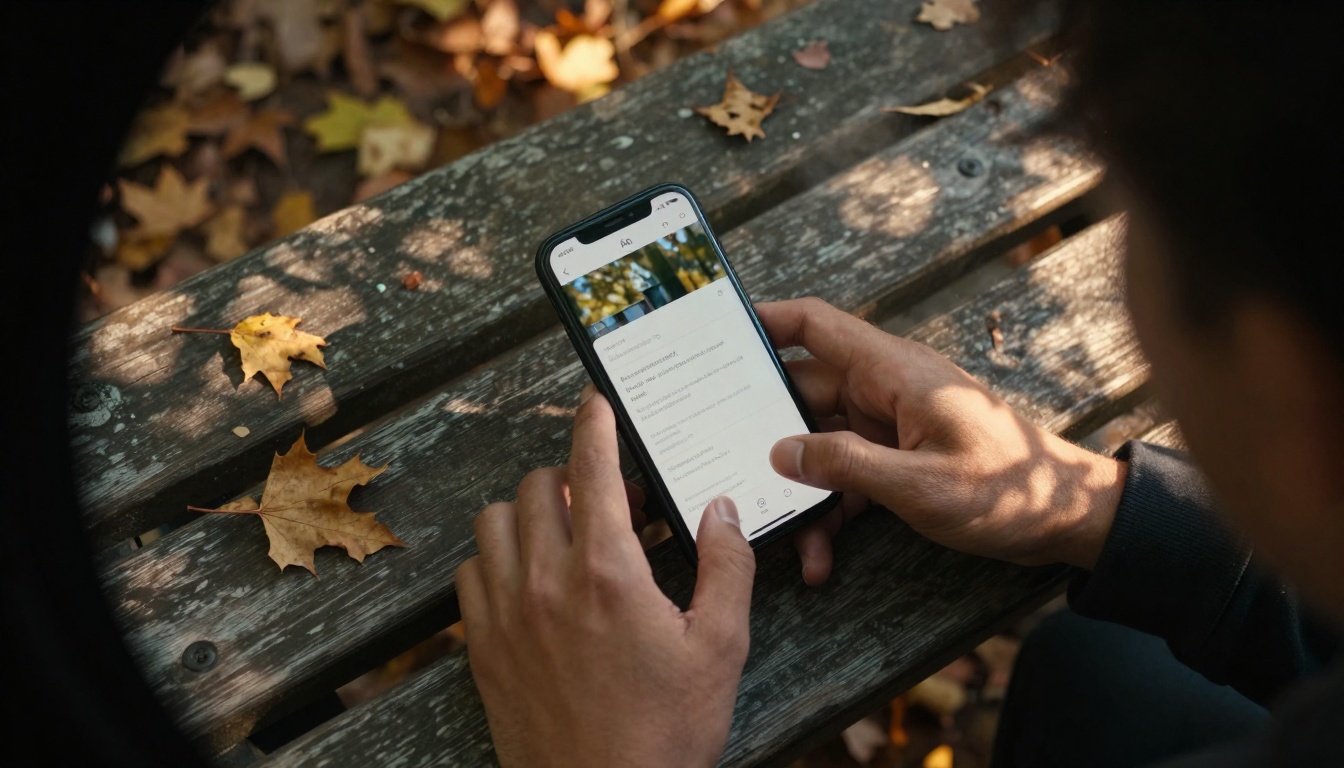
Caption: Text-to-video starts with simple prompts - no technical skills required
Why video creation matters now
Video dominates digital communication. Social media algorithms prioritize video content. YouTube processes over 500 hours of video every minute. Business presentations increasingly use video instead of slides. Yet traditional video production requires skills most people don't have: camera operation, lighting, editing, motion graphics.
The barrier isn't ideas - it's execution. That's where AI changes everything. Instead of learning complex software or hiring expensive crews, you describe what you want and let the AI build it. The tools have evolved from experimental curiosities to production-ready solutions that produce professional results.
💡 Quick reality check: AI video generation won't replace Hollywood studios tomorrow, but it already creates content that works for social media, marketing, education, and internal communications.
Text-to-video: Words become moving images
The simplest approach: describe your video in words, get a video in return. This might sound like magic, but the technology is surprisingly straightforward.
How text prompts generate video
AI models like Kling v2.6, Sora 2 Pro, and Veo 3.1 analyze your text description and generate corresponding visual sequences. They understand concepts like:
- Scene composition (beach sunset, office meeting, city street)
- Character actions (walking, talking, gesturing)
- Camera movements (panning, zooming, tracking)
- Lighting and mood (dramatic, cheerful, mysterious)
- Style and aesthetic (cinematic, documentary, animated)
Caption: Static images can transform into dynamic video sequences
Best tools for beginners
If you're new to this, start with these accessible options:
Prompt writing tips that work
Good prompts produce better videos. Here's what actually matters:
- Start with the subject: "A chef preparing sushi" vs "Sushi preparation"
- Add environment context: "in a modern Tokyo restaurant kitchen"
- Specify camera perspective: "close-up shot focusing on knife skills"
- Include lighting mood: "soft overhead lighting with food spotlight"
- Describe motion: "smooth, precise movements with occasional speed ramps"
Common beginner mistakes to avoid:
- ❌ Too vague: "Make a video about business" (What business? What message?)
- ❌ Overly complex: "Include 5 characters with 3 scene changes in 10 seconds"
- ✅ Just right: "A business owner explaining their product to a potential client in a modern office, medium shot with natural window light"
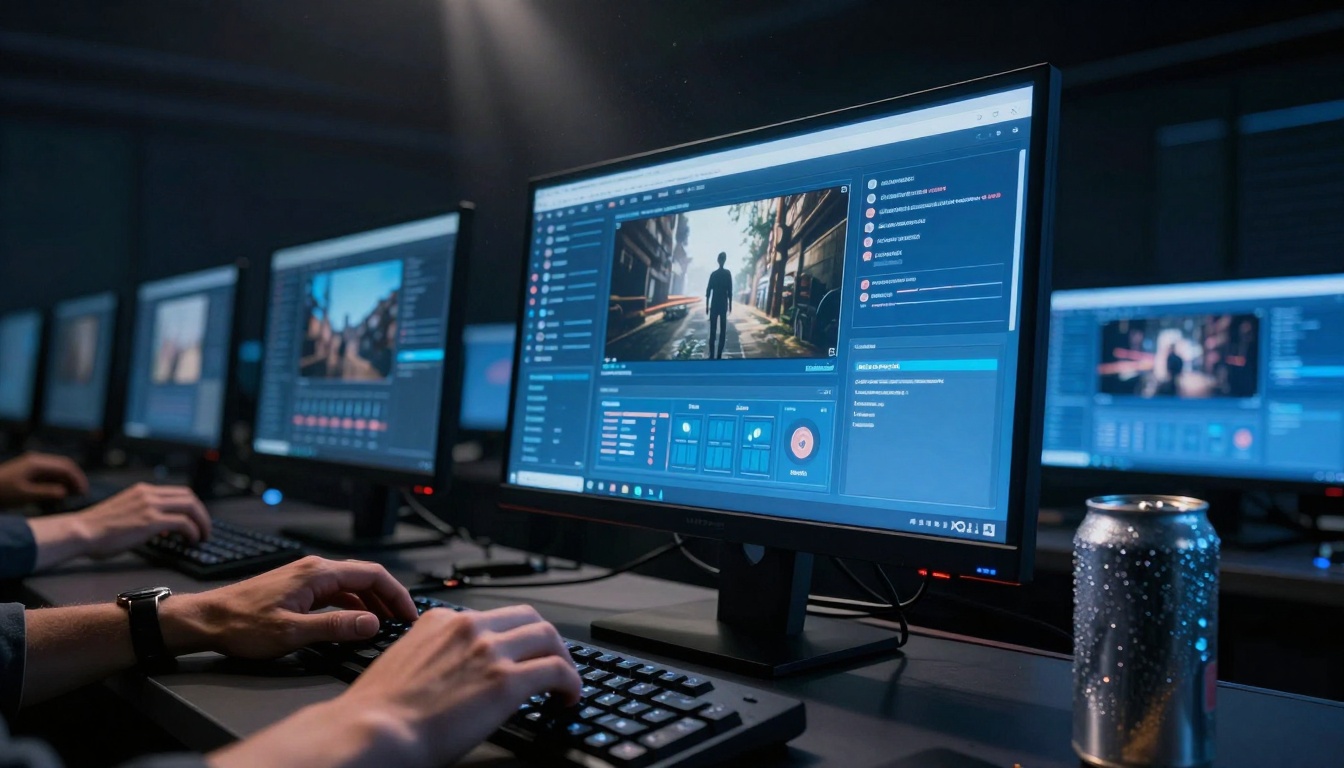
Caption: Different platforms offer varying interfaces for the same basic process
Image-to-video: Still photos come alive
Already have images? Transform them into moving sequences. This approach works particularly well for:
- Product demonstrations from product photos
- Real estate tours from property images
- Personal stories using existing photographs
- Marketing materials based on brand visuals
Transforming static images
Tools like WAN 2.6 I2V and I2VGen XL analyze your image and generate plausible motion based on its content. A photo of waves becomes waves crashing. A cityscape photo becomes traffic moving through streets.
Animation and motion control
Beyond simple movement, you can control:
- Direction of motion (left to right, up to down)
- Speed and timing (slow pan, quick zoom)
- Character actions (if people are in the image)
- Environmental effects (wind, water movement, light changes)
Realistic movement techniques
The best results come from understanding what motion looks natural:
| Image Type | Natural Motion | AI Tool Example |
|---|
| Landscape | Panning, zooming, cloud movement | WAN 2.2 I2V Fast |
| Portrait | Subtle breathing, eye movements | PIA |
| Product | Rotation, demonstration sequences | Video Morpher |
| Architecture | Fly-through, reveal shots | Ray 2 720p |
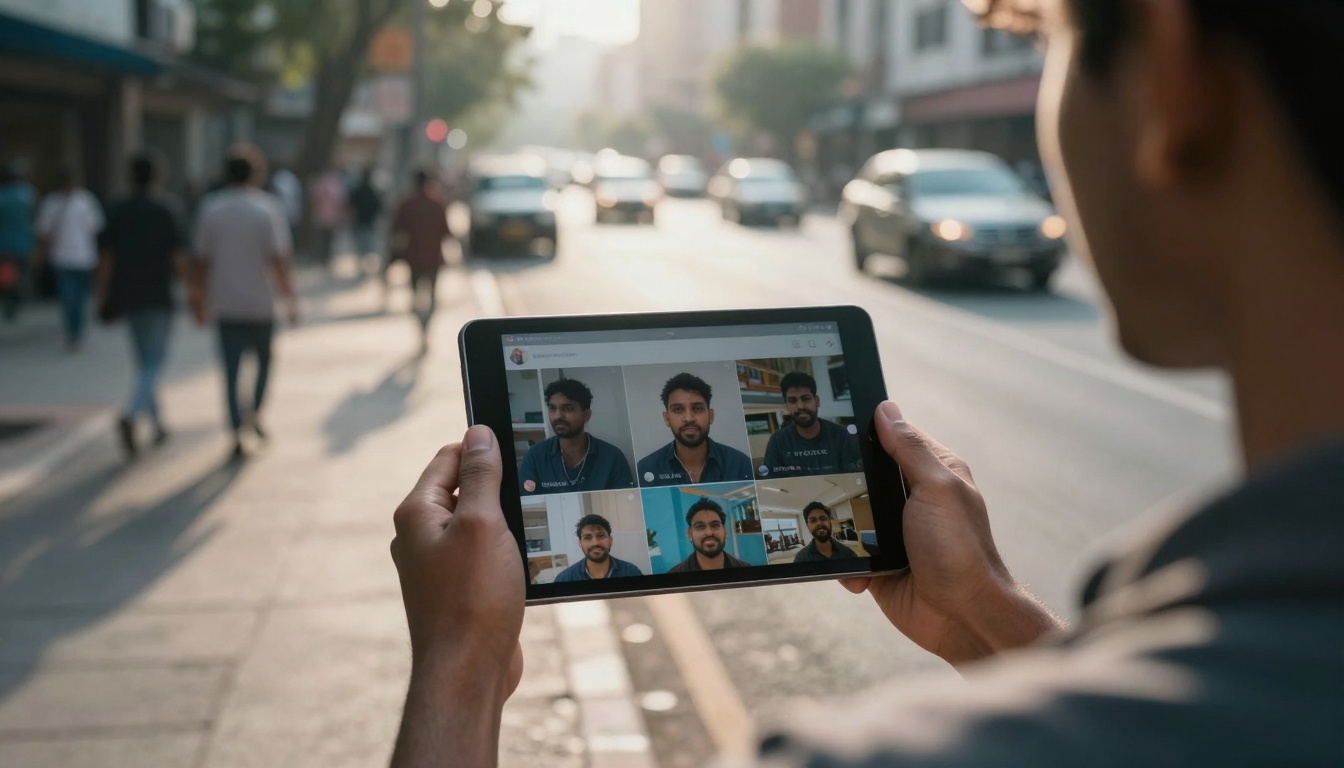
Caption: Mobile-friendly AI video tools work anywhere
Not all video creation serves the same purpose. Different platforms excel at specific applications.
Social media video creators
Platforms optimized for short-form content:
Key social media considerations:
- Aspect ratios: Vertical (9:16) for mobile, square (1:1) for some platforms
- Duration: 15-60 seconds optimal for engagement
- Hook timing: First 3 seconds must capture attention
- Audio integration: Most tools add background music automatically
YouTube and TikTok generators
Longer content needs different approaches:
YouTube specific tips:
- Generate chapter previews as separate short clips
- Create thumbnail variations from video frames
- Use consistent style across a series
- Include text overlays for key points
Business and marketing tools
Professional applications require different features:
Business video checklist:
- ✅ Brand consistency: Colors, logos, style
- ✅ Message clarity: One main point per video
- ✅ Professional pacing: Not too fast, not too slow
- ✅ Call to action: What should viewers do next?

Caption: AI-generated content performs well in audience analytics
Practical workflow: From idea to video
Let's walk through creating an actual video, step by step. We'll make a 30-second product demonstration.
Step 1: Define the goal
"Show our new coffee maker's unique features to potential customers"
Step 2: Choose the right tool
Based on our table above, WAN 2.5 T2V Fast works for quick product demos.
Step 3: Write the prompt
"A modern stainless steel coffee maker on a kitchen counter, close-up shots showing water filling, coffee brewing, and steam rising, warm morning light from a window, smooth camera movements highlighting each feature, professional product photography style"
Step 4: Generate and review
First generation takes 2-3 minutes. Review the output.
Step 5: Refine if needed
If the steam isn't visible enough: "Add more visible steam during brewing phase"
If lighting feels flat: "Increase contrast between highlights and shadows"
Step 6: Export and use
Download the video, add logo overlay if needed, post to platform.
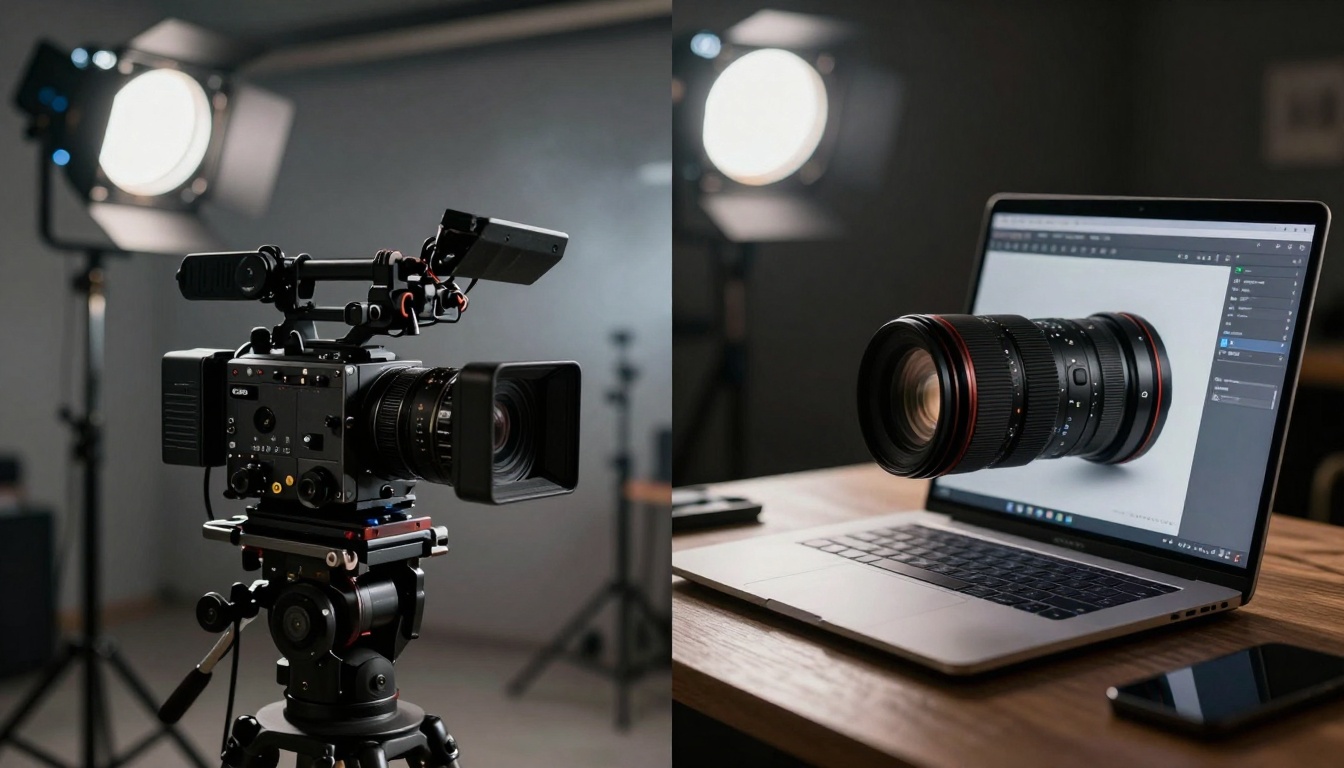
Caption: Traditional vs AI video production - the difference in setup complexity
Common workflow mistakes to avoid
- Skipping goal definition: "I'll know it when I see it" doesn't work with AI
- Choosing wrong tool: Using cinematic tools for social clips wastes time
- One-and-done mentality: First generation is rarely perfect
- Ignoring platform specs: Each social network has different requirements
Quality vs speed trade-offs
Every tool makes different compromises:
| Priority | Recommended Tool | Generation Time | Quality Level |
|---|
| Speed | Veo 3.1 Fast | 30-60 seconds | Good |
| Quality | Sora 2 Pro | 3-5 minutes | Excellent |
| Balance | Kling v2.6 | 2-3 minutes | Very Good |
Real examples of AI video success
Let's look at actual results people achieve.
Case Study 1: Small business social media
- Before: No video content due to cost and complexity
- Tool used: Pixverse v4.5
- Result: 15 Reels per month, 300% engagement increase
- Time saved: 40 hours monthly vs traditional production
Case Study 2: Educational content creator
- Before: Static slides with voiceover
- Tool used: Hunyuan Video
- Result: Animated explanations increased completion rates
- Cost saved: $2,000 monthly on animation services
Case Study 3: Real estate agent
- Before: Static photos with virtual tours
- Tool used: WAN 2.6 I2V
- Result: Moving property images increased inquiry rates
- Value created: Properties sold 15% faster on average
Before/after comparisons
The most dramatic improvements come in areas where video wasn't possible before:
- Internal training: Slide decks become engaging video lessons
- Product updates: Text announcements become visual demonstrations
- Event promotion: Static flyers become dynamic previews
- Customer support: Written instructions become visual guides
Cost and time savings
Traditional 1-minute professional video:
- Production: $2,000-$5,000
- Time: 2-3 weeks (planning, shooting, editing)
- Team: Director, camera operator, editor
AI-generated 1-minute video:
- Production: $5-$50 (platform costs)
- Time: 10-30 minutes (prompt writing, generation)
- Team: One person with idea
Caption: The generation process shows clear progression from idea to output
Where AI video creation is headed
The technology continues evolving rapidly. Understanding current limitations helps set realistic expectations.
Emerging capabilities
Recent developments show where things are going:
- Longer durations: Early tools made 5-second clips, now 30+ seconds is common
- Character consistency: Same characters across multiple scenes
- Audio integration: Sound effects and music generation alongside video
- Interactive editing: Change specific elements without regenerating entire video
Limitations today
What still doesn't work well:
- Complex narratives: Multi-character stories with plot development
- Precise timing: Exact synchronization to external audio
- Brand consistency: Maintaining identical style across many videos
- Legal compliance: Copyright and trademark considerations
Future possibilities
Based on current development trends:
- 2025: Real-time generation during live streams
- 2026: Full episodes (5-10 minutes) from script outlines
- 2027: Interactive video where viewers influence the narrative
- 2028: Professional production quality at consumer tool prices
Immediate practical implications
For content creators today:
- Supplement, don't replace: Use AI for routine content, save effort for special projects
- Develop prompt skills: The ability to describe visual ideas becomes valuable
- Focus on strategy: Less time on production means more time on planning
- Experiment regularly: Tools improve monthly, revisit what's possible

Caption: AI-generated content works in professional business contexts
Start creating your first AI video
The easiest way to understand this technology is to use it. Here's a simple path forward.
Immediate next steps
- Pick one tool: Choose from our beginner recommendations above
- Define one project: Something small and concrete
- Write three prompts: Different versions of the same idea
- Generate all three: See how variations affect results
- Share for feedback: Show people who don't know it's AI-generated
Recommended starting tools
Based on ease of use and immediate results:
- Veo 3.1 Fast: Quickest to see results
- WAN 2.5 T2V Fast: Good quality with speed
- Seedance 1 Lite: Simple interface, reliable output
First project ideas
Keep it simple for your initial attempt:
- Social media post: "Our office team working together"
- Product highlight: "One key feature of your product"
- Event reminder: "Quick preview of upcoming event"
- Personal introduction: "Welcome message for new contacts"
Resources for learning
Beyond this guide:
- Platform tutorials: Most tools have getting-started guides
- Prompt libraries: Collections of successful prompts to study
- Community forums: See what others create and how
- Case study collections: Real examples with prompt details

Caption: Different tools excel at different aspects of video creation
Final thought
Video creation no longer requires technical expertise. The tools exist, they work, and they're accessible right now. The main requirement has shifted from technical skill to creative vision - being able to imagine what you want to see, then describe it clearly. That's a skill anyone can develop with practice.
Try creating one video this week. Start with something small, use a beginner-friendly tool, and see what happens. The experience will teach you more than any guide ever could about what's possible with AI video generation today.
Image credits: All images in this article were generated using AI image generation tools to demonstrate the visual quality possible with current technology. Each image represents a different aspect of the AI video creation process, from initial prompting to final presentation.


