Your product images are either making sales or costing you them. There is no middle ground. When a shopper lands on a product page, they zoom in. They look at seams, surfaces, label details, and material texture before they decide to spend money. If the image pixelates the moment they pinch to zoom on mobile, that sale is gone. Nano Banana Pro, Google's text-to-image model available on PicassoIA, generates product visuals with native 4K-level detail that holds up under scrutiny, from thumbnail to full-screen zoom.
Why Blurry Product Images Kill Conversions
The research is not subtle. Studies from major e-commerce platforms consistently show that high-quality product imagery is one of the top three factors influencing purchase decisions, ranking above price for certain product categories. Yet the average online store is still running product photos taken with a phone in mediocre lighting, then compressed to oblivion by a content management system.
The problem compounds at scale. A brand with 200 SKUs cannot hire a professional photographer for every product variant. They rely on vendor-supplied images, stock photos, or hurried in-house shoots. The result is inconsistent quality, visible compression artifacts, and images that fail to communicate what the product actually looks, feels, or even smells like.
What buyers notice when they zoom in:
- Individual fabric weave and fiber quality on clothing
- Label clarity and fine print on packaging
- Surface finish differences: matte vs. satin vs. gloss
- Tool marks, seam lines, or assembly quality on hardware
- Food texture: visible condensation, oil sheen, grain detail
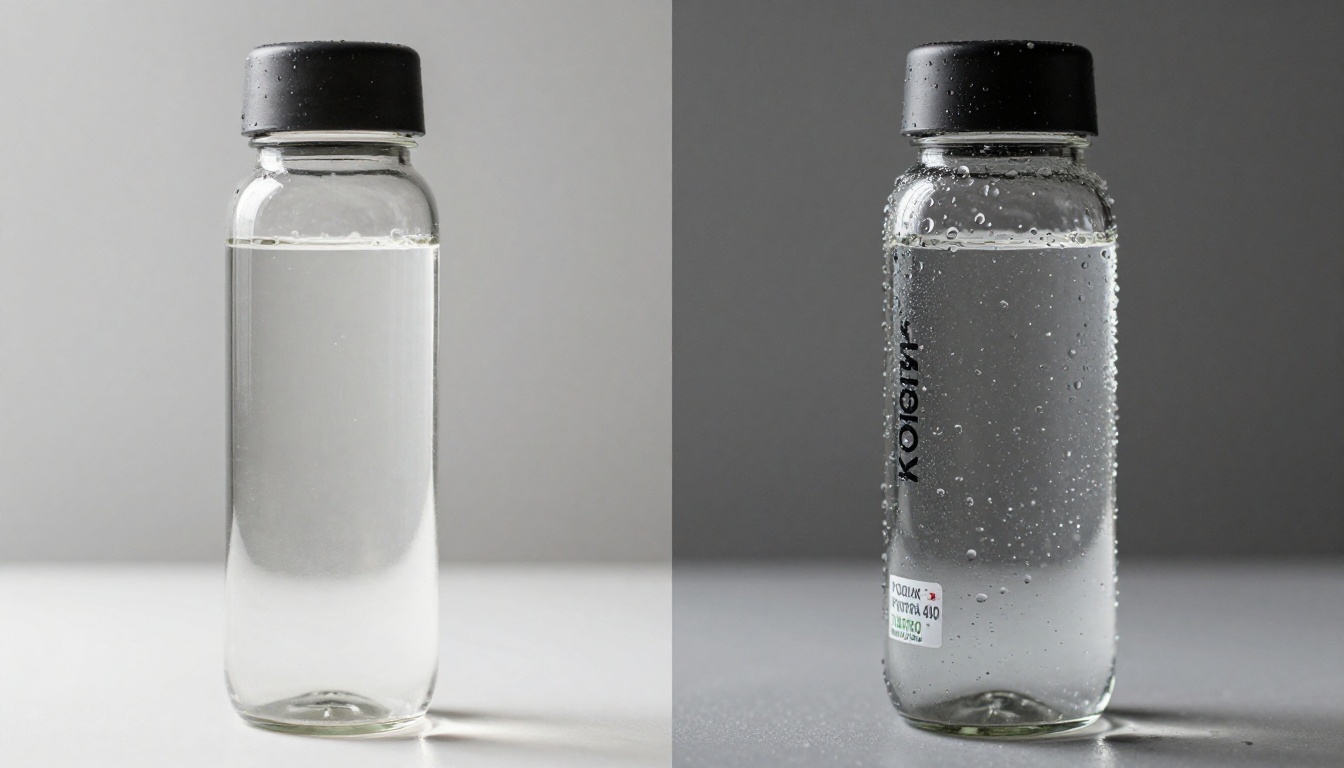
When those details are sharp, customers feel confident. When they are muddy, customers hesitate. Hesitation converts to abandonment. It really is that direct.
What Nano Banana Pro Actually Does
Nano Banana Pro is a text-to-image model built by Google, now accessible directly on PicassoIA without any API setup or billing configuration. What makes it stand out for e-commerce product photography is its approach to spatial detail.
Most AI image generators optimize for overall visual appeal: good composition, pleasing colors, smooth gradients. Nano Banana Pro pushes harder on local texture fidelity. When you prompt it for a skincare bottle on marble, the marble veining is not a generic pattern. Each vein has directional flow and depth. The bottle's label sits at the correct angle, not floating or warped. The glass shows genuine light refraction, not a flat white highlight.
This is the "4K boost" in practical terms. The model does not literally output a 3840x2160 file by default, but the detail density it packs into its outputs matches what you would see from a proper 4K photograph. Combined with PicassoIA's super-resolution tools, that detail scales to true 4K or higher without the blurring that plagues traditional upscaling.
💡 Tip: Nano Banana Pro works best when your prompt is specific about surface materials. "Matte ceramic bottle" yields better texture rendering than just "bottle." Describe the light source, the surface it sits on, and the camera angle for maximum detail fidelity.
Also worth knowing: Nano Banana 2 is the updated version with improved prompt adherence, while Nano Banana 2 Lite trades some detail for faster generation speed, useful when you need quick drafts before committing to a final render.
How to Use Nano Banana Pro on PicassoIA
Getting your first 4K product shot takes about three minutes.
Step 1: Open the Model
Go to Nano Banana Pro on PicassoIA and sign in. The model runs directly in the browser, no downloads, no plugins.
Step 2: Write a Detailed Product Prompt
Avoid vague prompts. The model rewards specificity. Here is a prompt structure that consistently produces strong product imagery:
[Product name + material] on [surface material], [lighting type] from [direction], [camera angle + lens], [specific detail you want sharp], photorealistic RAW photography, 8K resolution detail
Example for a skincare serum bottle:
"Dark amber glass serum bottle with metallic dropper on white marble surface, soft diffused studio light from upper-left, 85mm lens close-up at 30-degree angle, product label in sharp focus, condensation on glass, photorealistic RAW 8K"
Step 3: Select Aspect Ratio
For most product listings, 16:9 works for hero images. For square product thumbnails targeting marketplace grids like Amazon or Etsy, switch to 1:1.
Step 4: Generate and Review
Run the generation. Check:
- Is the surface material rendering with correct texture?
- Are edges sharp rather than soft or blurry?
- Does the lighting look physically plausible?
If any element fails, add one or two more descriptor words to the relevant part of the prompt and regenerate. Nano Banana Pro iterates quickly.
Step 5: Upscale to True 4K
Once your base image looks right, send it through one of PicassoIA's upscalers to push it to print-ready resolution. The upscaling section below covers which model to pick.
The Real Resolution Difference
"4K" gets thrown around a lot in marketing without much explanation of what it means for product images. Here is a practical breakdown.
| Resolution | Pixel Count | Best Use Case |
|---|
| 720p (HD) | 1280 × 720 | Thumbnails, small web banners |
| 1080p (Full HD) | 1920 × 1080 | Standard product listings |
| 4K (UHD) | 3840 × 2160 | Hero images, zoomed detail views, print catalogs |
| 8K | 7680 × 4320 | Large-format print, billboard advertising |
The jump from 1080p to 4K is not cosmetic. At 4K, a fabric product shot shows individual yarn strands. A cosmetics product shot shows the embossing on a tube cap. A food product shot shows oil sheen on individual ingredients. These details create the tactile sense of touch that physical retail has but e-commerce struggles to replicate.
💡 Conversion insight: Products with high-resolution zoom-enabled images see measurably higher add-to-cart rates, particularly in categories where texture and material quality drive purchase decisions: apparel, home goods, skincare, food, jewelry, and accessories.
Top Upscaling Models for Product Shots
Nano Banana Pro gives you detail-dense outputs. Combining them with a dedicated super-resolution model pushes the image to true 4K or beyond. Here are the best options on PicassoIA, organized by use case.
| Model | Best For | Upscale Factor | Link |
|---|
| Clarity Pro Upscaler | Photorealistic textures, skin, fabrics | Up to 4x | View Model |
| Topaz Image Upscale | Maximum resolution for print use | Up to 6x | View Model |
| P Image Upscale | Fast upscaling for batch processing | Up to 4x | View Model |
| Recraft Crisp Upscale | Clean edges, hard lines, product packaging | Up to 4x | View Model |
| Bria Increase Resolution | E-commerce product images specifically | Up to 4x | View Model |
| Google Upscaler | Versatile, handles all product types | Up to 4x | View Model |
| Real ESRGAN | Restoring compressed or low-quality shots | Up to 4x | View Model |
| Crystal Upscaler | Portrait-adjacent product shots | Up to 4x | View Model |
Recommended workflow by product type:
- Apparel and textiles: Nano Banana Pro → Clarity Pro Upscaler (preserves fabric weave without over-sharpening)
- Electronics and hard goods: Nano Banana Pro → Recraft Crisp Upscale (keeps edges clean on metal and plastic)
- Food and beverage: Nano Banana Pro → Topaz Image Upscale (maximum detail for organic textures)
- Jewelry and accessories: Nano Banana Pro → Clarity Pro Upscaler (handles light refraction and sparkle points well)
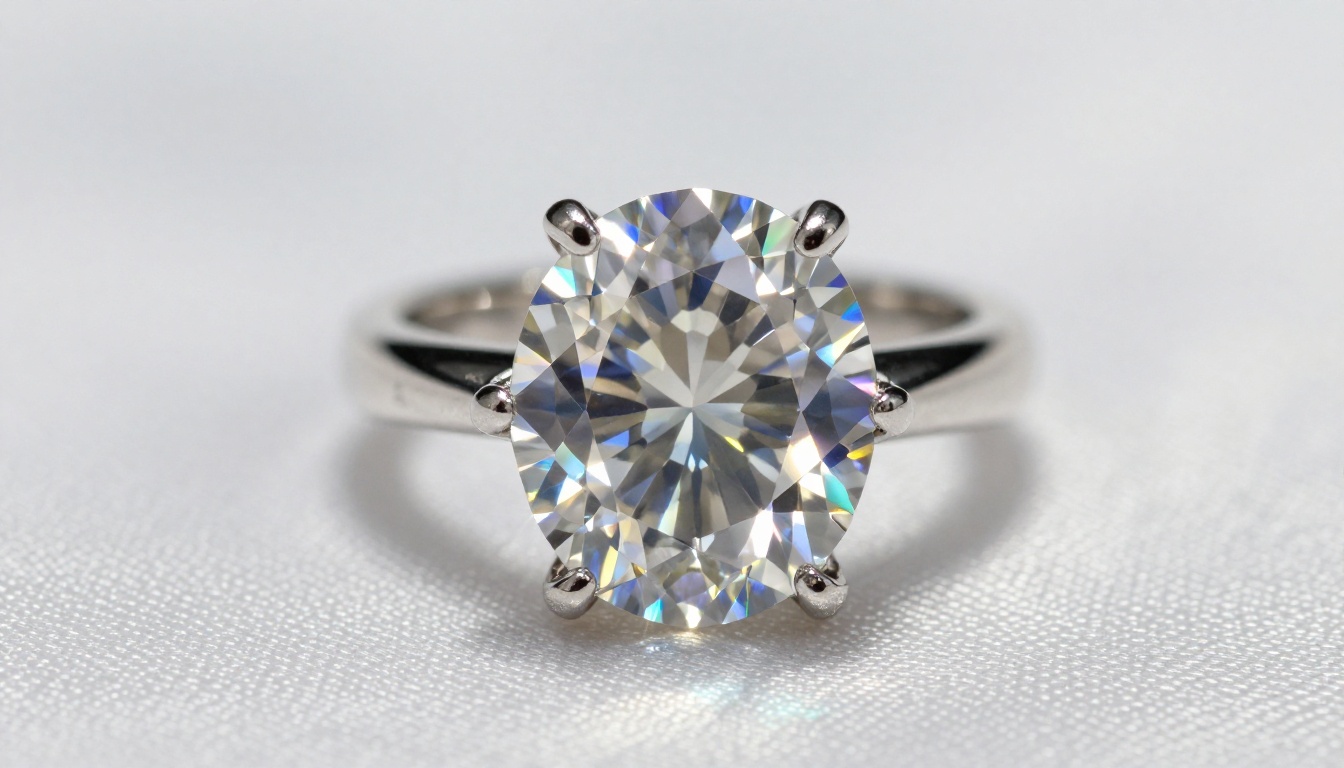
Before and After: What Changes at 4K
The difference is not evenly distributed across product categories. Some products benefit dramatically from 4K; others see only modest improvement. Here is what actually changes.
Apparel and Textiles
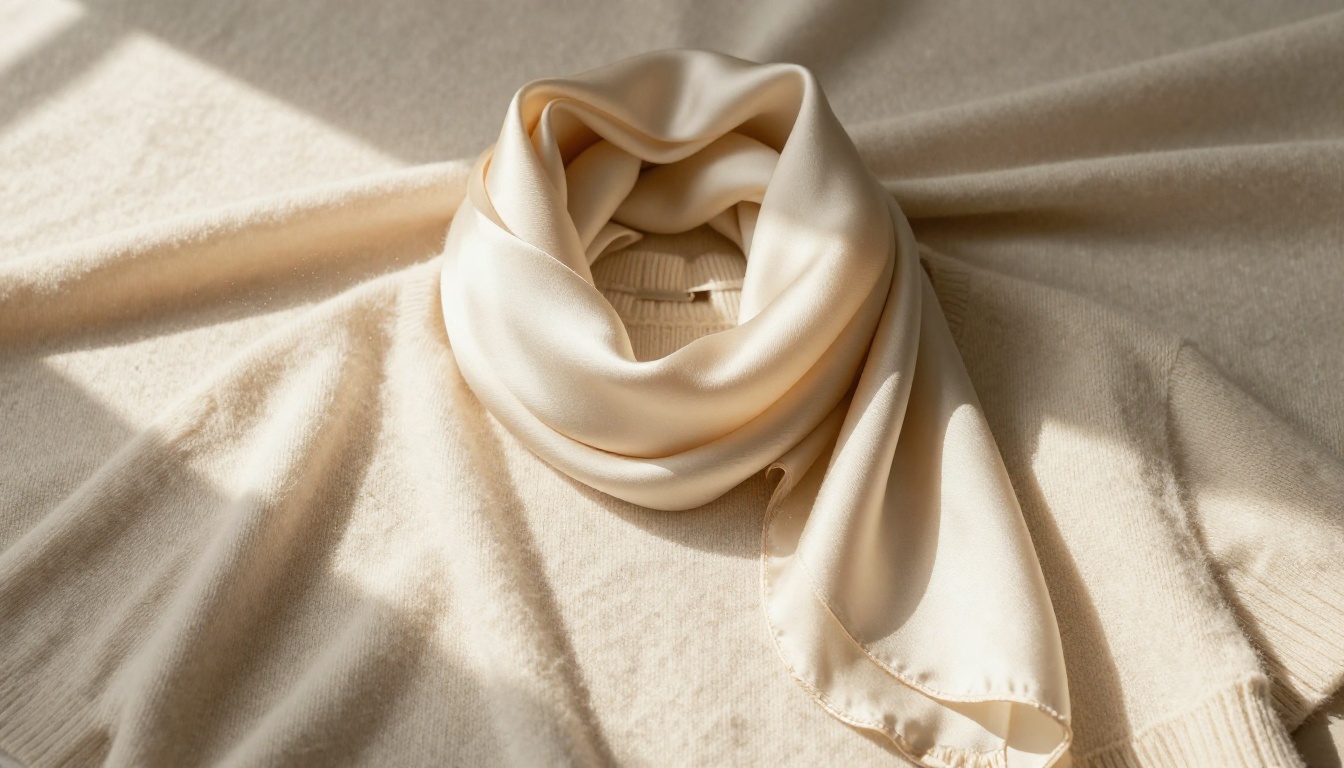
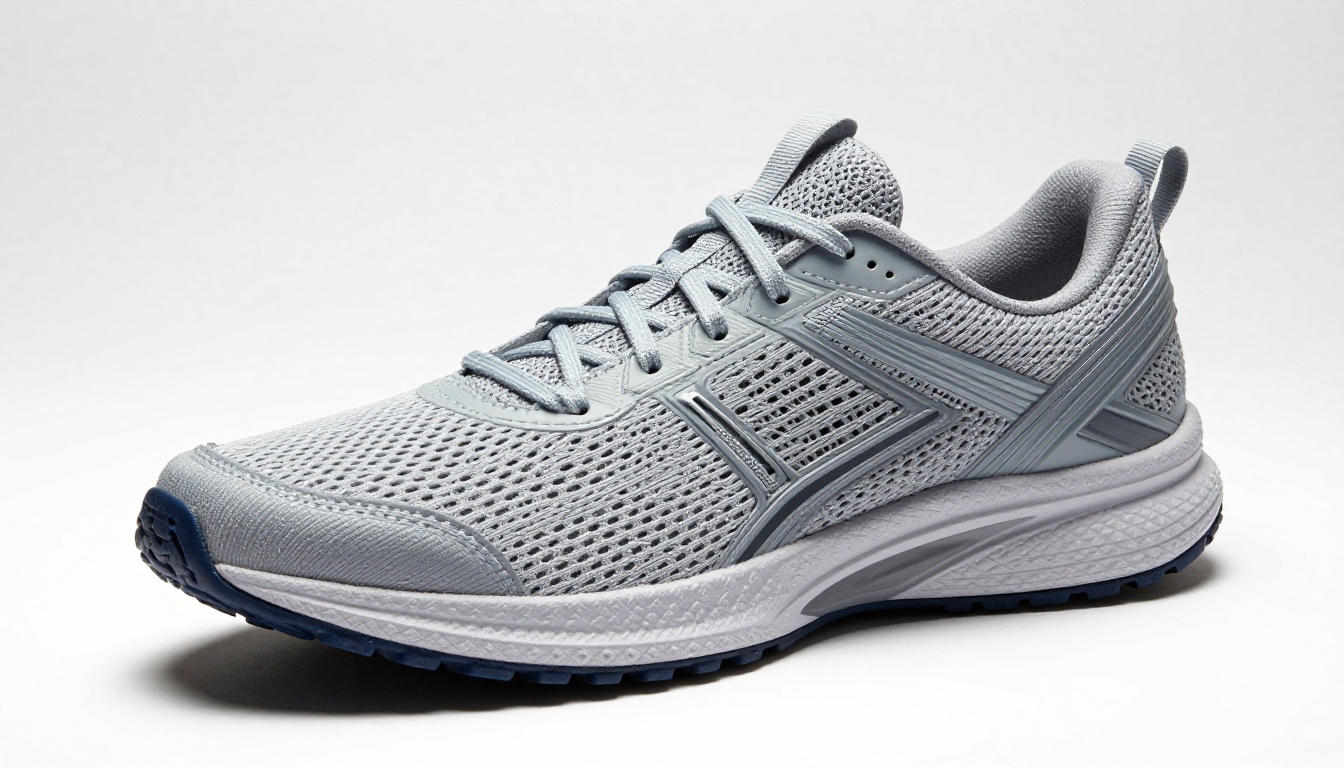
At 1080p, a cashmere sweater looks nice but generic. At 4K, individual yarns are visible, color depth across the weave becomes apparent, and the surface sheen of different fiber types renders distinctly. Buyers can see whether a fabric is loosely or tightly woven without reading the spec sheet.
Electronics and Tech Products
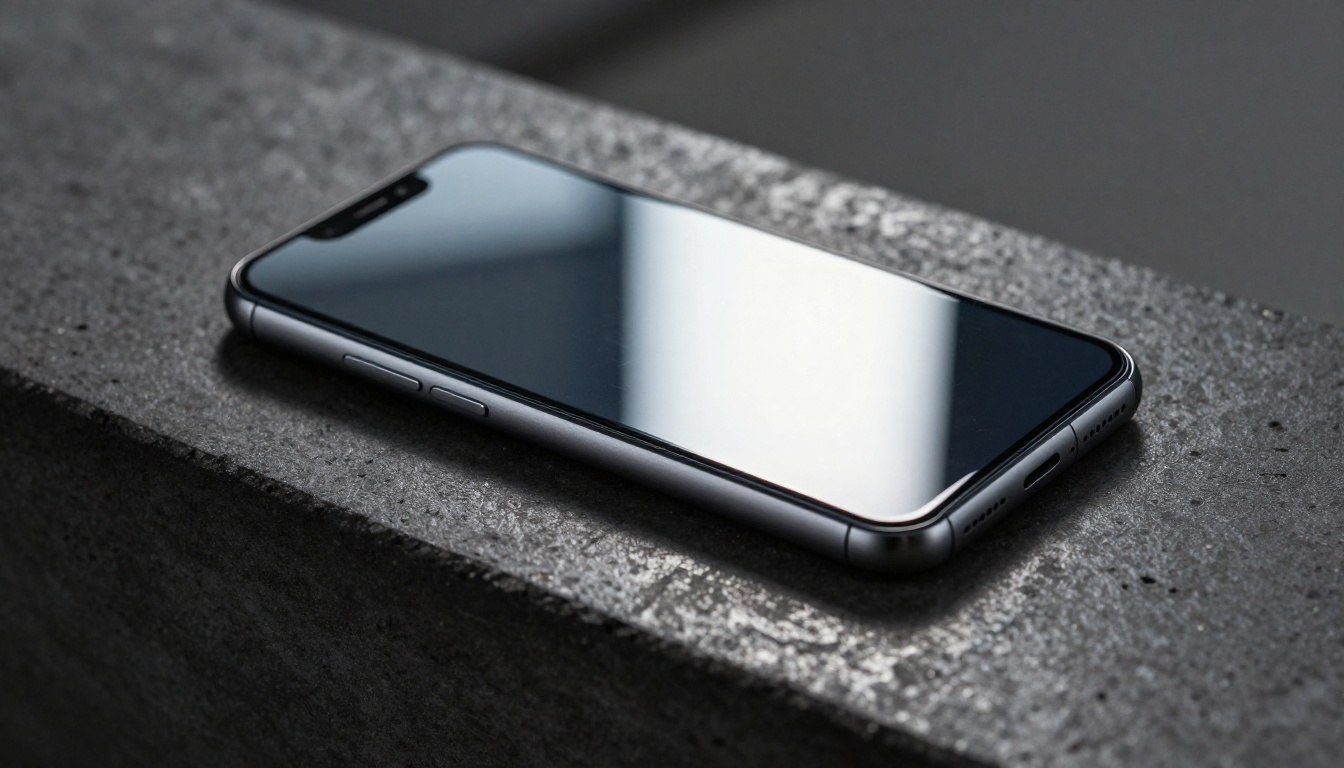
Brushed aluminum shows its grain direction. Screen bezels show precise tolerances. Port edges look machined rather than molded. These micro-details signal quality craftsmanship, which is exactly what premium electronics buyers are evaluating when they zoom in.
Fragrances and Beauty Products
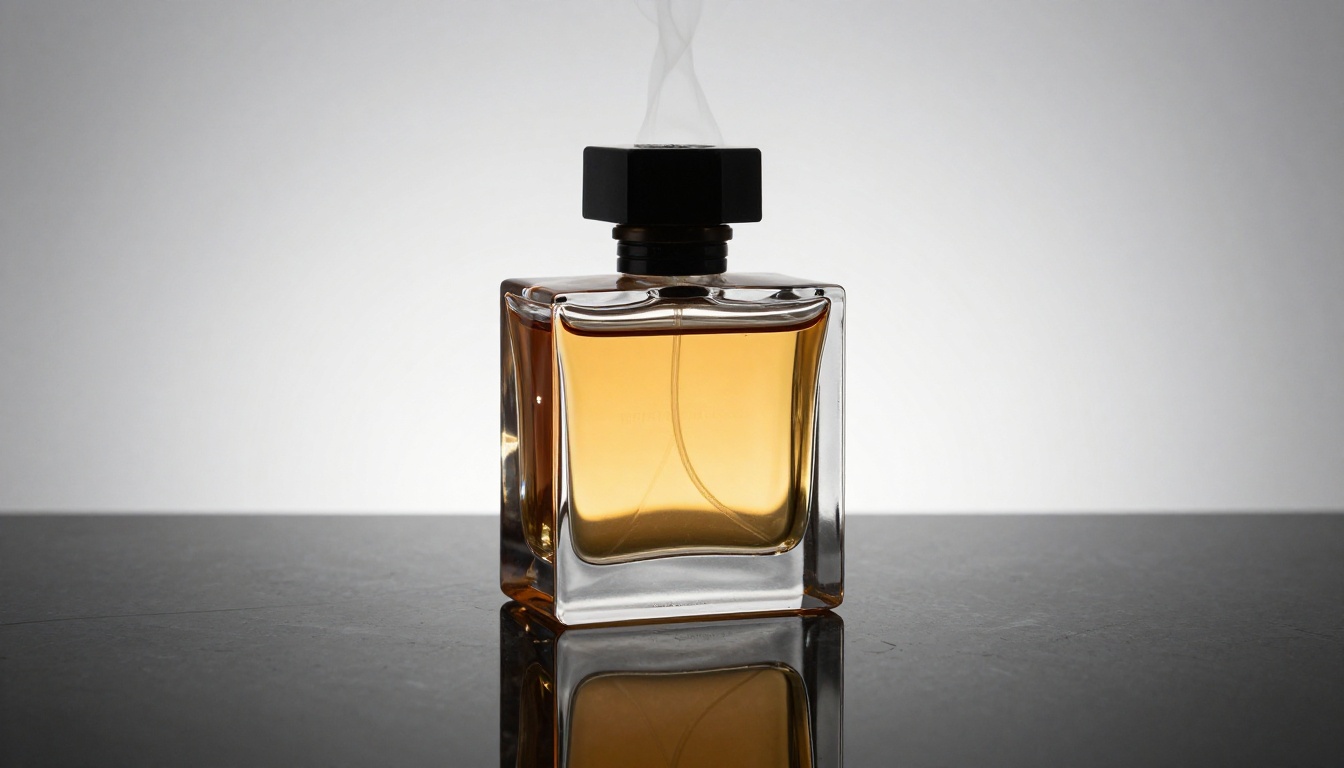
Glass bottles show genuine light behavior at 4K: caustic light patterns on the surface beneath, refraction through the liquid, embossing depth on labels. At lower resolutions, all of this collapses into flat highlights and blobs of color. At 4K, a perfume bottle looks like a piece of art, which is exactly the positioning most fragrance brands are after.
Food and Beverage
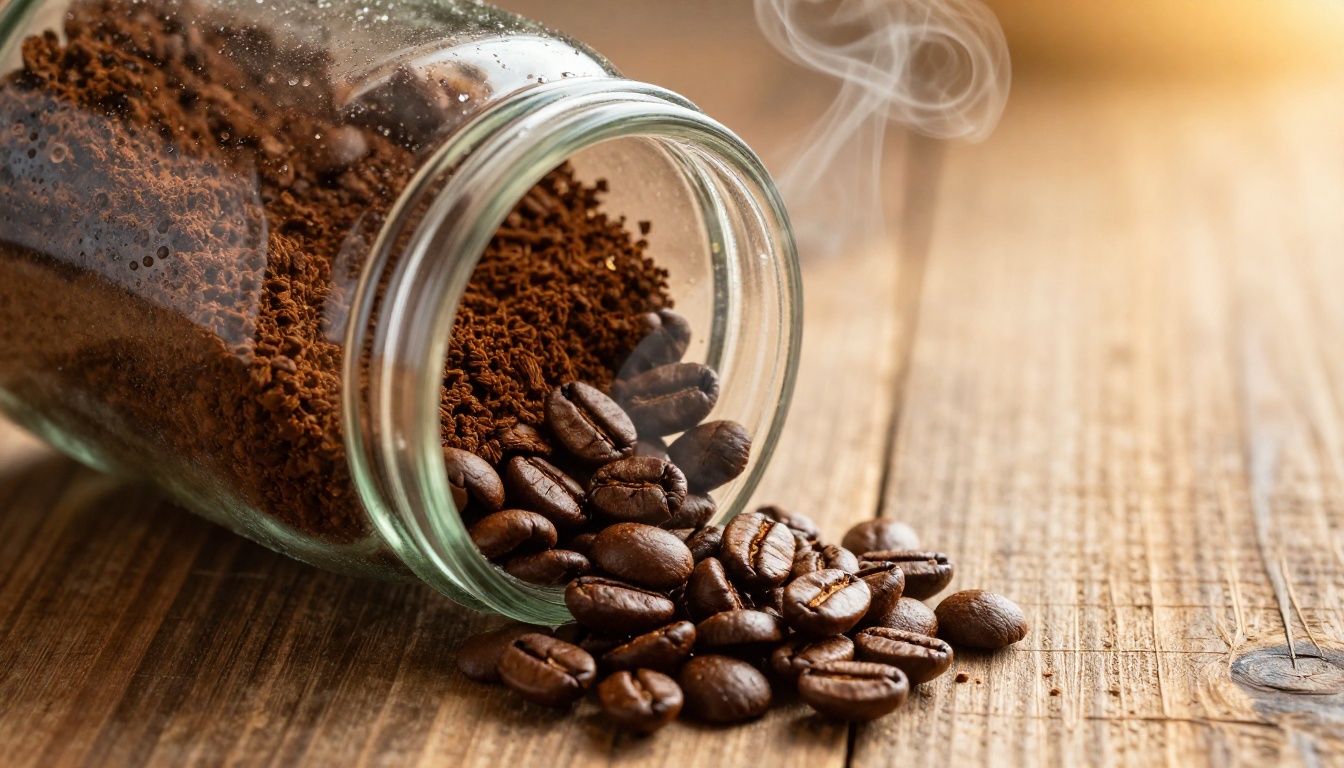
Oil sheen, condensation beads, individual grain texture, fruit skin pores, and the matte finish on milled flour bags, all of these cues activate appetite and purchasing intent. Food styling photography at lower resolutions misses most of this, which is why high-end food brands invest heavily in high-resolution product photography.
Combining Generation with Super-Resolution
The most effective workflow is a two-step process: generate a detail-rich base image with Nano Banana Pro, then upscale it to final resolution using a super-resolution model.
Why not just upscale a low-quality image?
Traditional upscaling algorithms (bicubic, Lanczos) have to invent detail they cannot see in the source image. They interpolate between pixels, which creates characteristic softness or over-sharpened halos. AI upscalers like Clarity Pro Upscaler and Topaz Image Upscale do better, but they still work with whatever information exists in the source.
When you start with Nano Banana Pro, there is actual high-frequency detail already embedded in the image. The model generates fine textures, surface microstructures, and realistic light interactions from scratch. The super-resolution model then has real detail to work with rather than synthesizing it from nothing. The result is crisper, more natural, and much more convincing.
💡 Pro tip: Use Recraft Creative Upscale if you want the model to add plausible detail to areas that look slightly soft. Use Recraft Crisp Upscale when you want to preserve exactly what the base generation produced with sharper edges.
Prompt Writing That Produces Consistent Results
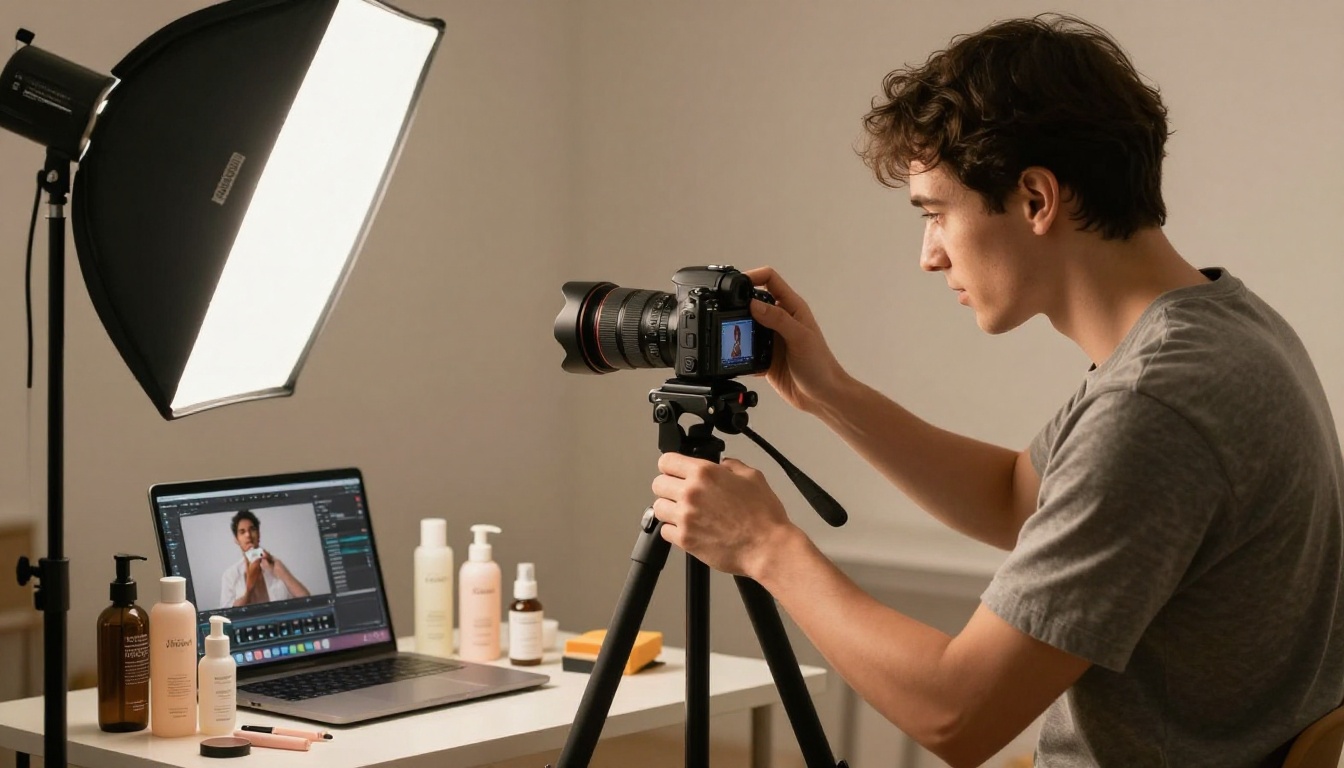
The quality of your output depends heavily on how you brief the model. Here are the prompt elements that matter most for product photography.
Surface specificity matters more than style words. Instead of "professional lighting," write "diffused studio light from upper-left at 45 degrees creating a soft shadow on the right side." The model renders light from that direction.
Material adjectives drive texture rendering. Compare:
- Weak: "leather bag on a table"
- Strong: "full-grain vegetable-tanned leather tote with visible pebbled surface grain on a brushed oak table, warm window light from left"
Camera specifications tell the model what focal compression to apply:
- 85mm: slight compression, good for isolated products on plain backgrounds
- 50mm: natural perspective, good for styled lifestyle shots
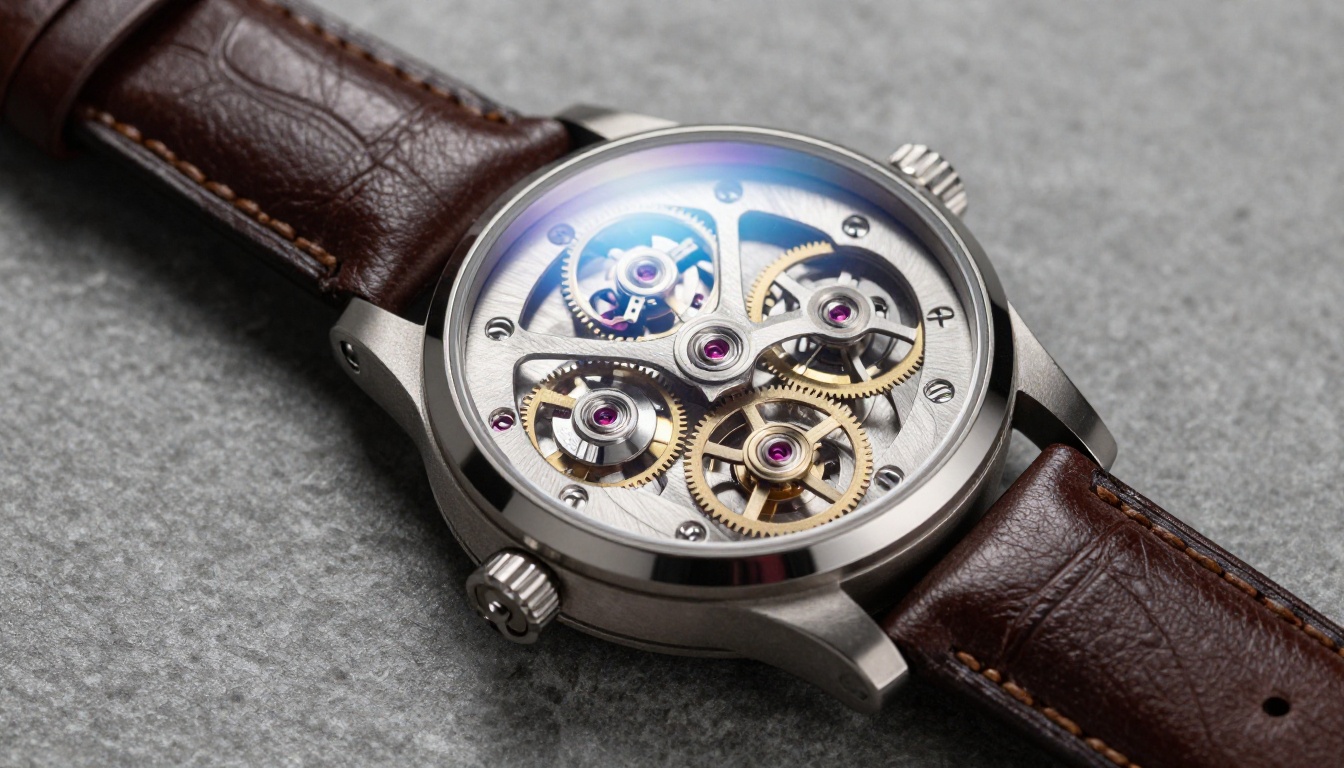
- 100-150mm macro: extreme close-up detail, ideal for jewelry, watches, and small components
Aspect ratio should match your platform. PicassoIA lets you specify 16:9, 1:1, or 4:3. Use 1:1 for Amazon product grids and Instagram posts. Use 16:9 for website hero images and banners.
When to Use Which Nano Banana Version
PicassoIA hosts the full Nano Banana family. Each has a different speed-to-quality tradeoff.
For e-commerce product shots that will appear on a storefront, use Nano Banana Pro. The detail ceiling is simply higher, and the difference shows at zoom levels that matter during purchase decisions.
Cost Comparison: AI vs. Traditional Photography
The economics of AI product photography are straightforward.
| Method | Cost per Image | Turnaround | Resolution Control |
|---|
| Professional photographer | $50-300 per shot | 2-5 days | Limited by equipment |
| In-house phone photography | Labor cost only | Same day | Phone camera limit |
| Stock photos | $5-50 per image | Immediate | Fixed, cannot customize |
| AI with Nano Banana Pro on PicassoIA | Cents per generation | Under 1 minute | Full control up to 8K |
The flexibility argument is equally important. With AI generation, you can produce a product image in twelve different lighting setups in an afternoon and A/B test which converts better. That iteration cycle is impossible with traditional photography without a budget that most brands cannot sustain.
Start Creating on PicassoIA
If you have products that need better visuals, this is the fastest path to 4K-quality imagery without a photography budget.
Start at picassoia.com/en/all-models to see every model available. For product photography specifically, the workflow is Nano Banana Pro for generation, followed by Clarity Pro Upscaler or Topaz Image Upscale for final resolution.
Write a specific prompt, describe the surface, the light, the camera angle, and the material. Generate. Upscale. Done. Your competitors are still booking studio time and waiting on photographers. You are shipping 4K product images in minutes.
The quality bar for e-commerce visuals has never been higher, and AI has made meeting that bar more accessible than at any point before. Give it a try and see what your products look like when every detail is actually visible.


