If you've spent time generating adult AI images only to hit a wall every time you try to edit them, you already know the frustration. Most platforms that advertise "unlimited" generation quietly restrict editing features, apply invisible filters to inpainting tools, or deliver results that look uncanny the moment you touch the original. That's where the gap has always been, not in generation, but in editing. PicassoIA closes that gap with a suite of specialized editing models that handle adult and suggestive content with the same precision they apply to everything else.
This is a practical breakdown of which tools work, how they work, and the workflow that delivers consistently polished, artistically refined results without fighting the platform the entire time.
Why Most AI Editors Block Adult Creators
The censorship wall nobody warned you about
Generating an adult AI image on a permissive platform is one thing. Opening it in an editor and trying to adjust lighting, refine a pose, swap a background, or fix an awkward area is where most creators hit the ceiling. Inpainting tools on mainstream platforms apply the same content filters as the base generation model, and those filters are often more aggressive during editing than during first-pass generation.
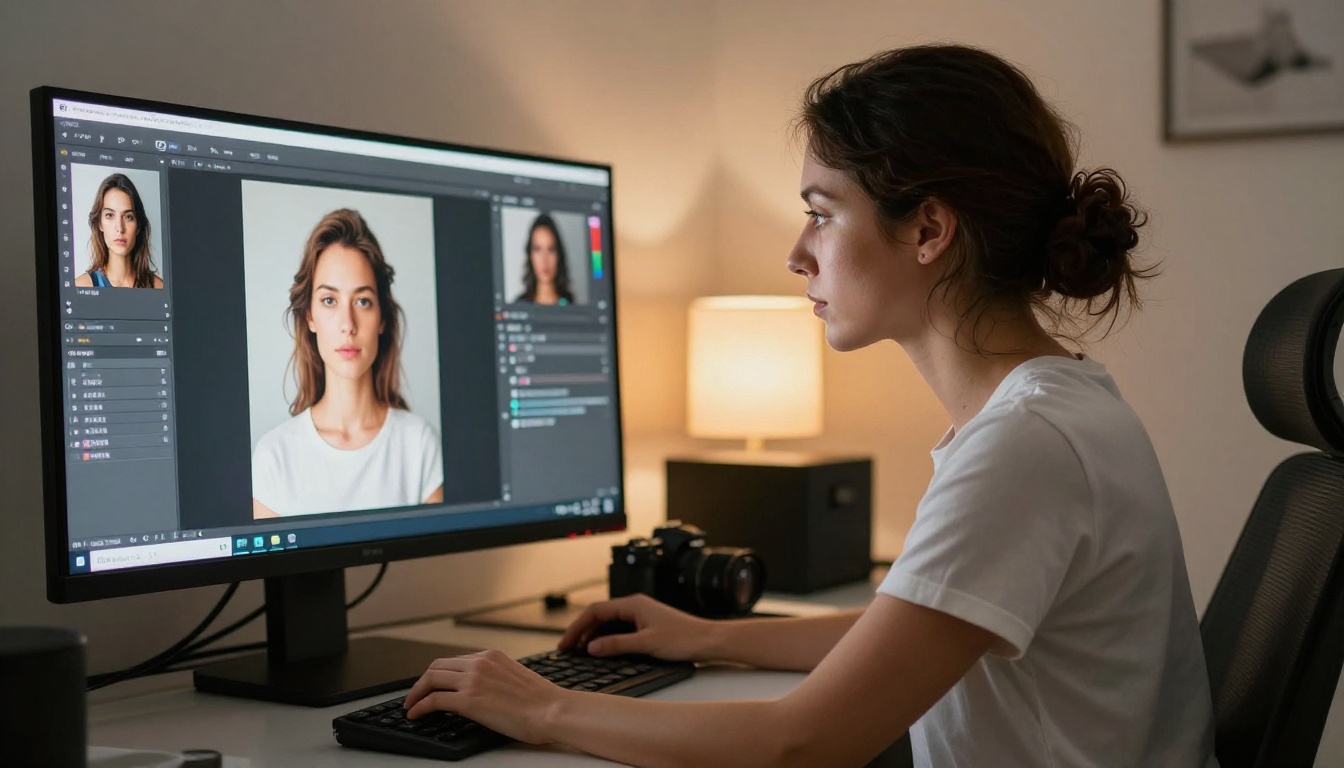
The result: you get a beautiful first draft, then every edit attempt returns a sanitized, lifeless version of it. The atmosphere disappears. The confidence in the pose reads wrong. Skin tones shift. You spend more time fighting the tool than refining the image. For creators doing this professionally, that friction compounds across every project and adds up to real lost time.
What "uncensored" actually costs elsewhere
Some creators turn to self-hosted models or pay for expensive API access to bypass censorship. That route works, but it demands technical setup, GPU resources, and significant time just to get a working editing environment. The quality of results varies wildly depending on the model version, the inpainting mask quality, and prompt engineering skills most people don't have when they're starting out.
PicassoIA removes that overhead entirely. The models are hosted, the interfaces are browser-based, and the editing tools apply to adult and suggestive content the same way they apply to everything else, without a separate approval process, a higher cost tier, or a support ticket requesting access.
Here's a fast reference of the editing-focused models available on the platform and what each one does best:
| Model | Best For | Speed |
|---|
| Seedream 5 Pro | Full-scene generation, NSFW content, sharp 2K output | Fast |
| Flux Fill Pro | Precision inpainting, area-specific edits | Medium |
| Flux Fill Dev | Iterative inpainting, experimental variations | Medium |
| Flux Kontext Fast | Instant photo editing from text prompts | Very Fast |
| Qwen Image Edit | Text-driven precise changes to existing images | Fast |
| Edit Fast | Quick single-pass edits when speed is priority | Very Fast |
| Reve 2.1 | Combined generation and editing in one flow | Medium |
| Flux Depth Pro | Depth-aware scene edits, layered compositions | Medium |
| Flux Canny Pro | Structure-preserving edits, pose and body control | Medium |
| Dreamina 3.1 | Cinematic 4MP output, high-realism portraits | Fast |
Seedream 5 Pro Leads for Adult Content
When the topic is adult AI imagery, Seedream 5 Pro is the starting point. It outputs at sharp 2K resolution, handles suggestive content without applying sanitizing filters, and generates results that hold up at full size without the blurring and smoothing artifacts common in lower-resolution models.
💡 Important: Do not use Seedream 5 Lite for adult content. The lite variant applies content filtering that blocks suggestive prompts. Seedream 5 Pro operates without those restrictions.
What it does differently
Most image generators apply the same prompt processing logic regardless of context. Seedream 5 Pro evaluates the full scene holistically, meaning lighting, anatomy, pose, fabric, and background all get resolved together rather than independently. That matters for adult content because the realism of a scene depends on coherence between elements. A poorly lit figure against an inconsistent background breaks the illusion instantly, and audiences notice the disconnect even if they can't articulate why.
The model also applies more sophisticated skin rendering than its competitors at this price point. Natural pore texture, subcutaneous light scattering, and the subtle warmth variations that real skin shows under different lighting conditions all factor into the output.

Best prompting approach
For suggestive content on Seedream 5 Pro, specificity beats explicitness every time. Describe the environment, lighting direction, fabric texture, camera angle, and mood before describing the subject. The model responds better to cinematic context than to direct body descriptions.
Instead of a generic prompt about a woman in swimwear, try: "A woman wearing a high-cut black swimsuit, standing on a sunlit rooftop pool at golden hour, ambient rim lighting from behind, 85mm portrait lens, photorealistic, natural skin texture, Kodak Portra 400." That level of scene-setting produces dramatically better results.
Film photography references are particularly effective. Adding "Kodak Portra 400 grain" or "Fujifilm 400H film emulation" to your prompt shifts the output toward naturalistic, warm tones that read as more convincing than the sterile digital look many generators default to.
Inpainting Changes What's Possible
Inpainting, the ability to select a specific region of an image and regenerate only that area, is where editing gets genuinely powerful. Two models on PicassoIA handle this with precision that matches or exceeds what you'd get from a self-hosted ComfyUI or AUTOMATIC1111 setup.
Flux Fill Pro rewrites specific areas
Flux Fill Pro is the professional inpainting tool for adult AI images. You draw a mask over the area you want to change, write a prompt describing the replacement, and the model regenerates that region while keeping everything outside the mask untouched. The seam between the edited region and the original image is one of the cleanest in any browser-based tool currently available.
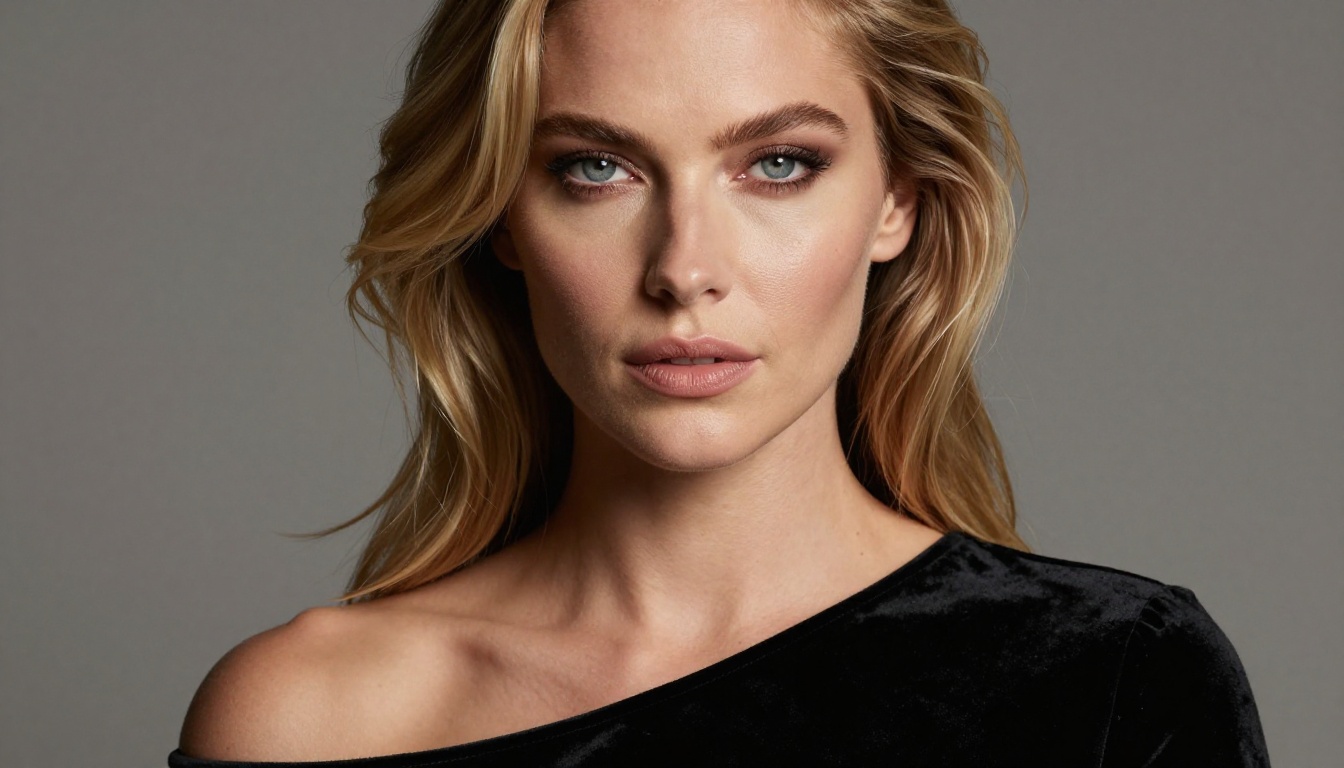
The practical applications for adult content creators are significant:
- Background swaps: Replace a plain white studio background with a beach, hotel room, or outdoor setting, keeping the subject intact.
- Lighting corrections: Regenerate areas where the original generation produced flat or inconsistent lighting without touching the rest.
- Pose refinements: Fix awkward hand placements, elbow angles, or foot positioning without regenerating the entire image.
- Wardrobe adjustments: Change the style, color, or coverage of clothing within a masked region while preserving body proportions and the surrounding scene.
The mask precision is what separates Flux Fill Pro from general-purpose inpainting. The model understands the boundary between the masked and unmasked areas and blends the regenerated region seamlessly, without the hard edges and tonal mismatches that ruin inpainting results on lesser tools.
Getting clean mask edges: Use a slightly feathered mask border rather than a hard edge. The feathering lets the model blend the regenerated region into the surrounding context more naturally. Most inpainting interfaces on PicassoIA include a feather radius slider. A value of 5 to 10 pixels on a 1024-pixel wide image typically produces the cleanest blends.
Flux Fill Dev for iterative work
Flux Fill Dev is the development variant of the same inpainting engine. It's slightly slower than the Pro version but gives more flexibility for experimental edits where you want to test multiple variations of the same region before committing to one.
For creators doing iterative refinement, this is the right tool. Generate three or four variations of the same masked area, compare them, and select the one that integrates best with the rest of the image. The model's variance between runs is higher than the Pro version, which means more creative diversity when you're looking for something that diverges from the original.
Text-Driven Edits in Seconds
Not every edit requires a mask. Sometimes you want to describe what should change in plain language and let the model figure out what to do. Two models on PicassoIA specialize in this approach.
Qwen Image Edit for precise changes
Qwen Image Edit accepts an image and a text instruction and applies the change directly. "Make the background a sunset beach." "Change her dress to deep burgundy." "Add soft candlelight from the right side." These instructions get processed and applied without manual masking.
For adult content specifically, Qwen Image Edit handles context-aware changes that would be tedious to mask manually. The model identifies the relevant regions based on the text and regenerates them with appropriate coherence to the surrounding image.

One area where Qwen Image Edit particularly excels is lighting changes. Adjusting from harsh studio lighting to warm ambient candlelight is the kind of global change that's difficult to mask precisely but responds very well to a simple text instruction. The model reads the existing light sources, removes them conceptually, and reapplies the new lighting environment across the full image.
Edit Fast when speed beats everything
Edit Fast by Reve does exactly what the name suggests. Single-pass edits at high speed, optimized for creators who need to iterate rapidly without waiting for slower model processing. The trade-off is that complex edits with multiple simultaneous changes produce less precise results than Flux Fill Pro.
The right use case for Edit Fast is when you have a nearly finished image that needs one clear adjustment: fix the lighting, adjust the background color, or clean up a specific detail. For those single-issue fixes, it's the fastest option on the platform. You can run five quick variations in the time it takes other models to process one.
Depth and Structure Control
Two models handle a class of edits that most creators don't know exists until they need it: changes that require understanding the three-dimensional structure of the scene before applying modifications.
Flux Depth Pro for layered scenes
Flux Depth Pro uses depth map analysis to edit images with spatial awareness. When you're changing a background or adding elements to a scene, Depth Pro understands which parts of the image are foreground and which are background, and applies changes accordingly.
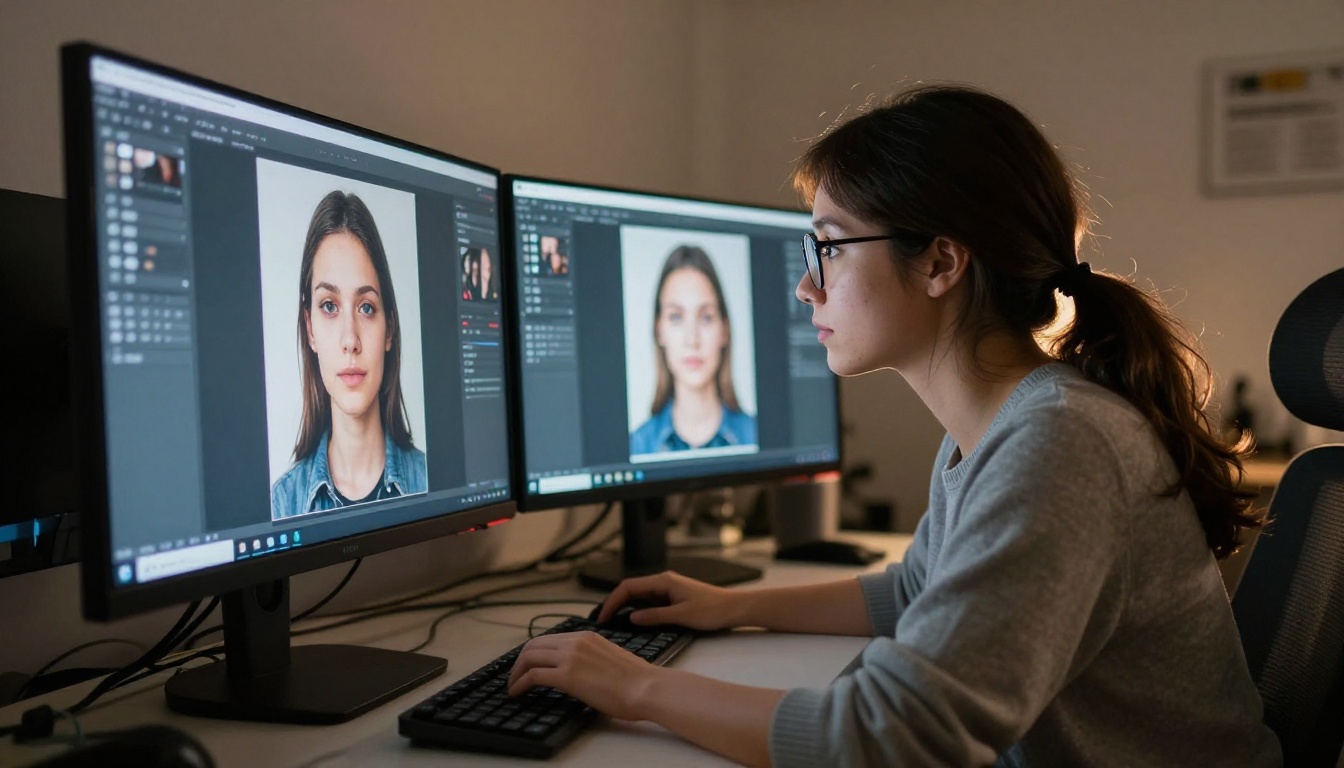
For adult AI images, this matters most when adding environmental elements. If the original image has a subject in the foreground and you want to place them in a different setting, Depth Pro handles the occlusion and spatial coherence automatically. The subject stays sharp and correctly positioned while the new background integrates naturally, with correct depth-of-field fall-off at the edges.
Flux Canny Pro for body structure edits
Flux Canny Pro extracts the edge structure of your image and uses it as a control signal during regeneration. In practice, this means you can dramatically change the style, lighting, or details of an image while preserving the exact body structure, pose, and proportions of the original.
This is particularly valuable for adult content refinement. If your first-pass generation has the right pose and proportions but wrong lighting or background, Canny Pro lets you regenerate with a completely different environment while keeping the body structure locked in.
💡 Pro tip: Combine Canny Pro with Seedream 5 Pro. Use Canny to extract the structure from a rough first draft, then feed that structure into a new generation with Seedream 5 Pro for a polished, high-resolution final result. This two-step process consistently outperforms trying to inpaint everything manually.
The Full Workflow That Works
From raw generation to polished result
The most effective approach to editing adult AI images on PicassoIA follows a three-stage workflow:
Stage 1: Generate the rough draft. Use Seedream 5 Pro or Dreamina 3.1 for the first-pass generation. Don't try to get everything right on the first attempt. Get the pose, subject, and basic lighting roughly correct, then move to editing. Perfectionism at this stage wastes time because the editing tools will handle corrections more efficiently than prompt iteration alone.
Stage 2: Fix major elements with inpainting. Use Flux Fill Pro to address the biggest issues: background replacement, lighting corrections, wardrobe adjustments. Work from largest area to smallest, since each inpainting pass affects the visual balance of the whole image and you want to see the big changes before making fine adjustments.
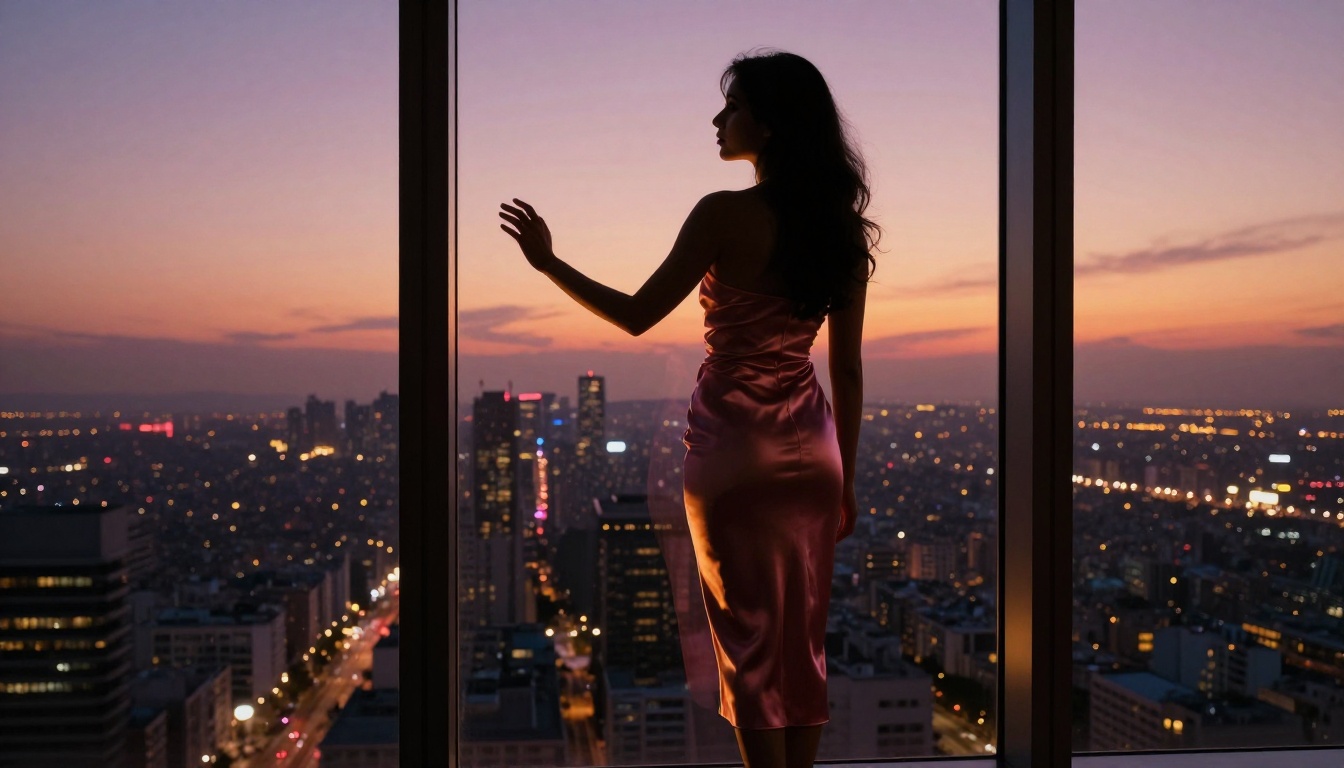
Stage 3: Refine details. Use Qwen Image Edit or Edit Fast for final detail corrections. Color adjustments, lighting fine-tuning, and small fixes that don't require masking. This stage should take five minutes, not thirty.
When to stack multiple models
Stacking models, using the output of one as the input to another, multiplies creative control without exponentially increasing time. The most effective stacks for adult content on PicassoIA:
- Seedream 5 Pro → Flux Fill Pro: Generate at high quality, then inpaint specific areas that need adjustment.
- Flux Canny Pro → Seedream 5 Pro: Extract structure from a rough draft, regenerate with the desired style and resolution.
- Flux Depth Pro → Flux Fill Pro: Establish spatial depth understanding, then inpaint background elements with correct depth integration.
Each stack trades a small amount of time for a significantly better result. For creators producing images for commercial use or high-visibility distribution, the extra two or three steps are worth it every time.
3 Mistakes That Ruin Adult AI Edits
Most editing failures on adult AI images come from a predictable set of errors. Recognizing them saves hours of frustration:
-
Masking too broadly. Inpainting a large portion of an image increases the chance the model will introduce inconsistencies with the areas it can't see. Tight, precise masks produce better results. If you need to change a large area, break it into multiple smaller inpainting passes rather than one sweeping mask.
-
Prompting for the subject, not the scene. The best results come from prompts that describe the full environment, lighting, mood, and camera angle, not just the subject itself. "Woman in lingerie" is a weak prompt. "A woman in a black silk robe sitting on the edge of a hotel bed, warm amber lamp on the bedside table, 85mm lens, soft volumetric light from the right, Kodak Portra 400" gives the model the context it needs to make a coherent image.
-
Skipping the structure step. When an image has good anatomy but wrong aesthetics, creators often try to inpaint their way to a fix. The better approach is to use Flux Canny Pro or Flux Depth Pro to preserve the structural elements while regenerating the visual style entirely.
Reve 2.1 and Dreamina 3.1 Worth Knowing
Two models that don't always get the attention they deserve for editing work:
Reve 2.1 handles both generation and editing in the same interface. For creators who prefer a single-tool workflow without switching between models, Reve 2.1 covers both the initial generation and subsequent text-driven edits. The editing quality sits slightly below Flux Fill Pro for complex inpainting, but for straightforward scene adjustments it's fast, consistent, and requires no masking.
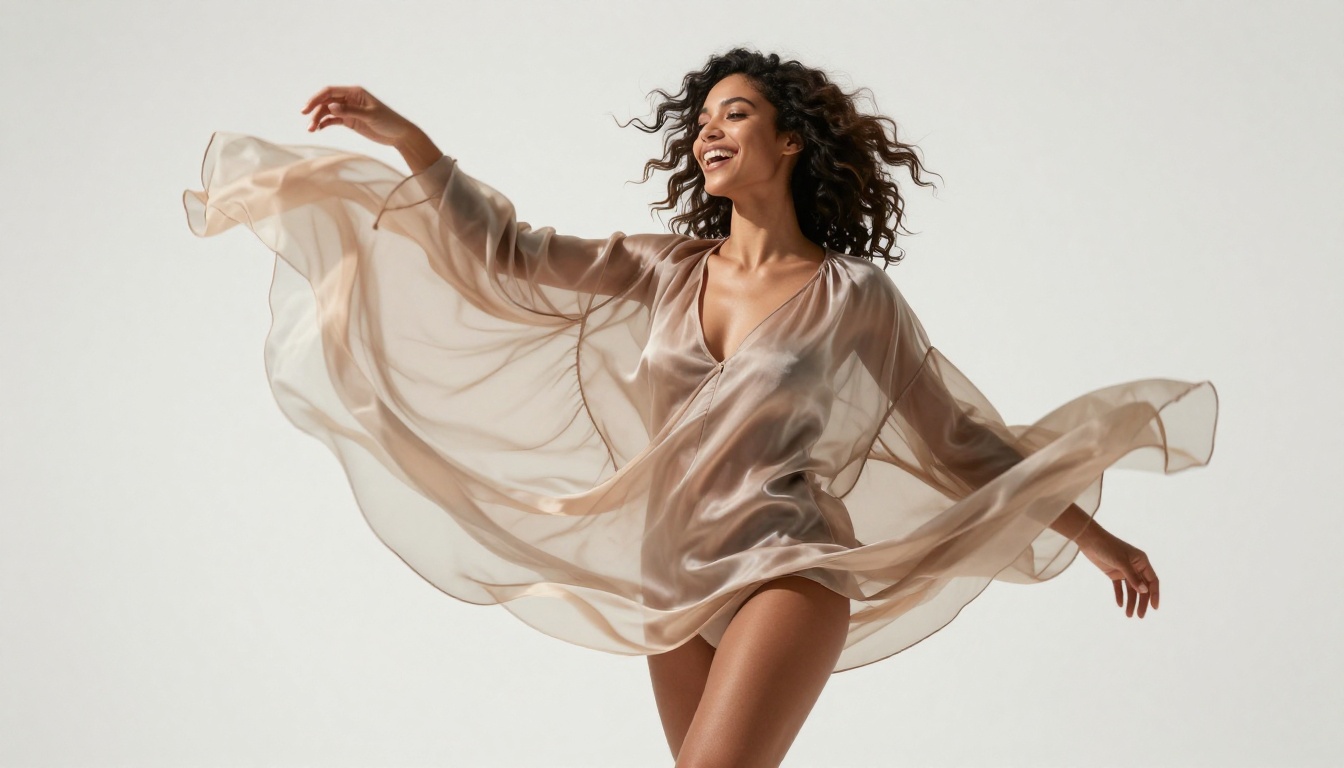
Dreamina 3.1 produces cinematic 4-megapixel images with a level of photorealism that makes it worth using as a final-pass render. Take a well-edited image and run it through Dreamina 3.1 with a detailed scene prompt to get a sharp, cinematic final output. The model is particularly strong with skin texture, natural light rendering, and the subtle depth cues that make an image read as a real photograph rather than a generated artifact.
For creators who want the absolute highest quality final output without self-hosting anything, the Seedream 5 Pro → Flux Fill Pro → Dreamina 3.1 stack is the most reliable path to a commercial-quality result.
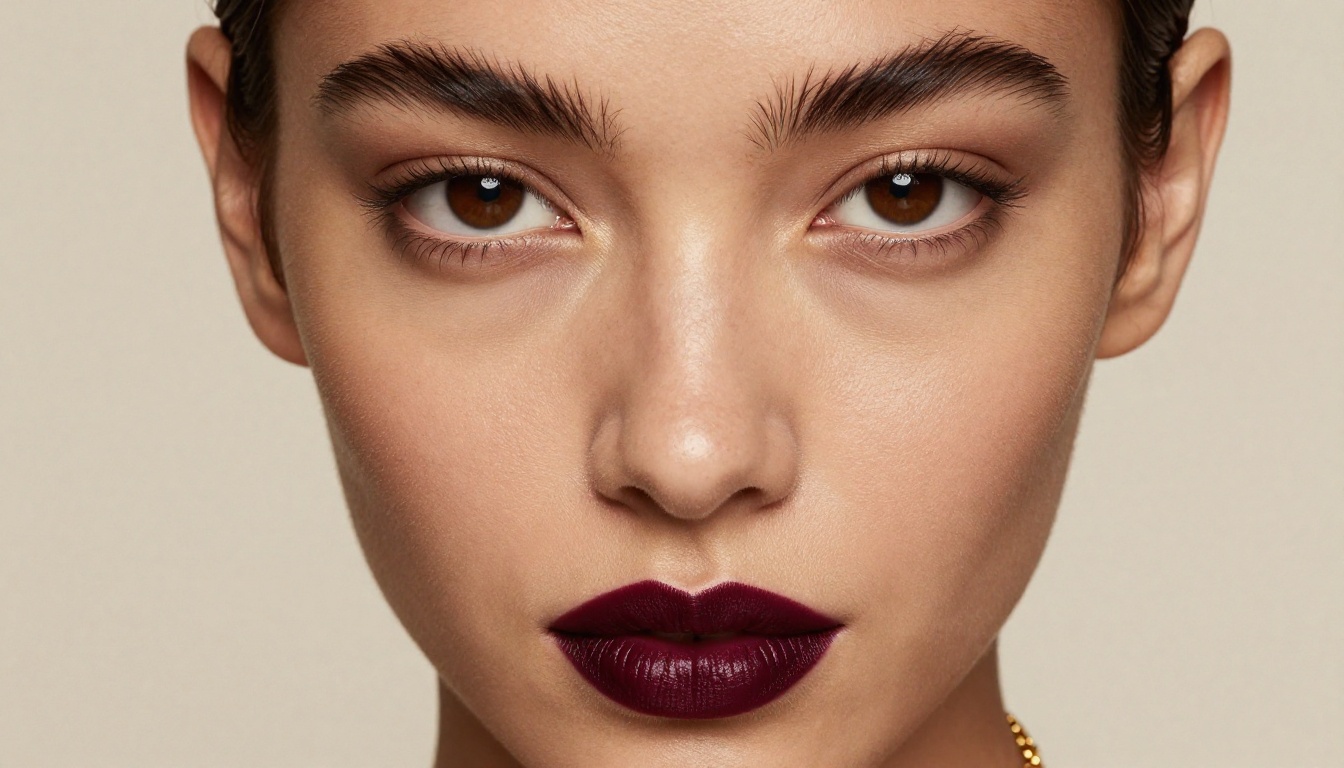
💡 Workflow tip: Generate the base image on Seedream 5 Pro, do inpainting refinements with Flux Fill Pro, then pass the finished result through Dreamina 3.1 for the final cinematic 4MP output. Three models, one polished result.
Start Creating on PicassoIA Today
The platform has over 90 text-to-image models and editing tools, all accessible from the same browser-based interface. No technical setup, no GPU requirements, no censorship walls blocking adult and suggestive content when you move from generation to editing.
The editing tools covered here, from Seedream 5 Pro and Flux Fill Pro to Flux Kontext Fast, Qwen Image Edit, Reve 2.1, and the full Flux editing suite, are available right now with no waiting list and no approval process. You can start editing adult AI images in minutes.

Start with Seedream 5 Pro for your first-pass generation, bring it into Flux Fill Pro for targeted adjustments, and finish with Dreamina 3.1 for a cinematic final render. The workflow takes minutes once you've run through it once, and the results are consistently better than anything you'd get fighting censorship filters on a restricted platform.
The full model library is at picassoia.com/en/all-models, organized by category so you can find exactly the right tool for each stage of your workflow. Over 90 image models, editing tools, and specialized utilities, all in one place, ready to use without any setup.


