Every time someone submits an NSFW prompt to GPT Image 1.5, the model processes it through a multi-layered classifier before a single pixel is rendered. Knowing exactly where that filter triggers, what it catches, and why it exists clarifies why dedicated adult AI platforms have grown so fast. They simply let you work.
What GPT Image 1.5 Does With NSFW Prompts
GPT Image 1.5 is OpenAI's most capable image generation model, embedded in ChatGPT and accessible through the API. For everyday photography, product visuals, and creative content, it produces impressive results. For adult content, it stops before it starts.
The Classification Wall
OpenAI's system runs a text classifier on every prompt before the image pipeline begins. If the classifier scores the prompt above a content violation threshold, the request is rejected and nothing is generated. There is no context window, no intent reading, and no workaround inside the platform itself.
This affects:
- Suggestive language in prompts, even in clearly artistic or clinical contexts
- Clothing-related edits on uploaded photos, particularly anything involving partial undress
- Body retouching where skin exposure is involved in the source image
- Inpainting and outpainting operations where the edit prompt is classified independently from the source image
The classifier reads pattern matches between prompt vocabulary and flagged content categories, not creative intent. An artist requesting a tasteful implied nude for a painting reference gets the same refusal as an explicit request.
What Gets Blocked
| Content Category | Status in GPT Image 1.5 |
|---|
| Full nudity | Always blocked |
| Implied nudity | Usually blocked |
| Lingerie or bikini edits | Context-dependent, often blocked |
| Partial undress in uploads | Blocked if image classifier flags it |
| Artistic glamour photography | Frequently blocked |
| Suggestive prompt language | Blocked by text classifier |
OpenAI does operate an expanded access program for verified API partners, but even that excludes the most explicit content categories and is unavailable through the standard ChatGPT interface.
💡 Note: Rephrasing or adding creative framing to adult content prompts rarely helps. The classifier updates regularly and is effective at detecting indirect requests.
How the Editing Pipeline Actually Works
To pinpoint where restrictions cause the most friction, compare what GPT Image 1.5 can do technically against what it is permitted to do.
Inpainting and Outpainting
The model supports canvas-based editing where you upload an image and describe a change to a specific region. The pipeline:
- Segments the uploaded image into regions
- Applies your prompt to the masked or selected area
- Generates new pixels that blend with surrounding context
- Maintains lighting direction, color temperature, and stylistic coherence
This system works well for object removal, background replacement, or color changes. The model reads spatial relationships accurately so edits look natural rather than composited in.
Where Adult Content Editing Falls Apart
For NSFW work, the same pipeline breaks at the classification stage:
- Uploading a photo of someone in swimwear and requesting a wardrobe edit triggers the classifier
- Inpainting on any skin-exposed region often fails, even if the requested change is non-explicit
- Artistic or descriptive language around adult content does not reliably avoid the filter
- Edit prompts are classified independently from the source image, so a non-explicit photo plus a borderline prompt can still fail
GPT Image 1.5 cannot function as an NSFW photo editor regardless of your professional or creative context.
The restrictions in mainstream AI tools created a clear product gap. Platforms built for adult content operate under different technical and legal frameworks. They host their own models, apply moderation focused on prohibiting illegal content (such as minors or non-consensual scenarios), and do not apply the safety fine-tuning that causes OpenAI's models to refuse adult content by default.
No Classifier, No Interruptions
When every few prompts fail a content check, you lose workflow momentum and spend time reformulating requests that should just work. Platforms designed for this use case process adult content prompts the same as any other prompt: directly to the model, with no text classifier in the middle.
What Uncensored Generation Actually Means
At the model level, uncensored generation means the base model has not been safety fine-tuned to refuse adult content. Safety fine-tuning is a post-training process where models are conditioned to generate refusals or sanitized outputs for flagged categories. Without that conditioning, the model's full generative capability applies to every prompt.
The responsibility for blocking illegal content shifts to platform-level policy enforcement rather than model-level refusals. Reputable adult AI platforms apply these restrictions strictly while keeping creative and adult content fully accessible.
Seedream 4 on PicassoIA: First Choice for NSFW Photo Generation
Seedream 4 is the strongest model on PicassoIA for adult image generation and editing. It produces native 4K output, accepts reference images for character and style consistency, supports single-sentence editing of existing generations, and processes NSFW prompts with no content filtering.
Why Seedream 4 for this work:
- 4K native output with no upscaling artifacts or softness at large sizes
- Reference image input to carry a character's appearance or outfit consistently across a full series
- Single-sentence editing to refine an output without rewriting the entire prompt from scratch
- Sequential generation to produce up to 15 related images in a single session
- Nine aspect ratios including 9:16 for portrait, 16:9 for widescreen, and 21:9 for cinematic
- No watermarks on downloaded files
💡 Tip: For close-up glamour shots, use 3:4 or 9:16. For environmental shots with a subject in frame, 16:9 gives the most natural photographic framing.
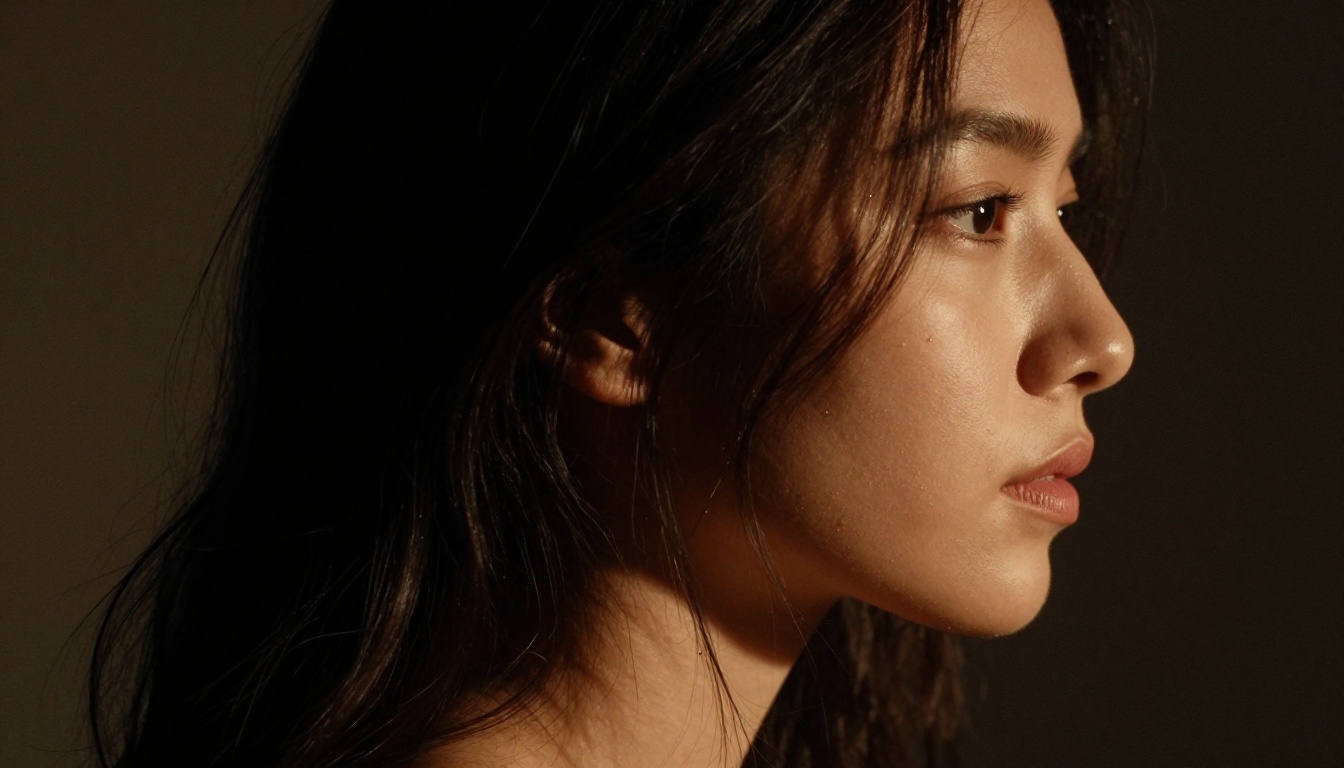
Seedream 3 is a strong companion for rapid iteration. It generates at up to 2K resolution significantly faster than Seedream 4, making it the right pick for testing prompt variations before committing to a 4K final output.
How to Edit NSFW Photos on PicassoIA
The following is the step-by-step process for editing or generating adult content on PicassoIA using Seedream 4:
Step 1: Open the model
Go to Seedream 4 on PicassoIA. No account is required to start generating, though saving outputs requires a free account.
Step 2: Choose generation or editing mode
For a new image, write a text prompt and choose your aspect ratio and size. For editing an existing photo, use the image_input field to upload your source. Seedream 4 accepts up to 10 reference images for multi-reference generation.
Step 3: Write a specific prompt
Include all of the following:
- Subject description (adult, physique, hair, skin tone)
- Clothing or state of dress
- Setting, environment, and props
- Lighting direction and quality
- Camera angle and lens specification
- Style modifiers (photorealistic, cinematic, editorial)
Step 4: Set output parameters
Use 4K for final outputs and 2K for drafts. Set sequential generation to "auto" if you need a series of related images in one session.
Step 5: Iterate with single-sentence editing
If the first result is close but needs adjustment, type a single sentence describing the specific change. "Change the lighting to golden hour from the left" or "Adjust the pose so arms are raised" applies directly without rewriting your full prompt.
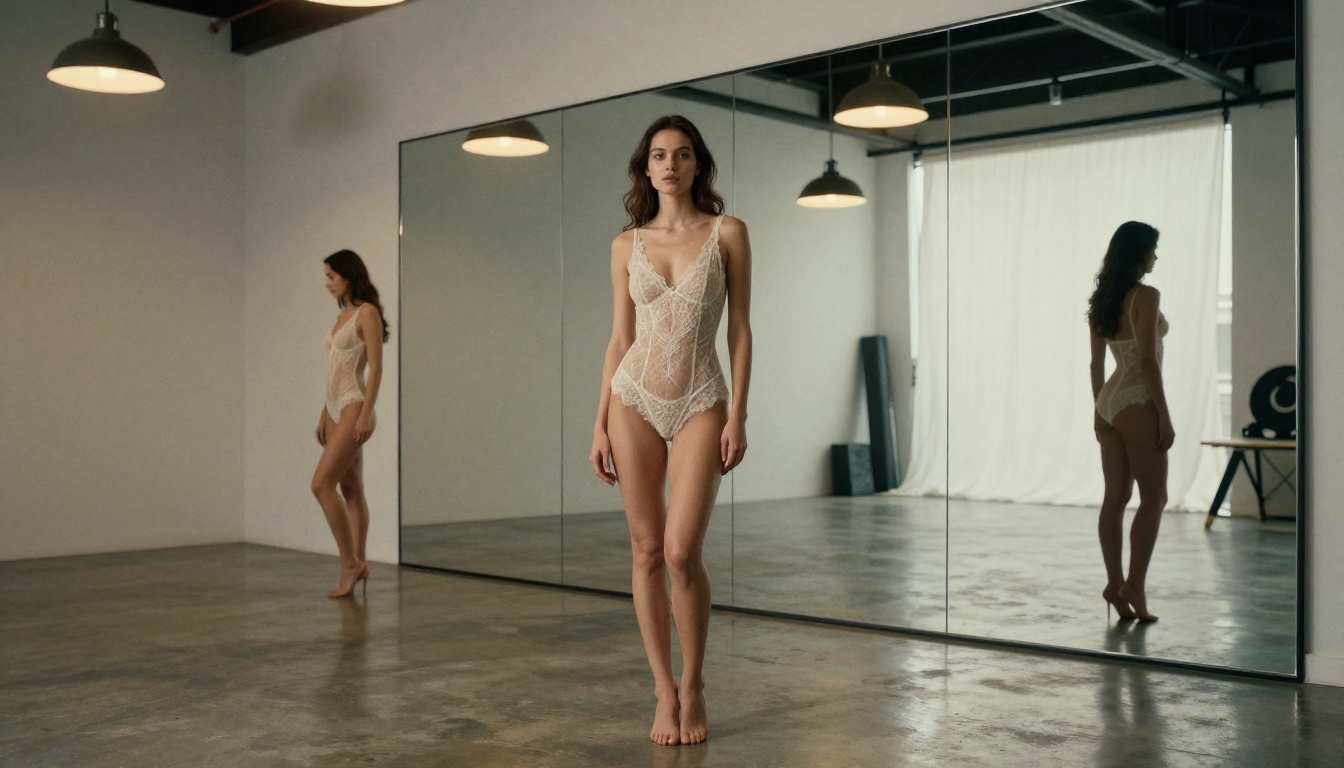
| Platform | NSFW Allowed | Max Resolution | Editing Mode | Content Filtering |
|---|
| GPT Image 1.5 | No | ~1024px | Inpainting, outpainting | Text + image classifier |
| DALL-E 3 | No | 1024px | Basic generation | Text classifier |
| Midjourney | Limited | 2048px | Vary, remix | Platform-level |
| PicassoIA (Seedream 4) | Yes | 4K | Gen + reference + editing | No model-level filter |
| PicassoIA (Flux Dev) | Yes | 1MP | Gen + img2img | No model-level filter |
| PicassoIA (Seedream 3) | Yes | 2K | Gen + seed control | No model-level filter |
Flux Dev is particularly effective for img2img workflows. As a 12-billion parameter model with image-to-image editing built in, it lets you upload an existing non-explicit reference photo and redirect its content using a text prompt. This makes it useful for producing adult content variations from real-world photographic references while preserving composition and lighting structure.
What to Look for in an NSFW AI Platform
When choosing a platform for NSFW photo editing:
- Model transparency: Is the base model named and from a known architecture?
- Output resolution: Is high-resolution output native, or is it upscaled from a small base?
- Editing depth: Does the platform support img2img, inpainting, and reference input, or only text-to-image?
- Generation speed: How many outputs per minute are realistically achievable?
- Content policy specifics: What is explicitly prohibited? Age-related restrictions must be non-negotiable.
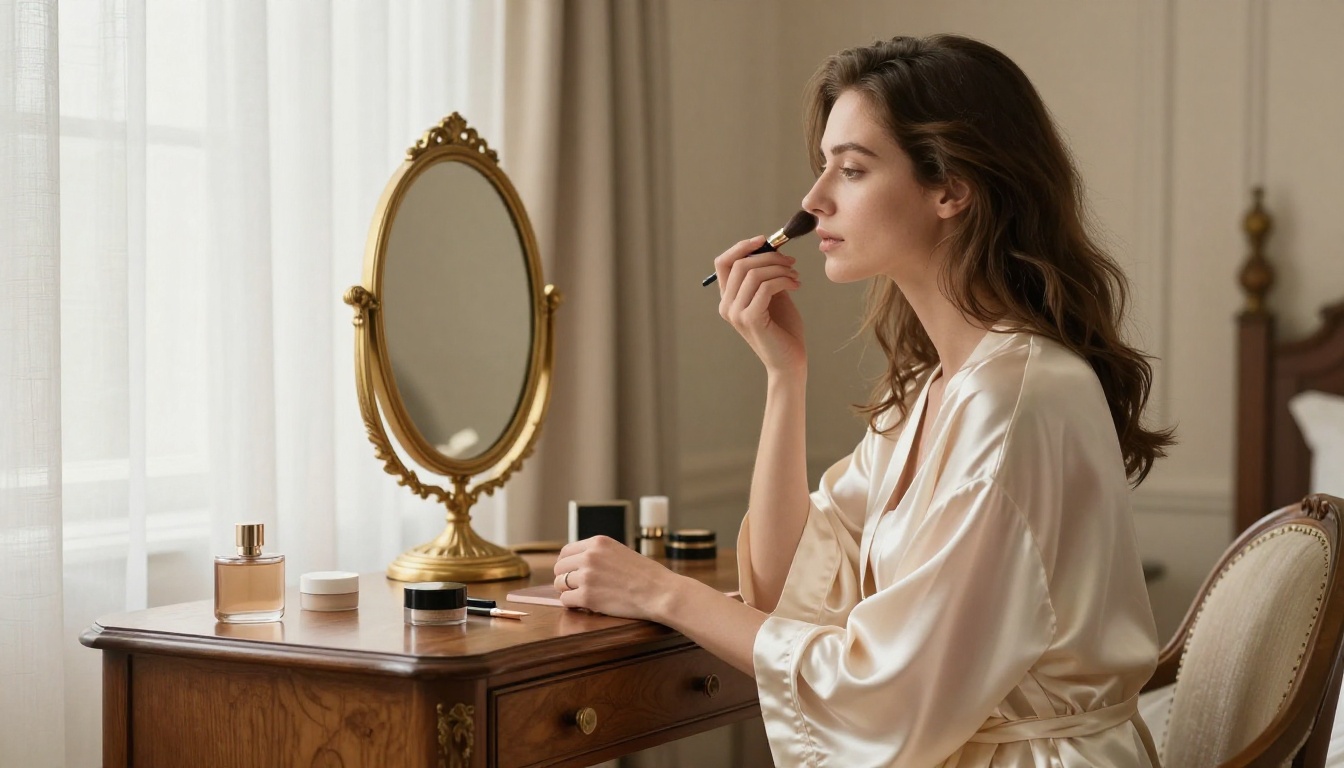
Writing Prompts That Produce Photorealistic NSFW Results
The difference between a generic output and a sharp, publication-quality result comes down almost entirely to how the prompt is written.
Specificity Over Vagueness
A weak prompt: "attractive woman in lingerie on a bed"
A strong prompt: "A woman in her late 20s wearing a black silk slip dress, seated on the edge of a white linen bed, soft morning light from a window on the left casting warm diagonal light across the sheets, 85mm f/1.8 portrait lens at eye level, photorealistic 8K RAW photography, visible linen thread texture, warm amber highlights against cool shadow zones, subtle Kodak Portra 400 film grain"
The second prompt gives the model a complete scene: subject, garment, setting, light source, camera specification, and finish quality. Every added detail reduces guesswork and improves output consistency across generations.
Lighting Language That Produces Results
Specific lighting descriptions reliably produce distinct outputs:
- "Rembrandt lighting from upper left" creates dramatic one-side shadow
- "Soft diffused light through frosted glass panels" gives even, flattering illumination
- "Golden hour backlight with lens flare" adds warm rim lighting and atmospheric haze
- "Venetian blind stripes of morning sun" creates the classic interior photography look
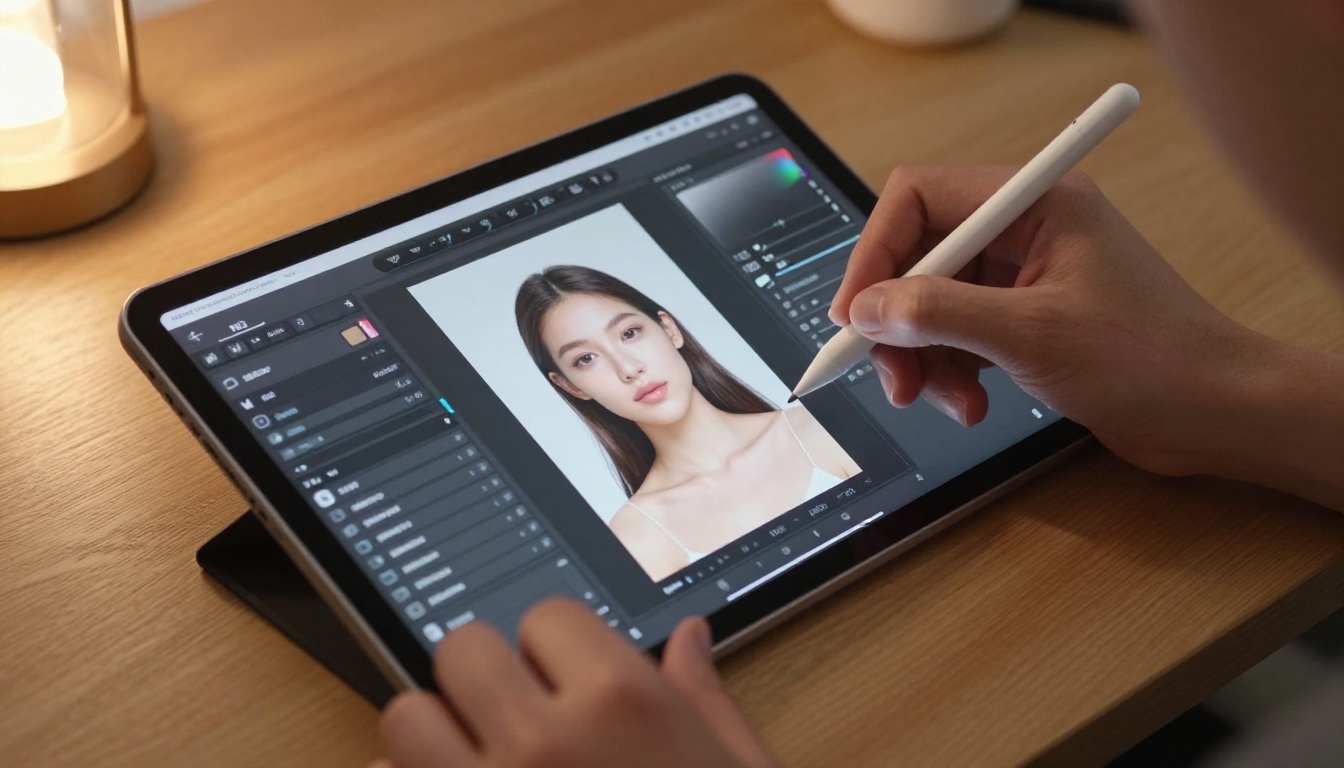
Aspect Ratio Planning for Different Shot Types
| Shot Type | Best Ratio | Purpose |
|---|
| Full body standing | 9:16 | Vertical portrait for mobile or social |
| Half body, waist up | 3:4 | Classic editorial framing |
| Widescreen scene | 16:9 | Environmental and setting shots |
| Close-up detail | 1:1 | Tight cropping for texture focus |
| Editorial horizontal | 3:2 | Magazine and print format |
💡 Tip: Seedream 4's sequential generation mode produces up to 15 related images in a single session. Use it to build a complete photo series with consistent character, outfit, and lighting without re-entering your setup parameters each time.
GPT Image 1.5 produces outstanding photorealistic results. The model quality is not the issue. Its outputs are constrained by policies designed for a general consumer audience across all ages and contexts. Every restriction exists because OpenAI operates at massive public scale without relying on user self-policing.
Dedicated platforms like PicassoIA are built for adult creative work, enforce age-related restrictions at the platform level, and select models that handle the use cases their users actually have.
Using a dedicated NSFW AI platform rather than trying to rephrase around GPT Image 1.5's filters is not a workaround. It is the right tool for the task.
What PicassoIA Offers Beyond Image Generation
PicassoIA is not only an image generator. The platform provides a full production toolkit that covers every stage of adult content creation:
- Super Resolution: Upscale generated images 2x to 4x for print-ready output
- Background Removal: Extract subjects from any background cleanly
- Face Swap AI: Realistic face swaps on generated or uploaded images
- Inpainting: Edit specific image regions with surgical precision
- Text to Video: Convert generated images into short video clips
- AI Video Enhancement: Upscale, stabilize, and restore video output
- AI Music Generation: Generate audio tracks from text descriptions
Every tool operates without the content restrictions that block the same operations on mainstream platforms.
Start Generating on PicassoIA
If you have been hitting content filter walls with GPT Image 1.5 or accepting inconsistent outputs from platforms that claim to allow adult content but deliver weak results, the correct move is simply to switch tools.
Go to picassoia.com/en/all-models and open Seedream 4. Write your first prompt with the level of specificity described above, set your output to 4K, and see what a fully unrestricted model with native 4K resolution actually produces. Bring a reference image if you have one, and use sequential generation mode to build a full photo series in a single session.
The gap between what GPT Image 1.5 can produce for this use case and what Seedream 4 delivers on PicassoIA is not a matter of opinion. Try both and you will see it immediately.


