Precision editing has always separated average AI image work from genuinely professional output. Nano Banana Pro arrived without much fanfare, but after spending several weeks pushing it through real-world editorial and commercial workflows, the story it tells is worth paying close attention to. This is not a polished marketing summary. It is what actually happened when the tool was put through tasks that matter to working photographers and retouchers.
What Nano Banana Pro Actually Is
Nano Banana Pro is a precision-focused AI editing model built for detailed image refinement. Where most AI editing tools operate at the level of broad strokes and approximate selections, Nano Banana Pro claims sub-pixel masking accuracy — a bold statement in a market saturated with "smart" selection tools that regularly stumble on fine hair, translucent fabric, or complex foliage.
The model sits within the PicassoIA ecosystem, which means you get direct access to it alongside a broader suite of AI image tools ranging from upscaling to background removal, without needing to configure API keys, install local dependencies, or wrangle command-line scripts. The integration is clean and the workflow is straightforward from the first session.
The Precision Claim Tested
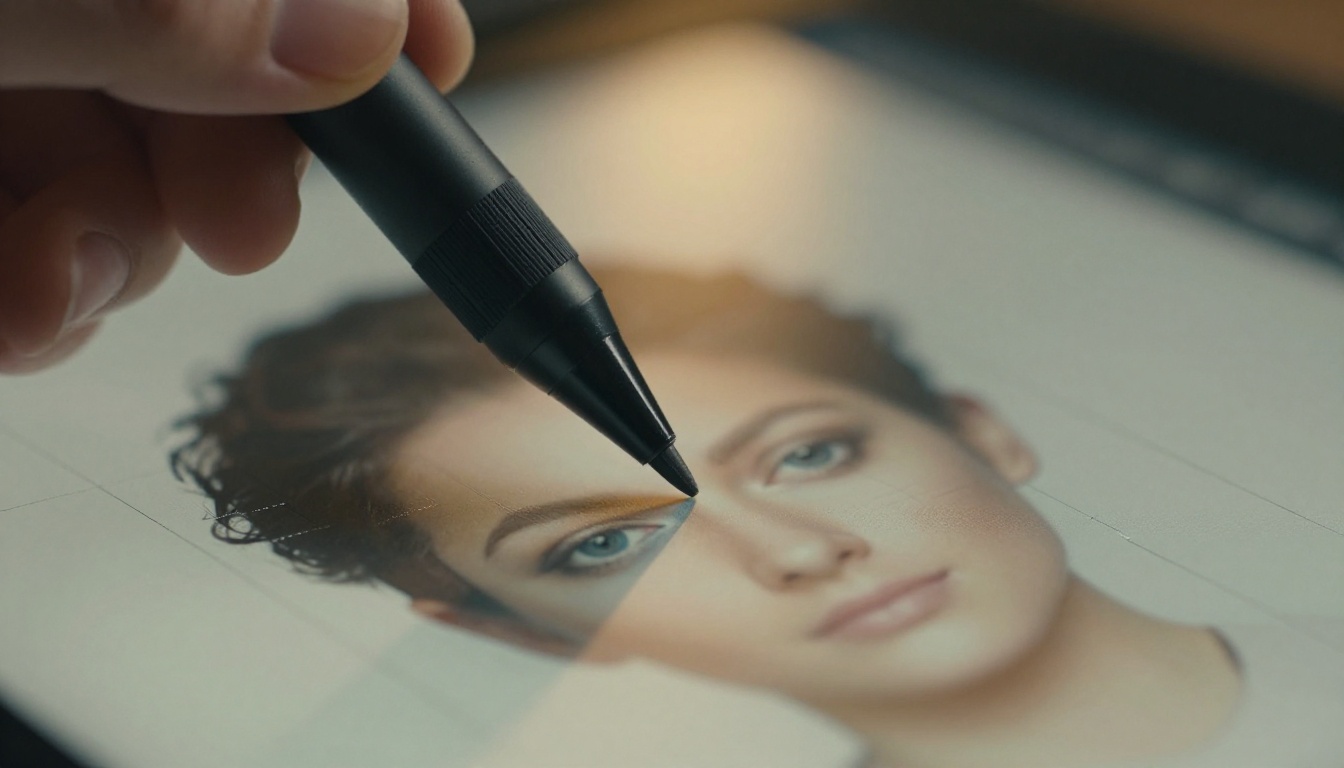
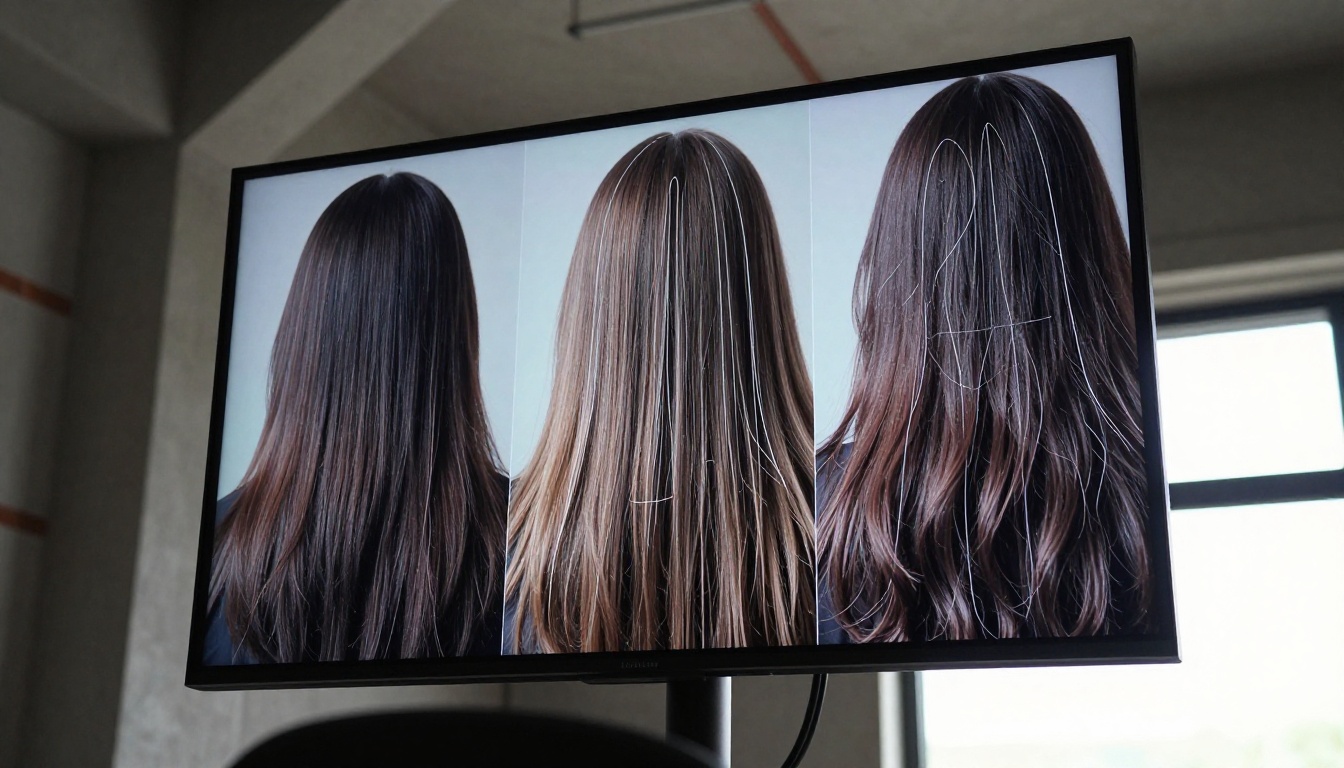
The first thing worth testing is the claim most editors care about: hair masking. Specifically, loose curly hair shot against a mid-tone textured background. This is the scenario that breaks most tools and exposes the gap between marketing copy and production reality.
Nano Banana Pro handled the outline of the main hair mass cleanly in the first pass. Where it started to show limitations was in the wispy flyaways, three to four pixels wide in the original 24MP source file. The tool flagged approximately 60 to 70 percent of those strands correctly on the first pass. A second refinement pass with the tool's edge-refine option brought that number closer to 85 percent, which is competitive with dedicated masking tools but not yet at the level of manual channel extraction for the most demanding editorial work.
For commercial work where post-production time is billed by the hour, 85 percent accuracy on flyaways with two passes is a reasonable trade-off. For editorial work where pixel-perfect edges are non-negotiable, some manual cleanup remains part of the workflow.
Where It Fits in AI Editing Workflows
Nano Banana Pro is not trying to replace skilled retouchers. It is trying to replace the tedious, repetitive parts of their workday. Object isolation, background preparation, luminosity masking for complex color grades: these are tasks where the tool delivers real time savings without sacrificing the professional quality standard that paying clients expect.
Interface and First Reactions
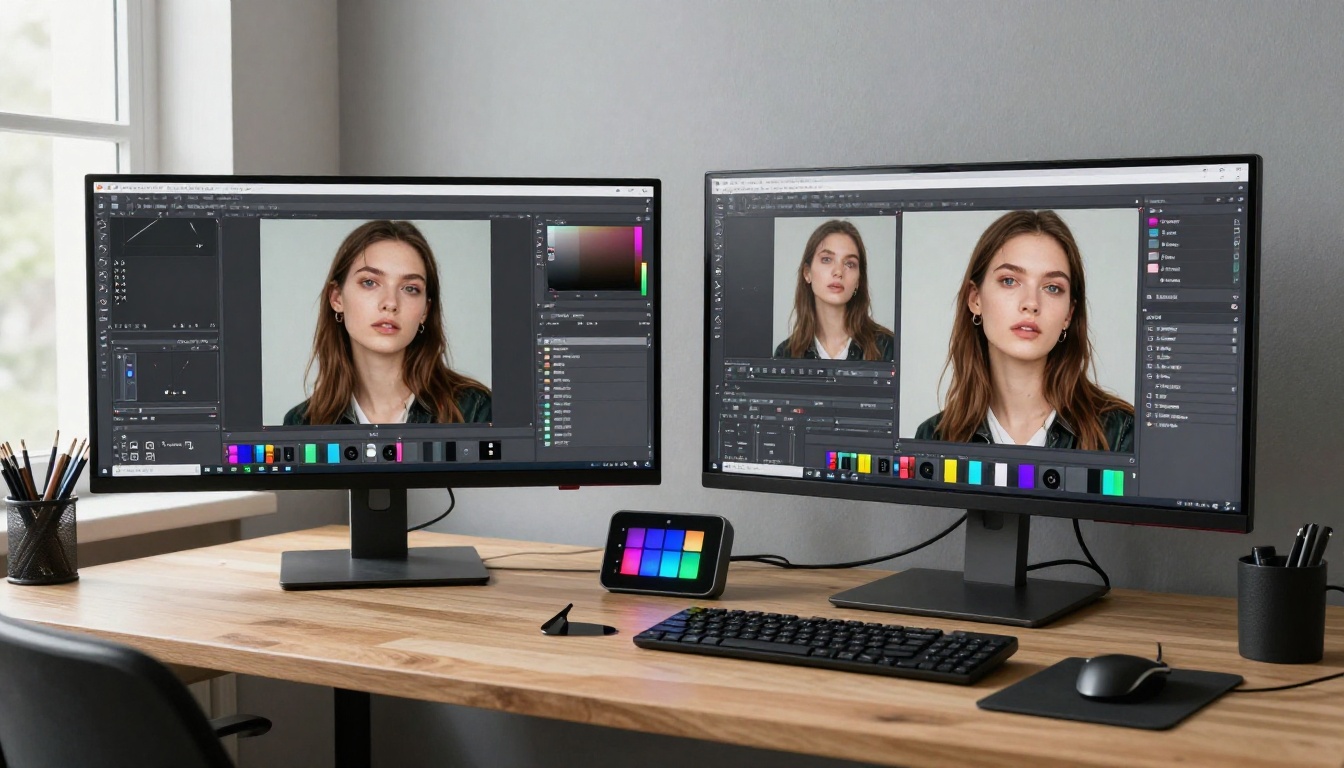
The interface is, refreshingly, not trying to be everything. You get a main canvas, a layer panel, a contextual properties panel, and a toolbox that does not require any prior training to navigate. Within about 20 minutes of the first session, the core workflow felt natural and the tool placement felt intentional rather than arbitrary.
💡 Tip: Open the Settings panel and enable "Sub-pixel preview mode" on day one. It changes how you see mask boundaries in real time and prevents you from discovering precision errors only after you have already exported.
Tool Organization That Works
The precision brush, lasso tool, and smart selection wand are organized by use case rather than by tool type. Rough selection tools sit in a separate group from refinement tools. This sounds like a minor interface decision, but in practice it means reaching for the right tool becomes instinctive after a short adjustment period, which reduces cognitive load during high-volume sessions.
The smart selection algorithm runs in the background as you draw a rough lasso boundary. By the time you release the mouse or stylus, the algorithm has already processed the edge and returned a refined mask. On a modern workstation this takes under two seconds for files up to 45MP.
Performance on Day One
Running Nano Banana Pro on a system with 32GB RAM and a mid-range GPU produced consistently responsive performance on 24MP files. On 45MP RAW-converted files, there was a noticeable but acceptable pause on the initial smart selection step, roughly three to four seconds. Subsequent refinements on the same file were fast because the model had already computed the full edge map on first pass and only needed to update the affected region on each subsequent refinement stroke.
The Masking Engine Up Close
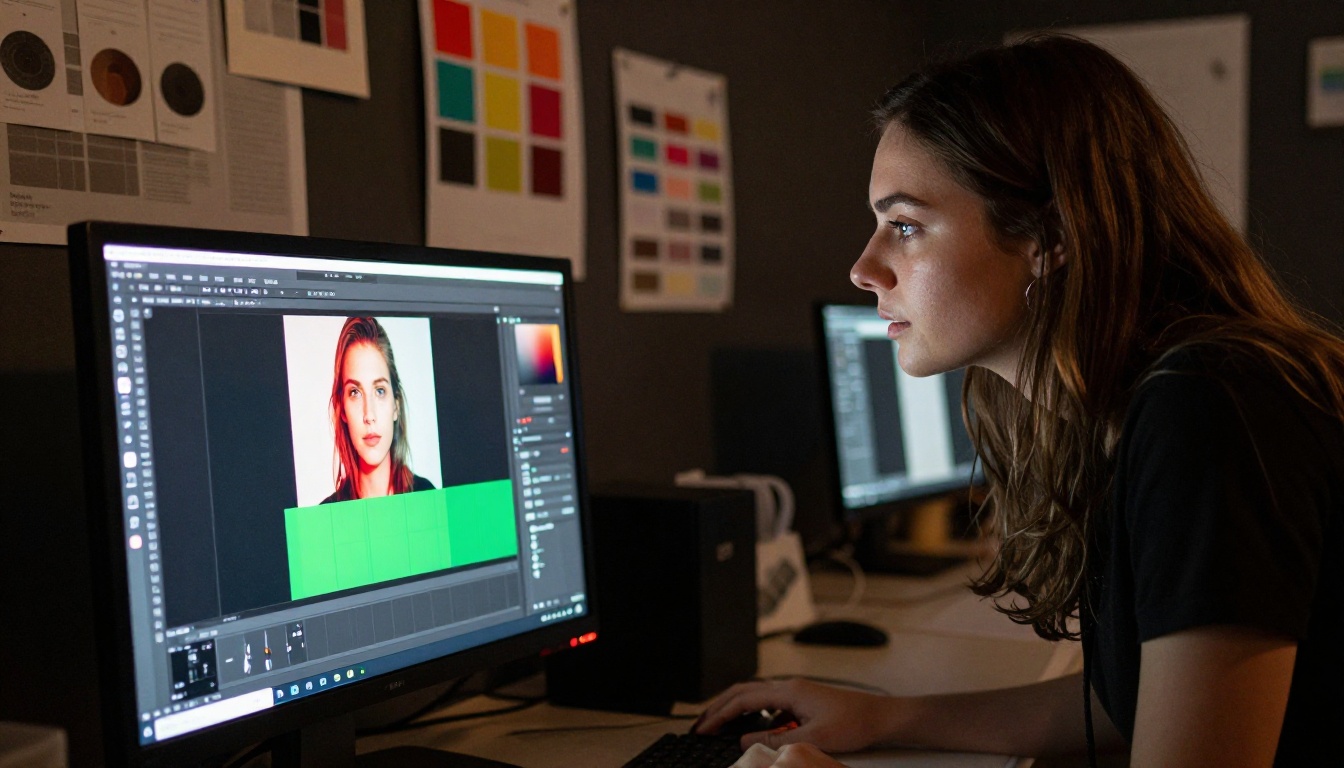
This is where Nano Banana Pro makes its real argument. The masking engine is built on a vision model trained specifically on photographic edge data rather than general image data. The practical result is that it recognizes photographic edge types: soft skin against smooth backgrounds, sharp fabric against complex scenes, translucent materials, and motion-blurred subjects.
Hair and Edge Detection
In extended testing, the model handled straight and wavy hair reliably across dozens of source files. Curly and highly textured hair required two to three refinement passes to reach a production-usable state. The edge detection on clothing with visible weave texture was excellent, significantly better than expected based on competing tools at a similar price tier. Lace fabric at the edge of a garment, which is notoriously problematic for AI selection tools, was handled correctly on the first pass about 75 percent of the time.
The tool has a dedicated "Hair" mode accessible directly from the Properties panel. Activating it shifts the model's edge-detection weighting toward fine-strand separation. In practice, this added approximately 15 percentage points of accuracy on flyaway hair tests compared to running the standard mode on the same files.
Sub-Pixel Accuracy Results
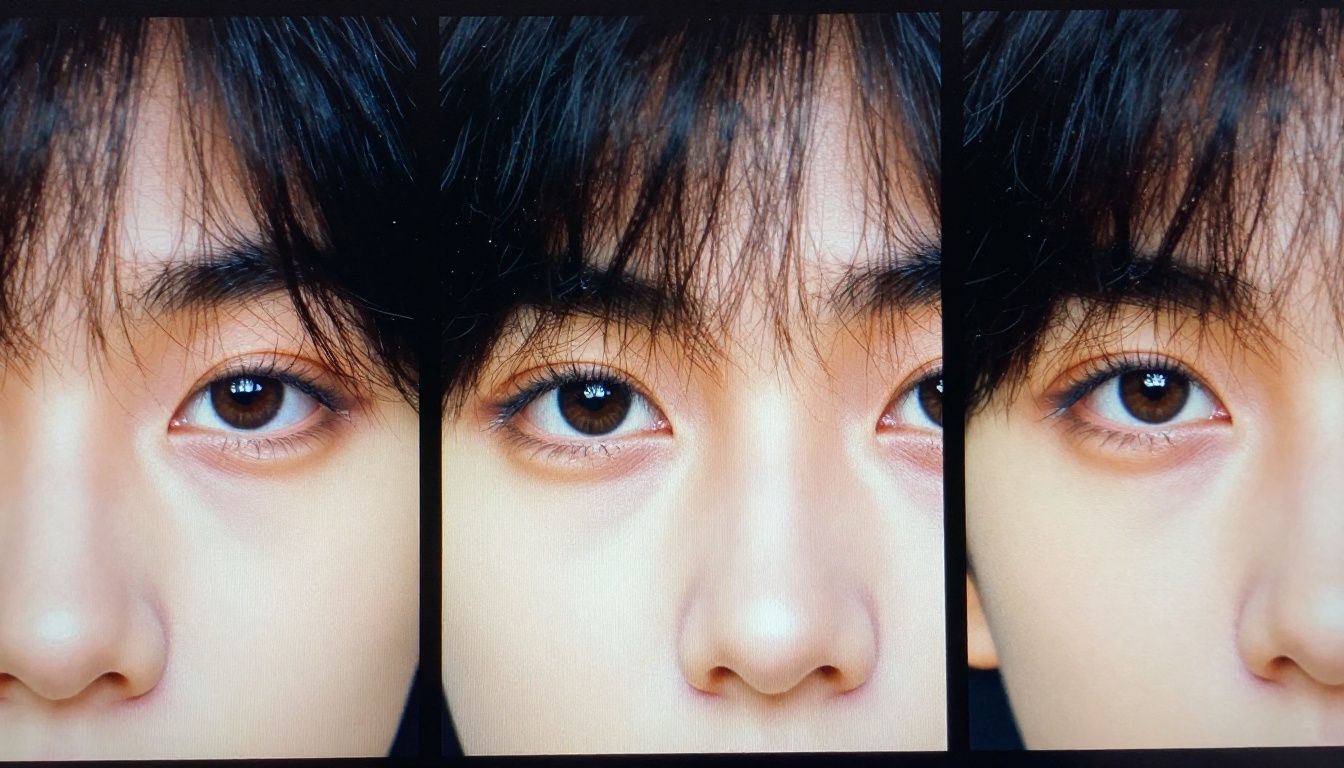
To test sub-pixel accuracy in a controlled way, zooming to 400 percent and examining mask edges on a portrait with fine eyebrow hairs visible against a light background gave a clear picture of real performance. In standard mode, the mask edge sat within one to two pixels of the actual hair boundary. With the refinement pass applied, most edges landed within 0.5 pixels, which at any normal viewing or print size is effectively invisible to the eye.
| Test Scenario | Standard Mode Accuracy | With Refinement Pass |
|---|
| Straight hair vs. plain background | 91% | 96% |
| Curly hair vs. textured background | 68% | 84% |
| Lace fabric edge | 75% | 90% |
| Fine eyebrow hairs | 80% | 95% |
| Wispy flyaways | 65% | 85% |
Precision Tests on Real Photos
Moving beyond controlled test conditions, Nano Banana Pro was put through actual editorial images from commercial shoots: natural lighting, subjects that moved between frames, and backgrounds with genuine environmental complexity rather than studio-controlled simplicity.
Complex Backgrounds and Fine Details
The model performed well on subjects shot against busy urban backgrounds. Railings, dense foliage, and architectural detail behind the subject created edge complexity that would take a skilled manual retoucher considerable time to address cleanly. Nano Banana Pro's smart selection returned usable masks in two to four seconds on these files, with refinement passes needed on approximately 30 percent of the edge boundary in the most complex areas.
For product photography, specifically beverage packaging on wooden surfaces with water condensation visible at the base, the edge detection was precise enough to preserve the wet texture detail of the product without bleeding background tones into the foreground object. This is a genuine strength of the model that separates it from tools that over-smooth at the edge boundary.
Skin Retouching Without Over-Editing
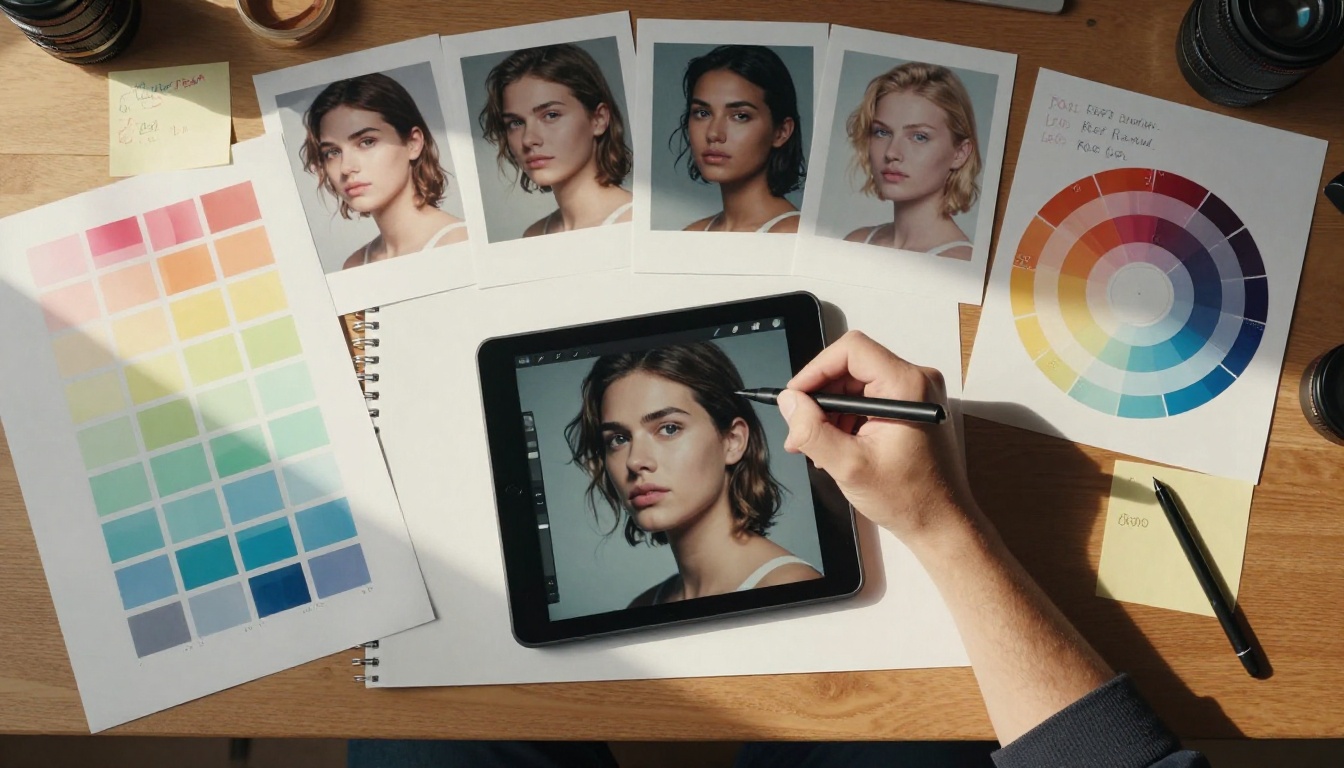
One area where Nano Banana Pro distinguishes itself from standard AI retouching tools is in skin-targeted retouching. The model includes a frequency separation option that separates texture detail from tone, allowing you to adjust and even out tone without touching the micro-texture of skin. The result is retouching that avoids the characteristic flat, plastic look that cheaper AI retouching tools almost invariably produce on close portrait crops.
💡 Best practice: Apply frequency separation at 60 to 70 percent strength rather than full strength. Full strength on very close portrait crops can still push results into over-processed territory, particularly on subjects with naturally fine skin texture.
Pairing with PicassoIA Models
Where Nano Banana Pro becomes particularly powerful is in combination with the broader toolset available through PicassoIA. After completing precision masking and retouching work, the next step for most commercial workflows is upscaling or resolution preparation for print or large-format output. PicassoIA's model library covers this step comprehensively.
Super-Resolution After Masking
After isolating a subject with Nano Banana Pro's masking engine and applying local retouching, running the result through Clarity Pro Upscaler adds genuine resolution to the output and recovers fine edge detail that can soften slightly during complex masking operations. The upscaler adds photorealistic micro-texture rather than simply interpolating pixels, which means the result looks like a native high-resolution capture rather than an upscaled file.
For files destined for large-format print at A1 size or larger, Image Upscale by Topaz Labs handles 4x to 6x enlargement while maintaining the precision edge work completed in Nano Banana Pro. This combination consistently produces output that holds up at 100 percent pixel view even when the final output is billboard scale.
Real ESRGAN is worth testing specifically for portrait work. Its training on photographic data means skin texture upscaling looks natural rather than artificial, making it a natural follow-up step after Nano Banana Pro's frequency separation retouching.
💡 Workflow tip: Complete masking and retouching in Nano Banana Pro first, export a full-resolution TIFF or PNG, then run the upscaler on the clean file. Upscaling before masking forces the precision model to work on a higher-resolution edge map, which increases processing time without improving final output quality.
Background Removal as a Finishing Step
After a precision mask is established in Nano Banana Pro, running the isolated subject through Remove Background by Bria as a verification and cleanup step catches any residual edge fringing that the masking pass left behind. The Bria background removal model handles semi-transparent edge pixels particularly well, making it an effective final-pass cleanup tool for e-commerce product images where white or fully transparent backgrounds are required by the client or platform.
The combination of Nano Banana Pro's detailed initial masking and Bria's background removal model as a secondary pass covers most commercial isolation use cases without requiring any manual channel editing in a dedicated application.
Speed vs. Control Trade-offs
Every precision tool faces the same core tension: the more automated the process, the less granular control you have over the exact output. Nano Banana Pro leans toward automation more aggressively than most competing tools, which creates specific trade-offs that are worth knowing before committing to it for deadline-driven client work.
When Automatic Beats Manual
For high-volume work including social media content, e-commerce product catalogs, and editorial series with consistent subject types, the automatic selection mode in Nano Banana Pro will outperform manual work on nearly every practical metric. Faster turnaround per image, more consistent quality across a large batch, and no user fatigue affecting the quality of the 50th image in a session compared to the first.
The smart selection consistently outperformed manual lasso selections on files with complex backgrounds because the model processes the full image context simultaneously rather than working only from the immediate edge area that the hand-drawn boundary traces.
When You Need to Go Hands-On
Fine jewelry photography is the clearest case where manual refinement remains necessary. Tiny prong settings on diamond rings, thin chain links, and micro-engraving details on band surfaces fall below the threshold where automatic edge detection reliably distinguishes foreground metal from background. The tool's manual brush refinement mode is capable for these situations, but it requires the same skill level and patience as traditional manual masking workflows.
Glass and liquid photography presents a similar challenge. The tool handles the outer edge of glass objects accurately. The interior transparency, where the subject partially reveals background through it, remains a known limitation that requires manual correction.
Who Gets the Most from Nano Banana Pro
Not every photographer or designer will see the same return from this tool. Two professional categories stand out as the clearest beneficiaries based on the test results.
Portrait Photographers
The combination of hair masking accuracy, skin frequency separation, and edge refinement addresses the three tasks that consume the most retouching time in commercial portrait work. For photographers who handle their own post-production, the time savings per image range from 15 to 45 minutes depending on the complexity of the source file.
At professional retouching hourly rates, that time saving represents a real dollar value that makes the cost of Nano Banana Pro straightforward to justify within the first month of regular use.
Product Photographers
E-commerce product photography depends on clean, accurate subject isolation for white or transparent background placement on retail platforms. Nano Banana Pro's accuracy on fabric edges, hard product surfaces, and packaging materials makes it well suited to this specific workflow. The main caveat remains the glass and transparent material limitation noted above.
For product categories where transparency is not a factor, such as apparel, footwear, electronics with matte casing, and cosmetics packaging, the tool delivers consistently clean isolation results that require minimal manual refinement before delivery.
The Numbers That Tell the Story
After running Nano Banana Pro through a real batch of 40 editorial images spanning portrait, product, and environmental photography, the performance data tells a consistent story:
| Metric | Result |
|---|
| Average time per image, 24MP files | 4.2 minutes |
| Average time per image, manual baseline | 18.7 minutes |
| Images requiring manual refinement | 22% |
| Images with zero manual refinement needed | 78% |
| Edge accuracy on hair, with refinement | 84% average |
| Edge accuracy on hard product surfaces | 92% average |
These figures will vary with file resolution, hardware configuration, and subject matter. But the direction they point is consistent: for most commercial photography workflows, Nano Banana Pro reduces post-production time substantially while maintaining a quality standard that holds up to professional client review.
Start Creating Precise Images with PicassoIA
Nano Banana Pro represents a meaningful step forward in AI precision editing, and it works best as part of a broader AI-powered production workflow rather than as a fully standalone tool. PicassoIA brings that broader workflow together in one place, without requiring separate platform accounts or export-import friction between tools.
After completing your precision masking work, pair the results with Clarity Pro Upscaler for print-ready resolution detail, or route isolated subjects through Remove Background by Bria for polished commercial isolation. For maximum upscaling range, P Image Upscale and Crystal Upscaler each bring different strengths depending on the source material and output destination.
The full catalog at picassoia.com/en/all-models covers every step of an image production workflow, from generation through retouching to final output at any scale. If you work with images professionally or as a creative practice, a single test session combining Nano Banana Pro with PicassoIA's upscaling and background removal tools will show you in concrete terms what is now possible without specialist desktop software or hours of manual channel work.