Short-form video is the most consumed content format on the internet right now. Instagram Reels, TikTok clips, and YouTube Shorts are pulling billions of views daily, and the creators winning the algorithm are not necessarily the ones with the best cameras. They are the ones who post consistently and move fast. AI has made that possible for anyone.
This is not about vague possibilities or hypothetical tools. This is a direct, practical breakdown of the fastest way to make AI reels using the most capable text-to-video and image-to-video models available today, all accessible through a single platform.
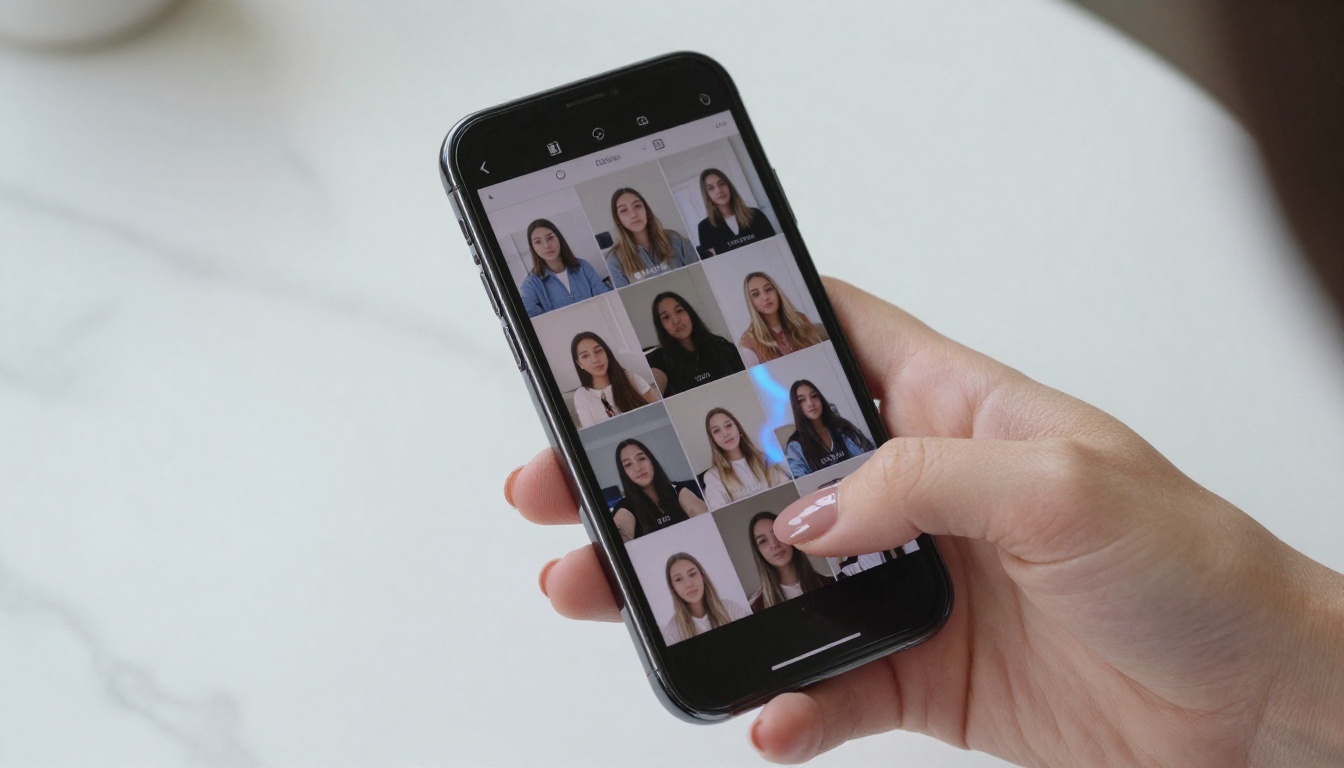
Before touching any AI tool, it helps to understand what a high-performing reel actually needs. Virality is not random. It follows patterns:
- The first 1.5 seconds decide everything. A static, slow intro loses viewers before they engage.
- Motion signals life. A clip with a moving camera or subject retains attention longer than a static frame.
- Vertical format is non-negotiable for mobile-first platforms. 9:16 is the standard.
- Audio increases watch time. Native synced sound or background music keeps people watching.
- A clear visual hook pulls the eye toward a subject or action immediately.
AI video generation solves most of these by default. A well-prompted model produces motion, satisfying compositions, and cinematic energy right out of the box. The human job becomes writing a strong prompt and choosing the right model.
💡 The fastest creators are not filming more. They are prompting better.
Why Manual Video Creation Slows You Down
Traditional reel production has a multi-step cost: filming, color grading, cutting, adding B-roll, exporting, captioning, resizing. Each step compounds. A 30-second reel can take 3 to 4 hours from shoot to post for even an efficient editor.
AI collapses that into minutes. Type a prompt, choose a model, wait 30 to 90 seconds, and you have a render-ready clip. No green screen, no camera, no editing suite.
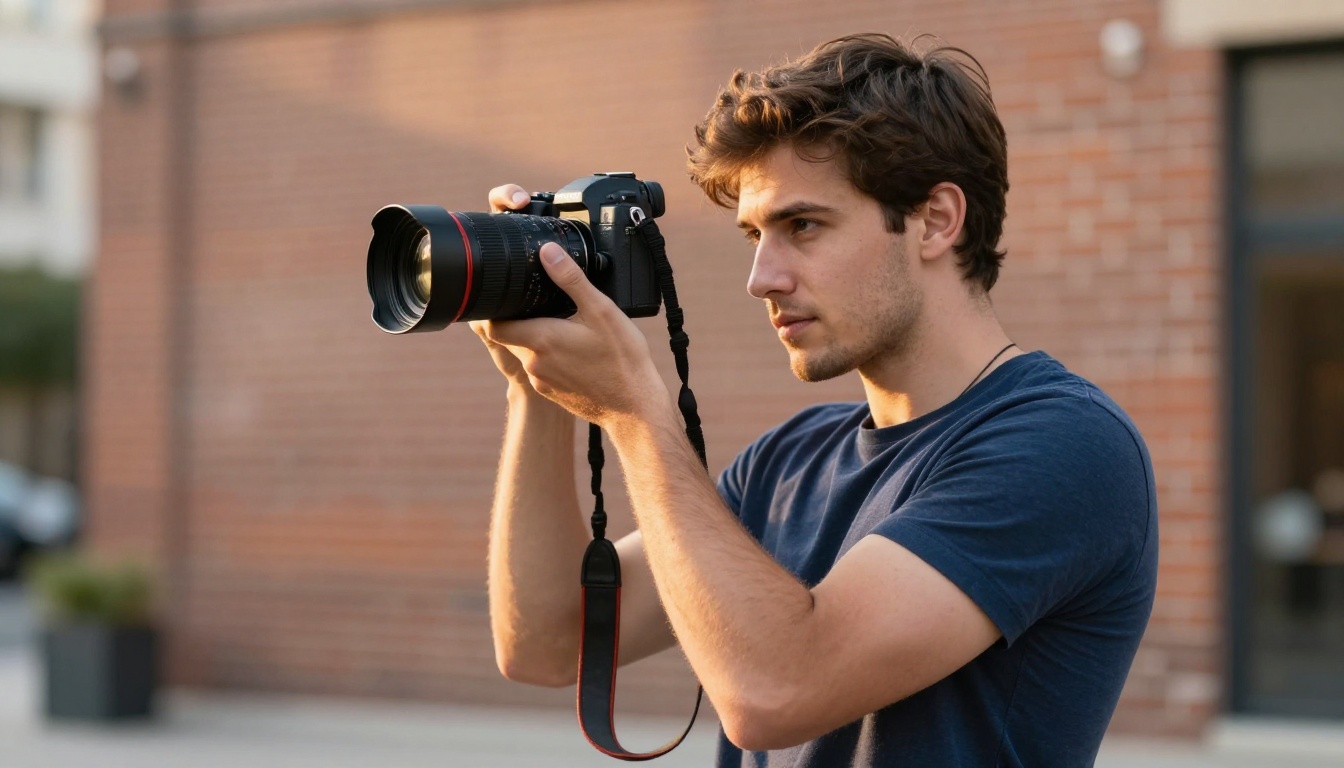
The real cost of traditional production is not just time. It is creative bottlenecks. When filming is expensive, you only shoot ideas you are certain about. With AI generation, you can iterate 10 variations of an idea in the time it takes to set up a camera. That creative freedom is where the real advantage lives.
💡 Speed is not the only benefit. Iteration volume is where AI creators win.
The AI Video Models Worth Your Time
Not all text-to-video models perform the same way. Some are built for speed, some for quality, some for a specific visual style. Here is a breakdown of the top performers for reel content specifically.
Seedance 2.0 for Speed and Built-In Audio
Seedance 2.0 from ByteDance is the current benchmark for text-to-video generation that includes native synchronized audio. It does not just render a silent clip. The model generates ambient sound, movement audio, and atmospheric layers that match the visual content. For reels, that means fewer post-processing steps.
The speed is notable. Seedance 2.0 Fast is a trimmed variant optimized for quick iteration. If you need a draft clip in under a minute, this is the starting point.
Best for: Lifestyle reels, travel content, atmospheric B-roll with matching ambient audio.
Kling v3 for Cinematic Output
Kling v3 Video from Kwai produces output that looks genuinely cinematic. The motion is smooth, subject coherence across frames is strong, and it handles complex scenes without the warping artifacts that plague older models.
For reels that need to look polished, Kling v3 Omni Video pushes that quality to 1080p. The render time is slightly longer, but the output quality justifies it for hero reels you plan to use as a channel intro or brand content.
Best for: Brand reels, narrative-driven shorts, content where visual quality is the main statement.
Veo 3 Fast for Native Audio and Realistic Motion
Veo 3 Fast from Google is the model that has been setting benchmarks for realistic motion and native audio generation. It is one of the few models that can generate dialogue-synced speech within the video itself, which opens up content formats that were previously impossible without voice actors or additional tools.
Veo 3 and its Veo 3.1 Fast variant are the options when you want the most realistic physics and human motion currently available in any text-to-video model.
Best for: Any reel where character motion, realistic crowds, or generated dialogue matters.
Wan 2.7 T2V for 1080p HD Output
Wan 2.7 T2V from the Wan Video team renders at 1080p and handles scene complexity well. For creators who want reels with detailed backgrounds, multiple subjects, or intricate environments, this is the high-resolution option to reach for.
The image-to-video variant Wan 2.7 I2V is useful when you start from a specific still image and want to animate it into a reel. Feed it a reference photo, describe the motion, and it generates a clip that begins from that exact frame.
Best for: High-resolution landscape reels, architectural content, any format where detail density matters.
Pixverse v5 for One-Shot Style Consistency
Pixverse v5 delivers high-quality 1080p clips with a distinctive stylistic polish that requires minimal prompt engineering. For creators who do not want to spend time perfecting their prompts, Pixverse v5.6 adds extra stability and motion smoothness.
Pixverse v6 is the latest generation, adding cinematic audio to its already strong visual output.
Best for: Fashion content, aesthetic reels, abstract visual loops, product showcases.
How to Use PicassoIA Video for Reels
PicassoIA Video is the platform's own free unlimited text-to-video generator. It runs on the same infrastructure and delivers solid results without requiring credits or paid plans. For creators just starting with AI reel production, it is the lowest-friction entry point.
Here is the actual workflow.
Step 1: Choose the Right Model
Go to picassoia.com and open the text-to-video section. Over 100 models are available. The choice depends on your priority:
Step 2: Write a Prompt That Works
This is where most people slow themselves down. A vague prompt produces a vague video. Specificity directly correlates with output quality.
The structure that works:
- Subject: Who or what is in the clip
- Action: What is happening
- Environment: Where, including lighting and weather
- Camera: Angle, movement, lens behavior
- Mood: Emotional tone
Example: "A woman in a yellow sundress walks slowly through a sunflower field, late afternoon golden hour light, camera follows from behind at ground level slowly pushing forward, warm film grain, slow motion"
That level of detail produces a dramatically better result than "woman in a field." Every word you add is an instruction the model can act on.
Step 3: Export and Polish
Once you have a clip, most reels need two more things: captions and audio. PicassoIA's Autocaption tool generates accurate captions automatically. For adding or replacing audio tracks, MMAudio generates contextually matched sound for any video clip.
If the output resolution needs a boost, Video Increase Resolution upscales to 8K without re-rendering.

Prompt Writing That Converts to Views
The biggest gap between creators who get views and those who do not is prompt quality. A well-structured prompt produces a clip that already has a hook, motion, and emotional resonance baked in.
Here are the patterns that work specifically for reel content:
The Opening Hook Pattern:
Start the action in the first line. "Camera bursts through a wall of falling cherry blossoms revealing a woman turning slowly to face camera" puts the hook in the first frame. Passive, slow-starting prompts produce passive, slow-starting clips.
The Motion Descriptor:
Be explicit about how the camera moves. "Slow dolly push toward the subject" is better than "close-up." Movement is what makes clips feel cinematic rather than static.
The Light Source Anchor:
Specify where the light comes from. "Backlit by setting sun creating rim light on shoulder" tells the model exactly how to render depth and separation between subject and background.
The Atmosphere Add:
One word can define the entire emotional register. "Misty," "dusty," "hazy," "overcast" all communicate different visual tones that models interpret and apply consistently across the clip.
💡 Test the same subject with three different lighting conditions. Pick the strongest one for your reel.
The Pacing Modifier:
Add "slow motion" or "time lapse" to control the internal tempo of the video. Slow motion makes ordinary actions feel significant. Time lapse makes static environments feel alive.
Negative Constraints:
Most models accept guidance on what to avoid. Adding "no camera shake, no jump cuts, smooth continuous motion" to any prompt significantly improves the output consistency.
Reels vs. TikTok vs. YouTube Shorts
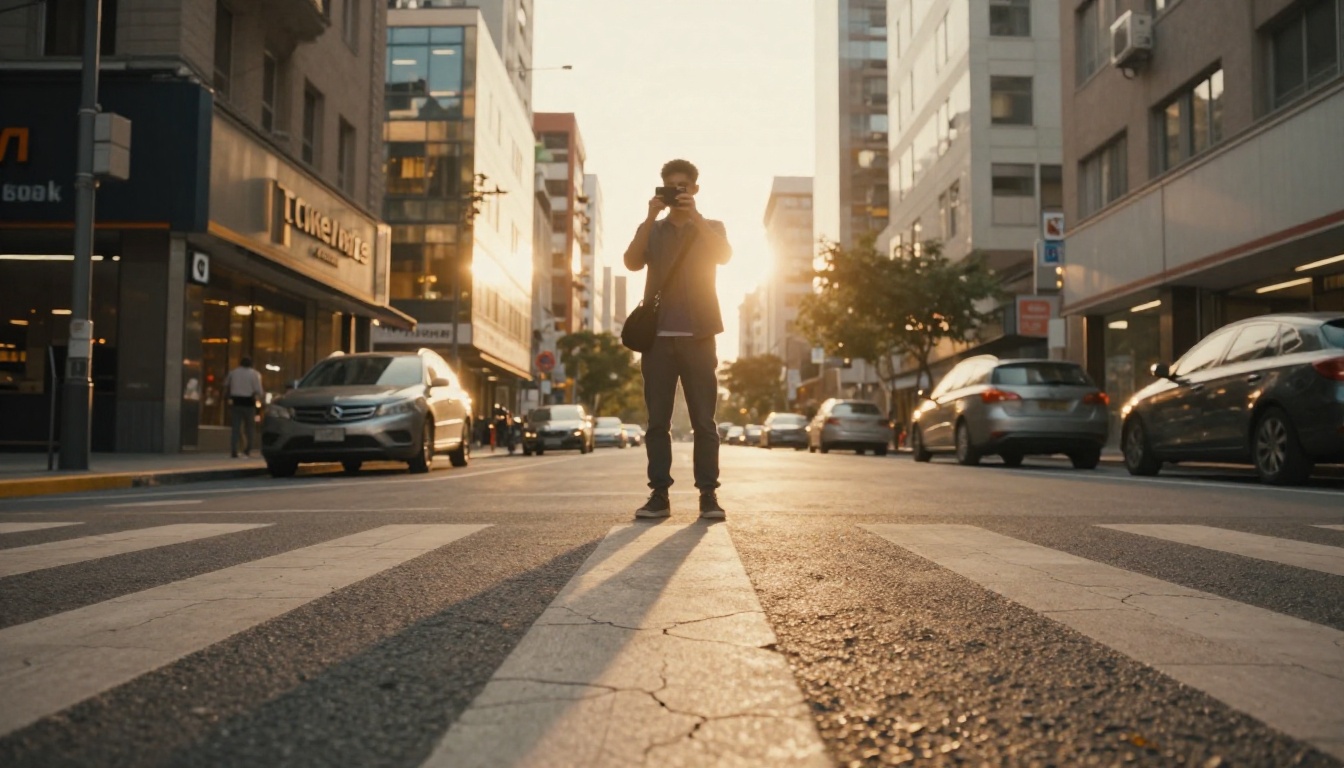
These three platforms are not identical. Each has a slightly different algorithm, audience expectation, and optimal format. Understanding the difference changes how you prompt.
| Platform | Ideal Duration | Aspect Ratio | Audio Priority | Style Bias |
|---|
| Instagram Reels | 7 to 15 seconds | 9:16 | High | Aesthetic, polished |
| TikTok | 15 to 30 seconds | 9:16 | Very High | Raw, relatable, fast cuts |
| YouTube Shorts | Up to 60 seconds | 9:16 | Medium | Educational, storytelling |
For Instagram Reels, the P Video model from PrunaAI is worth testing. It generates from both text and image, making it flexible for creating reels that match a specific aesthetic you already have in a reference photo.
For TikTok-style pacing, Ray 2 720p from Luma generates quick, fluid clips that can be edited together into fast-cut sequences. Hailuo 02 from Minimax is another option at 1080p when you want TikTok-compatible quality without the render wait.
For YouTube Shorts, where storytelling matters more, Kling v2.6 produces coherent motion that holds up over 30 to 60 seconds without the visual drift that shorter-optimized models sometimes show.
For rapid-fire testing across all three platforms, Hailuo 02 Fast delivers quick 512p previews that let you check composition and motion before committing to a full-resolution render.
Sound, Captions, and Polish
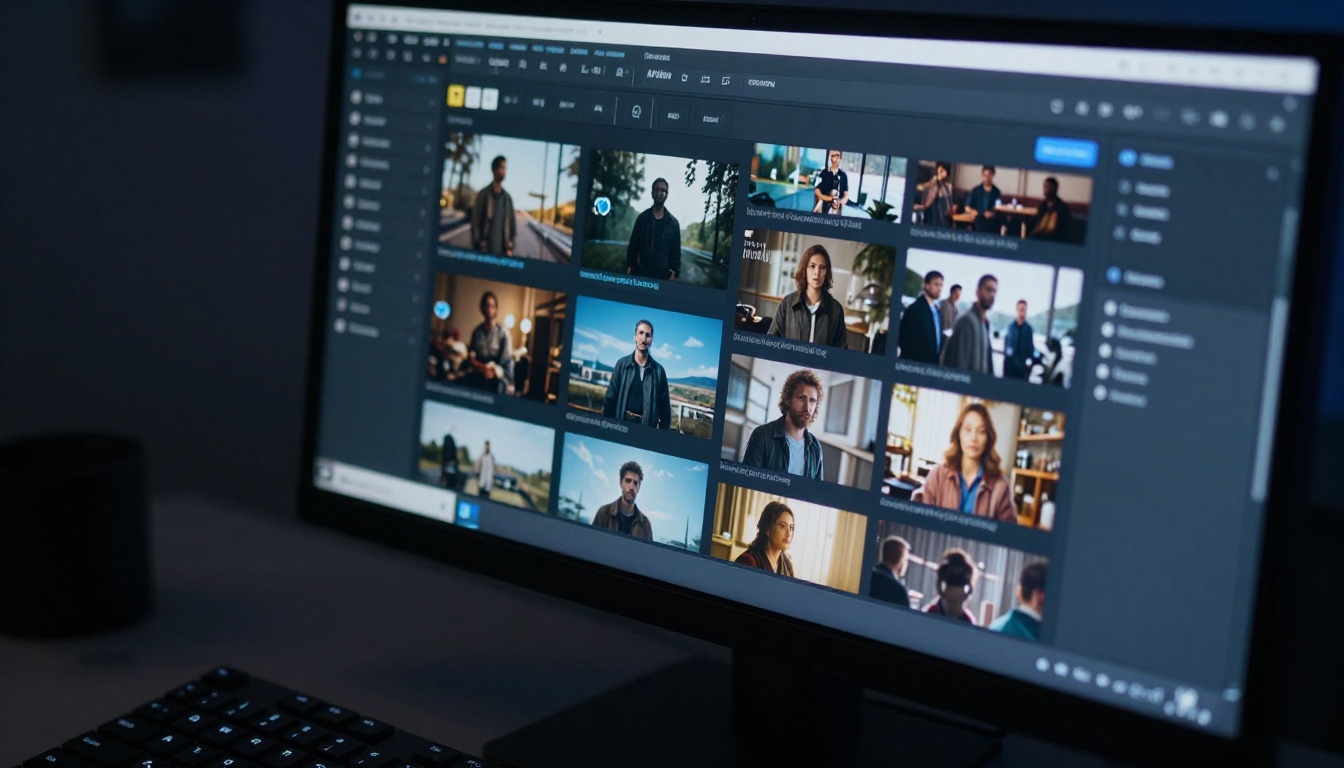
A silent reel with no captions is a reel that performs 40 to 60 percent below its potential. Both elements are easy to add after the video is generated, and both are available directly on PicassoIA.
For Audio:
Models with native audio like Seedance 2.0, Veo 3, and Pixverse v6 include sound automatically. For models that generate silent clips, MMAudio generates AI-matched ambient sound, and Video Audio Merge lets you drop in any track.
For Captions:
Autocaption handles automatic transcription and caption overlays. Adding captions increases watch time on mobile where most users scroll with sound off. Captions are not optional for competitive short-form performance.
For Resolution:
If your output needs to be upscaled for a platform requirement or larger display use, Video Increase Resolution from Bria upscales to 8K without requiring a re-render of the original clip.

A post-production checklist for every reel before publishing:
How to Create Reels in Volume
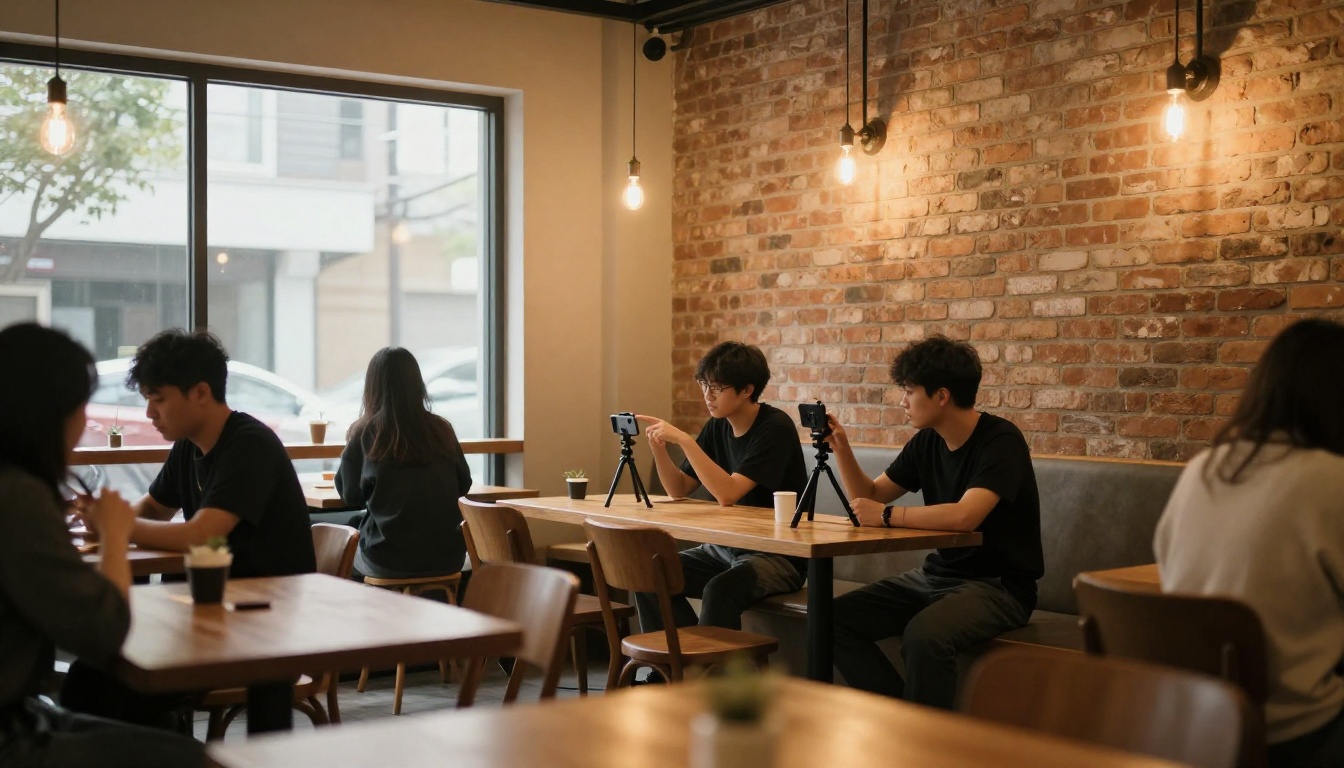
The creators who win at short-form video are not necessarily more creative. They post more. Volume compounds. Ten reels per week is not unsustainable when each one takes 5 minutes to generate instead of 4 hours.
The batch workflow that works in practice:
- Write 10 prompts in one session targeting different angles on the same topic or theme
- Queue them through your chosen model in PicassoIA
- Download the best 5 to 7 outputs
- Add captions and audio in one editing pass
- Schedule across platforms
This is the actual production rhythm of high-volume AI content creators. It is less about any single great reel and more about building a feed that the algorithm recognizes as consistent and engaging.
Models like LTX 2.3 Fast and Seedance 1.5 Pro are designed for throughput. They generate fast without sacrificing enough quality to matter at reel scale. For volume production, fast models are worth the slight quality trade-off because the extra time saved goes directly into more content.
For creators who need even more options for motion effects and visual style variation, the Wan 2.7 R2V reference-to-video model allows you to animate any subject with a reference image controlling identity, which is particularly useful for consistent character-based content across a series of reels.
💡 A good reel posted today beats a perfect reel posted never. Volume is the real strategy.
Start Making Your First Reel Right Now
The shortest path from idea to published reel currently runs through AI text-to-video. You do not need a camera, a crew, a location, or a post-production budget. You need a specific prompt and the right model.
The models are available now. PicassoIA Video gives you unlimited free generations to test your ideas without spending credits. The more advanced models like Seedance 2.0, Kling v3 Video, and Veo 3 Fast are there when you need to step up quality for a specific campaign or high-stakes post.
Write one prompt today. See what comes back. Adjust it. Post it. The difference between creators who build audiences on short-form video and those who do not is almost never talent. It is output volume and consistency. AI removes the friction between a good idea and a published clip. What you do with that freed time is the actual variable.
Start at picassoia.com/en/all-models and explore every text-to-video, video editing, and AI enhancement tool in one place.


