Three AI image generators walked into the same creative brief, and only one walked out looking exactly right. Adobe Firefly, Flux from Black Forest Labs, and Nano Banana from Google are the three tools that keep coming up in every serious conversation about AI image generation right now. Each handles prompts differently, produces noticeably different outputs, and fits a different kind of creative workflow. This breakdown puts them against each other on real criteria: image quality, photorealism, speed, prompting behavior, and practical use.
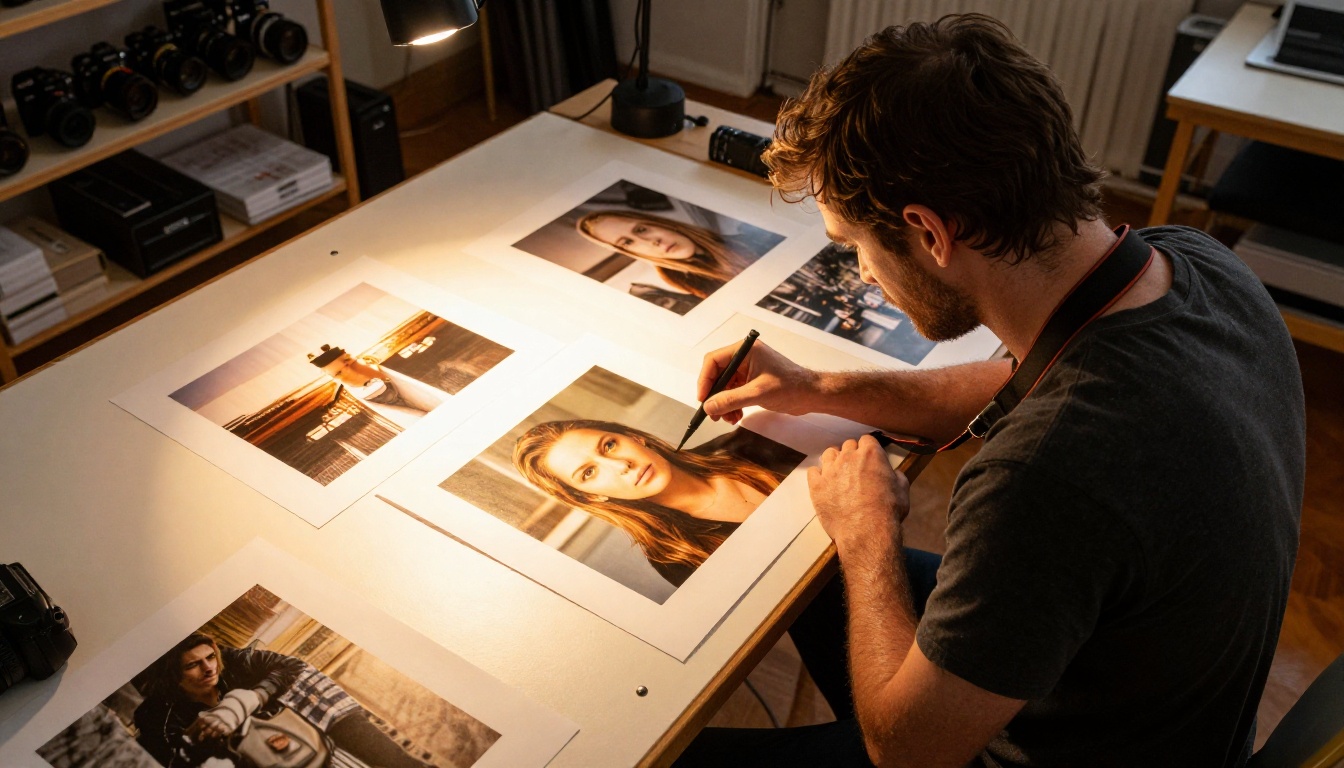
Before running a single prompt, it helps to know what each model was actually built to do.
What Firefly Actually Is
Adobe Firefly is not a standalone model you run locally or through an API. It lives inside Adobe's Creative Cloud ecosystem, meaning you use it through Photoshop's Generative Fill, Adobe Express, or the Firefly web app. The model is trained on Adobe Stock images and licensed content, which gives it a distinctive, commercially clean look. This matters because Firefly outputs are safe to use commercially without worrying about copyright complications.
The tradeoff is creative range. Firefly tends toward polished, slightly sanitized outputs. It excels at product mockups, text-based compositions, and anything that benefits from a clean, professional aesthetic. It is not the tool you reach for when you want raw, cinematic realism.
Flux Is Not One Thing
This is where most comparisons go wrong: treating Flux as a single model. Black Forest Labs has released a full ecosystem of models with very different performance profiles:
- Flux Schnell: Fastest in the family, trades some detail for speed
- Flux Dev: Balanced quality and generation time, great for iteration
- Flux Pro: High-fidelity outputs built for professional work
- Flux 1.1 Pro Ultra: 4MP outputs with state-of-the-art photorealism
- Flux 2 Pro: The latest generation with refined prompt adherence and image input support
- Flux 2 Max: Maximum resolution at 4MP in the Flux 2 generation
- Flux Kontext Pro: Rewrites and edits images using text instructions
When people say "Flux beats Firefly on realism," they usually mean Flux 1.1 Pro Ultra or Flux 2 Pro. Flux Schnell is a different proposition entirely, built for iteration speed rather than final-render quality.
Nano Banana's Unique Position
Google's Nano Banana occupies a genuinely different space. Built on Google's image generation infrastructure, it emphasizes image editing and composition as much as pure generation. The newer Nano Banana 2 adds image fusion capabilities, allowing you to blend multiple reference images into a single output. Nano Banana Pro pushes the output resolution to 4K.
Where Firefly leans on its training data advantage and Flux pushes photorealism, Nano Banana focuses on controllable, spatially precise outputs. It is the model that listens most carefully to spatial instructions in prompts, placing objects where you describe them with more consistency than its competitors.
Image Quality at First Glance
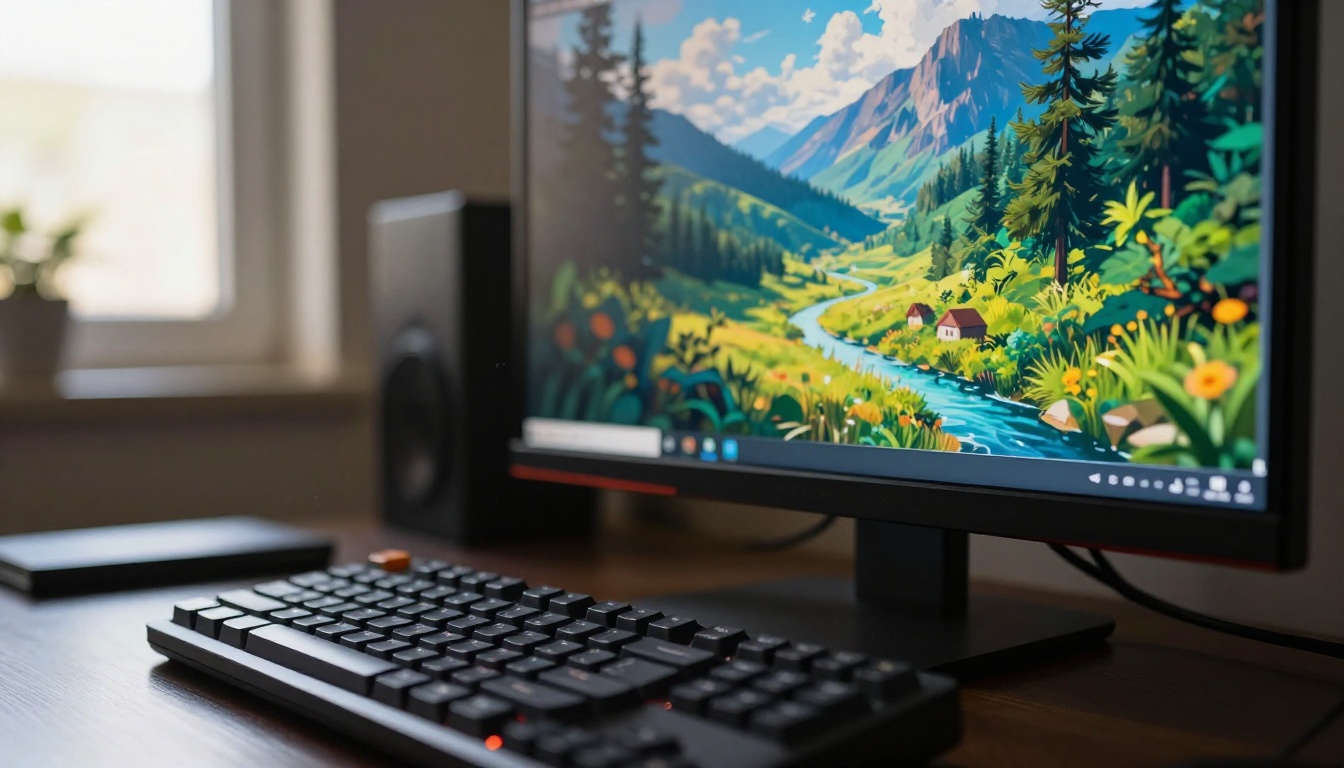
Raw visual quality is the first thing people notice, and these three models make very different first impressions.
Firefly's Clean, Polished Look
Firefly images look good immediately. Colors are well-balanced, compositions feel intentional, and outputs rarely look "AI generated" in the obvious ways most people have learned to spot. The problem is a ceiling: Firefly rarely produces the kind of surprising, hyper-realistic detail that makes a professional stop and look twice.
Skin textures, material surfaces, and lighting in Firefly outputs feel smoothed out. Great for marketing materials, less interesting for artistic or photographic work where imperfection is part of the story.
Flux Hits Different With Realism

Flux 1.1 Pro Ultra and Flux 2 Pro produce outputs that, at their best, are genuinely difficult to distinguish from photography. Skin pores, fabric weave, individual hair strand behavior, authentic lens flare patterns, the way natural light wraps around a surface: these models handle micro-detail at a level that Firefly does not approach.
The tradeoff is a steeper prompting curve. A short, vague prompt produces serviceable results. A long, technically specific prompt with lighting direction, lens specifications, and material description produces something remarkable. The higher the ceiling, the more skill required to reach it.
Tip: For portrait work with Flux Dev, include camera lens information (e.g., "85mm f/1.4"), lighting direction (e.g., "volumetric light from the left"), and film stock (e.g., "Kodak Portra 400 grain") in your prompt to push outputs into genuinely photorealistic territory.
Nano Banana on Visual Quality
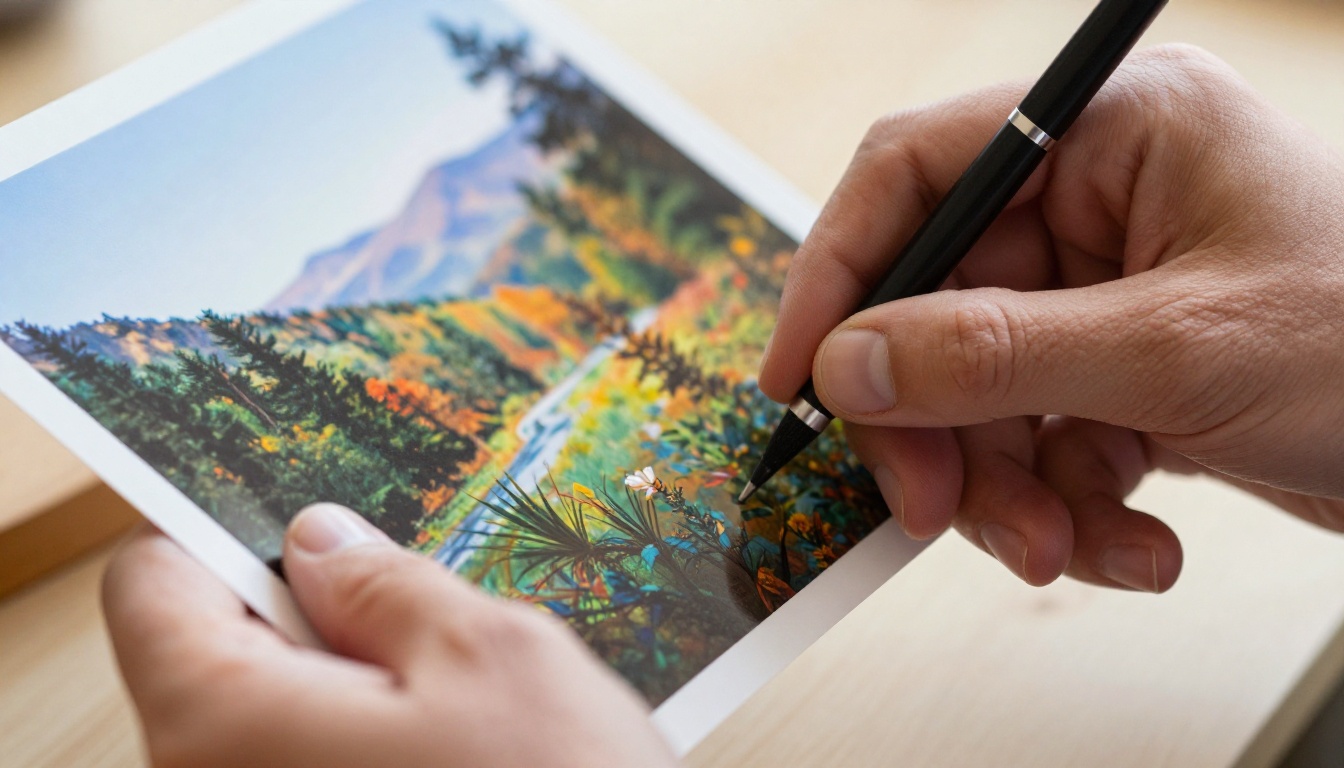
Nano Banana Pro at 4K produces sharp, well-structured images with excellent color accuracy. Where it differentiates itself from both competitors is in compositional control. Spatial relationships between objects, foreground, midground, and background respond more reliably to prompt instructions than most other models. If your prompt says "a red object in the left foreground with a blurred urban background," Nano Banana places it there.
The overall aesthetic sits between Firefly's polish and Flux's grit. Not quite as cinematic as Flux at its best, but more spatially reliable and more predictable across generations.
Speed and Workflow Reality

For creative professionals, generation speed is not a minor detail. It determines how many iterations you can run in a session, which shapes the entire creative process from concept to final output.
Firefly's Embedded Speed
Inside Photoshop, Firefly's Generative Fill is fast for what it does, and the workflow integration is seamless. Paint a selection, type a prompt, and the result appears directly in your existing canvas. No tool switching, no downloading, no file management. For designers already inside Adobe's ecosystem, this embedded speed is a real and meaningful advantage.
Outside Photoshop, the Firefly web app is slower and considerably less compelling as a standalone experience.
Flux Schnell vs Flux Pro
Flux Schnell generates images in seconds and is explicitly designed for rapid iteration. Run 20 variations of a prompt, identify which direction works, then move to Flux Pro or Flux 2 Pro for the final output. This two-stage workflow is how professionals actually use the Flux family most effectively.
Flux 2 Max sits at the slower end with its 4MP output, but the detail level justifies the wait for final production renders where quality matters more than speed.
Nano Banana's Response Time
Nano Banana and Nano Banana 2 are responsive models that feel fast to use in practice. Nano Banana Pro adds generation time for its higher resolution output. The speed advantage of the base Nano Banana model makes it a practical choice for concept exploration before committing to a higher-resolution final generation.
Prompting Differences That Matter
How these models respond to prompts is arguably more important than raw quality benchmarks, because it determines how much creative control you actually have over the output.
| Aspect | Firefly | Flux Pro | Nano Banana |
|---|
| Short prompts | Strong | Moderate | Strong |
| Long detailed prompts | Limited gain | Major gain | Moderate gain |
| Spatial control | Average | Good | Excellent |
| Negative prompts | Supported | Supported | Limited |
| Style consistency | High | High | Moderate |
| Text in images | Good | Moderate | Good |
| Portrait realism | Moderate | Excellent | Good |
Short Prompts, Who Wins?
For one-line prompts, Firefly and Nano Banana both produce polished results immediately with no extra effort required. Flux Schnell is also competitive here. Flux Pro and Flux 2 Pro return workable results but show much more of their potential when prompted thoroughly.
Long, Complex Prompts
This is where the Flux family separates itself from every competitor. Detailed prompts with lighting descriptions, material textures, lens specifications, and environmental cues produce outputs on Flux 1.1 Pro Ultra that look like they came from a professional photography session. Firefly shows diminishing returns after a certain prompt length.
Flux Kontext Max takes this further by accepting an existing image alongside a text prompt, allowing you to rewrite specific elements of a photo while preserving the overall composition and lighting.
Portrait and Human Realism
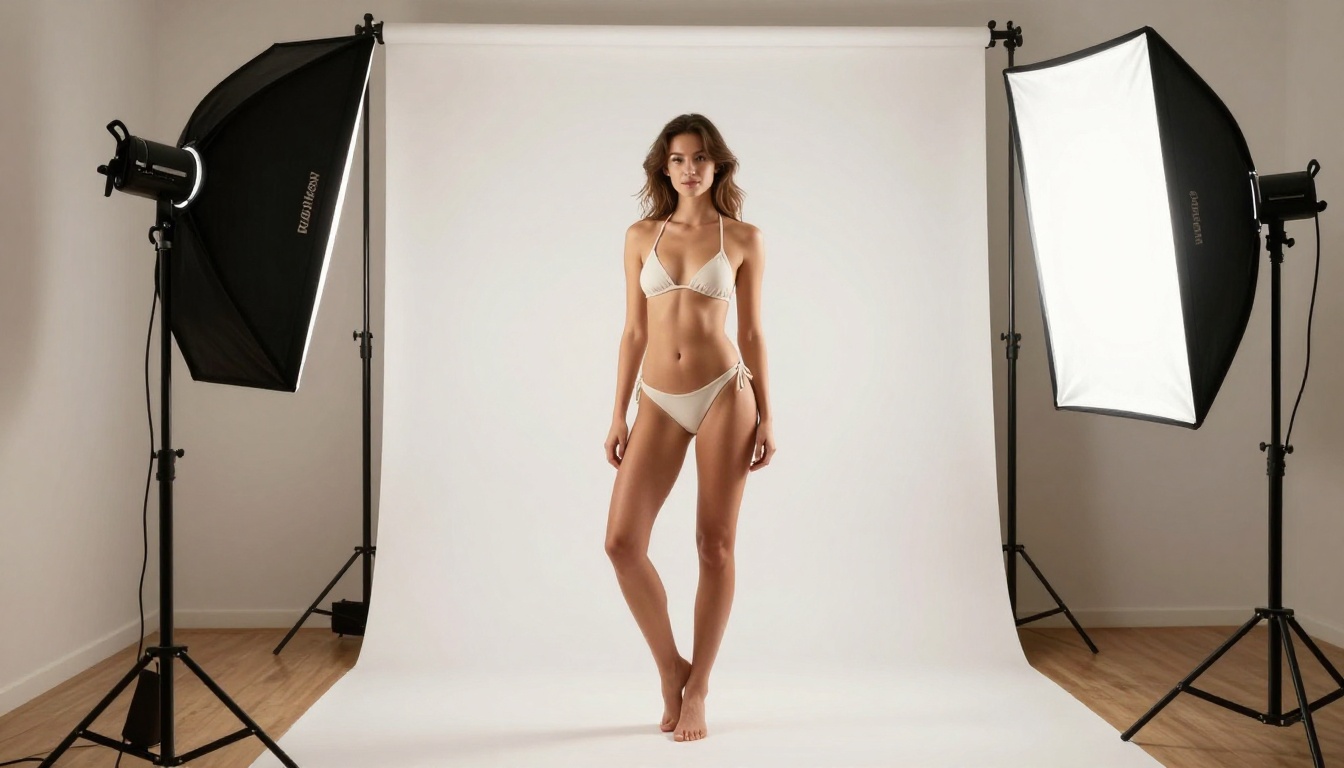
Human figures are the hardest benchmark for any AI image generator, and the differences between these three models are stark and immediately visible.
Firefly's Safe Approach to People
Firefly produces clean, proportionally correct human figures with reliable consistency. Faces look natural, skin tones are accurate, and outputs stay well within safe commercial territory. What Firefly avoids is the deep photorealistic skin detail, authentic candid body language, and natural physical imperfections that make a portrait feel genuinely real rather than digitally assembled.
For brand photography where you need safe, consistent, commercially usable human imagery, Firefly delivers. For editorial or artistic work where authenticity matters, it falls short.
Flux Pro Ultra on Portraits
Flux 1.1 Pro Ultra and Flux 2 Pro handle portraits with a level of micro-detail that places them in a genuinely different category. Pore texture, catch lights in the eyes, natural asymmetry in facial features, the way fabric folds and drapes against a real body: these details emerge from well-crafted prompts on Flux's premium models.
For commercial glamour photography, product modeling work, or editorial-style imagery, Flux 2 Dev and Flux 2 Pro are the tools of choice among professionals who have tested the full landscape.
Nano Banana on Faces
Nano Banana Pro handles faces well, with better spatial consistency between facial features across multiple generations than earlier models in the family. For full-figure work and consistent character generation across several images, Nano Banana 2 adds multi-image input support, opening up interesting possibilities for character consistency across a series.
How to Use Flux and Nano Banana on PicassoIA

Both Flux and Nano Banana models are available directly on PicassoIA's platform, meaning you can run either without any local setup, API configuration, or subscription management.
Using Flux Models for Photorealistic Outputs
- Go to the Flux Dev or Flux 2 Pro model page on PicassoIA.
- Write a detailed prompt: include subject, environment, lighting direction (e.g., "volumetric morning light from the left"), camera lens (e.g., "85mm f/1.4"), and surface detail (e.g., "Kodak Portra 400 film grain").
- Set the aspect ratio. For cinematic wide compositions, 16:9 works best. For portraits, 3:4 or 2:3 gives better proportional results.
- For rapid iteration, use Flux Schnell to test 5 to 10 prompt variations quickly before switching to Flux 1.1 Pro Ultra for the final render.
- For image editing with text, try Flux Kontext Pro, which accepts an existing image and rewrites specific elements based on your text instruction while preserving the rest.
Tip: On Flux 2 Dev, fixing a seed number lets you iterate on a promising composition without losing the core image structure. Adjust one element of the prompt at a time and keep the seed constant to isolate what each change contributes.
Using Nano Banana for Edits and Composition
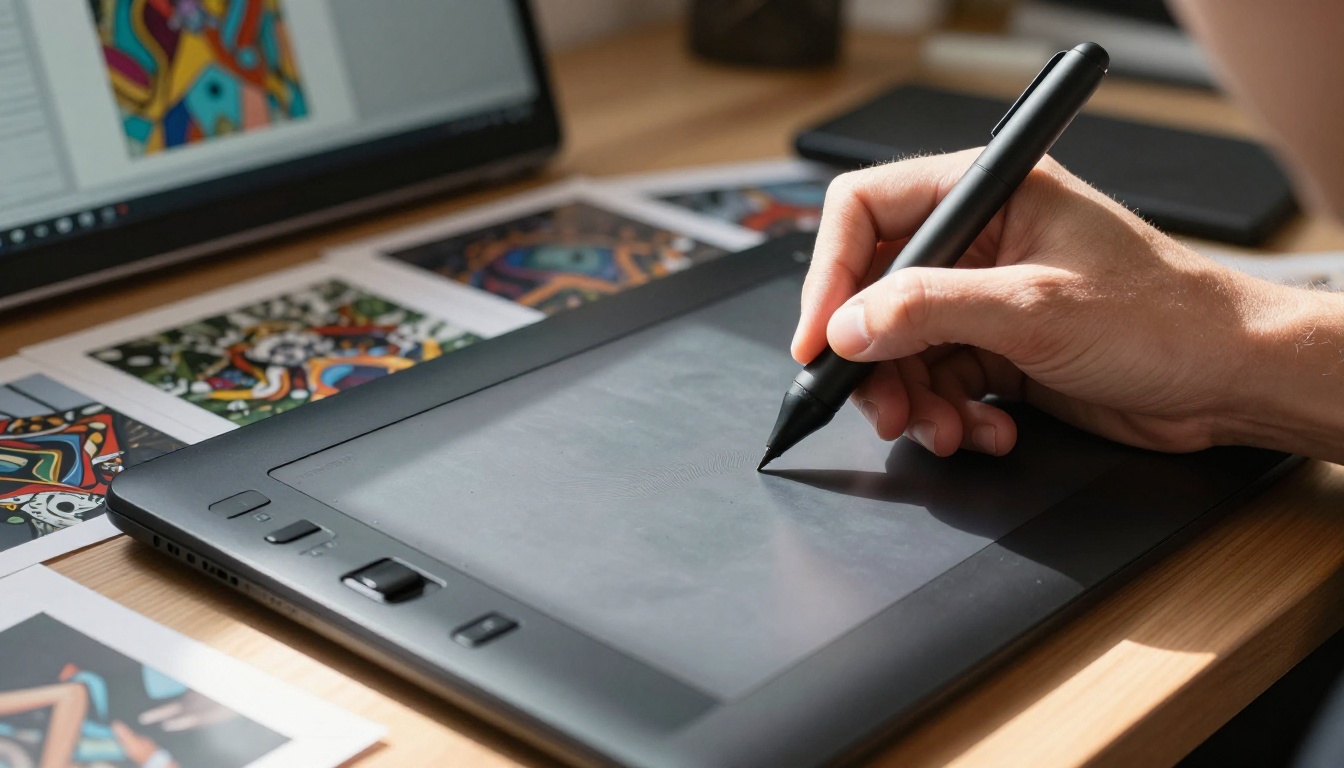
- Navigate to Nano Banana or Nano Banana Pro on PicassoIA.
- For pure generation, write spatially explicit prompts. Describe where specific objects should appear in the frame — Nano Banana respects these instructions more consistently than most other models.
- For editing and fusion workflows, Nano Banana 2 accepts image inputs and can blend multiple references into a unified output.
- Use Nano Banana Pro when you need 4K resolution for print, large-format displays, or high-end commercial use.
- Combine Nano Banana generation with PicassoIA's Super Resolution tools to push output quality even further for demanding production requirements.
The Real Use Case Breakdown

Choosing between these three tools is not about which one is universally best. It is about which one fits the specific job in front of you.
| Use Case | Best Choice | Why |
|---|
| Commercial marketing images | Firefly | Copyright-safe training data, clean aesthetic |
| Photorealistic photography | Flux 1.1 Pro Ultra | Highest realism ceiling of any model tested |
| Fast concept iteration | Flux Schnell | Seconds per generation, built for volume |
| Image editing with text | Flux Kontext Pro | Native image-to-image editing via text |
| Spatially precise compositions | Nano Banana | Best spatial prompt adherence |
| 4K high-resolution output | Nano Banana Pro | Native 4K resolution with strong detail |
| Portrait and glamour work | Flux 2 Pro | Superior skin texture and facial detail |
| Photoshop-integrated work | Firefly | Embedded in Creative Cloud with zero friction |
| Image fusion with references | Nano Banana 2 | Multi-image input for character consistency |
| Production-ready 4MP renders | Flux 2 Max | Maximum resolution in the Flux 2 family |
The pattern that emerges is consistent: Firefly wins on safety and ecosystem integration. The Flux family wins on raw photorealistic quality and prompting depth, with different models suited to different stages of the creative process. Nano Banana wins on spatial control and editing flexibility, filling a genuine gap that both Firefly and Flux leave open.
For most independent creators and studios not locked into Adobe's ecosystem, the Flux family on PicassoIA offers the most compelling combination of quality, range, and accessibility. When a project calls for image editing rather than pure generation, or for spatially precise compositional control, Nano Banana and Nano Banana 2 step in where Flux leaves off.
Try It Yourself on PicassoIA
The only way to really decide between these models is to run them on the same prompt and compare what comes back. PicassoIA gives you access to the full Flux family, from Flux Schnell all the way up to Flux 1.1 Pro Ultra and Flux 2 Pro, plus Nano Banana, Nano Banana 2, and Nano Banana Pro, all in one place without any setup.
Pick a prompt that actually matters to your work. Run it on Flux Dev and Nano Banana. Look at what comes back. The difference tells you more than any benchmark table ever could.
With 91 text-to-image models available on PicassoIA, there is no reason to stay with one tool when the right tool for each job is already waiting.


