Google's newest text-to-image model has been making serious noise since it dropped. Nano Banana Pro is the upgraded sibling of the already-capable Nano Banana 2 Lite, and the big promise on the table is genuine 4K output quality without sacrificing the speed that made the Nano Banana line worth paying attention to. The question is whether it delivers in practice, across the full range of prompts people actually use.
This is a hands-on test. No marketing copy, no cherry-picked prompts. We ran it through portraits, landscapes, complex urban scenes, fabric and skin textures, and tight architectural detail. Every image you see below was generated on PicassoIA, using the same prompt structure, to give a fair read on what this model actually produces when you sit down and use it.
What Nano Banana Pro Actually Does
The core distinction between the Pro tier and the Lite model is resolution-level detail rendering. Most AI image generators produce outputs that look impressive at thumbnail size but fall apart when you zoom past 100%. Fine hair strands become smooth blobs. Fabric weave becomes flat color fields. Skin texture loses its grain and reads as waxy.
Nano Banana Pro is specifically built to hold detail at the pixel level, targeting output quality that survives being viewed at full 4K resolution or printed large-format without the telltale softness of earlier generation models.
Beyond Standard Resolution
Standard AI image resolution sits around 1024x1024 or 1024x576 for 16:9 outputs. At those dimensions, the model never has to commit to fine detail, so it fudges textures and hair without the viewer noticing. When you target 4K output, every shortcut becomes visible.
What changes at 4K: Skin pores. Individual hair strands. Fabric thread count. Mortar between bricks. Water droplets on glass. These details are invisible at standard resolution and non-negotiable at genuine 4K.
What Nano Banana Pro does is train at a resolution level where these micro-details have to be correct, rather than learned from blurry references that get upscaled post-generation. The difference is meaningful in practice.
Where 4K Detail Shows Up
The improvements are not uniform across all subject types. Based on testing, the highest gains appear in:
- Portraits: Skin texture, eye detail, individual hair strand rendering
- Fabric and material surfaces: Weave patterns, grain, reflectivity differences
- Architecture: Brick, stone, and concrete at close distance
- Natural environments: Foliage, flowing water, rock surfaces
- Product photography: Sharp edges, embossed text, material transitions
Abstract compositions and solid-color graphic work show less dramatic improvement, since there is less micro-detail to render correctly in the first place.
Testing It for Real
Portrait Sharpness
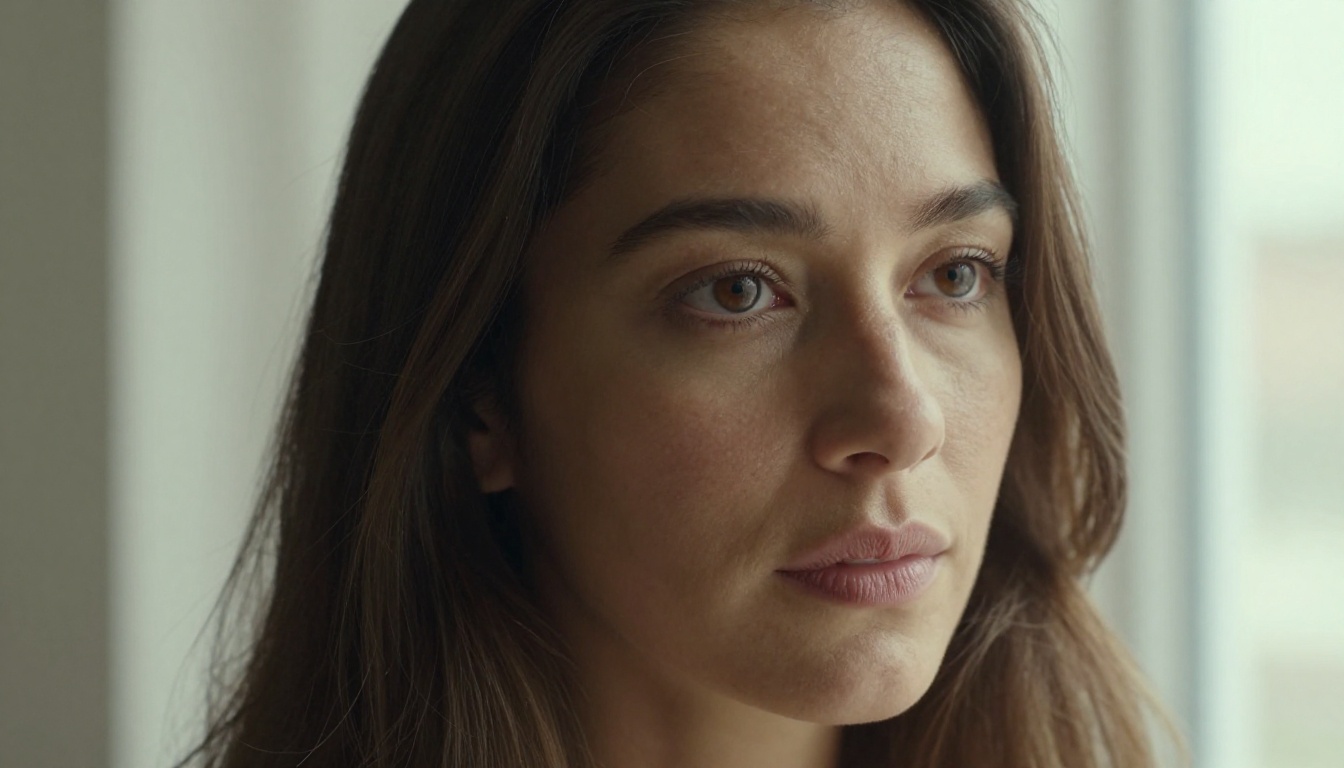
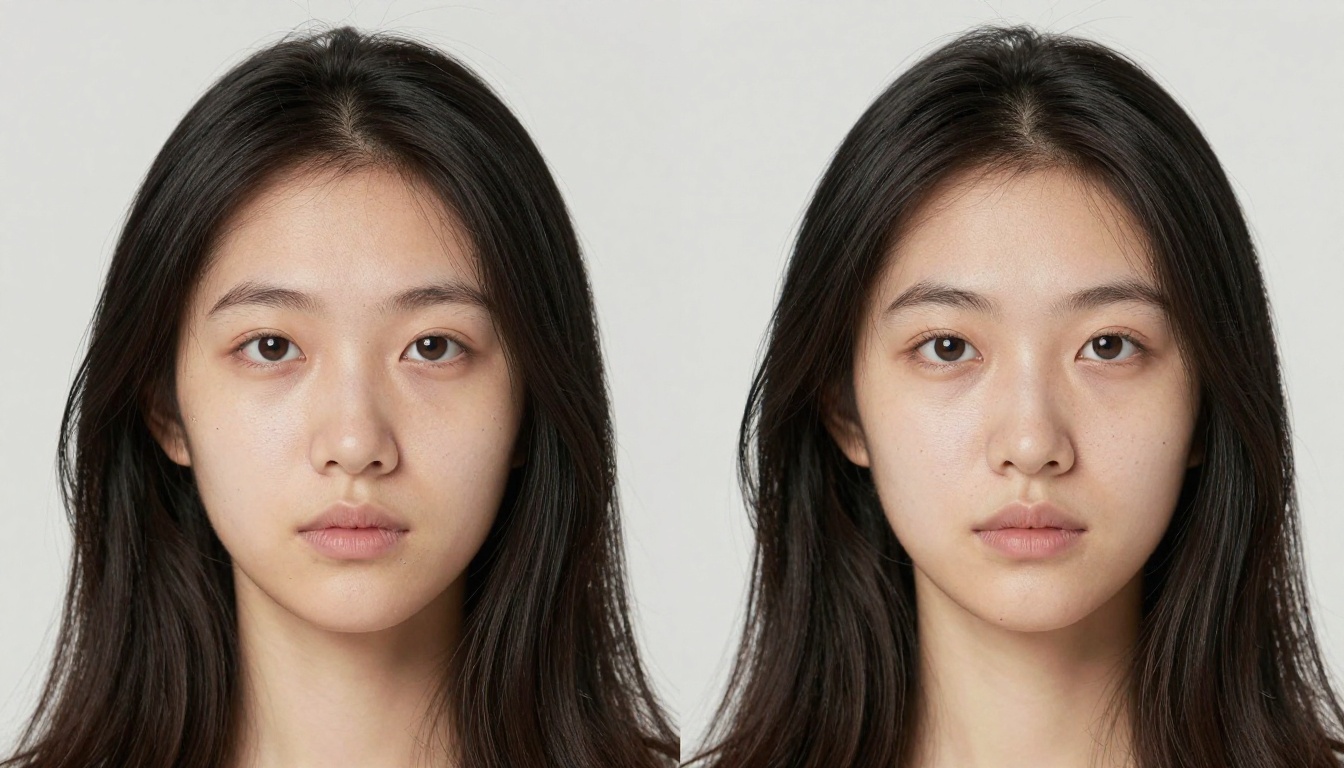
The portrait test is the one that exposes most models quickly. We ran a standard prompt: a close-up portrait of a woman near a sunlit window, natural lighting, no stylization. At output, the difference was immediately visible in the catchlight within the eye iris, the definition of individual eyelashes, and the visibility of pores across the nose and cheekbones.
Earlier generation models render this prompt with smooth, slightly waxy skin that looks fine in a thumbnail but reads as artificial the moment you examine it closely. Nano Banana Pro holds the skin grain. The eyelashes are individual, not clumped into a uniform dark band. The iris has visible structure rather than a flat colored disc.
What this means for real use: Portrait work intended for large-format display or high-resolution social media crops no longer requires a separate AI restoration step after generation.
4K Detail vs. Standard Output
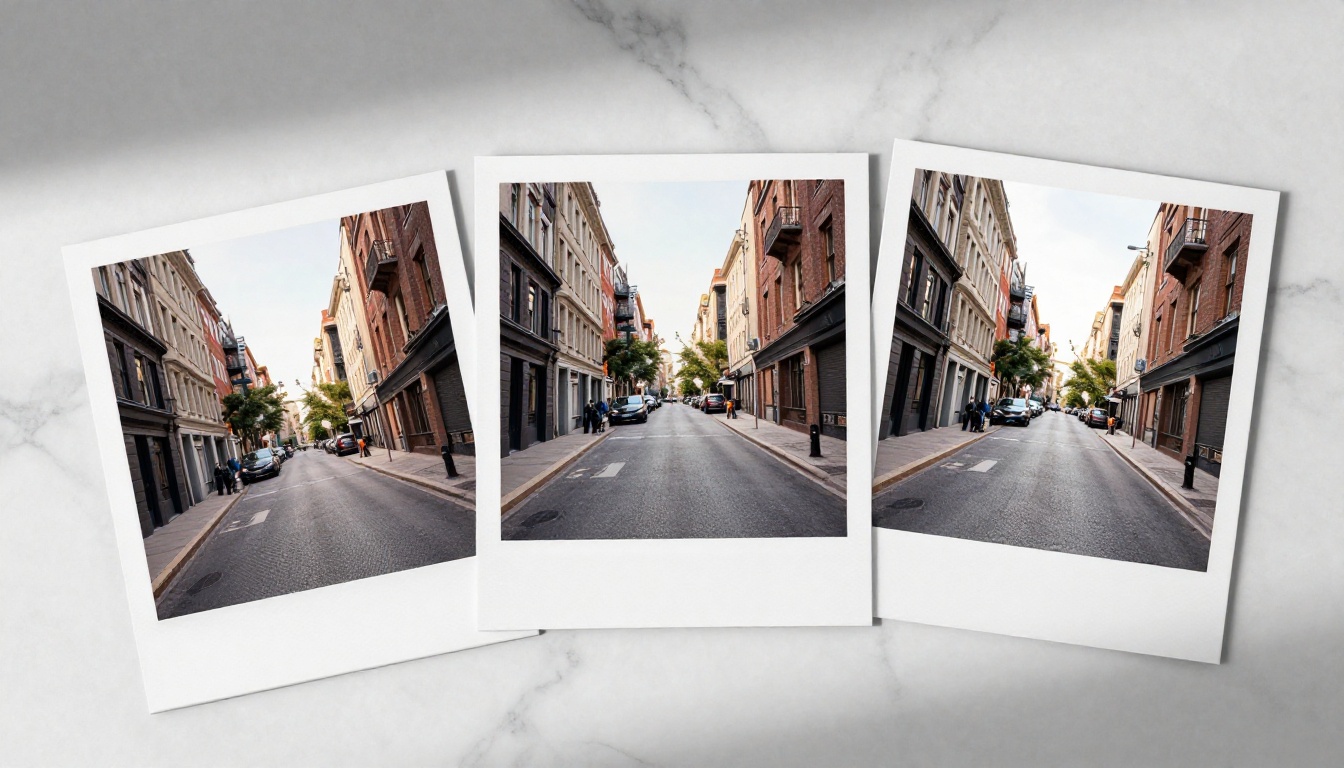
The sharpness gap between resolution tiers is clearest in architectural close-ups. Where a standard model renders brick and mortar as a plausible color texture, a 4K-committed model shows individual brick grain, micro-cracks, mortar depth, and weathering variation between adjacent bricks.
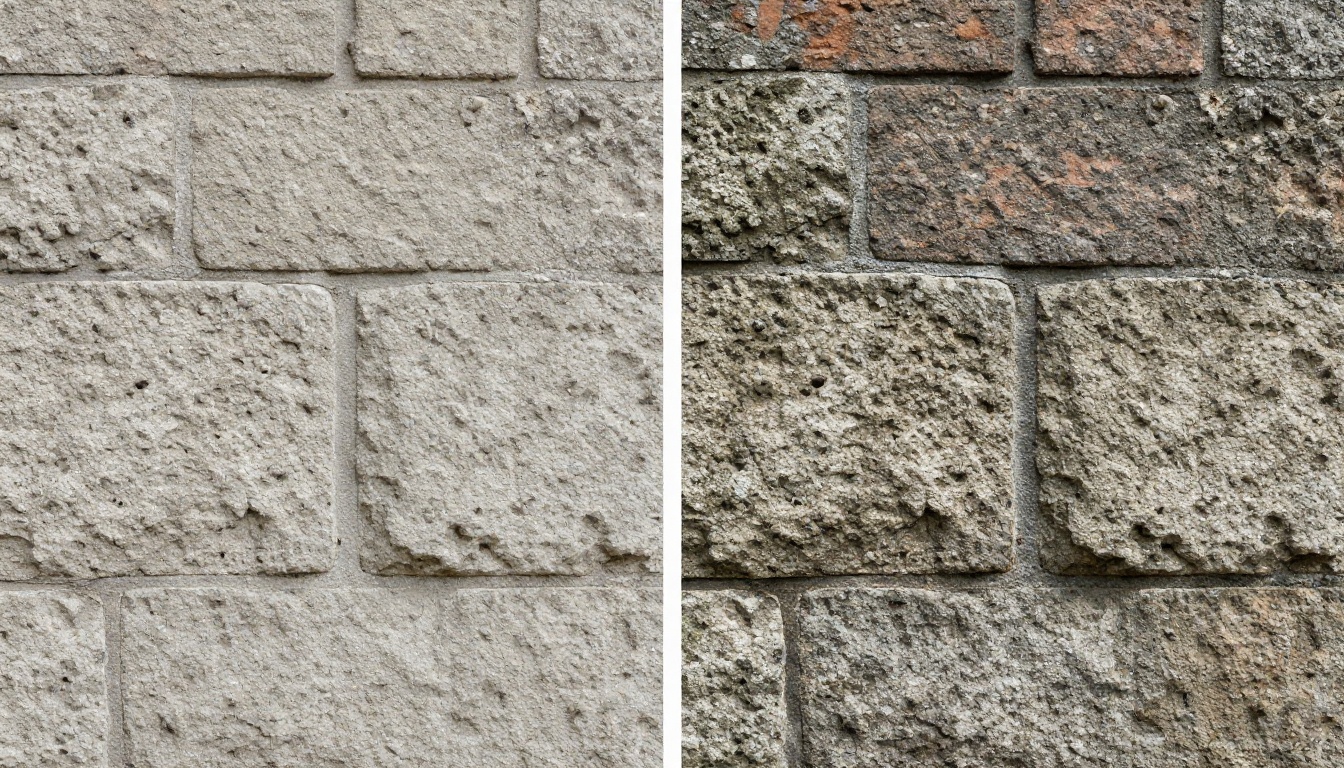
This level of surface specificity is what separates concept visualization from production-ready output. Clients reviewing architectural renders at full resolution can now see material character rather than approximated color fields.
Landscape and Scene Complexity
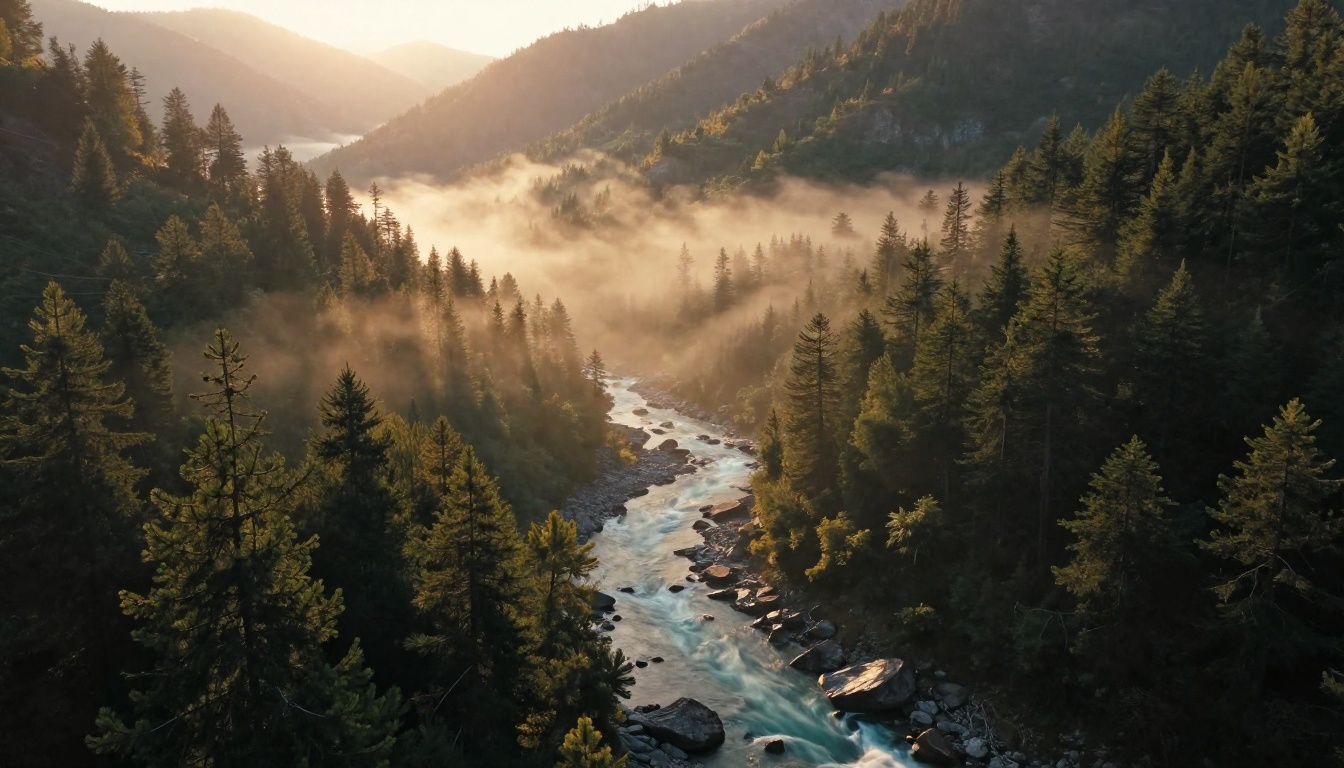
Landscape prompts stress-test a model's ability to hold detail across a wide spatial range. Foreground elements need to be sharp and textured while the midground and background remain coherent rather than dissolving into noise or smoothed color gradients.
The mountain valley at dawn prompt (forested slopes, river, dawn mist) showed Nano Banana Pro maintaining needle-level detail in the foreground tree canopy while the misty valley midground handled softness naturally through atmospheric haze rather than poor rendering. The river surface captured motion blur combined with sharp underlying rock edges: exactly what a real long-exposure photograph would show.
Tip: In landscape prompts, add "atmospheric haze" or "volumetric morning mist" to give the model permission to handle midground softness intentionally, rather than fighting to render distant detail that would be invisible in real photography anyway.
Textures and Micro-Detail
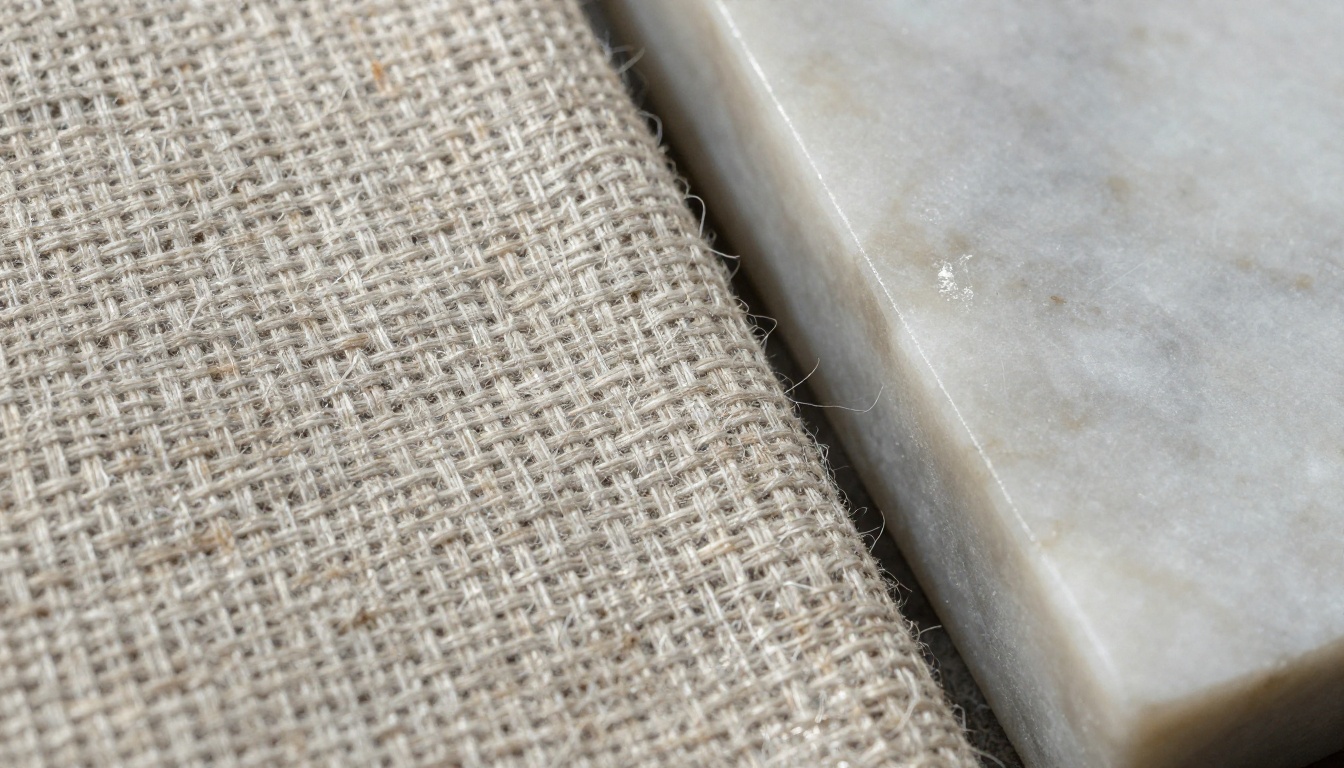
The hardest test for any image model is close-up material texture, particularly when two contrasting surfaces appear in the same frame. We used linen fabric adjacent to polished marble: organic fiber weave next to smooth mineral crystal structure.
Nano Banana Pro handled both surfaces without blending them toward a common stylistic average. The linen showed individual thread crossings, loose fiber ends, and natural color variation between warp and weft. The marble maintained visible mineral crystal structure and sub-surface light scattering. These are exactly the kinds of details that collapse into uniform blobs in models not built for this resolution tier.
How to Use Nano Banana Pro on PicassoIA
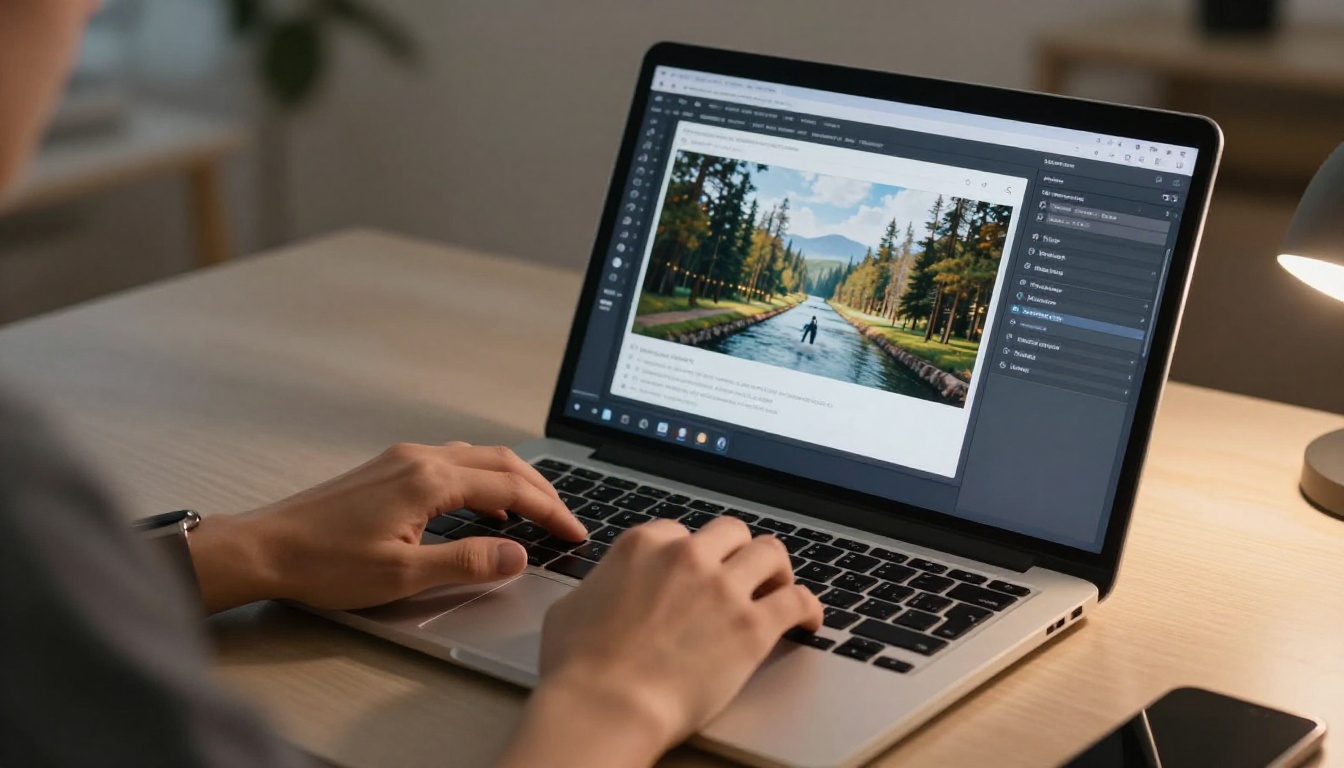
Nano Banana Pro is available directly on PicassoIA. No setup, no API key, no installation. Here is the fastest path from prompt to 4K output.
Step-by-Step
- Open PicassoIA and navigate to the Nano Banana Pro model page.
- Enter your prompt in the input field. Write descriptively: see the prompt structure below for the format that produces the sharpest results.
- Select 16:9 aspect ratio for widescreen output or 1:1 for square social assets.
- Click generate and wait for the output. The model typically delivers results within 10 to 20 seconds.
- Download the full-resolution output, or feed it directly into an upscaler for print-ready files.
Getting the Most from Your Prompt
The model responds well to specific, layered descriptions. The structure that consistently produces strong 4K-quality outputs follows this pattern:
Subject + Action/State followed by Environment, then Lighting Conditions, then Camera/Lens spec, then Texture and Atmosphere Details.
For example: "Close-up portrait of a man with gray stubble, seated at a wooden desk, warm directional light from the left, 85mm f/1.8 lens, visible skin grain and individual beard hairs, Kodak Portra 400 film look, photorealistic 8K"
This gives the model all the information it needs at each scale: what the subject is, where it sits, how light behaves, what optical characteristics to emulate, and what surface texture level to commit to.
Parameter Tips
| Parameter | Recommendation | Reason |
|---|
| Aspect Ratio | 16:9 or 1:1 | Avoids edge distortion at high resolution |
| Prompt Length | 50 to 80 words | Enough specificity to trigger 4K detail rendering |
| Lighting Spec | Always include | Directs shadow depth and texture contrast |
| Lens Reference | 85mm or 50mm | Keeps focal compression realistic |
| Film Stock | Kodak Portra 400 | Adds grain and warm tones that read as photographic |
Tip: Add "photorealistic 8K" at the end of any prompt. This single addition biases the model toward maximum detail preservation in its output decisions, regardless of subject.
Head-to-Head with Other Top Models
Nano Banana Pro does not exist in isolation. PicassoIA hosts dozens of top-tier generators, and knowing where each one wins or falls short saves you time across long generation sessions.
Nano Banana Pro vs. Seedream 5 Pro
Seedream 5 Pro from ByteDance targets sharp 2K output with excellent color saturation and a warmer, more vivid rendering style. It handles stylized portraits and fashion content exceptionally well.
Where Nano Banana Pro wins: raw micro-texture fidelity, particularly in material close-ups and architectural detail. Where Seedream 5 Pro wins: color depth and stylistic vibrancy in portrait work intended for social use. Also worth testing is Seedream 4.5 for a faster, budget-friendly option in the same family.
Best choice by use case:
- Architecture and materials: Nano Banana Pro
- Fashion and vivid portraits: Seedream 5 Pro
Nano Banana Pro vs. Imagen 4 Ultra
Imagen 4 Ultra is Google's top-tier offering and shares the same lineage as Nano Banana Pro. The Ultra tier targets the highest possible photorealism with significantly longer generation times and higher compute cost.
For professional commercial work where absolute quality ceiling matters and speed is secondary, Imagen 4 Ultra edges out Nano Banana Pro in the finest details. For high-volume work, editorial content, or rapid iteration, the Pro hits 85 to 90% of that quality ceiling in a fraction of the time. Imagen 4 sits as a practical mid-point if you need a balance between quality and throughput.
Nano Banana Pro vs. Riverflow v2.5 Pro
Riverflow v2.5 Pro from Sourceful positions itself directly in the 4K-scored output space. It performs well in landscape and nature scenes but loses ground on portrait micro-texture compared to Nano Banana Pro. If speed is critical, Riverflow v2.5 Fast works as a draft-round fallback before committing to the Pro for finals.
Pairing It with Upscalers
The point of 4K detail is not just what you get at generation time. It is how that detail survives when you push the output larger for print, large-format display, or high-DPI screens. An upscaler that hallucinates detail or smooths away what the model rendered correctly defeats the purpose.
Which Upscaler Fits Each Use Case
For portraits, the Crystal Upscaler is purpose-built for faces, holding facial features without introducing the smoothing that generic upscalers apply. For all-purpose use, the Clarity Pro Upscaler applies photorealistic enhancement across the full frame without bias toward any specific subject type.
P Image Upscale from PrunaAI is optimized for speed, delivering results in under a second. For workflows that need processing speed over maximum quality, it is the right call. Real ESRGAN remains the fastest free option for quick 2x enlargements of any subject.
Clarity Pro vs. Topaz Image Upscale
The two premium upscalers on PicassoIA serve slightly different workflows. Clarity Pro Upscaler adds texture synthesis during upscaling: it does not just enlarge existing pixels but actively generates plausible new detail to fill the expanded resolution. This works exceptionally well with Nano Banana Pro outputs because the base detail is already high-fidelity enough for the upscaler to extrapolate from accurately.
Image Upscale by Topaz Labs scales up to 6x and is preferred for outputs where you need maximum enlargement without quality degradation. Product photography and print applications benefit most from the Topaz approach.
Workflow tip: Generate with Nano Banana Pro at 16:9, then run through Clarity Pro Upscaler for the final asset. The combination produces print-ready output from a prompt-to-image workflow that takes under two minutes total.
Who Gets the Most from This Model
Based on real testing, Nano Banana Pro delivers the strongest return for these workflows:
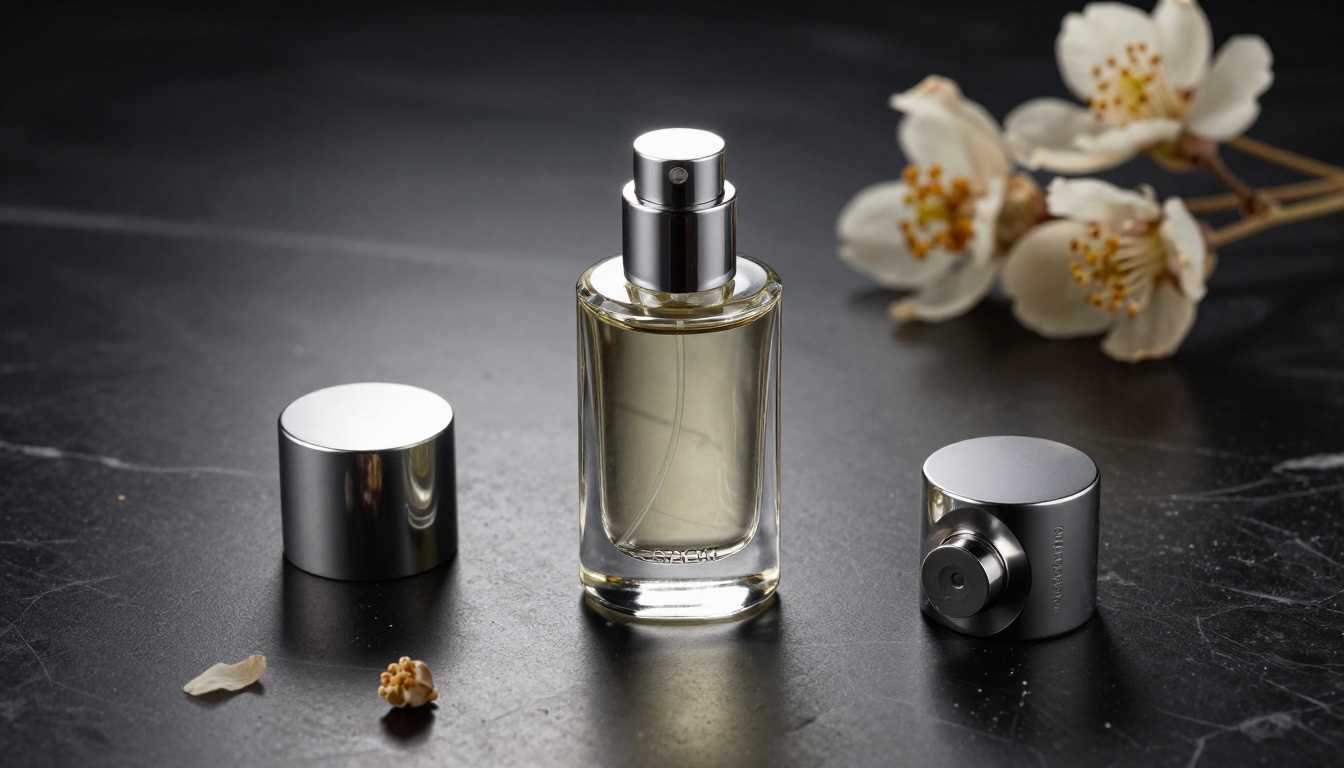
Commercial Product Photography: Brands that need consistent, high-detail product renders for e-commerce listings, advertising, or packaging mockups. The model handles material transitions, embossed surface detail, and reflective surfaces accurately enough for direct production use.
Editorial and Magazine Content: Content teams that need photorealistic images at high resolution for digital publication or print layout. The 16:9 output maps directly to standard editorial image dimensions without additional cropping or reformatting.
Social Media at High DPI: Creators posting to platforms that support high-resolution images where visible detail in the feed thumbnail drives click-through. The model's portrait quality specifically addresses the type of content that performs in these contexts.
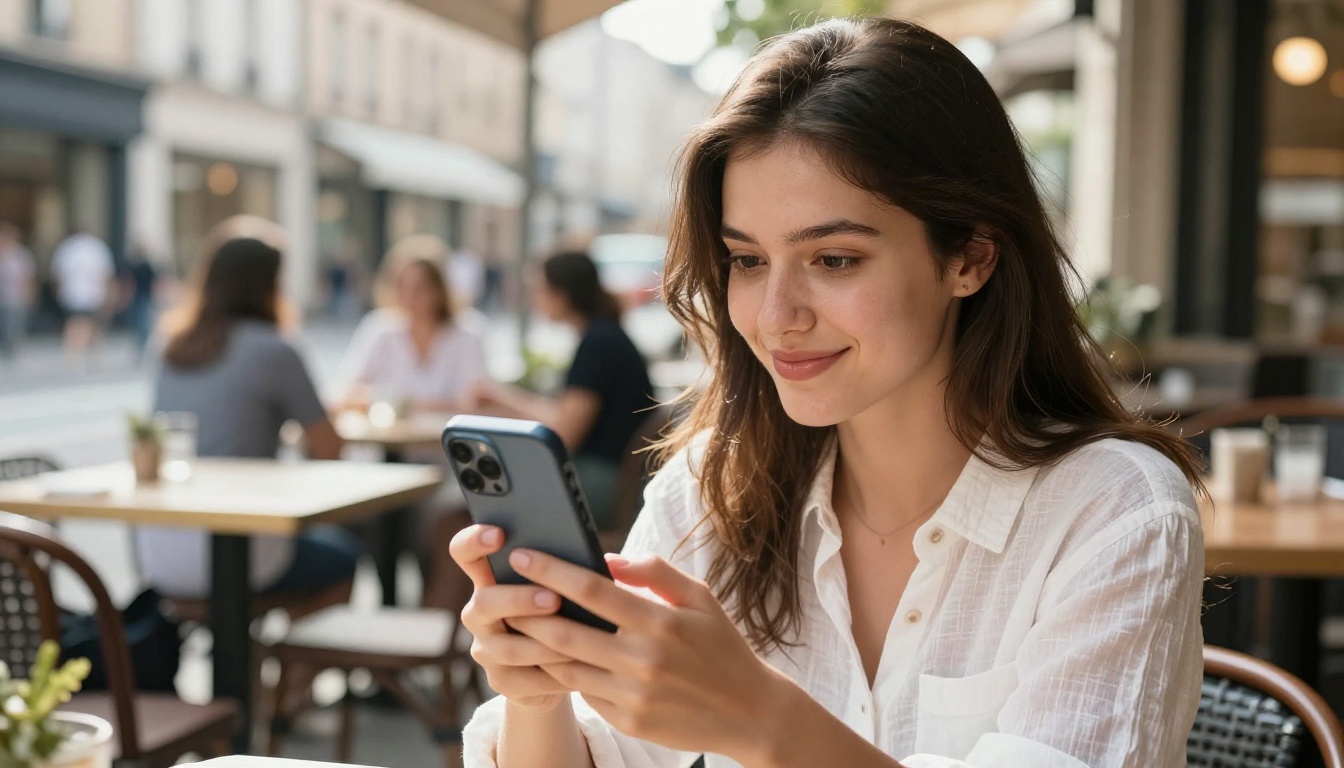
Architecture and Interior Visualization: Early-stage concept visualization where clients need to see realistic surface materials, spatial proportions, and lighting behavior before committing to physical production.
Creators who benefit less: Abstract art, graphic design requiring vector-clean edges, or any workflow where stylization matters more than photorealism. For those use cases, models like Krea 2 Large or Sana by Nvidia may fit better.
Put It to Work
The real test of any AI image model is not a benchmark number. It is whether you can produce something useful with it in an afternoon without fighting the tool. Nano Banana Pro passes that test. The 4K-level detail holds under scrutiny, the prompt response is intuitive, and the speed is fast enough for iteration across a full creative session.
The best way to see it for yourself is to run your own prompts against it on PicassoIA. Start with a subject you already have a visual reference for and see how close the model gets. Layer in the lighting and lens specifications described above and watch how much the output sharpens with each addition.
When you are ready to push your results further, pair the outputs with Clarity Pro Upscaler or Image Upscale by Topaz Labs for print-ready files. The full model library at picassoia.com/en/all-models gives you every tool in one place, including the Google Upscaler and Bria Increase Resolution for additional upscaling options tailored to different output needs.
Start generating at Nano Banana Pro on PicassoIA and see what 4K-level detail actually looks like when it comes from a prompt you wrote.


