Wan 2.7 took a lot of people by surprise. Known for months as a text-to-video powerhouse, the model shipped an image generation mode that has left creators rethinking how they approach still image work. The output quality is striking, the prompt adherence is tight, and the speed is competitive with purpose-built image models. This is a direct look at what the new mode delivers, where it shines, and what to expect when you sit down to actually use it on PicassoIA.
What Wan 2.7 Actually Does Now
From Video Architecture to Still Images
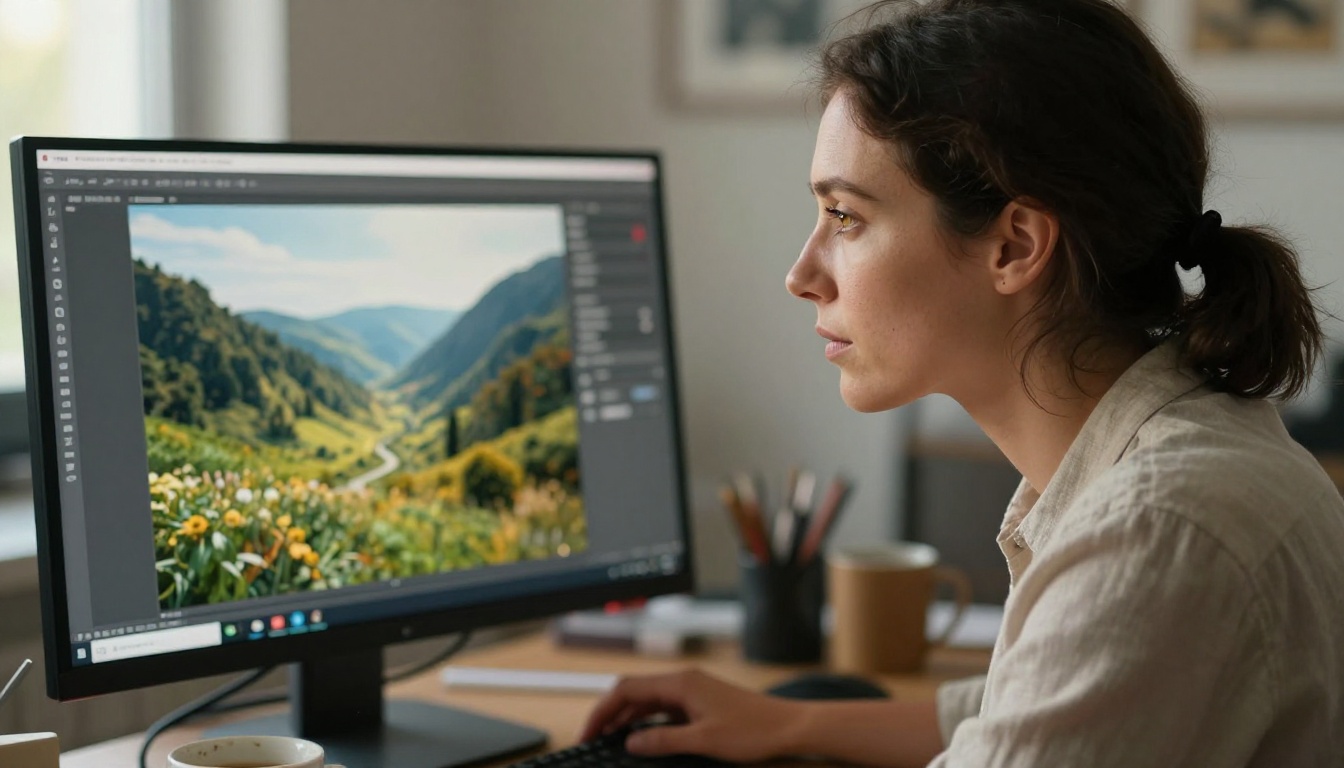
WanVideo's 2.7 release is built on a diffusion transformer architecture originally engineered for temporal coherence in video, meaning it models how visual information evolves across time. The image generation mode takes that same core and collapses the output to a single frame. What this means in practice is that the model already understands spatial structure, lighting physics, and subject placement the way a cinematographer would, even when it is producing a still.
The result is images that feel cinematic rather than synthetic. There is a depth to the composition and a logic to the lighting that purely static image models sometimes miss. You can see it in how the model handles complex scenes: overlapping objects, varied surface materials, and multiple light sources are rendered with a coherence that reflects training on motion-rich video data.
The Architecture Shift in Plain Terms
Standard text-to-image models optimize for a single frame in isolation. Wan 2.7 was trained to predict continuity across dozens of frames. When you feed it an image prompt, the model effectively asks what a frozen moment of that scene would look like at peak visual fidelity. That question tends to produce results with realistic weight and environmental logic baked in from the start.
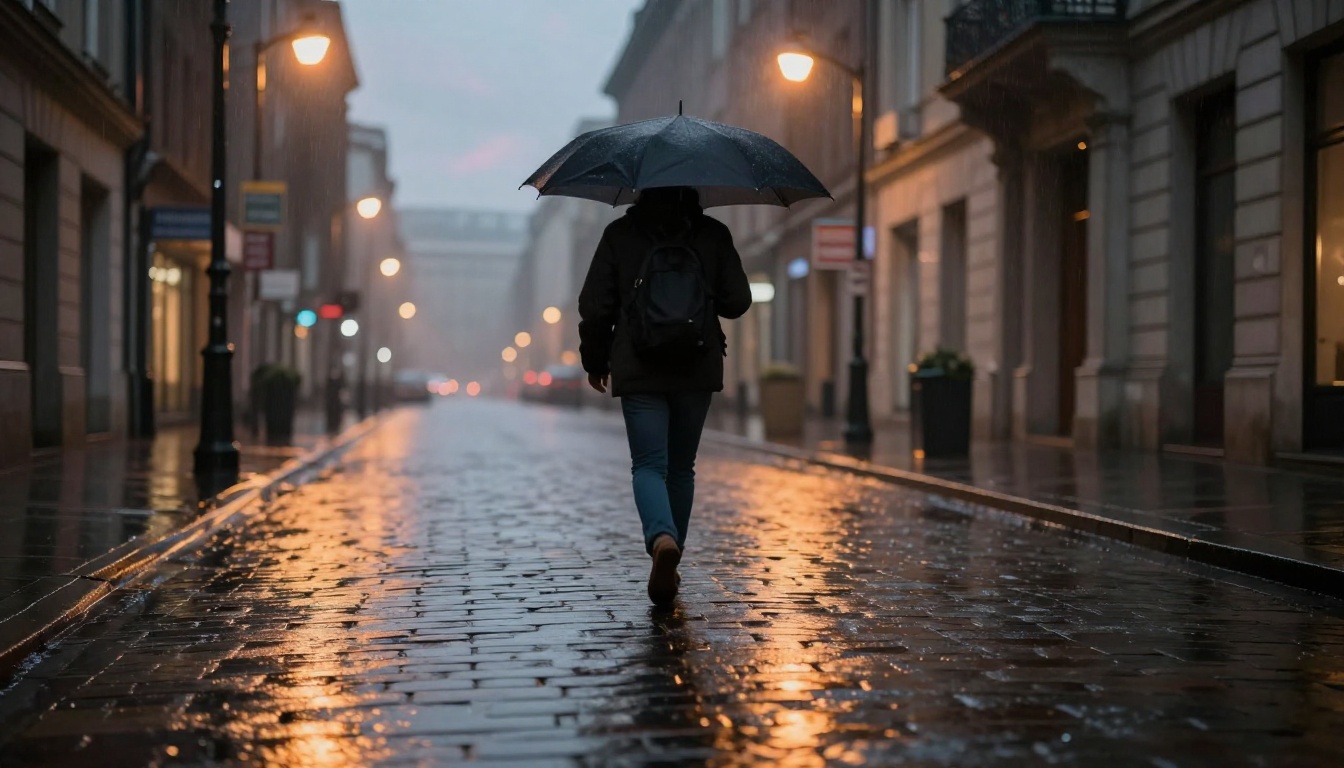
It also means the model handles certain edge cases better than you might expect. Reflective surfaces, volumetric fog, directional light falloff, and layered depth are consistently handled with more accuracy than models that have never had to simulate those elements across time. The cross-training benefit is real and noticeable in the final outputs.
Image Quality in the Wild
What the Outputs Actually Look Like
The first thing most people notice when running their first image prompt through Wan 2.7 is the consistency between what they asked for and what they received. Prompt adherence on complex, multi-element scene descriptions is solid. Specify the time of day, the direction of the light, the distance of the subject from camera, and the model follows through with precision.
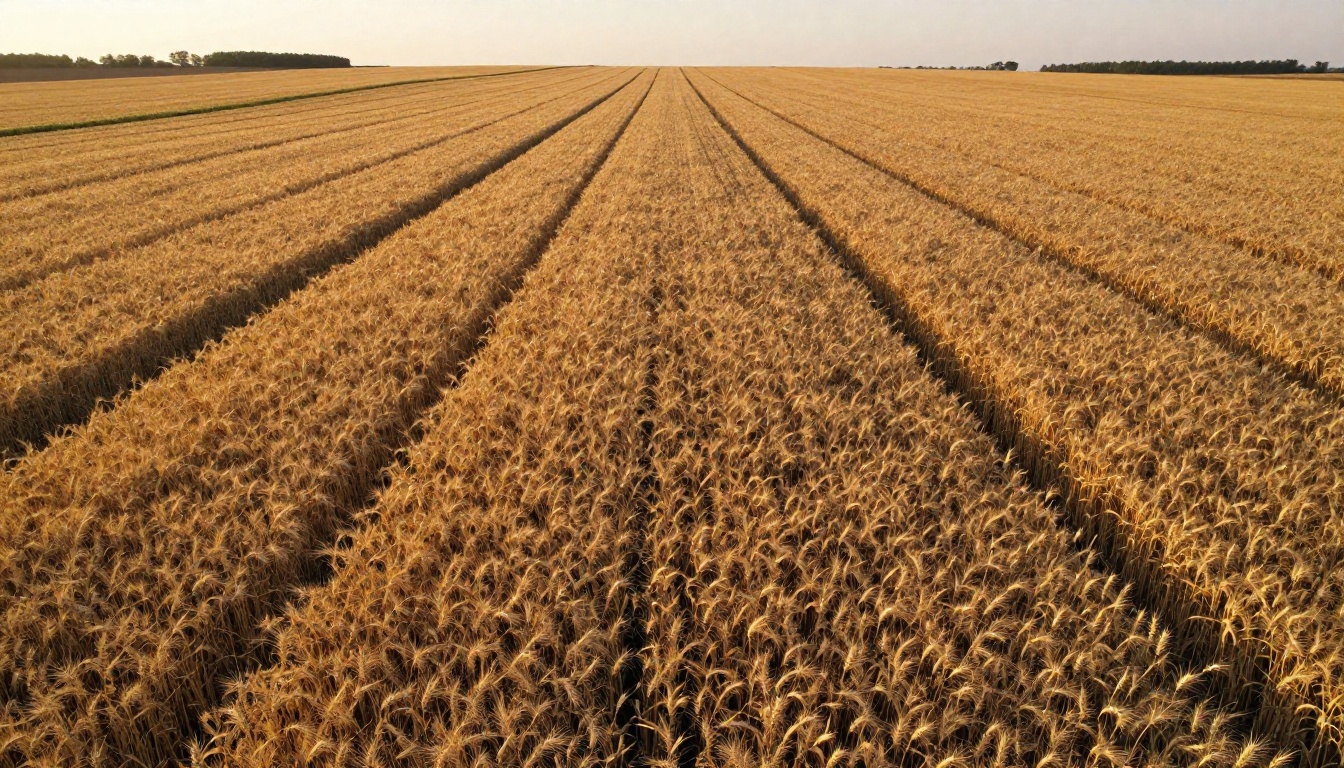
Color science is another standout quality. The model produces a natural, film-like palette by default. Highlights roll off gently without clipping. Shadows retain detail without crushing to black. This is not the saturated, oversharpened output you sometimes see from models optimized purely for immediate visual impact.
Texture rendering is where it gets genuinely impressive. Fabric, skin, bark, stone, and water all have micro-surface detail that feels photographed rather than computed. Run a close-up portrait prompt and the pore structure, hair strands, and catchlights in the eyes behave like you used a real 85mm prime on a professional shoot.
Where It Stands Against Other Approaches
Compared to dedicated text-to-image models optimized purely for static output, Wan 2.7 has specific tradeoffs worth knowing about. On abstract compositions or highly stylized requests, specialized image models often have an edge. But on photorealistic subjects placed in complex, light-rich environments, Wan 2.7's video-derived understanding of physical space gives it a meaningful advantage.
The closest comparison in terms of cinematic realism would be models trained specifically on high-resolution photography datasets with cinematic grading baked in. Wan 2.7 was not built for that goal as a primary objective, yet it frequently produces results that hold up next to purpose-built photography models.
Speed is also competitive. The image generation mode is noticeably faster than producing a full video clip, since the model only needs to solve for one frame instead of dozens. For teams running high-volume creative workflows where output rate matters, that difference in throughput adds up quickly.
Wan 2.7 on PicassoIA

PicassoIA gives you full access to the Wan 2.7 model family without any local installation or GPU requirements. Whether you want to generate text-driven video, animate an existing image, or extract high-quality still outputs, the platform has the right entry point ready.
How to Use Wan 2.7 T2V
Wan 2.7 T2V is the text-to-video variant, capable of producing 1080p video from a written prompt. When you are using it for still image output, the process is straightforward:
- Navigate to Wan 2.7 T2V on PicassoIA.
- Write a detailed, scene-specific prompt with lighting, subject position, and atmosphere clearly specified.
- Set your resolution to 1080p for maximum fidelity in the output.
- Run the generation and capture the first frame for use as a static image.
💡 Tip: Describe your scene as if you are briefing a cinematographer. Include light direction ("warm light from the upper left"), lens type ("wide-angle establishing shot"), and texture notes ("rough stone walls, worn cotton fabric"). The model responds well to this level of specificity.
How to Use Wan 2.7 I2V
Wan 2.7 I2V animates any static image you upload. This works well when you want to start from a still you already have, refine its visual atmosphere through motion, and then capture a specific frame as your final output.
- Open Wan 2.7 I2V on PicassoIA.
- Upload your source image.
- Write a motion prompt describing how the scene evolves over the clip.
- Generate the video and scrub to the frame that best represents your intended still output.
This workflow is particularly effective for product photography contexts, where you start from a reference shot and want a cinematic, controlled-lighting version of the same subject in a new environment.
How to Use Wan 2.7 R2V
Wan 2.7 R2V focuses on subject-consistent animation. You provide a reference of a specific person, character, or object, and the model preserves that subject's appearance consistently across its output frames.
- Go to Wan 2.7 R2V on PicassoIA.
- Upload your reference image of the subject.
- Write a prompt describing the motion and environment you want.
- The model preserves subject identity while placing it in your described context.
This is the most controlled workflow of the three for still-image extraction, since the subject consistency makes individual frames immediately usable without additional editing work.
Side-by-Side: Wan 2.7 vs. Earlier Versions
The Wan model family has evolved significantly across its versions. Here is how the variants available on PicassoIA compare for image quality and workflow use cases:
The jump from 2.6 to 2.7 shows up most clearly in lighting coherence and subject detail at the edges of the frame. Earlier versions occasionally lost sharpness toward the frame perimeter; 2.7 holds consistency all the way to the corners, which matters significantly when you are extracting a single still frame from the output.
Prompt Tips That Actually Work
What the Model Responds To
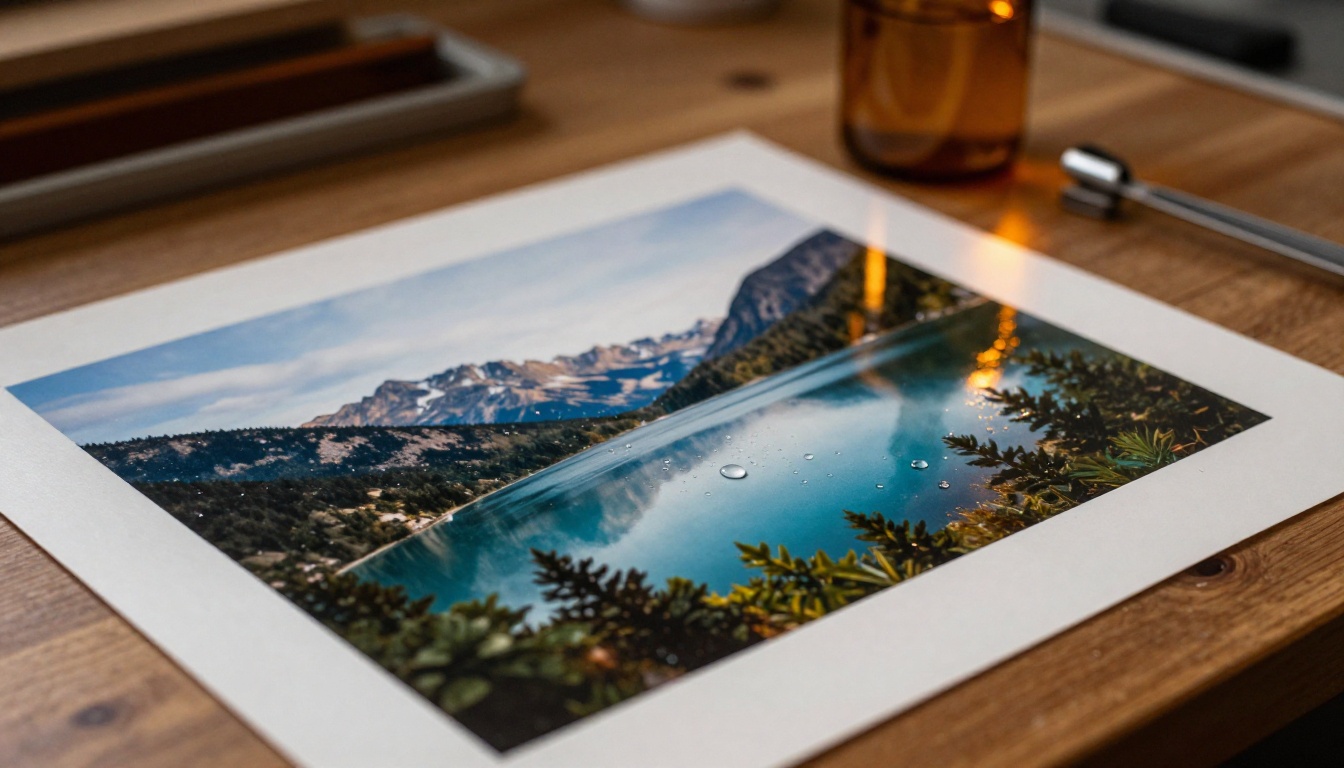
Wan 2.7 is a cinematic model at its core. It was built on video data where every frame had a reason to exist within a larger visual sequence. Your prompts work best when they reflect that logic. Think in terms of five prompt layers:
- Scene setup: Time of day, weather conditions, location specifics
- Subject position: Foreground versus background, angle, distance from camera
- Light source: Direction, color temperature, intensity, whether it is hard or diffused
- Camera language: Lens type, focal length, depth of field, framing style
- Texture anchors: What materials are visible and how they look at the surface level
A prompt that addresses all five of these consistently outperforms a short, vague one by a significant margin. The model has the vocabulary to respond to this level of detail. The question is whether you give it enough to work with in the first place.
💡 Tip: Before running a prompt, ask yourself whether a photographer reading it would know exactly how to set up the shot. If the answer is no, add more detail. Vague prompts produce average outputs.
3 Prompt Mistakes That Hurt Output Quality
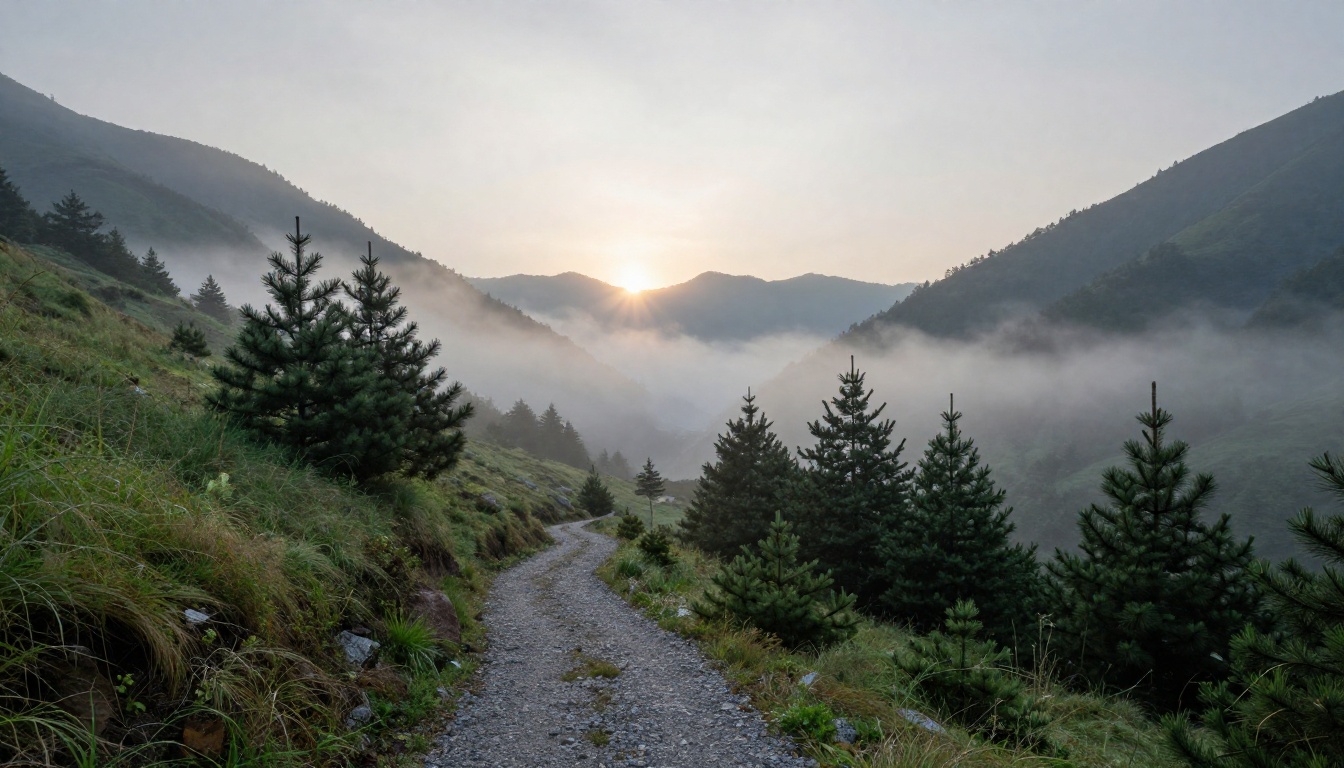
Most disappointing Wan 2.7 image results trace back to one of three core errors:
1. Style labels without scene context. Saying "cinematic" or "photorealistic" without describing the actual scene gives the model very little direction. These words are useful signals when paired with substance, but they are not substitutes for specificity. Tell the model what is in the scene before you tell it how it should feel.
2. Contradictory lighting conditions. Asking for "hard shadows" and "overcast lighting" in the same prompt creates ambiguity the model resolves by blending both conditions poorly. Pick one lighting condition and commit to it fully throughout the prompt.
3. Missing the camera perspective. Models trained on photography respond to framing descriptions. If you do not specify a viewpoint, the model defaults to a generic medium shot at eye level. Specify the angle: aerial, low-angle, close-up, over-the-shoulder. It changes the output significantly.
💡 Tip: Run the same subject description twice, once with camera and lighting specifics and once without. Compare the two results. The difference will show you exactly how much work those details are doing.
How Wan 2.7 Fits Into a Broader Creative Stack
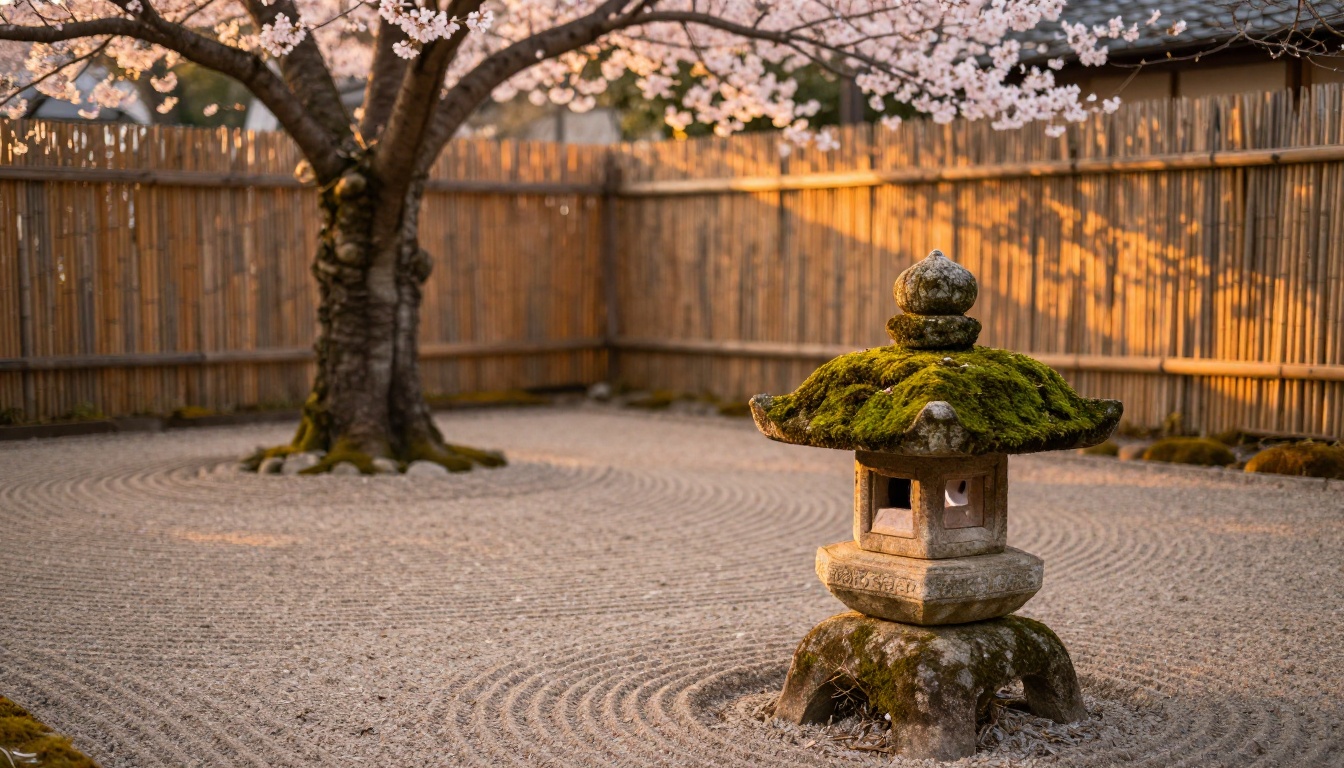
No single model handles every task equally well. Wan 2.7's image generation mode is strong for cinematic, photorealistic work with complex lighting and layered environments. But a well-built creative workflow combines tools based on their individual strengths rather than forcing one model to do everything.
For video with native synchronized audio, Seedance 2.0 is the standout option on PicassoIA. For generating cinematic 4K video from text, LTX 2.3 Pro provides a different architectural approach with its own distinct visual character. For scenes requiring audio-visual synchronization, Wan 2.2 S2V extends the Wan family's capabilities into synchronized sound.
A practical creative stack looks like this:
Mixing models by task type gives you better total results than relying on any single model to carry the full creative workload.
Real Use Cases Worth Running
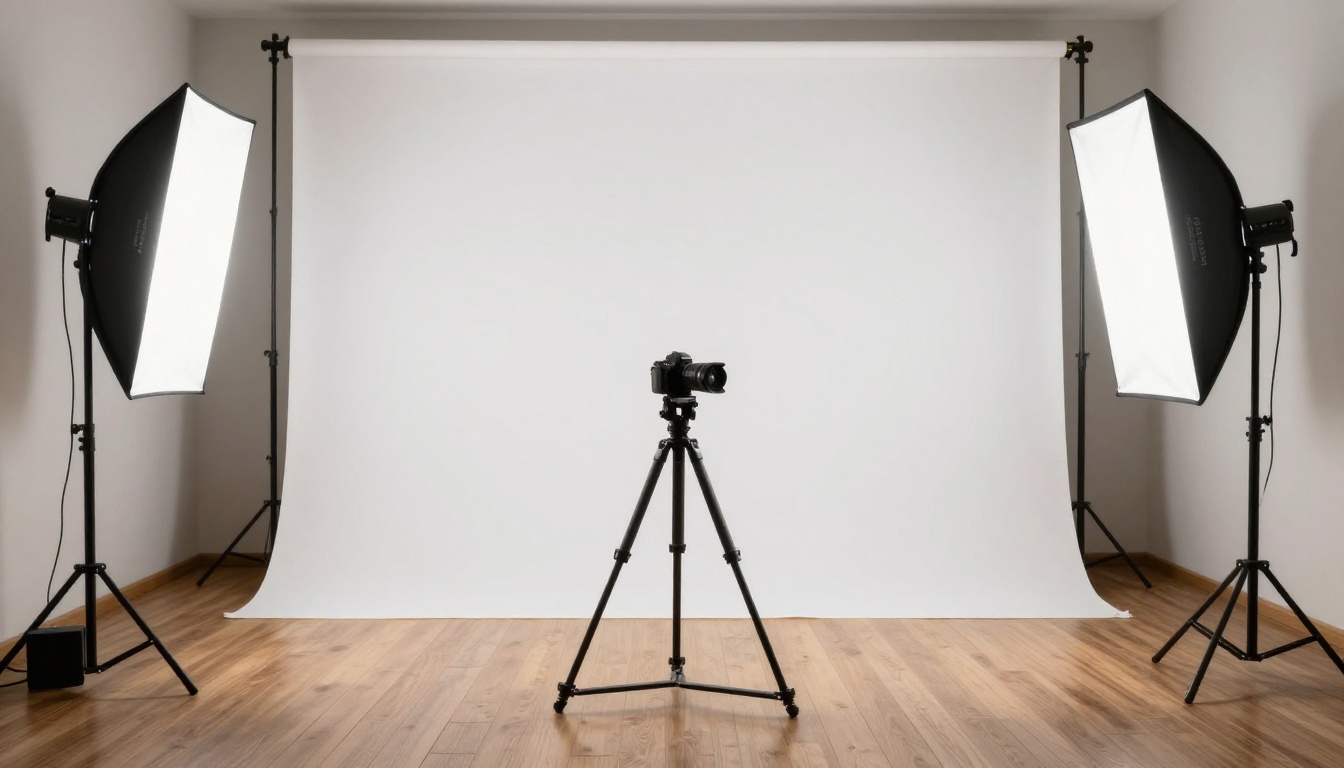
Wan 2.7's image generation mode opens up practical applications across several creative disciplines:
Product visualization: Feed in a product reference image through Wan 2.7 I2V and animate it into different lighting environments. Grab individual frames from the output to create product shots across multiple contexts without a physical studio setup.
Concept art development: Use detailed scene prompts through Wan 2.7 T2V to generate atmospheric reference imagery for animation, game design, or film pre-production. The model's cinematic sensibility makes it well-suited for narrative visual development work.
Architecture and interior design: Describe a space with specific material, light direction, and time-of-day parameters. Wan 2.7's spatial coherence produces environment renders that respect real-world lighting physics in a way that reads as believable.
Photography production reference: Generate lighting and composition references for real photoshoots. Describe the exact shot you want and use the AI output as a production reference for your photography team on set.
Social media content at scale: The photorealistic output quality holds up well in high-resolution social media formats. Portrait crops, square formats from 16:9 outputs, and detailed close-ups all work effectively at standard social media dimensions.
What to Watch for in the Output

A few specific areas are worth monitoring when evaluating Wan 2.7 image outputs before using them in production:
Hands and fine extremity detail: Like most generative models, Wan 2.7 occasionally produces inconsistencies in hand anatomy, particularly when hands are at the edge of the frame or in complex positions. If your prompt includes prominent hand detail as a focal point, review that area specifically before finalizing.
Embedded text rendering: Text integrated directly into the generated image is not a strength of the current version. If your project requires readable text within the generated image itself, plan for compositing or post-processing to add it cleanly after generation.
Extreme macro subjects: The model is calibrated toward normal and wide-angle photographic distances. Very close macro prompts at millimeter scale can be inconsistent in quality. Working at a slightly longer focal distance and cropping in post-processing gives more reliable results for detail work.
Low-light scenes without a specified source: Prompts for dark environments without a named light source tend to produce flat, underexposed outputs. Always include at least one practical light source in night-scene prompts, even something as subtle as a distant streetlamp or ambient moonlight from a clear sky.
Motion blur carry-over: Because the underlying architecture was trained on video, some outputs show subtle motion characteristics in still prompts, particularly around fast-moving subjects. For absolute stillness in the output, specify "frozen moment" or "completely still" in your prompt to reduce this tendency.
Try It Yourself Right Now
PicassoIA puts Wan 2.7 T2V, Wan 2.7 I2V, and Wan 2.7 R2V alongside the full catalog of AI visual models in one accessible platform. Whether you want to produce a photorealistic still image, animate a reference photo, or run a subject through different environments while keeping its appearance consistent, the tools are live and ready to run right now.
The most productive way to start is with a specific, detailed prompt for a scene you already have clearly in mind. Pick your light source, describe your subject and its position, name the lens and angle. Then compare the output against what you imagined. The gap between prompt and result will tell you exactly how much more detail the model can absorb. For most scenes, the answer is considerably more than you gave it the first time.
Start with one well-crafted prompt. See what comes back. Then add one more layer of detail and run it again. The improvement between iteration one and iteration two is usually the clearest argument for spending time on prompt construction.
Browse the full model library at picassoia.com/en/all-models and run your first Wan 2.7 generation today.


